- 4.4star8,696 reviews
- 1M+Downloads
- 6 MBAPK size
- EveryoneRated for Everyone
- 5.0+Android
check_circleOriginal APK from MegaVietbm · Updated Nov 12, 2026
No threats found
0 / — antivirus engines flagged this file
Original signature
First seen — MegaVietbm
Unmodified APK
Same file the developer published — no mods
Liquid Glass Lock Screen OS screenshots
8 images · tap to enlarge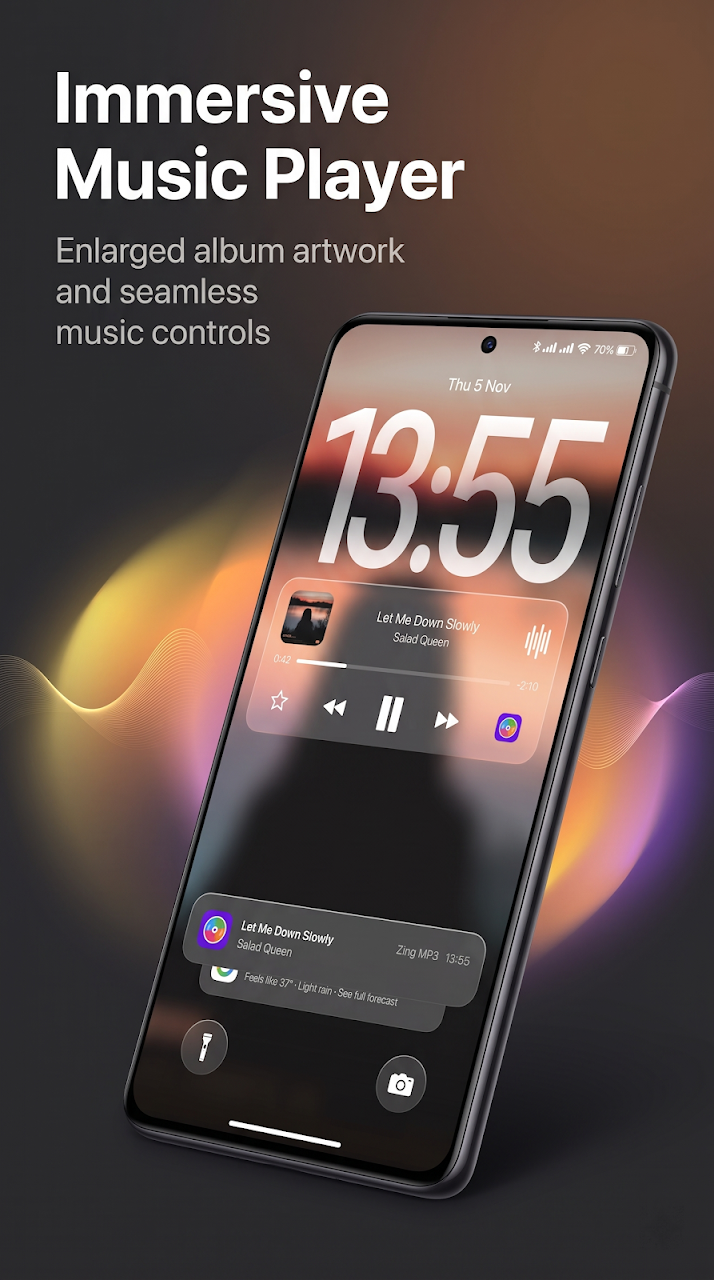
About this app
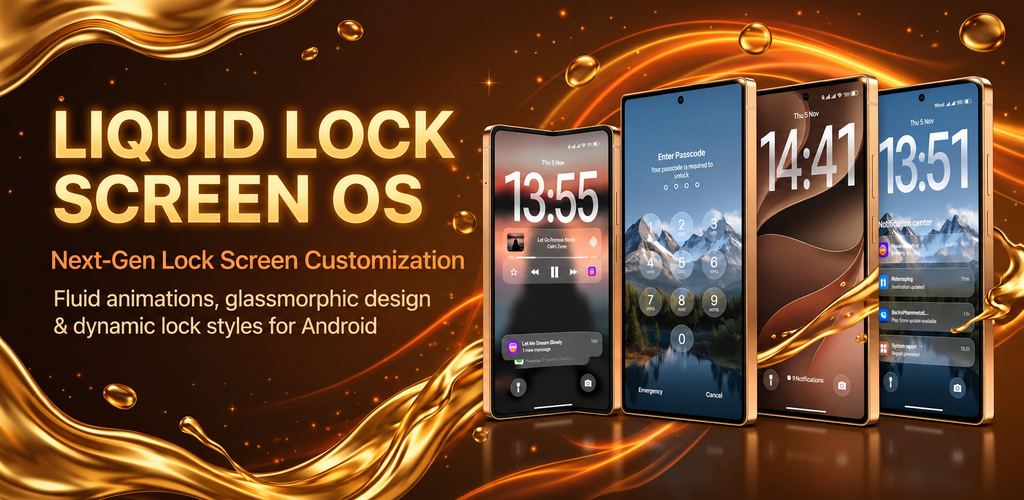
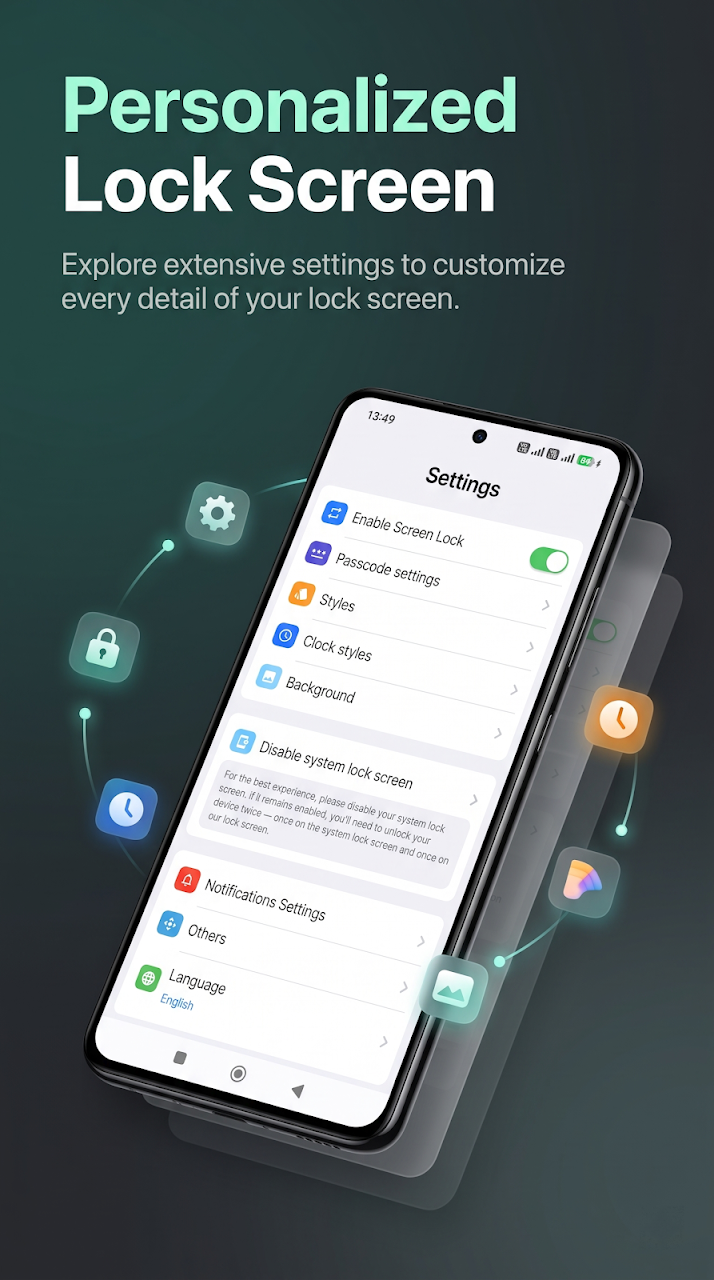
Liquid Glass Lock Screen OS gives Android phones a modern lock screen with Liquid Glass styling, passcode protection, and a built-in notification center. It focuses on appearance and day-to-day control, with clock styles, wallpapers, shortcuts, and media controls. The app is free, but it includes ads and in-app purchases, so users get a polished start without paying up front.
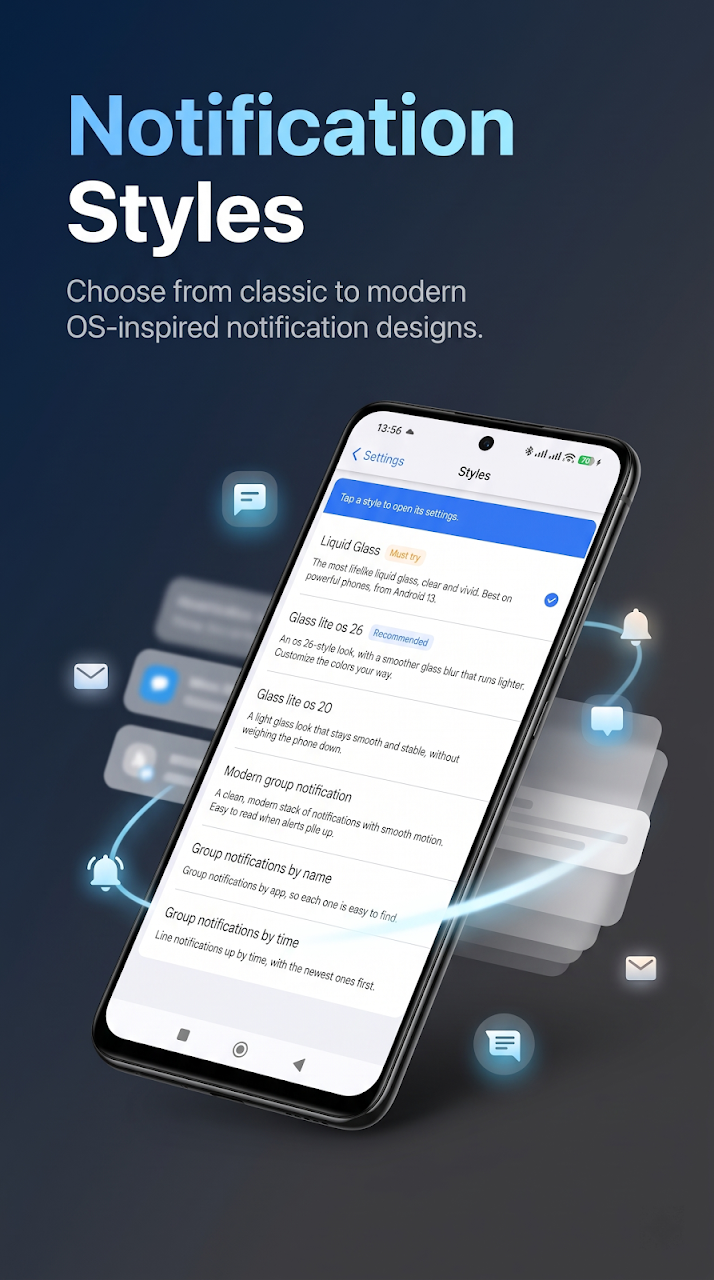
- Liquid Glass Look — Choose from Glass Lite OS 28, Liquid Glass, and other lock screen styles for a cleaner, more modern appearance.
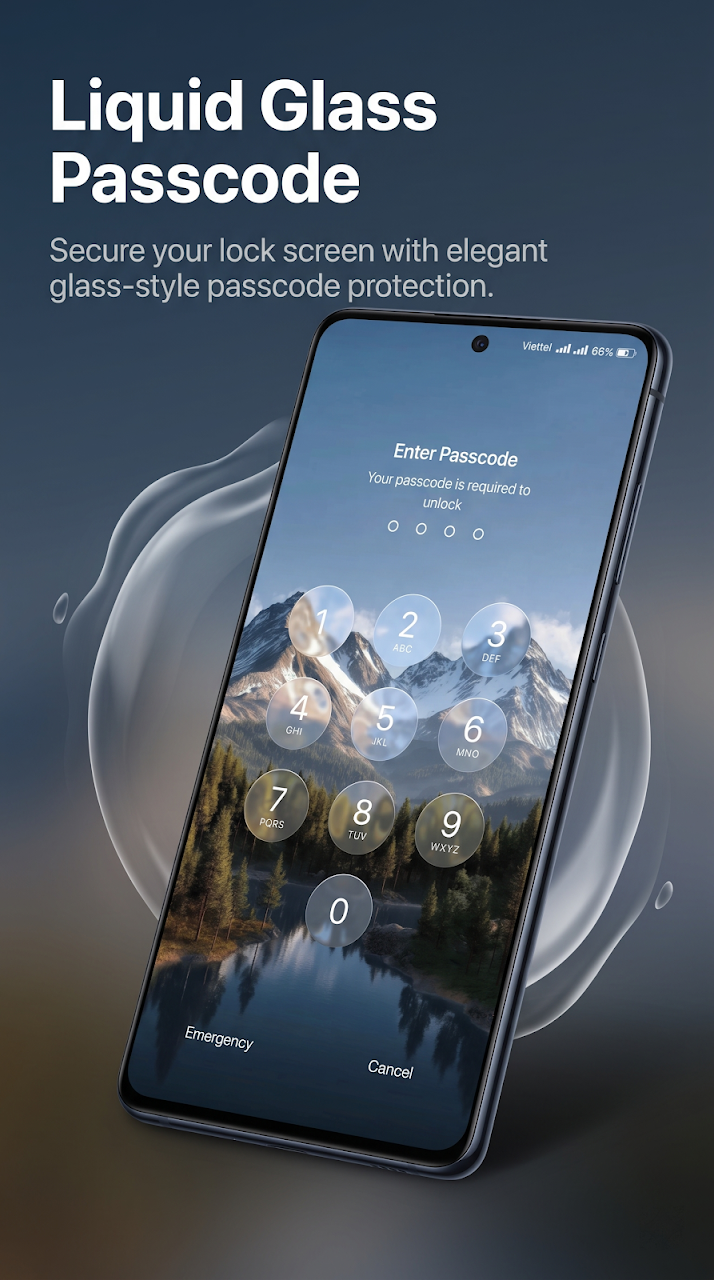
- Passcode Options — Set a 4-, 5-, or 6-digit passcode with a simple lock screen layout.
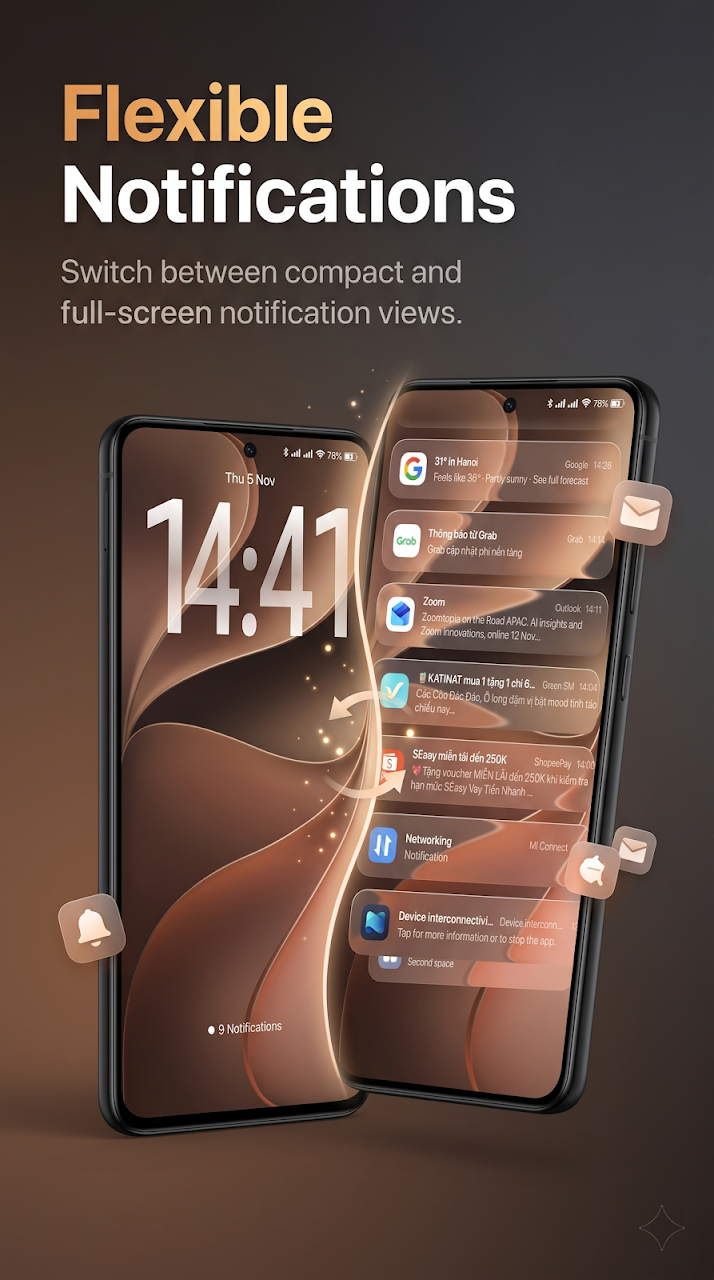
- Notification Controls — Show or hide notification content, choose which apps appear, and change grouping style.
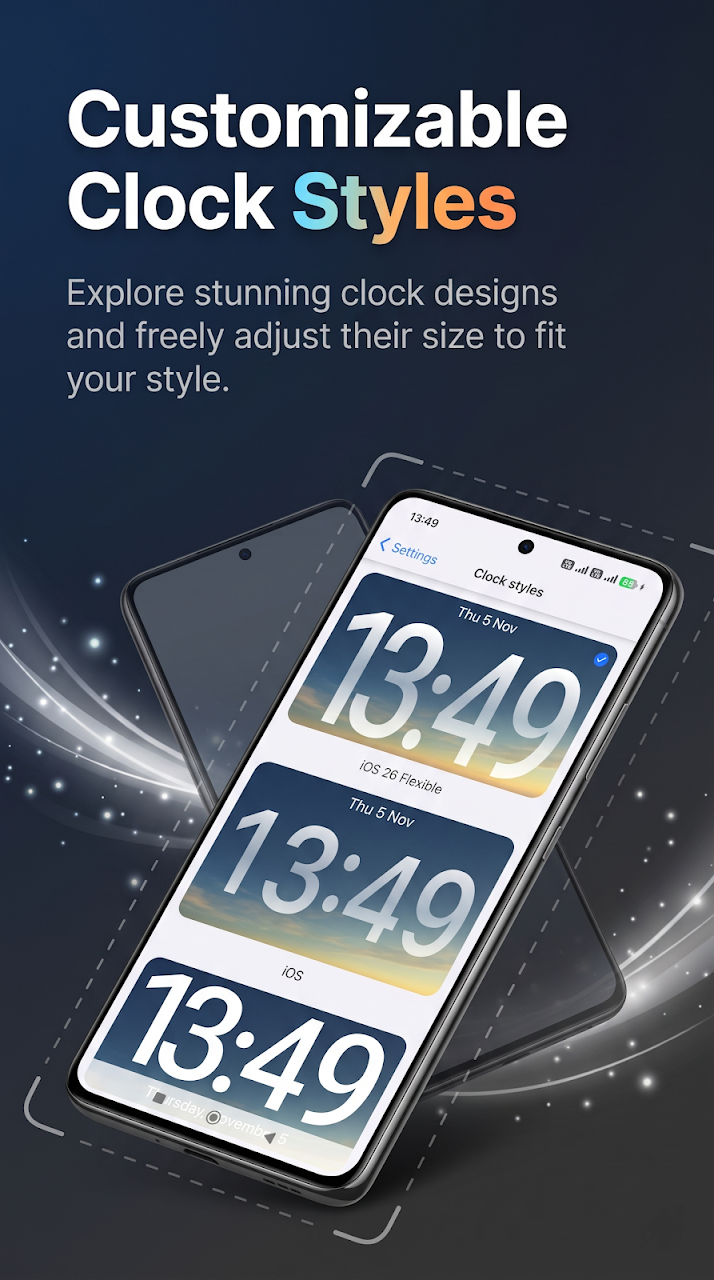
- Clock Customization — Pick flexible, classic, stacked, inline, or analog clock styles with date and time options.
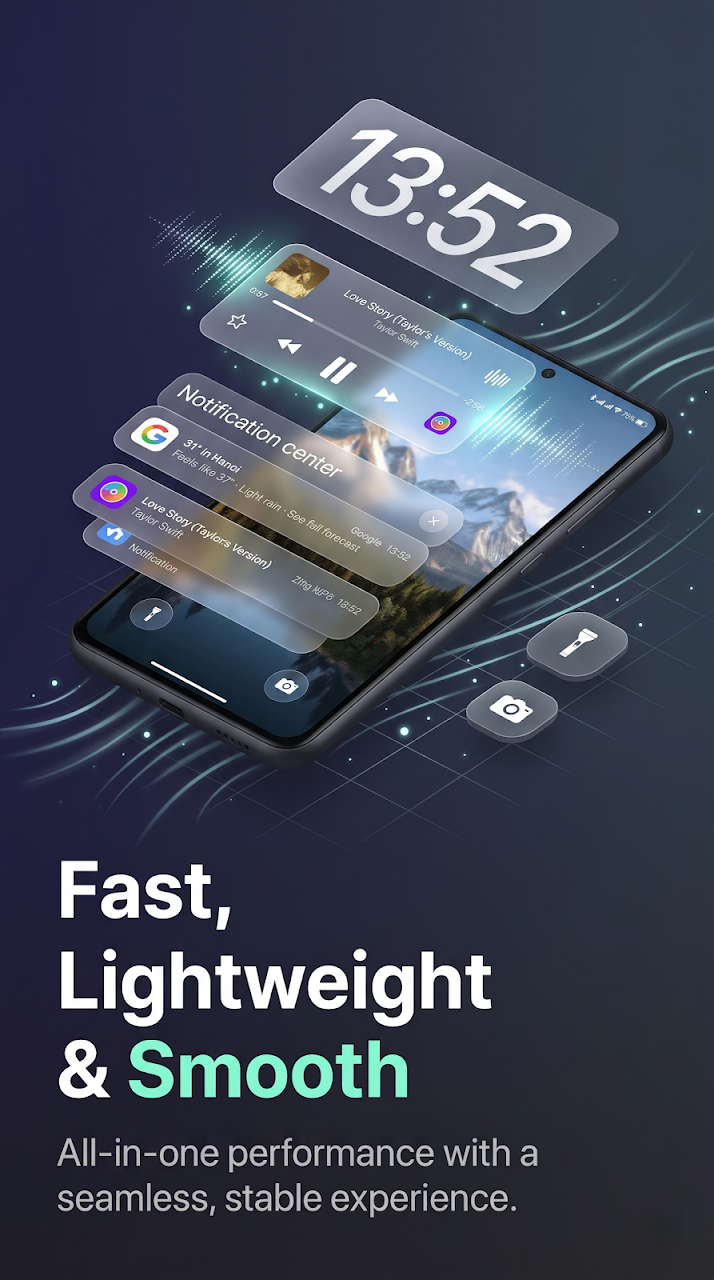
- Music Widget — Display album artwork and playback controls on the lock screen, or hide the widget when you do not need it.
- Quick Actions — Add shortcuts for Flashlight, Camera, or other apps, plus swipe-down locking and custom unlock text.
First look at the lock screen
Liquid Glass Lock Screen OS is built for users who want a more styled unlock screen than the one their phone ships with. The app centers on a Liquid Glass look, with passcode protection, notification grouping, and a notification center that keeps alerts visible without feeling cluttered. It also supports 20+ languages.
What stands out in daily use
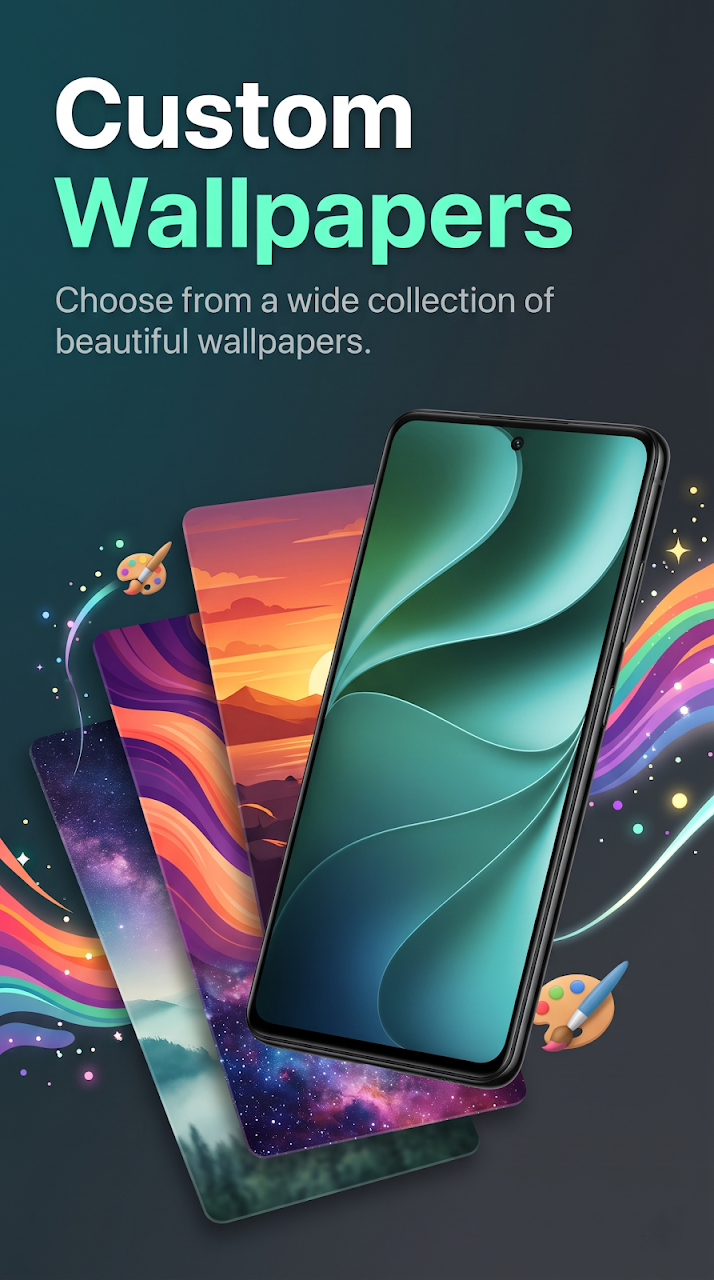
The app gives you several ways to shape the lock screen: wall papers from your own photos or built-in options, blur effects, multiple clock layouts, and a music widget with album art and playback controls. It also adds practical touches such as custom carrier names, battery percentage, dual SIM indicators, and swipe-down locking.
- You get: Glass-style lock screen themes, passcode choices, shortcut buttons, and notification filters.
- Watch for: Ads, in-app purchases, and some translations that may still need work.
Install size and compatibility
The app is free to download, comes as an APK file, and is listed at 5.9 MB. It supports Android 5.0 and up, which makes it available on older devices as well as newer ones. The app uses universal binaries, and no permissions are listed.
How it compares with typical lock screen apps
Compared with a basic Android lock screen, this app offers more visual customization and more control over what appears when the phone is locked. The tradeoff is that it is more feature-rich than a simple replacement, so users should expect a busier settings set. The rating sits at 4.4 from 8,685 ratings, with most ratings at 5 stars, though there are also 417 one-star ratings and 78 two-star ratings.
Should you try it?
For people who want a themed lock screen with notification controls and quick actions, Liquid Glass Lock Screen OS is a clear fit. For users who prefer a plain, low-change setup, the app may feel like more customization than they need. There is no listed permission request, which keeps the setup lighter on access, but ads and purchases are part of the experience.
APK information
- Version
- 1.1.9
- Package
- com.vietbm.notification.lockscreen
- Category
- Personalization
- Size
- 6 MB
- Min Android
- 5.0
- Architecture
- universal
Older versions
-
Liquid Glass Lock Screen OS 1.1.9Nov 12, 2026Latest downloadAPK
Liquid Glass Lock Screen OS FAQ
Does Liquid Glass Lock Screen OS slow down my phone?expand_more
The app is listed at 5.9 MB, which is relatively small. No battery or performance metrics are provided, so its impact on speed is not specified.
Which launchers does Liquid Glass Lock Screen OS support?expand_more
No launcher compatibility list is provided. The app is presented as a lock screen replacement with universal Android support from Android 5.0 and up.
Is Liquid Glass Lock Screen OS free to use?expand_more
Yes. The app is free, but it contains ads and offers in-app purchases.
Does Liquid Glass Lock Screen OS work offline?expand_more
Offline use is not stated. The app description does not specify whether any features require an internet connection.
Can I customize the lock screen clock and notifications?expand_more
Yes. The app includes multiple clock styles, date and time options, and notification controls such as content visibility and grouping style.