
- 3.2star5,791 reviews
- 1M+Downloads
- 52 MBAPK size
- EveryoneRated for Everyone
- 10+Android
check_circleOriginal APK from Loom, Inc · Updated Nov 12, 2026

No threats found
0 / — antivirus engines flagged this file
Original signature
First seen — Loom, Inc
Unmodified APK
Same file the developer published — no mods
Loom – Screen and Cam Recorder screenshots
7 images · tap to enlarge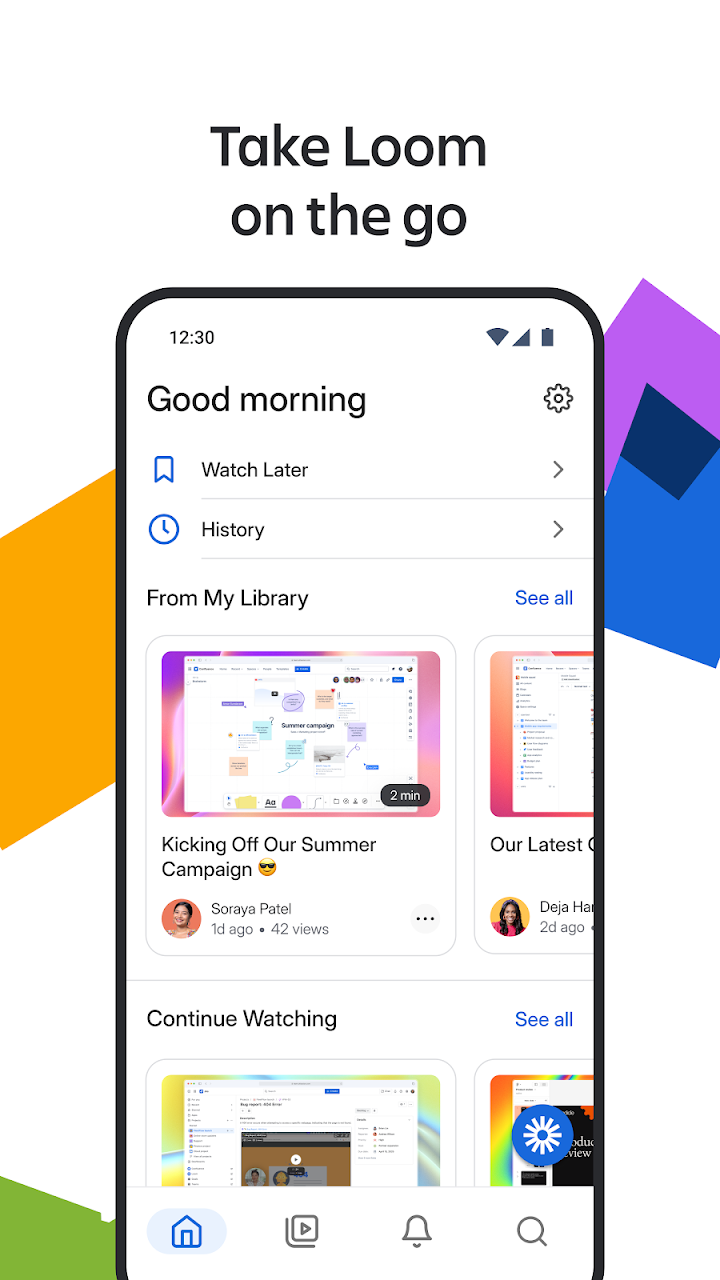
About this app
Need a quick way to send a video instead of typing? Loom – Screen and Cam Recorder lets you capture your screen and camera with one tap, then share it as a link. It is built for async work, with comments, reactions, notifications, and a video library you can manage on the go.
- One-tap recording — Start a screen or camera recording quickly, including microphone and internal audio when you need it.
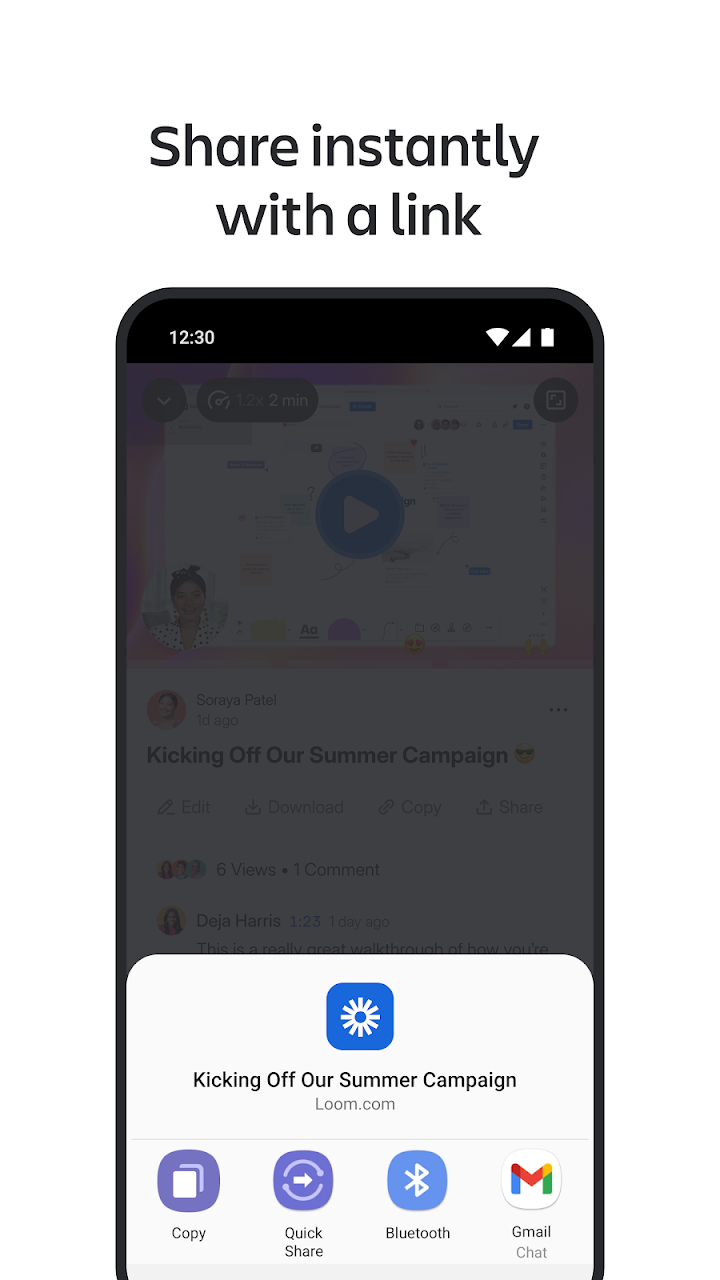
- Instant link sharing — Saved recordings upload to the cloud and can be shared right away with a link.
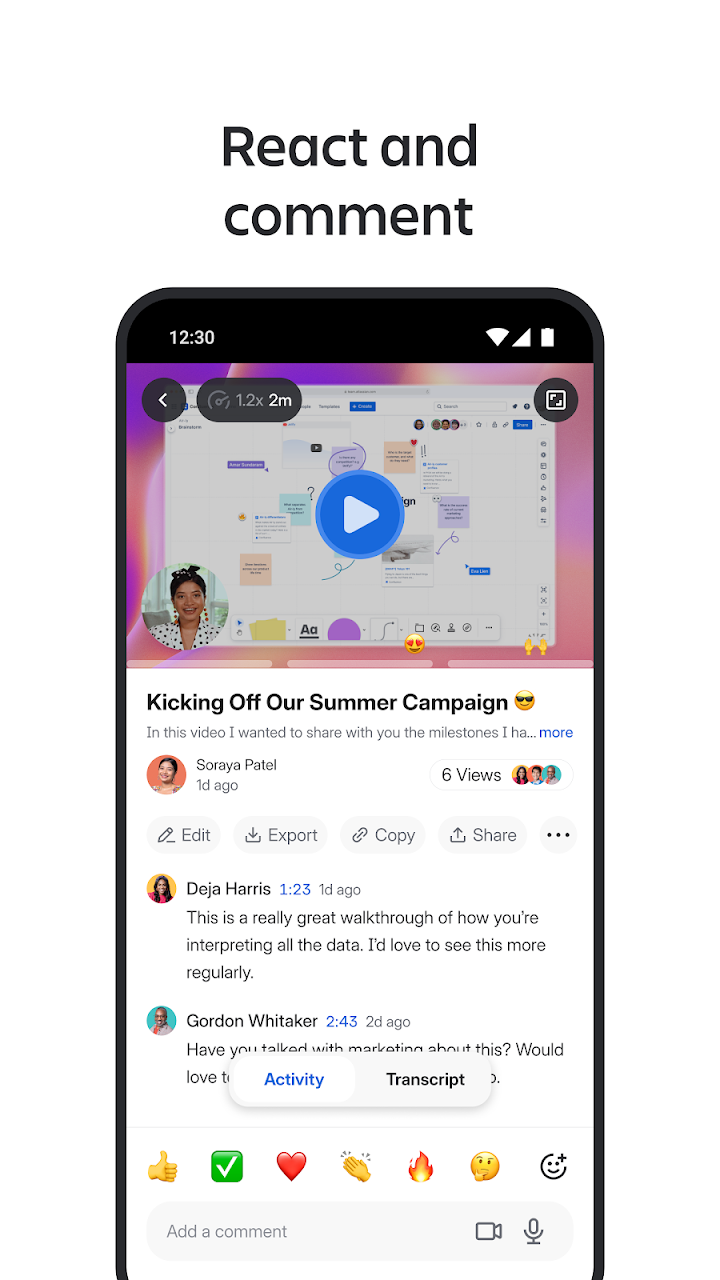
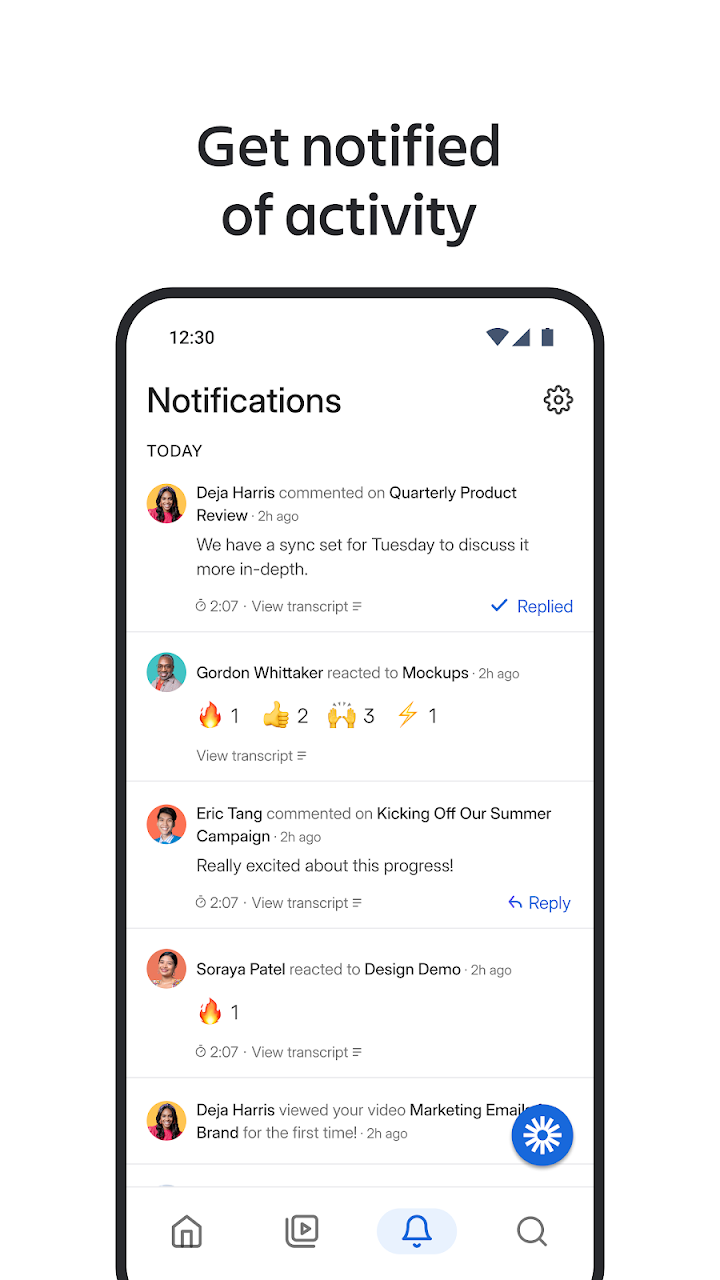
- Team feedback tools — Viewers can leave time-based comments and emoji reactions, and you get notified when they do.
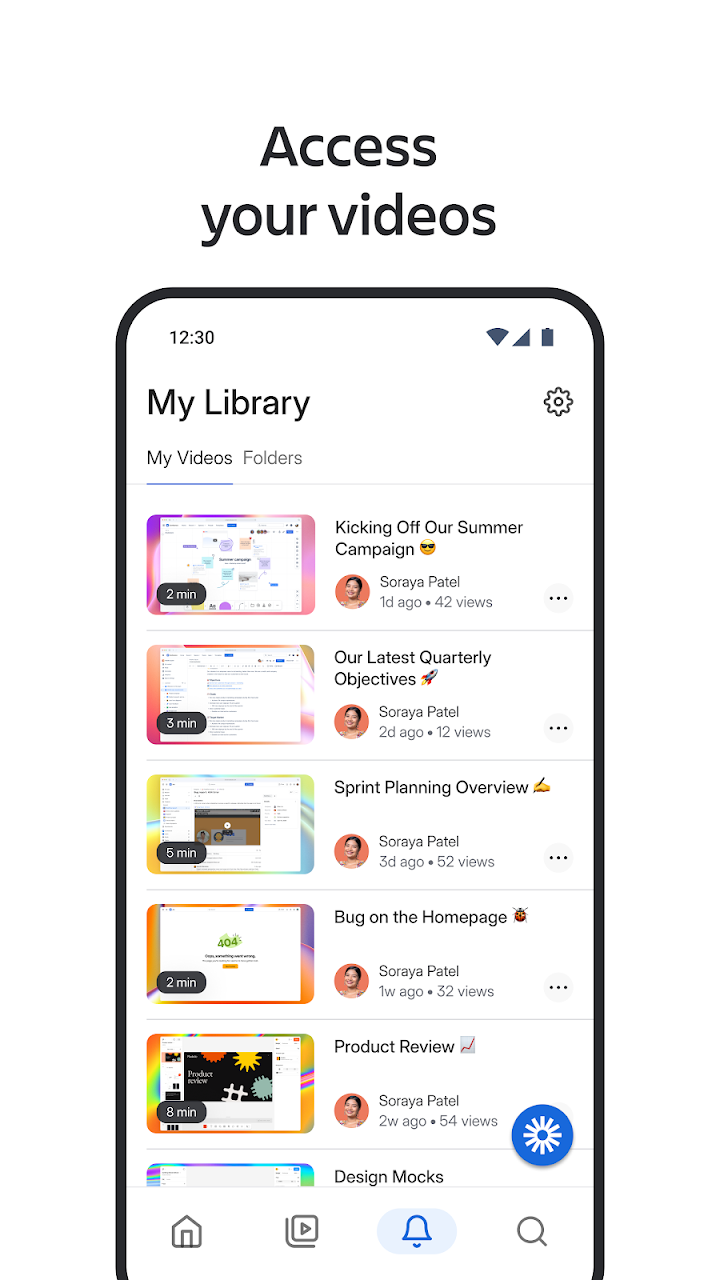
- Library on the go — Browse and manage your Loom video library across devices from the Android app.
- Security controls — Choose who can view each video with access controls before you send it out.
Record screen and camera in one tap
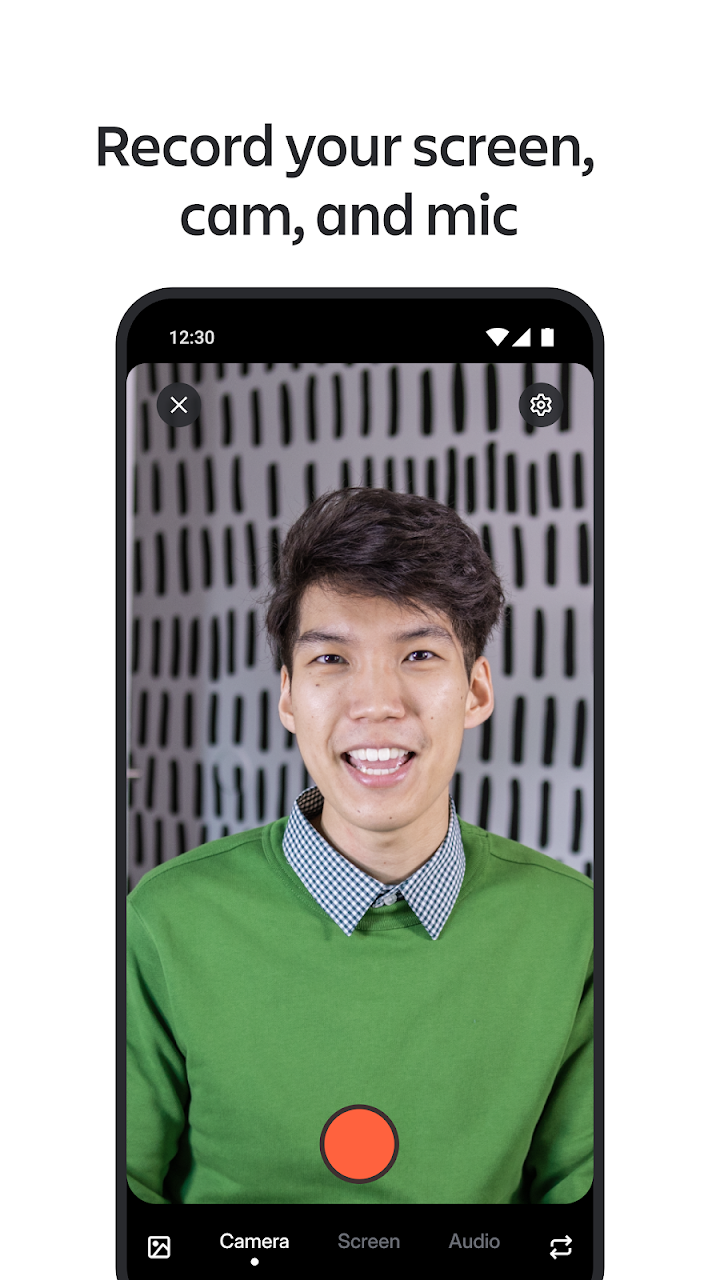
Open Loom when you need to show a product flow, walk through a bug, or send a quick update without setting up a meeting. The app can record your screen, camera, microphone, and internal audio, so the same clip can include a demo and your voice.
After recording, you can save videos to the cloud and also download them to your camera roll. Loom lists Android 10 or later, a universal APK, and a 51.9 MB file size, so it is worth checking storage before installing.
Share by link after the recording ends
Once a video is captured, Loom is set up for fast sharing. You can send a link instead of attaching a file, which fits the kind of workday where messages come between meetings and need to move quickly.
The app also supports notifications when someone views, reacts to, or comments on your video, so you can keep track of what happened after you sent it.
Comments, reactions, and access controls
Loom is built around async review. Viewers can leave time-based comments and emoji reactions on a video, which makes it easier to point to a specific moment in a demo or explanation.
You can also choose who can see a video with security and access controls. That matters when you are sharing internal updates, feedback, or anything you do not want open to everyone.
Manage videos across devices
The Android app is not only for recording. You can manage your Loom video library on the go, adjust playback speed, and use the web app to edit or trim recordings when you want a cleaner final version.
Loom is free, shows no ads, and has no in-app purchases listed. Before installing, check that your device runs Android 10+, has room for the APK, and can handle the account sign-in flow you plan to use.
- Developer: Loom, Inc
- Format: APK
- Size: 51.9 MB
- Minimum Android: 10
APK information
- Version
- 254.2.4
- Package
- com.loom.android
- Category
- Business
- Size
- 52 MB
- Min Android
- 10
- Architecture
- universal
Older versions
-
Loom – Screen and Cam Recorder 254.2.4Nov 12, 2026Latest downloadAPK
Loom – Screen and Cam Recorder FAQ
Does Loom – Screen and Cam Recorder integrate with other tools?expand_more
The app description only mentions sharing by link and editing or trimming through the Loom web app. No other tool integrations are listed.
Is Loom – Screen and Cam Recorder free for small teams?expand_more
The app is listed as free, and no in-app purchases are shown. Pricing for team use is not specified.
How do I update Loom – Screen and Cam Recorder from an APK?expand_more
Install the newer APK version over the existing app on a device running Android 10 or later. The listed version is 254.2.4.
How do I install the Loom – Screen and Cam Recorder APK file?expand_more
Download the APK, then open it on an Android 10+ device and complete the install prompts. The file format is APK and the app is a universal build.
What can I record with Loom on Android?expand_more
You can record your screen, camera, microphone, and internal audio. The app also supports downloading recordings to your camera roll.