
- 4.4star5 reviews
- 100M+Downloads
- 11 MBAPK size
- EveryoneRated for Everyone
- API 19+Android
check_circleOriginal APK from Unique Identification Authority of India · Updated Nov 12, 2026
No threats found
0 / — antivirus engines flagged this file
Original signature
First seen — Unique Identification Authority of India
Unmodified APK
Same file the developer published — no mods
mAadhaar screenshots
4 images · tap to enlarge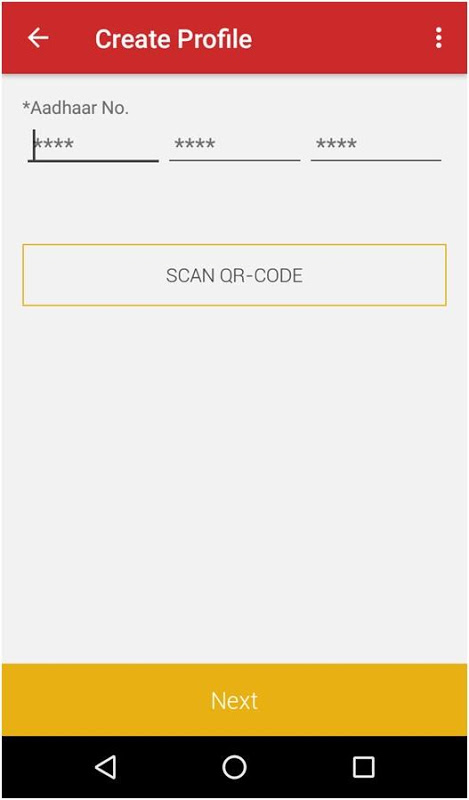
About this app
mAadhaar stands out in the Business category as the official UIDAI app for Aadhaar holders. It lets you keep demographic details and a photo on your phone, then use tools like biometric locking, TOTP generation, profile updates, and QR or eKYC sharing when you need them.
- Aadhaar profile download — Save your Aadhaar number holder profile with name, date of birth, gender, address, and photo on your phone.
- Biometric lock control — Lock biometrics for security, then unlock them temporarily or disable the lock when needed.
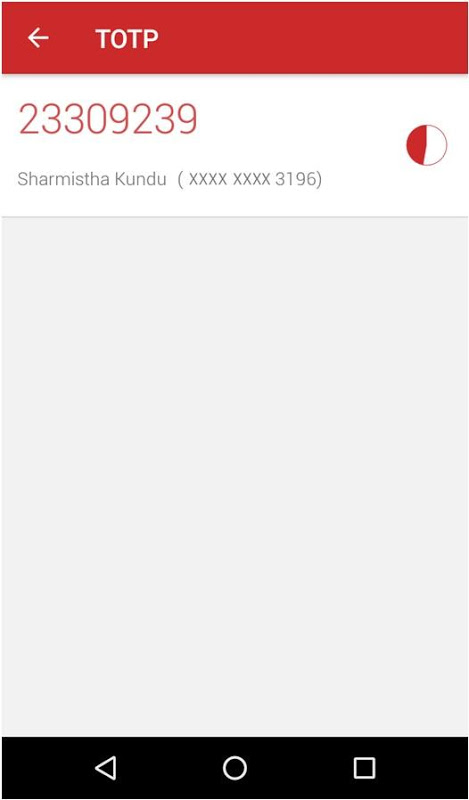
- TOTP generation — Create a time-based one-time password instead of using an SMS OTP.
- Profile update view — See an updated Aadhaar profile after a successful update request.
- QR and eKYC sharing — Share QR code and password-protected eKYC data to reduce manual entry.
Public release in this version
The current release is marked Public Release. It keeps the core Aadhaar tools in one place for people who want quick access to their profile details, biometric controls, and sharing options.
There are no added permissions listed in this version. The app is free, has no in-app purchases, and shows no ads.
Carry Aadhaar details on the phone
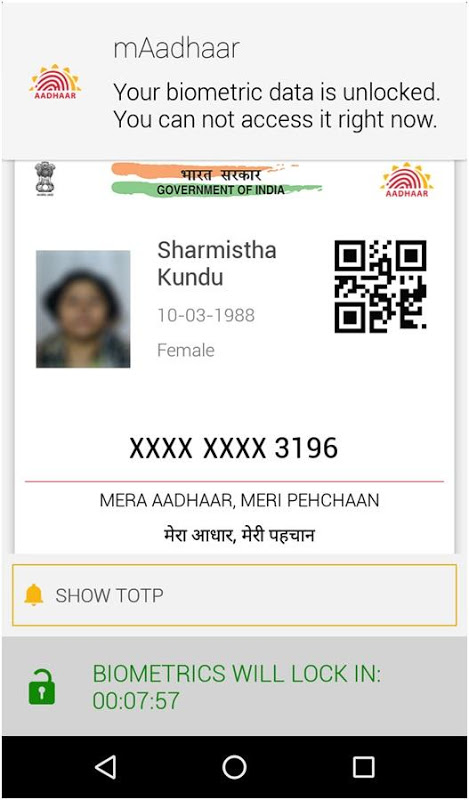
Open the app to view the Aadhaar holder profile with demographic details and the linked photograph. It is made for everyday use when you need to check or present Aadhaar details without digging through paper records.
The profile download feature is the main screen task here. It keeps the Aadhaar number holder’s name, date of birth, gender, address, and photo available on a smart phone.
Lock biometrics and generate TOTP
Security tools sit alongside the profile features. Biometric locking lets the user lock biometric data, then unlock it temporarily or disable the lock later. That gives control over when biometric authentication can be used.
The app also generates TOTP, a temporary password that can be used instead of SMS-based OTP. That helps when a one-time password is needed during Aadhaar-related use.
Share QR code and eKYC data
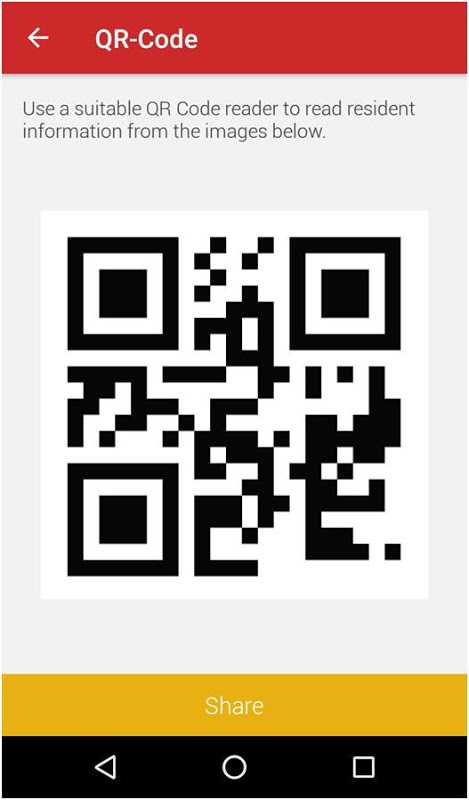
Another common task is sharing QR code and password-protected eKYC data. This can help pull accurate demographic details without typing them in manually.
mAadhaar also shows an updated Aadhaar profile after a successful update request, so users can check changes from within the app.
Install and device details
mAadhaar uses the APK format and needs Android 19 or later. The file size is 11.4 MB. It is available as a universal build.
A registered mobile number is required to use the app. If the number is not registered with Aadhaar, the user must visit the nearest Enrolment Centre or Mobile Update End Point.
The app has a 4.4 rating from a small set of ratings and has passed 100M+ installs.
What's new
Version 1.1.0 · Nov 12, 2026
- Public Release.
APK information
- Version
- 1.1.0
- Package
- in.gov.uidai.mAadhaarPlus
- Category
- Business
- Size
- 11 MB
- Min Android
- API 19
- Architecture
- universal
Older versions
-
mAadhaar 1.1.0Nov 12, 2026Latest downloadAPK
mAadhaar FAQ
Does mAadhaar integrate with other tools?expand_more
The app description does not mention integrations with other tools. It focuses on Aadhaar profile access, biometric locking, TOTP, and QR or eKYC sharing.
Is mAadhaar free for small teams?expand_more
mAadhaar is free, but it is an Aadhaar holder app rather than a team product. The listing does not describe team plans or business accounts.
Does mAadhaar need an account?expand_more
The app requires a registered mobile number to use it. The listing does not describe a separate in-app account sign-up.
Which Android version does mAadhaar need?expand_more
It needs Android API 19 or later.
How do I use mAadhaar without a registered mobile number?expand_more
A registered mobile number is essential for the app. If it is not registered with Aadhaar, the user needs to visit the nearest Enrolment Centre or Mobile Update End Point.