- 4.2star180,486 reviews
- 5M+Downloads
- 141 MBAPK size
- EveryoneRated for Everyone
- 10+Android
check_circleOriginal APK from AOK connect GbR · Updated Nov 12, 2026
No threats found
0 / — antivirus engines flagged this file
Original signature
First seen — AOK connect GbR
Unmodified APK
Same file the developer published — no mods
Meine AOK screenshots
7 images · tap to enlarge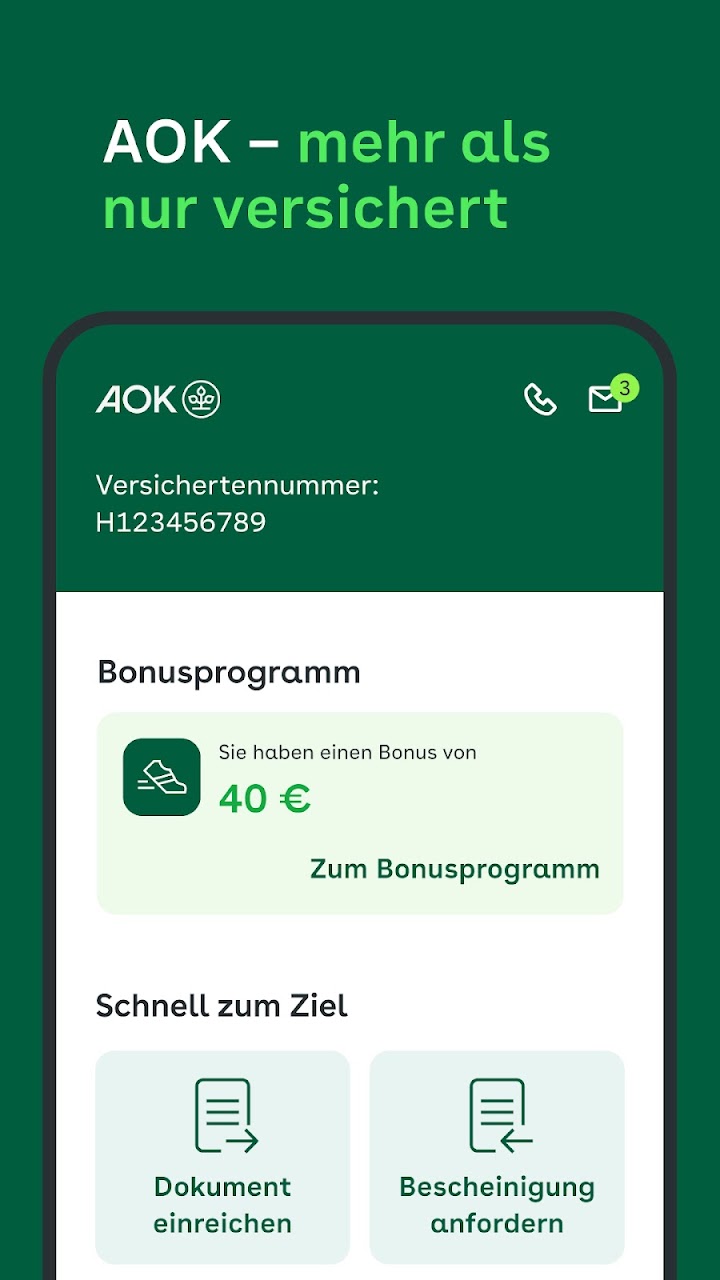
About this app
AOK connect GbR made Meine AOK for people insured with AOK who want to handle everyday insurance tasks on their phone. It is built for secure contact, document upload, status checks, and bonus tracking. The app works as a mobile office, so the first use is mostly about getting access set up and then choosing the services you need most.
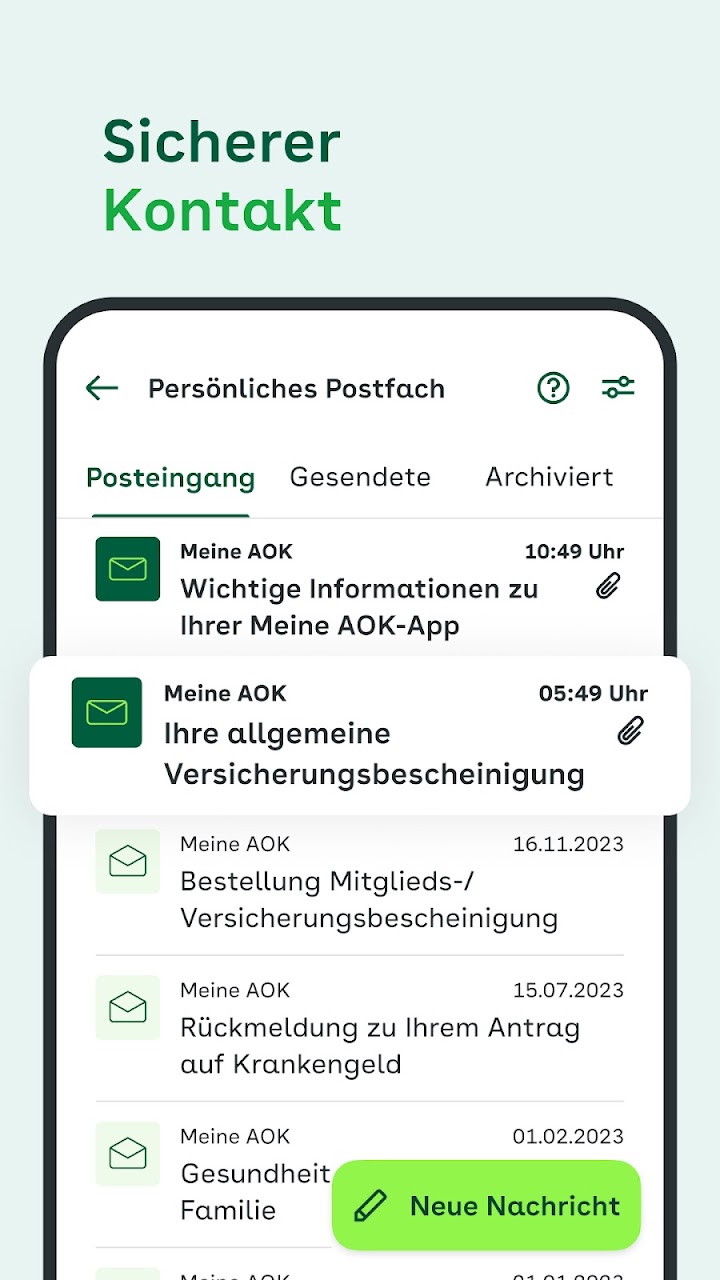
- Secure mailbox — Send and receive messages with AOK in an encrypted personal mailbox.
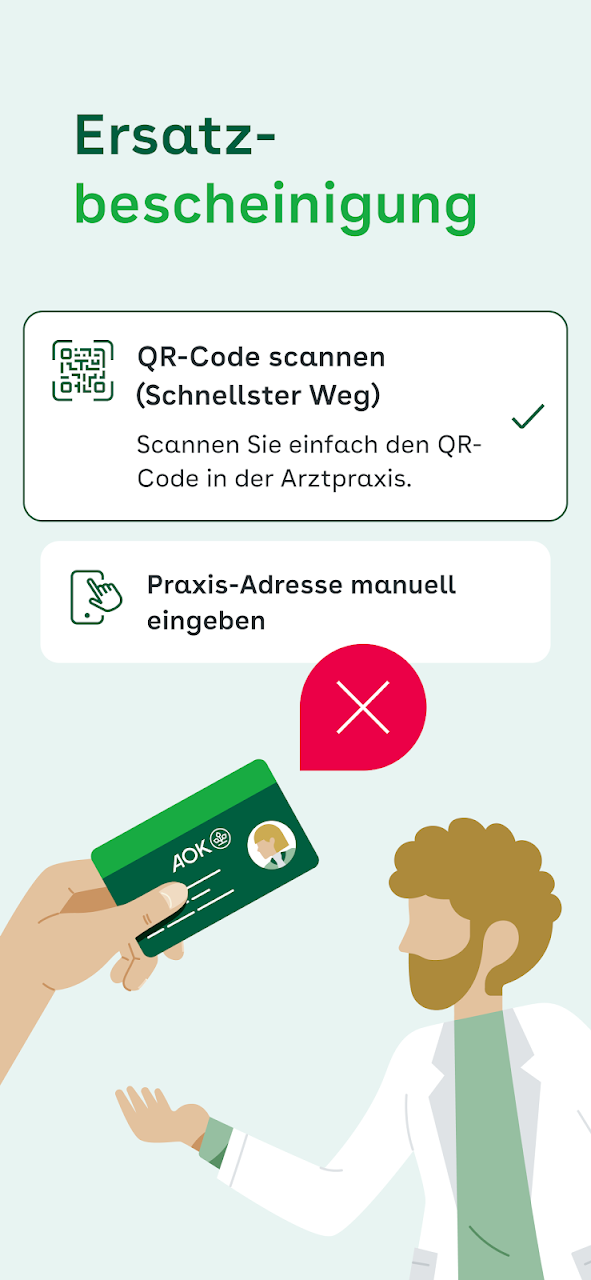
- Upload documents — Submit invoices and other documents directly in the app, including for family members.
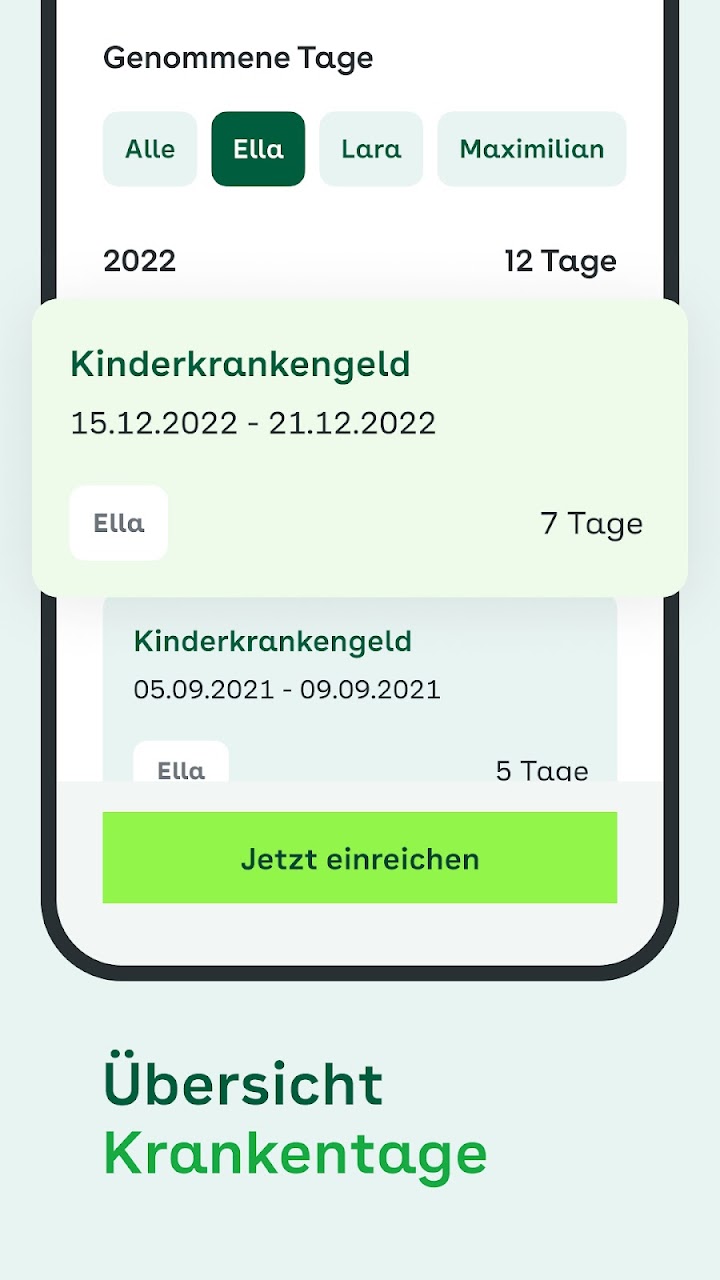
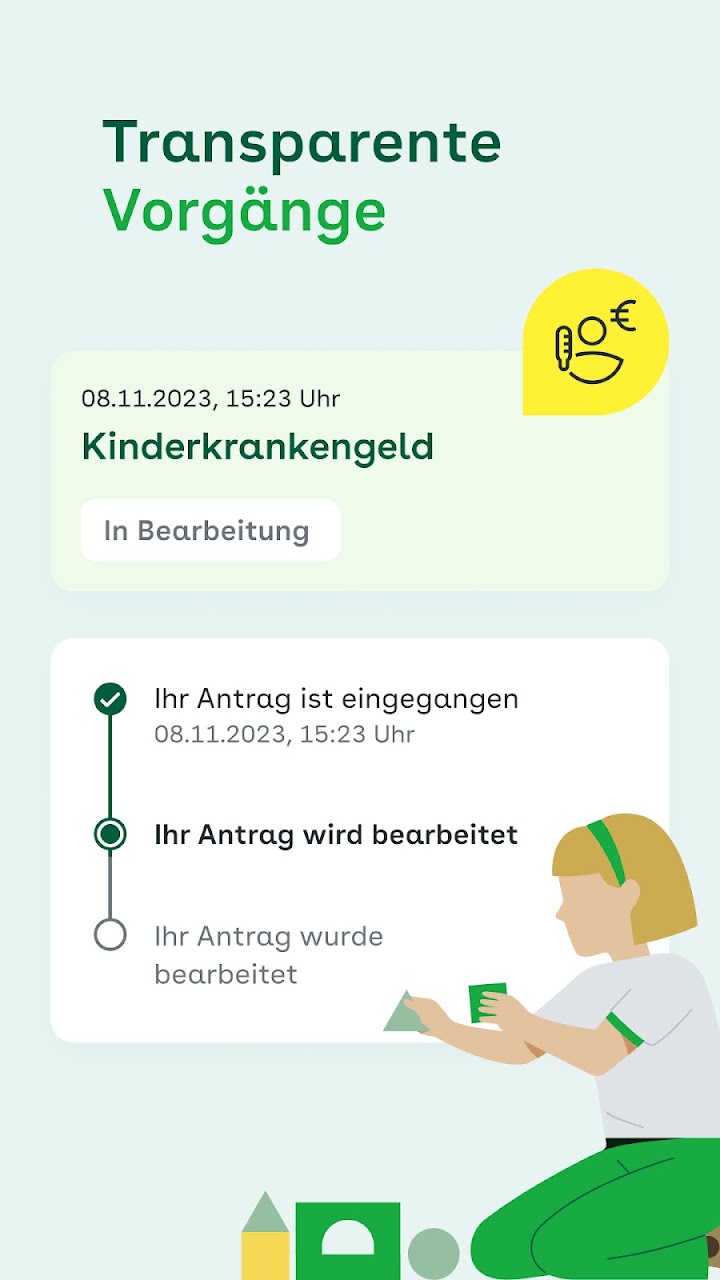
- Track requests — See the status of your applications and keep an eye on what is still open.
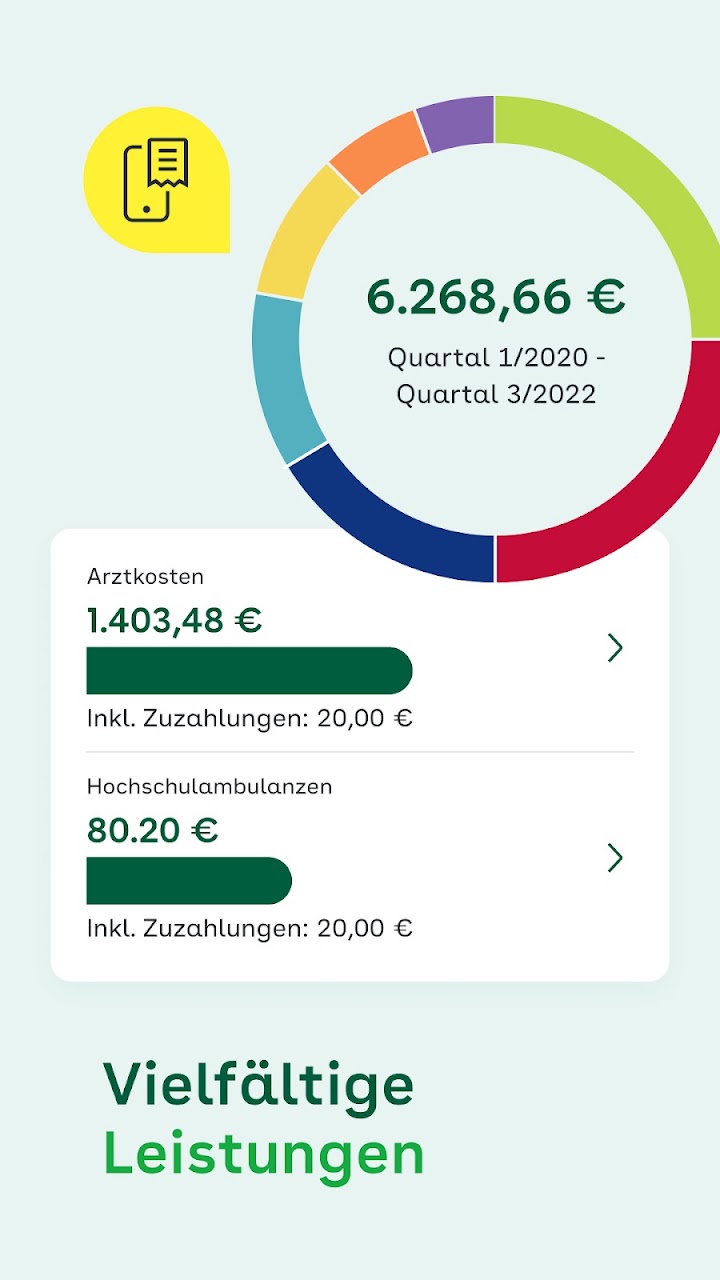
- View benefits — Check services used, covered costs, and your co-payments in the electronic patient receipt.
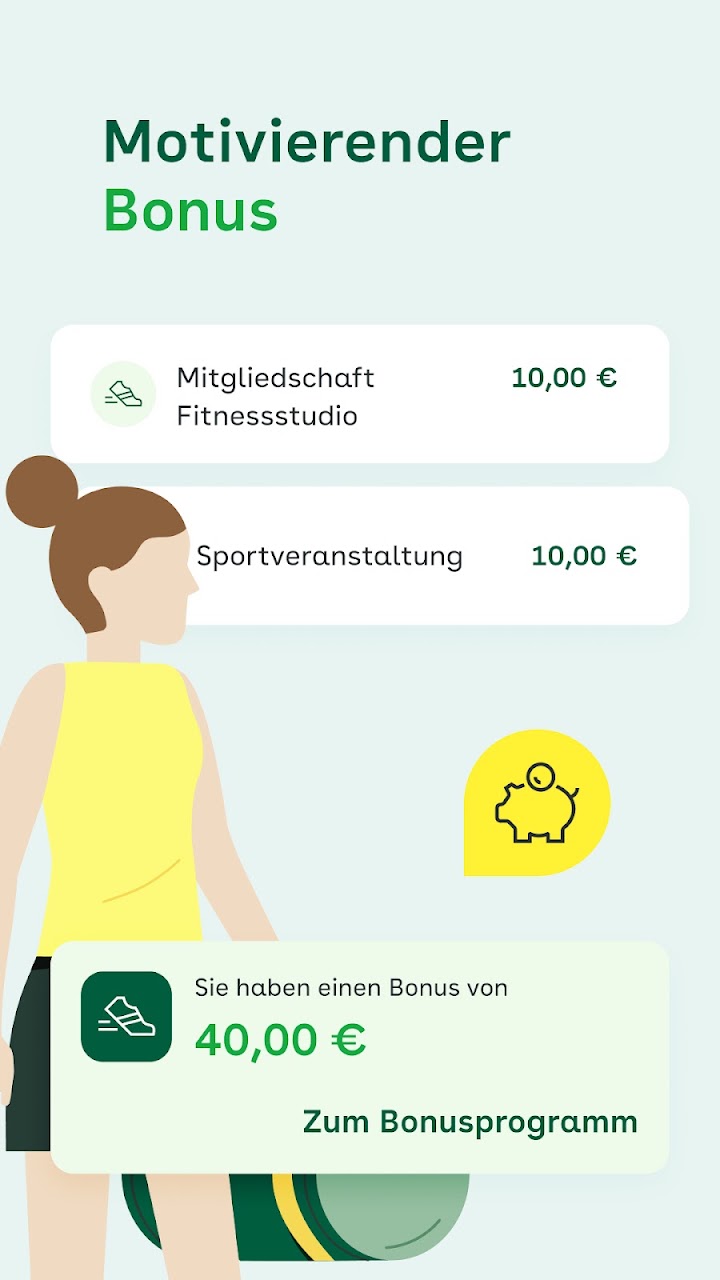
- Bonus points — Collect points for activities such as vaccinations, exercise, or a gym membership.
- Update details — Change personal data in the app, such as a new address or phone number.
First launch and account setup
On first launch, Meine AOK asks you to register or log in with your existing AOK portal details. If you are not yet registered, you start in the app and receive an activation code by mail. If you already have an online portal account, the code goes to your personal mailbox. In both cases, you need to enter that code before the full app opens.
The app is for insured AOK members aged 15 and up. It runs on Android 10 or later and comes as a 140.6 MB APK.
Send documents and check status
The most practical daily use is handling paperwork without paper. You can submit invoices and other documents directly in the app, including for family members. If you have sent a request, the app shows the current status so you can see whether something is still being processed or already completed.
Messages, receipts, and certificates
One place you will likely open often is the personal mailbox. It is meant for secure, encrypted messages with AOK. The app also shows an electronic patient receipt with the services used, the costs covered, and your co-payments. When you need proof for something, you can request certificates directly in the app.
Healthy activities and bonus points
Meine AOK also includes the bonus program. You can collect bonus points by proving activities such as vaccinations, exercise, or a gym membership. Depending on your AOK, these points can lead to bonuses, subsidies, or cash that you can cash out in the app. Fitness tracker support is available only for selected AOKs: Bavaria, Baden-Württemberg, Hesse, Northeast, PLUS, and Rhineland-Palatinate/Saarland.
Privacy, limits, and daily use
- The app uses two-factor login for access.
- There are no ads and no in-app purchases.
- You can also change personal data in the app, such as moving or a new phone number.
- It does not list any permissions.
In a normal day, this app replaces calls, letters, and trips for common AOK tasks, but you still need the activation step before you can use it.
What's new
Version 5.16.0 · Nov 12, 2026
- Schön, dass Sie die „Meine AOK“-App nutzen. Mit dieser App-Version haben wir ein paar kleine technische Anpassungen vorgenommen.
APK information
- Version
- 5.16.0
- Package
- de.aoksystems.amg
- Category
- Health & Fitness
- Size
- 141 MB
- Min Android
- 10
- Architecture
- universal
Older versions
-
Meine AOK 5.16.0Nov 12, 2026Latest downloadAPK
Meine AOK FAQ
Does Meine AOK work with smartwatches?expand_more
The app description mentions fitness trackers for collecting bonus points with selected AOKs. It does not say that it works with smartwatches.
Is Meine AOK a medical device?expand_more
No. Meine AOK is an insurance self-service app for contact, documents, receipts, certificates, and bonus points.
Does Meine AOK work on tablets?expand_more
The listing says it needs Android 10 or later, but it does not say whether tablets are supported.
Does Meine AOK work offline?expand_more
No offline mode is described. The app is set up for secure messaging and online self-service, so it is intended for use with an internet connection.
How do I activate Meine AOK?expand_more
New users register in the app and enter an activation code sent by mail. Existing portal users log in with their details and enter a code sent to their personal mailbox.