
- 3.8star264,258 reviews
- 50M+Downloads
- 63 MBAPK size
- EveryoneRated for Everyone
- 9+Android
check_circleOriginal APK from Meta Platforms, Inc. · Updated Nov 10, 2026
No threats found
0 / — antivirus engines flagged this file
Original signature
First seen — Meta Platforms, Inc.
Unmodified APK
Same file the developer published — no mods
Messenger Kids – The Messaging screenshots
8 images · tap to enlarge
About this app
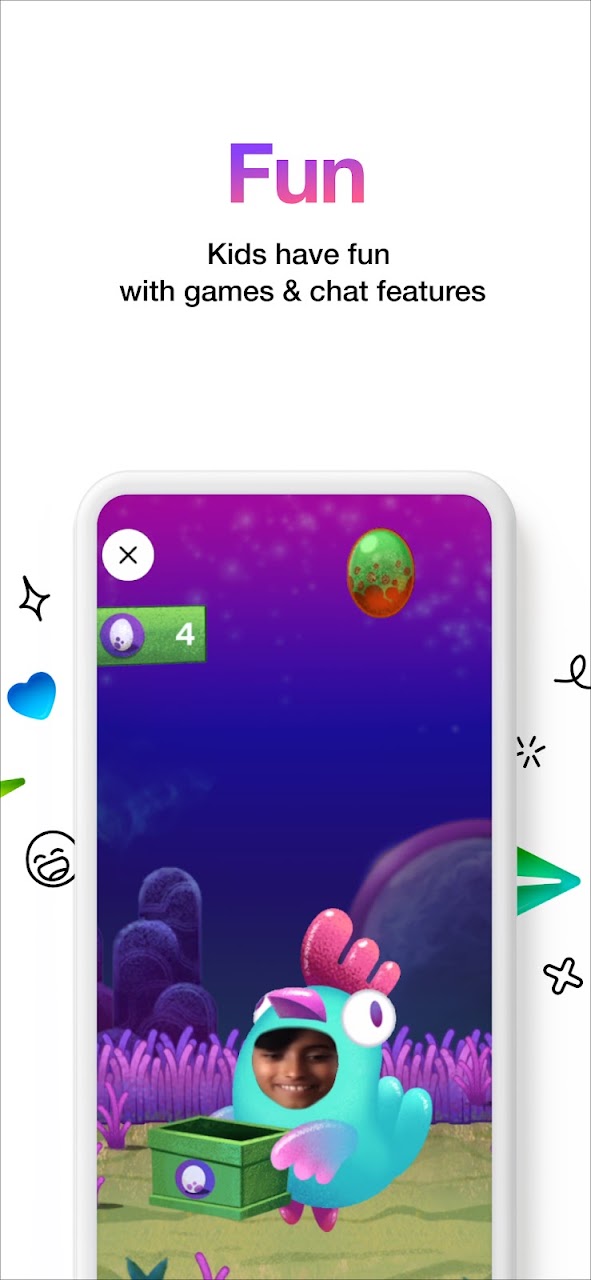
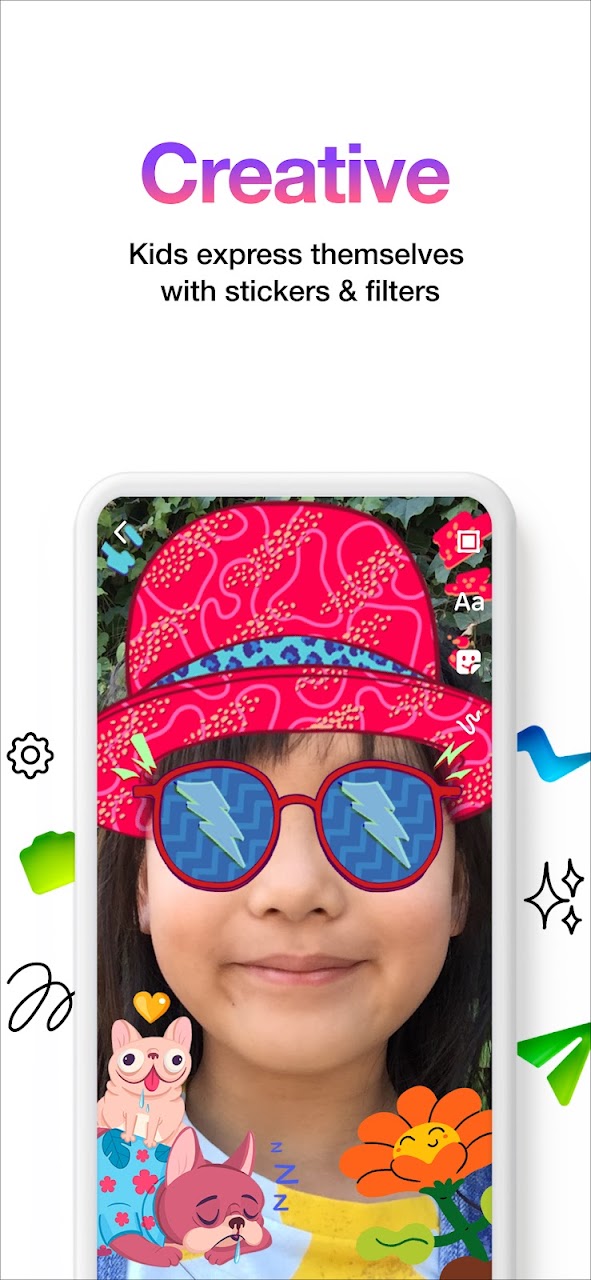
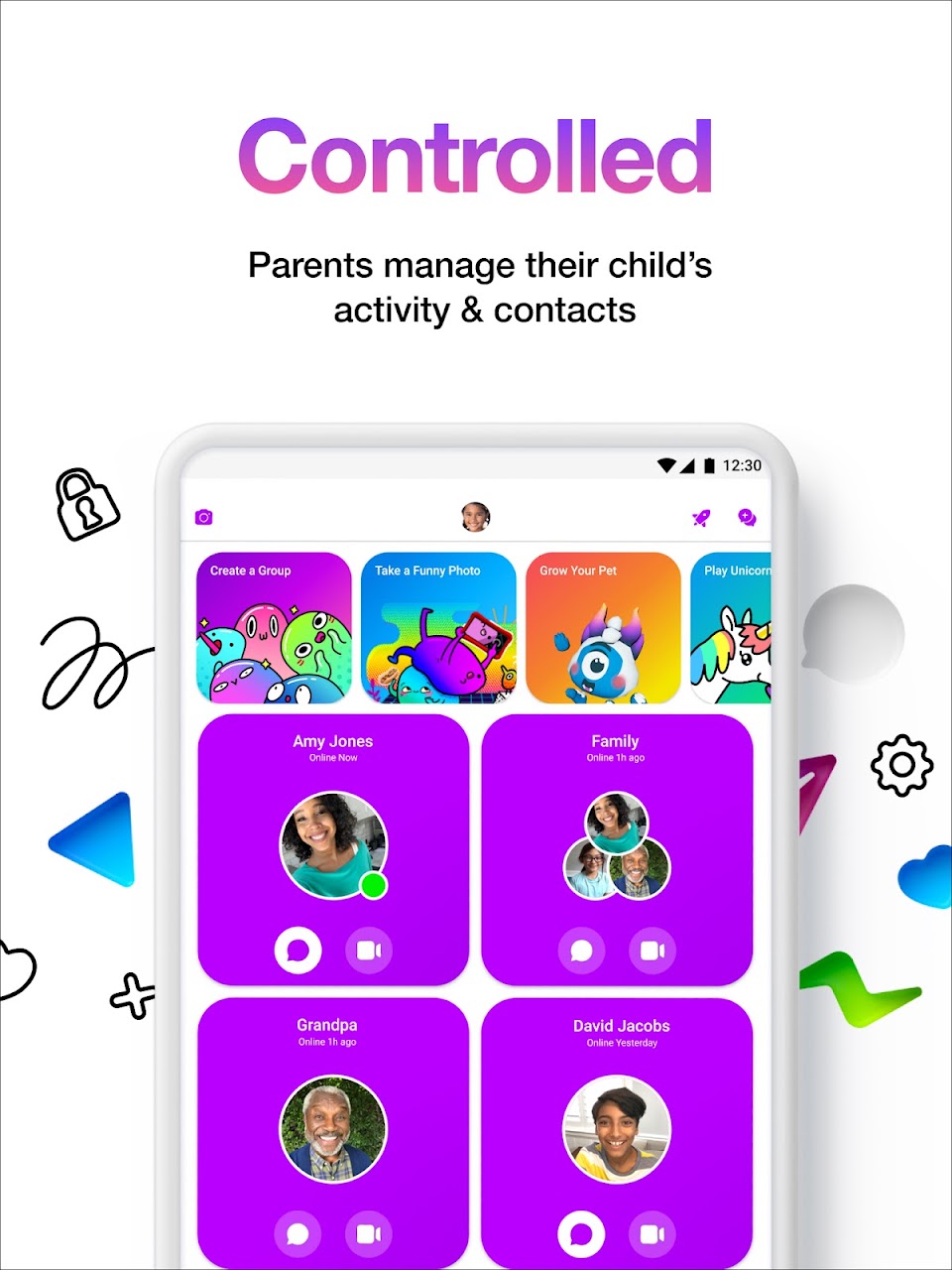
Meta Platforms, Inc. makes Messenger Kids – The Messaging for children to video call and message family and close friends. Parents manage the contact list and monitor chats from a dashboard, while kids use stickers, GIFs, emojis, drawings, reactions, and filters to keep conversations simple and playful.
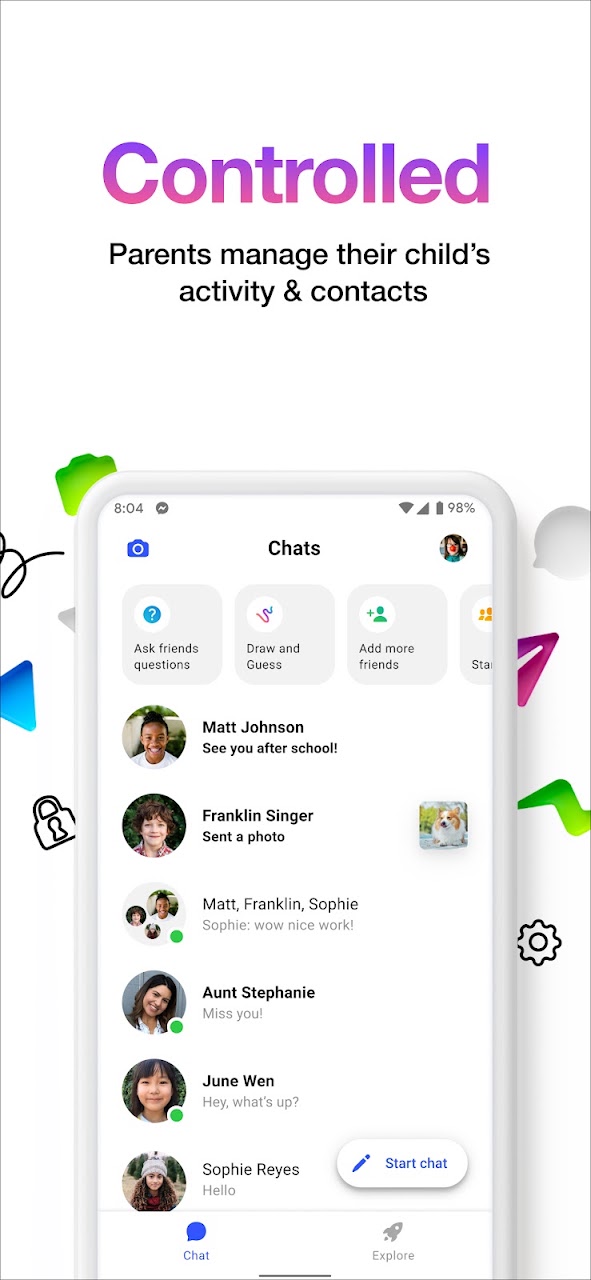
- Parent dashboard — Parents can manage contacts, monitor messages, and get notified when a child blocks someone.
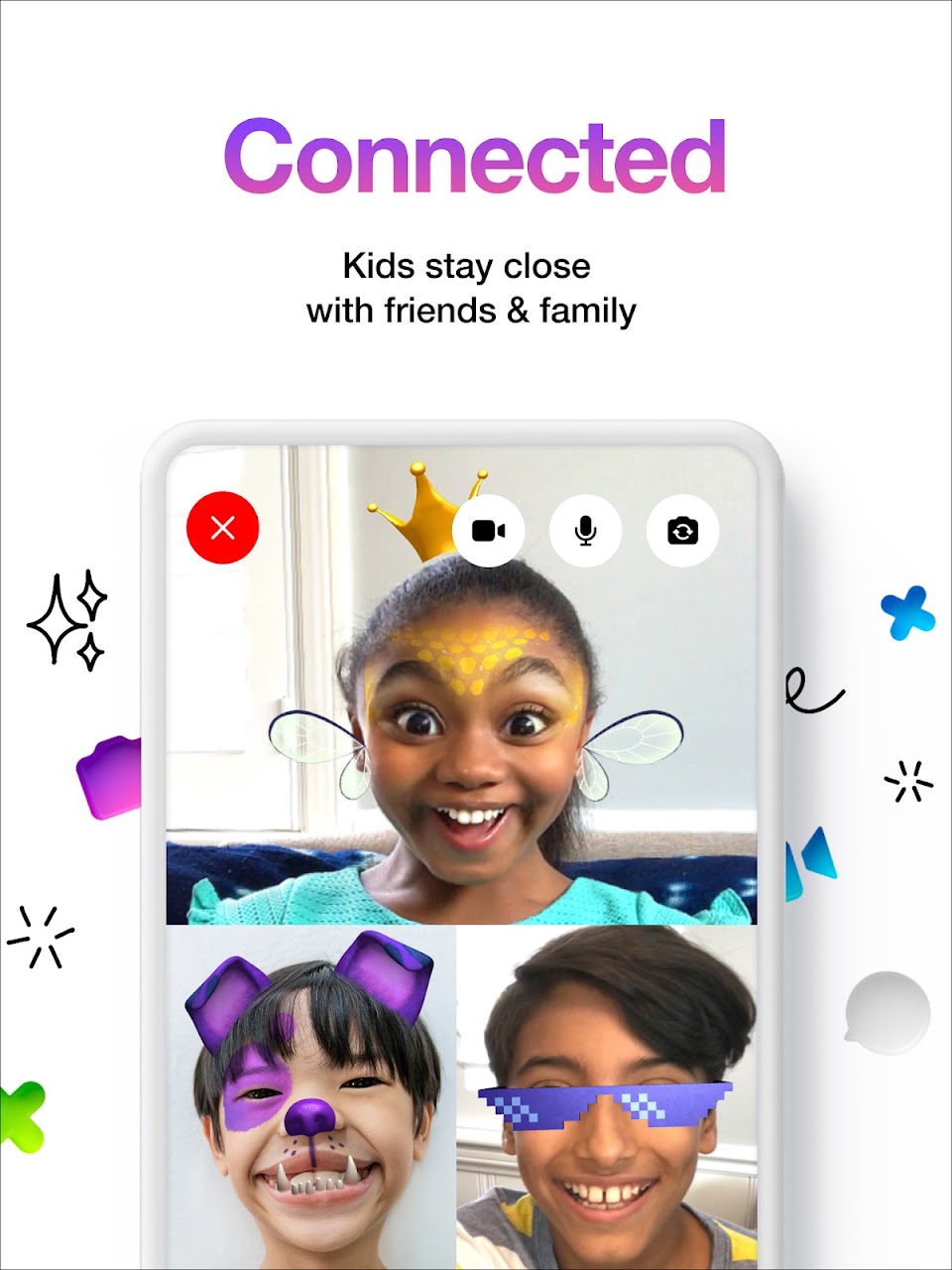
- Video calls and chat — Kids can message and video call family and close friends in one app.
- Bedtime limits — Parents can set usage limits so the app can be paused when it is time to stop.
- Creative replies — Stickers, GIFs, emojis, drawing tools, reactions, and sound effects add more ways to talk.
- No phone number — Kids can start using the app without a phone number.
- No ads or purchases — The app is free and does not include in-app purchases or ads.
Parent dashboard for everyday check-ins
On a school night or after dinner, parents can open the dashboard to manage who can reach their child and review messages from the Messenger Kids app. If a child blocks a contact, the parent is notified, which keeps the setup tied to the people the family has chosen.
The app is built for children and controlled by parents, so the contact list is not left entirely in a kid’s hands.
Video calls, messages, and playful extras
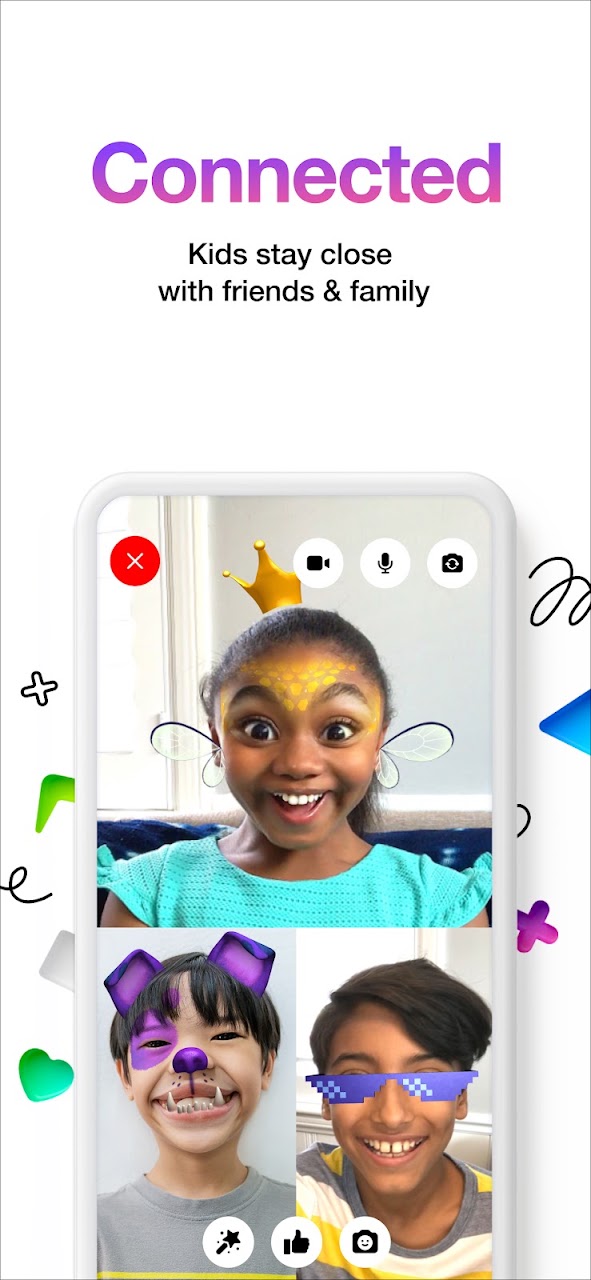
Messenger Kids is made for the quick moments when a child wants to say hello to grandparents, cousins, or close friends. Video chats can include kid-friendly filters, reactions, and sound effects, while chat threads can use stickers, GIFs, emojis, and drawing tools for a more expressive back-and-forth.
That mix works well for a short check-in after school or a longer call on a weekend afternoon.
Set limits and avoid ad clutter
For families that want a simpler experience, parents can set usage limits for bedtime. The app is free, and it does not include ads or in-app purchases, so there is less to manage once it is installed.
Starting out is straightforward too: no phone number is required. The current release is version 332.0.0.64.215, and it installs as an APK for Android 9 and up, with a 63.2 MB universal build.
What to expect on install
Messenger Kids has been available since 2018 and is rated Everyone. It has more than 50M installs, and the app is updated regularly; the last update was on 2026-11-04.
There are no listed permissions in the app details, so the main setup focus is the parent-managed contact flow rather than a long permissions screen.
APK information
- Version
- 332.0.0.64.215
- Package
- com.facebook.talk
- Category
- Communication
- Size
- 63 MB
- Min Android
- 9
- Architecture
- universal
Older versions
-
Messenger Kids – The Messaging 332.0.0.64.215Nov 10, 2026Latest downloadAPK
Messenger Kids – The Messaging FAQ
Does Messenger Kids – The Messaging need a phone number?expand_more
No. The app description says no phone number is required.
Can I use Messenger Kids – The Messaging on a tablet?expand_more
It can run on Android 9 and up, so it works on Android tablets that meet that requirement.
Does Messenger Kids – The Messaging need an account?expand_more
The app is controlled by parents through a dashboard and uses a managed contact setup. The details do not say whether a separate account is required.
What permissions does Messenger Kids – The Messaging ask for?expand_more
No permissions are listed in the app details.
Can parents limit when kids use the app?expand_more
Yes. Parents can set usage limits, including for bedtime.