
- 1.9star521 reviews
- 50K+Downloads
- 31 MBAPK size
- EveryoneRated for Everyone
- 7.0+Android
check_circleOriginal APK from mHelpDesk · Updated Nov 12, 2026
No threats found
0 / — antivirus engines flagged this file
Original signature
First seen — mHelpDesk
Unmodified APK
Same file the developer published — no mods
mHelpDesk screenshots
4 images · tap to enlarge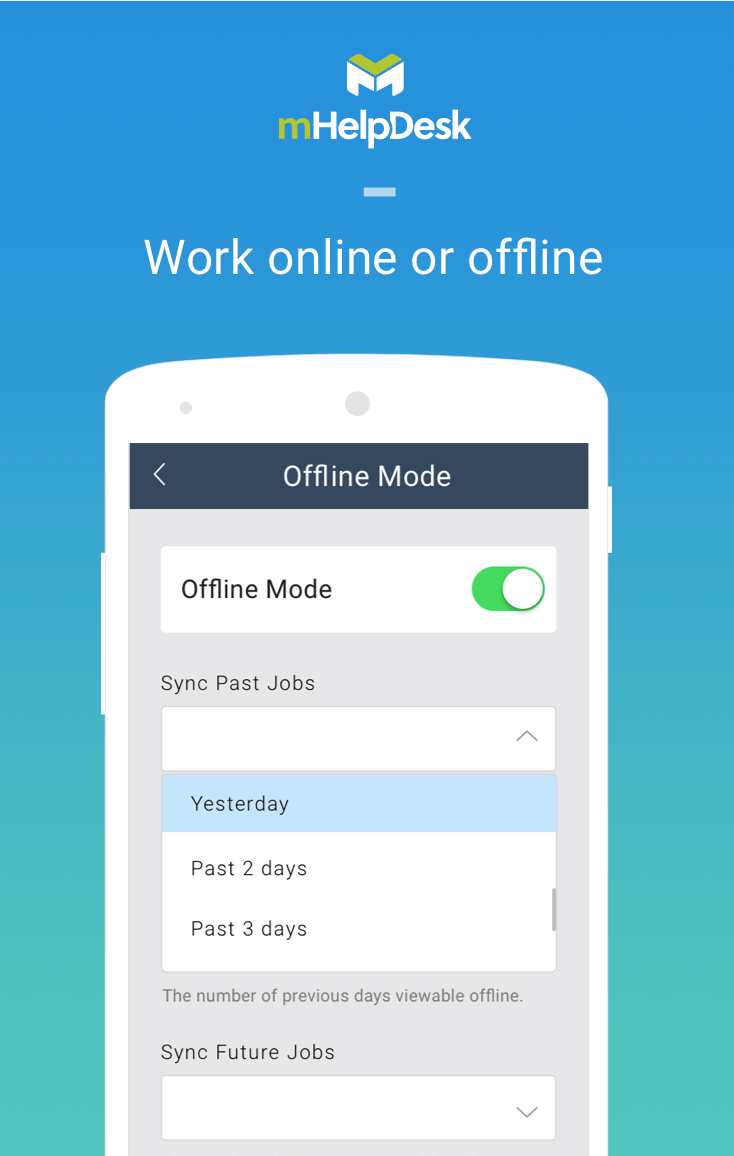
About this app
mHelpDesk stands out in field service software by letting teams keep working even without a signal. It brings scheduling, estimates, invoices, and job details into one Android app so office staff and field techs can stay aligned. That makes it a practical fit for businesses that need to move from lead to completed job without re-entering the same work twice.
- Offline job access — Work without wifi or cellular coverage, then sync changes when a connection returns.
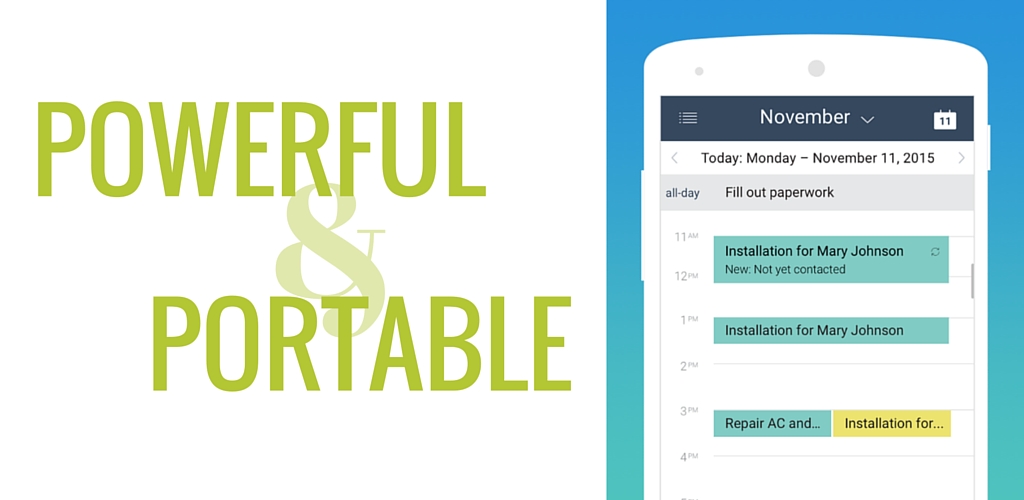
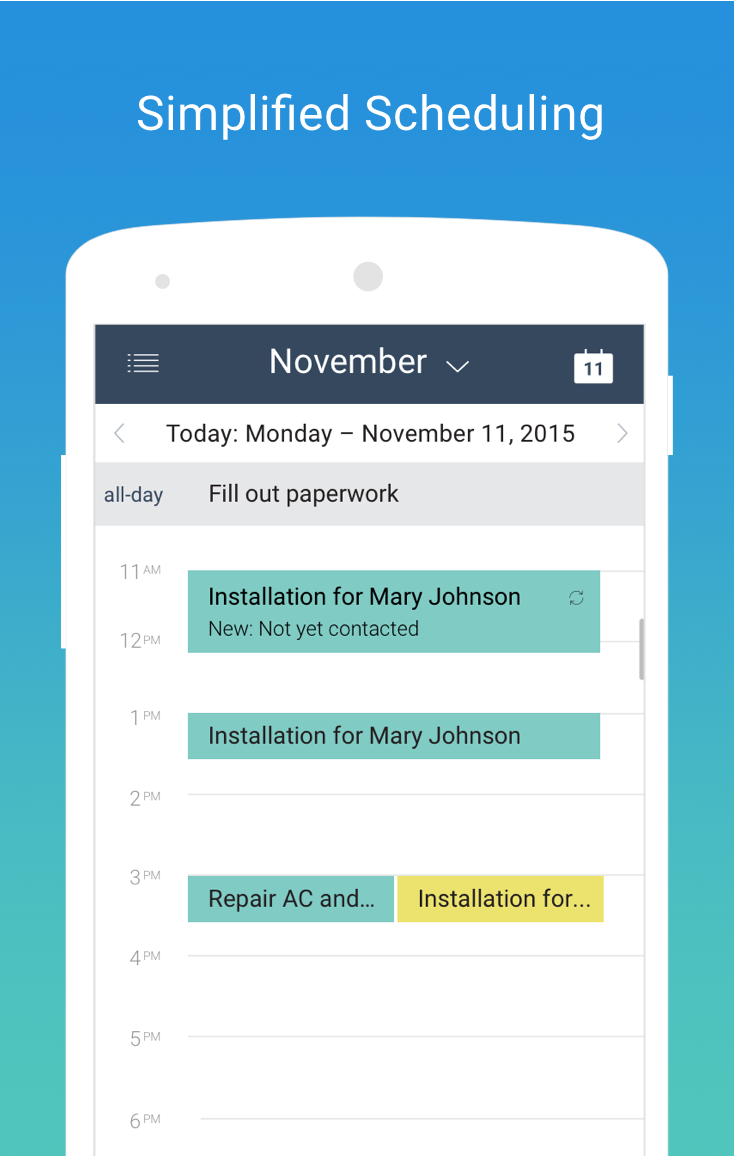
- Scheduling tools — View schedules and create jobs or appointments directly in the app.
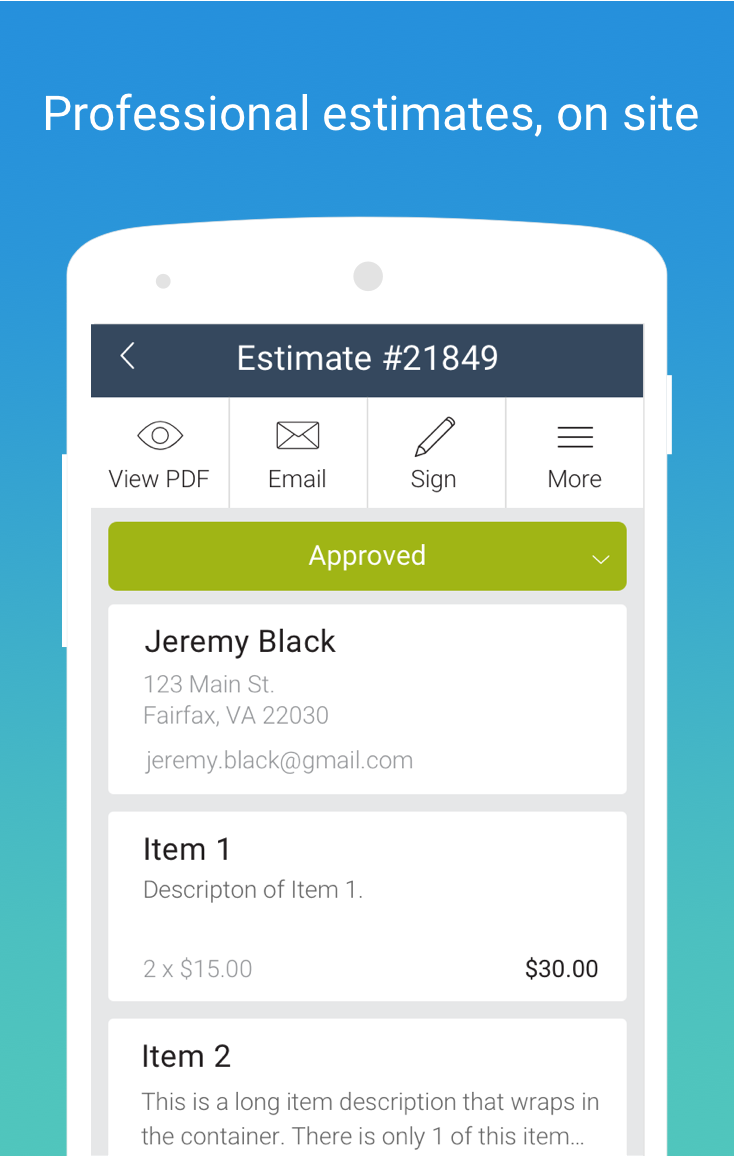
- Estimates to invoices — Build estimates on site and turn them into invoices with a few taps.
- Team updates — Keep lead, customer, and job details together so everyone has the same status.
- Alerts and reminders — Send automated email and SMS updates about job progress.
- QuickBooks support — Connect with QuickBooks as part of the app’s business workflow.
For crews that work where signal drops
mHelpDesk is built for field service businesses that cannot pause when connectivity is weak. Techs can keep entering work offline, then the app syncs automatically once a connection is available. That is useful for crews moving between jobs, basements, rural sites, or anywhere a live connection is unreliable. The app also supports Android 7.0 and up, comes as a 31.2 MB APK, and is available free.
Scheduling, jobs, and office coordination
If you manage appointments or dispatch work, the app lets you check your own schedule or the team’s schedule and create new jobs and appointments inside the app. It is designed to connect office and field staff with automatic data updates, which reduces the need to chase details across calls, messages, and separate systems.
- What you get: scheduling, lead management, job management, estimates, invoices, and email/SMS automation.
- What to watch for: it is aimed at field service workflows, so it fits best when your business already runs jobs and appointments.
Estimates, invoices, and customer updates
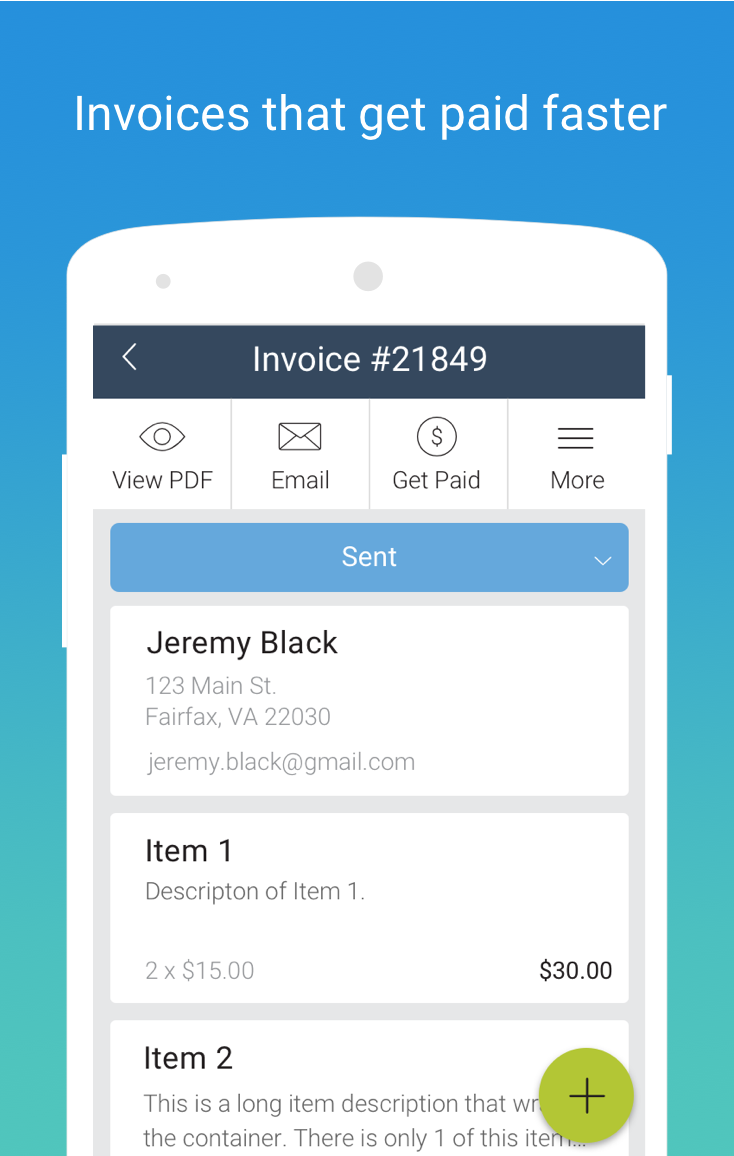
For owners and office staff, the app focuses on moving work forward after the quote stage. You can create professional estimates on site using templates, then convert them into invoices when the job is done. Invoices can be viewed or emailed from the phone, and the app supports taking payment immediately. Customer, lead, and job details stay in one place, while automated email and SMS alerts help keep everyone informed.
Accounts, setup, and compatibility notes
Existing mHelpDesk customers can sign in with their account credentials. New users are directed to a 14-day free trial with no credit card required. The app is free to download, with no ads and no in-app purchases listed. It uses GPS, so background location use may affect battery life. A QuickBooks integration is included, and the app is available as a universal APK.
What's new
Version 2.49.4 · Nov 12, 2026
- Platform & Security Compliance: Upgraded the Android app to support Android 16 (API Level 36) and updated core framework dependencies to Cordova Android 15.0.0 for improved compatibility and performance.
APK information
- Version
- 2.49.4
- Package
- com.mhelpdesk.endeavor
- Category
- Business
- Size
- 31 MB
- Min Android
- 7.0
- Architecture
- universal
Older versions
-
mHelpDesk 2.49.4Nov 12, 2026Latest downloadAPK
mHelpDesk FAQ
Is mHelpDesk free for small teams?expand_more
The app is free to download, and existing customers can sign in with their account credentials. New users are pointed to a 14-day free trial with no credit card required.
Does mHelpDesk integrate with other tools?expand_more
Yes. The app lists QuickBooks integration, and it can also sync its schedule with Google Calendar.
What is the difference between the APK and the Play Store version of mHelpDesk?expand_more
The app is distributed as a universal APK on Android. The listing does not describe a separate feature difference between APK and Play Store versions.
Does mHelpDesk work offline?expand_more
Yes. Teams can keep working without wifi or cell service, and the app syncs automatically when a connection returns.
What kinds of businesses use mHelpDesk?expand_more
The app is used across field service industries such as HVAC, electricians, plumbers, roofers, handymen, locksmiths, and more.