
- 4.4star1,229,023 reviews
- 1B+Downloads
- 99 MBAPK size
- TeenRated for Teen
- 7.0+Android
check_circleOriginal APK from Mi Video · Updated Nov 11, 2026
No threats found
0 / — antivirus engines flagged this file
Original signature
First seen — Mi Video
Unmodified APK
Same file the developer published — no mods
Mi Video-Short Video Download screenshots
8 images · tap to enlarge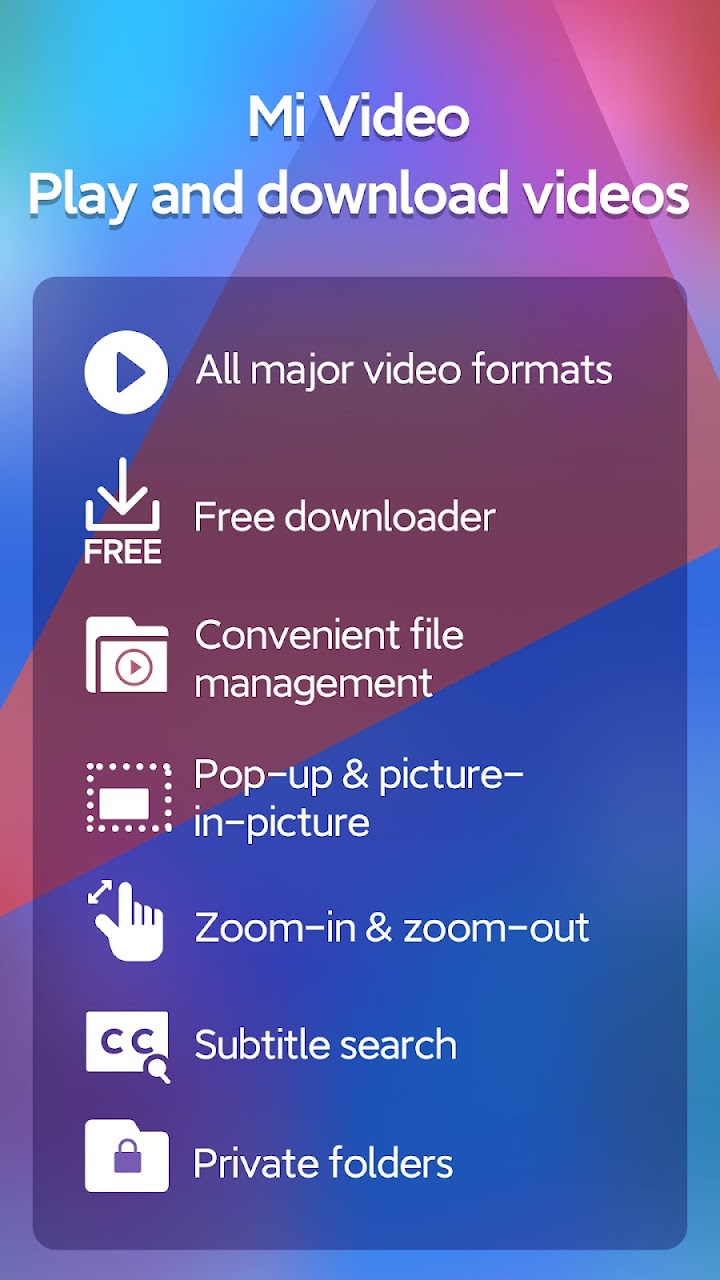
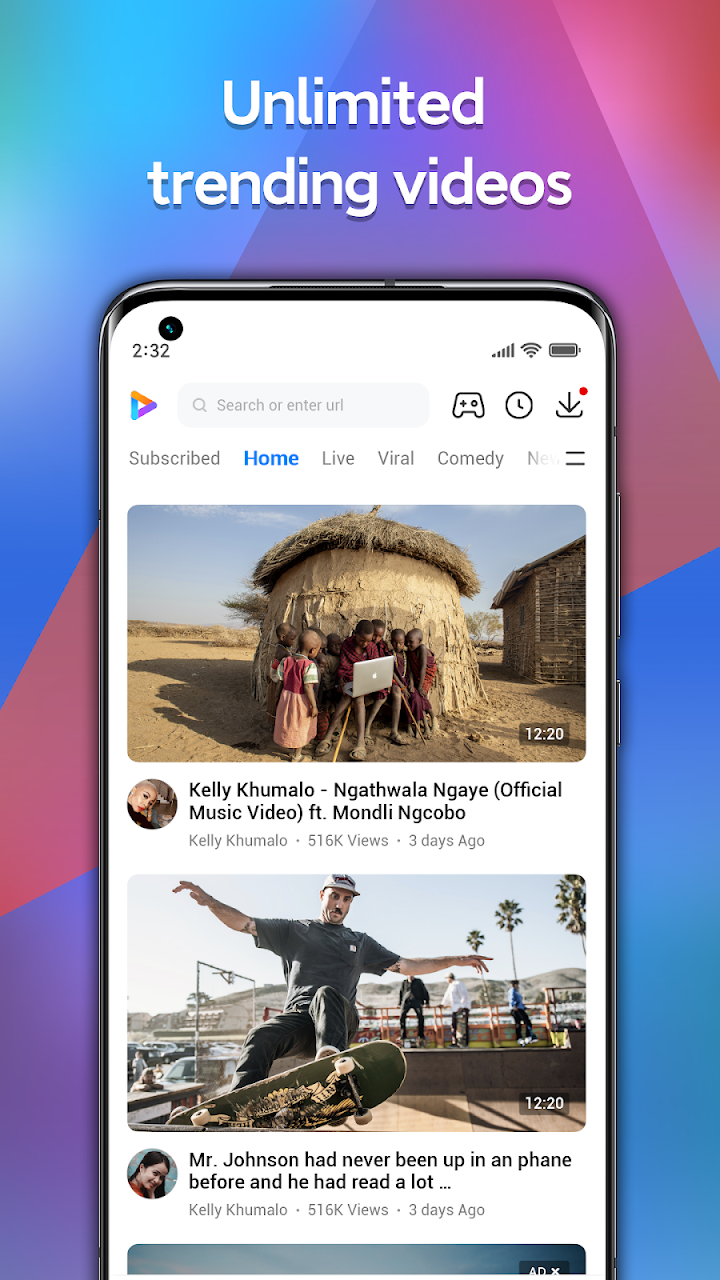
About this app
Mi Video makes it easy to watch, download, stream, and manage videos in one Android app. It combines a short-video feed, a local player, a downloader, and a file manager. On first launch, expect a content stream, playback tools, and options for saving videos for offline viewing.
- Short video feed — Open Moment to scroll through short videos and save clips you want to watch again.
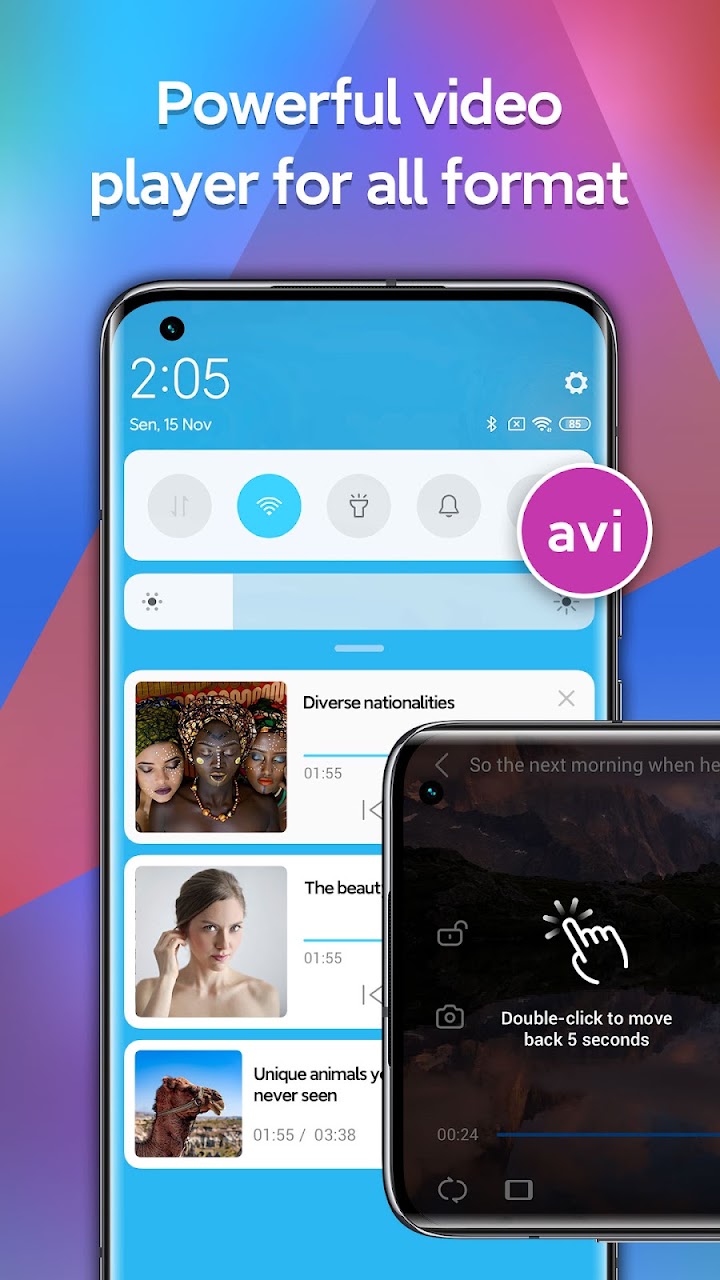
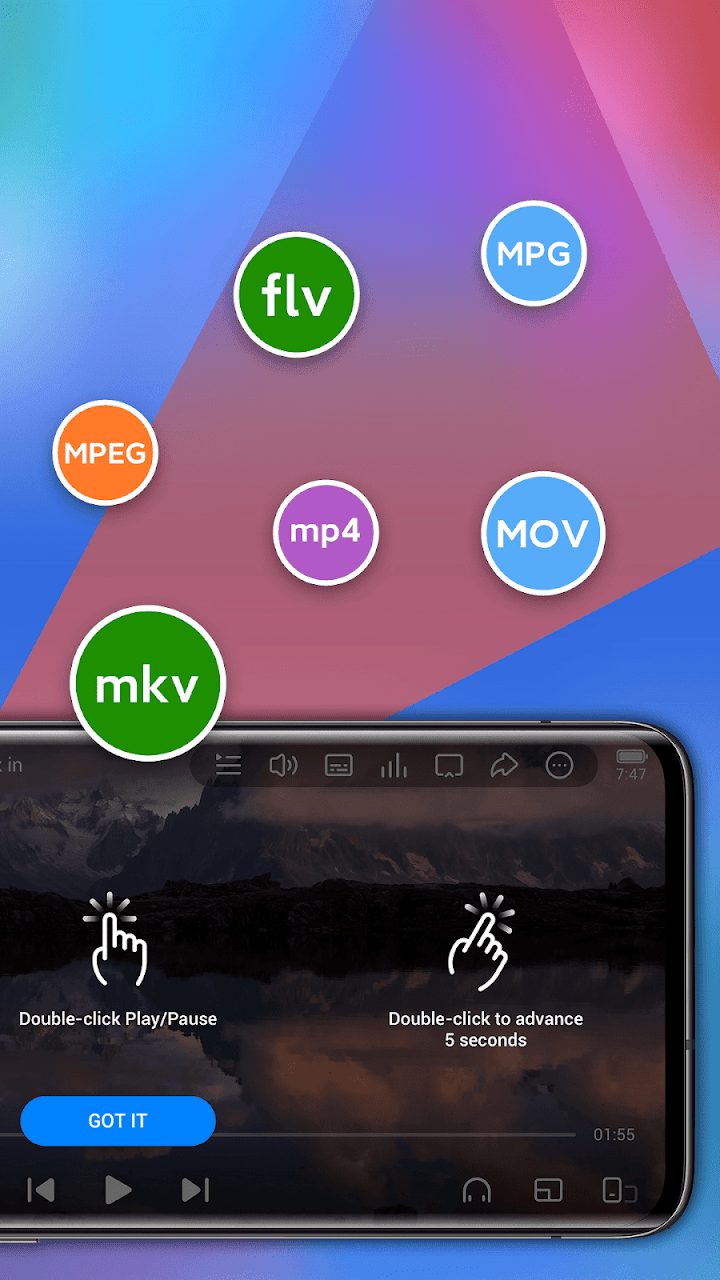
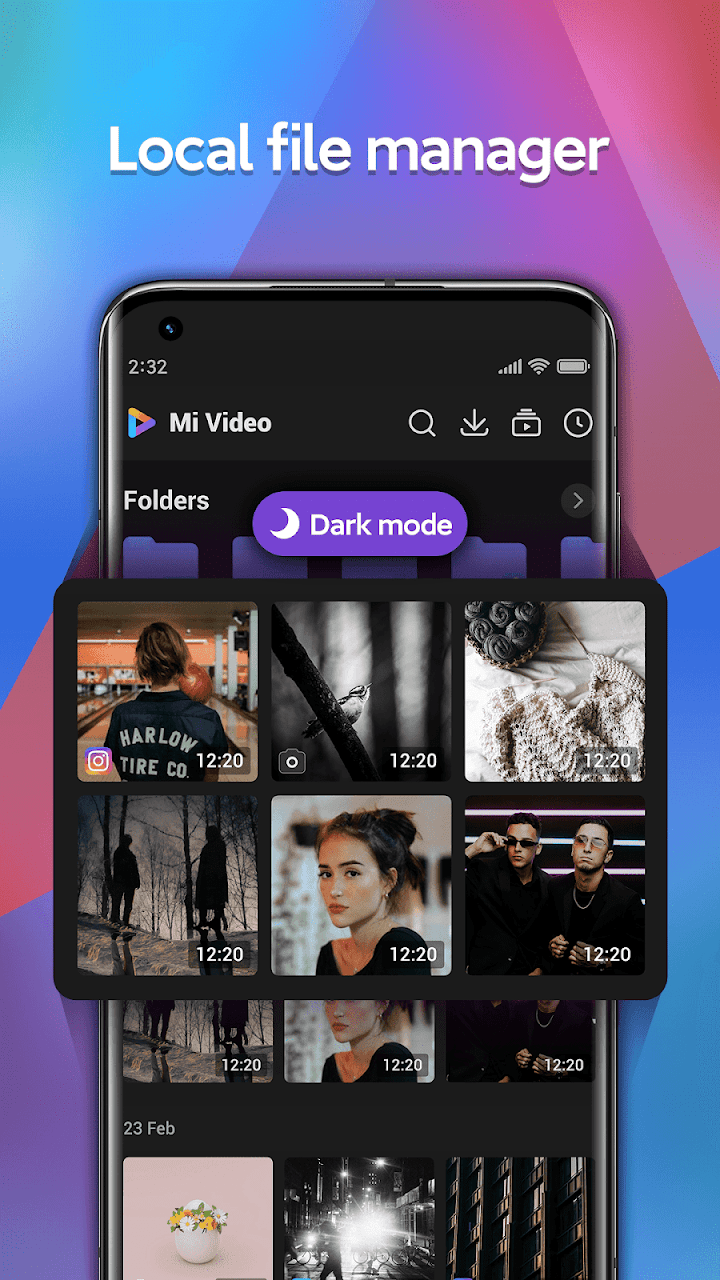
- Local video player — Play common formats like MKV, MP4, M4V, MOV, and AVI with subtitle support.
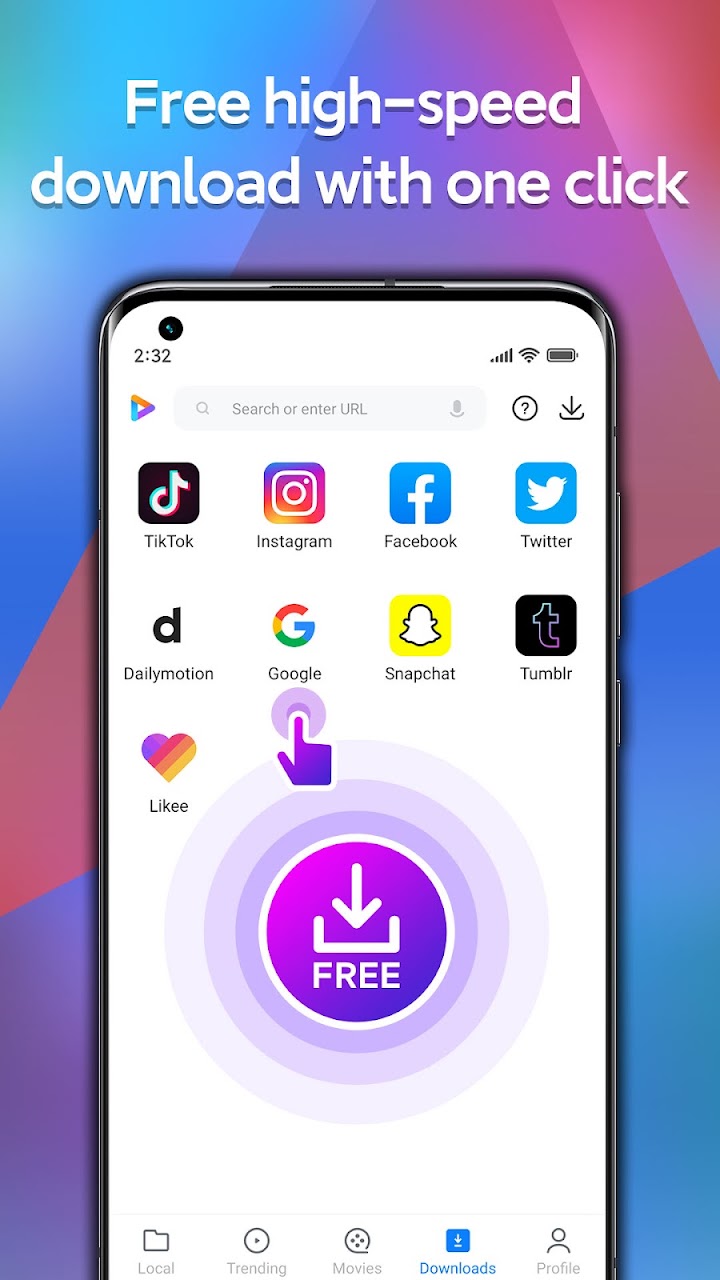
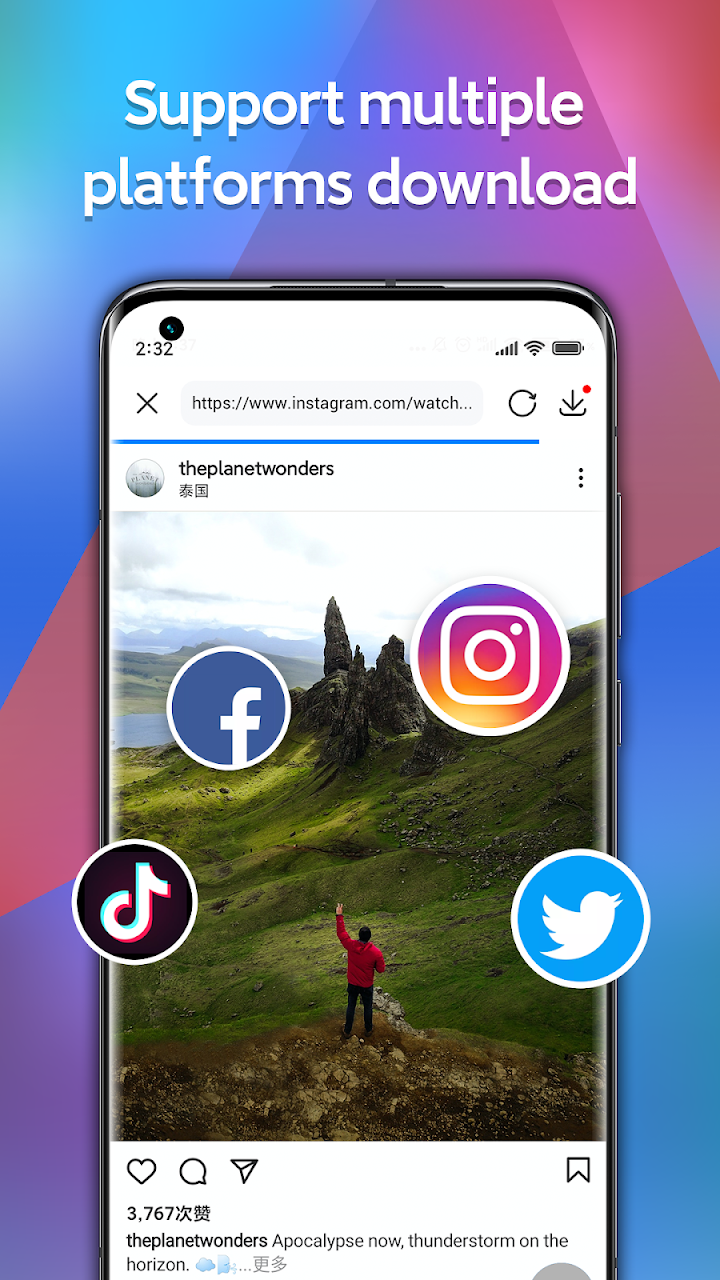
- Video downloads — Download videos from major social platforms and choose a resolution for saved files.
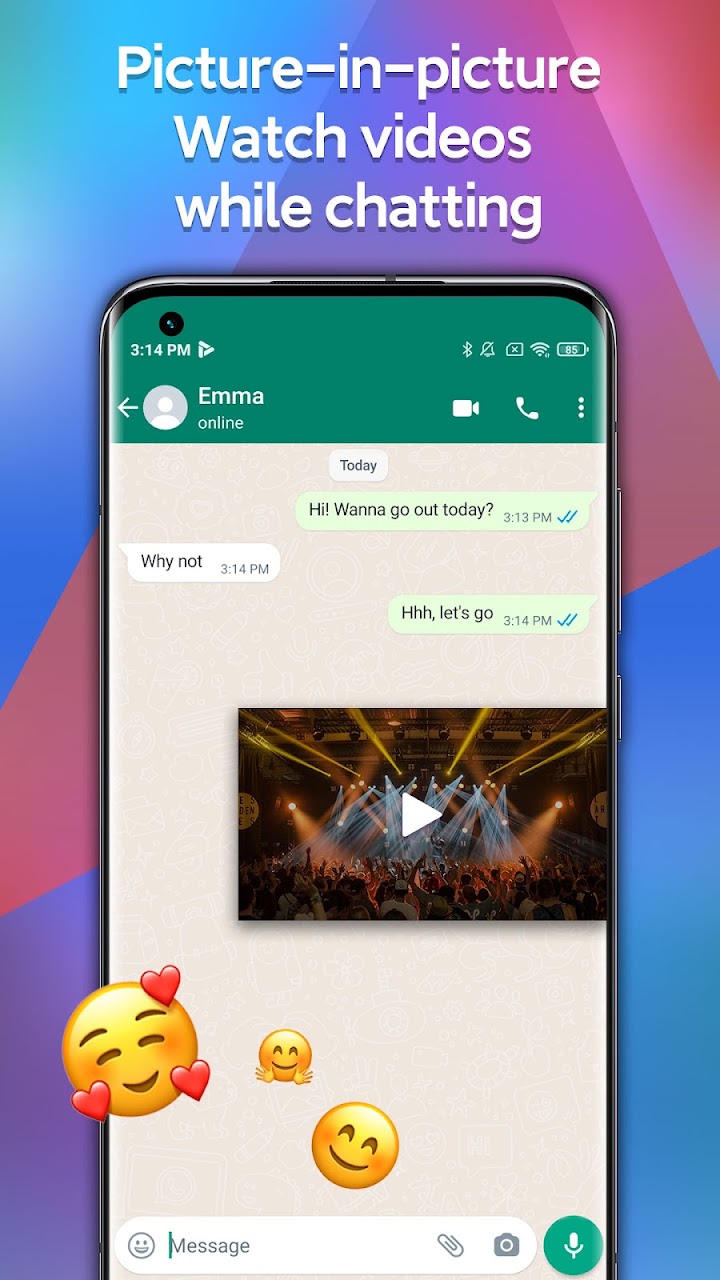
- Background playback — Use background play, pop-up play, double-tap controls, and gesture-based volume and brightness changes.
- File management — Find videos quickly and store private clips in password-protected folders.
What appears first
When you open Mi Video, the app pushes you toward short videos and the player controls it is built around. You can browse a feed, open local files, or move into downloads and file management. The app is free to install, uses ads, and does not offer in-app purchases. It installs as an APK, needs Android 7.0 or later, and the file size is 99 MB.
Set up playback and downloads
Start with the parts you will use most. If you keep videos on your phone, test the local player first and check subtitle options. If you want to save clips, use the downloader and pick a resolution. The app supports multiple downloads at the same time, and its help section explains the download flow.
- What you get: short videos, local playback, downloads, streaming, and file management.
- What to watch for: ads are included, and the app asks you to handle downloads from inside the app.
- Good to know: subtitles, picture-in-picture, and password-protected folders are available.
Formats, sources, and viewing tools
Mi Video handles common local video formats, including MKV, MP4, M4V, MOV, and AVI. It also supports online content from major social platforms and built-in trending feeds. For playback, you can use background play, pop-up play, zoom, aspect ratio options, and smart gestures for volume, brightness, and progress. Recent updates added search improvements and subtitle changes for local videos.
Useful first-day tips
Try subtitles on a local file before you rely on them for longer viewing. If you download often, check the resolution setting and the multi-download option. If you keep private clips, create a password-protected folder early so you do not have to move files later. Tablet use is supported, and the app also mentions use on phones and pads.
Requirements and permissions
Mi Video does not list any permissions. There is no account requirement shown here. The app is available as a universal APK and runs on Android 7.0 and up. It is made for entertainment use and is rated Teen.
What's new
Version 2026110900(MiVideo-GP) · Nov 11, 2026
- Optimized search features.
- Optimized subtitle feature for local videos.
- Subtitles and picture-in-picture features for TV and movies.
- Fixed some bugs.
Mi Video-Short Video Download in the news
APK information
- Version
- 2026110900(MiVideo-GP)
- Package
- com.miui.videoplayer
- Category
- Entertainment
- Size
- 99 MB
- Min Android
- 7.0
- Architecture
- universal
Older versions
-
Mi Video-Short Video Download 2026110900(MiVideo-GP)Nov 11, 2026Latest downloadAPK
Mi Video-Short Video Download FAQ
Does Mi Video-Short Video Download support Chromecast?expand_more
Chromecast support is not listed. The app focuses on local playback, short videos, downloads, and file management.
Does Mi Video-Short Video Download need a subscription?expand_more
No subscription is listed. The app is free and includes ads, with no in-app purchases.
Is Mi Video-Short Video Download available for older phones?expand_more
It needs Android 7.0 or later. Phones below that version are not supported.
Does Mi Video-Short Video Download work on tablets?expand_more
Yes. The app says it works on phones and pads.
Which video formats does Mi Video-Short Video Download play?expand_more
It supports MKV, MP4, M4V, MOV, AVI, and more.