
- 3.5star209,582 reviews
- 500M+Downloads
- 23 MBAPK size
- TeenRated for Teen
- 7.0+Android
check_circleOriginal APK from Google LLC · Updated Nov 12, 2026
No threats found
0 / — antivirus engines flagged this file
Original signature
First seen — Google LLC
Unmodified APK
Same file the developer published — no mods
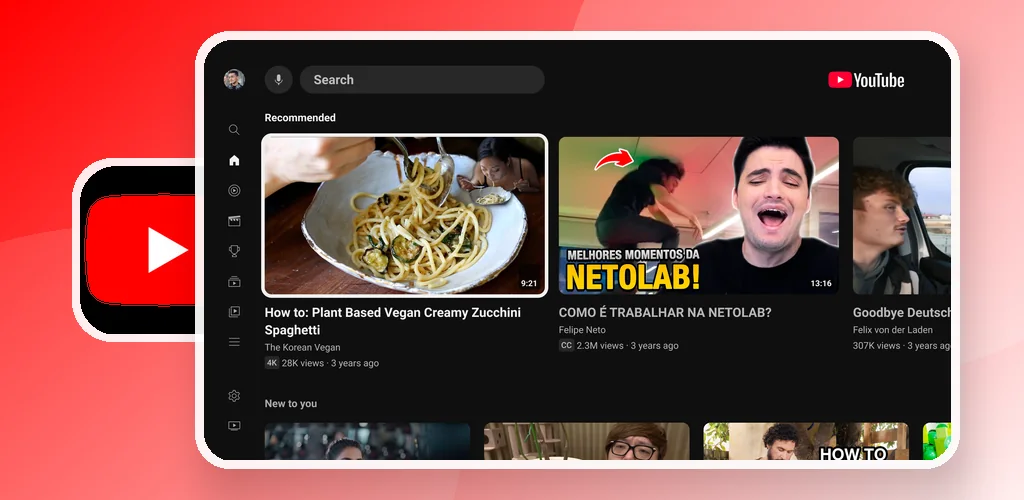
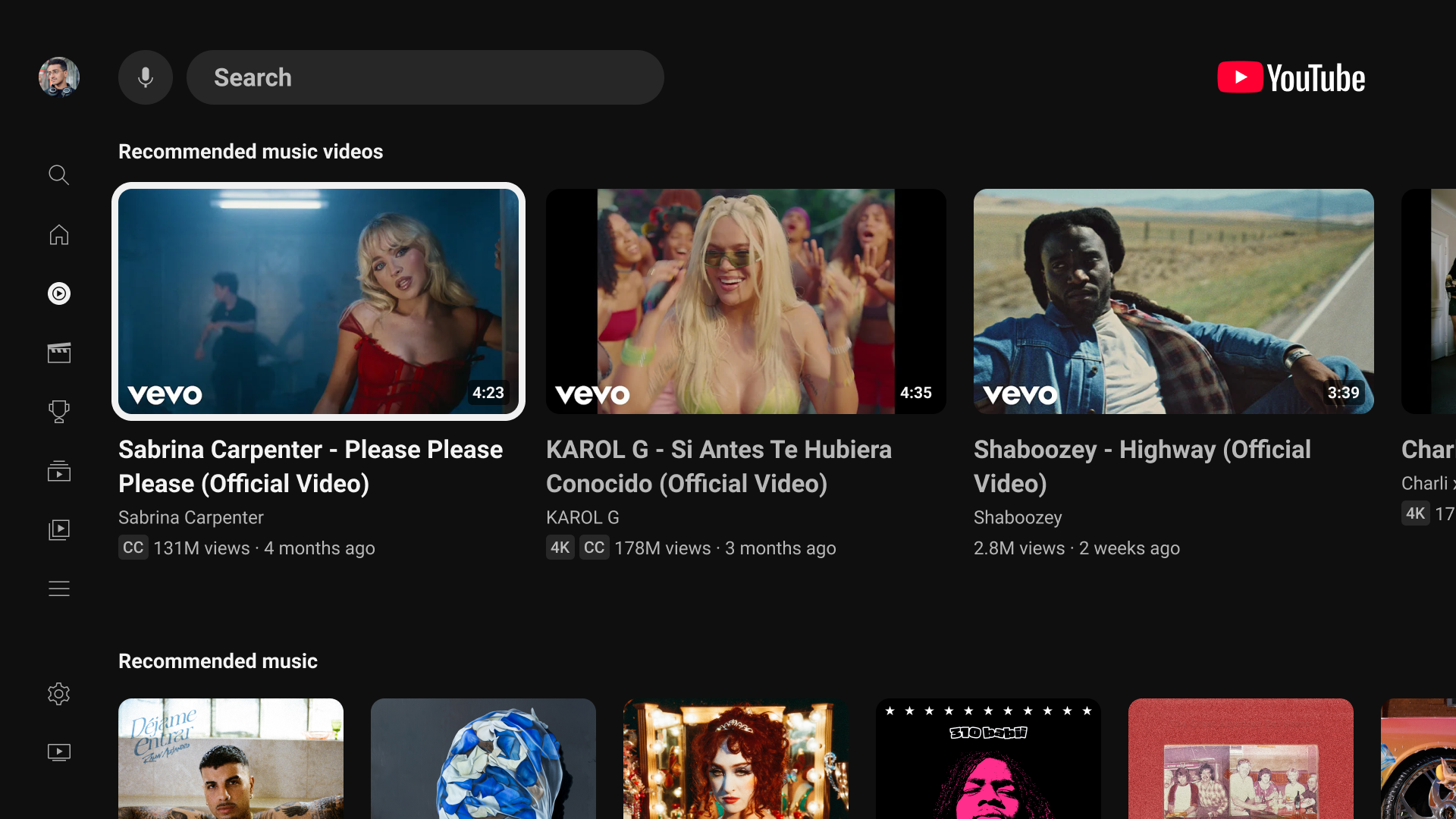
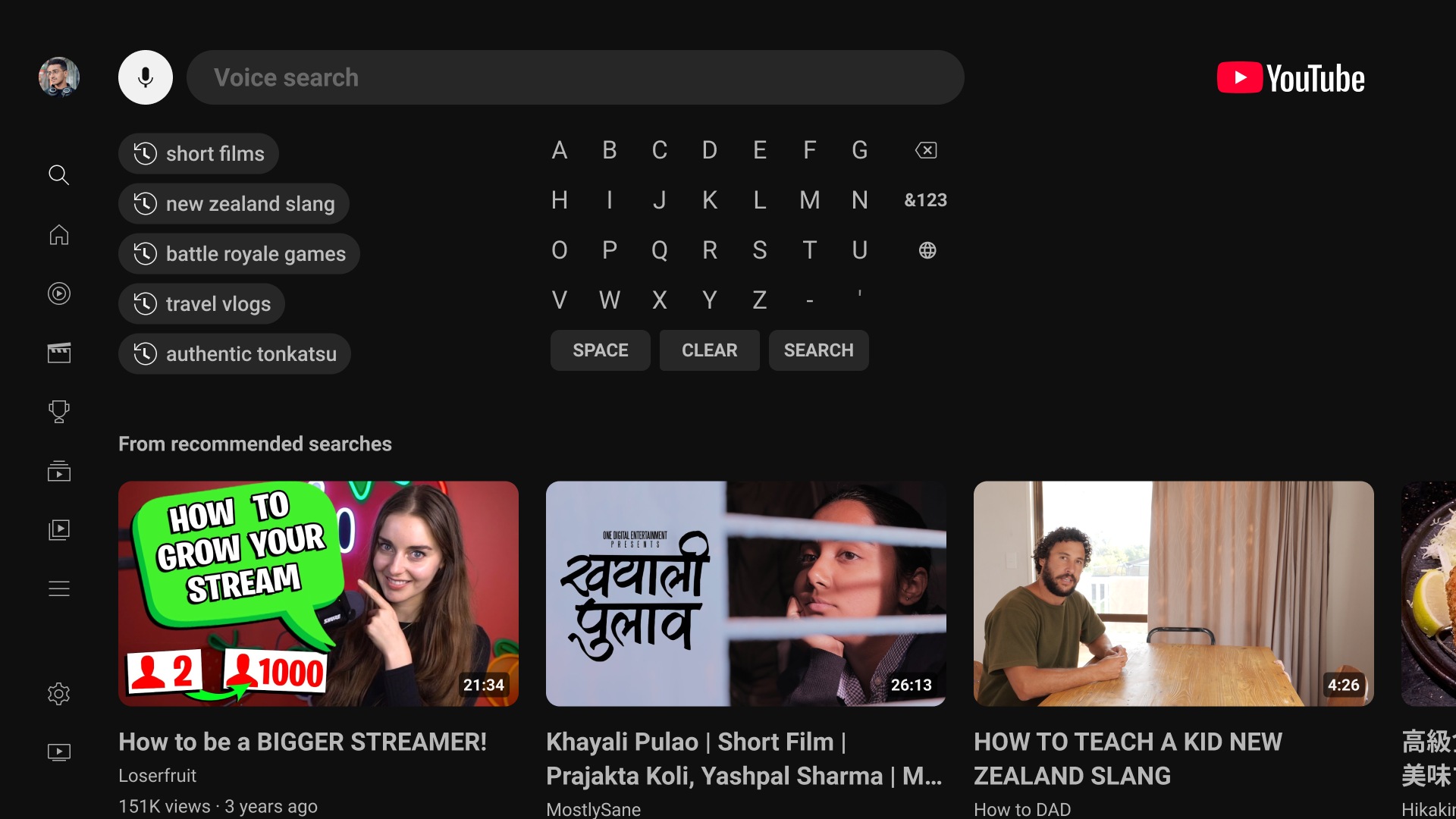
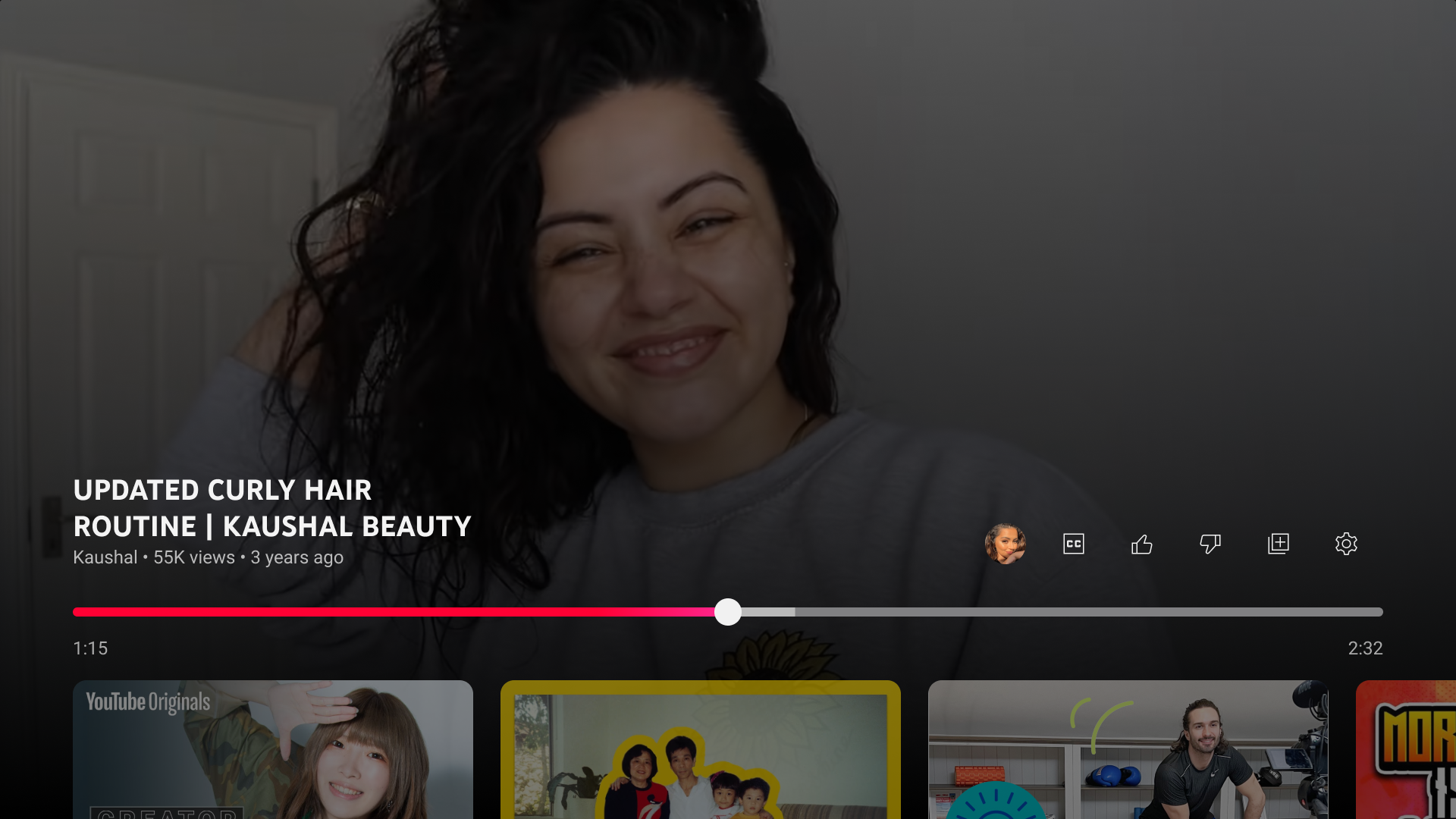
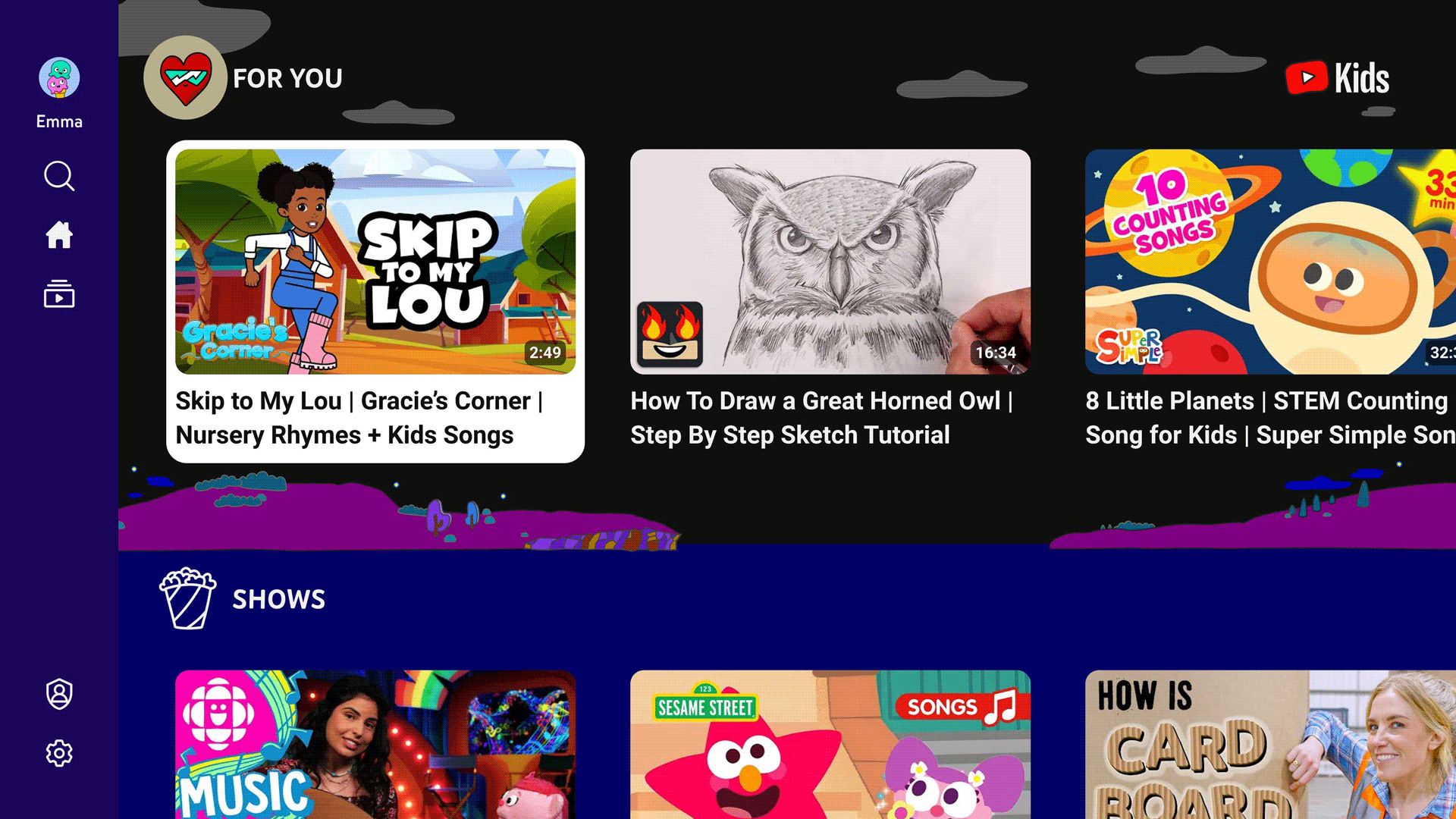
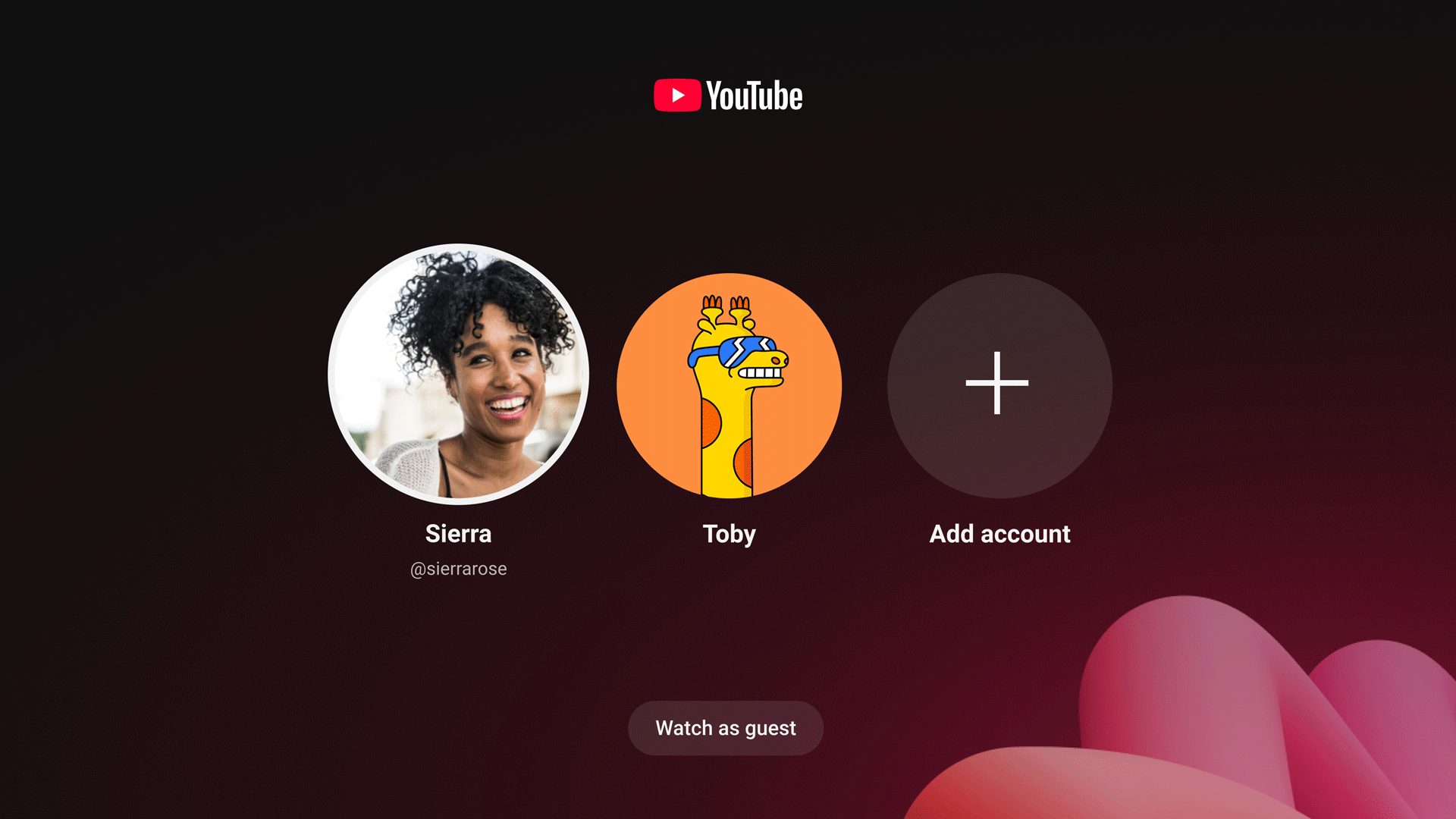
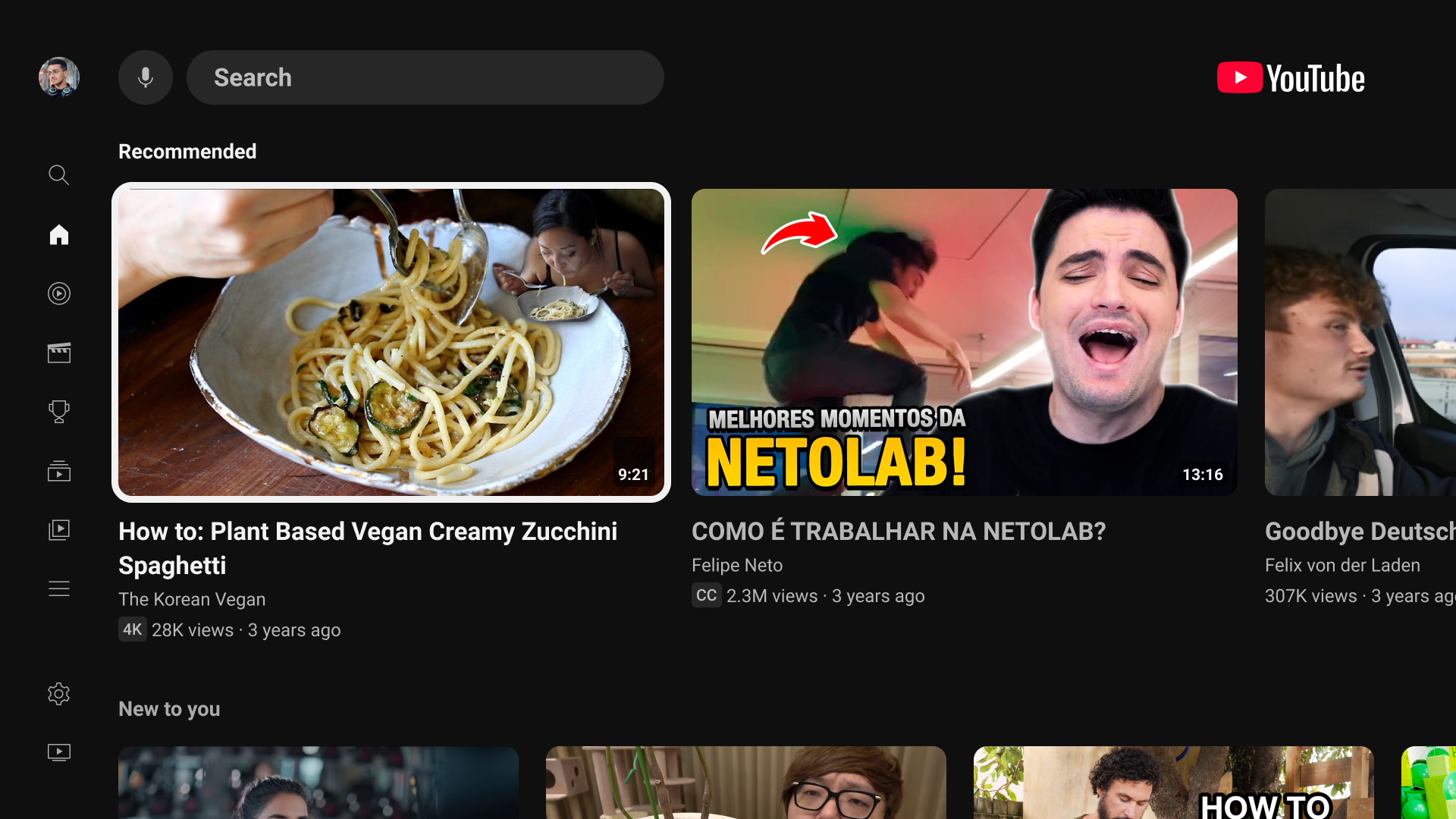
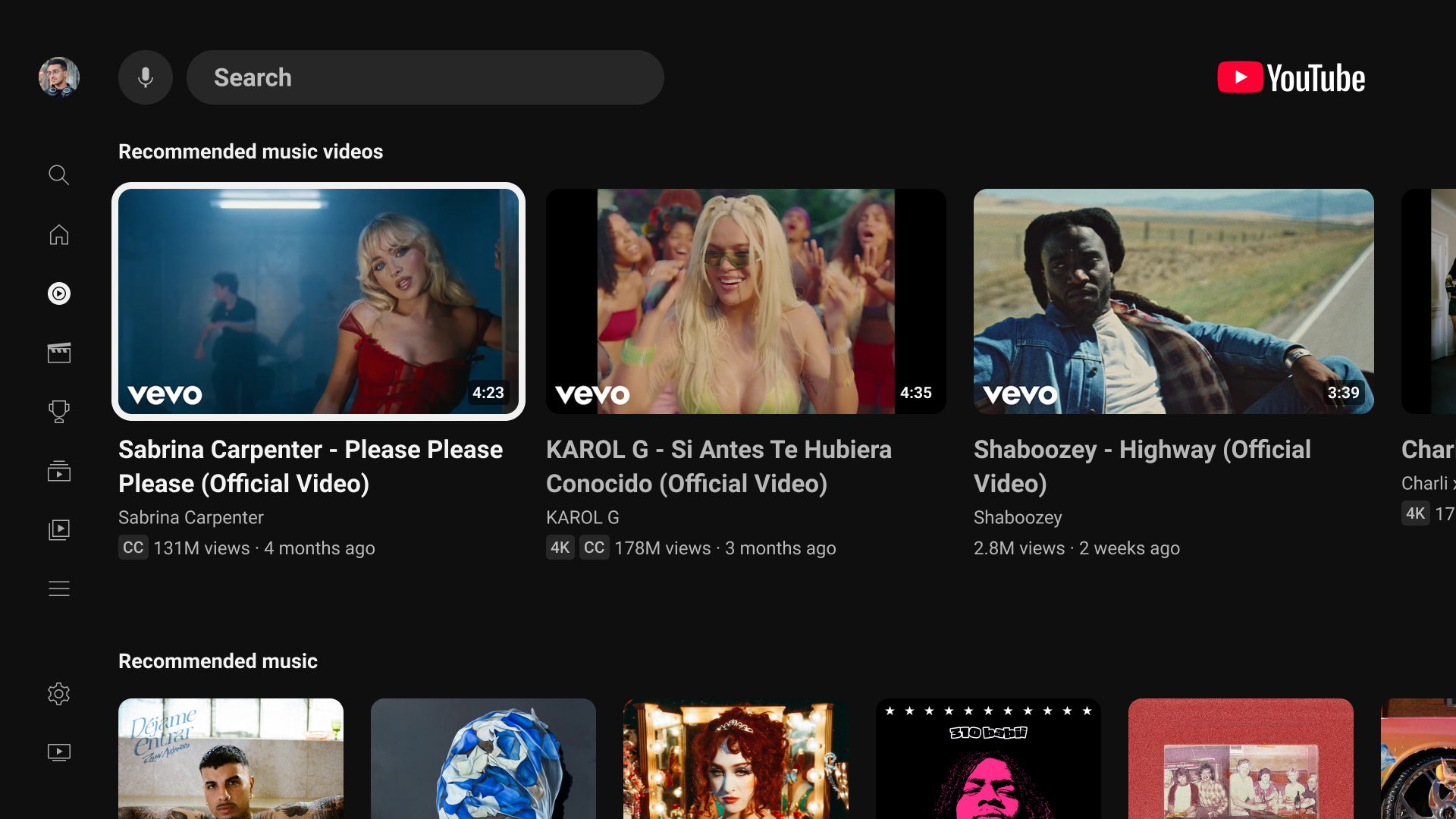
YouTube for Android TV screenshots
8 images · tap to enlarge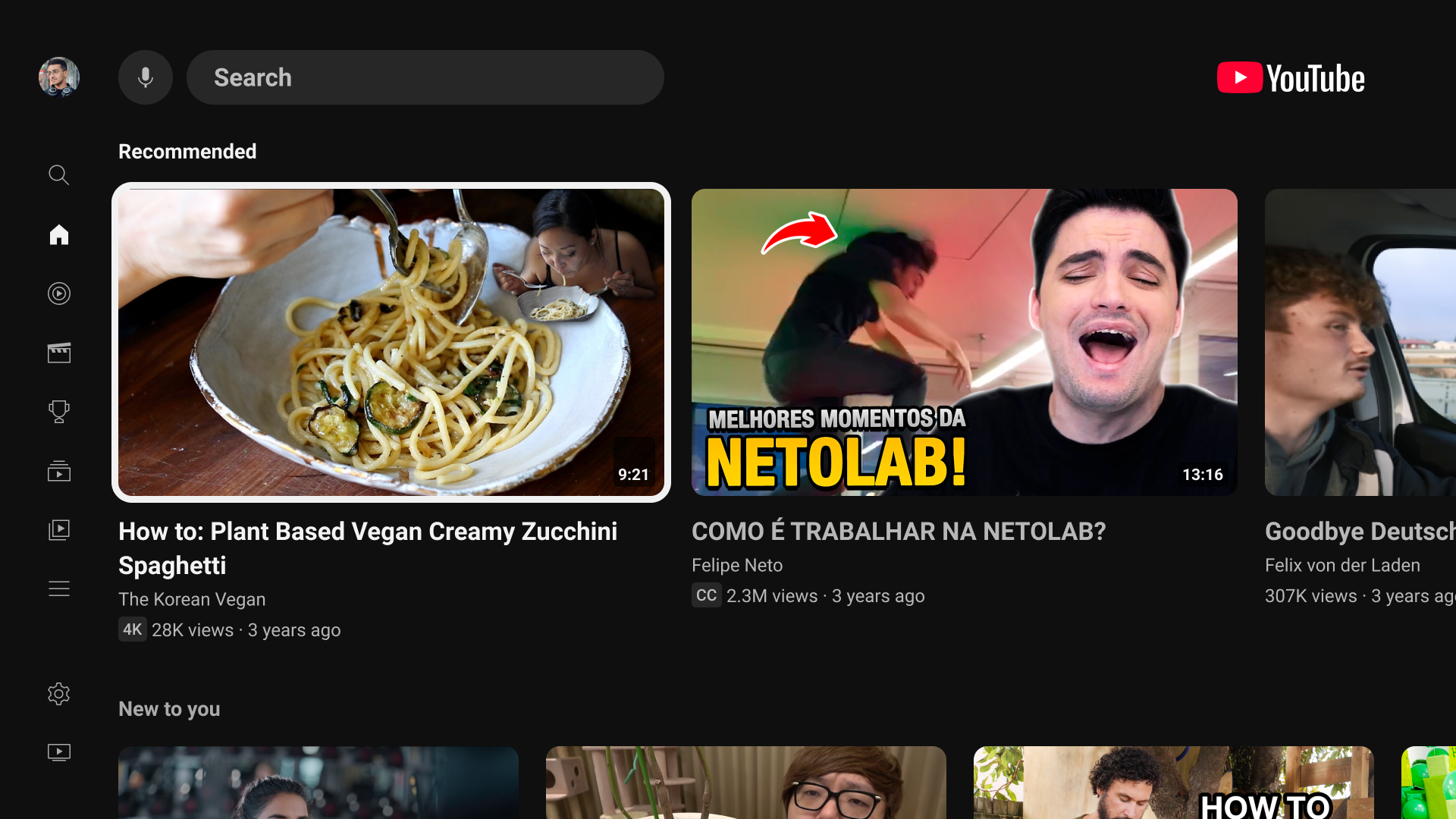
About this app
500M+ people have installed YouTube for Android TV, and it holds a 3.5 rating from 207,453 reviews. It brings YouTube to the TV screen for quick browsing, longer viewing sessions, and family use, with sign-in for personalized recommendations, kid account management, and access to creators, podcasts, live news, sports, music, movies, and TV shows.
- TV-first viewing — Open YouTube on the big screen to browse videos, music, movies, shows, and live content from the couch.
- Personalized feed — Sign in to get recommendations shaped by your account and jump back into content you already follow.
- Kid account controls — Parents can add and manage a kid account and choose the content settings that guide discovery.
- Live and on-demand — Use one app for creator uploads, podcasts, live news, sports, and full-length entertainment.
- Free to use — The app is free, but it contains ads and offers in-app purchases.
When TV browsing needs to be simple
YouTube for Android TV solves the common problem of wanting something to watch without moving to a phone or laptop. It puts YouTube on the TV so you can open it for a few minutes between tasks or settle in for a longer session. The app is free to install and works on Android 7.0 and up, with a 23.4 MB universal APK.
Find videos, music, and shows on one screen
The app is built around the kind of viewing people actually do at home: creator videos, podcasts, live news, sports, music, blockbuster movies, and TV shows. Sign in to see fresh, personalized content and keep the home screen centered on the channels and topics you already follow. That makes it useful whether you are catching up on a creator upload or putting something on in the background.
Manage a kid account from the TV
Parents can add and manage a kid account and choose the content settings that shape what children discover. That keeps the app useful for shared living rooms, where one screen has to work for adults and kids. It is also rated Teen, so households may want to check the content mix before handing over the remote.
What to expect before installing
There are a few trade-offs to know. The app contains ads, and it includes in-app purchases. It does not list any required permissions here, and no offline or download feature is shown, so viewing appears to depend on being online. If you want YouTube specifically on a TV setup, this is the official app from Google LLC rather than a phone-only version.
Best fit for regular TV watchers
This app makes sense for people who use YouTube as part of daily TV time and want a familiar interface on the big screen. It is especially useful for viewers who want creator content, live coverage, and family controls in one place, while accepting ads and account sign-in as part of the experience.
APK information
- Version
- 5.30.304
- Package
- com.google.android.youtube.tv
- Category
- Entertainment
- Size
- 23 MB
- Min Android
- 7.0
- Architecture
- universal
Older versions
-
YouTube for Android TV 5.30.304Nov 12, 2026Latest downloadAPK
YouTube for Android TV FAQ
Does YouTube for Android TV need a subscription?expand_more
No subscription is listed. The app is free to use, though it contains ads and offers in-app purchases.
Does YouTube for Android TV support Chromecast?expand_more
That support is not listed. This app is presented as the official YouTube app on TV.
What changed in the latest YouTube for Android TV version?expand_more
No recent changes are listed for the latest version.
Does YouTube for Android TV have in-app purchases?expand_more
Yes. In-app purchases are listed for the app.
What Android version does YouTube for Android TV require?expand_more
It requires Android 7.0 or higher.