
- 4.2star3,448,521 reviews
- 500M+Downloads
- 76 MBAPK size
- EveryoneRated for Everyone
- 7.0+Android
check_circleOriginal APK from Google LLC · Updated Nov 12, 2026
No threats found
0 / — antivirus engines flagged this file
Original signature
First seen — Google LLC
Unmodified APK
Same file the developer published — no mods
YouTube Kids screenshots
8 images · tap to enlarge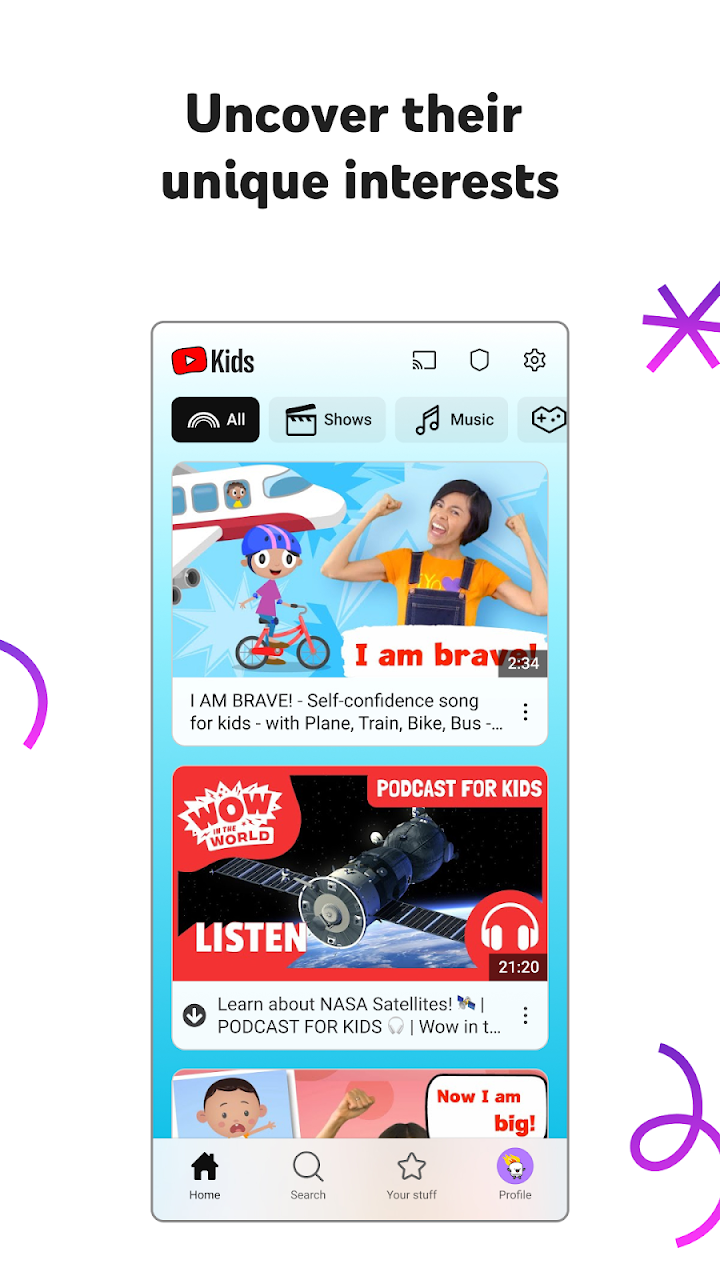
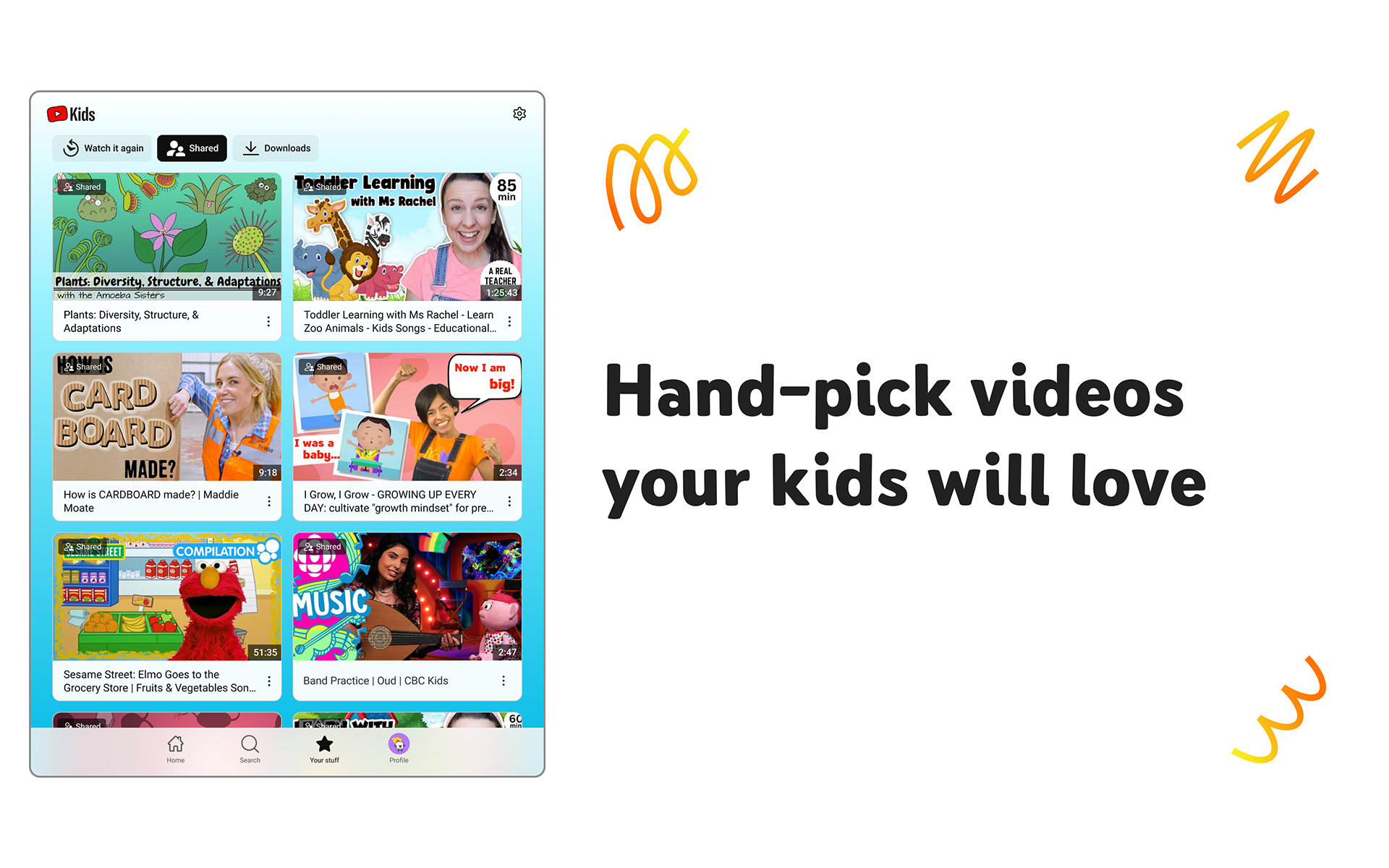
About this app
With 500M+ installs and a 4.2 rating, YouTube Kids is a video app built for children. It lets parents shape what kids can watch with age-based modes, approved-content settings, a Watch it Again tab, and a timer for screen-time limits. Google LLC publishes it as a free app with ads and no in-app purchases.
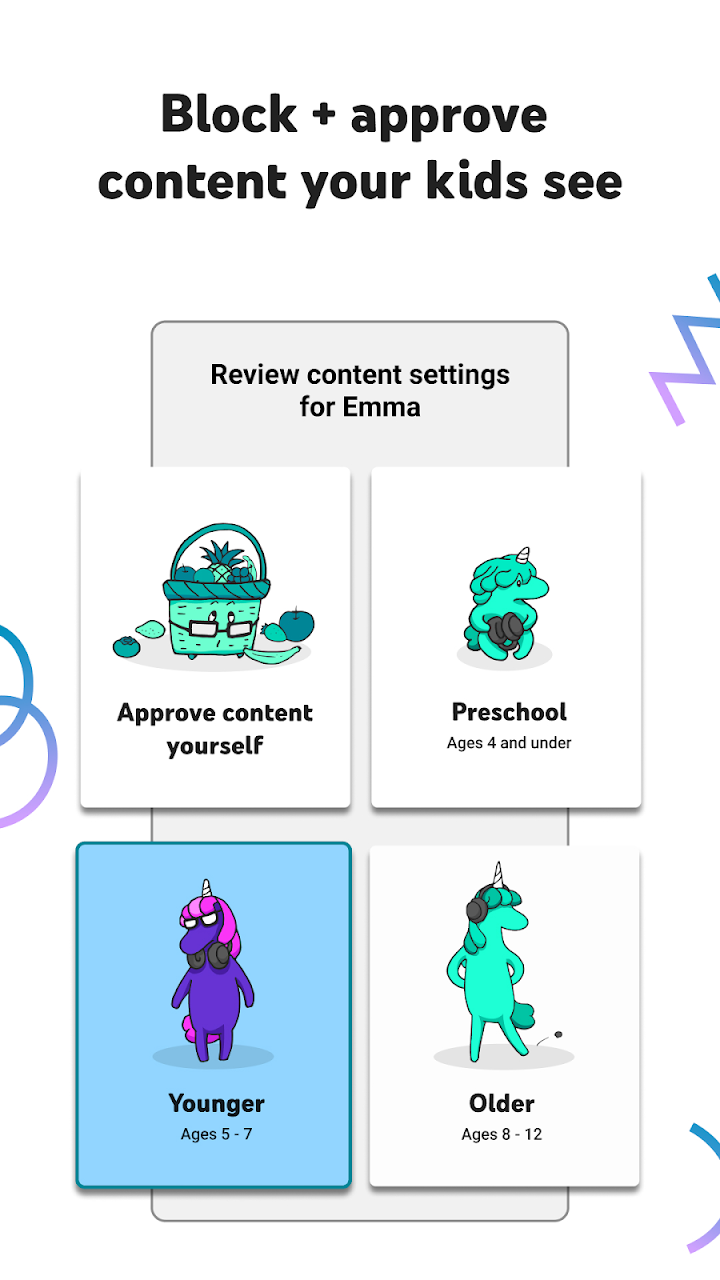
- Age-based modes — Choose Preschool, Younger, Older, or Approved Content Only to match what your child can explore.
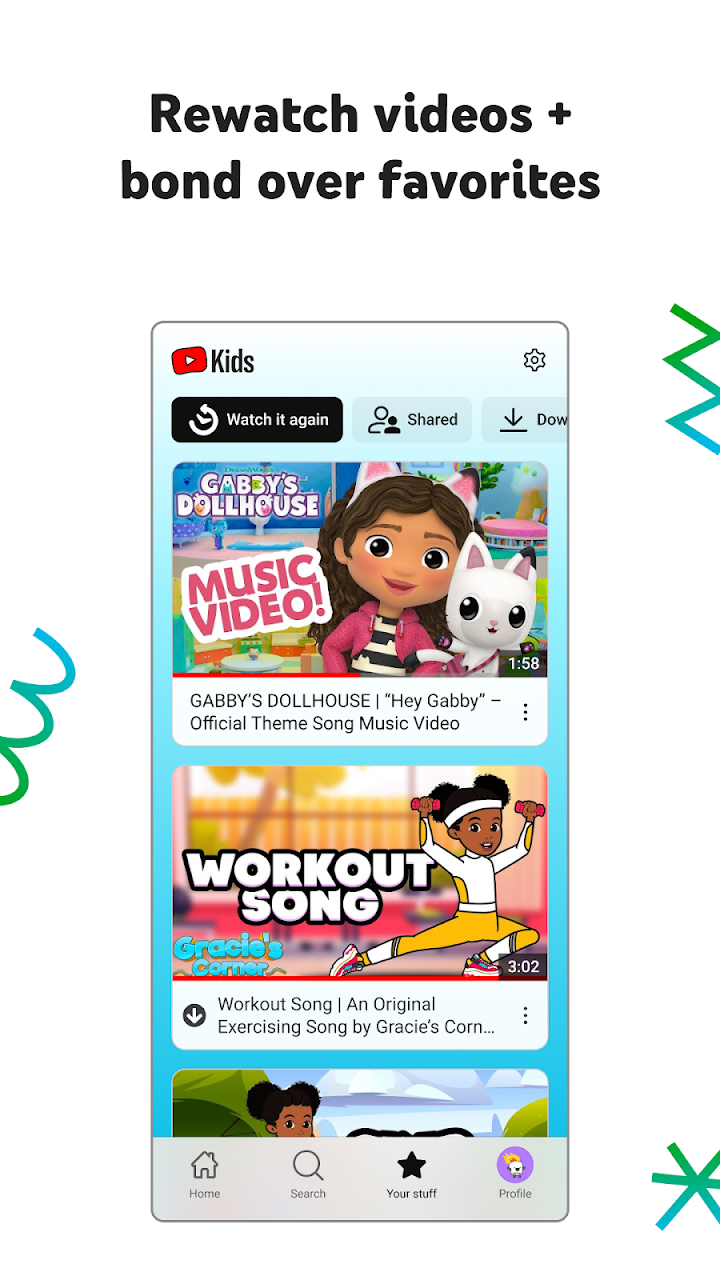
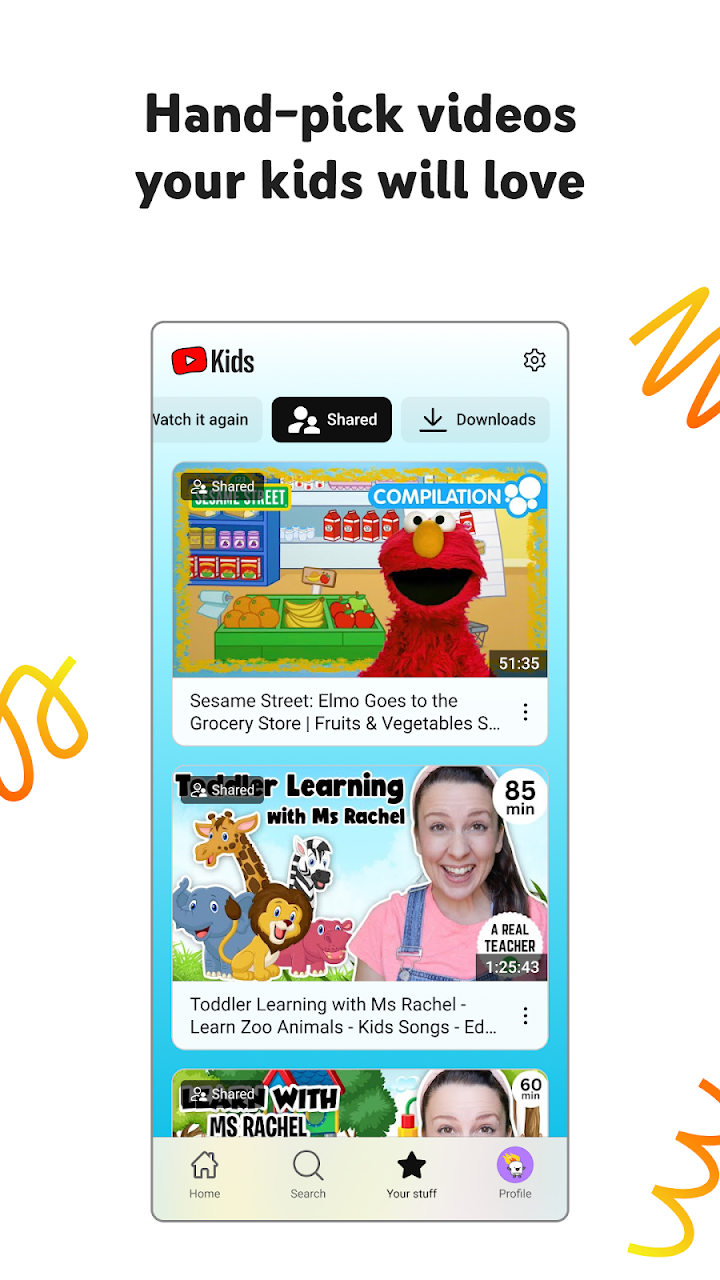
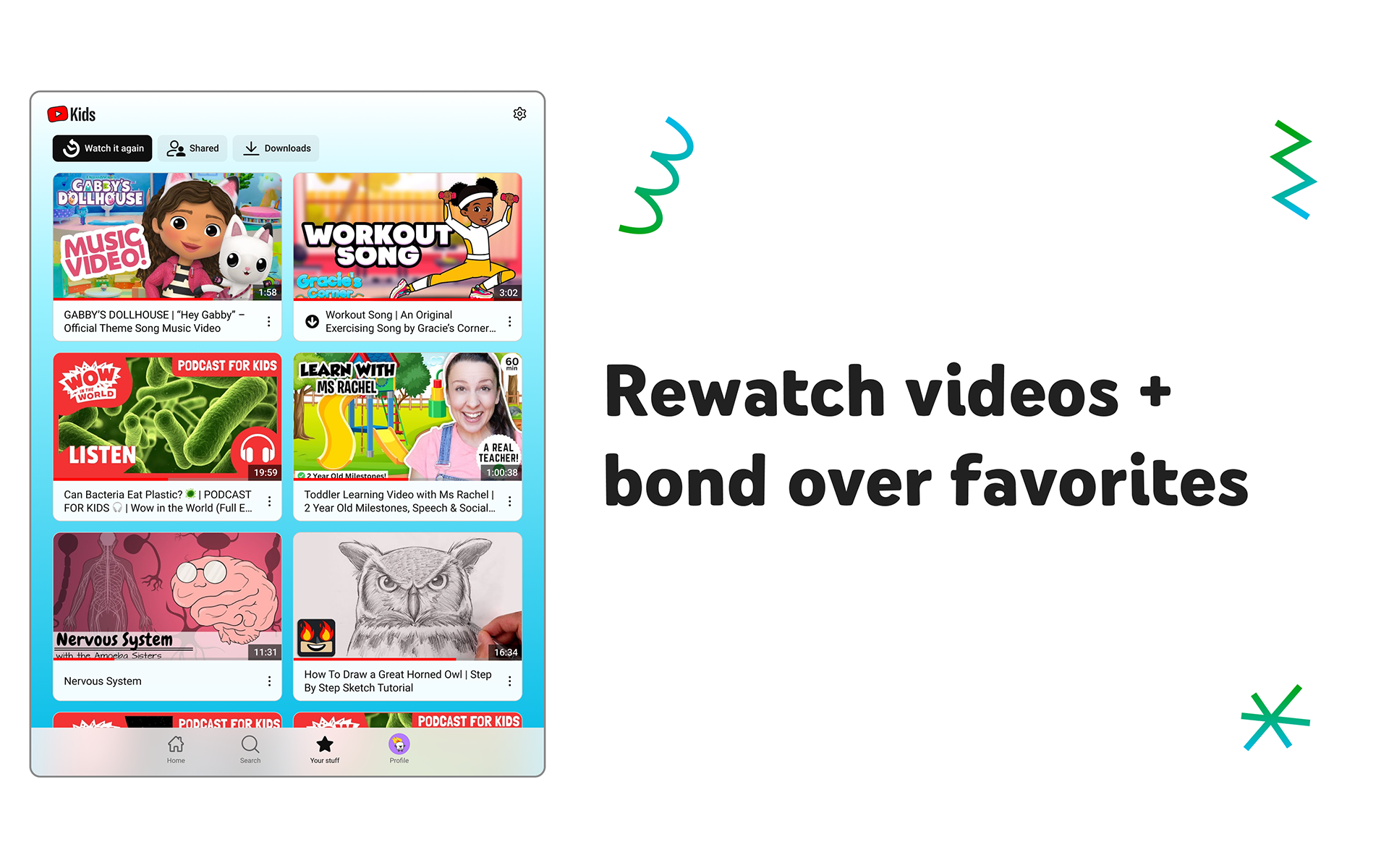
- Watch it again — The Watch it Again tab makes it easy to return to favorite videos and shared content.
- Parental controls — Use blocking and review tools to limit what appears and flag content for review.
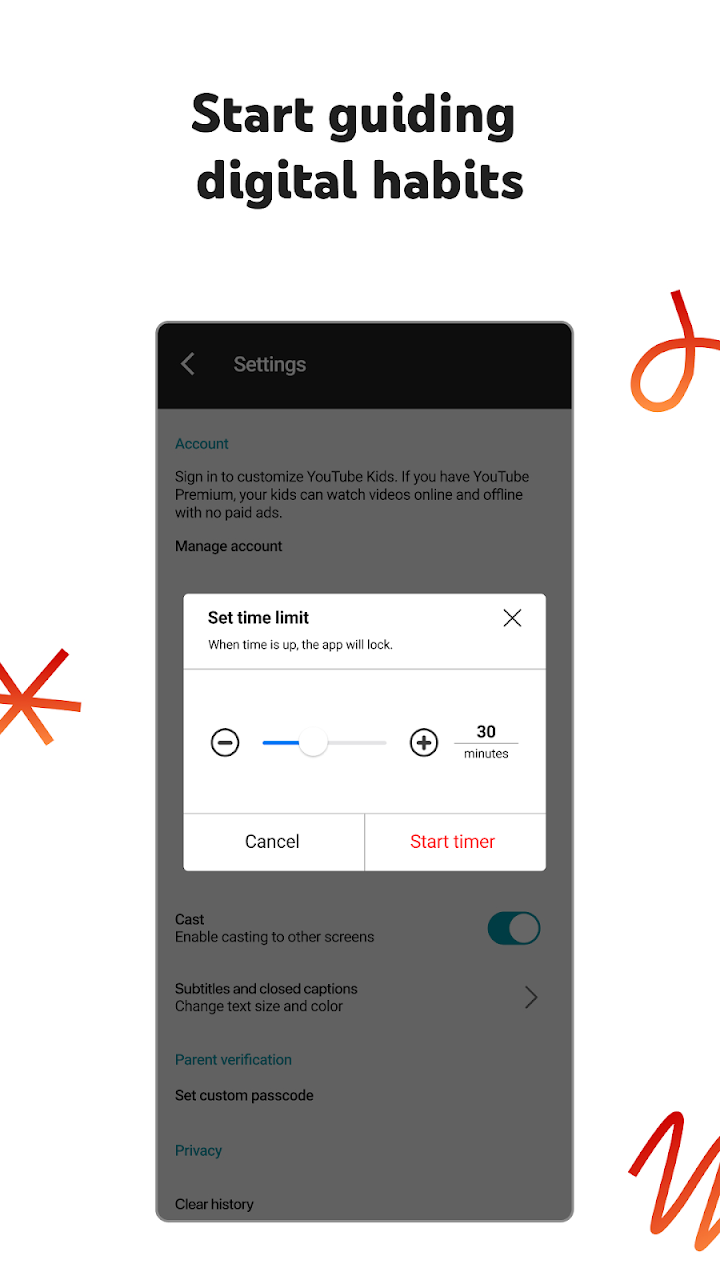
- Screen-time timer — Set a timer that freezes the app when it is time to take a break.
- Free with ads — The app is free to use, includes ads, and does not offer in-app purchases.
For families starting with guided video
YouTube Kids is aimed at parents who want a child-friendly video space rather than the full YouTube experience. The app is free, shows ads, and does not include in-app purchases. It is rated Everyone, but parental setup is needed to get the intended experience and to choose which videos fit your family.
It installs as an APK, runs on Android 7.0 and up, and the file size is 75.8 MB.
For younger children and mixed ages
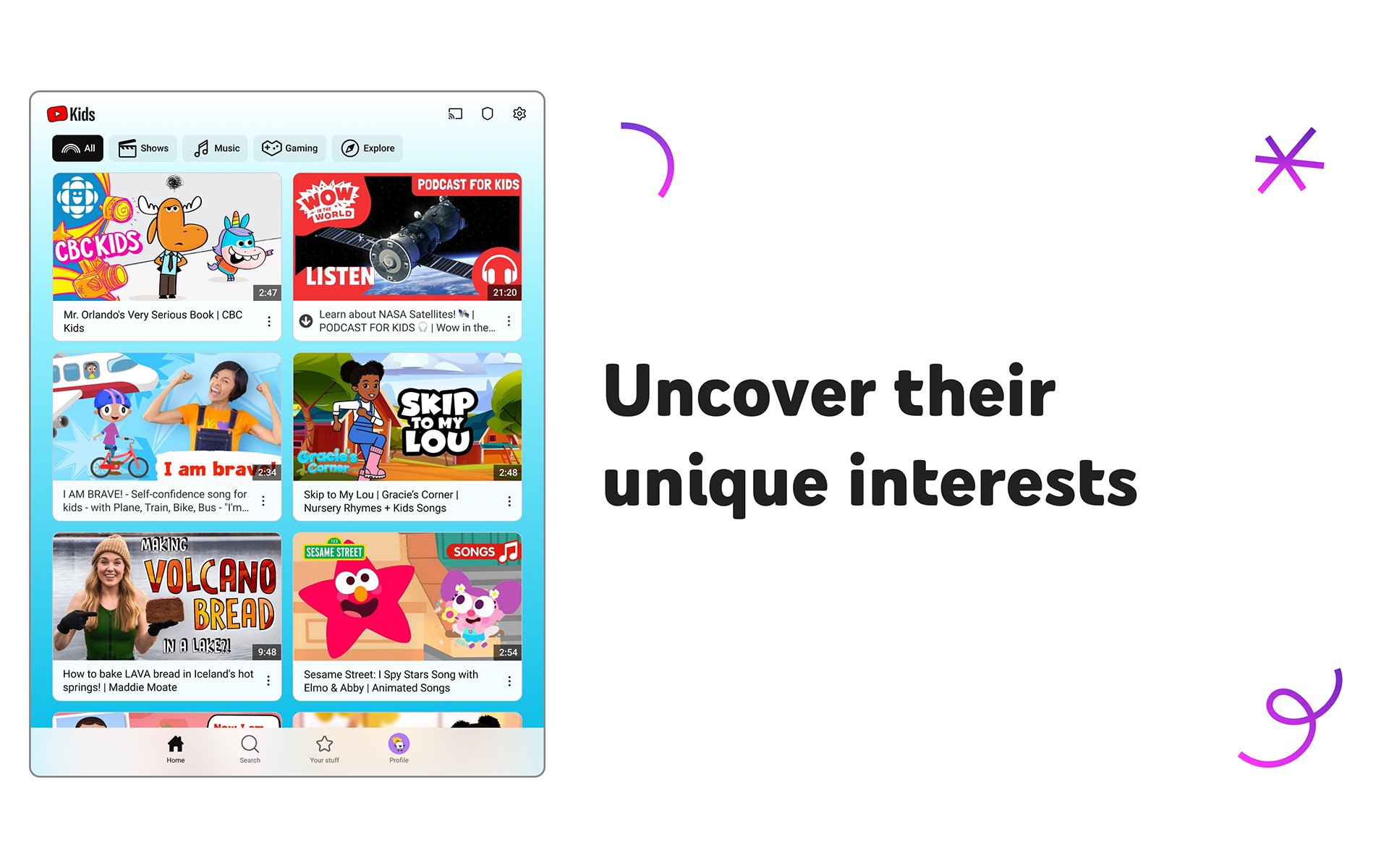
Preschool mode focuses on early learning and curiosity, Younger mode broadens the mix to songs, cartoons, and crafts, and Older mode opens up popular music and gaming videos. If you want tighter control, Approved Content Only lets you pick specific videos, channels, and collections.
- You get: age-based profiles, custom content filters, and easy navigation tools.
- Watch for: commercial content from creators that is not a paid ad, plus ads inside the app.
For parents who want control
The app includes blocking tools, flagging for review, and a Timer feature that freezes the app when screen time is up. The Watch it Again tab helps you revisit videos your child liked or content you shared with them, which can make repeat viewing easier to manage.
For install and device planning
YouTube Kids is distributed in APK format and uses the universal architecture. The app does not list any permissions here, and there are no in-app purchases to plan around. If you are comparing it with regular video apps, the main tradeoff is that YouTube Kids narrows the content pool in exchange for more parent-led filtering.
APK information
- Version
- 11.38.481
- Package
- com.google.android.apps.youtube.kids
- Category
- Entertainment
- Size
- 76 MB
- Min Android
- 7.0
- Architecture
- universal
Older versions
-
YouTube Kids 11.38.481Nov 12, 2026Latest downloadAPK
YouTube Kids FAQ
Does YouTube Kids support Chromecast?expand_more
The provided details do not mention Chromecast support.
Does YouTube Kids need a subscription?expand_more
No subscription is listed. The app is free to use, with ads and no in-app purchases.
Is YouTube Kids free to use?expand_more
Yes. YouTube Kids is free, although it contains ads.
How do I update YouTube Kids from an APK?expand_more
This build is version 11.38.481. Updating from an APK means installing the newer APK file over the existing app on a compatible Android device.
What Android version does YouTube Kids require?expand_more
YouTube Kids requires Android 7.0 or later.