- 4.5star306,018 reviews
- 10M+Downloads
- 24 MBAPK size
- EveryoneRated for Everyone
- API 16+Android
check_circleOriginal APK from SaS Developer · Updated Nov 12, 2026
No threats found
0 / — antivirus engines flagged this file
Original signature
First seen — SaS Developer
Unmodified APK
Same file the developer published — no mods
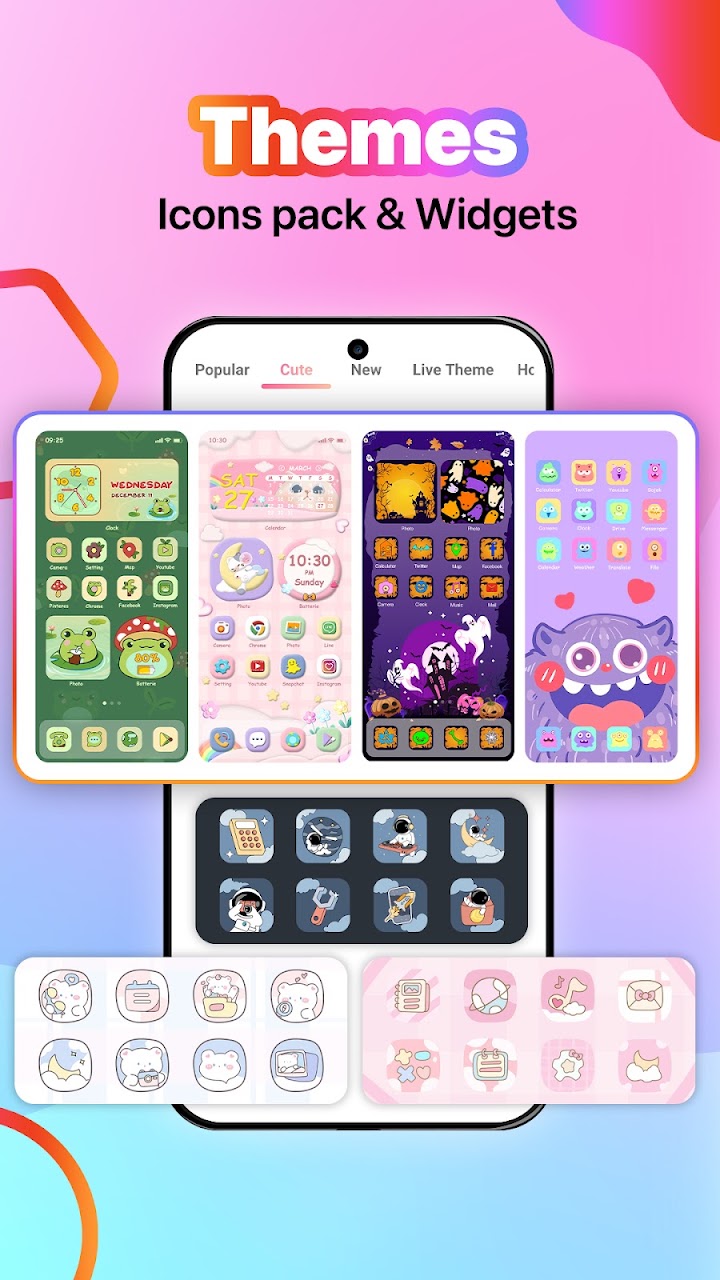
MiniPhone Launcher 26: Cool OS screenshots
8 images · tap to enlarge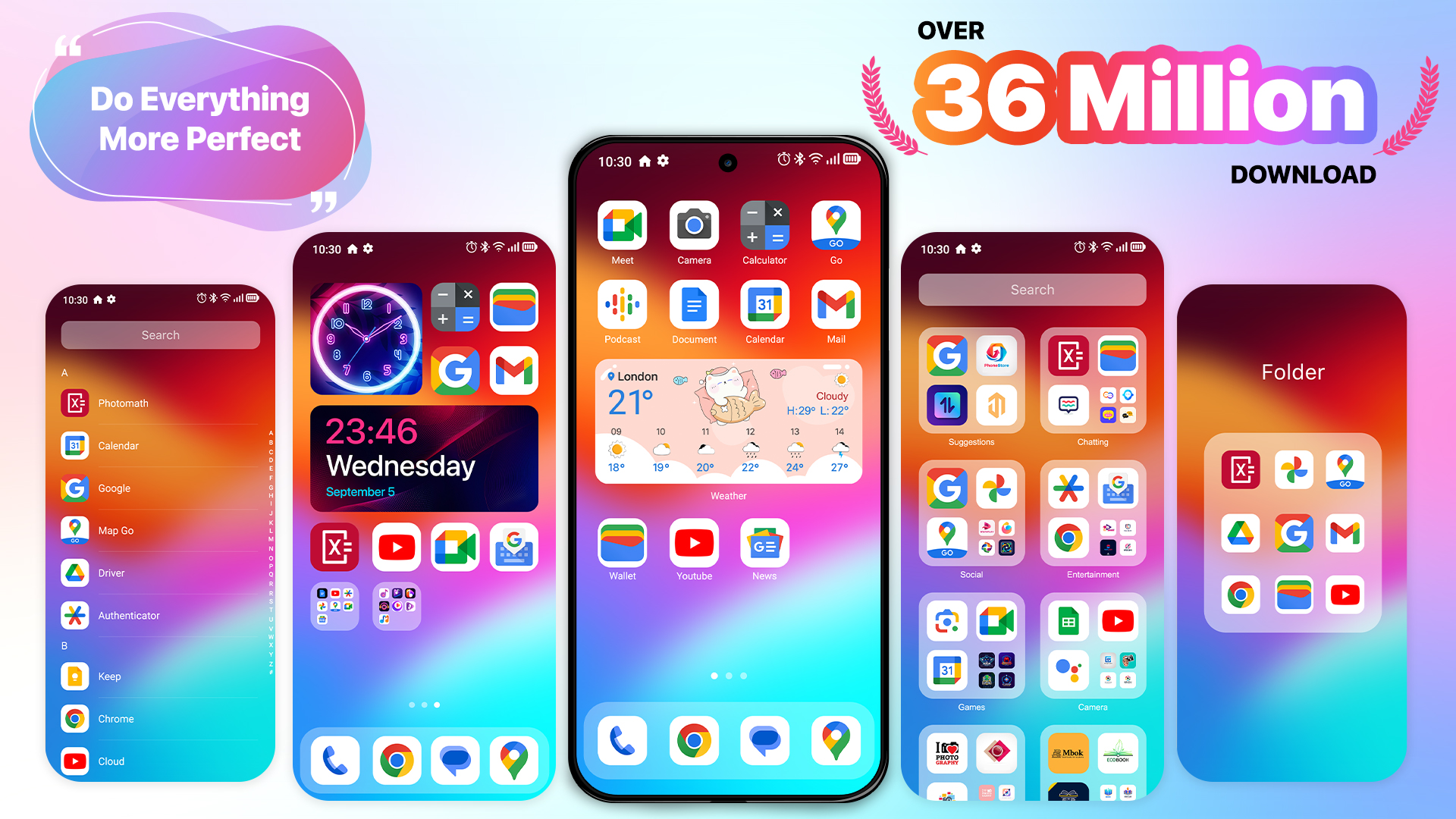
About this app
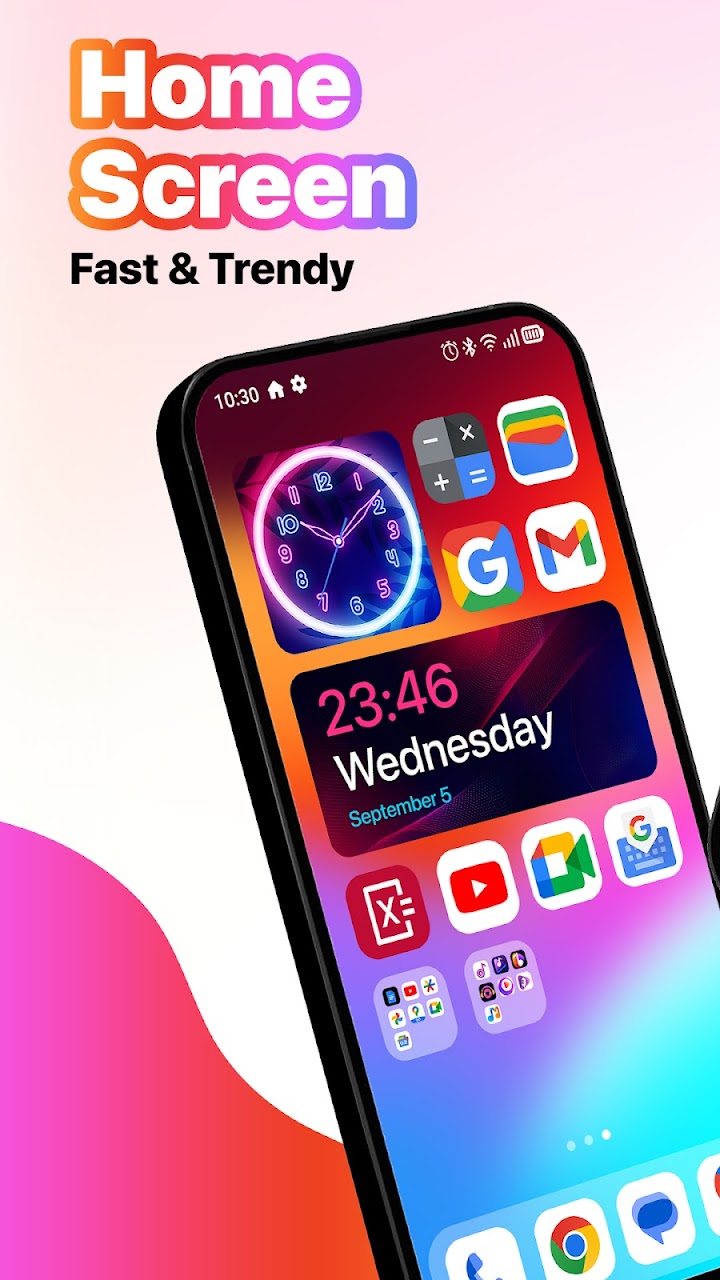
When your home screen is crowded and it takes too long to find an app, MiniPhone Launcher 26: Cool OS offers a simpler layout. It groups apps into folders and categories, adds quick search, and keeps common tools close at hand. The app has 10M+ installs, a 4.5 rating from 306,018 ratings, and is free with ads and in-app purchases.
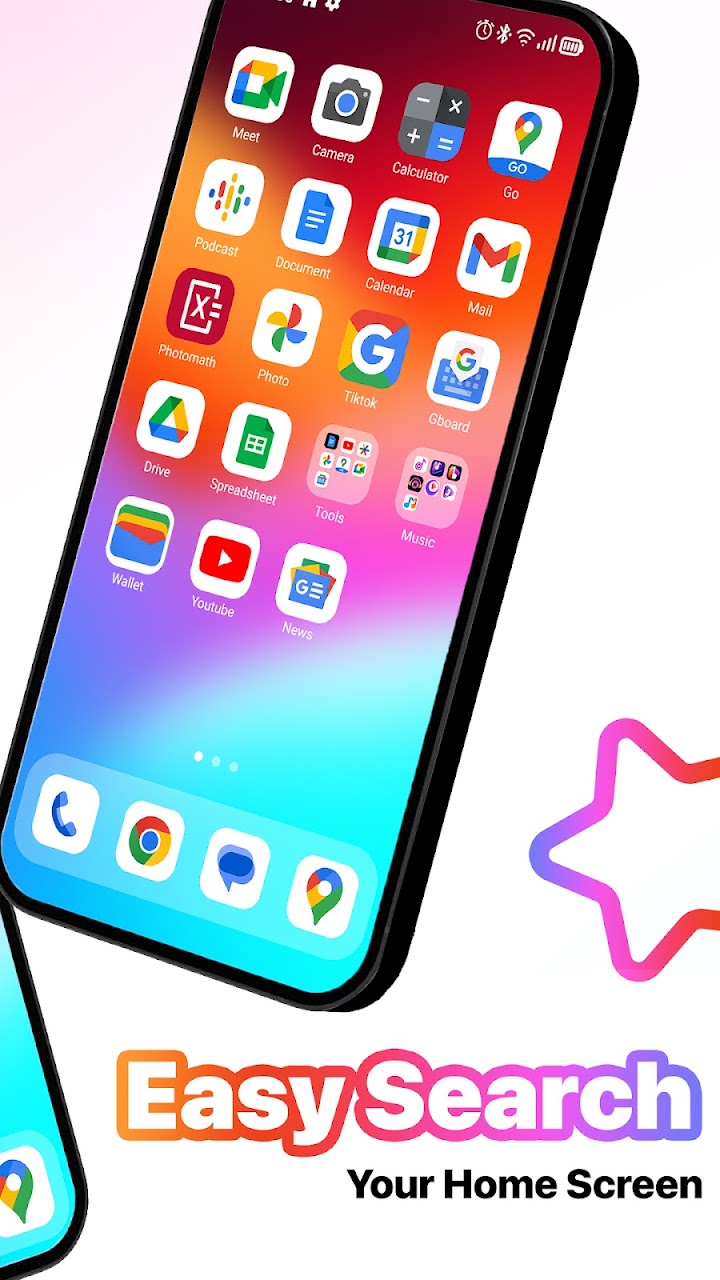
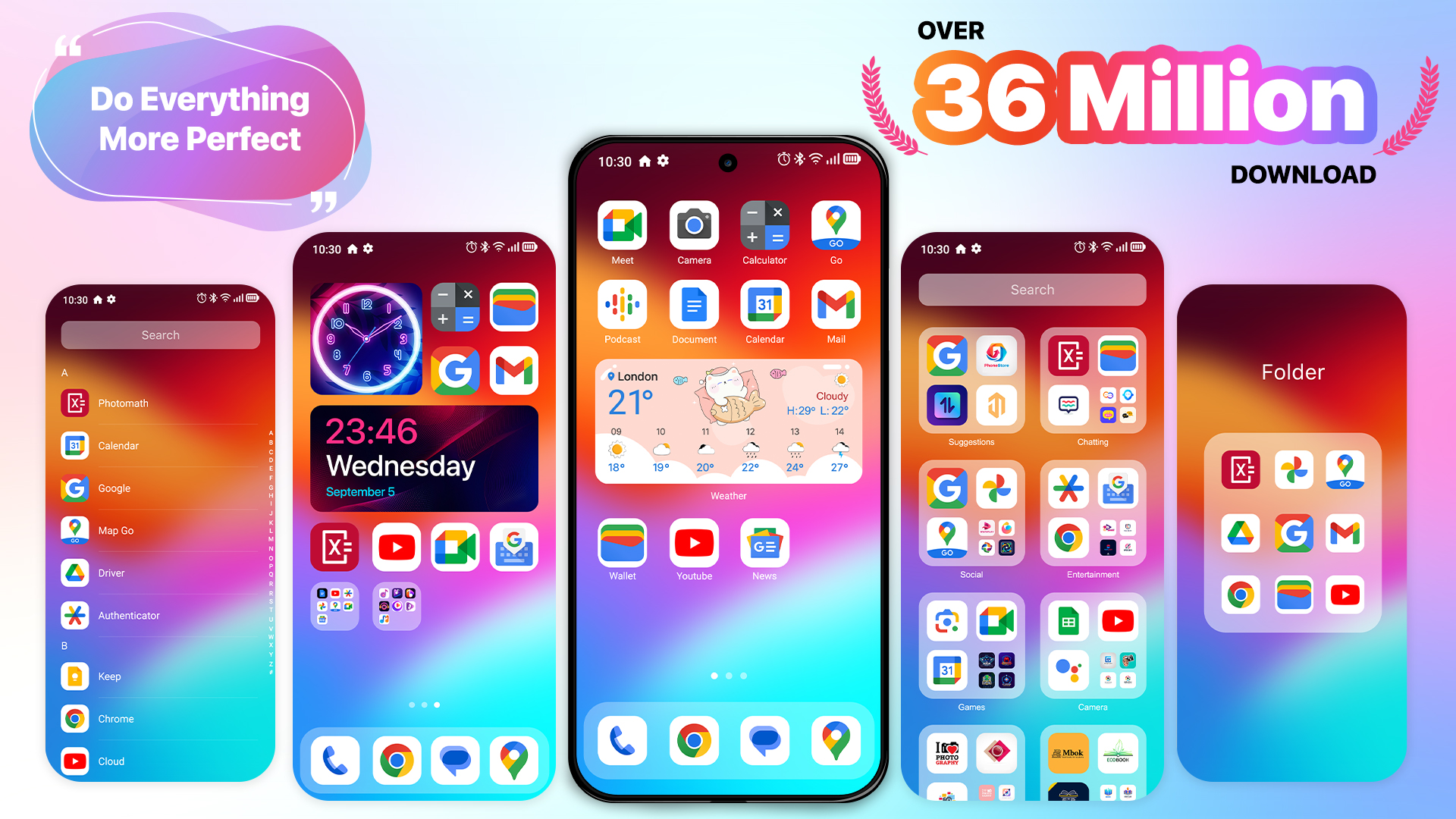
- Grid App Layout — Apps sit in a customizable grid, and you can move them or place them in folders.
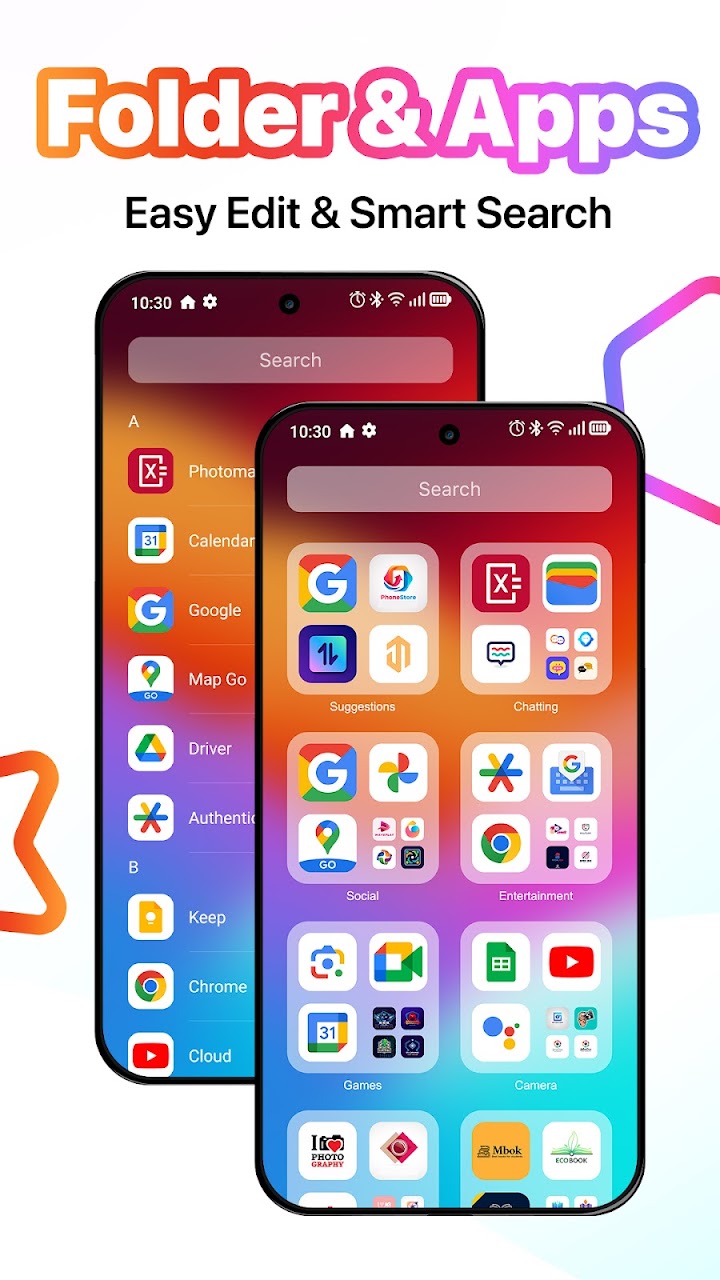
- Automatic Categories — The app list sorts apps into groups like Social, Productivity, and Entertainment.
- Quick Settings Access — Swipe from the upper right corner to reach Wi-Fi, Bluetooth, airplane mode, flashlight, volume, and brightness controls.
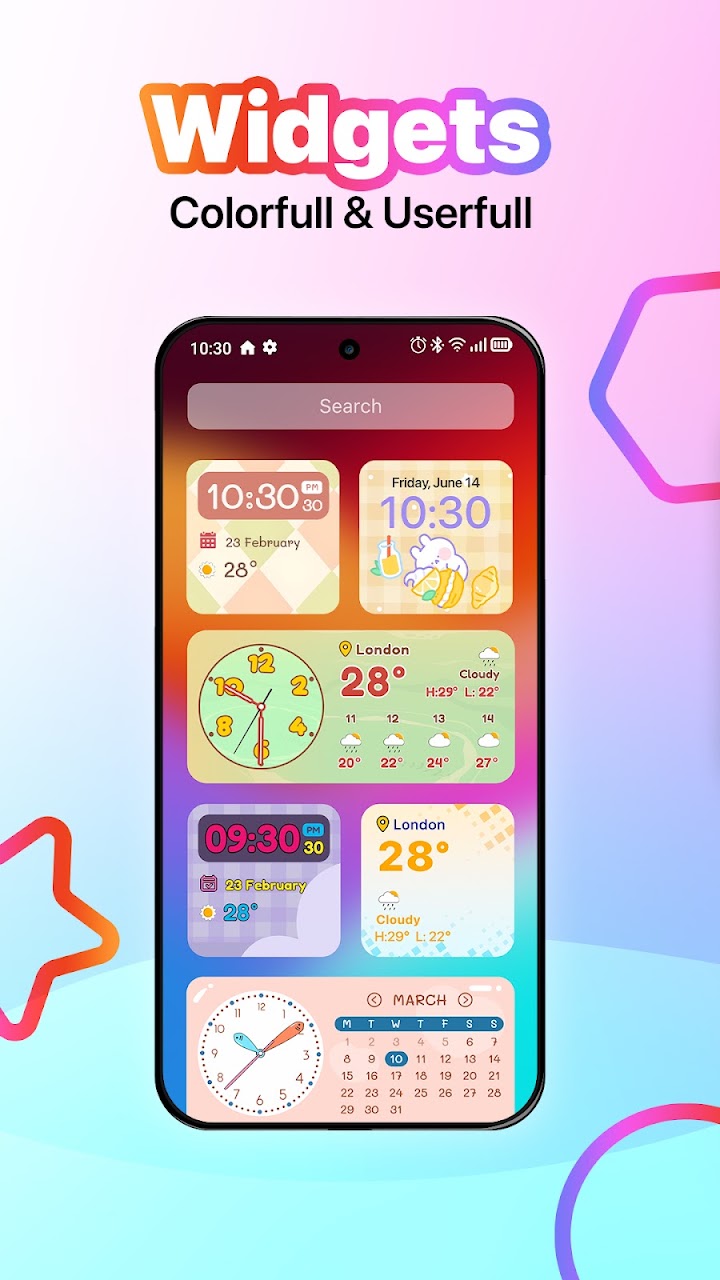
- Widgets and Search — Add widgets for weather, calendar, and clock, or search apps, contacts, maps, and the web from the home screen.
- X Home Bar — Swipe up to switch apps, go home, or use back actions with the X Home Bar feature.
- Dark Mode Support — Dark Mode is included for lower-light use and can help reduce eye strain.
Sorting a crowded phone
MiniPhone Launcher 26: Cool OS is built for people who want a cleaner home screen without giving up quick access to common tools. Instead of digging through pages of icons, it puts apps in a grid, supports folders, and adds an app list that can sort items into categories such as Social, Productivity, and Entertainment.
Quick access from the home screen
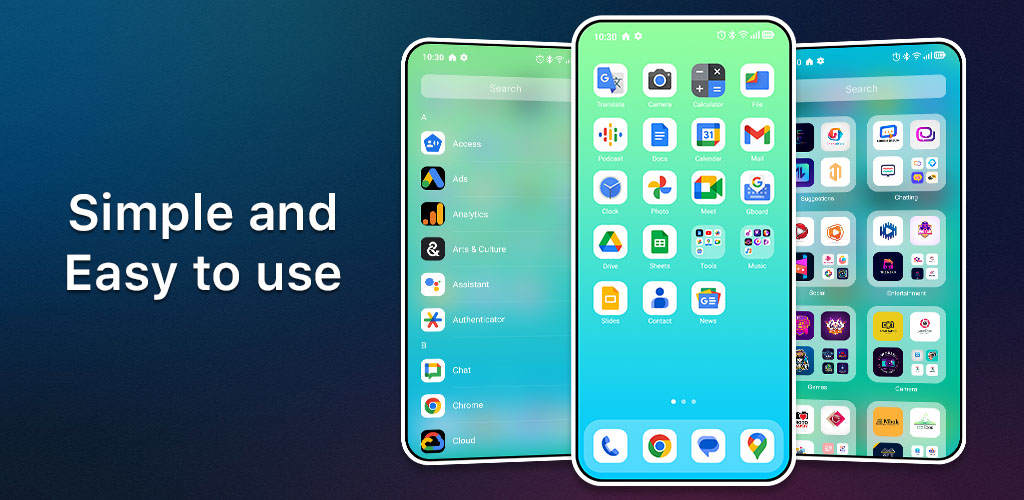
The launcher keeps everyday actions close. A dock at the bottom can hold frequently used apps such as Phone, Messages, a web browser, and Music, and you can change those apps to match your routine. Search is also built in: swipe down from the middle of the home screen to find apps, contacts, maps, or web results without manual sorting.
Controls, widgets, and display options
MiniPhone Launcher 26: Cool OS also adds a notification view, quick settings panel, and widget support. Notifications are grouped by date and app, while widgets can be added, moved, and resized on the home screen or in the Widget Library. The app includes Dark Mode, and its description says the interface is designed to be simple, intuitive, and user-friendly. It is available as an APK, uses 23.9 MB, and requires Android 16 or later (API 16).
Trade-offs to keep in mind
The app includes ads and in-app purchases, so the experience is not fully ad-free. It also requires Accessibility Services for recent-apps access, the Back function in the X Home Bar, and touch actions, plus Query All Packages. That makes its permissions broader than a basic launcher, even though the app is free and rated 4.5 from 306,018 ratings.
Verdict for organized users
This launcher fits users who want a structured home screen, quick search, and built-in shortcuts without a complicated setup. If you prefer a launcher with categories, widgets, and a customizable dock, MiniPhone Launcher 26: Cool OS is a practical option.
APK information
- Version
- 6.1.6
- Package
- com.xos.iphonex.iphone.applelauncher
- Category
- Personalization
- Size
- 24 MB
- Min Android
- API 16
- Architecture
- universal
Older versions
-
MiniPhone Launcher 26: Cool OS 6.1.6Nov 12, 2026Latest downloadAPK
MiniPhone Launcher 26: Cool OS FAQ
Which launchers does MiniPhone Launcher 26: Cool OS support?expand_more
The app itself is a launcher for Android devices. The provided details do not list compatibility with other launchers.
Does MiniPhone Launcher 26: Cool OS slow down my phone?expand_more
The description says the interface is designed for a smooth, consistent experience, but no benchmark or speed test is provided.
Does MiniPhone Launcher 26: Cool OS work offline?expand_more
The app description does not say whether it works offline.
How big is the MiniPhone Launcher 26: Cool OS download?expand_more
The APK size is 23.9 MB.
Can I customize the dock in MiniPhone Launcher 26: Cool OS?expand_more
Yes. The dock apps can be changed, so you can choose the shortcuts you use most.