- 5.0star2 reviews
- 1M+Downloads
- 1 MBAPK size
- EveryoneRated for Everyone
- API 14+Android
check_circleOriginal APK from Pop Locker Team - Hide Secret App · Updated Nov 10, 2026
No threats found
0 / — antivirus engines flagged this file
Original signature
First seen — Pop Locker Team - Hide Secret App
Unmodified APK
Same file the developer published — no mods
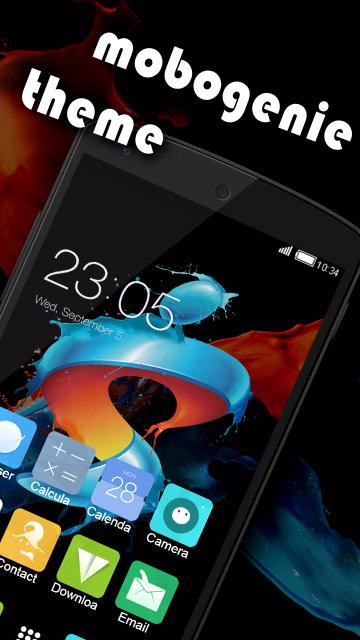
Mobogenie Theme (Authorized) screenshots
5 images · tap to enlarge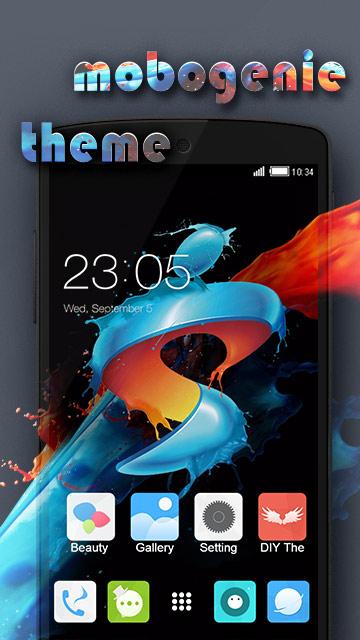
About this app
Mobogenie Theme (Authorized) adds a themed look to C Launcher with backgrounds, icons, drawer, menu, and folder changes. It is free, contains no ads, and has no in-app purchases. The APK is small at 1.3 MB, supports Android API 14 and up, and is rated 5.0 from 2 reviews.
- C Launcher theme — This theme is designed for C Launcher and is fully authorized by Mobogenie Market.
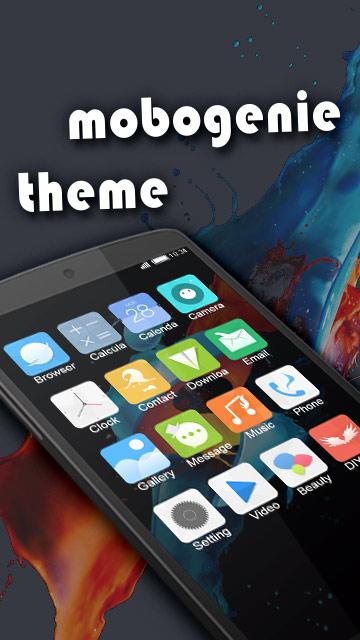
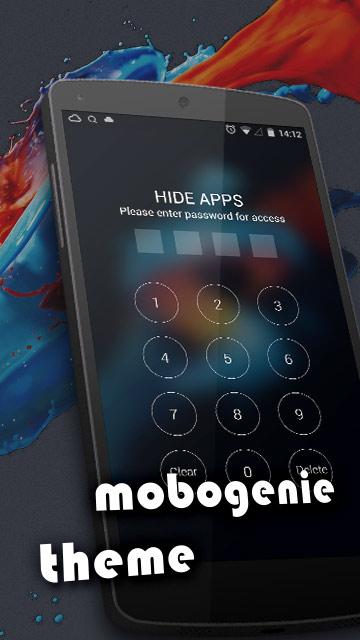
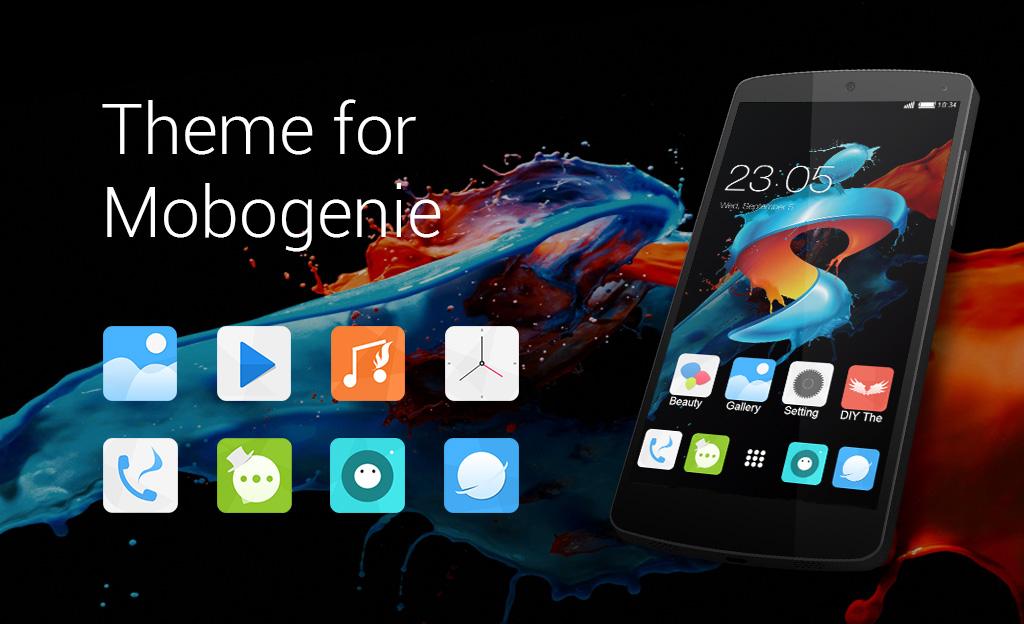
- Custom screen elements — It can change the home screen background, drawer screen, menu screen, app icons, and folder icons.
- DIY theme tools — C Launcher includes DIY options for mixing wallpapers, skins, and icon packs into new themes.
- No ads or purchases — The app is free to use and does not include ads or in-app purchases.
- Light APK size — The APK is 1.3 MB, uses the universal ABI, and supports Android API 14 and above.
First look at the theme
Mobogenie Theme (Authorized) is a C Launcher theme built around a colorful, customized home screen. It focuses on visual changes rather than extra system tools, so the experience is centered on wallpapers, icons, and launcher styling. The app is free, has no ads, and carries a 5.0 rating from 2 users.
What you can change
The theme lets you adjust several parts of the launcher interface. That includes the home screen background, drawer screen, menu screen, app icons, and folder icons. For users who want more control, C Launcher also includes DIY theme functions for combining wallpapers, skins, and icon packs.
- Home screen background
- Drawer screen
- Menu screen
- App icons
- Folder icons
Authorization and compatibility
This theme was fully authorized by Mobogenie Market. It is made for C Launcher, and the theme notes say the skins were tested for compatibility with 99% of major Android devices. The app can also be applied on tablets. The APK is 1.3 MB, comes in universal format, and requires Android API 14 or higher.
Performance and permissions
There are no listed permissions, which keeps the install profile simple. The small APK size should also help keep storage use low. On battery and performance, the app does not provide measured results, so the safest reading is that it is a lightweight launcher theme rather than a heavy utility.
Small polish, limited feedback
The latest version, 3.9.9, focuses on a smoother and more convenient operation experience. The main limitation is the tiny review base: 2 ratings is not much to judge long-term use. Even so, the current feedback is perfect, with both ratings at 5 stars.
If you use C Launcher and want a theme with clear customization options, this APK is straightforward and easy to assess. It is free, ad-free, and focused on changing the look of the launcher without adding extra clutter.
What's new
Version 3.9.9 · Nov 10, 2026
- Smoother and more convenient operation experience
APK information
- Version
- 3.9.9
- Package
- com.cyou.cma.clauncher.theme.v5924186138310e12a5de4205
- Category
- Personalization
- Size
- 1 MB
- Min Android
- API 14
- Architecture
- universal
Older versions
-
Mobogenie Theme (Authorized) 3.9.9Nov 10, 2026Latest downloadAPK
Mobogenie Theme (Authorized) FAQ
Which launchers does Mobogenie Theme (Authorized) support?expand_more
It is customized for C Launcher. The app notes that you need to install C Launcher if you have not already done so.
Does Mobogenie Theme (Authorized) slow down my phone?expand_more
There are no measured battery or performance results listed. It is a small 1.3 MB theme APK, and no permissions are listed.
Which processors does this APK support?expand_more
The APK uses the universal ABI, so it is built for universal device support.
What changed in the latest version?expand_more
The latest release adds a smoother and more convenient operation experience.
Can I use Mobogenie Theme (Authorized) on a tablet?expand_more
Yes. The theme notes say it can be applied on both phones and tablets, as long as you use C Launcher.