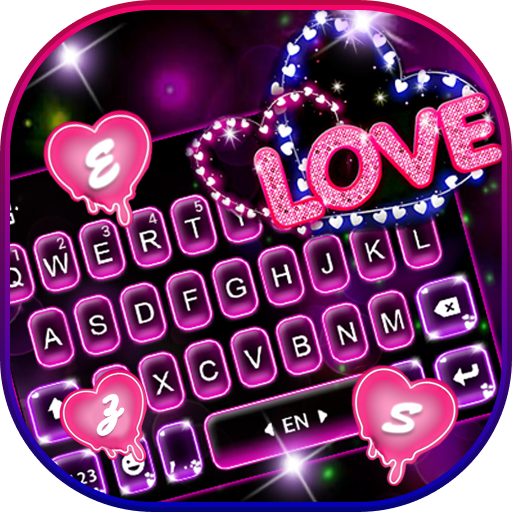
- 4.6star480,344 reviews
- 100M+Downloads
- 6 MBAPK size
- TeenRated for Teen
- API 16+Android
check_circleOriginal APK from Delicate theme for Android App · Updated Nov 12, 2026

No threats found
0 / — antivirus engines flagged this file
Original signature
First seen — Delicate theme for Android App
Unmodified APK
Same file the developer published — no mods
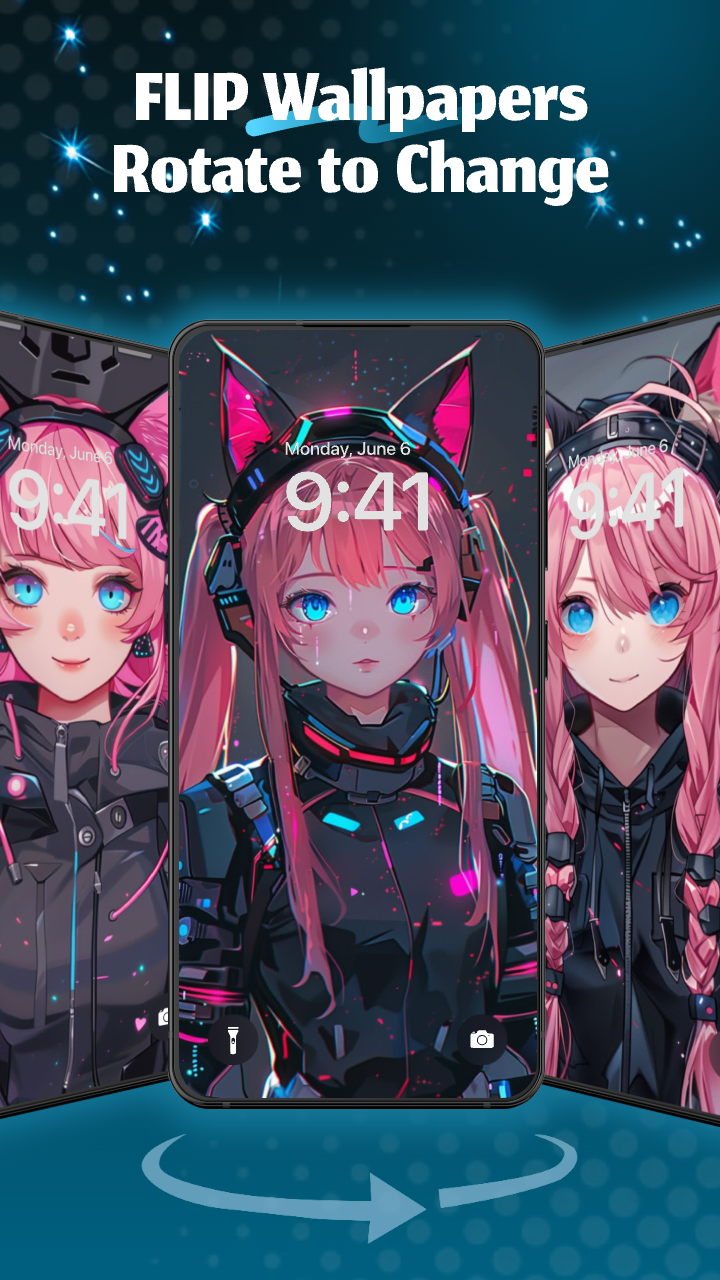
Neon Love Theme screenshots
8 images · tap to enlarge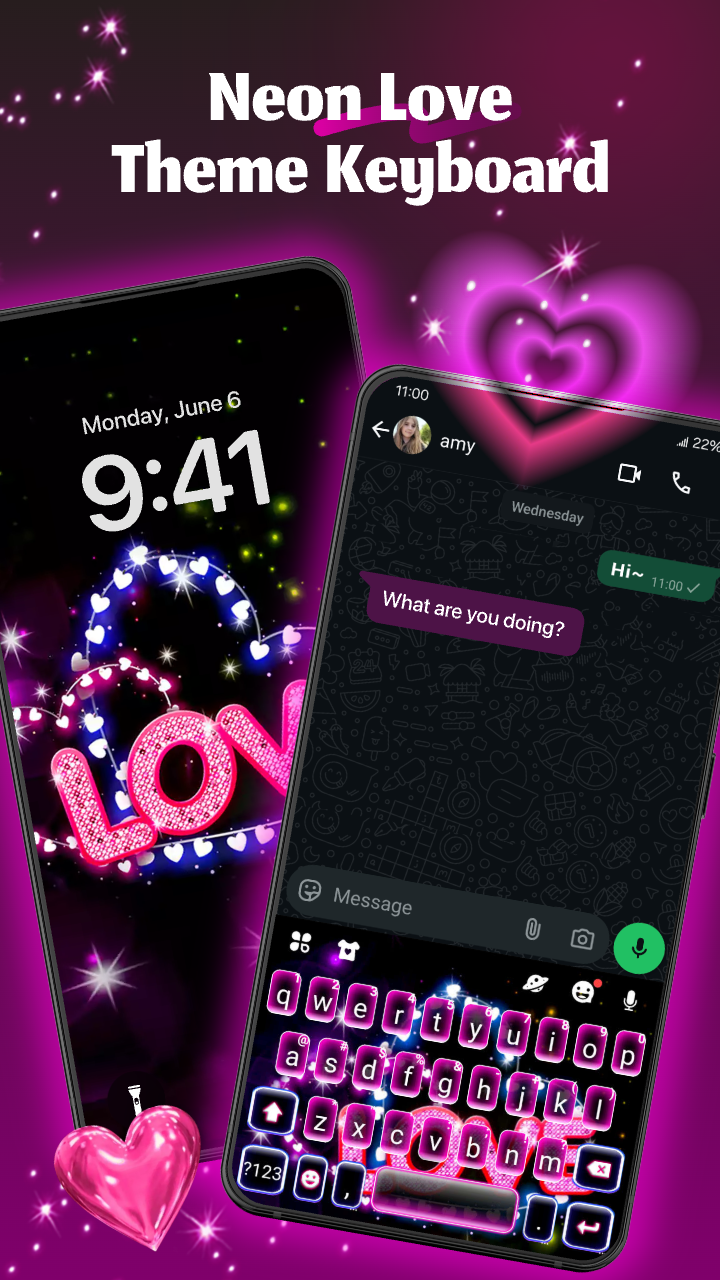
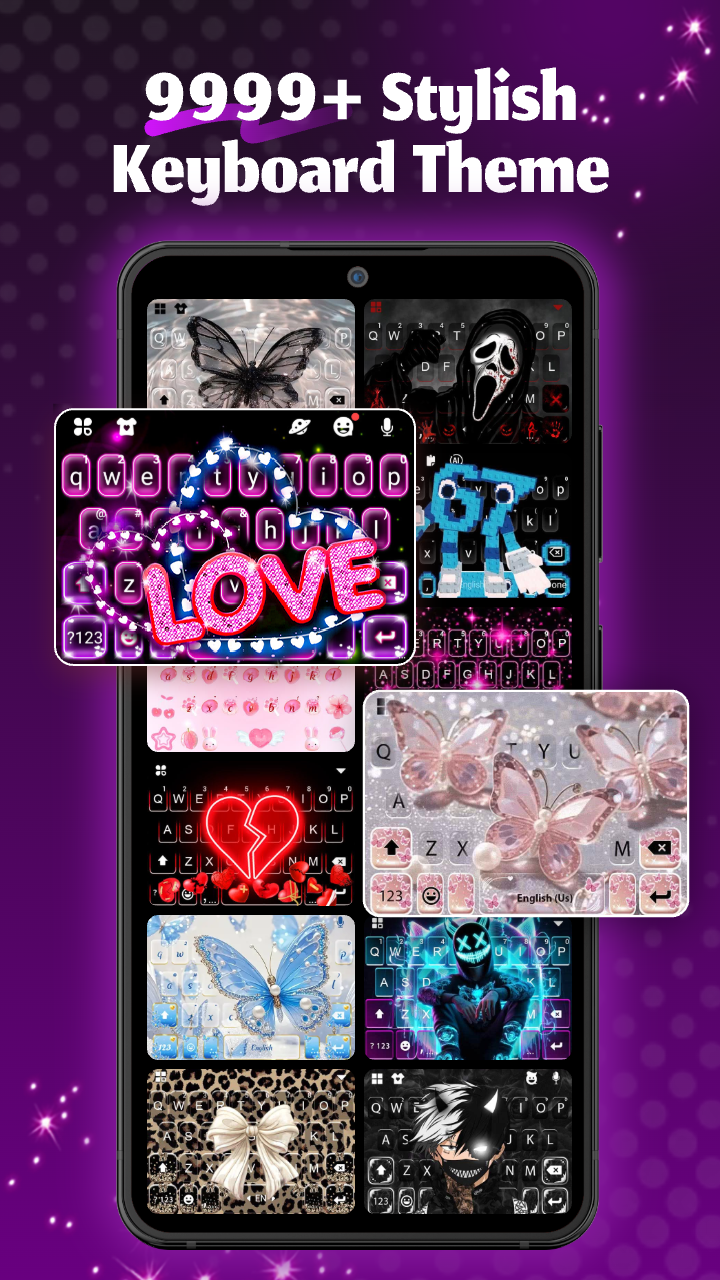
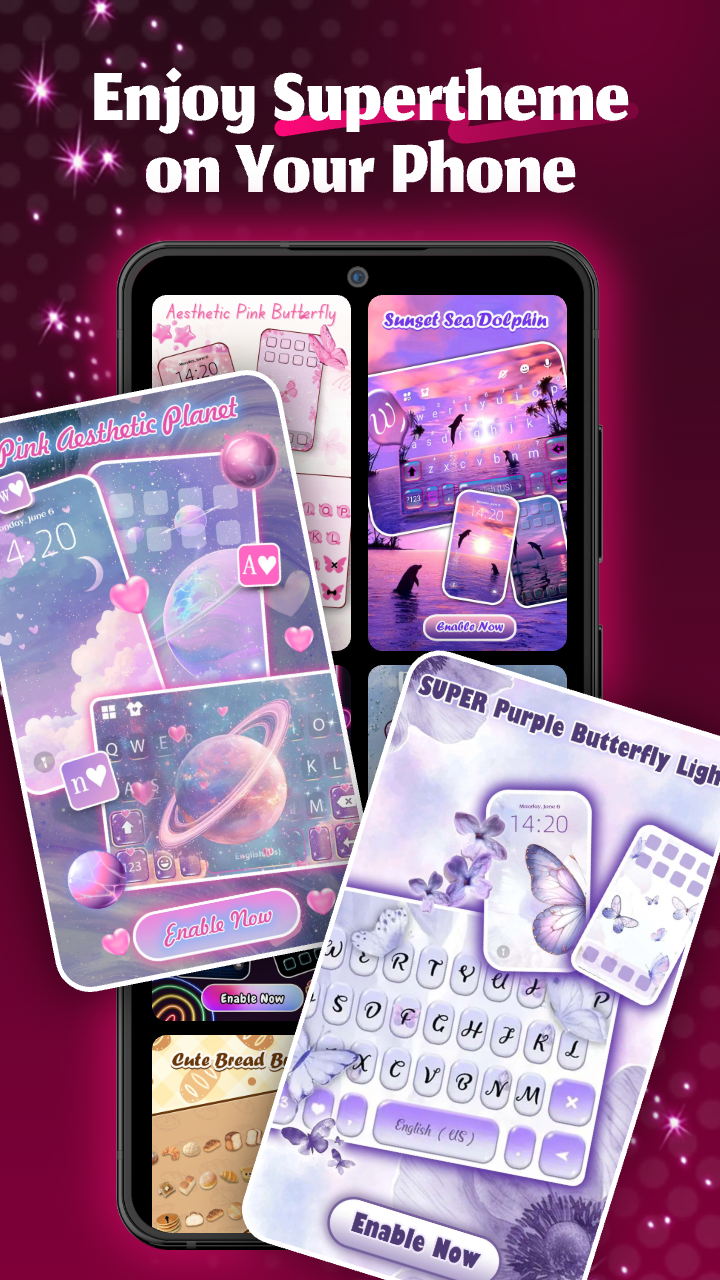
About this app
Neon Love Theme turns everyday typing into a customized keyboard with fonts, emojis, stickers, GIFs, and background options. It fits into message-heavy routines: quick replies on a commute, longer chats at school, or casual conversations at night. The app supports over 150 languages, offers auto-correct and next-word prediction, and runs as a lightweight 5.9 MB APK on Android 16 and up.
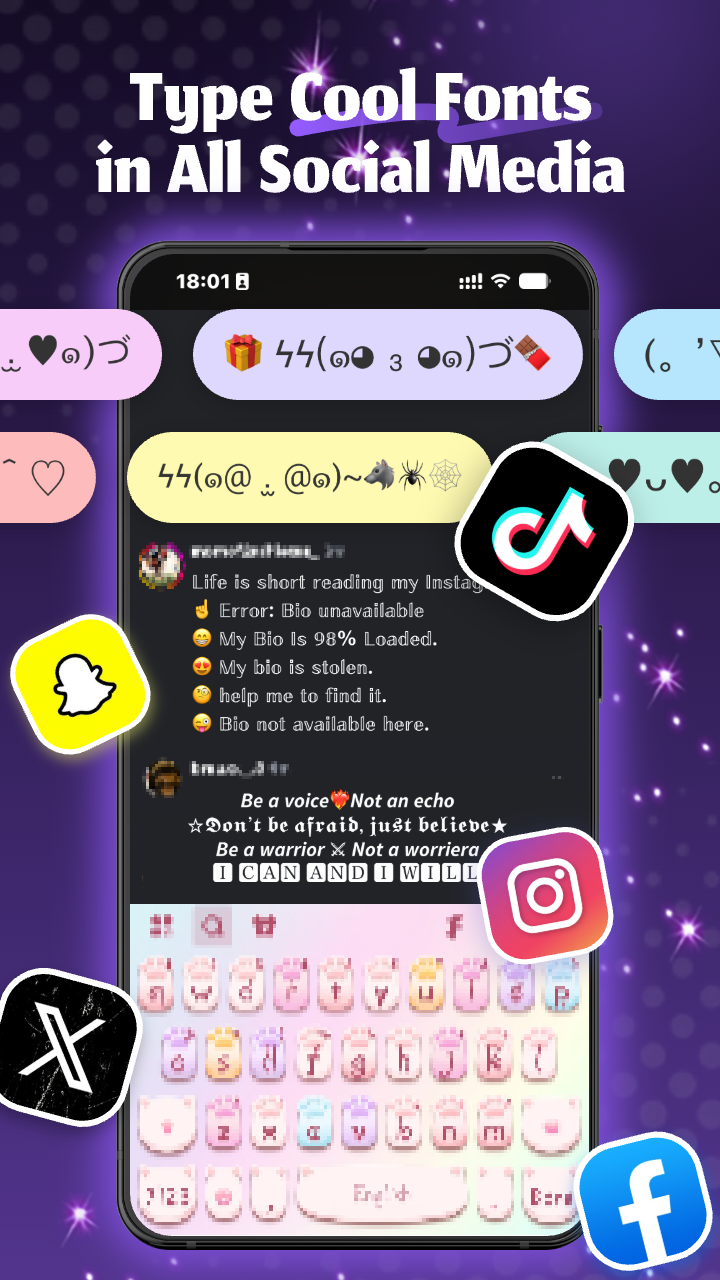
- Colorful keyboard styles — Choose from themed backgrounds, fonts, and keyboard layouts for a more personalized typing screen.
- 150+ languages — Switch languages while typing and keep using the same keyboard across many conversations.
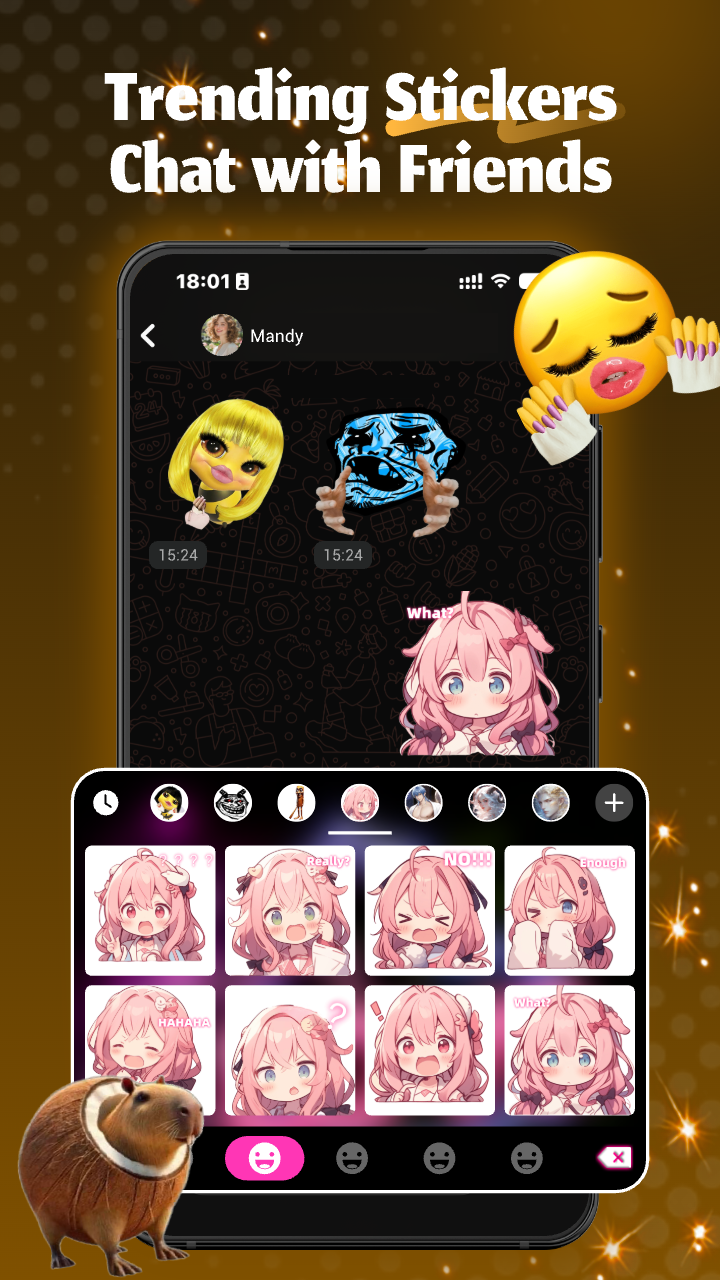
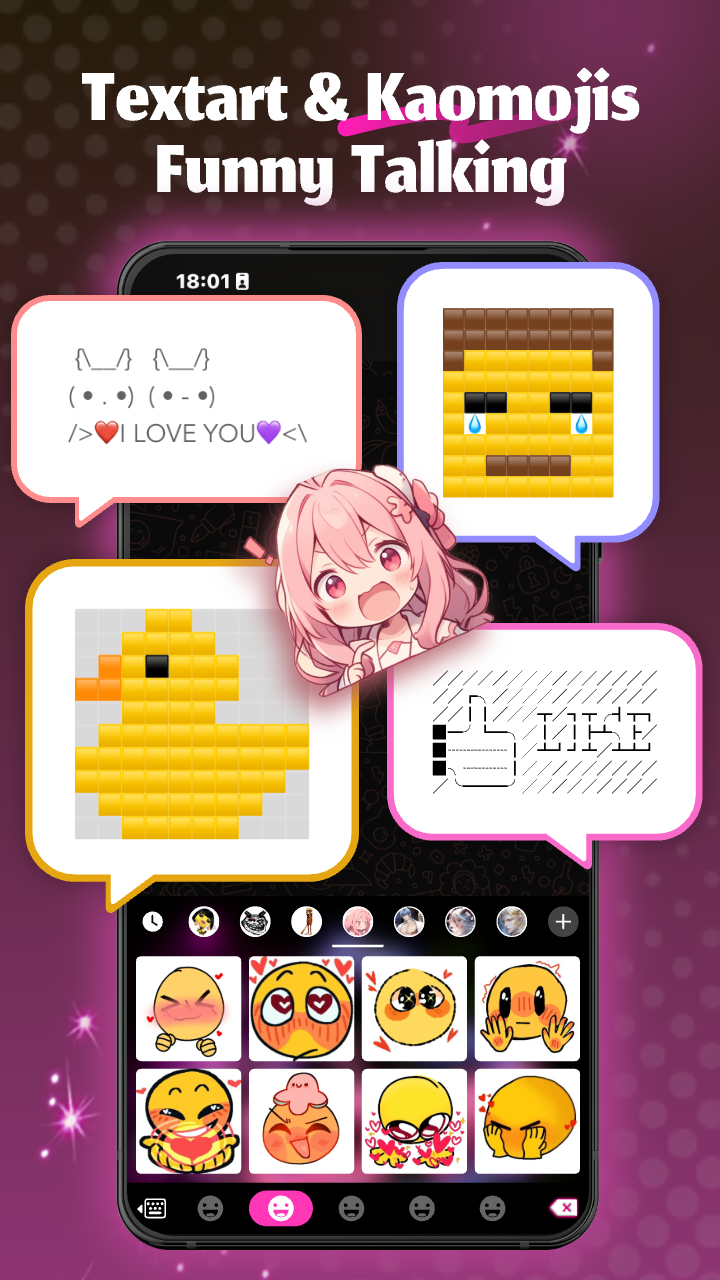
- Emoji and sticker tools — Add emoticons, text, GIFs, and stickers directly from the keyboard.
- Auto-correct support — Use typo correction and next-word prediction to keep messages moving smoothly.
- Frequent theme updates — The store is updated with new themes regularly, including love, neon, anime, cat, and more.
- Light APK install — The app is available as a 5.9 MB universal APK for devices running API 16 or higher.
Typing with Neon Love every day
For people who send a lot of messages, Neon Love Theme is mainly about changing the keyboard they see most often. The app adds a neon-style look, custom fonts, and decorative backgrounds, so the typing screen feels different without changing the rest of the phone. It is aimed at quick chats, social messages, and anyone who likes a more styled keyboard.
Switch languages and keep chatting
If you move between languages during the day, this keyboard supports over 150 languages and lets you switch at any time. That makes it practical for students, commuters, and bilingual users who need one keyboard for several conversations. Auto-correct and next-word prediction are built in, so the app is trying to help typing stay smooth as well as decorative.
Adding emojis, GIFs, and fonts
Neon Love Theme also focuses on the parts people reach for while texting: emoticons, text, GIFs, stickers, fonts, and sounds. The keyboard can be used to decorate the conversation area with personalized backgrounds and visual styles, which is useful if you spend time in group chats or like changing the mood of your messages.
Installing and setting it up
The app comes as a universal APK, with a file size of 5.9 MB, and it needs Android API 16 or higher. Setup is straightforward: install the app, open it, tap Apply or the preview image, then finish the setup. There are no permissions listed here, but the app does contain ads and offers in-app purchases.
Compatibility and daily trade-offs
Neon Love Theme is designed for almost all Android phones, and the description names devices such as Galaxy Note, Galaxy S, Xperia, P, Mate, Honor, and Find models. That broad support is helpful, but the app is still a themed keyboard rather than a system launcher, so the main value is in typing and personalization. Users should also expect regular theme updates from the store.
- Android version: API 16 and up
- File format: APK
- Size: 5.9 MB
- Ads: Included
- Purchases: In-app purchases available
APK information
- Version
- 7.3.0_0413
- Package
- com.ikeyboard.theme.neon.love
- Category
- Personalization
- Size
- 6 MB
- Min Android
- API 16
- Architecture
- universal
Older versions
-
Neon Love Theme 7.3.0_0413Nov 12, 2026Latest downloadAPK
Neon Love Theme FAQ
Which launchers does Neon Love Theme support?expand_more
The app is described as compatible with almost all Android phones, including Galaxy, Xperia, P, Mate, Honor, and Find models. It is presented as a keyboard theme rather than a launcher.
Does Neon Love Theme slow down my phone?expand_more
The app is a 5.9 MB APK, so it is relatively small. No performance benchmark is listed, but it includes keyboard features like auto-correct and prediction.
How do I install the Neon Love Theme APK file?expand_more
Install the APK on an Android device running API 16 or higher, then open the app and tap Apply or the preview image. Finish the setup to start using the keyboard.
Does Neon Love Theme need an account?expand_more
No account requirement is mentioned. The setup steps shown are install, open, apply, and finish.
What typing features does Neon Love Theme include?expand_more
It supports over 150 languages and adds fonts, emojis, stickers, GIFs, auto-correct, and next-word prediction. You can also change backgrounds and keyboard styles.