
- 3.0star5,464 reviews
- 100K+Downloads
- 66 MBAPK size
- EveryoneRated for Everyone
- 7.0+Android
check_circleOriginal APK from Internet Safety Apps · Updated Nov 12, 2026
No threats found
0 / — antivirus engines flagged this file
Original signature
First seen — Internet Safety Apps
Unmodified APK
Same file the developer published — no mods
Netspark Real-time filter screenshots
8 images · tap to enlarge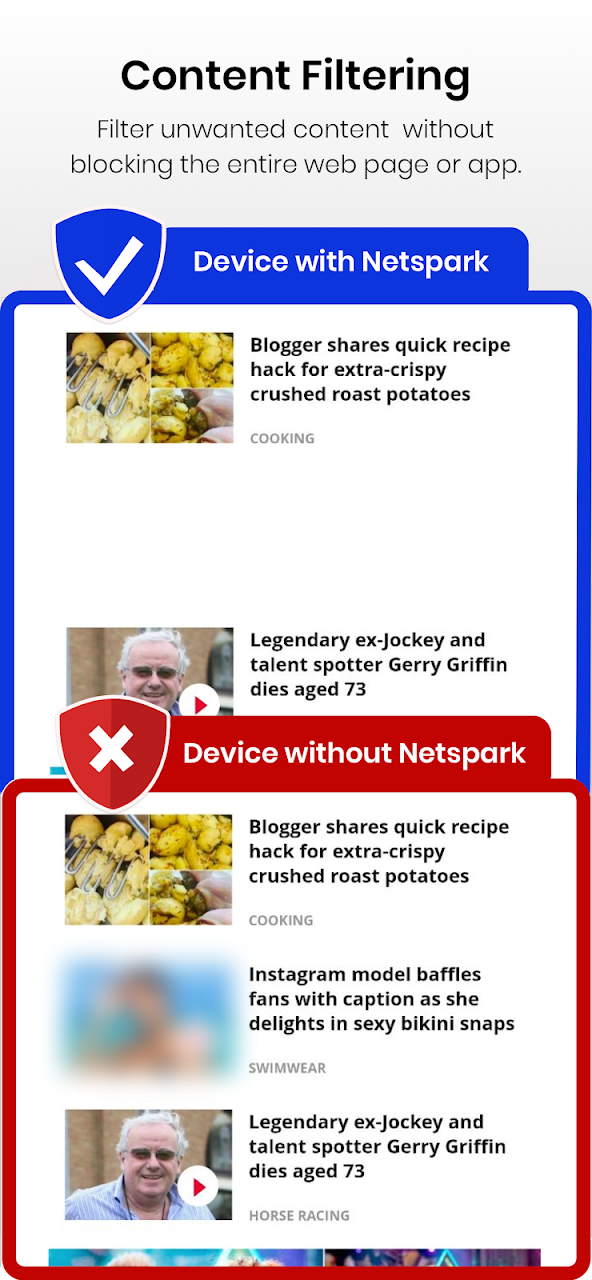
About this app
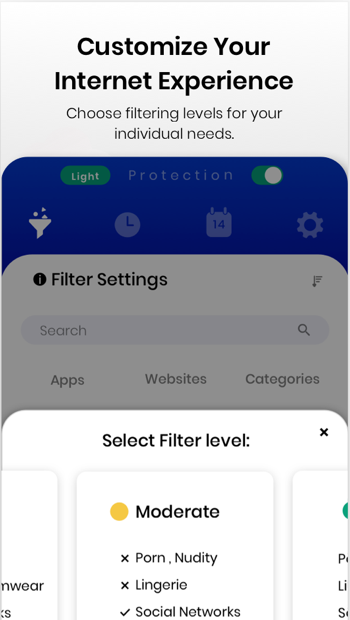
Netspark Real-time filter stands out by combining content filtering, parental alerts, and screen time limits in one app. On first launch, parents can set up protection for phones and tablets, choose category-based filters, and decide which apps or websites are allowed. It also works without an internet connection, including content stored locally or from an external source.
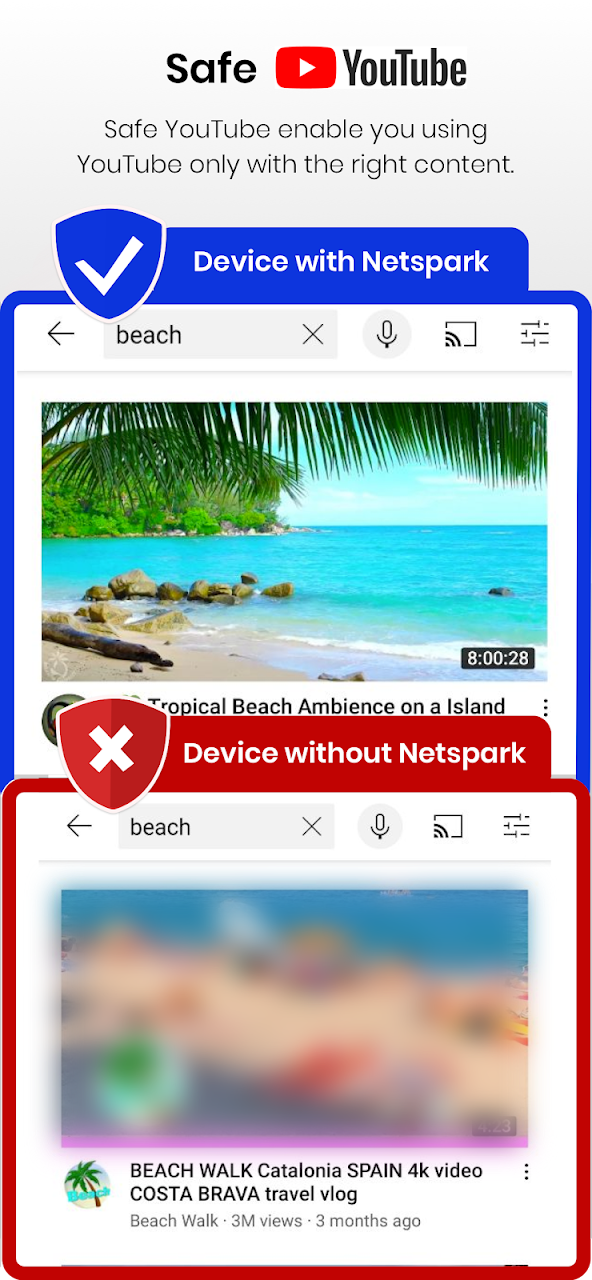
- Real-time filtering — Filter video, images, and text as content is opened on the device.
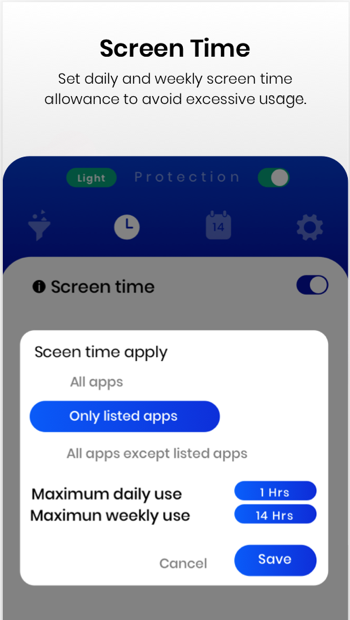
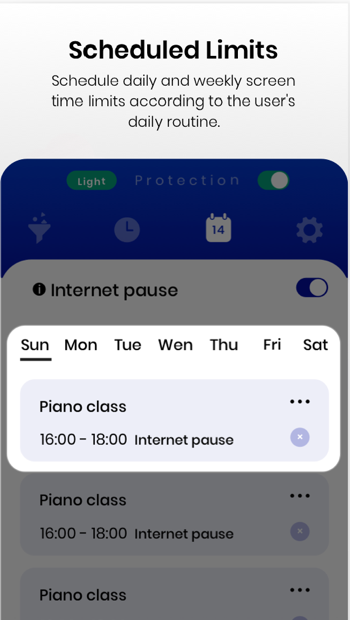
- Screen time limits — Set daily and weekly limits for app use and internet browsing.
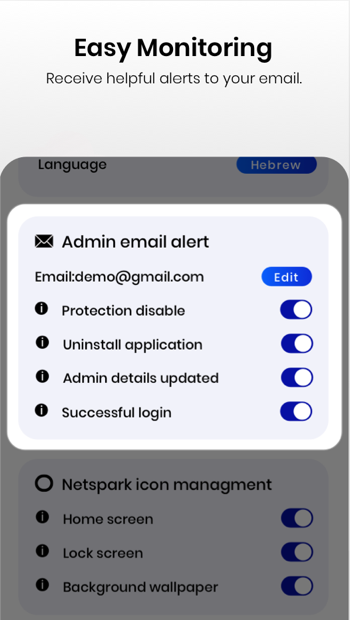
- Parent alerts — Get alerts for new installs, blocked content, and unapproved install attempts.
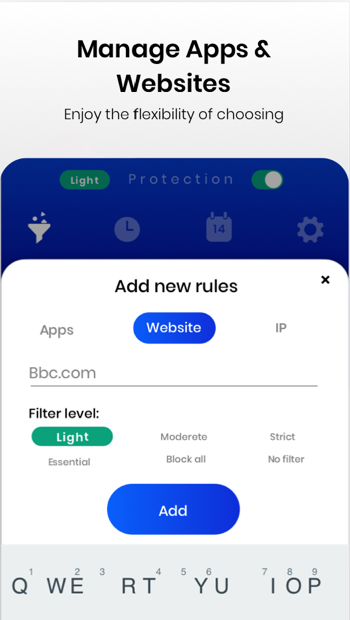
- Approved exceptions — Create custom exceptions for apps and websites your child can access.
- Offline protection — Filter content even when it is stored on the device or brought in from outside sources.
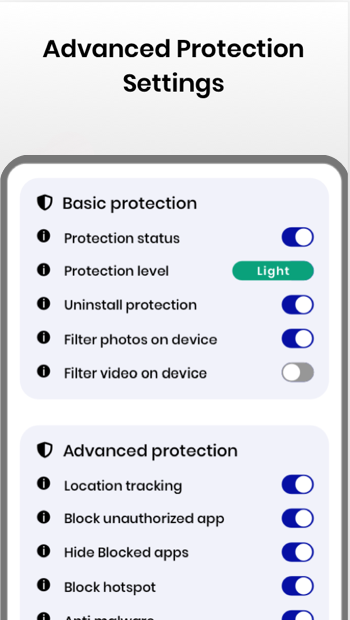
- Uninstall protection — Use parent permission to prevent removal from the child’s device.
First launch: set up the filters
When you open Netspark Real-time filter for the first time, the main job is to decide what should be allowed on the device. You can use the pre-defined category filters, then narrow things down with custom exceptions for specific apps and websites. The app is made for parents managing phones and tablets, so the setup is focused on control first and daily use later.
Blocking video, images, and text
The app filters video, image, and text content in real time. It can also block inappropriate content automatically, including partial clothing and sexting-related material. One practical detail is that it works even without an internet connection, and it can filter content stored locally or brought in from an external source such as a USB flash drive.
Managing screen time and approved access
After setup, parents can use the screen time tools to set daily and weekly limits for internet browsing and offline app use. If a child needs access to something specific, you can add approved apps or websites as exceptions. The app also sends parental alerts for new installations, blocked content, and attempts to install something without approval.
Daily use on the parent side
In a normal day, parents check alerts, adjust filters, and review which apps are allowed. The app can manage multiple accounts from the parent’s device or remotely online, and the local and online interfaces are available in English and Hebrew. If needed, uninstall protection can be turned on so the app cannot be removed without parent permission.
Requirements and permissions
Netspark Real-time filter is a free APK with in-app purchases, no ads, and a 65.6 MB file size. It requires Android 7.0 or later and is listed as suitable for Everyone. To filter content and show blocking screens, it uses Accessibility services, Draw Over Other Apps, Usage Access, Device Administrator permission, and a VPN service.
- Accessibility: Helps manage screen time, web content, and apps.
- Draw Over Other Apps: Shows a block screen on top of blocked apps.
- Usage Access: Detects which app is open for filtering.
- Device Administrator: Supports uninstall protection when enabled.
- VPN service: Sends content through remote filters before it is allowed or blocked.
For help, the app points users to its support and contact pages, and it notes that third-party apps may sometimes be requested during use.
APK information
- Version
- 44.90
- Package
- con.netspark.mobile
- Category
- Parenting
- Size
- 66 MB
- Min Android
- 7.0
- Architecture
- universal
Older versions
-
Netspark Real-time filter 44.90Nov 12, 2026Latest downloadAPK
Netspark Real-time filter FAQ
Does Netspark Real-time filter have ads for kids?expand_more
No, the app does not contain ads.
Is Netspark Real-time filter safe for children?expand_more
It is rated for Everyone and is designed for parental control, content filtering, and screen time management.
What permissions does Netspark Real-time filter ask for?expand_more
It uses Accessibility services, Draw Over Other Apps, Usage Access, Device Administrator permission, and a VPN service.
Is Netspark Real-time filter available for older phones?expand_more
It requires Android 7.0 or later.
Can Netspark Real-time filter block offline content?expand_more
Yes, it can filter content even without an internet connection, including content stored locally or from an external source.