Photo Lock App - Hide Pictures
Battery Stats Saver- 4.6star1,365,821 reviews
- 100M+Downloads
- 3 MBAPK size
- EveryoneRated for Everyone
- API 14+Android
check_circleOriginal APK from Battery Stats Saver · Updated Nov 12, 2026

No threats found
0 / — antivirus engines flagged this file
Original signature
First seen — Battery Stats Saver
Unmodified APK
Same file the developer published — no mods
Photo Lock App - Hide Pictures screenshots
8 images · tap to enlarge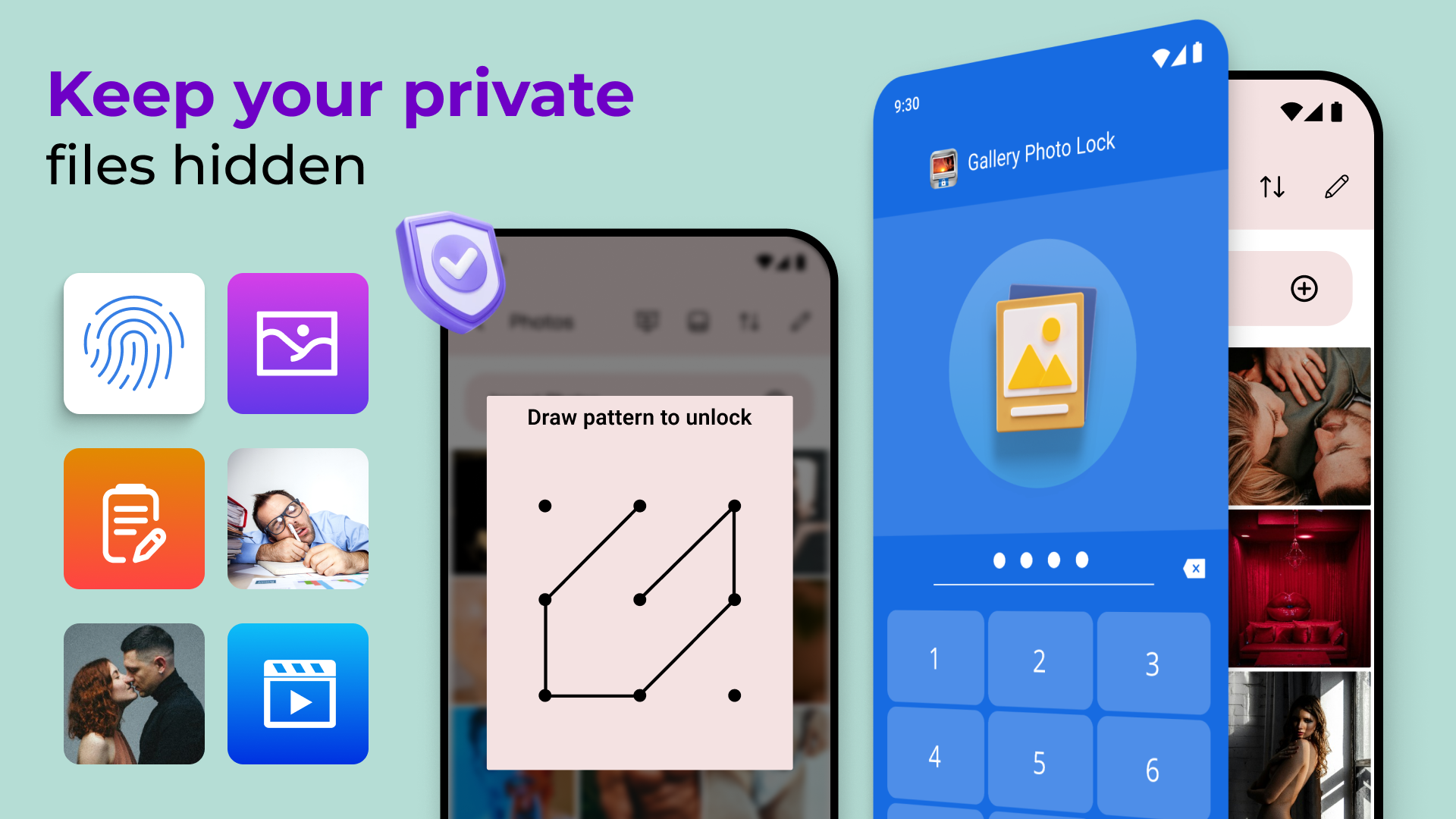
About this app
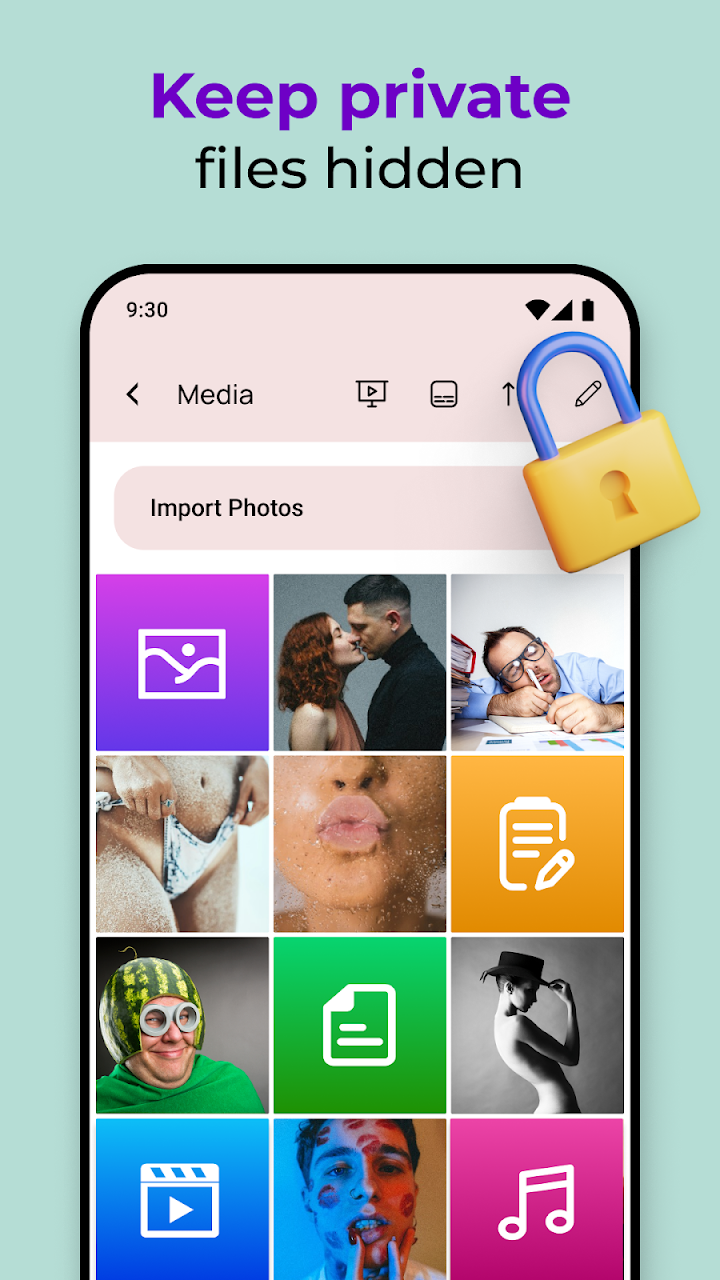
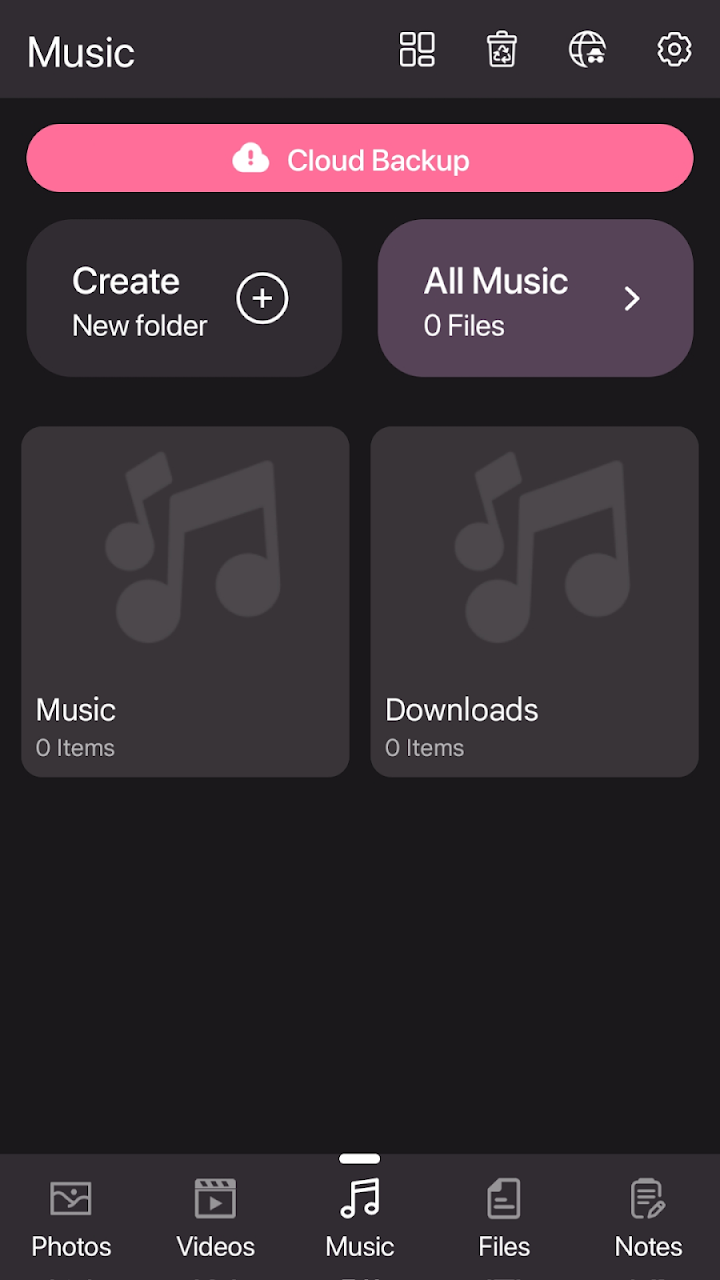
Photo Lock App - Hide Pictures focuses on hiding personal media in a private vault. It stores photos, videos, files, and notes, and it adds extras like fingerprint unlock, a guest locker, and an icon swap. The app is free, shows ads, and includes in-app purchases.
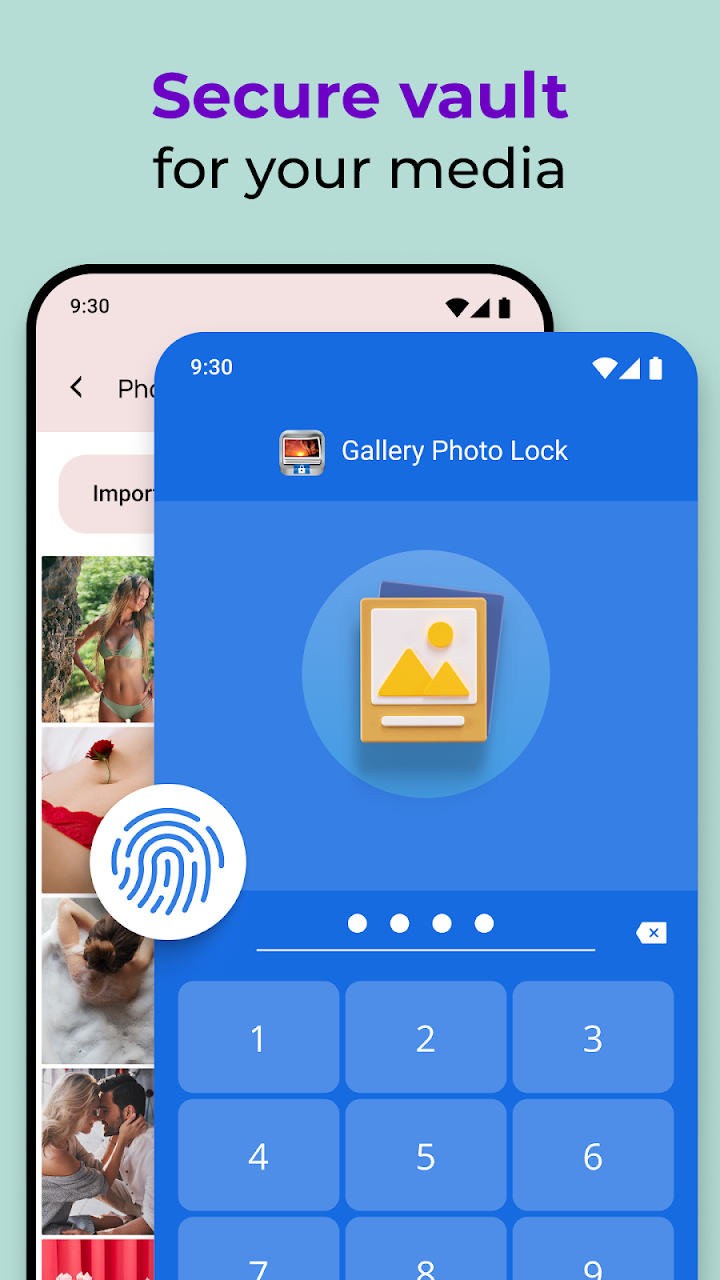
- Private media vault — Store photos and videos in a hidden vault instead of keeping them in the gallery.
- Fingerprint unlock — Open the vault with fingerprint authentication.
- Guest locker — Use a separate password for dummy content in a guest locker.
- Intruder image capture — The app can take a picture when someone tries to open it.
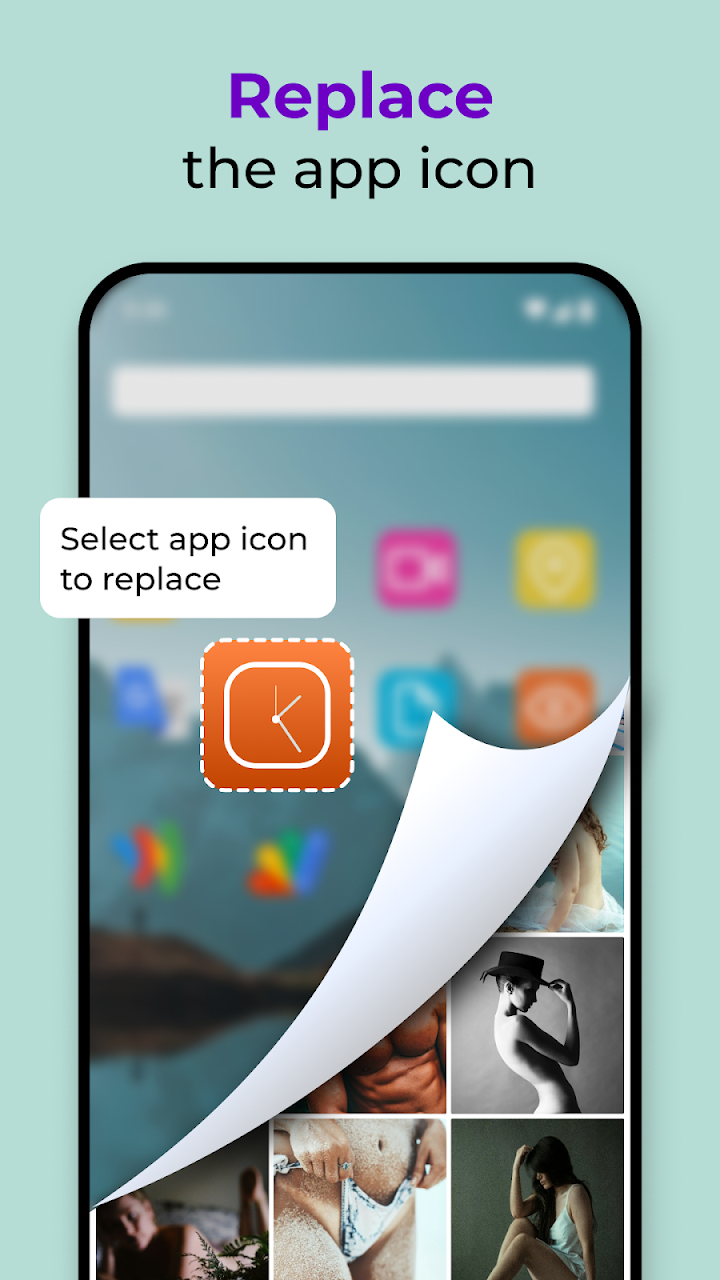
- Icon replacement — Swap the app icon for a secret-looking icon such as news, weather, or radio.
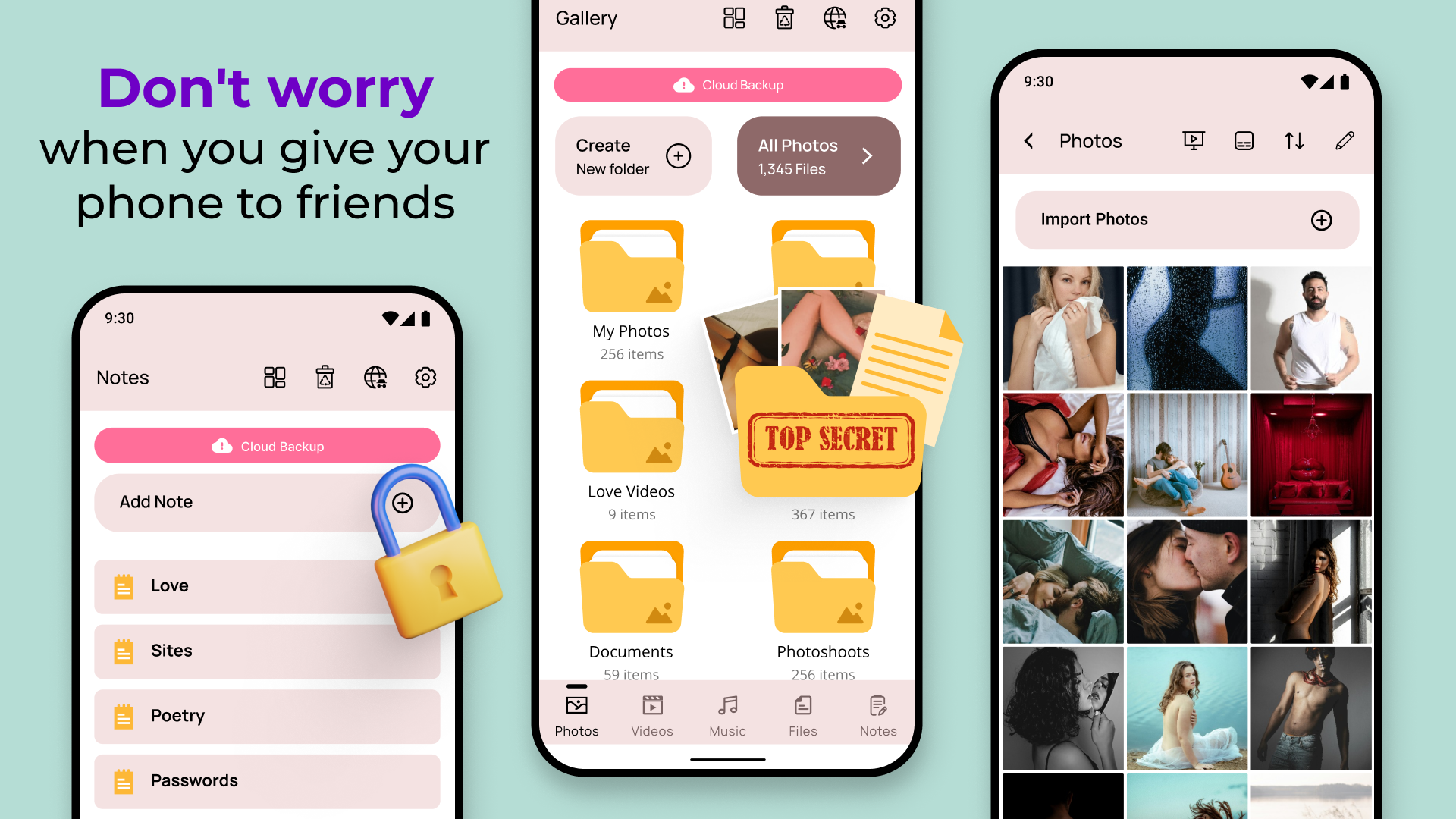
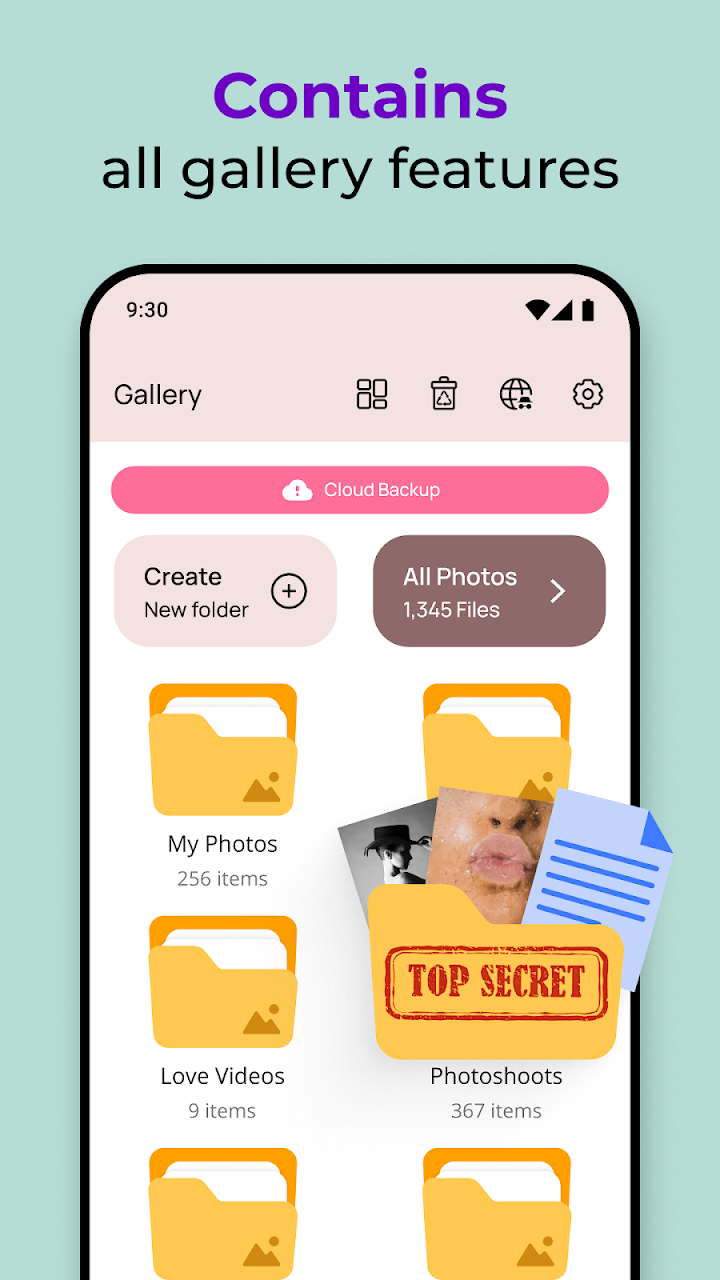
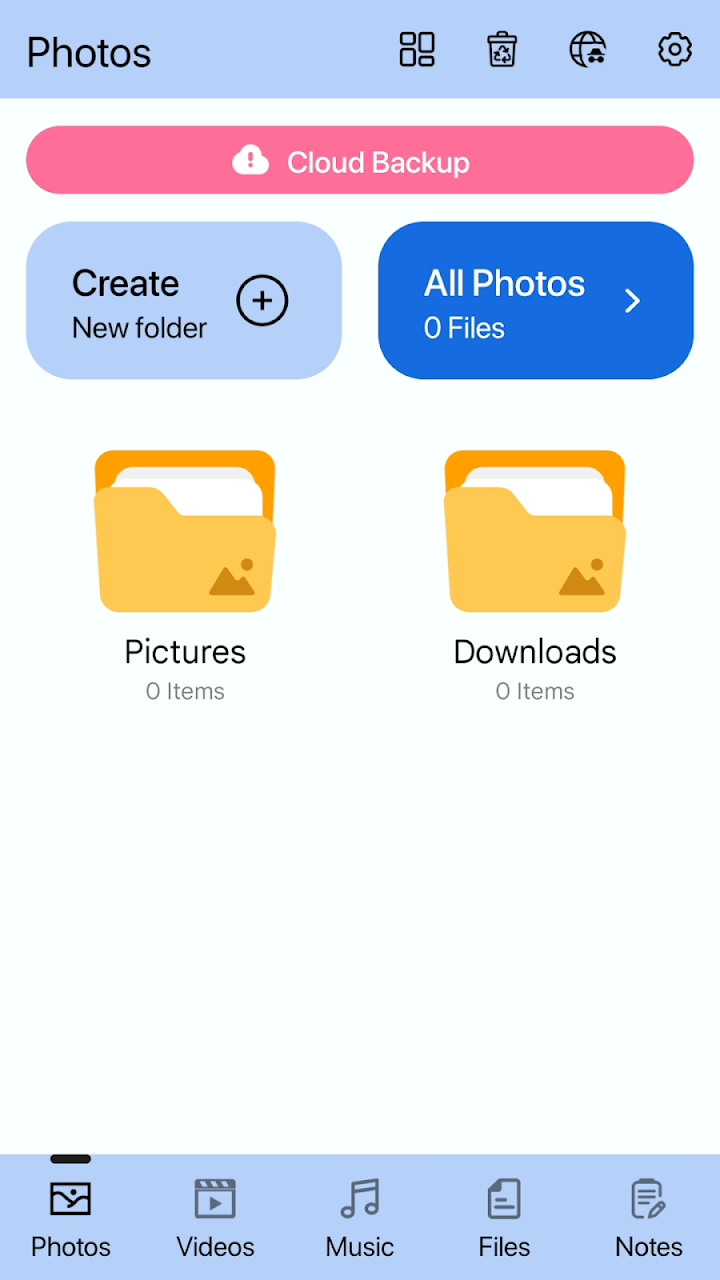
- Cloud backup — Back up hidden images, videos, files, and notes to the cloud.
Private vault for photos and videos
Photo Lock App - Hide Pictures is built around one job: hiding personal media behind a locked vault. It stores images, videos, files, and notes, and it also includes a safe browser, a built-in viewer and player, and a calculator lock option. The app is free, but it shows ads and offers in-app purchases.
What stands out in daily use
The app adds several ways to keep private items out of sight. You can lock content with fingerprint unlock, send items to the vault by sharing them in, and set up a guest locker with a different password. It also includes cloud backup, face-down lock, intruder image capture, and theme choices for the vault.
What to watch for
It is available as an APK and needs Android API 14 or later. The file size is 3.4 MB. There are no listed permissions, which keeps setup simple. The app has a 4.6 rating from 1,365,821 ratings, and the rating breakdown is strong at the top end, with 1,171,147 five-star ratings.
- You get: hidden photo and video storage, fingerprint unlock, cloud backup, and a guest locker.
- You get: intruder image capture, icon replacement, face-down lock, and theme options.
- Watch for: ads and in-app purchases.
- Watch for: APK installation and Android API 14 minimum support.
Rating and update notes
The app was released in 2016 and was last updated on 2026-05-06. Recent changes are brief: improvements and a crash fix. If you want a vault app that stays focused on hiding media and related files, this one covers a lot of the common privacy tasks in a small package.
What's new
Version 55.0 · Nov 12, 2026
- Improvements & Crash solved.
APK information
- Version
- 55.0
- Package
- vault.gallery.lock
- Category
- Personalization
- Size
- 3 MB
- Min Android
- API 14
- Architecture
- universal
Older versions
-
Photo Lock App - Hide Pictures 55.0Nov 12, 2026Latest downloadAPK
Photo Lock App - Hide Pictures FAQ
Which launchers does Photo Lock App - Hide Pictures support?expand_more
The app listing does not name any launcher support. It is presented as a privacy vault app rather than a launcher.
Does Photo Lock App - Hide Pictures slow down my phone?expand_more
There is no listed performance or battery impact. The app file is 3.4 MB, which keeps the install small.
Can I install Photo Lock App - Hide Pictures without Google Play?expand_more
Yes. The app is available as an APK file.
Does Photo Lock App - Hide Pictures work on tablets?expand_more
The listing gives a minimum Android version of API 14, but it does not say whether tablets are supported.
What can I hide with Photo Lock App - Hide Pictures?expand_more
It can hide photos, videos, files, and notes, and it also includes a guest locker for dummy content.