
- 3.5star2,267 reviews
- 1M+Downloads
- 13 MBAPK size
- EveryoneRated for Everyone
- API 17+Android
check_circleOriginal APK from PortSip Solutions Inc · Updated Nov 12, 2026
No threats found
0 / — antivirus engines flagged this file
Original signature
First seen — PortSip Solutions Inc
Unmodified APK
Same file the developer published — no mods
PortSIP Softphone screenshots
8 images · tap to enlarge
About this app
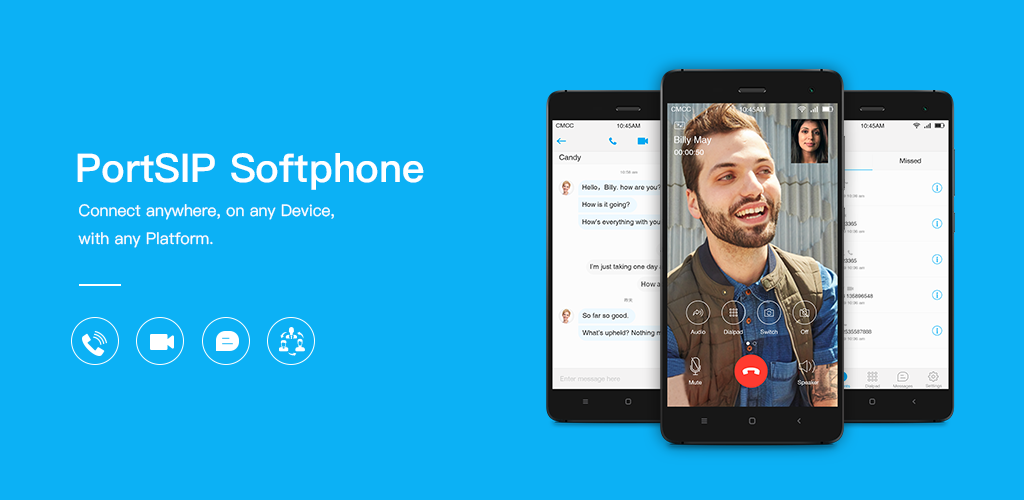
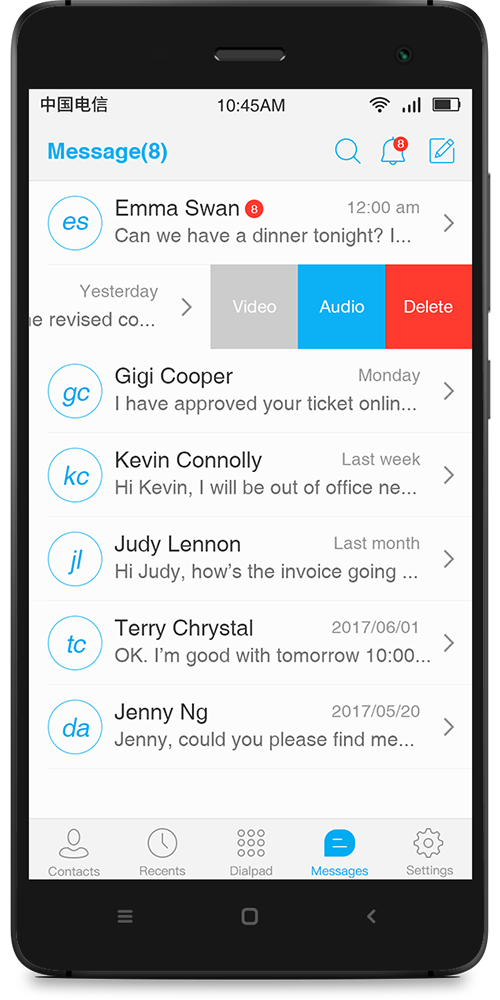
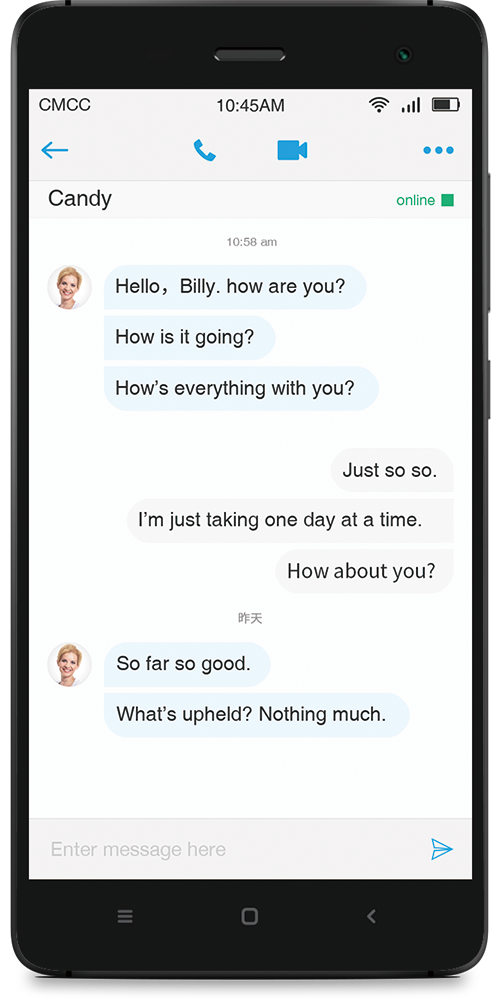
PortSIP Softphone stands out in the communication category with SIP calling, instant messaging, and support for Wi‑Fi or 4G/LTE connections on Android. It is built for people who want one app for calls and messages, with contact-list integration, call handling tools, and secure signaling and audio encryption options.
- Wi‑Fi and LTE calling — Use Wi‑Fi or 4G/LTE to make and receive SIP calls and instant messages on Android.
- Push notifications — With PortSIP PBX, the app can receive calls and messages even after being force terminated.
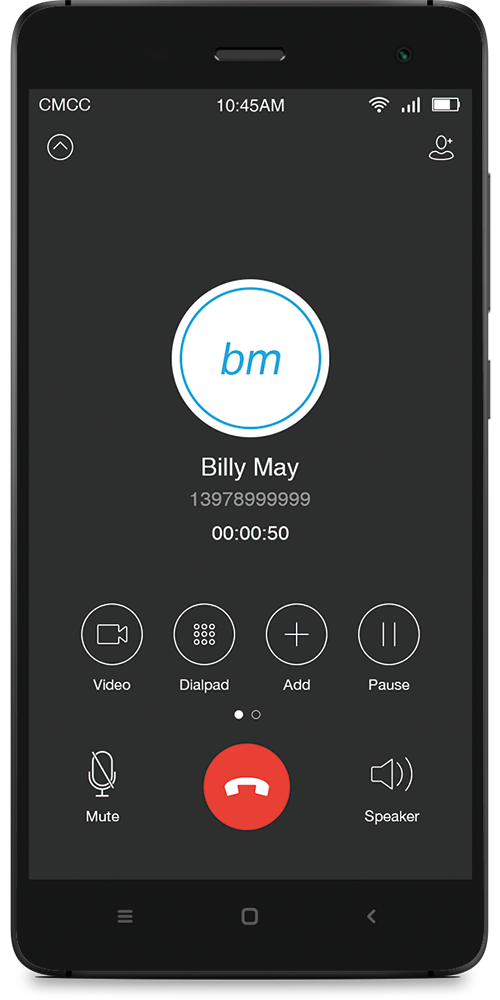
- Call handling tools — Switch between two calls, merge or split them, and use attended or unattended transfers.
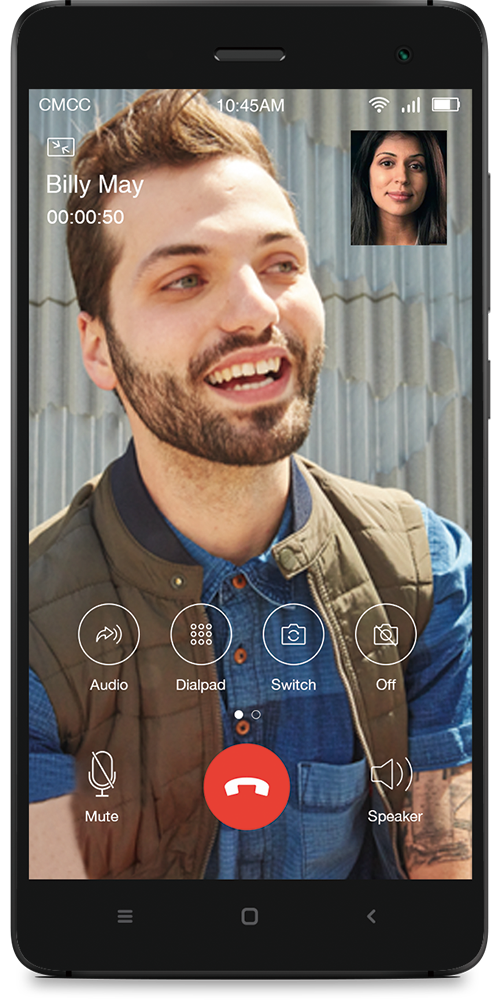
- Video and HD audio — Place video calls up to 1080P with H.264 or VP8, and use HD audio calling.
- Secure signaling — The app includes advanced security settings for secure call signaling and audio encryption.
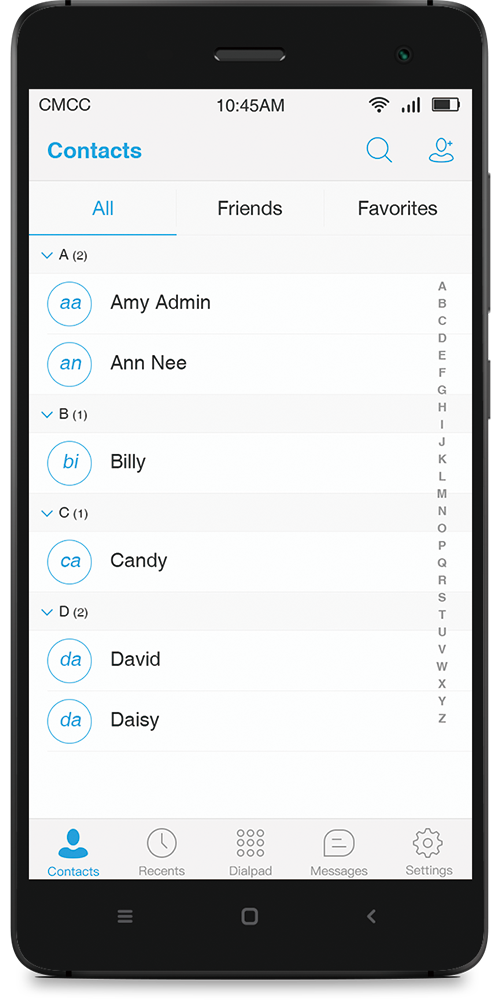
- Contact-based management — It uses Android’s existing contact list to help organize communication in one place.
Calls and messages over Wi‑Fi or LTE
On a commute or at a desk, PortSIP Softphone lets you place SIP calls and send instant messages using Wi‑Fi or 4G/LTE. It is designed for Android users who want phone-style communication inside a SIP softphone, with support for both making and receiving calls from the same app.
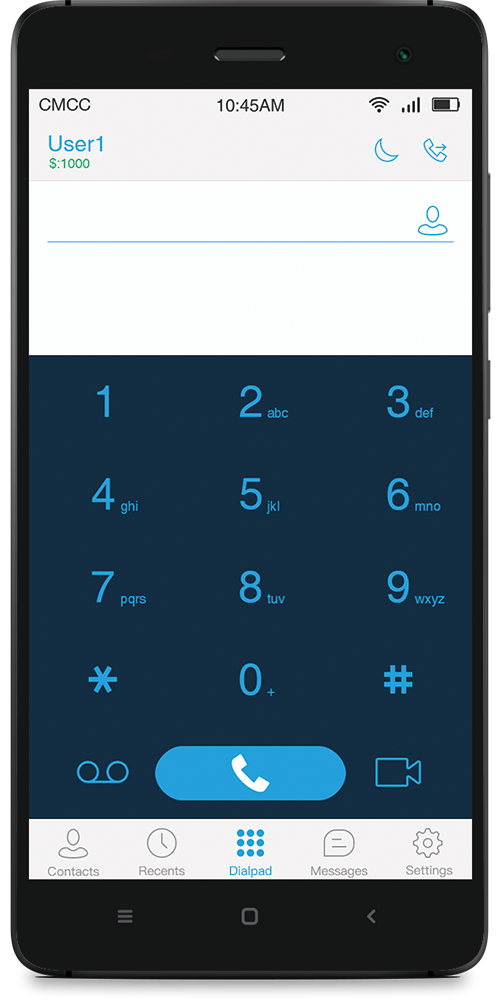
The app works with Android’s contact list, so you can start from the people already saved on your device instead of building a separate address book.
Push support with PortSIP PBX
If the app is paired with PortSIP PBX, push notifications can help it receive calls and messages even after the app has been force terminated. That can matter when you step away from your phone and still want to stay reachable later.
This makes the app useful for users who need ongoing call and message access without keeping the app open in the foreground.
Managing more than one call
During a busy workday, you can switch between two calls, merge them, split them, and perform attended or unattended transfers. The interface is built to handle multiple calls, so you can move between conversations without leaving the app.
It also supports video conference without MCU support, which adds another option for group communication inside the same softphone.
Security, video, and install details
PortSIP Softphone includes advanced security settings for secure call signaling and audio encryption. It supports video calls up to 1080P with H.264 and VP8, plus HD audio calling and codecs including G.711a/u, Opus, AMR, AMR-WB, G.722.1, iLBC, GSM, and SPEEX-WB.
- Minimum Android: API 17
- File format: APK
- Size: 12.8 MB
The app is free, contains no ads, and is rated for Everyone.
APK information
- Version
- 7.0.38
- Package
- com.portgo
- Category
- Communication
- Size
- 13 MB
- Min Android
- API 17
- Architecture
- universal
Older versions
-
PortSIP Softphone 7.0.38Nov 12, 2026Latest downloadAPK
PortSIP Softphone FAQ
Can I use PortSIP Softphone on a tablet?expand_more
The app supports Android devices running API 17 or higher, so it can run on tablets that meet that requirement.
Is PortSIP Softphone end-to-end encrypted?expand_more
The description mentions secure call signaling and audio encryption, but it does not say end-to-end encryption.
Does PortSIP Softphone show ads?expand_more
No. The app contains no ads.
Is PortSIP Softphone free to use?expand_more
Yes. It is free to download and use.
What call controls does PortSIP Softphone support?expand_more
It supports switching between two calls, merging and splitting calls, and attended or unattended transfers.