
- 4.5star999,602 reviews
- 100M+Downloads
- 28 MBAPK size
- EveryoneRated for Everyone
- 5.0+Android
check_circleOriginal APK from Psiphon Inc. · Updated Nov 12, 2026
No threats found
0 / — antivirus engines flagged this file
Original signature
First seen — Psiphon Inc.
Unmodified APK
Same file the developer published — no mods
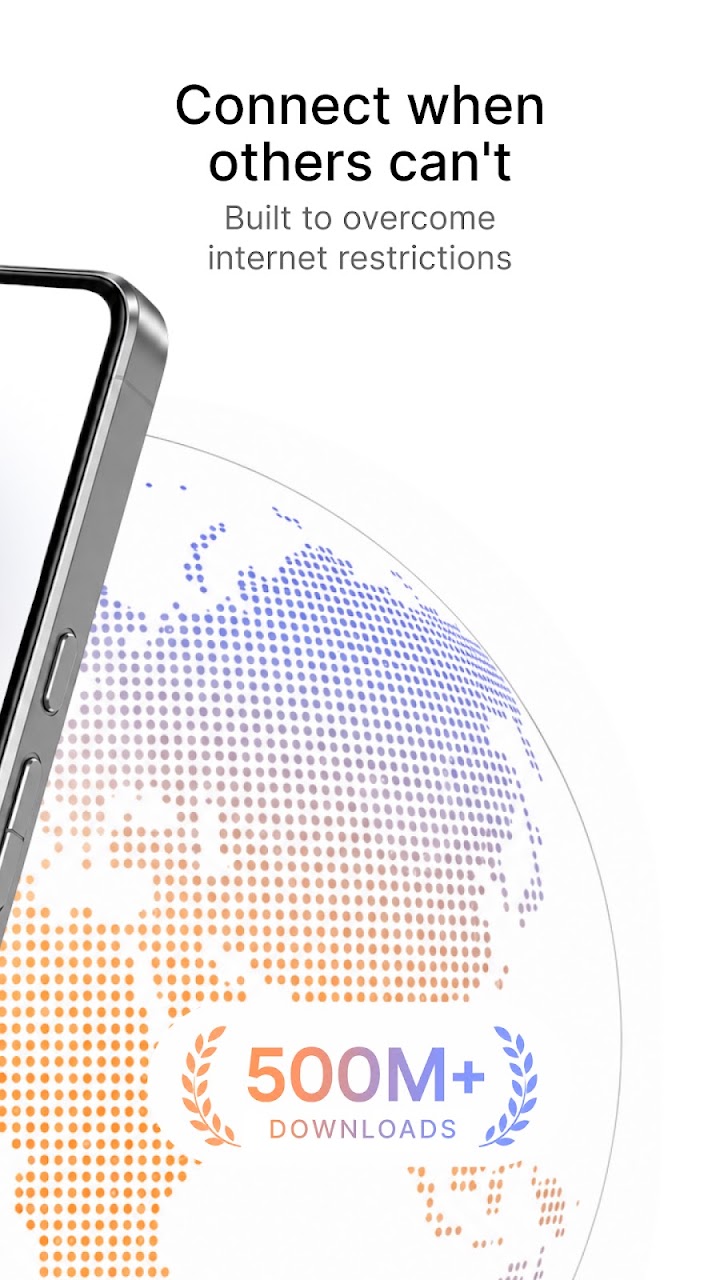
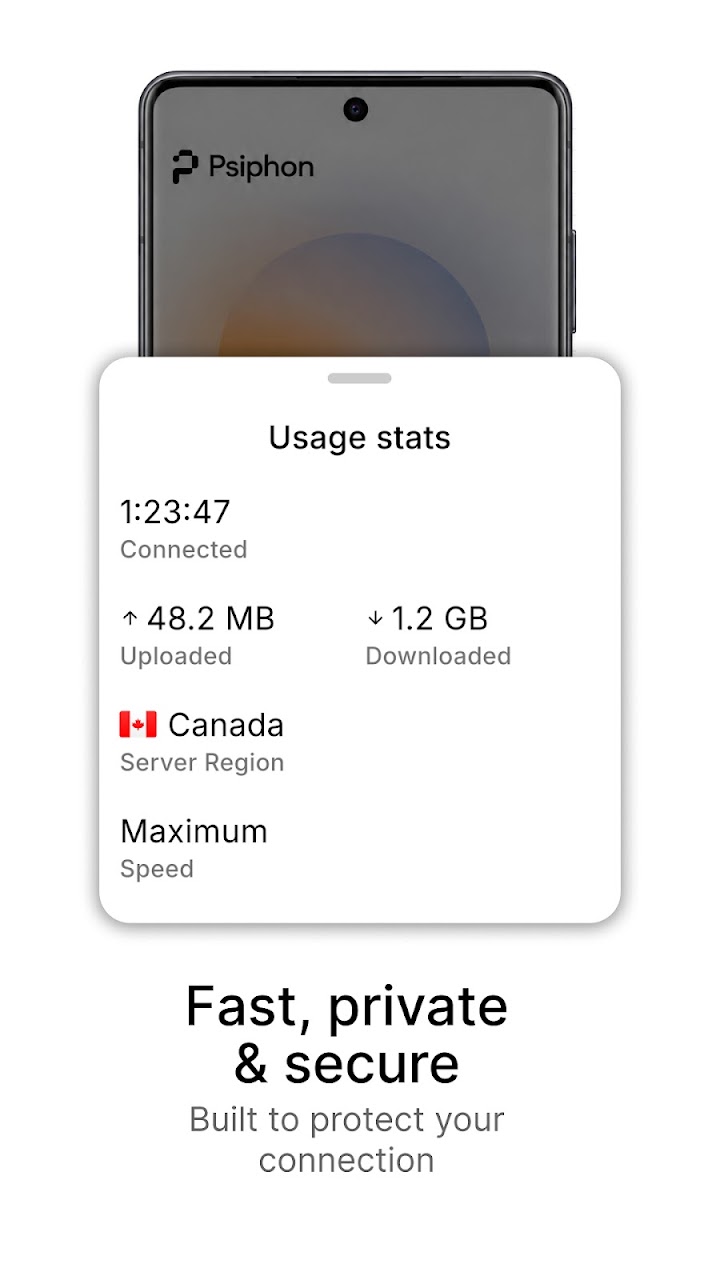
Psiphon VPN: Secure Access screenshots
6 images · tap to enlarge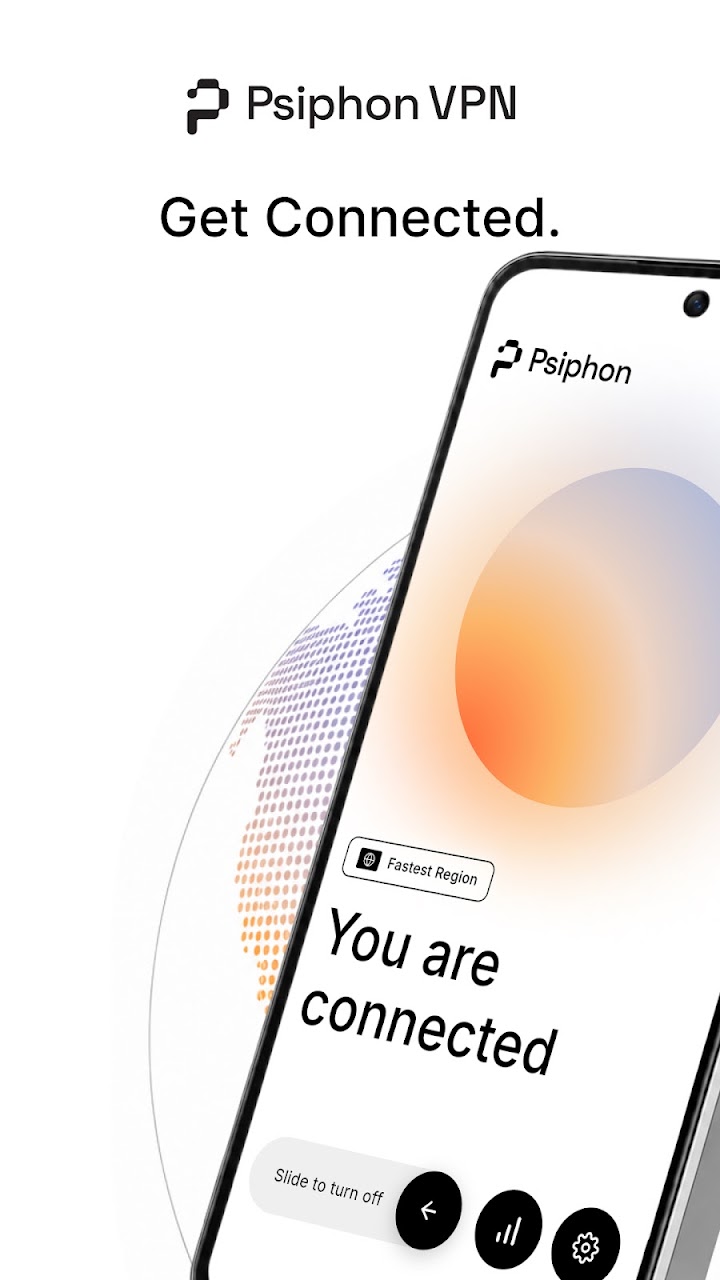
About this app
100M+ installs show how widely Psiphon VPN: Secure Access is used for private browsing and access on restricted networks. It combines VPN, proxy, and circumvention tools, and it connects with one tap. The app is free to download, but it includes ads and in-app purchases, so it is worth knowing that before you install.
- One-tap connection — Connect quickly without needing to understand network settings or VPN jargon.
- Access-focused tools — Psiphon uses VPN, proxy, and circumvention methods to help reach blocked sites and services.
- Private browsing — Your traffic is tunneled through Psiphon to help protect your connection on public Wi-Fi.
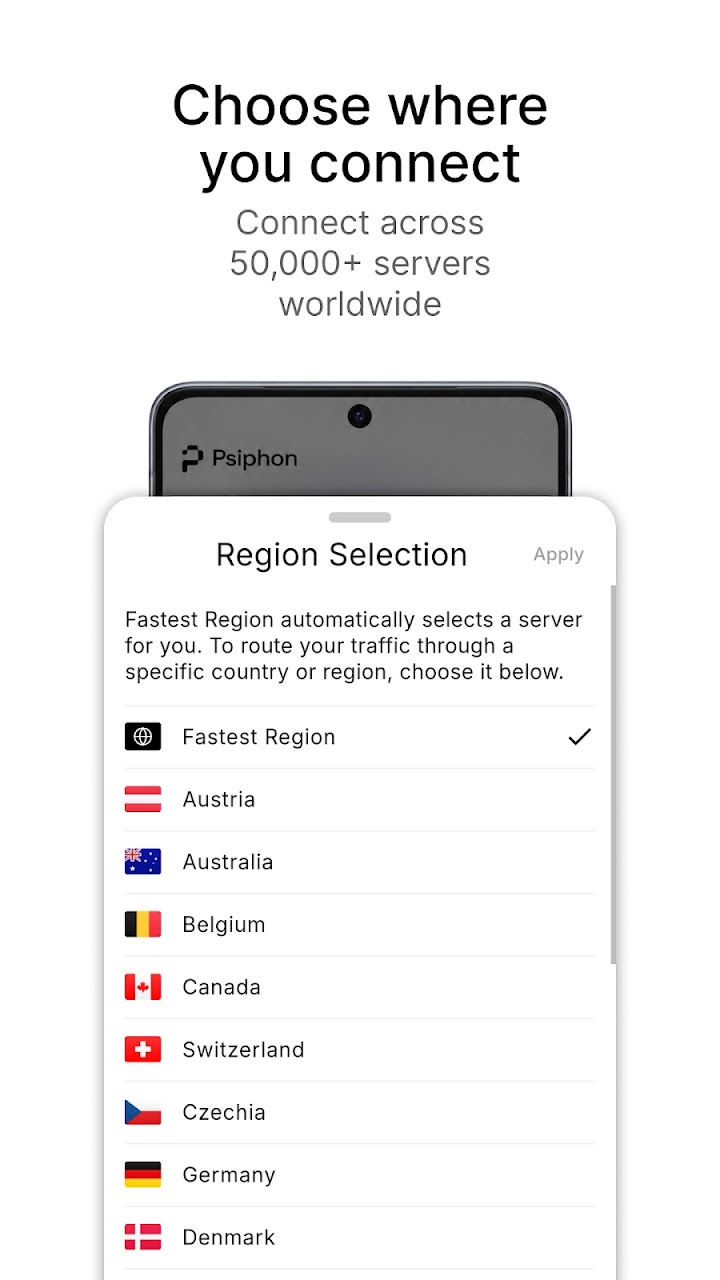
- Automatic selection — The app chooses a connection method based on your network conditions.
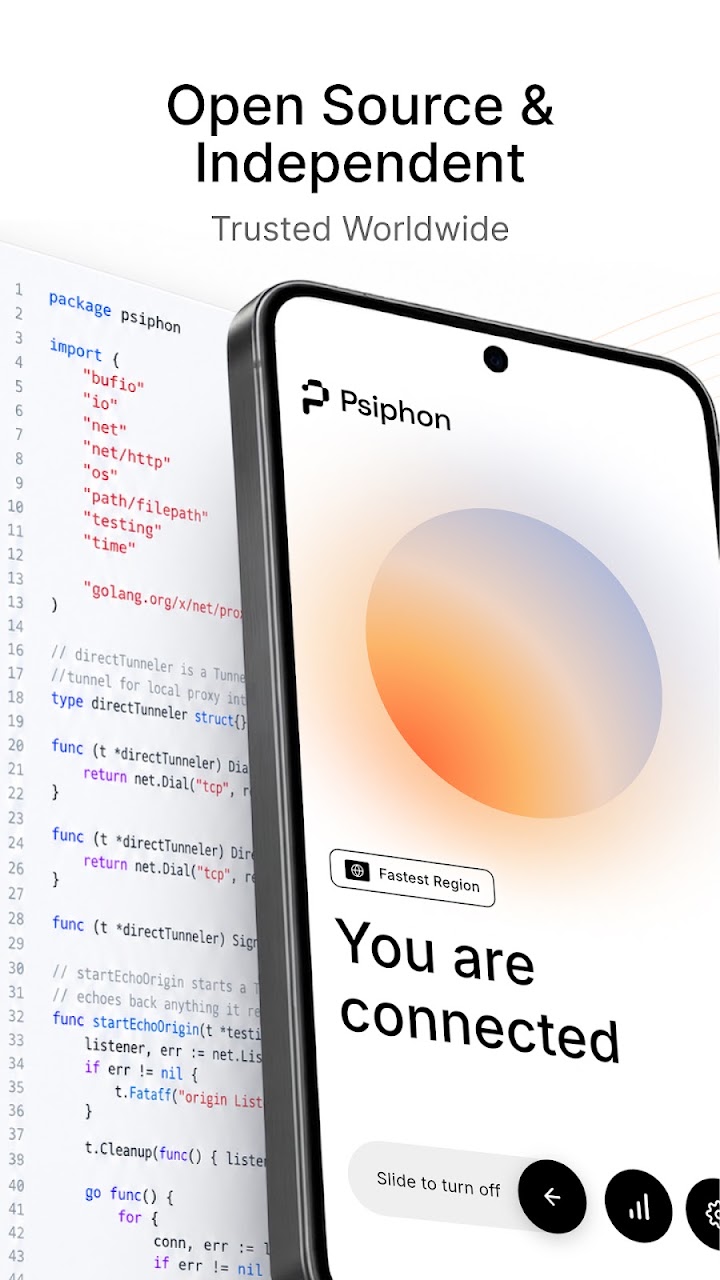
- Open-source design — Its code is open source, so the technology behind it can be independently reviewed.
Fast access with a simple setup
Psiphon VPN: Secure Access is built for people who want private browsing and a way to stay connected when a network is restricted. It is free to install, and it works with one tap instead of asking you to configure every detail yourself. The app is available as an APK, uses a universal build, and needs Android 5.0 or later. The file is about 28 MB.
What it does well
Psiphon is more than a standard VPN app. It combines VPN, proxy, and censorship circumvention technologies, so it is aimed at access as well as privacy. The app automatically selects the best connection method for your network conditions, which can help when Wi-Fi or mobile networks are unstable.
- Get: private browsing on Wi-Fi and mobile networks.
- Get: one-tap connection and automatic protocol selection.
- Get: access to websites, apps, and services on restricted networks.
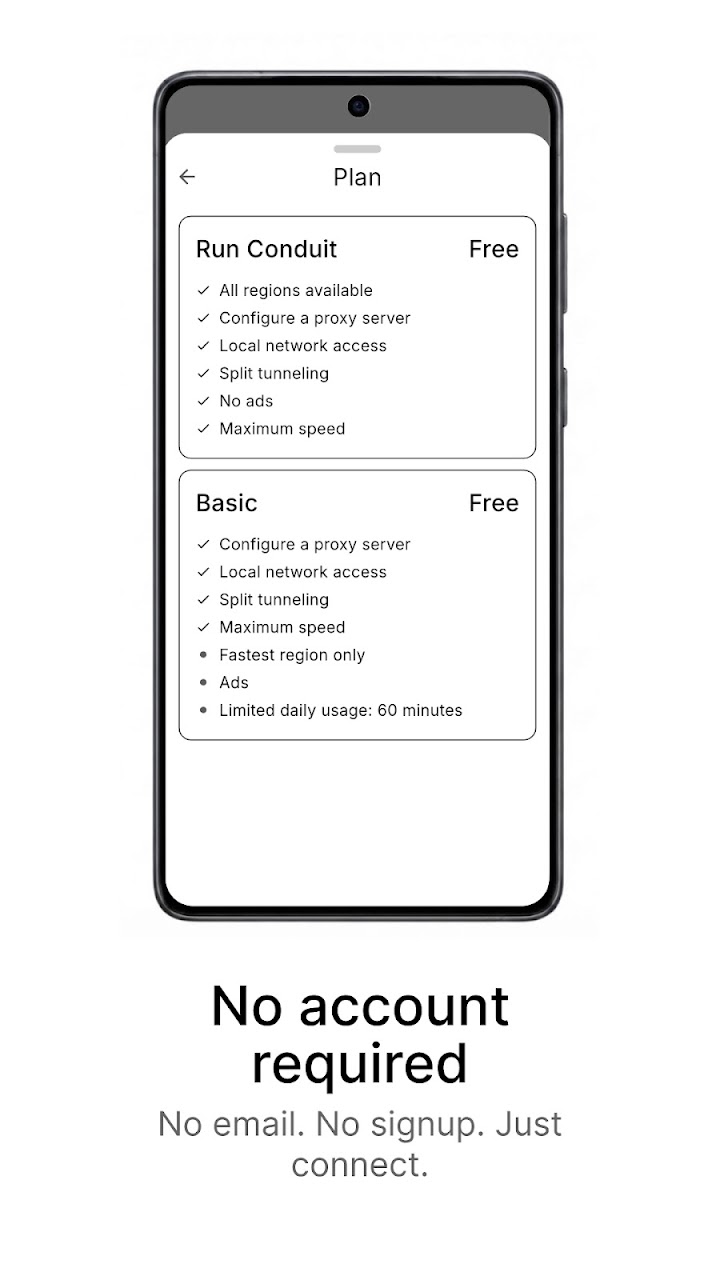
- Watch for: ads in the free version.
- Watch for: in-app purchases, including Psiphon Plus for more features and an ad-free experience.
Privacy and trust details
Psiphon says it securely tunnels your internet traffic between your device and its network, and it does not collect personally identifiable information. It is also open source, which means the technology behind it can be reviewed independently. For people who want a familiar name in this category, the app has a long history and a large user base.
What to keep in mind
The app does not list any required permissions here, so there is nothing extra to review on that point. It is also not a messaging or calling app, so it should be compared with VPN tools rather than apps like Gmail, WhatsApp, or Messenger. If you want a simple way to try private browsing and access tools, Psiphon is straightforward; if you want a completely ad-free experience, the free version does not provide that.
APK information
- Version
- 486
- Package
- com.psiphon3.subscription
- Category
- Communication
- Size
- 28 MB
- Min Android
- 5.0
- Architecture
- universal
Older versions
-
Psiphon VPN: Secure Access 486Nov 12, 2026Latest downloadAPK
Psiphon VPN: Secure Access FAQ
Can I use Psiphon VPN: Secure Access on a tablet?expand_more
Yes. The app supports Android 5.0 and later, so it can run on Android devices that meet that requirement, including tablets.
Is Psiphon VPN: Secure Access end-to-end encrypted?expand_more
The app says it securely tunnels your internet traffic between your device and the Psiphon network. The listing does not describe it as end-to-end encrypted.
Does Psiphon VPN: Secure Access have in-app purchases?expand_more
Yes. The app is free to download, but it includes in-app purchases. Psiphon Plus unlocks more features and an ad-free experience.
How do I install the Psiphon VPN: Secure Access APK file?expand_more
Download the APK file, then open it on an Android device running 5.0 or later and follow the install prompts. The file format is APK and the build is universal.
Does Psiphon VPN: Secure Access ask for permissions?expand_more
No permissions are listed in the app details provided here. That means there are no specific permission requests shown in this listing.