
- 4.7star675,287 reviews
- 100M+Downloads
- 7 MBAPK size
- EveryoneRated for Everyone
- API 19+Android
check_circleOriginal APK from Big Bang Inc. · Updated Nov 12, 2026
No threats found
0 / — antivirus engines flagged this file
Original signature
First seen — Big Bang Inc.
Unmodified APK
Same file the developer published — no mods
Ringtone Maker:create ringtone screenshots
6 images · tap to enlarge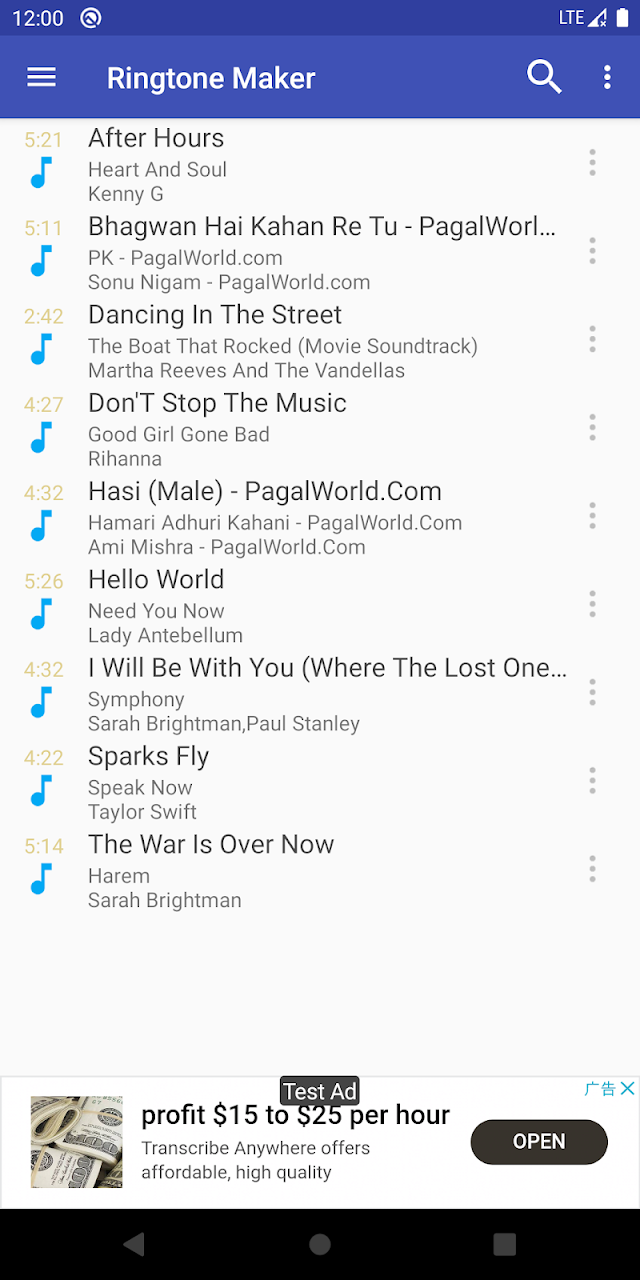
About this app
With 100M+ installs and a 4.7 rating, Ringtone Maker:create ringtone is built for turning audio into ringtones, alarms, and notifications. It works with several common formats, lets you trim by waveform or timestamps, and can also record a new clip before editing. The app is free, but it includes ads.
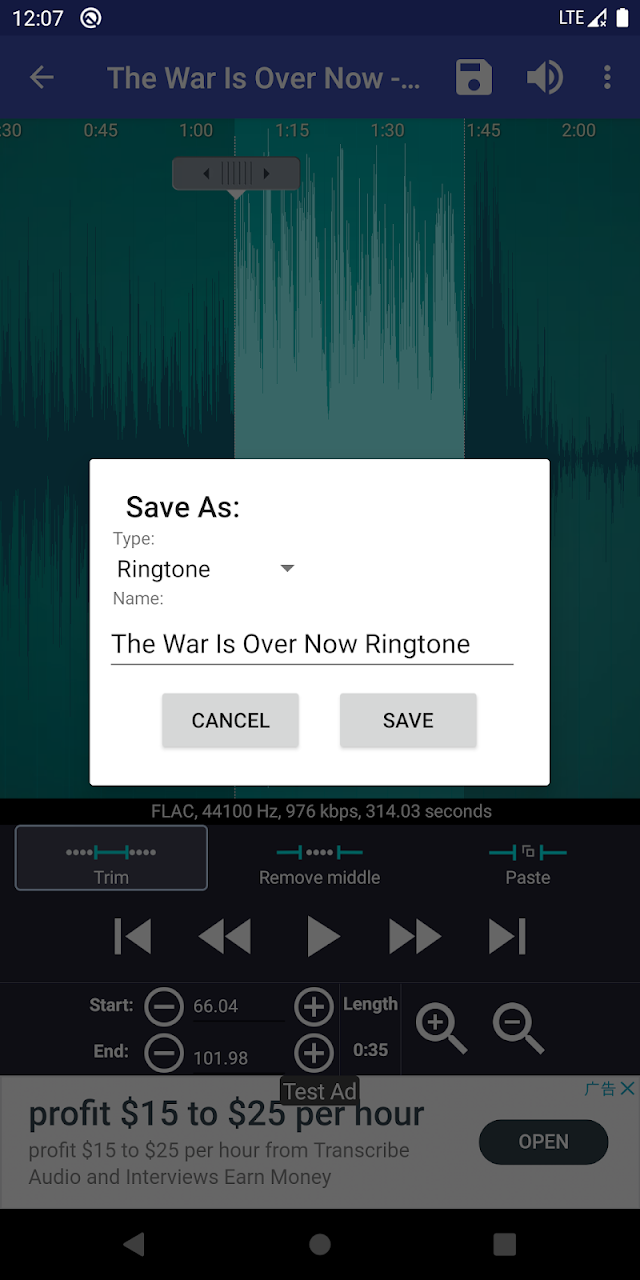
- Audio trimming — Cut a selected section from a song or recording and save it as a ringtone, alarm, music file, or notification tone.
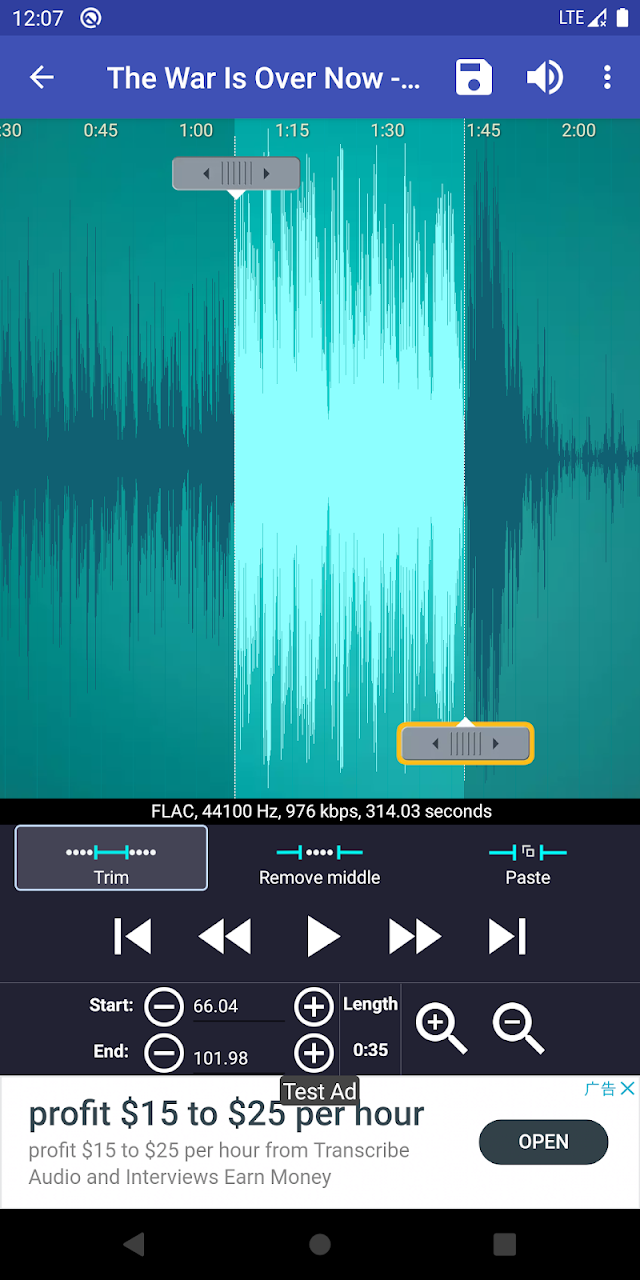
- Waveform editing — Use the scrollable waveform with 6 zoom levels to set start and end points more precisely.
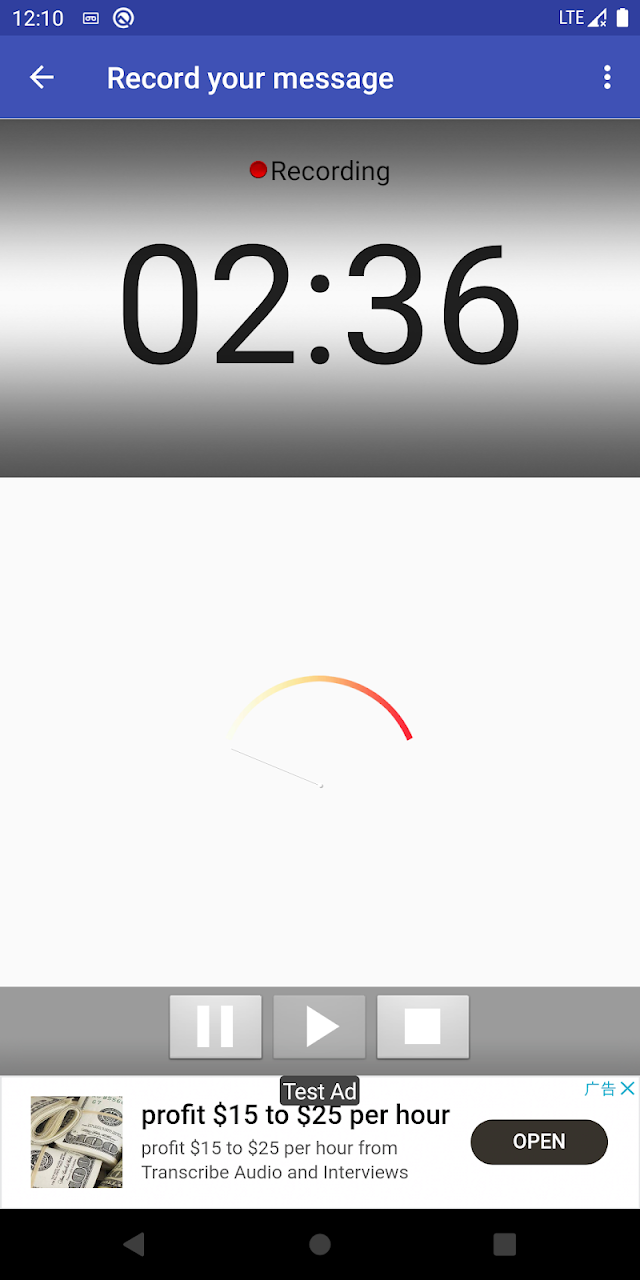
- Record your own audio — Capture a new clip, then edit it into a ringtone or notification tone.
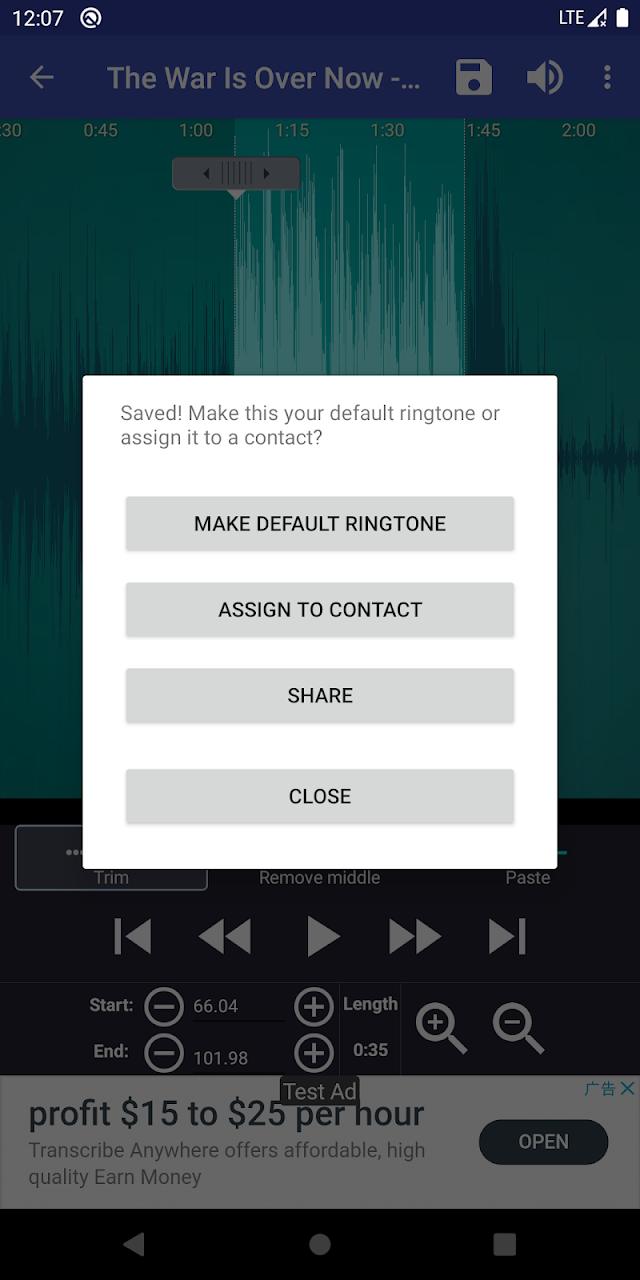
- Contact assignment — Preview a ringtone and assign it directly to a contact, then reassign or remove it later.
- File format support — Works with MP3, FLAC, OGG, WAV, AAC(M4A)/MP4, 3GPP/AMR, and MIDI files.
First launch: start with an audio file
On the first screen, the app is set up for one job: picking audio and shaping it into a ringtone, alarm, or notification. You can work from music files already on the device or record a new clip first. The app is free to use, and ads are part of the experience.
It supports Android 19 and up, comes as a 6.8 MB universal APK, and installs as a standard APK file.
Trim, preview, and save the clip
The editing tools are straightforward. You can slide markers on the timeline, set start and end points with buttons, or type timestamps directly. Before saving, you can preview the selected portion and listen with the cursor moving through the waveform.
- You get: ringtone, alarm, music, and notification output choices.
- Watch for: ads, and no in-app purchases are listed.
- You get: contact assignment after the clip is saved.
- Watch for: storage and contact permissions if you use those features.
Practical setup tips
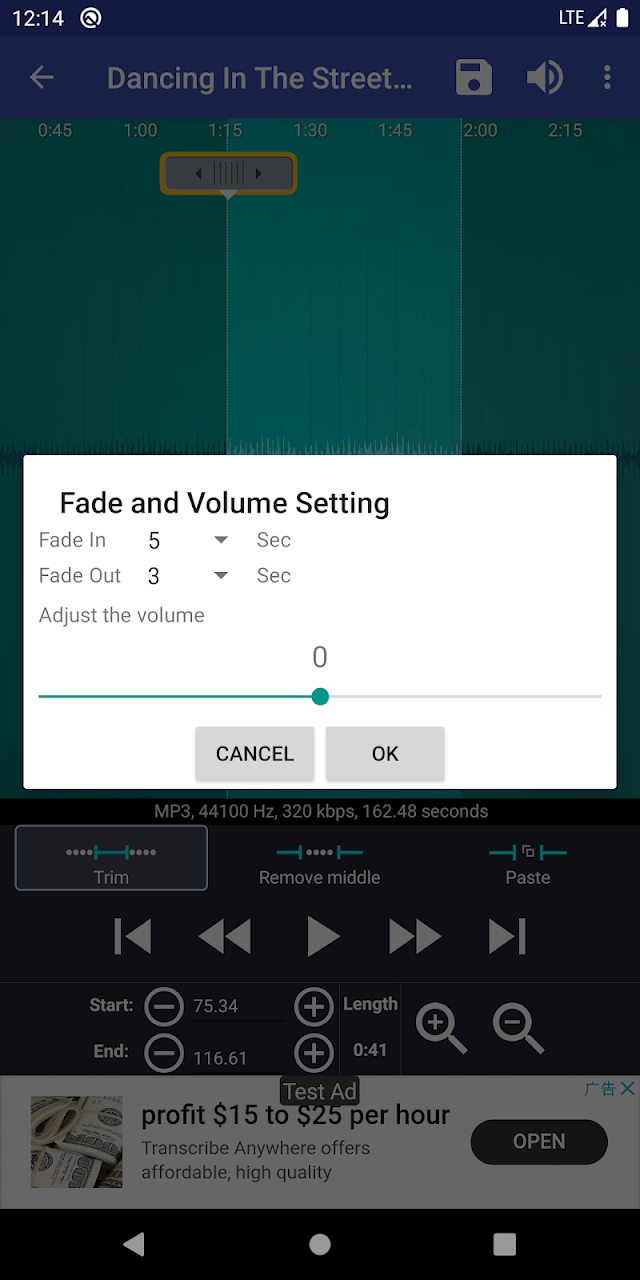
If a newly downloaded song does not appear, the app includes a Scan option to refresh the music database. It also sorts content by tracks, albums, and artists, which can help when you have a large library. The app includes copy, cut, and paste tools, plus fade in/out and volume adjustment for MP3 files.
Default save locations are shown in the app settings: ringtones, notifications, alarms, and music each have their own folder.
Permissions, contacts, and what to expect
The app explains that it may request internet and network-state access for ads, plus contacts and write-contacts access if you want to assign a ringtone to someone. It also uses write settings and storage access to save audio files. The developer says contact information is not collected. The app is listed for Everyone.
APK information
- Version
- 2.9.8
- Package
- com.herman.ringtone
- Category
- Personalization
- Size
- 7 MB
- Min Android
- API 19
- Architecture
- universal
Older versions
-
Ringtone Maker:create ringtone 2.9.8Nov 12, 2026Latest downloadAPK
Ringtone Maker:create ringtone FAQ
Does Ringtone Maker:create ringtone slow down my phone?expand_more
The app does not list battery or performance impact details. It is a 6.8 MB APK, which is relatively small.
Which launchers does Ringtone Maker:create ringtone support?expand_more
Launcher support is not listed. The app is focused on making ringtones, alarms, and notifications from audio files or recordings.
Does Ringtone Maker:create ringtone have in-app purchases?expand_more
No in-app purchases are listed. The app is free, and it does contain ads.
What permissions does Ringtone Maker:create ringtone ask for?expand_more
The description mentions internet, network state, phone state, contacts, write contacts, write settings, and external storage permissions, mainly for ads, saving files, and assigning ringtones to contacts.
Can I create a ringtone from my own recording?expand_more
Yes. You can record a new audio clip in the app and edit it into a ringtone or notification tone.