- 4.0star4,010 reviews
- 50M+Downloads
- 3 MBAPK size
- EveryoneRated for Everyone
- API 19+Android
check_circleOriginal APK from BlueStacks · Updated Nov 12, 2026
No threats found
0 / — antivirus engines flagged this file
Original signature
First seen — BlueStacks
Unmodified APK
Same file the developer published — no mods
Torque Launcher screenshots
8 images · tap to enlarge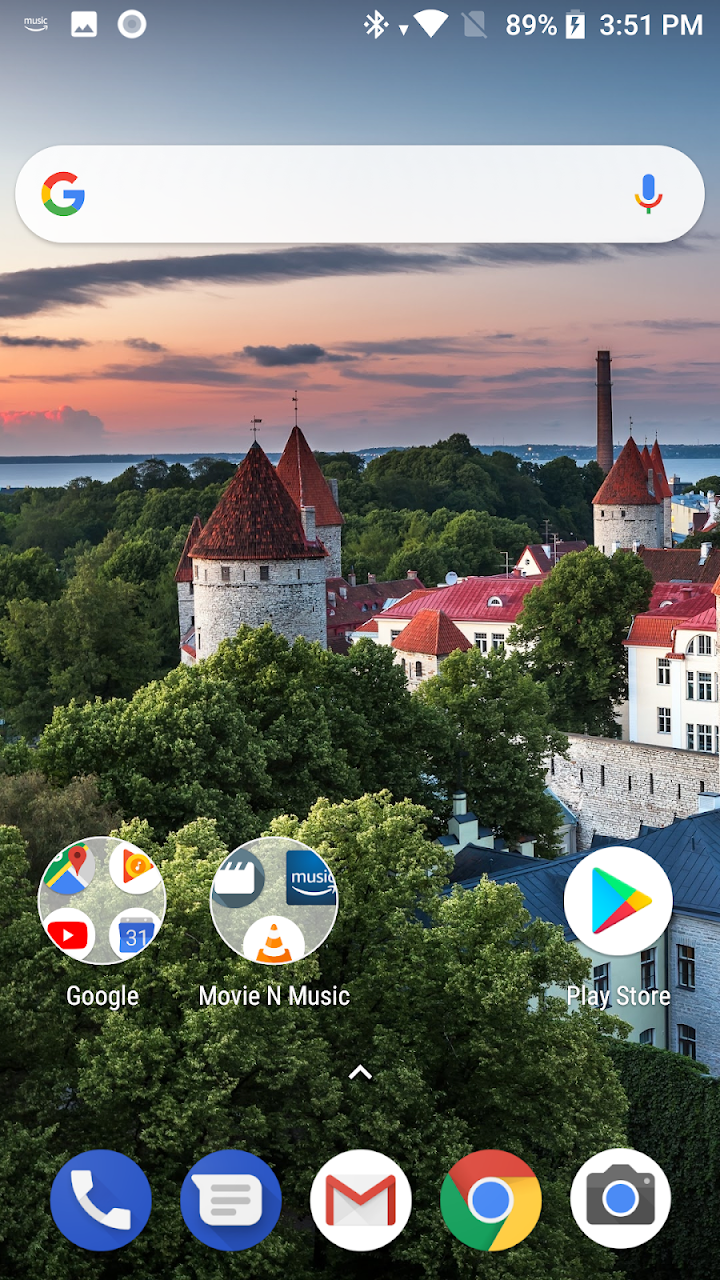
About this app
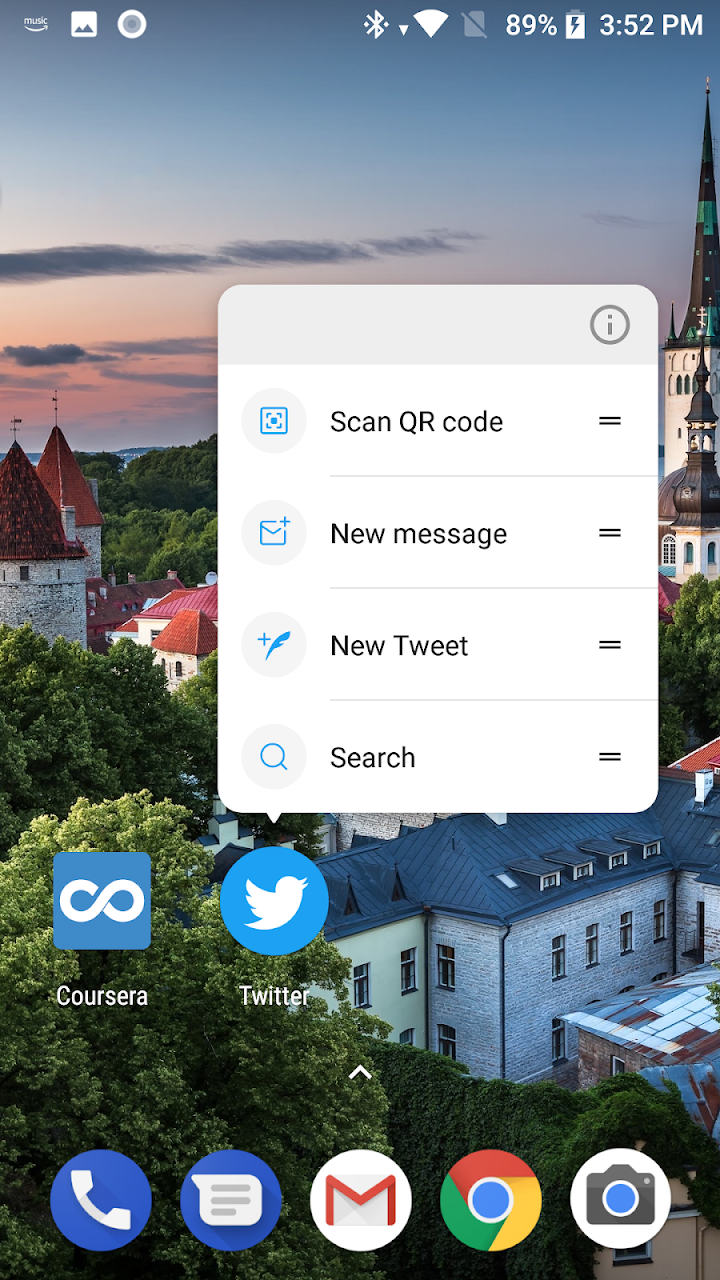
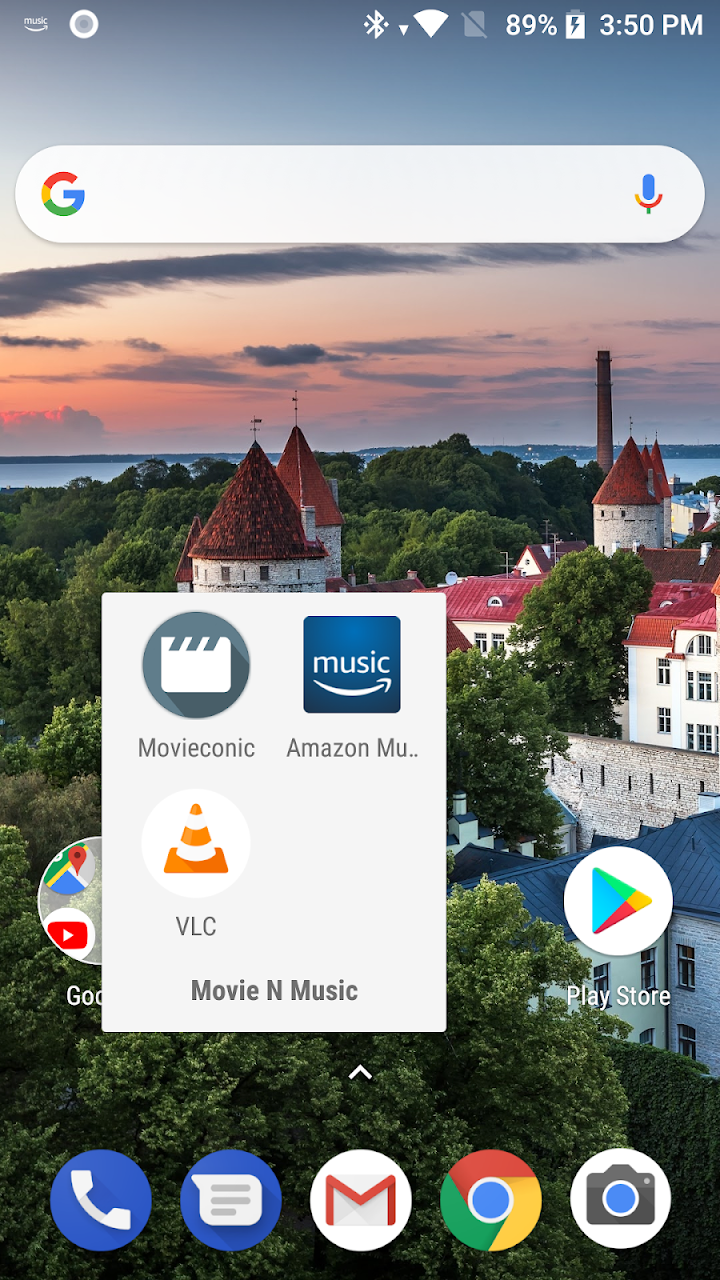
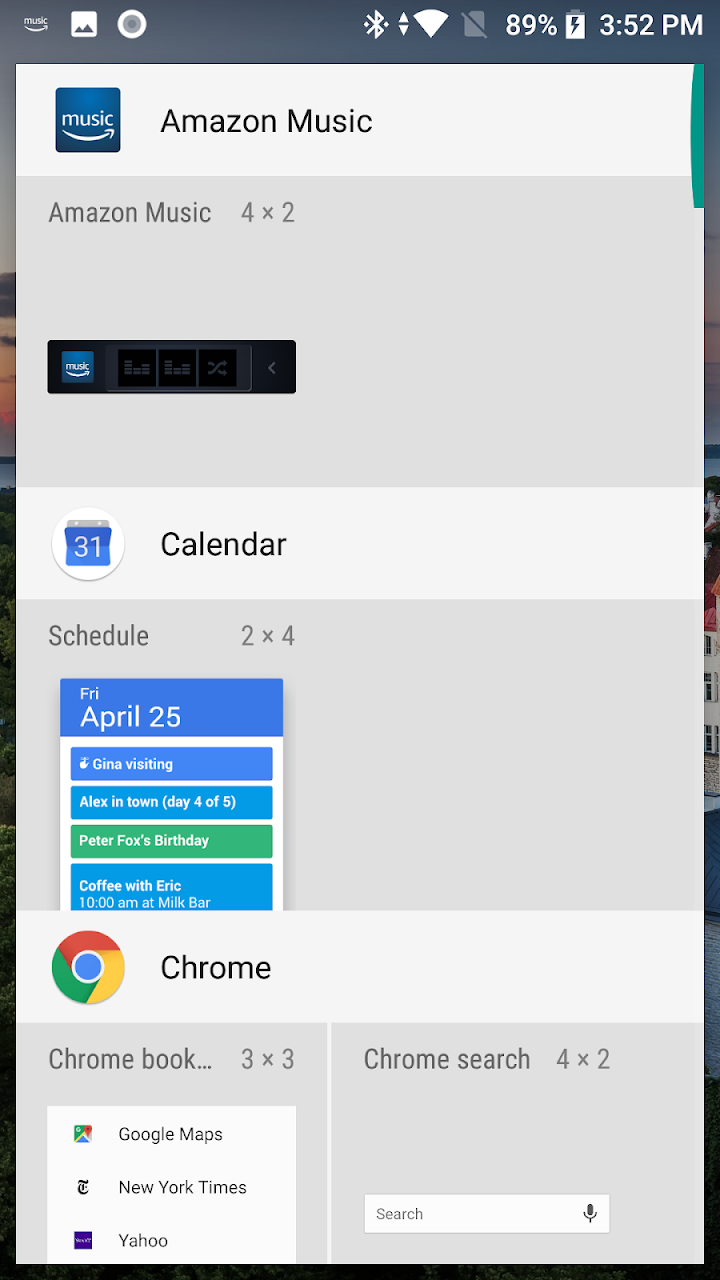
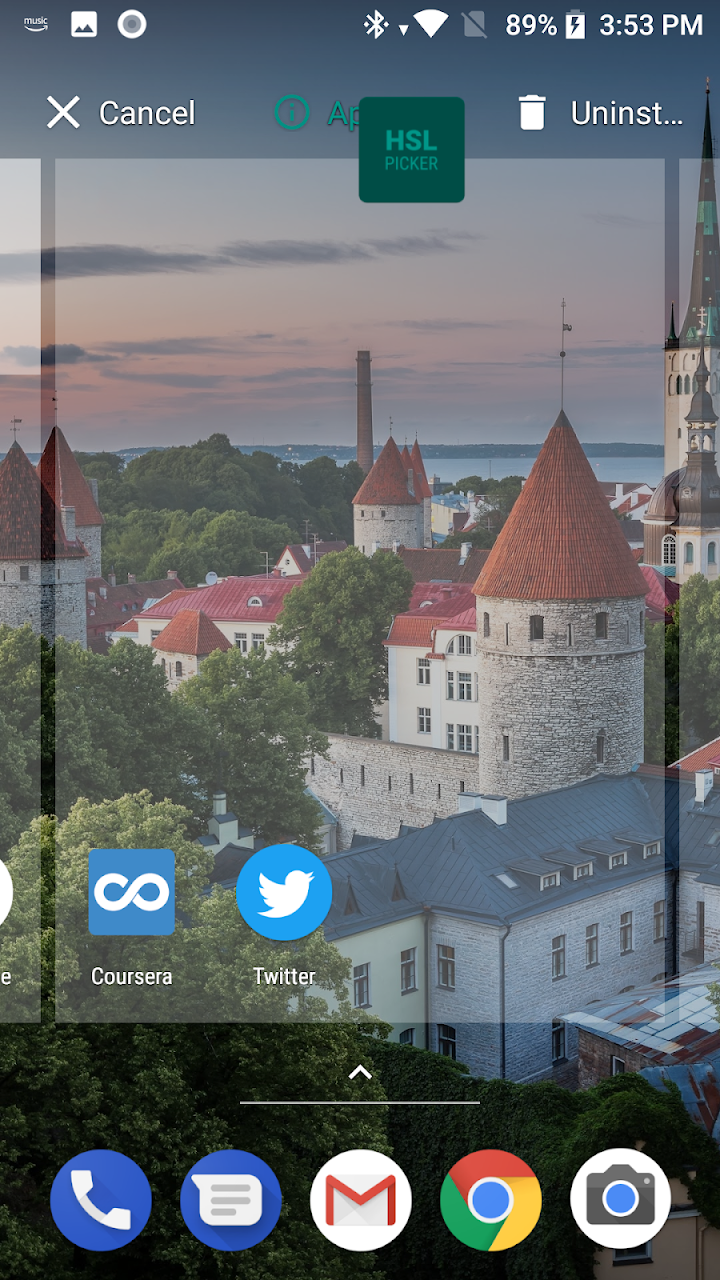
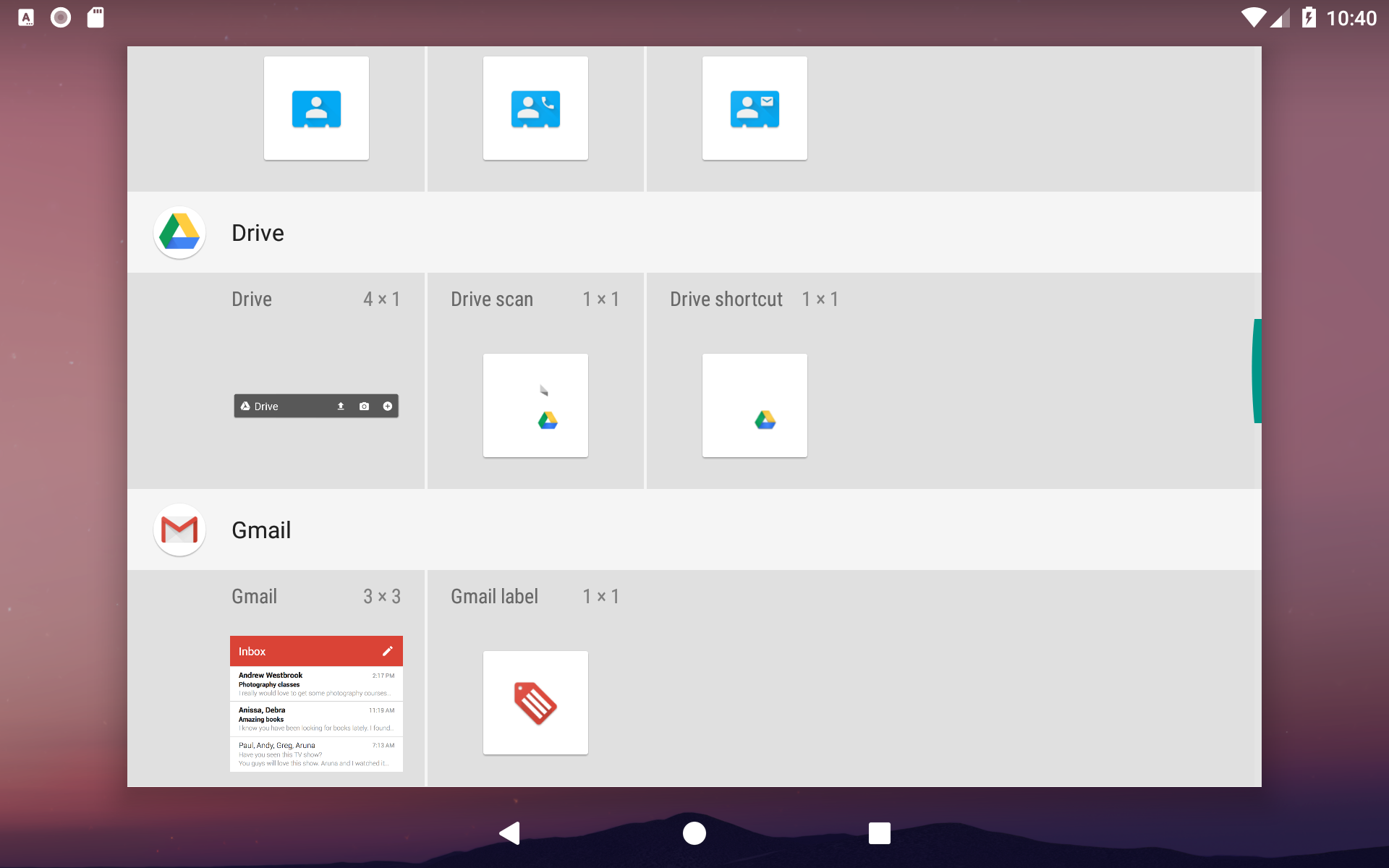
A fast, lightweight launcher for quick home-screen use. Torque Launcher keeps setup small, places icons neatly, and uses smooth animations so opening apps and moving around the phone feels direct. It works across phones and tablets, with a translucent all-apps menu and no permissions listed.
- Tiny setup — The app is built with a small footprint and comes as a 3.4 MB universal APK.
- Fast home screen — Torque Launcher is tuned for quick response and smooth movement between screens.
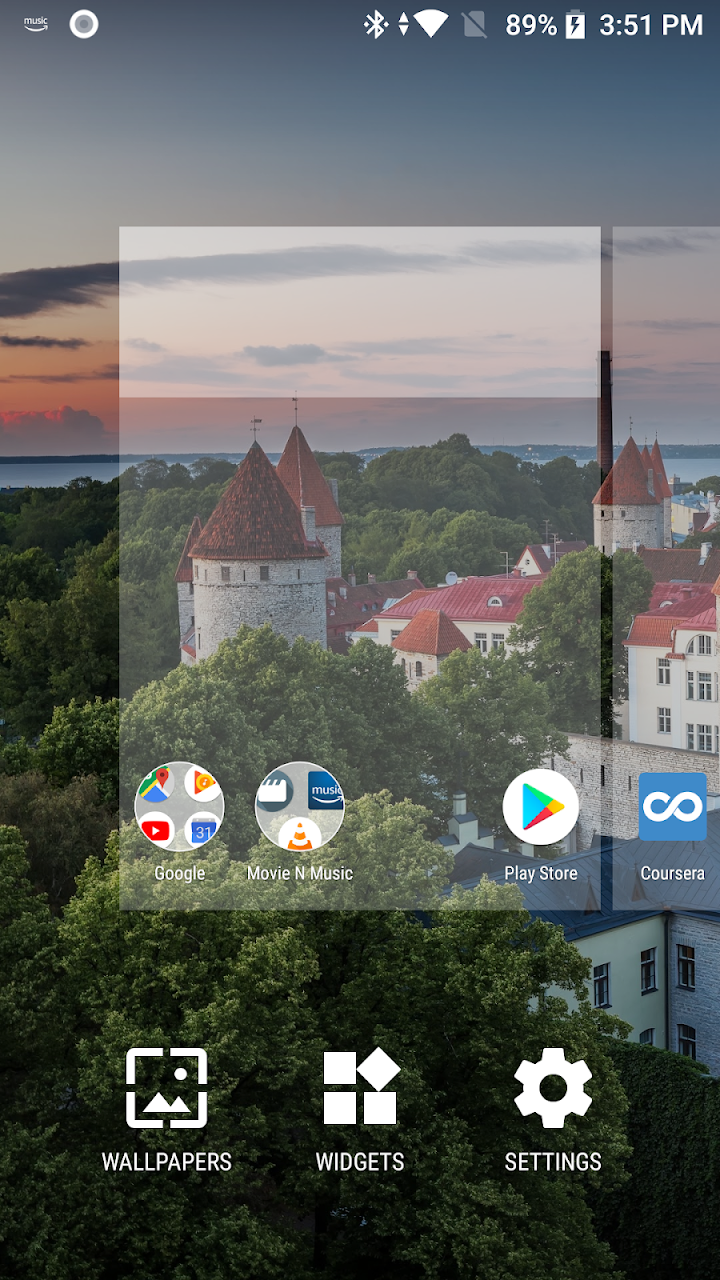
- AOSP styling — It follows a pure Android-style layout with an uncluttered home screen.
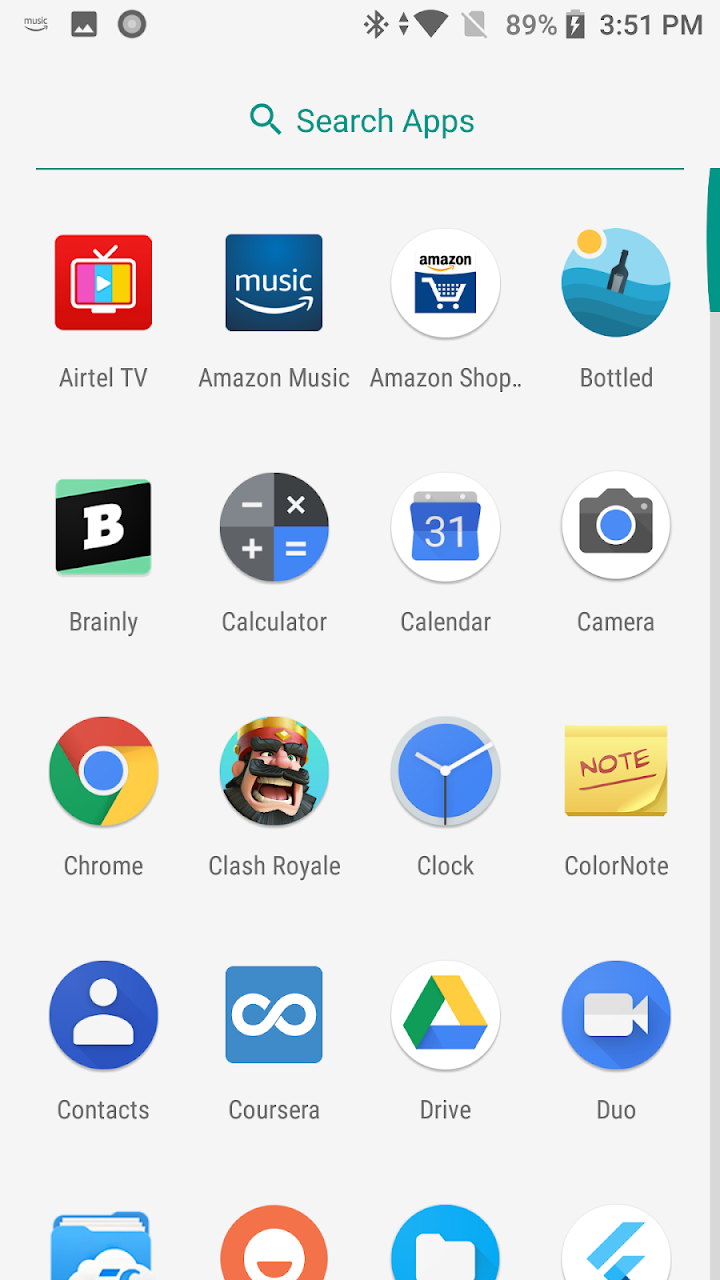
- Translucent app drawer — The all-apps menu uses a translucent look instead of a heavy, layered interface.
- Device range support — It is designed to work on small-screen phones and tablets up to 10 inches.
Quick home screen access
Torque Launcher keeps the home screen simple for the moments when you just want to open an app and move on. The app is tuned for fast response, with smooth animations and an uncluttered layout that places icons in a clean, organised way. Compared with heavier launchers such as Samsung One UI Home or XOS Launcher, this one focuses on a lighter AOSP-style setup rather than extra interface layers.
Translucent all-apps menu
The main task here is getting to your apps quickly. Torque Launcher includes a translucent all-apps menu, so the app drawer stays visually light while still giving access to everything installed on the device. If you prefer a launcher that keeps the screen quiet and simple, that is the part you will notice most during daily use.
Built for small and large screens
Torque Launcher supports devices from small phones to 10-inch tablets, and it runs on Android 4.4 and up (API 19). The APK is universal, comes in a 3.4 MB file, and installs without any listed permissions. That makes the setup straightforward, with no account step and no permission prompts to work through before using it.
How it compares with other launchers
Against Microsoft SwiftKey AI Keyboard and Zedge™ Wallpapers & Ringtones, Torque Launcher is not about keyboard tools or wallpaper and ringtone content. Its focus is the launcher itself: fast screen transitions, a compact package, and a plain Android look. If you want more style-heavy or device-specific launcher features, alternatives like HiOS Launcher or Samsung One UI Home may fit that preference better.
- No permissions listed: the app does not request any permissions in the package details.
- Free with ads: it is free to download and includes ads.
- Installed as APK: the app is distributed as an APK file.
APK information
- Version
- 16.0
- Package
- com.uncube.launcher3
- Category
- Personalization
- Size
- 3 MB
- Min Android
- API 19
- Architecture
- universal
Older versions
-
Torque Launcher 16.0Nov 12, 2026Latest downloadAPK
Torque Launcher FAQ
Does Torque Launcher slow down my phone?expand_more
Torque Launcher is described as a fast launcher with smooth animations and a tiny setup. It is tuned to work quickly on Android devices.
Which devices does Torque Launcher support?expand_more
It supports devices ranging from small-screen phones to 10-inch tablets. The minimum Android version is API 19.
Can I install Torque Launcher without Google Play?expand_more
Yes. It is available as an APK file, so it can be installed outside Google Play if you have the package.
How do I update Torque Launcher from an APK?expand_more
Install the newer APK over the existing app package. The current version is 16.0, and the APK is universal.
Does Torque Launcher ask for permissions?expand_more
No permissions are listed for this app. The package details show an empty permissions set.