- 4.3star30 reviews
- 5M+Downloads
- 13 MBAPK size
- EveryoneRated for Everyone
- API 15+Android
check_circleOriginal APK from Mobotap · Updated Nov 10, 2026
No threats found
0 / — antivirus engines flagged this file
Original signature
First seen — Mobotap
Unmodified APK
Same file the developer published — no mods
U Launcher 3D: New Launcher 2019, 3d themes screenshots
8 images · tap to enlarge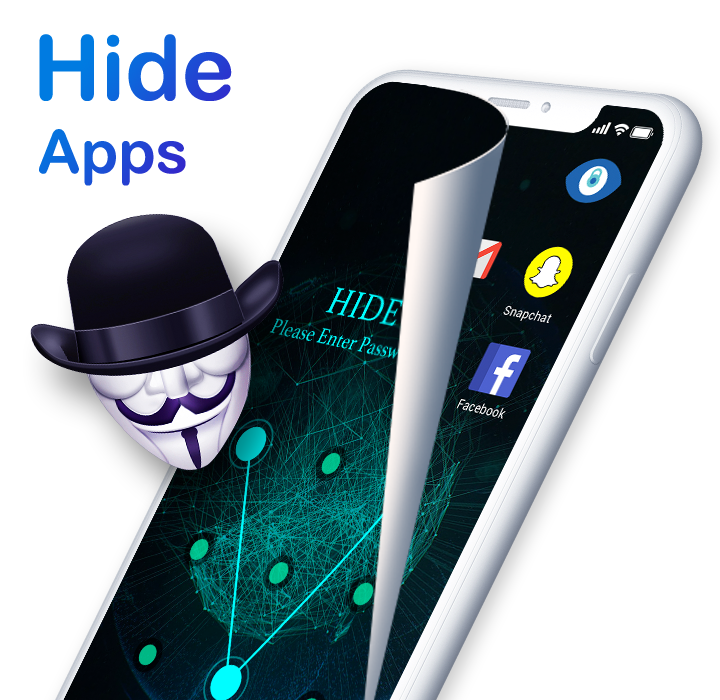

About this app
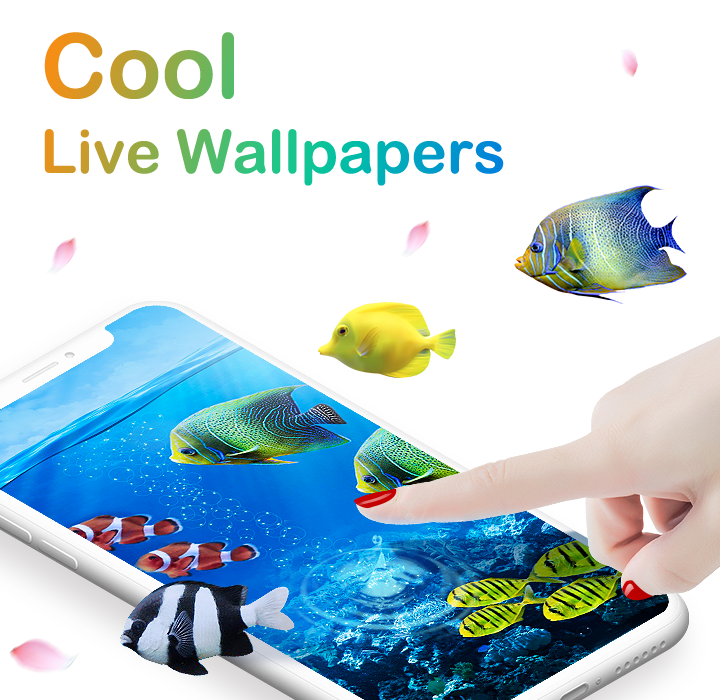
5M+ installs and a 4.3 rating make U Launcher 3D easy to spot in Personalization. It changes the home screen with 3D themes, parallax wallpapers, icon packs, and screen transitions. It also adds app hiding, smart folders, quick search, widgets, and a one-tap speed booster. Ads are included.
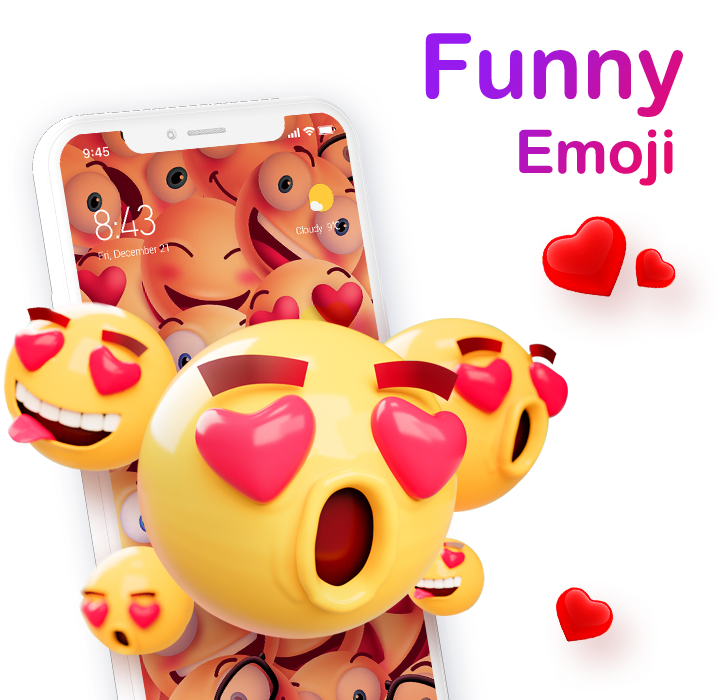
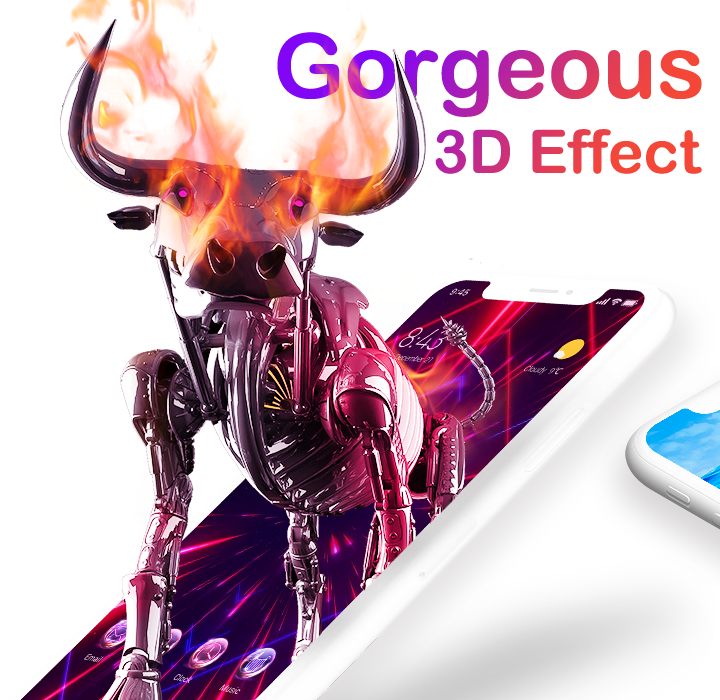
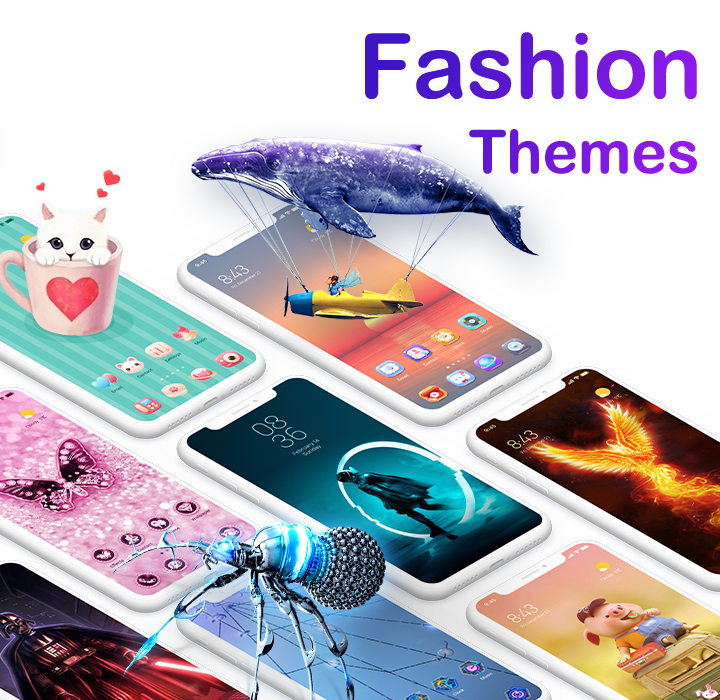
- 3D home screen — Use 3D themes, parallax backgrounds, and screen transition effects on the home screen.
- Hide private apps — Hide apps with a two-finger gesture and keep them off the home screen.
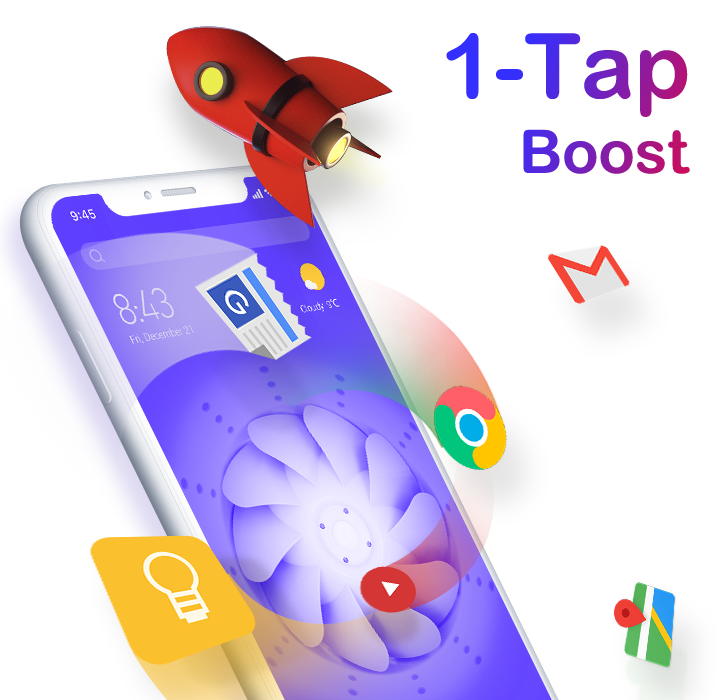
- Speed booster — Free up memory and save battery with one tap from the home screen.
- Smart folders — Sort apps into categories automatically to keep the app drawer cleaner.
- Quick search — Switch search engines and browse from the launcher search feature.
- Widgets and shortcuts — Add widgets and shortcuts by long-pressing the home screen.
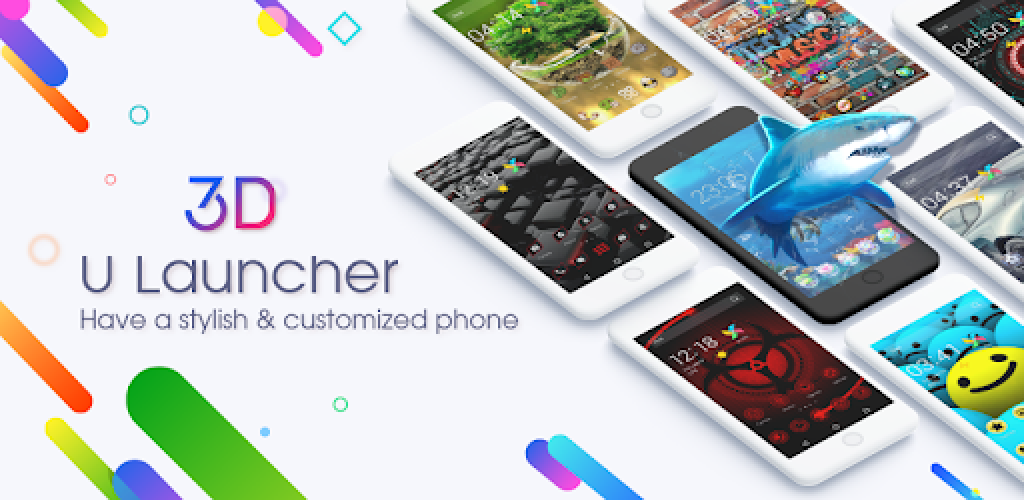
3D themes on the home screen
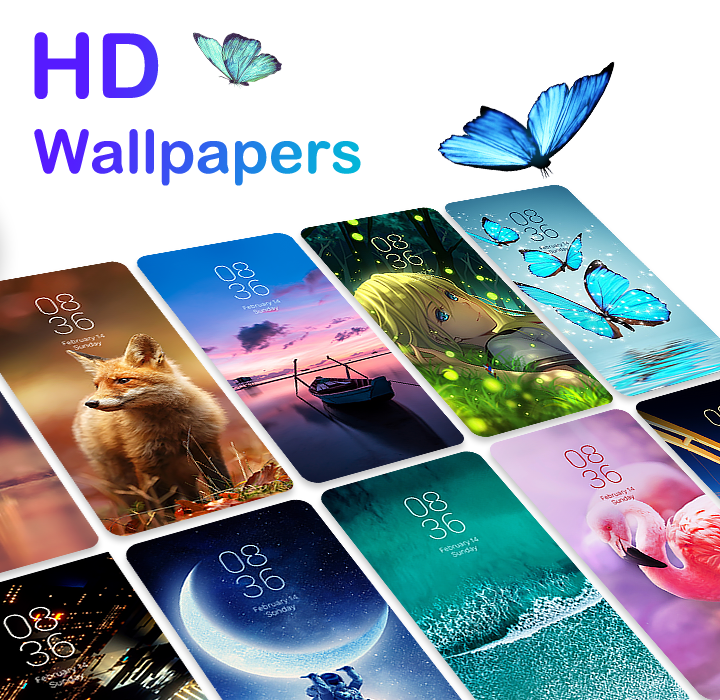
U Launcher 3D replaces a plain Android home screen with 3D themes, HD wallpapers, icon packs, and transition effects. It is built for people who want a more styled launcher, while still keeping familiar actions like widgets, search, and app drawer use close at hand. The app is free, includes ads, and comes as a 12.5 MB APK for Android 4.0+.
Hide apps and keep folders tidy
One of the most practical tools here is app hiding. A two-finger outward gesture hides private apps from the home screen. Smart folders also sort apps by function, which helps when the drawer gets crowded. That makes U Launcher 3D more focused on organizing and privacy than launchers such as Samsung One UI Home or Microsoft SwiftKey AI Keyboard, which serve different parts of the phone experience.
Speed booster and search tools
The launcher includes a speed booster that frees memory and saves battery with one tap. It also has quick search for switching search engines and browsing from the launcher. In daily use, that means fewer steps when opening apps, checking something online, or clearing memory before a busy stretch.
Widgets, gestures, and device fit
Long press the home screen to add widgets and shortcuts. The app also supports gesture-based screen transitions and a 3D parallax background. The store listing says its themes are compatible with 99% of Android devices. If you want a launcher with more theme and wallpaper control than Zedge™ Wallpapers & Ringtones, this app keeps those tools inside the home screen. If you prefer a default-style interface, XOS Launcher or HiOS Launcher may suit you better.
What the install looks like
Install details are simple: APK format, 12.5 MB size, and minimum Android API 15. There are no permissions listed in the package details. Recent changes mention an improved theme applying process and stability improvements.
- Ads: The app contains ads.
- Account: No account requirement is listed.
- Privacy tools: Hide apps from the home screen with a gesture.
What's new
Version 2.7.7c · Nov 10, 2026
- If you like C Launcher 3D, please rate it 5 stars. Thank you!
- [Improved] Theme’s applying process optimization
- [Improved] Stability improvement.
APK information
- Version
- 2.7.7c
- Package
- com.phone.launcher.android
- Category
- Personalization
- Size
- 13 MB
- Min Android
- API 15
- Architecture
- universal
Older versions
-
U Launcher 3D: New Launcher 2019, 3d themes 2.7.7cNov 10, 2026Latest downloadAPK
U Launcher 3D: New Launcher 2019, 3d themes FAQ
Will U Launcher 3D slow down my phone?expand_more
It includes a speed booster that frees memory and saves battery with one tap. The latest update also lists stability improvements.
Which Android devices does it support?expand_more
The app works on Android 4.0+ and the listing says its themes are compatible with 99% of Android devices.
Do I need an account to use it?expand_more
No account is listed as required. The app details do not mention sign-in.
How large is the download?expand_more
The APK size is 12.5 MB.
How do I hide apps in U Launcher 3D?expand_more
Use a two-finger outward gesture to hide private apps from the home screen.