
- 4.6star22 reviews
- 10M+Downloads
- 18 MBAPK size
- EveryoneRated for Everyone
- API 19+Android
check_circleOriginal APK from Moboapps Dev Team · Updated Nov 12, 2026
No threats found
0 / — antivirus engines flagged this file
Original signature
First seen — Moboapps Dev Team
Unmodified APK
Same file the developer published — no mods
U Launcher Lite-Hide apps screenshots
8 images · tap to enlarge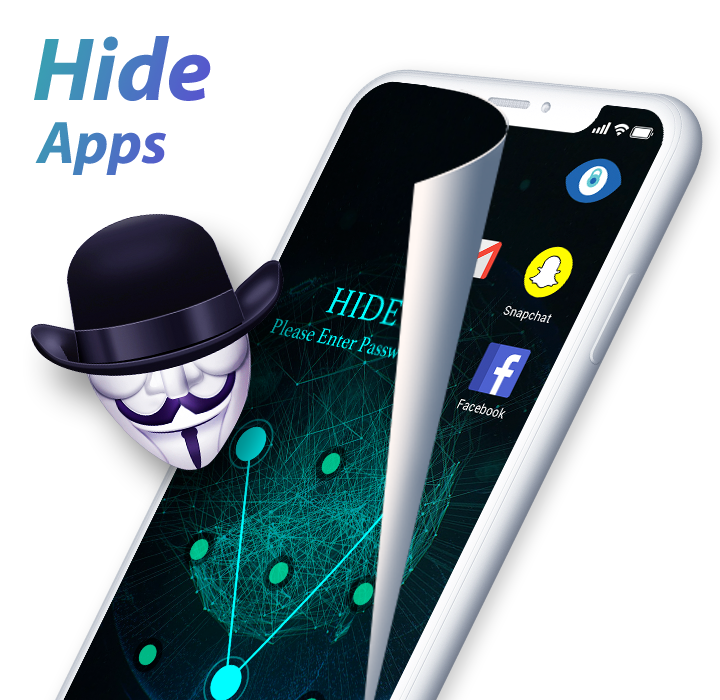




About this app
10M+ installs and a 4.6 rating make U Launcher Lite-Hide apps a well-used personalization app for Android. It combines themes, wallpapers, and launcher controls with app hiding and password protection. The app is free, shows no ads, and has no in-app purchases, with support for Android 4.4 and up.
- Hide apps — Use the launcher’s hide-apps option and set a password for extra control.
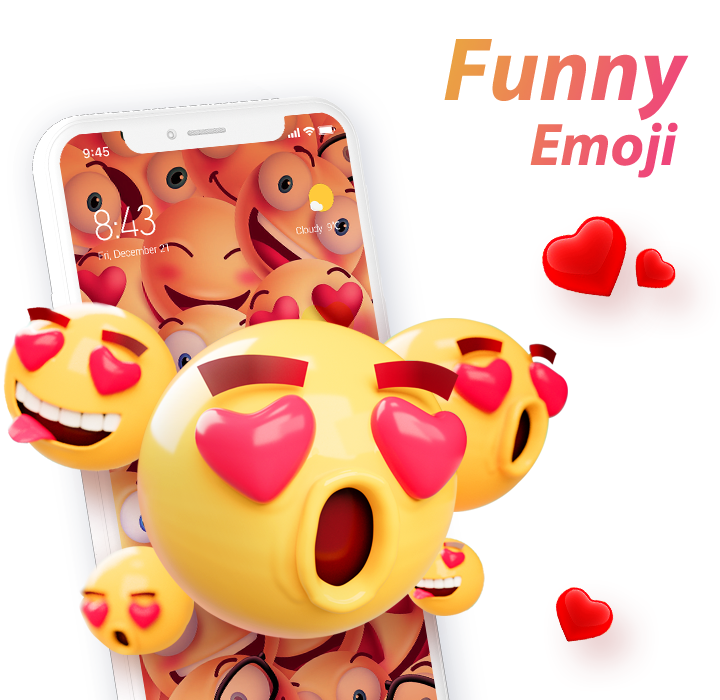
- HD themes — Apply themes and wallpapers designed for a personalized home screen.
- Lightweight launcher — The app is built as a fast launcher with a small 18.3 MB APK.
- Quick gestures — Use pinch and swipe gestures to reach app drawer, settings, and widgets.
- Ad-free use — The app contains no ads and no in-app purchases.
For users who want a lighter launcher
U Launcher Lite-Hide apps is aimed at Android users who want a launcher with a smaller footprint and clear personalization tools. It is a universal APK, sized at 18.3 MB, and it installs on Android 4.4 and later. The app is free, contains no ads, and does not include in-app purchases.
For people who use themes and wallpapers
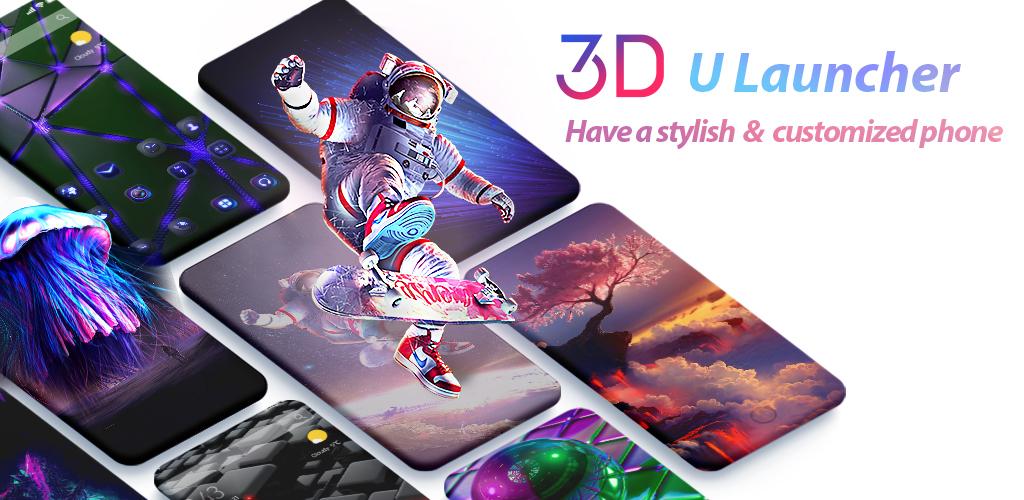
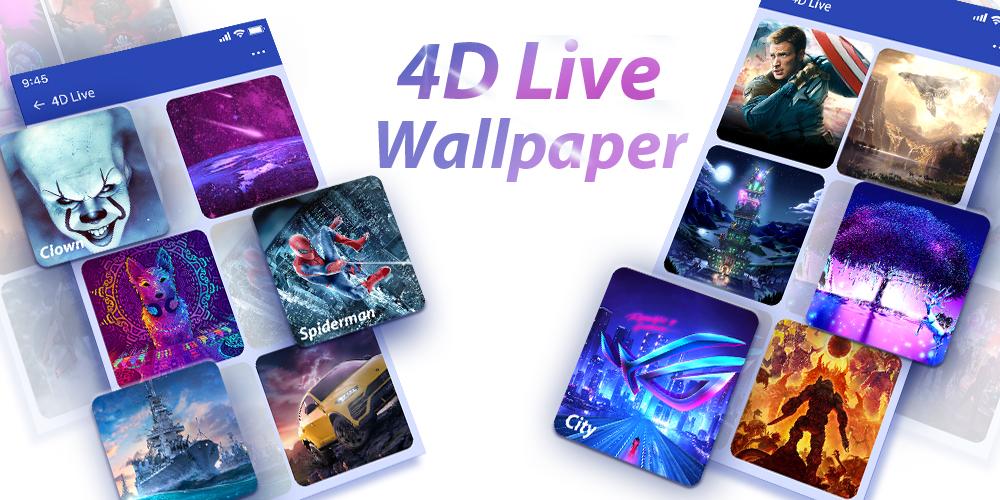
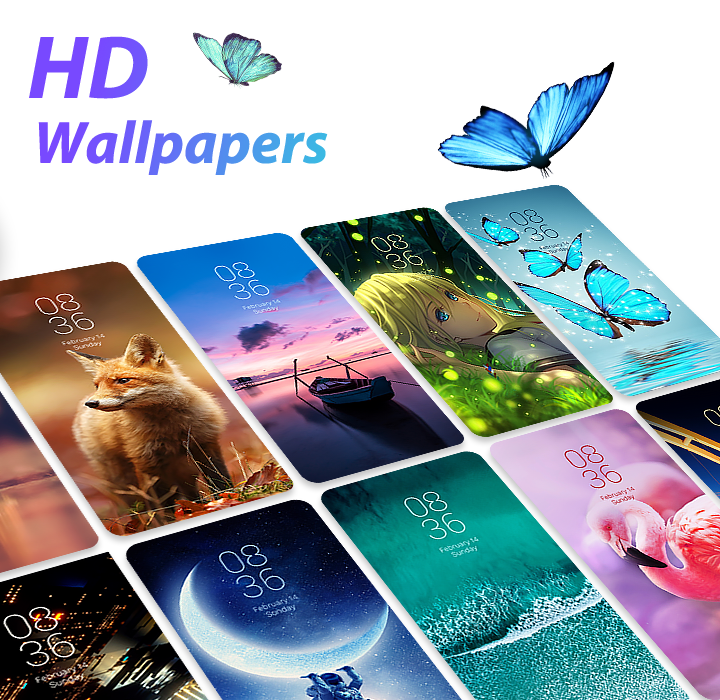
If you change your home screen often, this launcher focuses on themes and wallpapers, including HD themes and 4D-style wallpaper options. The app description also points to 4K HD wallpapers and a personalized interface, so the visual side is a central part of the experience.
For users who want to hide apps
The hide-apps feature is the main utility beyond appearance. You can hide apps from the launcher and set a password, which makes it useful for people who want to keep parts of their phone out of sight while still using a standard Android launcher setup.
For gesture-based navigation
The app includes gesture controls for common launcher actions. Pinching on the home screen or app drawer can help find hidden apps, long-pressing on the home screen can add widgets and shortcuts, and a two-finger pinch or swipe up can open the quick settings page.
- Category: Personalization
- Developer: Moboapps Dev Team
- Version: 2.2.54
- Content rating: Everyone
- Last updated: 2024-05-17
What's new
Version 2.2.54 · Nov 12, 2026
- fix bugs
APK information
- Version
- 2.2.54
- Package
- com.phone.launcher.lite
- Category
- Personalization
- Size
- 18 MB
- Min Android
- API 19
- Architecture
- universal
Older versions
-
U Launcher Lite-Hide apps 2.2.54Nov 12, 2026Latest downloadAPK
U Launcher Lite-Hide apps FAQ
Does U Launcher Lite-Hide apps slow down my phone?expand_more
The app is described as a fast and lightweight launcher. Its APK size is 18.3 MB, which may help keep it light on storage.
Which launchers does U Launcher Lite-Hide apps support?expand_more
The app description says it is compatible with all of your devices. It is available for Android 4.4 and up.
Is this U Launcher Lite-Hide apps APK the original file?expand_more
This page lists the app as U Launcher Lite-Hide apps by Moboapps Dev Team in APK format. It is a universal build.
What changed in the latest U Launcher Lite-Hide apps version?expand_more
The recent change listed for version 2.2.54 is bug fixes.
Can I use widgets and shortcuts with U Launcher Lite-Hide apps?expand_more
Yes. A long press on the home screen lets you add widgets and shortcuts.