- 4.6star1,288,840 reviews
- 100M+Downloads
- 44 MBAPK size
- TeenRated for Teen
- 5.0+Android
check_circleOriginal APK from Nebuchadnezzar DOO · Updated Nov 12, 2026
No threats found
0 / — antivirus engines flagged this file
Original signature
First seen — Nebuchadnezzar DOO
Unmodified APK
Same file the developer published — no mods
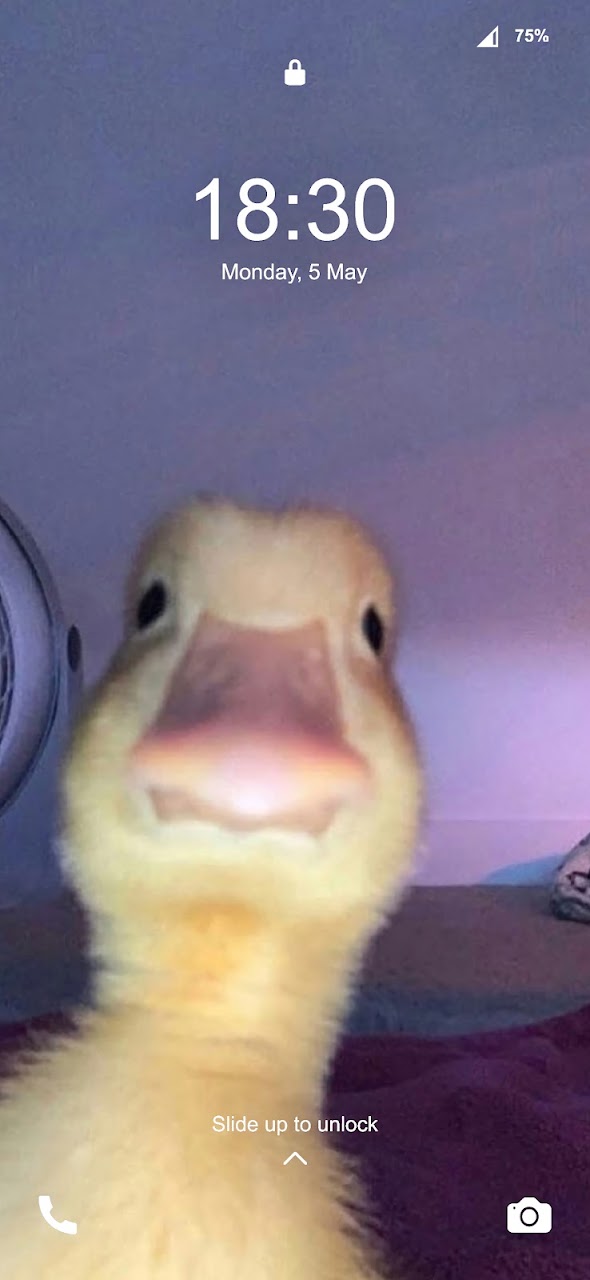
Wallpaper 4K HD – Wallcraft screenshots
8 images · tap to enlarge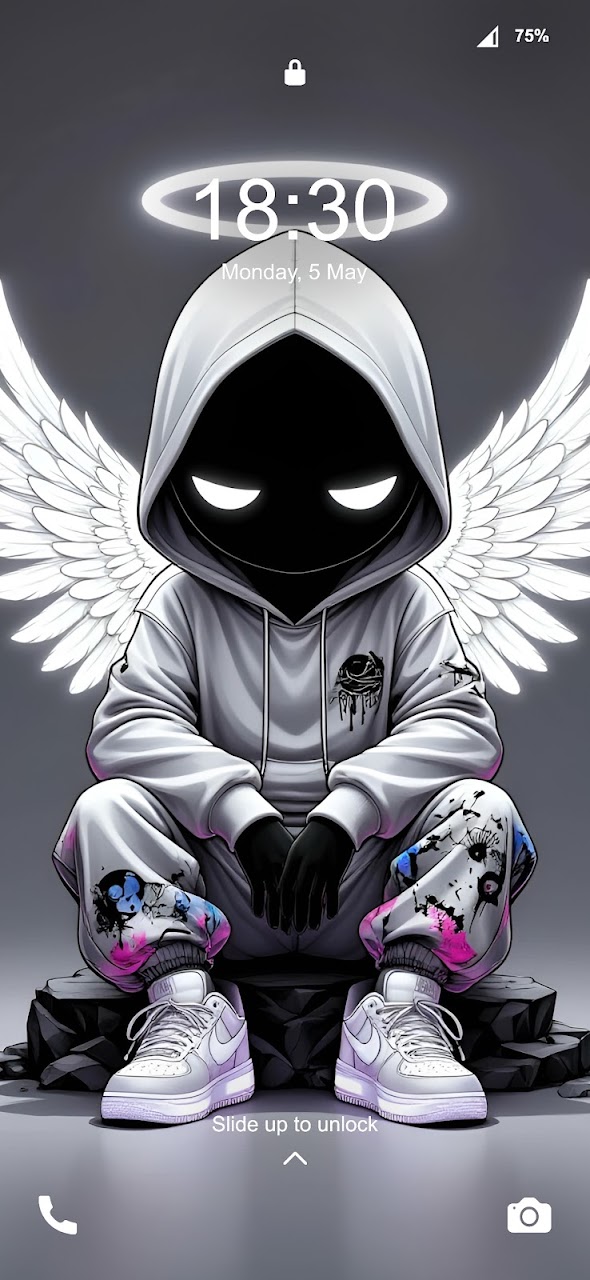
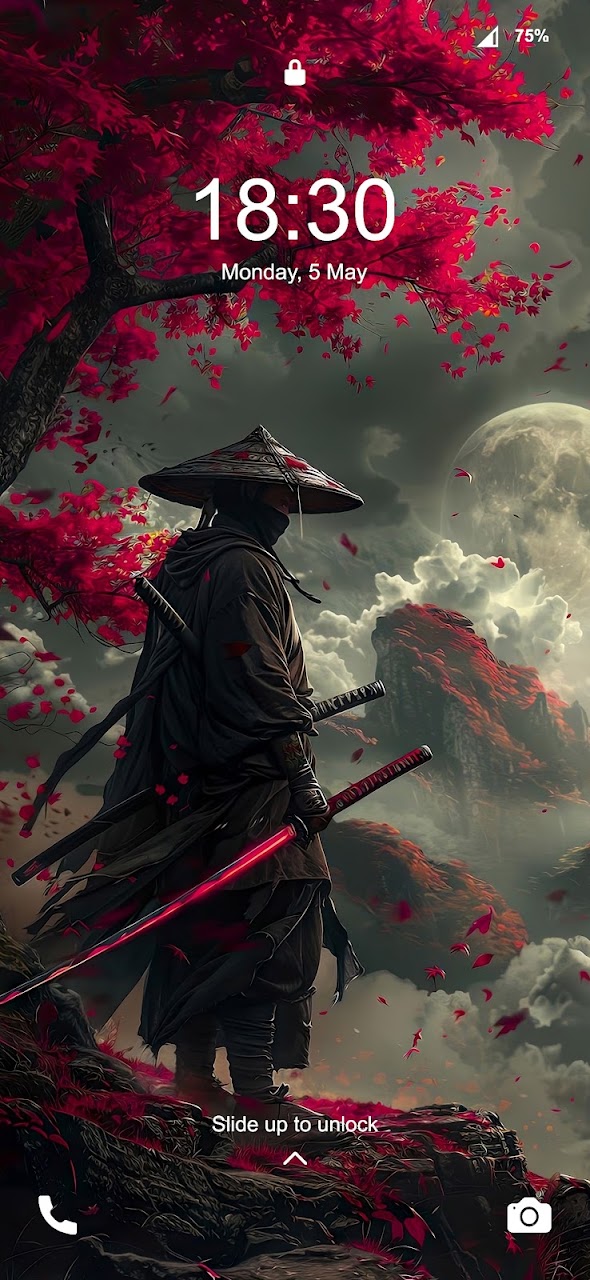
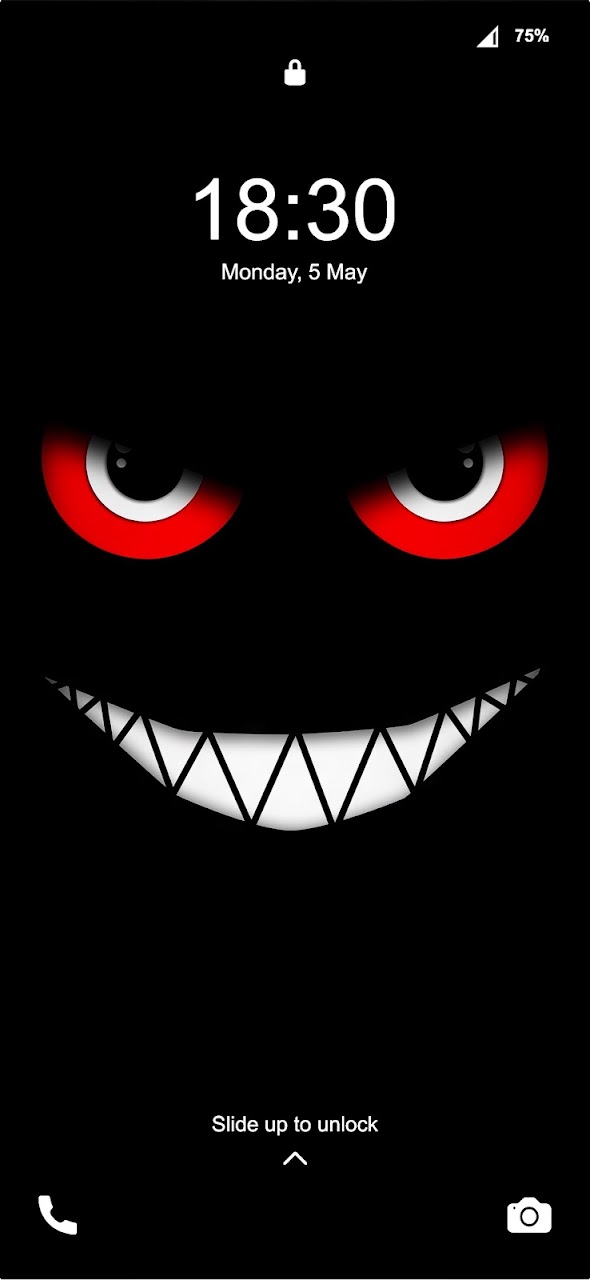
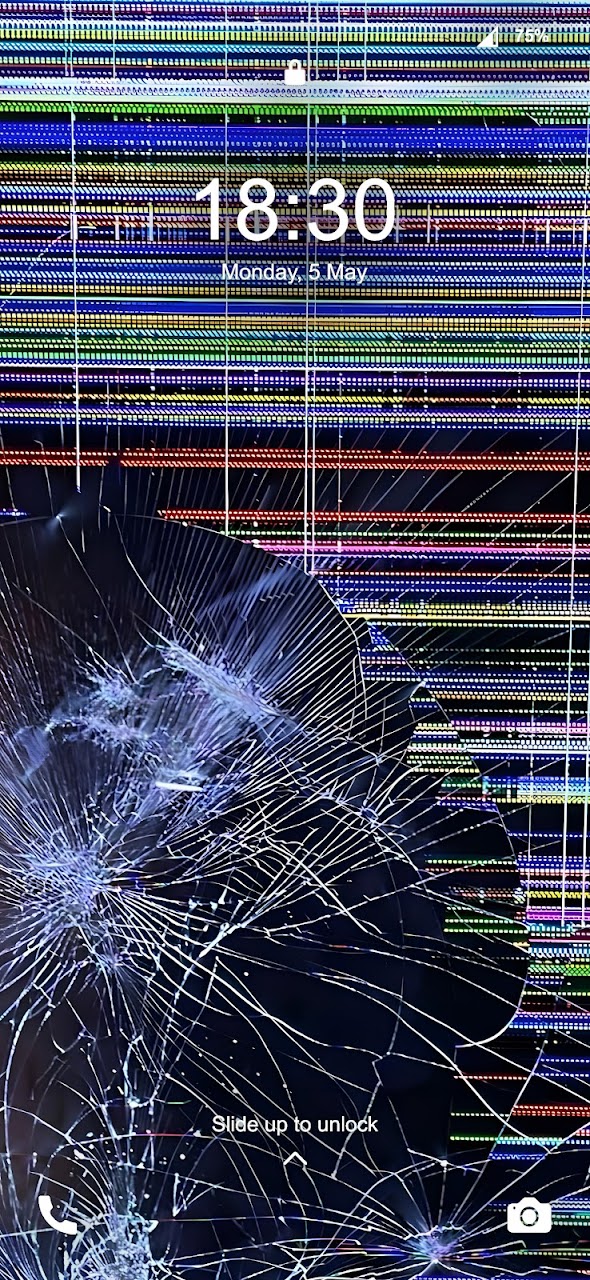
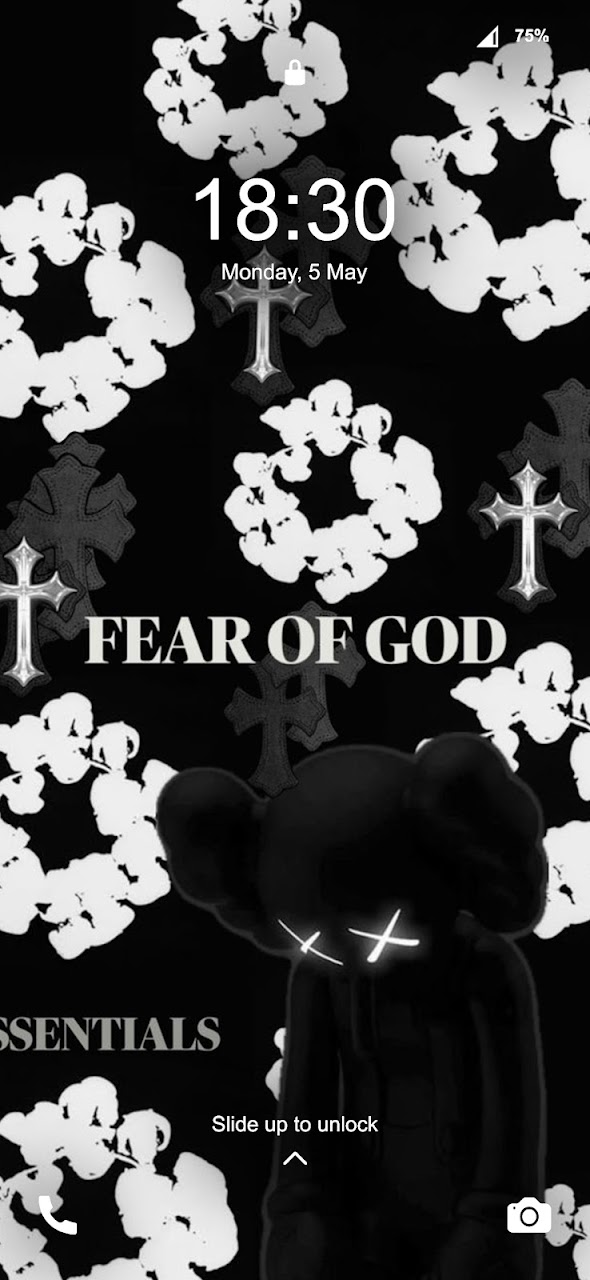
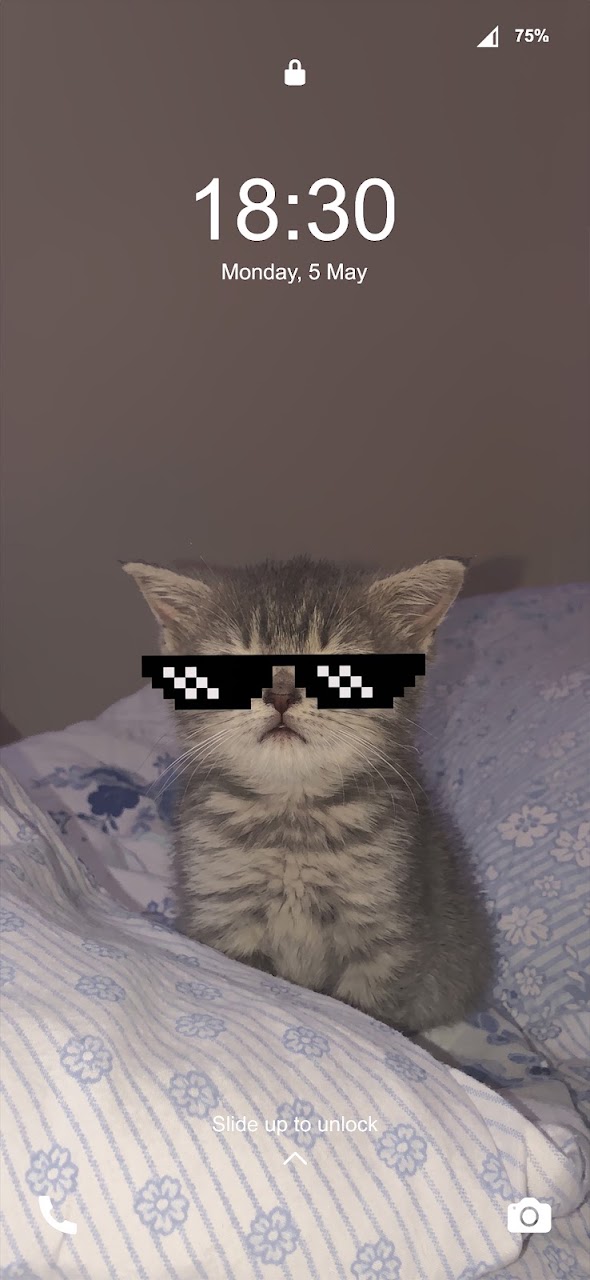
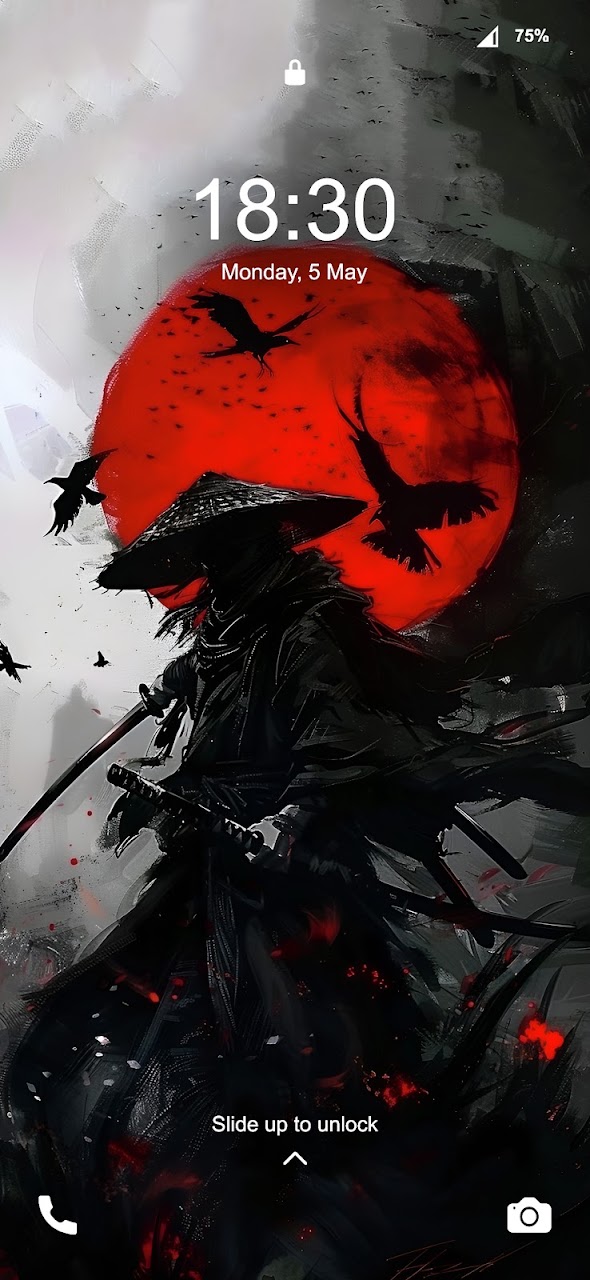
About this app
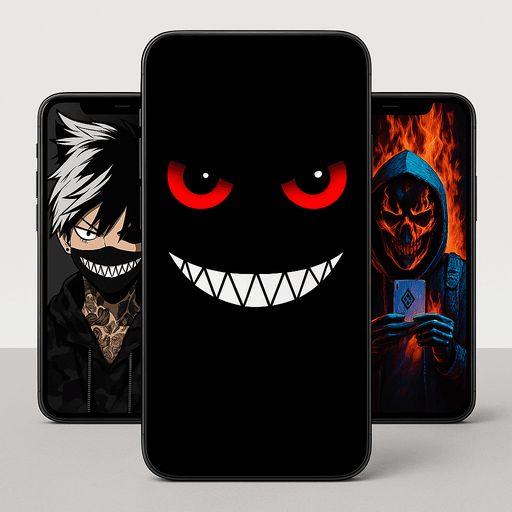
Wallcraft makes it easy to swap in 4K, HD, live, and 3D wallpapers on your phone. On first launch, you can browse by style, use smart search to find a specific look, and set backgrounds for the home screen, lock screen, or even chat backgrounds. Some exclusive content is tied to subscription and coins, and the app shows ads.
- 4K and HD picks — Browse wallpapers in 2160p, with options for 720p and 1080p full HD backgrounds too.
- Live and parallax — Use moving wallpapers, parallax 4D effects, and video backgrounds for a more dynamic screen.
- Smart search — Search for specific wallpapers, including double photos and other hard-to-find styles.
- Home and lock screens — Apply wallpapers to the home screen, lock screen, or both from one app.
- Wallpaper categories — Find game, car, anime, love, cute, abstract, and dark wallpapers in one collection.
- Android friendly — Works on Android 5.0 and up, with a universal APK package sized at 43.9 MB.
Start with a wallpaper style
When you open Wallcraft for the first time, the easiest path is to pick a style and preview a few options. The app is built around wallpaper browsing, so you can move between 4K, HD, live, and 3D looks without needing to set up an account first. Ads are part of the experience, and some exclusive wallpapers sit behind subscription or coins.
Set a wallpaper for your screen
The main task here is simple: choose an image and apply it to your phone. Wallcraft lets you set backgrounds for the home screen, the lock screen, or both, and it also includes options for chat backgrounds in apps like WhatsApp, Telegram, Snapchat, and TikTok. If you want movement, look for live wallpapers, parallax 4D effects, or video wallpapers.
Use smart search and categories
If you already have a look in mind, the smart search system helps narrow things down. You can browse categories such as anime, cars, games, cute styles, abstract designs, love themes, and dark wallpapers. There are also special double photos and a sorting setup that helps surface newer wallpaper picks.
What to expect on your phone
Wallcraft is a free app with in-app purchases and contains ads, so you may notice sponsored placements while browsing. It is designed for Android 5.0 and above, and the APK is a universal build at 43.9 MB. If you care about battery or performance, live and video wallpapers can be more demanding than a static image, so a still wallpaper is the lighter choice.
Tips for day-to-day use
- Save time by using search when you want a specific theme instead of scrolling through everything.
- Try static wallpapers if you want a simpler setup on your home or lock screen.
- Check live and parallax options when you want a moving background.
- Use the same app for wallpapers and chat backgrounds to keep your phone style consistent.
Install and update details
To install the APK, allow app installs on your Android device, open the file, and follow the prompts. To update from an APK, download the newer version and install it over the current app. Wallcraft uses the same package format across supported devices, so you can keep it updated without changing how you use it.
APK information
- Version
- 2.20.06
- Package
- com.wallpaperscraft.wallpaper
- Category
- Personalization
- Size
- 44 MB
- Min Android
- 5.0
- Architecture
- universal
Older versions
-
Wallpaper 4K HD – Wallcraft 2.20.06Nov 12, 2026Latest downloadAPK
Wallpaper 4K HD – Wallcraft FAQ
Which launchers does Wallpaper 4K HD – Wallcraft support?expand_more
The app is available as a universal Android APK, and the store listing does not name specific launchers. It does mention that you can use wallpapers on the home screen and lock screen.
Does Wallpaper 4K HD – Wallcraft slow down my phone?expand_more
Static wallpapers are lighter, while live and video wallpapers can use more resources. If you want the simplest setup, a regular wallpaper is the safer choice.
How do I install the Wallpaper 4K HD – Wallcraft APK file?expand_more
Open the APK on an Android device and follow the install prompts. The app supports Android 5.0 and up.
How do I update Wallpaper 4K HD – Wallcraft from an APK?expand_more
Download the newer APK version and install it over the existing app. The current version shown is 2.20.06.
Can I use Wallcraft for chat backgrounds?expand_more
Yes, the app mentions wallpaper use for chat backgrounds in apps like WhatsApp, Snapchat, and Telegram. You can also set wallpapers for your home and lock screens.