
- 4.3star88,030 reviews
- 100M+Downloads
- 0 MBAPK size
- EveryoneRated for Everyone
- API 14+Android
check_circleOriginal APK from Sony Entertainment Network · Updated Nov 12, 2026
No threats found
0 / — antivirus engines flagged this file
Original signature
First seen — Sony Entertainment Network
Unmodified APK
Same file the developer published — no mods
Account Manager screenshots
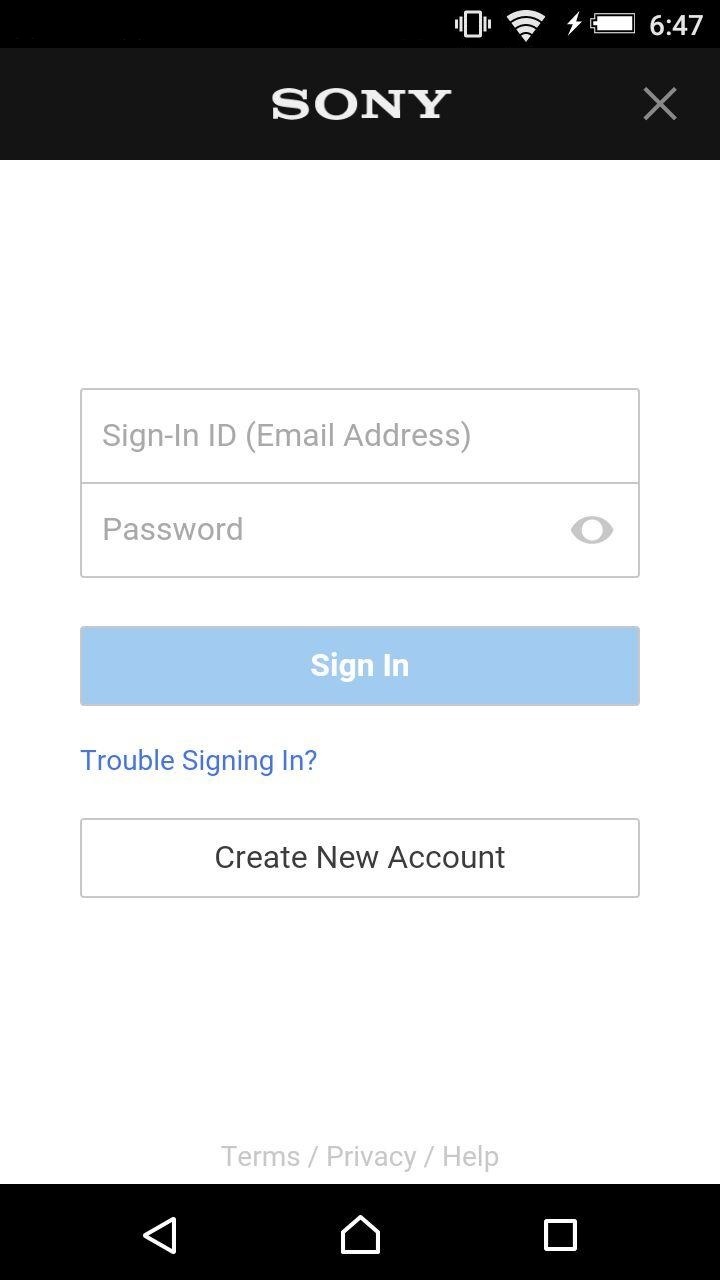
2 images · tap to enlarge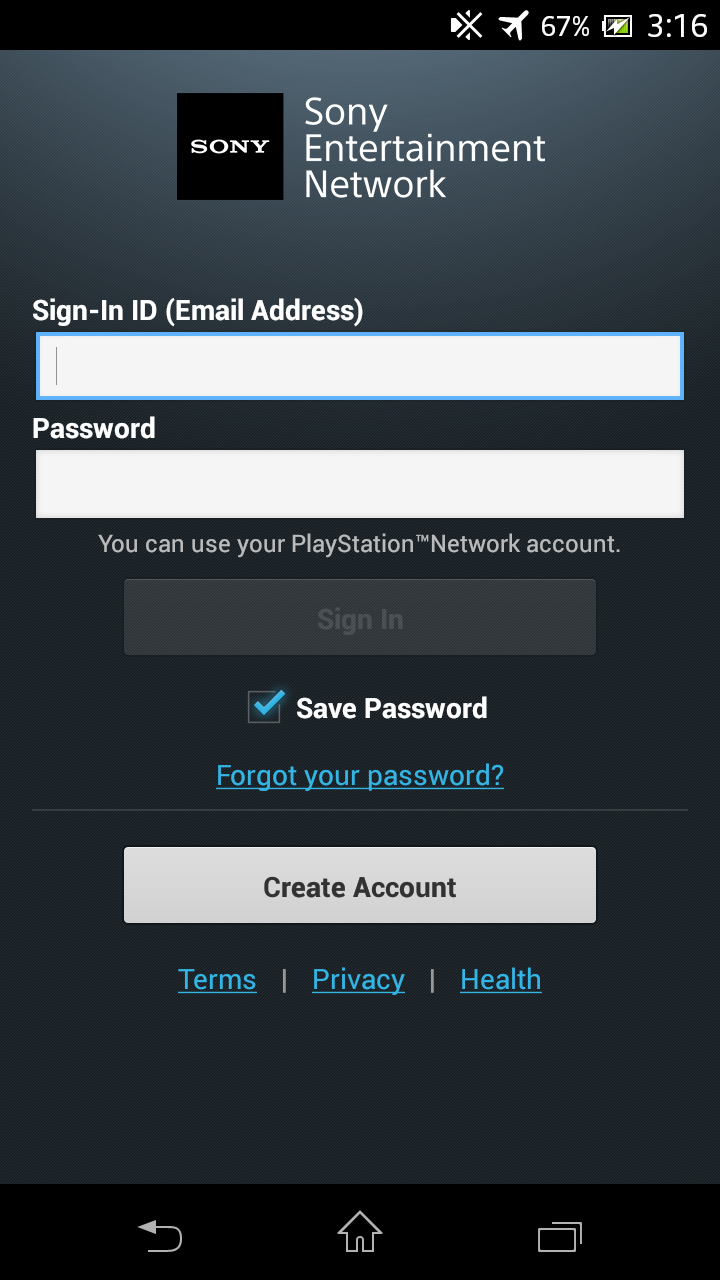
About this app
Account Manager is different in Tools because it handles one Sony Entertainment Network sign-in across supported apps on your device. After you link your account, you can open a supported Sony app and sign in without entering your details again, whether you add the account from an app or through Android’s Accounts settings.
- One shared sign-in — Use a single Sony Entertainment Network account across applications that require it.
- Add from settings — Link your account from Android’s Settings > Accounts menu by choosing Add an Account.
- Reuse in supported apps — After setup, supported applications can recognize your account without another login step.
- Existing account support — PlayStation Network and Qriocity users can use their existing account as a Sony Entertainment Network account.
- No ads — The app does not contain ads.
One Sony account across your apps
On a phone with several Sony apps installed, Account Manager keeps the sign-in step in one place. Instead of entering the same Sony Entertainment Network details again in each app, you link the account once and use it across supported applications that need it.
That is useful when you are switching between Sony services during the day. You sign in once, then open another supported app later and continue without typing your account details again.
Add it from an app or from Settings
After installation, there are two ways to connect your account: sign in through a supported application, or go to Settings > Accounts and choose Add an Account. Either path links the Sony Entertainment Network account to the device.
If you already used PlayStation Network or Qriocity, you can use that existing account as a Sony Entertainment Network account. That makes it easier to set up the same login on a device you already use for Sony services.
Less typing when you return later
Once the account is linked, supported apps can let you sign in without re-entering your account information each time. For example, after a long train ride, you can open a Sony app and move straight into the service instead of stopping to type credentials again.
Ads: the app does not contain ads, and it does not include in-app purchases.
Before you install
Account Manager is a free APK in the Tools category. The file is about 0.4 MB, works as a universal build, and requires Android 4.0 (API 14) or later. It is rated Everyone.
- Permissions: no permissions are listed.
- Version: 3.4.0
- Developer: Sony Entertainment Network
What's new
Version 3.4.0 · Nov 12, 2026
- Screens redesigned and usability improved
- Android 6.0(Marshmallow) support
- Bug fixes
APK information
- Version
- 3.4.0
- Package
- com.sony.snei.np.android.account
- Category
- Tools
- Size
- 0 MB
- Min Android
- API 14
- Architecture
- universal
Older versions
-
Account Manager 3.4.0Nov 12, 2026Latest downloadAPK
Account Manager FAQ
Does Account Manager drain the battery?expand_more
No battery-related behavior is listed for Account Manager. The app’s listed details focus on account linking and sign-in reuse.
Why does Account Manager need these permissions?expand_more
No permissions are listed for this app. The available details do not show any permission requests.
Can I install Account Manager without Google Play?expand_more
Yes. It is provided as an APK file, so it can be installed without using Google Play.
Who develops Account Manager?expand_more
Account Manager is developed by Sony Entertainment Network.
What does Account Manager do on my device?expand_more
It lets you share one Sony Entertainment Network account across supported applications on your device and sign in again without retyping your details.