
- 4.3star9,461,236 reviews
- 10B+Downloads
- 346 MBAPK size
- EveryoneRated for Everyone
- API 32+Android
check_circleOriginal APK from Google LLC · Updated Nov 11, 2026
No threats found
0 / — antivirus engines flagged this file
Original signature
First seen — Google LLC
Unmodified APK
Same file the developer published — no mods
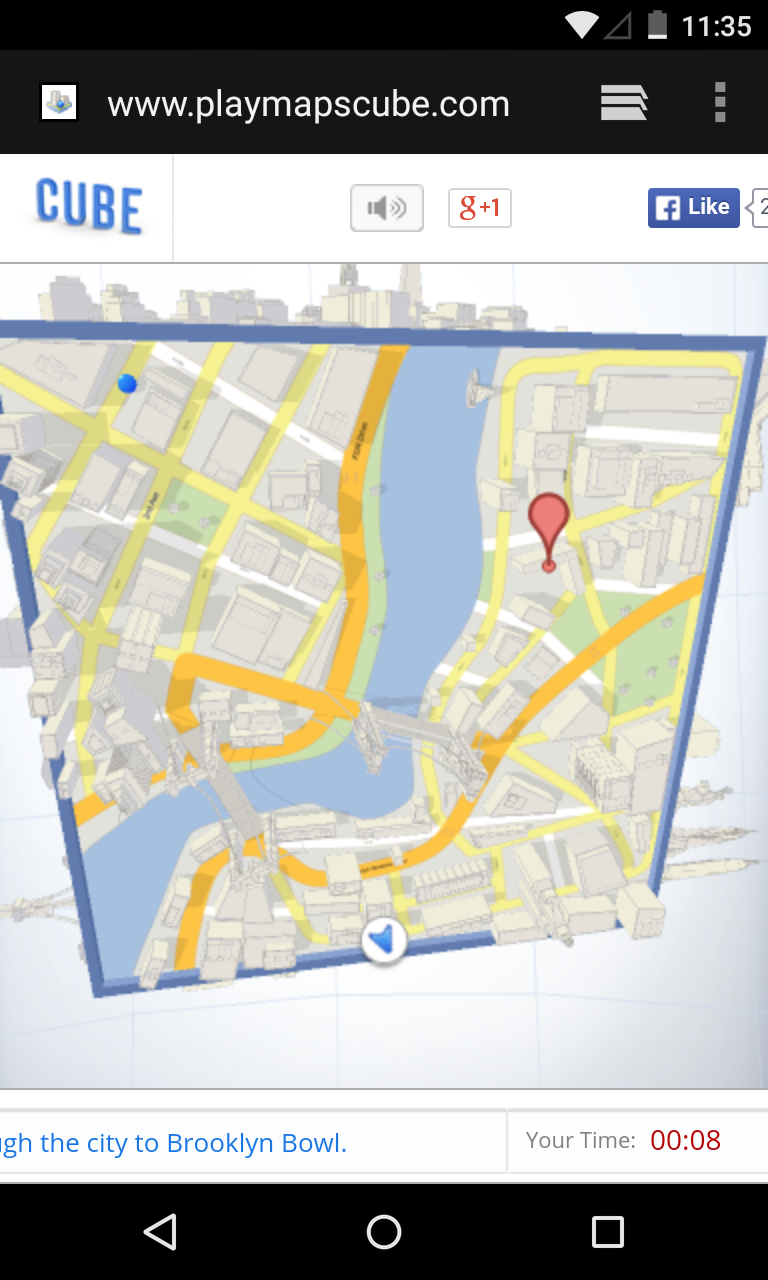
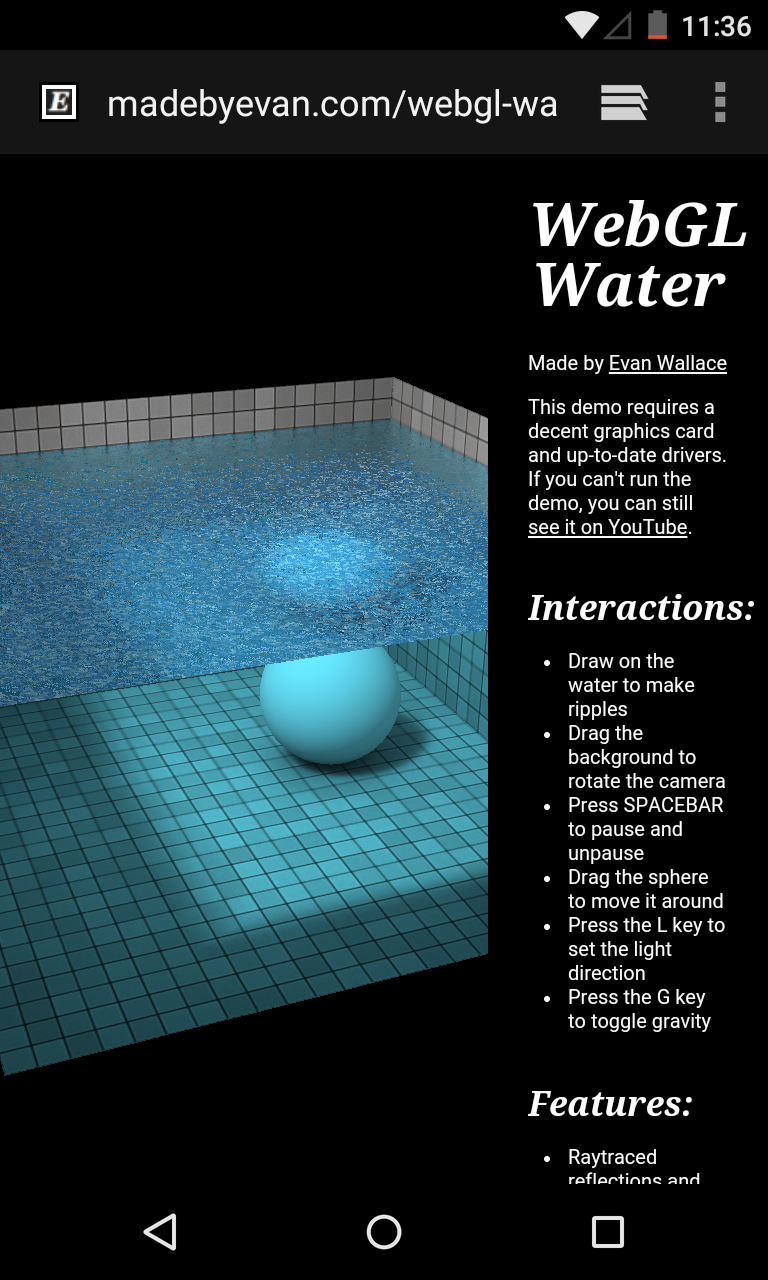
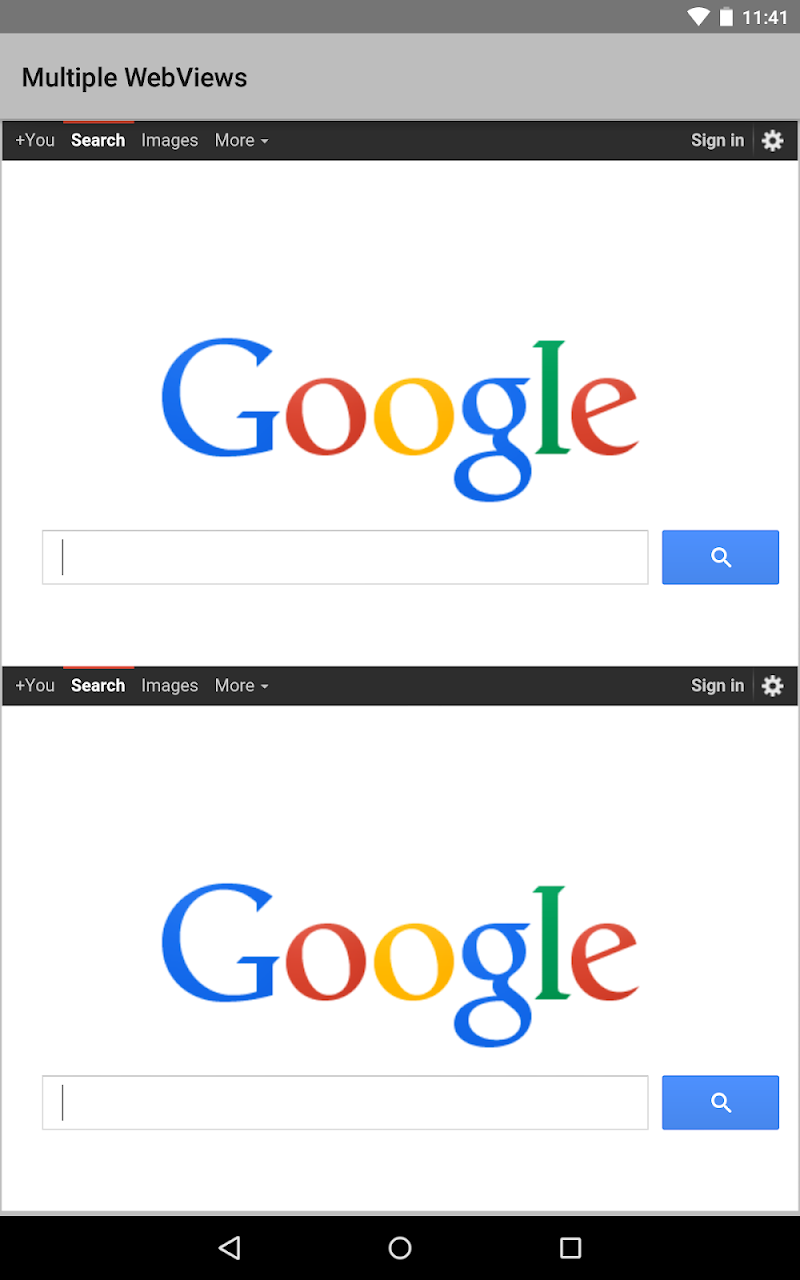
Android System WebView screenshots
8 images · tap to enlarge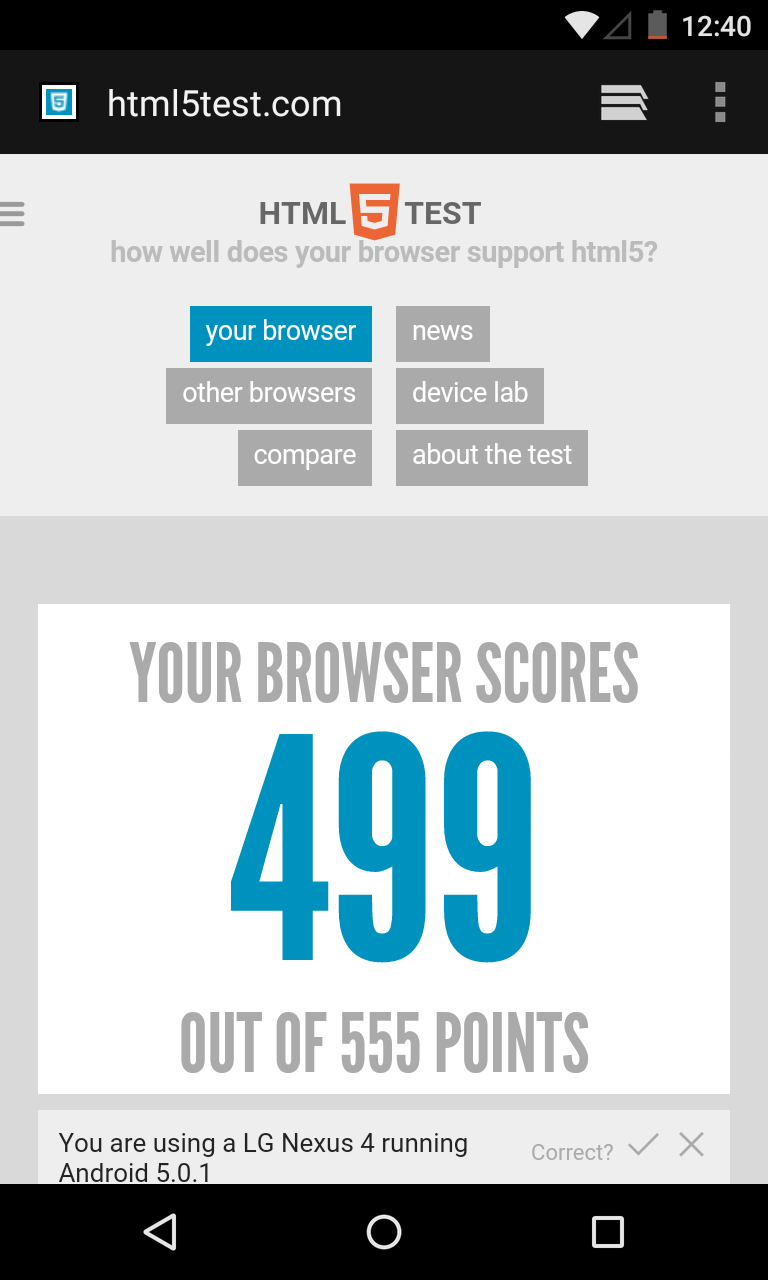
About this app
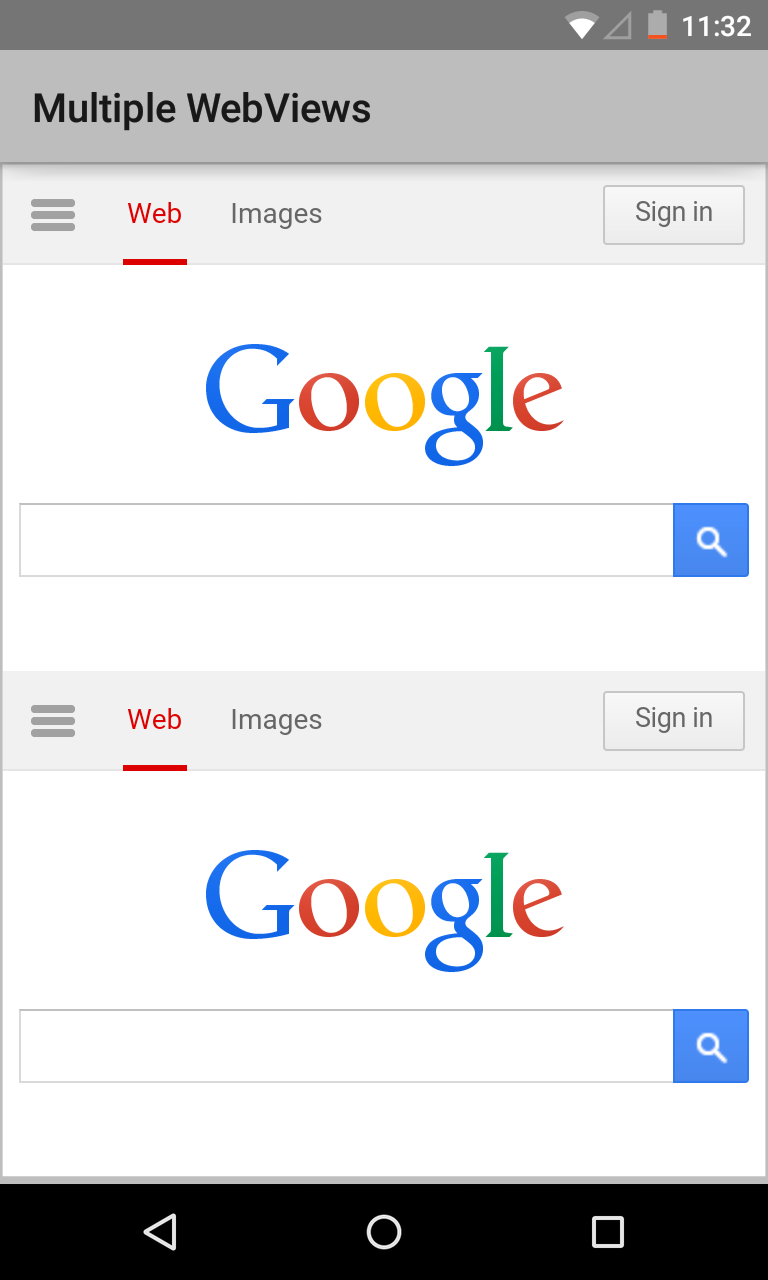
Google LLC’s Android System WebView is a pre-installed system component for showing web content inside Android apps. It comes into play when an app opens a help page, login screen, or article without sending you out to a browser, so the page appears right where you are.
- In-app web pages — Lets apps display web content directly inside their own screens.
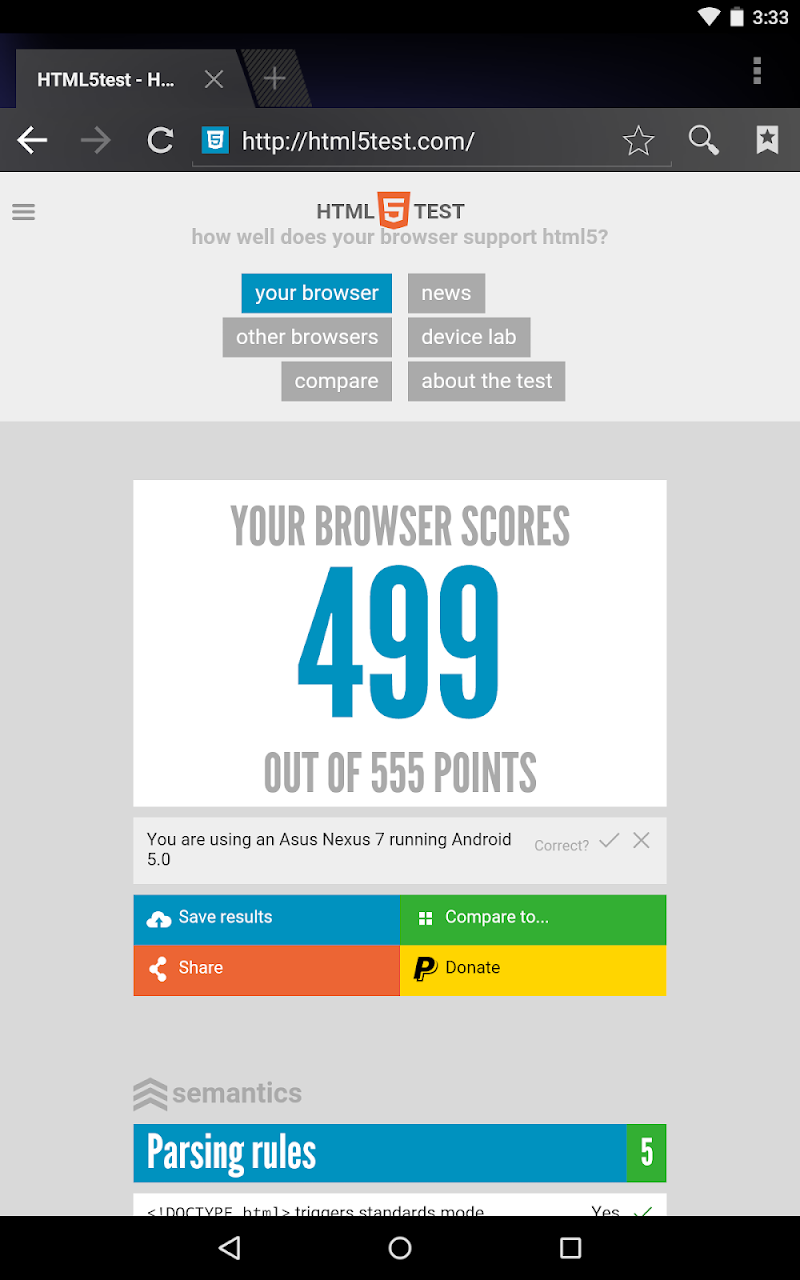
- Powered by Chrome — Uses Chrome-based rendering for the web content apps open.
- Pre-installed component — Works as a system part rather than a separate account-based app.
- No ads shown — The app itself has no ads and no in-app purchases.
- Light setup — No permissions are listed, and it installs as a universal APK.
When an app opens a web page
On an ordinary day, Android System WebView shows up quietly when another app needs to load web content. You might tap a support link, open a payment page, or read a help article inside an app, and the page appears without switching you into a separate browser. That keeps the handoff simple when you just want to keep moving.
Web content inside the app you are already using
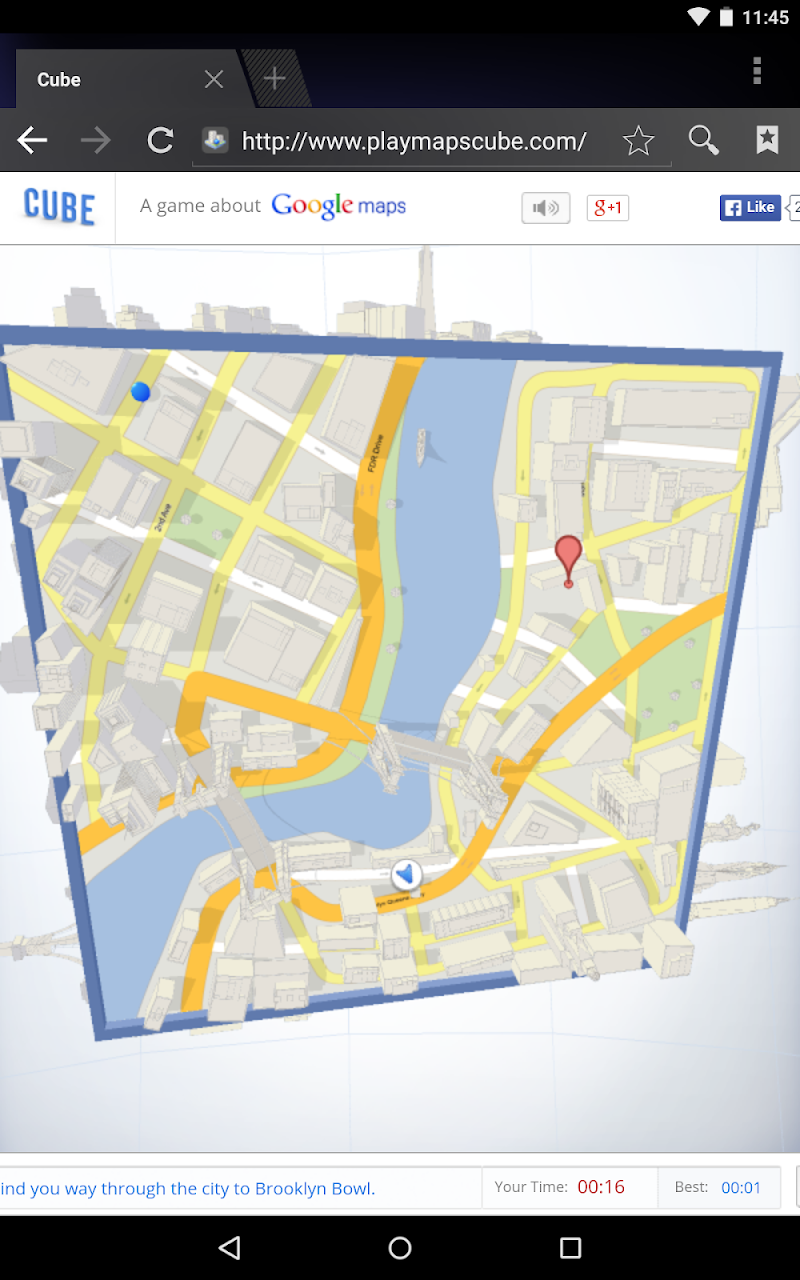
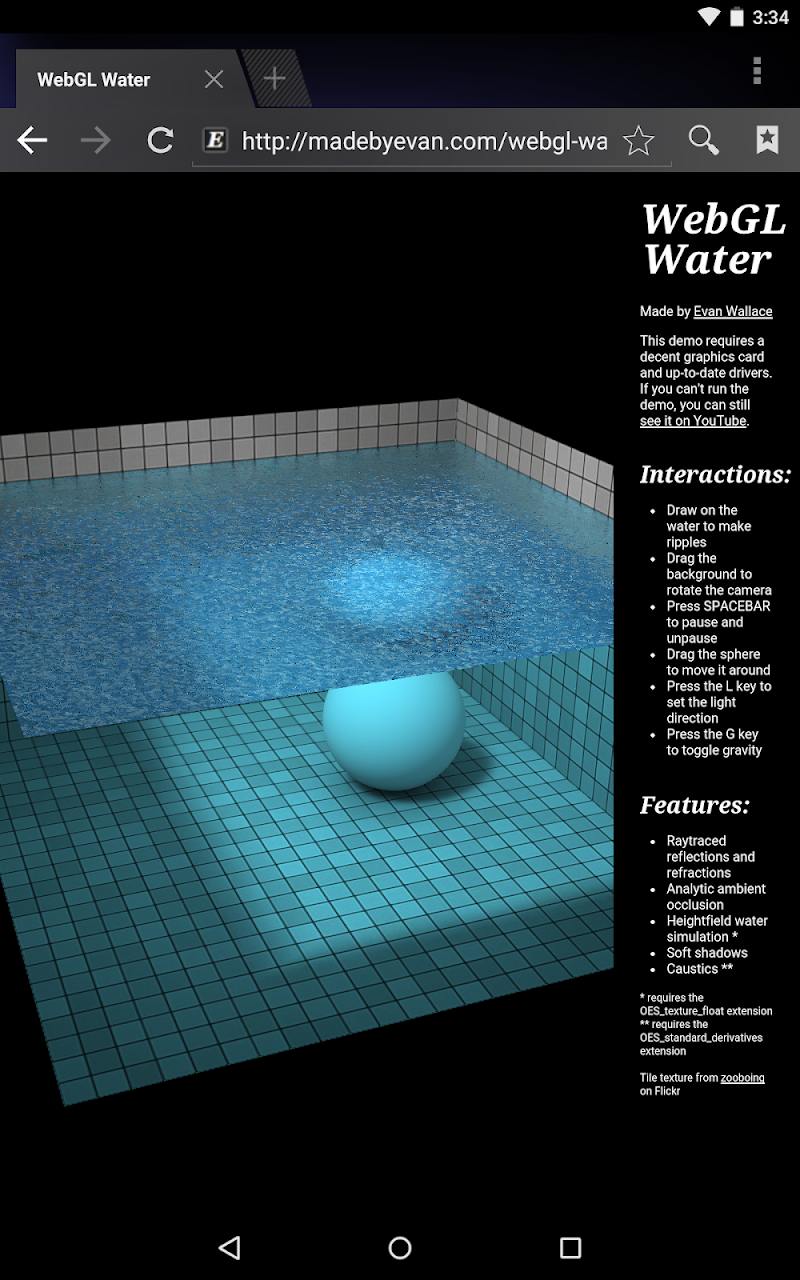
Its main job is narrow and practical: it gives Android apps a way to display web pages in place. That matters when a screen in an app is really a web page under the hood, because the content can be shown where the action started instead of breaking the flow. The Play summary describes it as web content for apps, powered by Chrome.
Small signs of friction
There is no account to set up, no permissions listed, and no ads or in-app purchases to work through. The app is free, rated for Everyone, and installed as a universal APK. The package is 345.7 MB, and it requires Android 12L or higher.
Bug fixes and speed updates
The current release notes are brief: bug fixes and speedy performance improvements. That means the app is maintained as a system component rather than something you spend time configuring. If you notice it at all, it is usually because another app is depending on it to load a page smoothly.
Who notices it most
People who move between apps all day benefit most from WebView, especially when links, embedded forms, or help pages need to open without extra steps. If you mostly use apps that rely on web content, this is one of the pieces that keeps those moments from feeling interrupted.
What's new
Version 157.0.8103.50 · Nov 11, 2026
- Bug fixes and speedy performance improvements
APK information
- Version
- 157.0.8103.50
- Package
- com.google.android.webview
- Category
- Tools
- Size
- 346 MB
- Min Android
- API 32
- Architecture
- universal
Older versions
-
Android System WebView 157.0.8103.50Nov 11, 2026Latest downloadAPK
Android System WebView FAQ
Does Android System WebView need root?expand_more
No root requirement is listed. It is a pre-installed system component from Google.
Why does Android System WebView need these permissions?expand_more
No permissions are listed for this app, and none were added in the latest version.
Can I install Android System WebView without Google Play?expand_more
The app is distributed as an APK, and the listed file format is APK. It is also a pre-installed system component from Google.
Does Android System WebView need an account?expand_more
No account is mentioned for using Android System WebView.
What Android version does Android System WebView require?expand_more
It requires Android 12L or higher.