- 4.0star4,373,262 reviews
- 10B+Downloads
- 15 MBAPK size
- EveryoneRated for Everyone
- API 16+Android
check_circleOriginal APK from Google LLC · Updated Nov 11, 2026
No threats found
0 / — antivirus engines flagged this file
Original signature
First seen — Google LLC
Unmodified APK
Same file the developer published — no mods
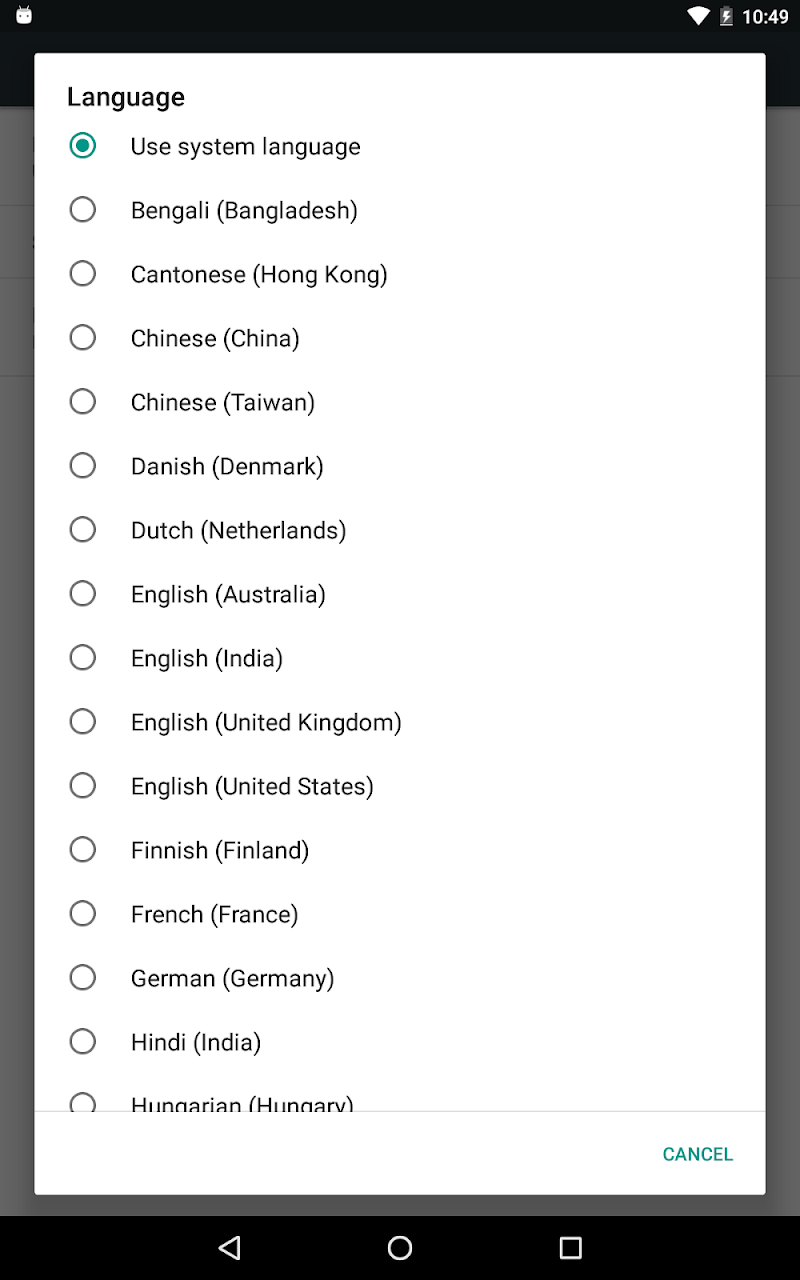
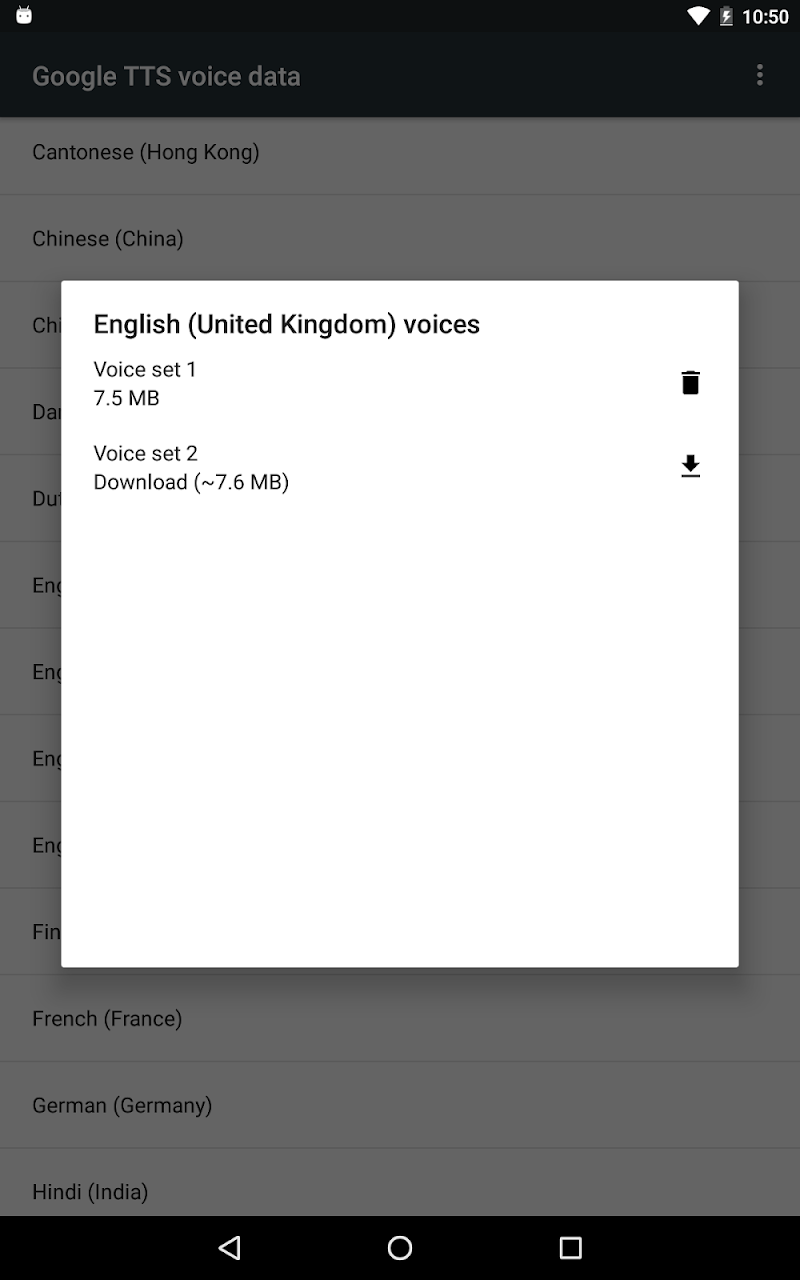
Speech Recognition & Synthesis screenshots
8 images · tap to enlarge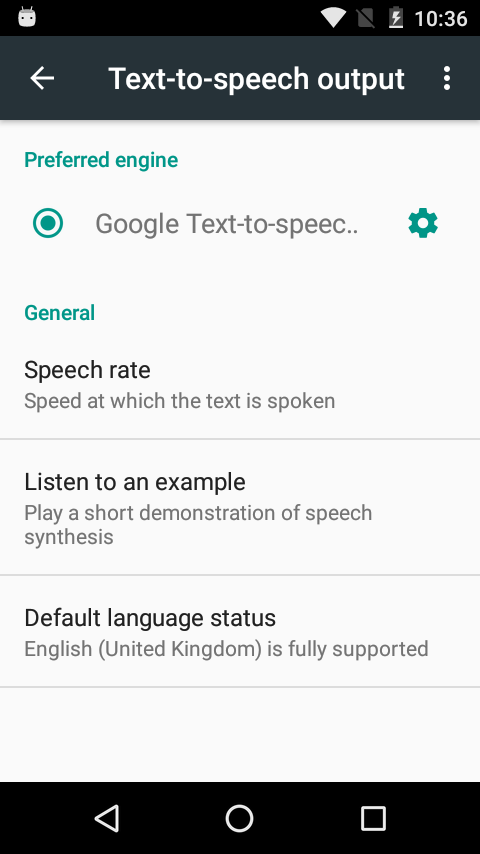
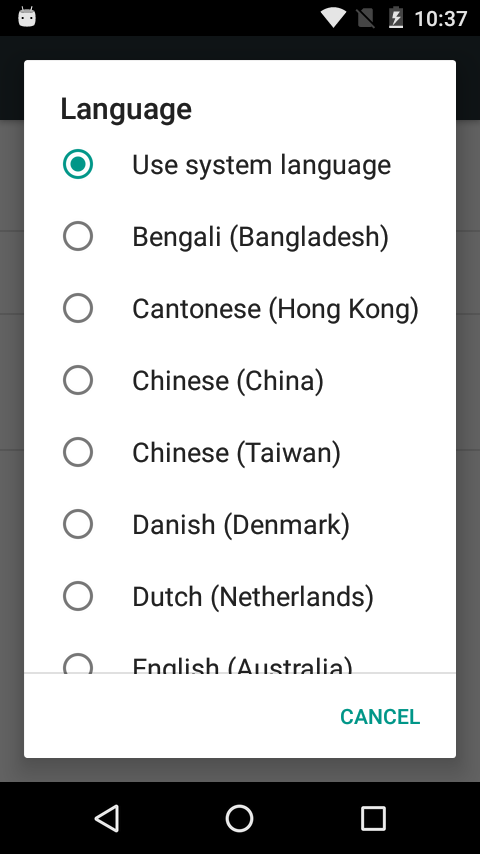
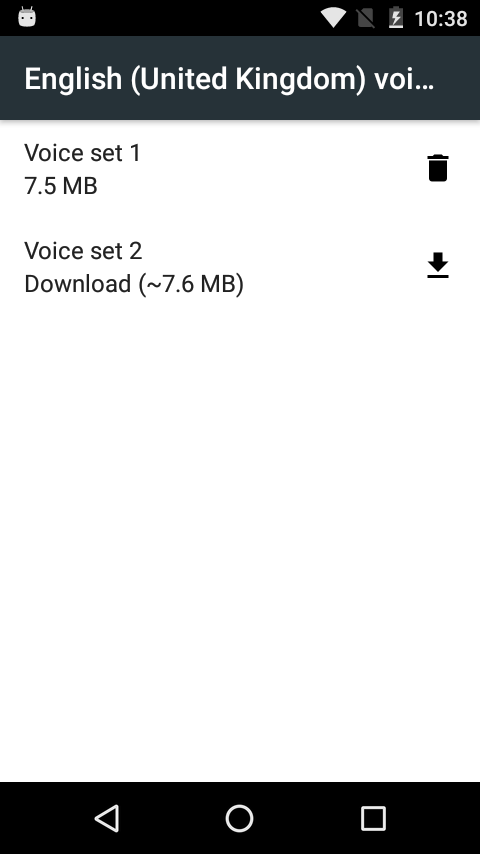
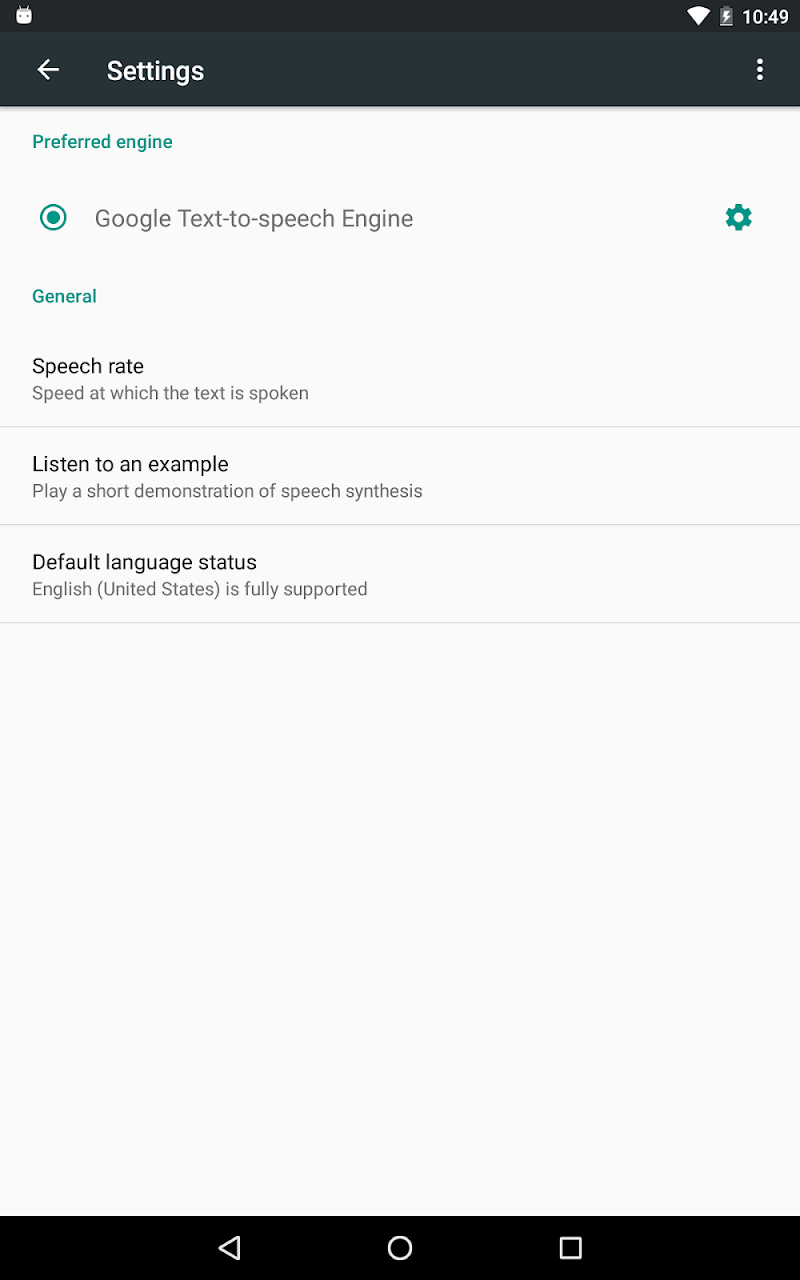
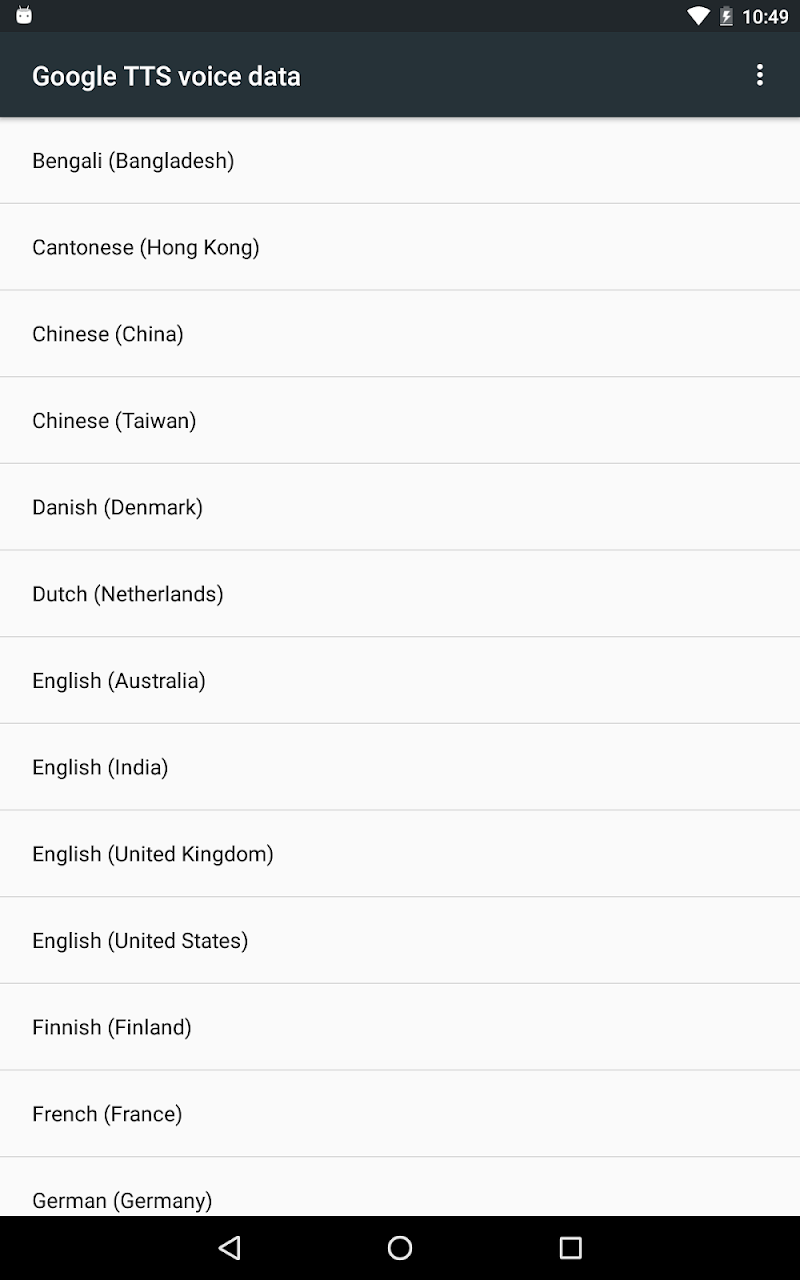
About this app
Speech Recognition & Synthesis is the voice engine behind Android apps that need speech-to-text or text-to-speech. It shows up when you dictate a message, transcribe audio, hear a page read aloud, or use voice search in other apps. There’s no account flow, no ads, and it updates as a small universal APK for Android API 16 and up.
- Speech-to-text input — Turns what you say into text for supported apps, including search, dictation, transcription, and voice-driven controls.
- Text-to-speech output — Reads on-screen text aloud so apps can speak books, translations, and accessibility prompts.
- Works inside apps — It is used by other apps rather than opened as a standalone daily workspace.
- No ad clutter — The app is free, contains no ads, and has no in-app purchases.
- Light APK update — The universal APK is 14.9 MB and supports devices from Android API 16.
Voice input when typing is too slow
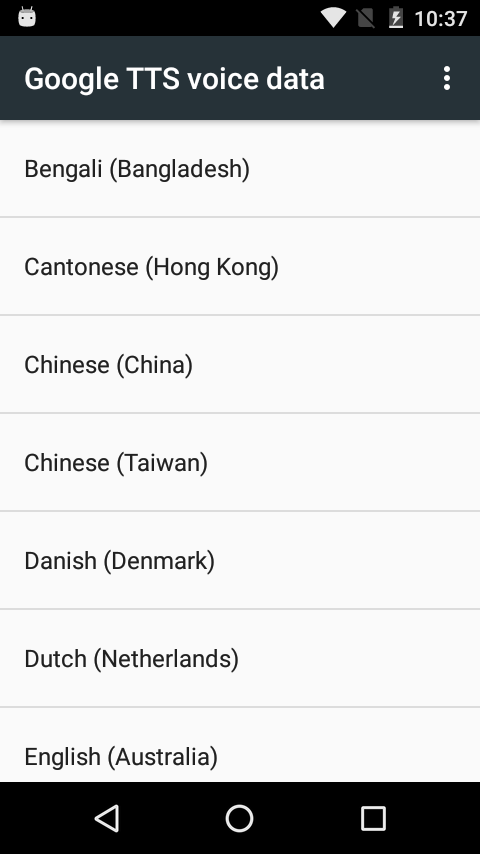
In a normal day, this is the engine that helps Android turn speech into text inside other apps. You feel it when you tap the microphone in a keyboard, ask Google Maps to search a place, or use a recorder app to transcribe audio on device. It also supports voice search, language practice, and accessibility tools that need reliable speech recognition.
Reading text aloud in supported apps
The same package also powers text-to-speech, which is what lets apps speak what is on the screen. Google Play Books can use it for read-aloud, Google Translate can speak translations, and TalkBack-style accessibility apps can use it for spoken feedback across the device. The app itself is not where you manage your reading list; it is the layer other apps call when they need a voice.
Set up from Android settings
To use the speech-to-text engine, Android points you to Settings > Apps & notifications > Default apps > Assist App, then select Speech Recognition and Synthesis from Google as the voice input engine. For text-to-speech, the path is Settings > Languages & Input > Text-to-Speech output. It is a universal APK, 14.9 MB, and works on devices running API 16 or later.
Permissions, ads, and trade-offs
This app lists no permissions, which keeps setup simple and avoids the usual prompts for microphone or storage access at install time. There are no ads and no in-app purchases. The trade-off is that you do not get a standalone feature screen full of controls; its value depends on the apps that use it, and on whether your device already has it built in and only needs an update.
What daily users notice
Most people will only open it through system settings or when an app asks for voice services. That makes it a background utility rather than a front-and-center app. It is most useful for anyone who relies on dictation, spoken reading, transcription, or voice access, especially on older devices that need the latest version installed.
APK information
- Version
- 996.0.100.79.22
- Package
- com.google.android.tts
- Category
- Tools
- Size
- 15 MB
- Min Android
- API 16
- Architecture
- universal
Older versions
-
Speech Recognition & Synthesis 996.0.100.79.22Nov 11, 2026Latest downloadAPK
Speech Recognition & Synthesis FAQ
Why does Speech Recognition & Synthesis need these permissions?expand_more
This version lists no permissions, so it does not request access at install time. It still works as the speech engine other apps call for voice input and spoken output.
Does Speech Recognition & Synthesis need root?expand_more
No root is mentioned or required in the app details. It installs as a normal APK and is set up through Android settings.
Does Speech Recognition & Synthesis work on tablets?expand_more
Yes, it supports Android devices running API 16 and later, which includes tablets on compatible versions. It uses a universal APK.
How do I install the Speech Recognition & Synthesis APK file?expand_more
Install the APK on a device running Android API 16 or later, then choose it in the relevant Android settings for voice input or text-to-speech. The file is a 14.9 MB universal APK.
Which apps use Speech Recognition & Synthesis?expand_more
Examples include Google Maps, Recorder, Phone call screen, Google Play Books, Google Translate, TalkBack, and other apps that need speech-to-text or text-to-speech.