
- 4.1star4,459,148 reviews
- 10B+Downloads
- 45 MBAPK size
- EveryoneRated for Everyone
- 9+Android
check_circleOriginal APK from Google LLC · Updated Nov 11, 2026
No threats found
0 / — antivirus engines flagged this file
Original signature
First seen — Google LLC
Unmodified APK
Same file the developer published — no mods
Android Accessibility Suite screenshots
8 images · tap to enlarge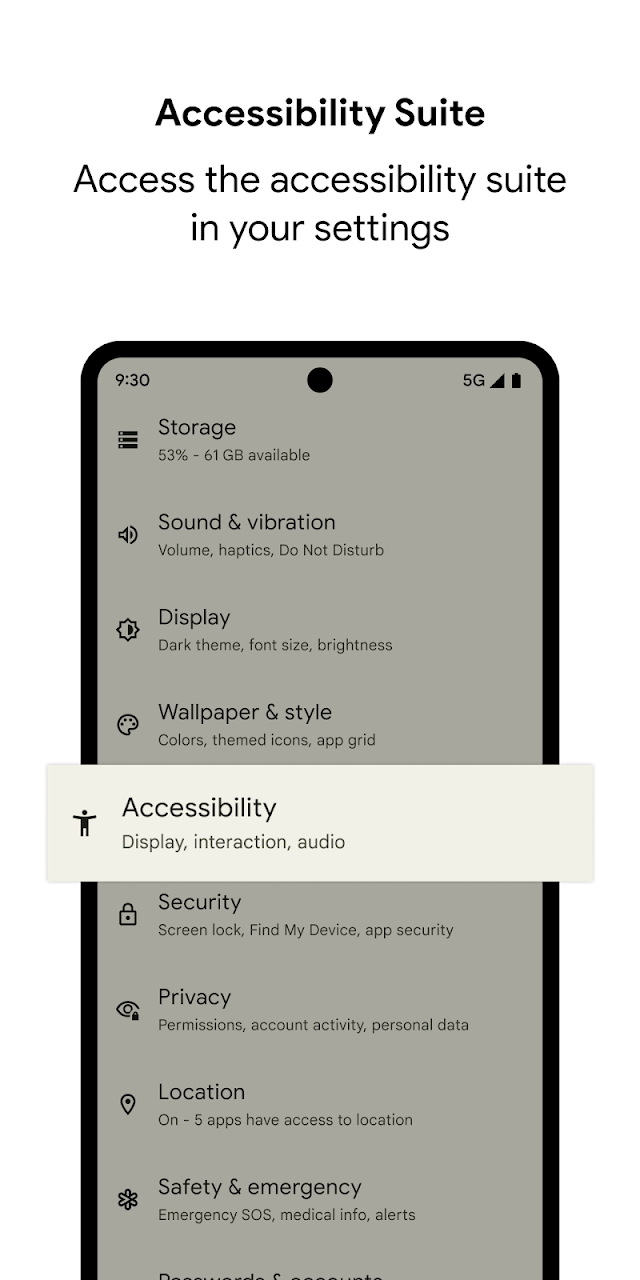
About this app
Google LLC’s Android Accessibility Suite is a set of accessibility tools for using an Android device eyes-free or with a switch device. In daily use, it brings up spoken feedback, a large on-screen menu for quick controls, and text-to-speech tools from the Accessibility settings screen. It is free, has no ads or in-app purchases, and asks for permissions tied to calling, accessibility, and notifications.
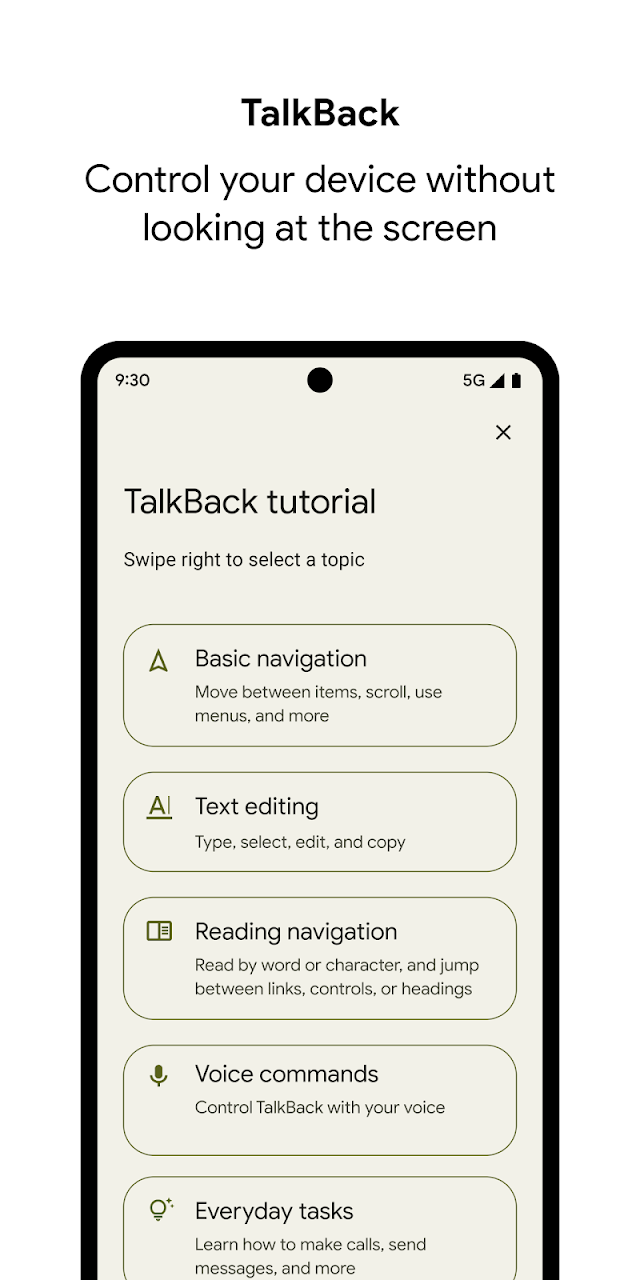
- TalkBack reader — Hear spoken feedback, move around with gestures, and type with the on-screen braille keyboard.
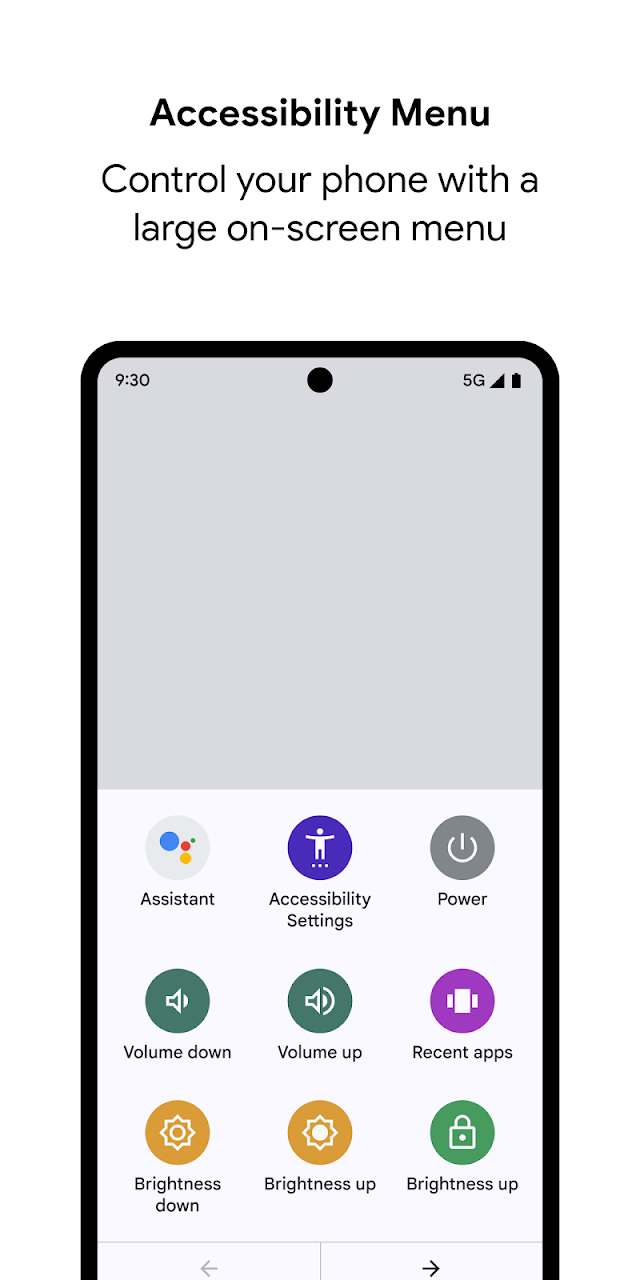
- Accessibility Menu — Use a large on-screen menu to lock the phone, change volume and brightness, take screenshots, and more.
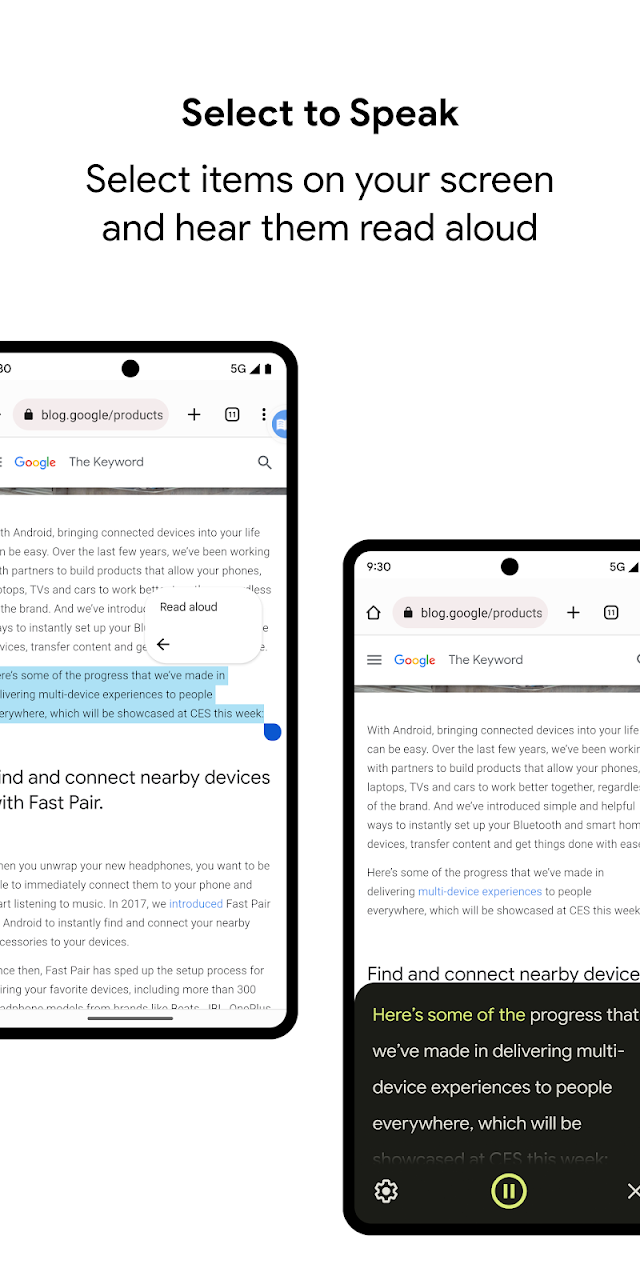
- Select to Speak — Choose items on screen and have them read aloud when you need them.
- Wear OS support — TalkBack for Wear works on Wear OS 3.0 or later.
- Permission prompts — The app can observe phone state, window content, and typed text to support its accessibility features.
TalkBack for reading and navigation
TalkBack is the part people will use most when they need spoken feedback while moving through the phone. It reads what is on screen, works with gestures, and includes an on-screen braille keyboard for typing. Compared with Speech Recognition & Synthesis, which focuses on speech output, this suite adds the full navigation layer around the reader.
Accessibility Menu on the home screen
The Accessibility Menu puts common controls in one large on-screen panel. From there, you can lock the phone, adjust volume and brightness, and take screenshots without hunting through smaller controls. That makes it useful in everyday moments when a quick action is easier than opening several settings screens.
Select text and hear it aloud
Select to Speak is the lighter option when you only want part of the screen read aloud. It sits alongside TalkBack rather than replacing it, so you can switch between full-screen guidance and selective reading depending on the task. On Android 7 and later, the suite installs as a 44.7 MB APK and works on universal ABIs.
Permissions and setup in Settings
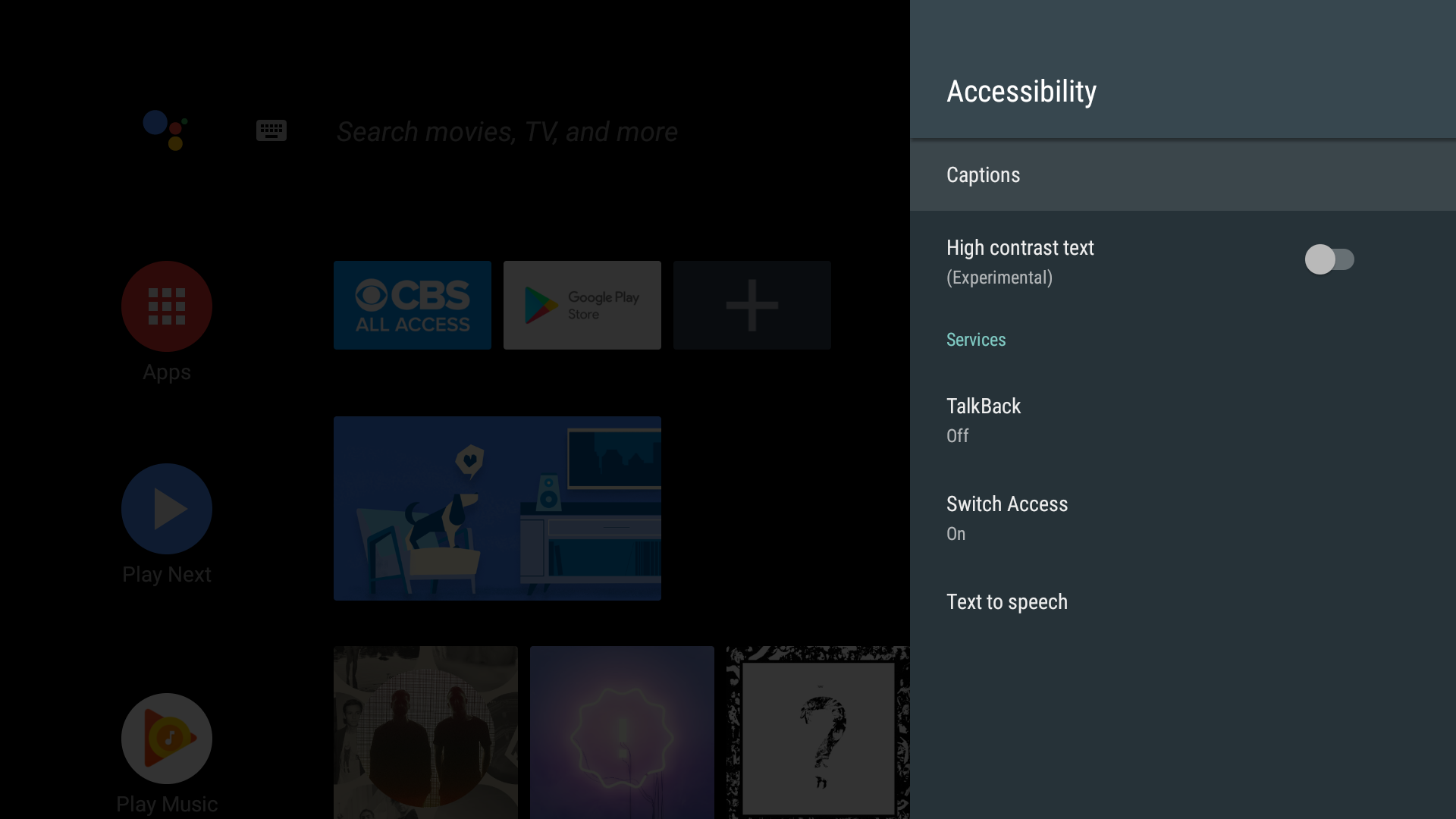
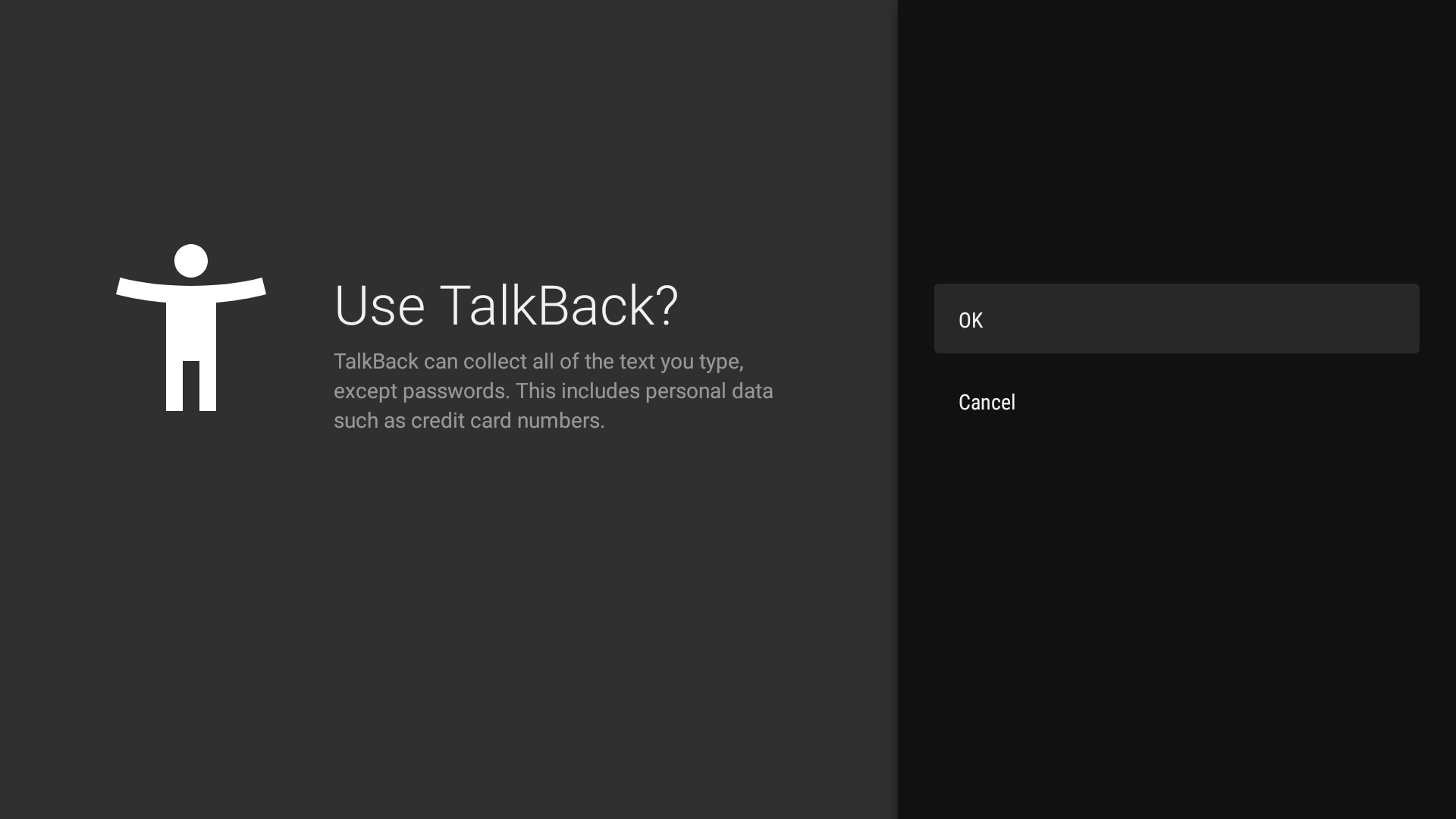
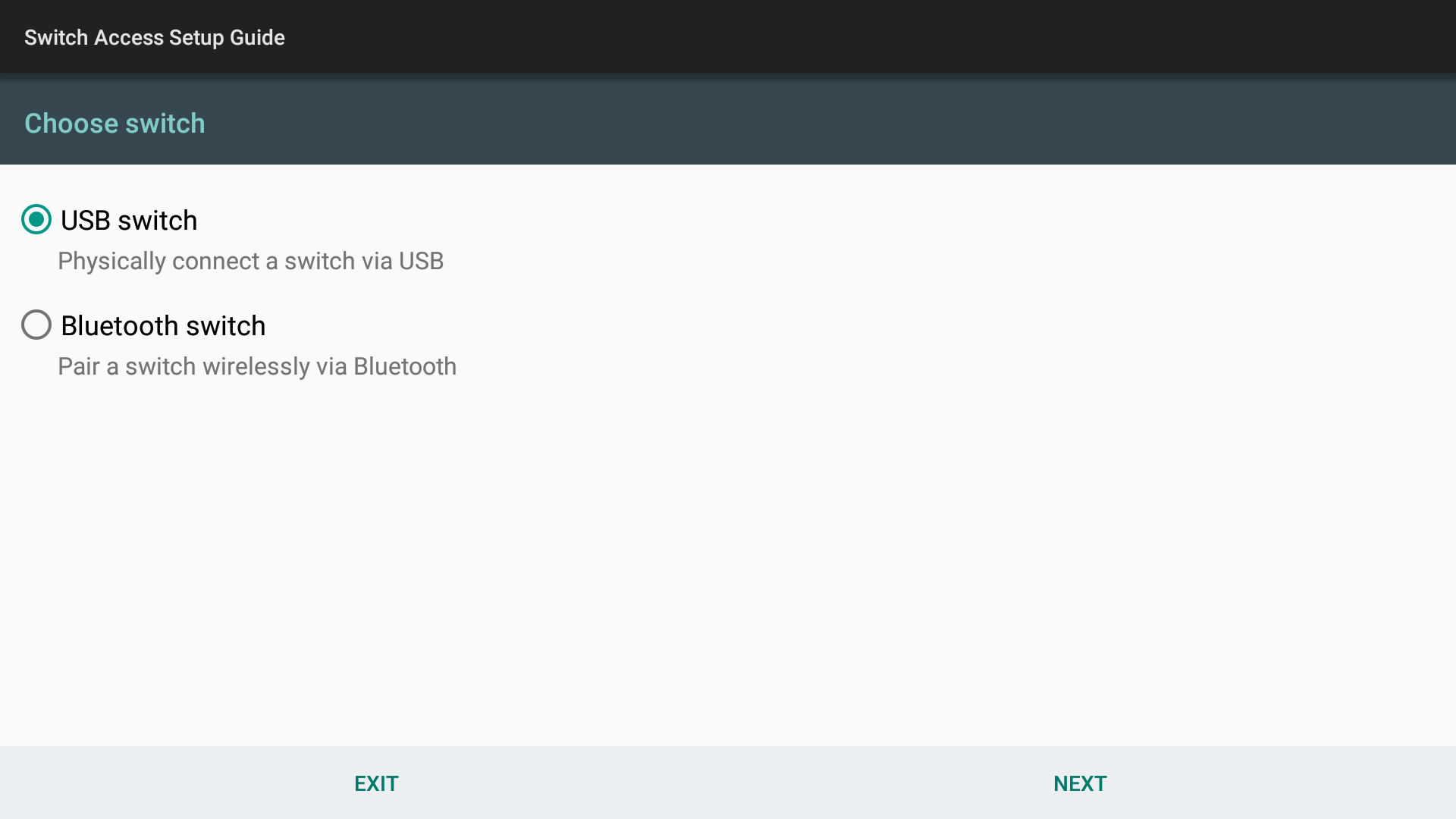
Getting started means opening Settings, then Accessibility, and choosing Accessibility Menu, Select to Speak, or TalkBack. The app asks for Phone permission so it can adjust announcements during calls, Accessibility Service permission to observe actions and window content, and Notifications permission so TalkBack can alert you about updates. There are no ads or in-app purchases.
Where it fits among Google tools
Android Accessibility Suite is more focused than Android System Intelligence or Android System WebView, which serve different system roles. It is also different from Google Drive, Gmail, and Google Photos, since its job is not storage, email, or media handling. If you need accessibility controls built into Android itself, this is the one to open first.
- Free app from Google LLC
- Content rating: Everyone
- Last updated: 2026-11-04
What's new
Version 17.1.0.1003738110 · Nov 11, 2026
- TalkBack 17.1
- Improved text selection
- Voice selection within TalkBack settings
- Enhanced braille display customisation
- Improved typing experience with a physical keyboard in Chinese, Japanese, Korean and Vietnamese
- Improved keyboard interactions when using smart browse mode
Android Accessibility Suite in the news
APK information
- Version
- 17.1.0.1003738110
- Package
- com.google.android.marvin.talkback
- Category
- Tools
- Size
- 45 MB
- Min Android
- 9
- Architecture
- universal
Older versions
-
Android Accessibility Suite 17.1.0.1003738110Nov 11, 2026Latest downloadAPK
Android Accessibility Suite FAQ
Does Android Accessibility Suite drain the battery?expand_more
The app description does not mention battery use. It does note that TalkBack can observe the phone state so announcements can adapt during calls.
Why does Android Accessibility Suite need these permissions?expand_more
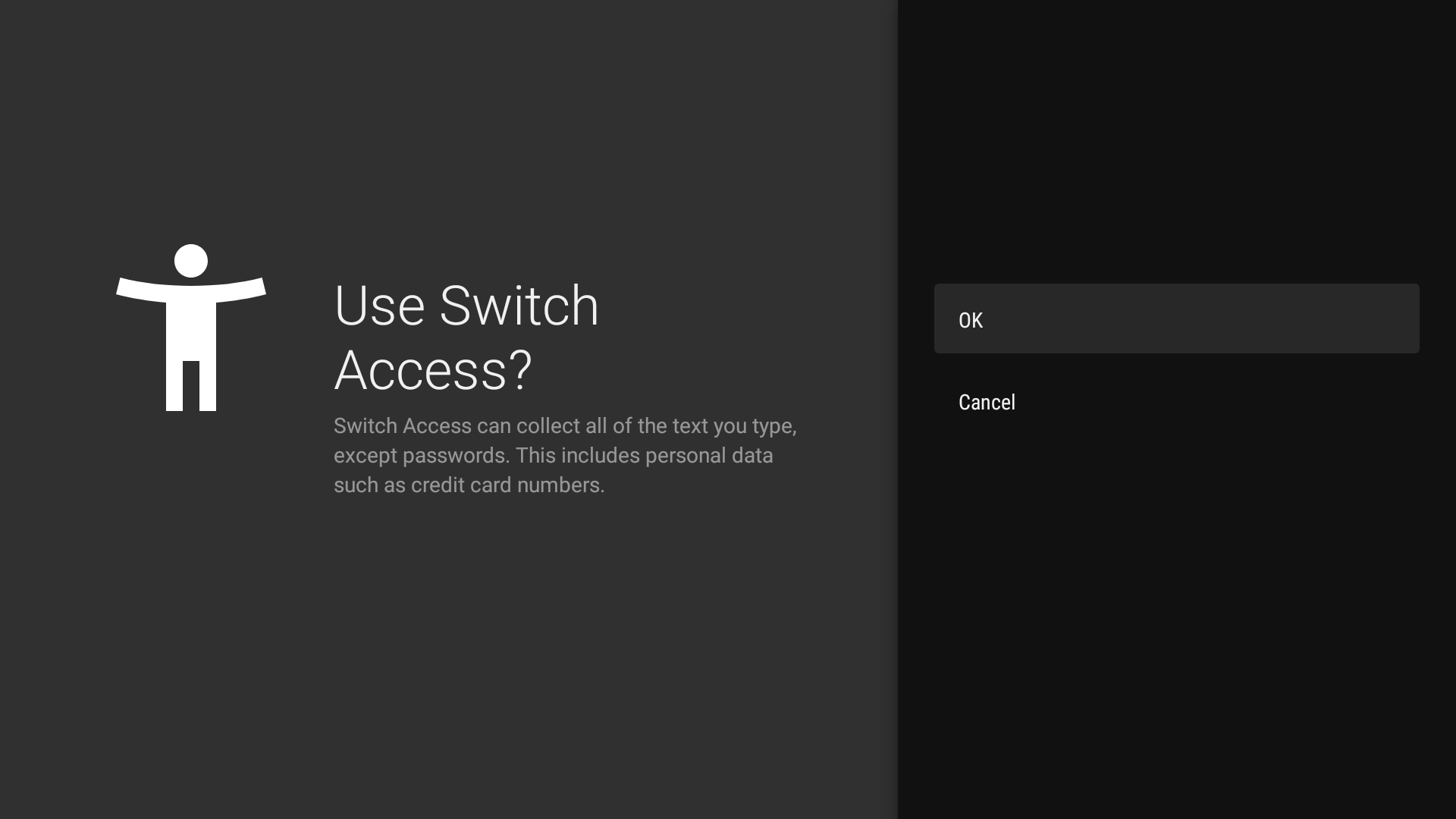
Phone permission helps TalkBack adjust announcements to your call status. Accessibility Service lets it observe actions, retrieve window content, and observe typed text, while Notifications can be used for TalkBack update alerts.
Is Android Accessibility Suite available for older phones?expand_more
It requires Android 9 or later. TalkBack for Wear needs Wear OS 3.0 or later.
Which processors does this APK support?expand_more
The APK is listed as universal, so it is not tied to a single processor type.
How do I turn on TalkBack or Select to Speak?expand_more
Open Settings, then Accessibility, and choose Accessibility Menu, Select to Speak, or TalkBack. Those are the entry points the app gives for setup.