
- 3.9star276 reviews
- 100K+Downloads
- 33 MBAPK size
- EveryoneRated for Everyone
- API 14+Android
check_circleOriginal APK from SAND STUDIO · Updated Nov 12, 2026
No threats found
0 / — antivirus engines flagged this file
Original signature
First seen — SAND STUDIO
Unmodified APK
Same file the developer published — no mods
AirDroid Business screenshots
8 images · tap to enlarge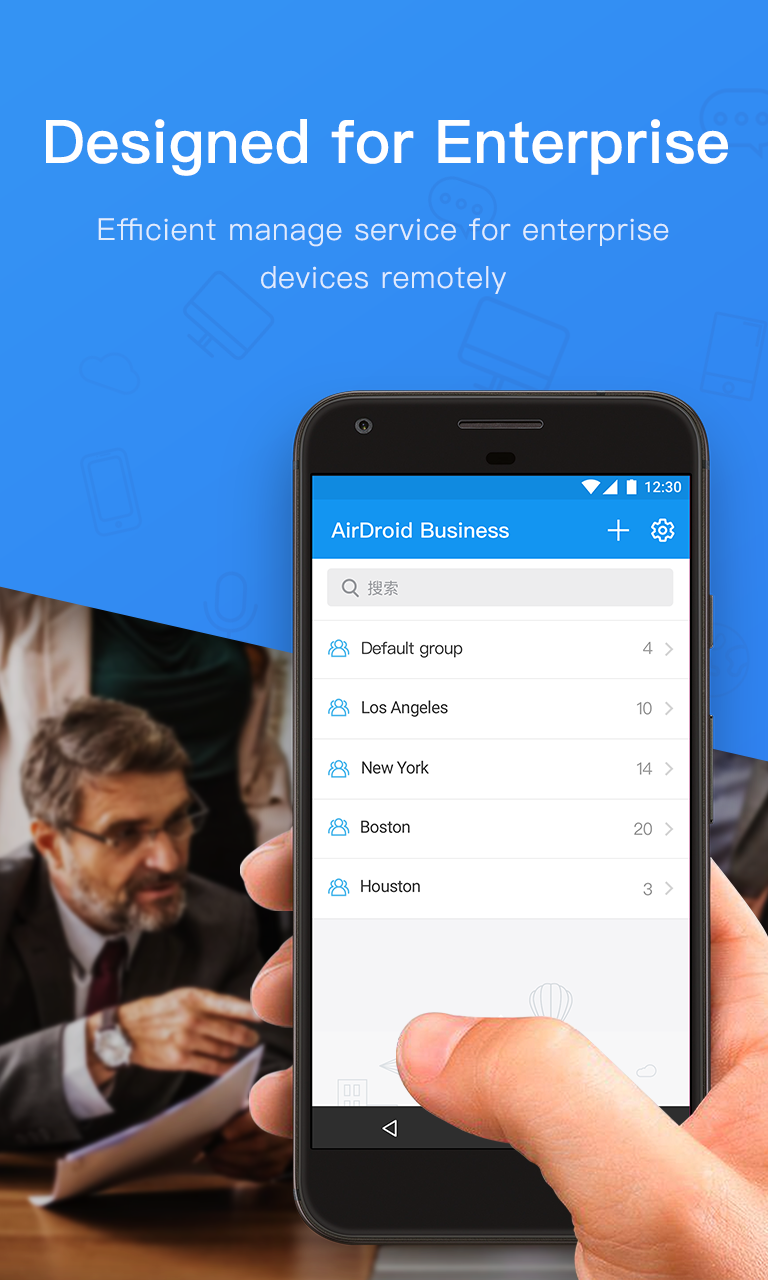
About this app
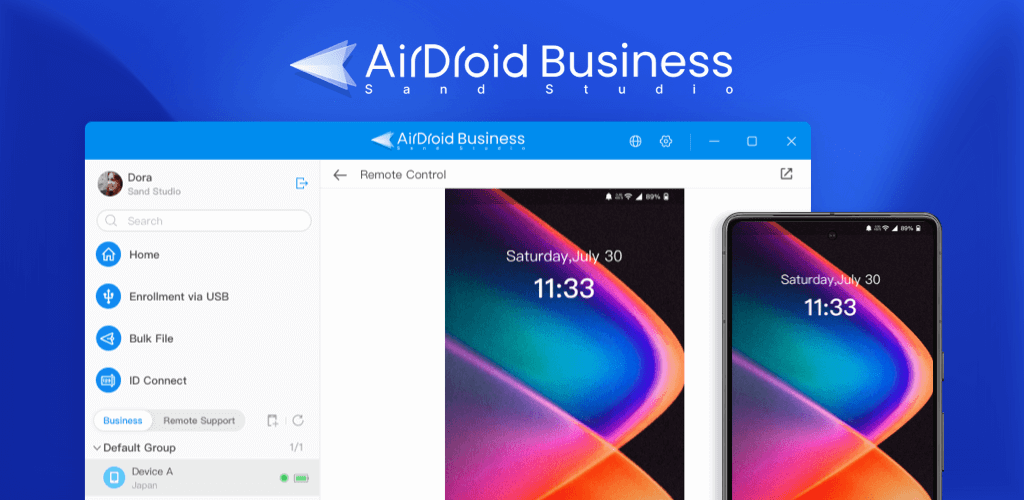
Need to manage Android devices from one place? AirDroid Business is an Android device management app for POS, kiosk, and other business devices. It includes kiosk mode, app management, remote control, location tracking, device wall, and file transfer, with no ads and no in-app purchases.
- Kiosk Mode — Lock devices to approved apps and settings, with single-app or multi-app mode and a whitelist.
- App Management — Install, schedule, and roll out apps to chosen devices or groups from the management console.
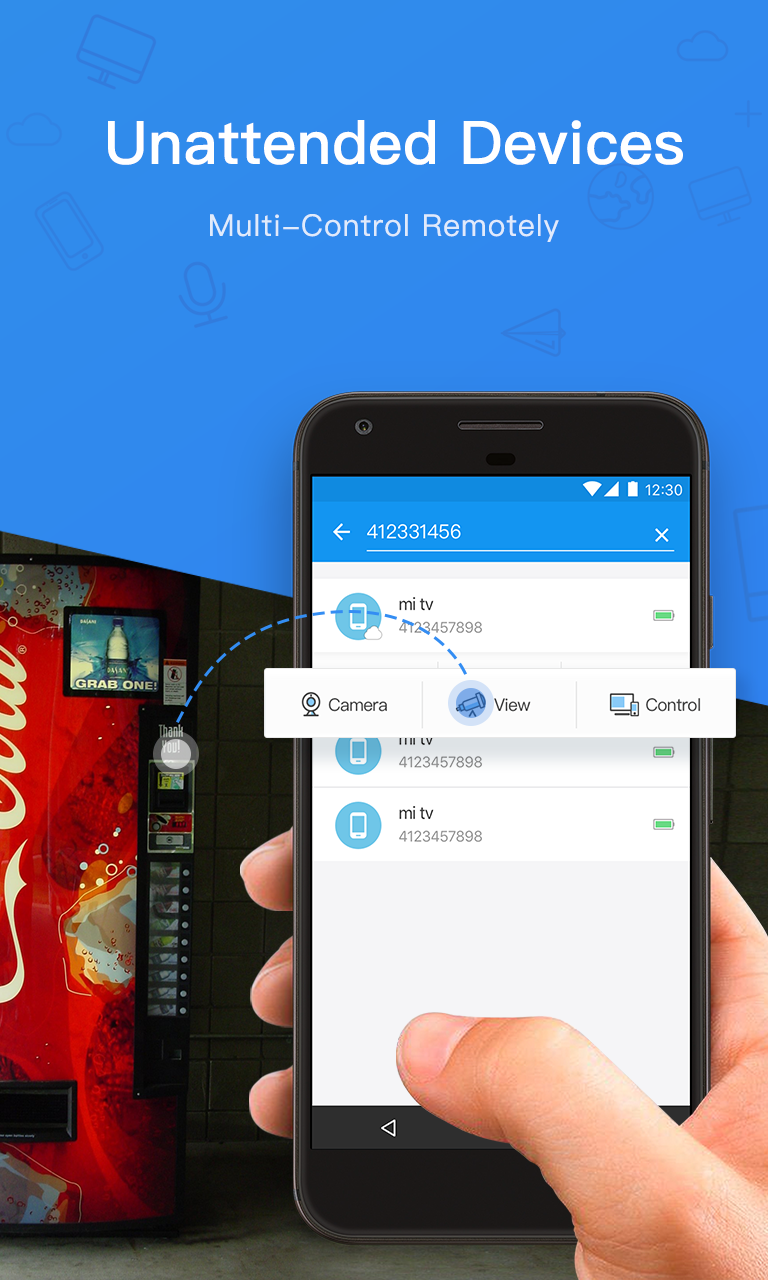
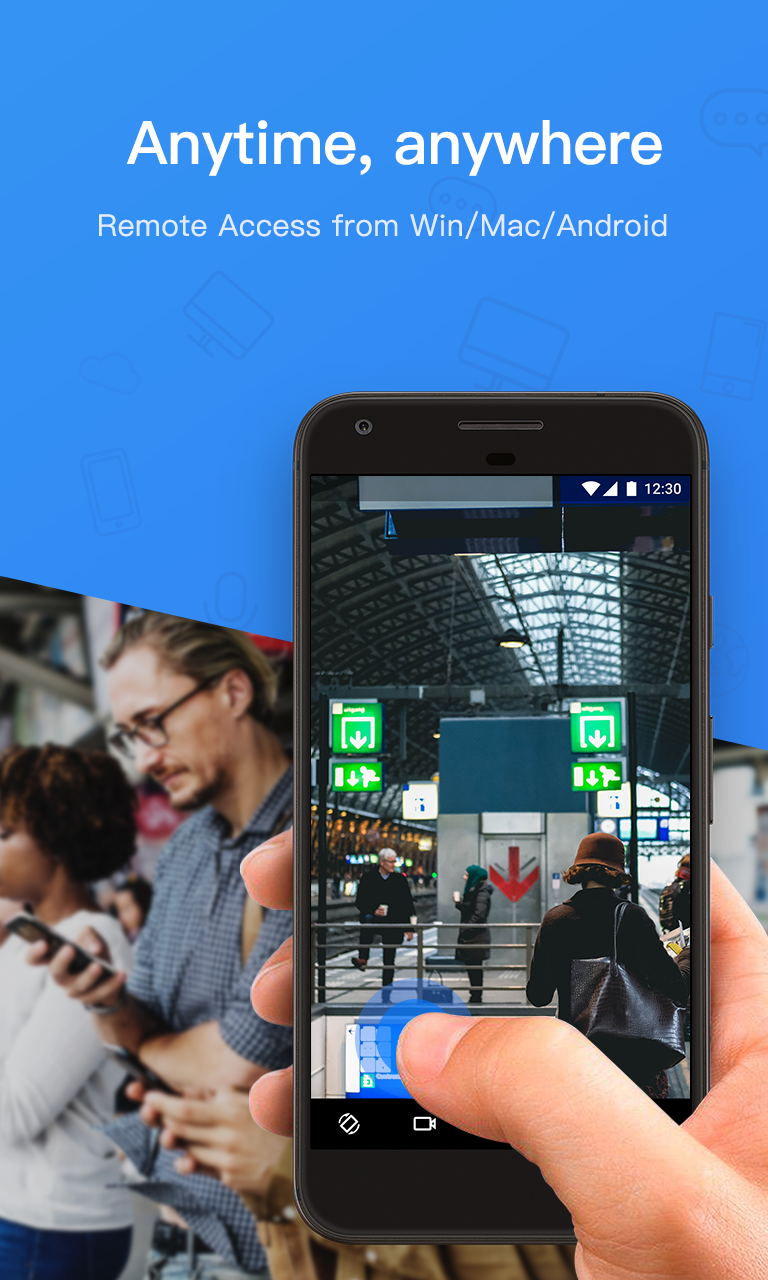
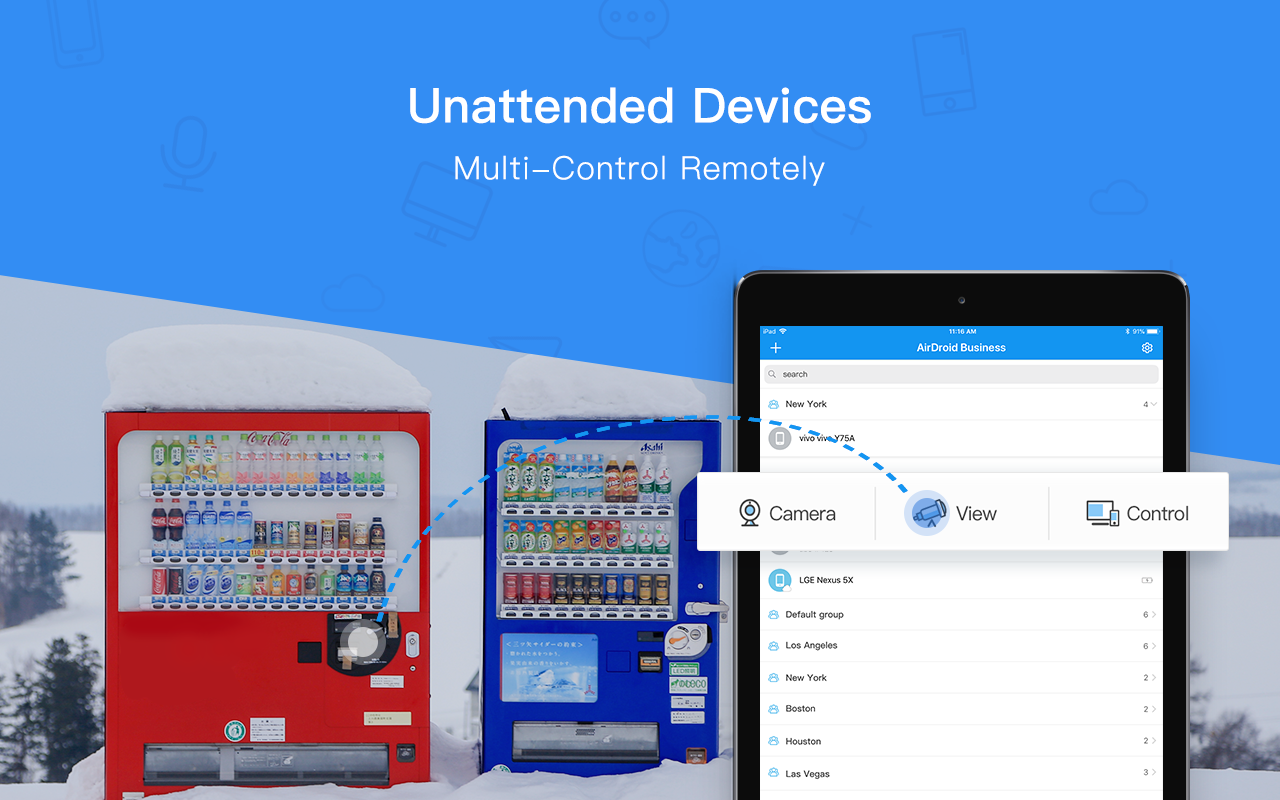
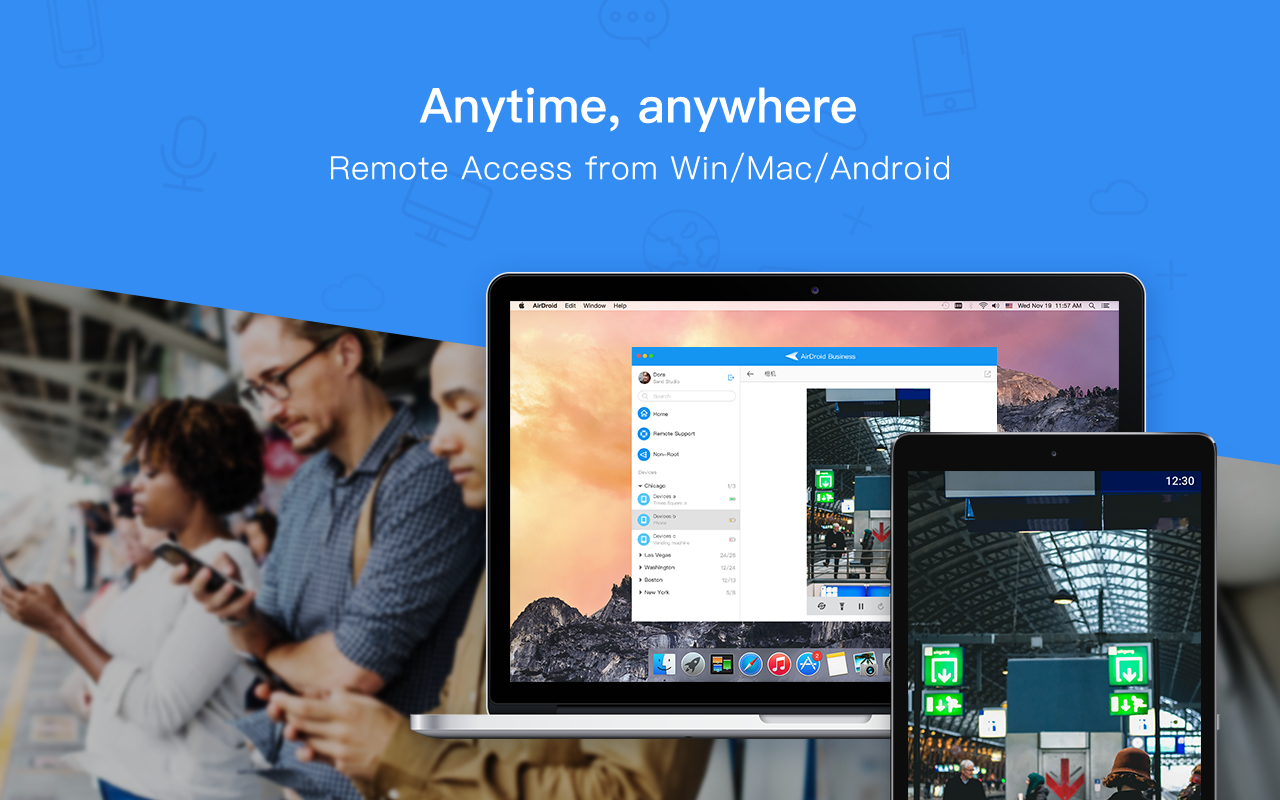
- Remote Control — View and control Android devices remotely without root permission.
- Location Tracking — Check device location on a map in real time for couriers, vehicles, or stolen devices.
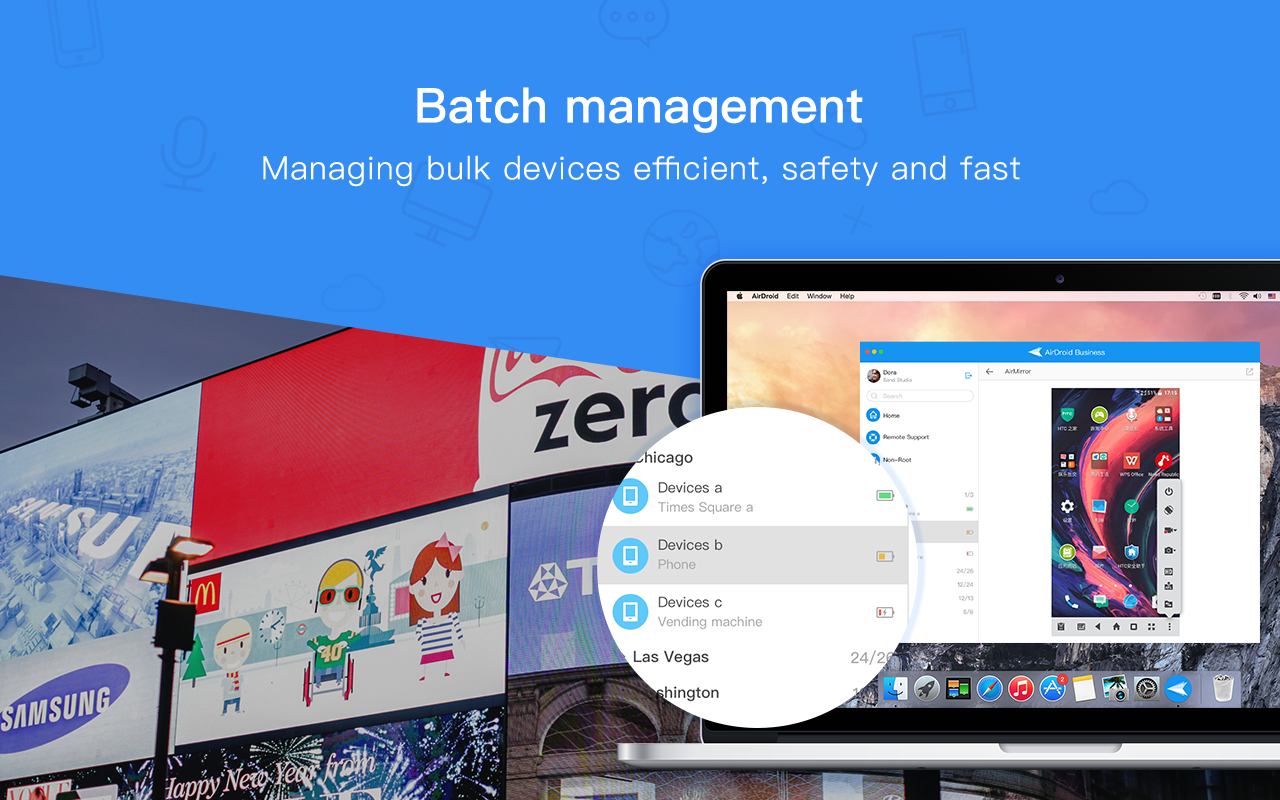
- Device Wall — Monitor screens, device status, and app status for many managed devices in one place.
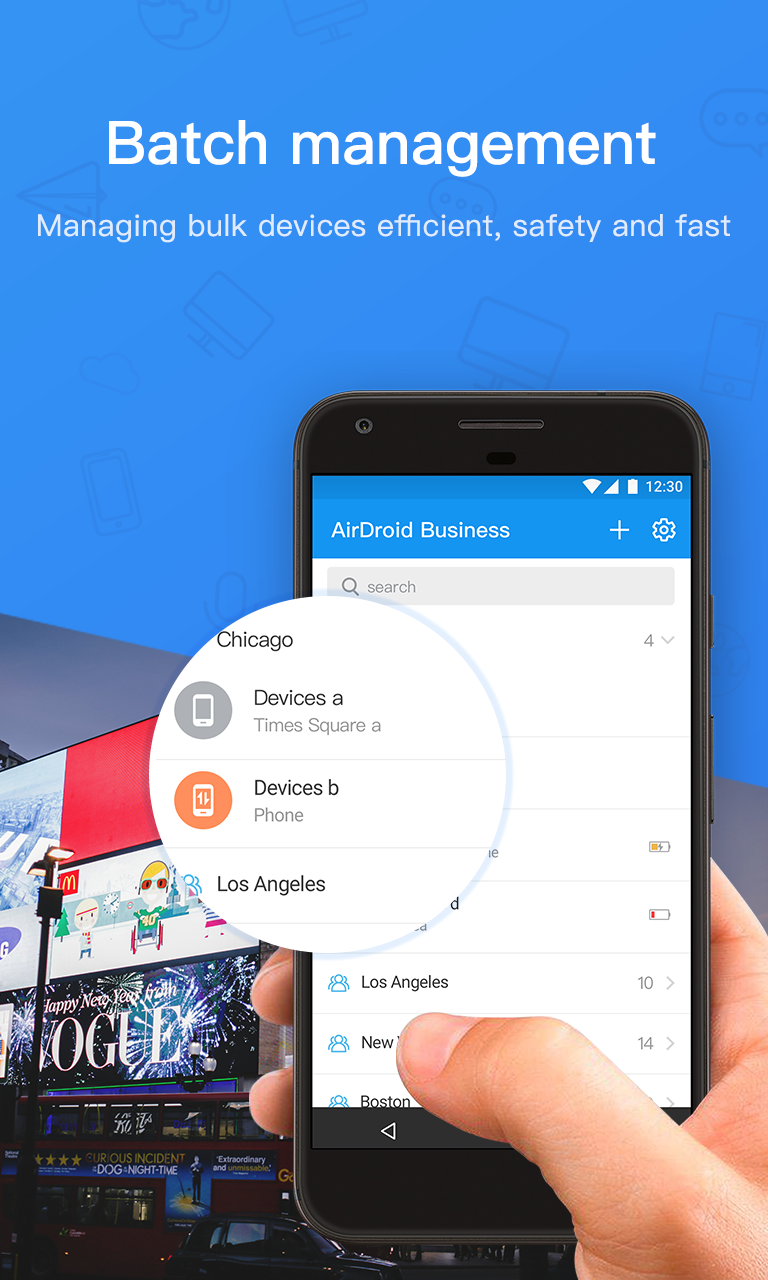
- File Transfer — Send files in batch to remote devices and delete expired files in batches.
What changed in this release
This version fixes an Android 11 crash issue and includes other bug fixes and improvements. That means the app should open and run more reliably on supported devices.
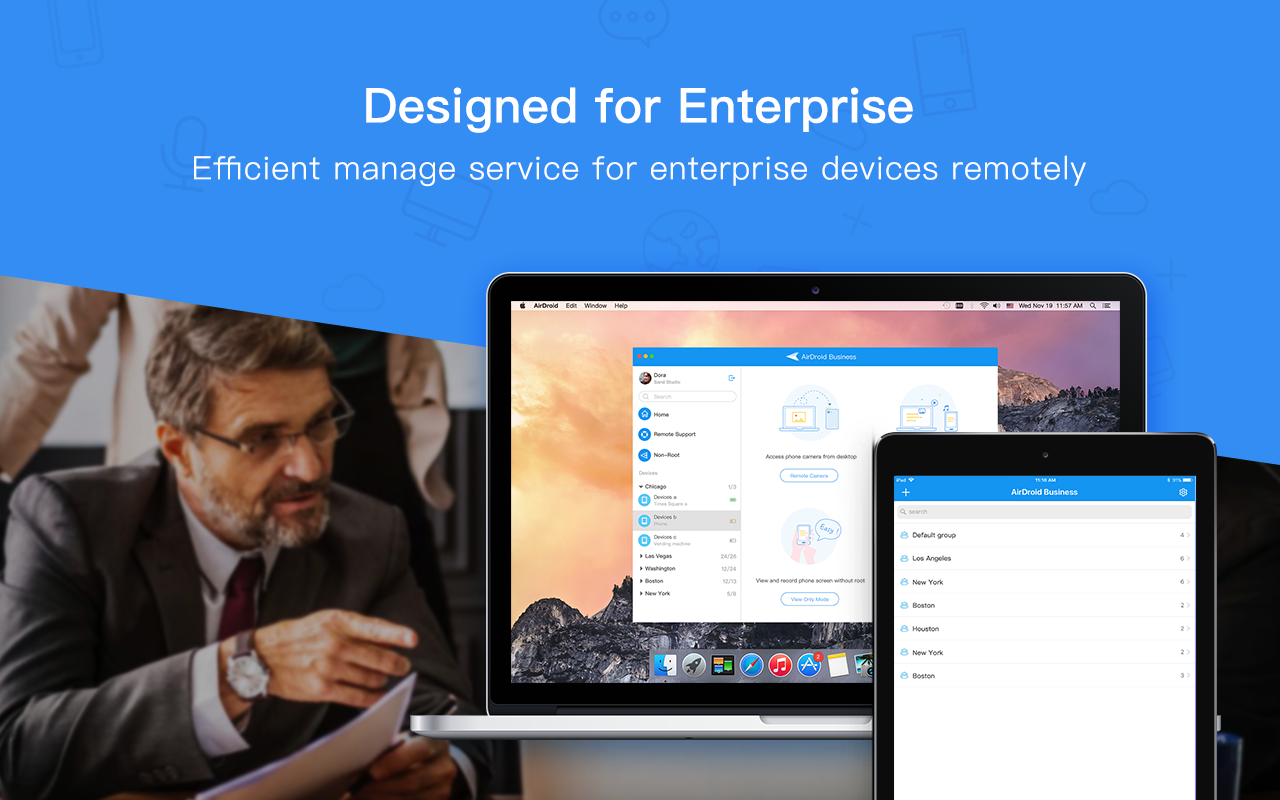
AirDroid Business is an Android device management app for business setups such as POS terminals, mPOS devices, digital signage, Android boxes, corporate-owned devices, and unattended devices. It is free to download, comes as an APK, and does not include ads or in-app purchases. The file is 32.8 MB, works on Android API 14 and above, and uses a universal build.
Kiosk mode for locked-down devices
Kiosk mode turns an Android device into a controlled screen for a specific job. Administrators can choose which apps appear, set single-app or multi-app lockdown, and make kiosk mode start again after reboot.
- App whitelist: only approved apps are shown.
- Branding: customize the home screen and lock screen layout.
- Password protection: help prevent unwanted changes.
App release and remote control
The app also includes application management services for updating and releasing apps to remote devices. You can force install apps, schedule a release, send updates to a percentage of devices, or push apps to specific devices and groups. Remote control lets you access Android devices from different brands and manufacturers without root permission.
Tracking, monitoring, and file handling
AirDroid Business also supports real-time device location tracking, which can help with couriers, vehicles, or stolen devices. The device wall shows managed screens in one place, along with device and app status. File transfer supports batch sending of different file types and formats, plus batch deletion of expired files.
Groups and access roles
Devices and employees can be organized into groups based on operational needs. Different roles can be assigned, including administrator, team member with access rights, and view-only member. This helps keep control clear when more than one person manages the same devices.
What's new
Version 1.0.3.1 · Nov 12, 2026
- 2020/04/14 v1.0.3.1
- 1. Fixed Android 11 crash issue.
- 2. Other bugs fixes and improvements.
APK information
- Version
- 1.0.3.1
- Package
- com.sand.airdroidbizc
- Category
- Tools
- Size
- 33 MB
- Min Android
- API 14
- Architecture
- universal
Older versions
-
AirDroid Business 1.0.3.1Nov 12, 2026Latest downloadAPK
AirDroid Business FAQ
Does AirDroid Business drain the battery?expand_more
The app description does not mention battery use. Its listed features focus on device management, kiosk mode, remote control, and tracking.
Does AirDroid Business need root?expand_more
No. Remote control works without needing root permission.
Is this AirDroid Business APK the original file?expand_more
This page lists the app as AirDroid Business by SAND STUDIO and provides the APK version 1.0.3.1.
Does AirDroid Business work offline?expand_more
The description does not say whether it works offline. Several features, such as remote control and location tracking, are described as remote or real-time.
What devices can AirDroid Business manage?expand_more
It is designed for Android-based devices such as POS, mPOS, digital signage, Android boxes, corporate-owned devices, and unattended devices.