All Document Reader: PDF/Word
Eternal Mobile Labs- 4.2star16,344 reviews
- 1M+Downloads
- 43 MBAPK size
- EveryoneRated for Everyone
- API 27+Android
check_circleOriginal APK from Eternal Mobile Labs · Updated Nov 12, 2026
No threats found
0 / — antivirus engines flagged this file
Original signature
First seen — Eternal Mobile Labs
Unmodified APK
Same file the developer published — no mods
All Document Reader: PDF/Word screenshots
7 images · tap to enlarge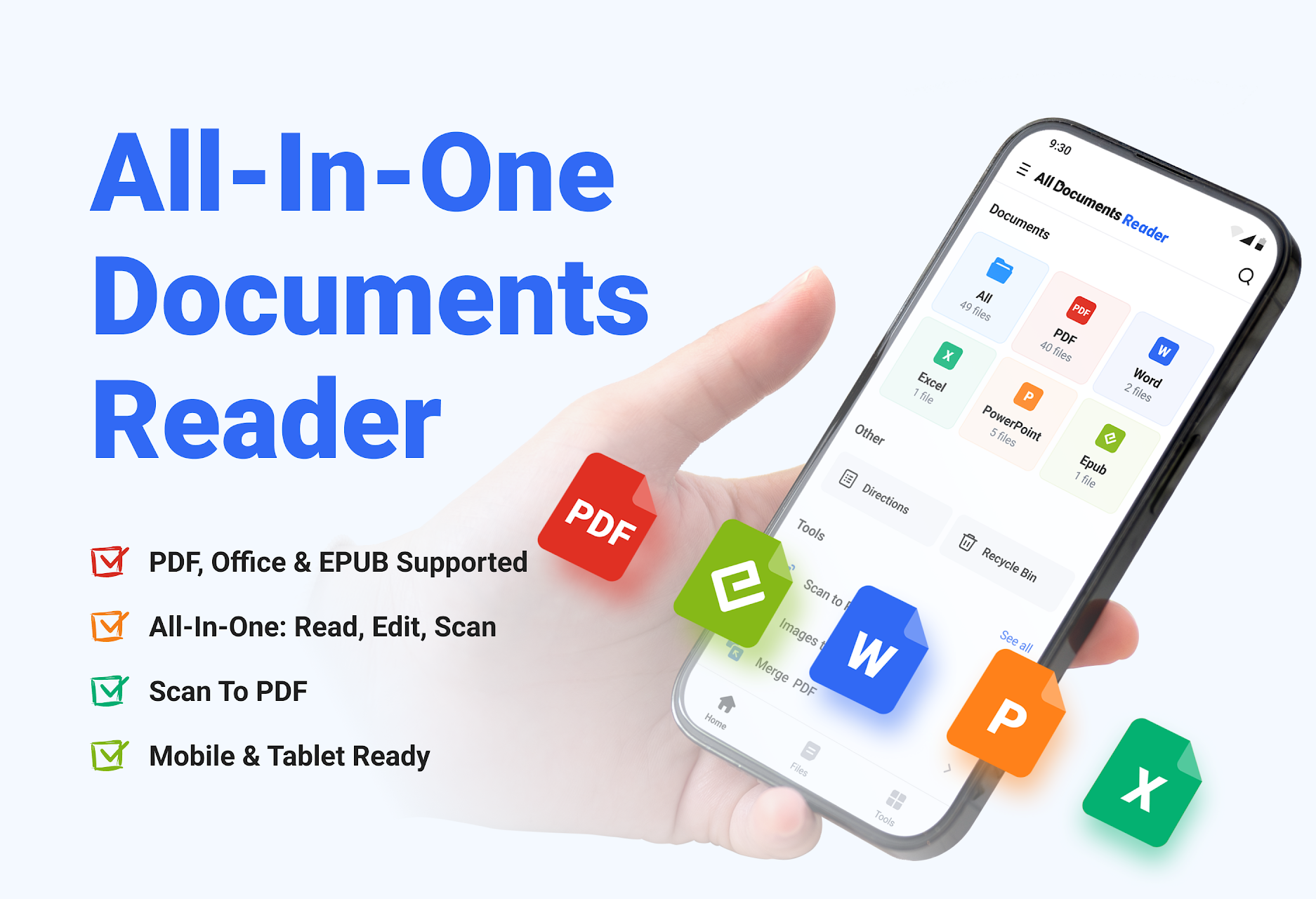
About this app
When you need to open a contract, review a spreadsheet, or scan paper notes into PDF on your phone, All Document Reader: PDF/Word brings those tasks into one Android app. It supports office files and EPUB reading, adds AI summaries for long documents, and includes PDF editing, signing, and file management tools.
- AI document summaries — Use the built-in AI summary tool to pull highlights from long PDF documents in one tap.
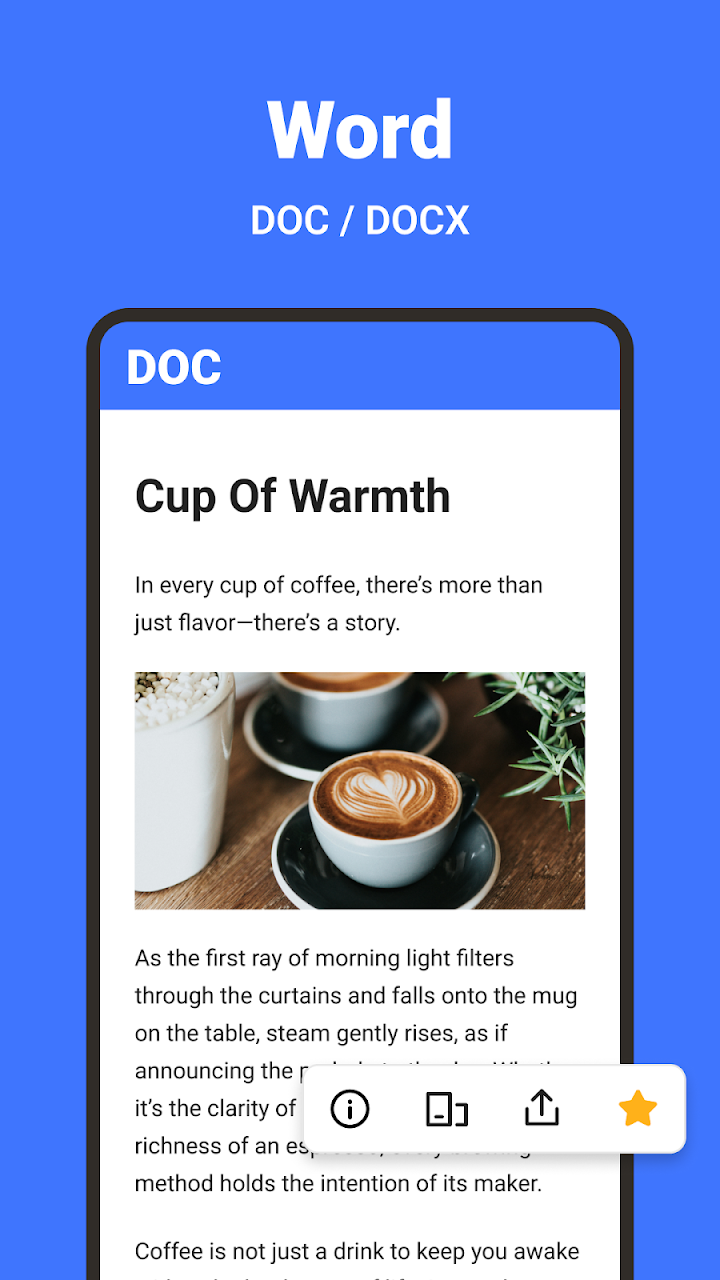
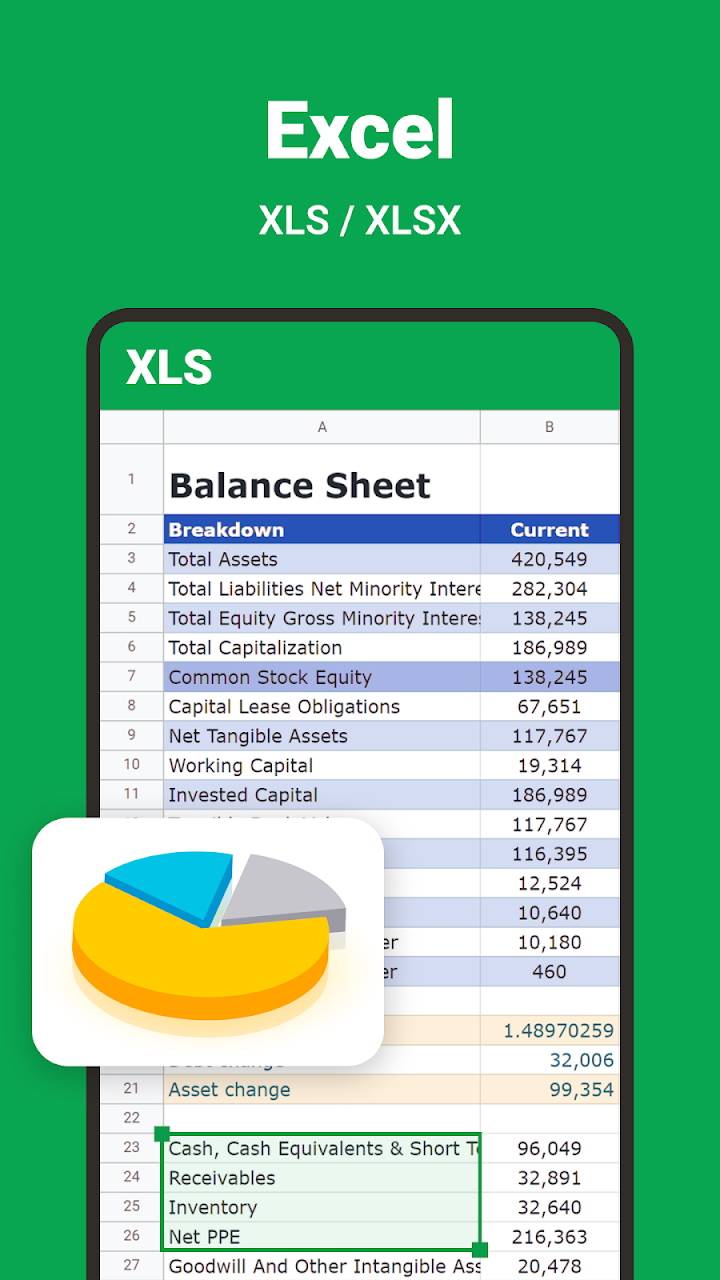
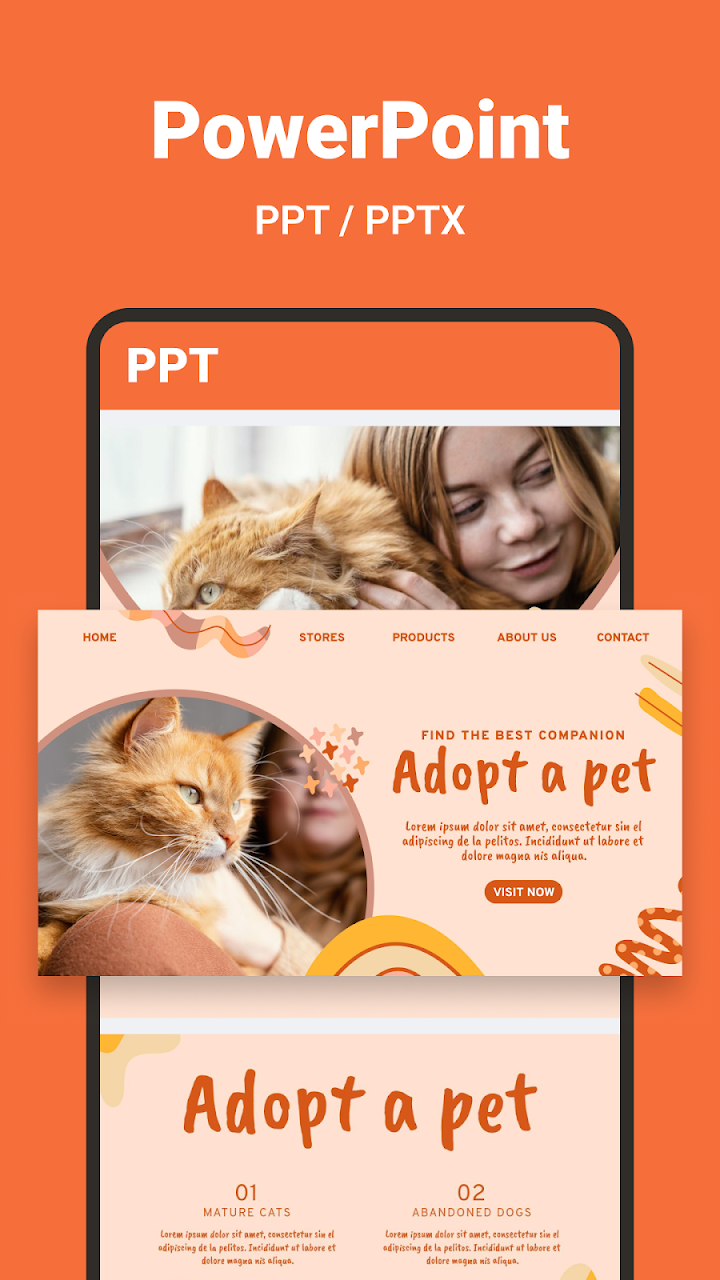
- Office file viewing — Open DOC, DOCX, XLS, XLSX, PPT, and PPTX files in a single viewer.
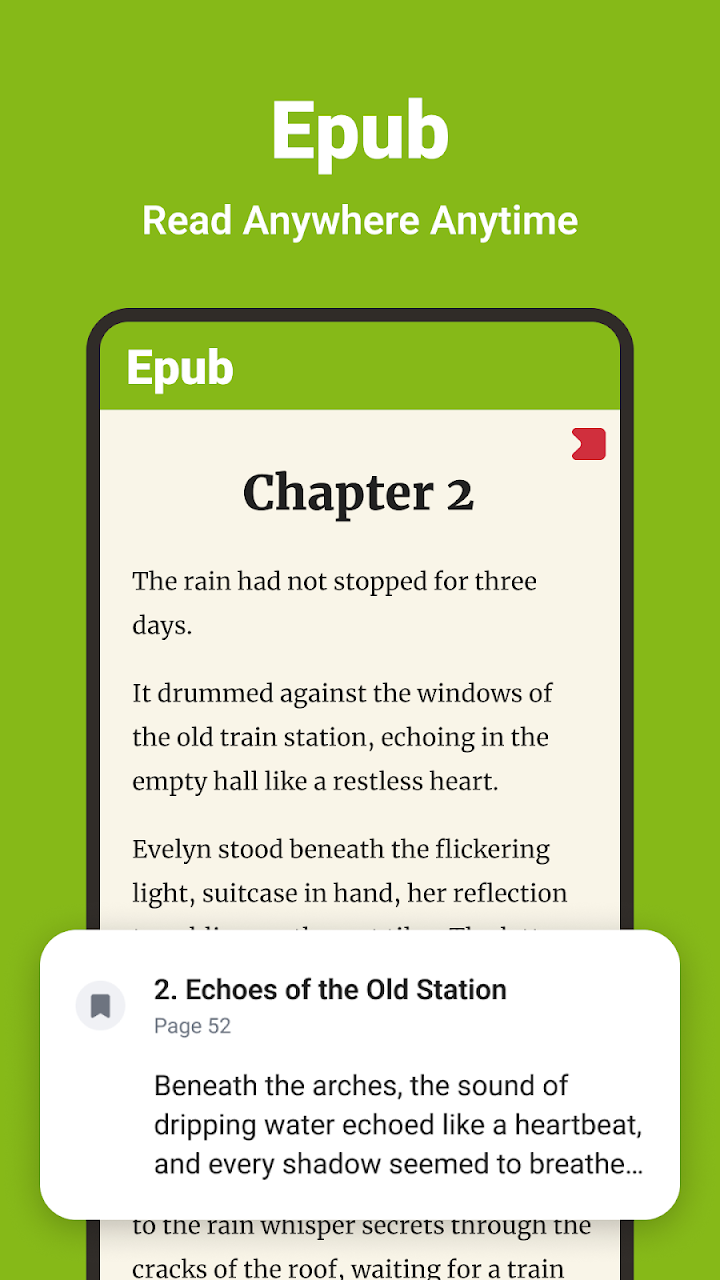
- EPUB reading modes — Read EPUB ebooks in horizontal or vertical mode when you want a different layout.
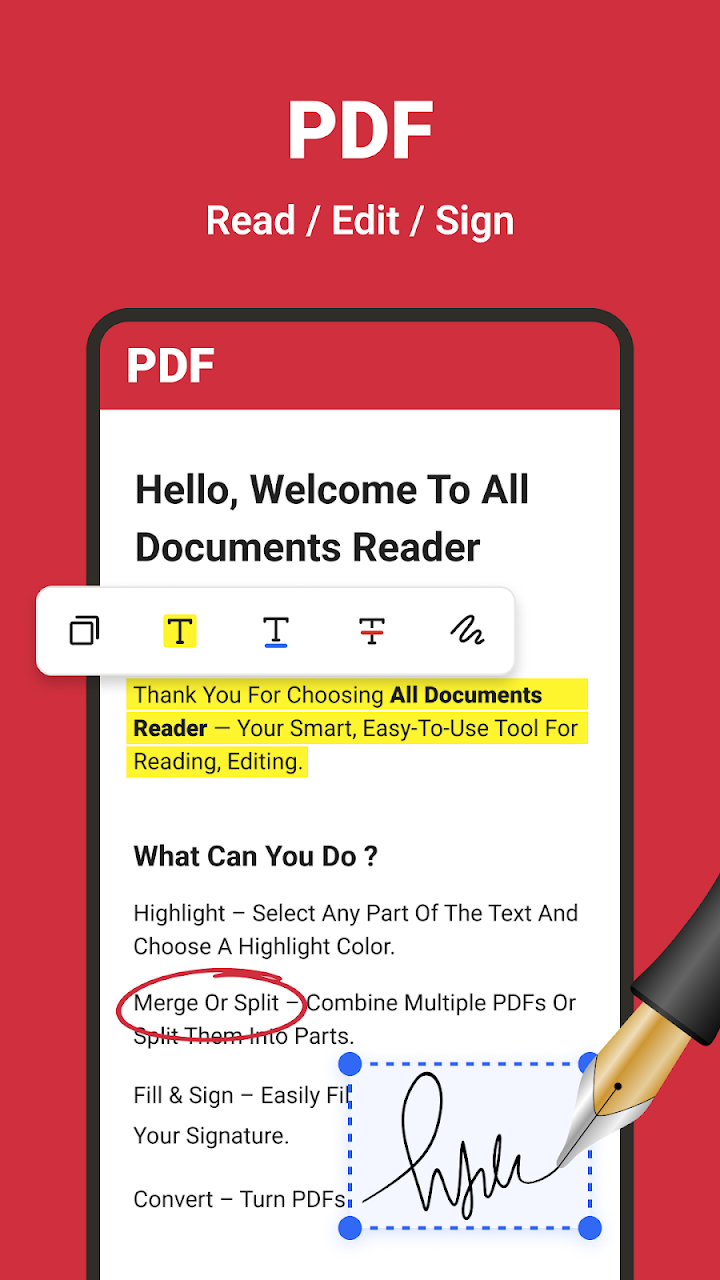
- PDF edit and sign — Highlight text, add notes, fill forms, and place an e-signature on PDFs from your phone.
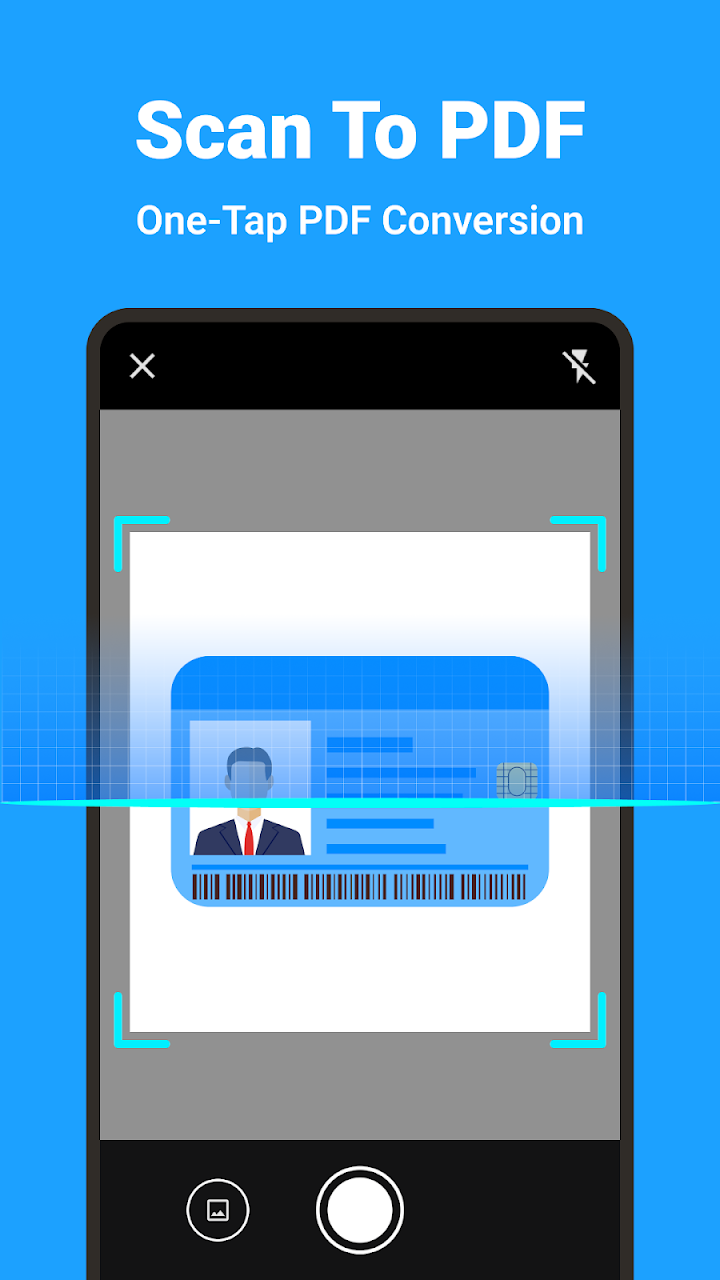
- Scan and convert — Use the camera to scan paper notes or receipts to PDF, or turn photos and screenshots into PDF files.
- File management tools — Merge, split, lock, unlock, and search documents, with offline access and auto-sorting by format.
Open office files and EPUB in one app
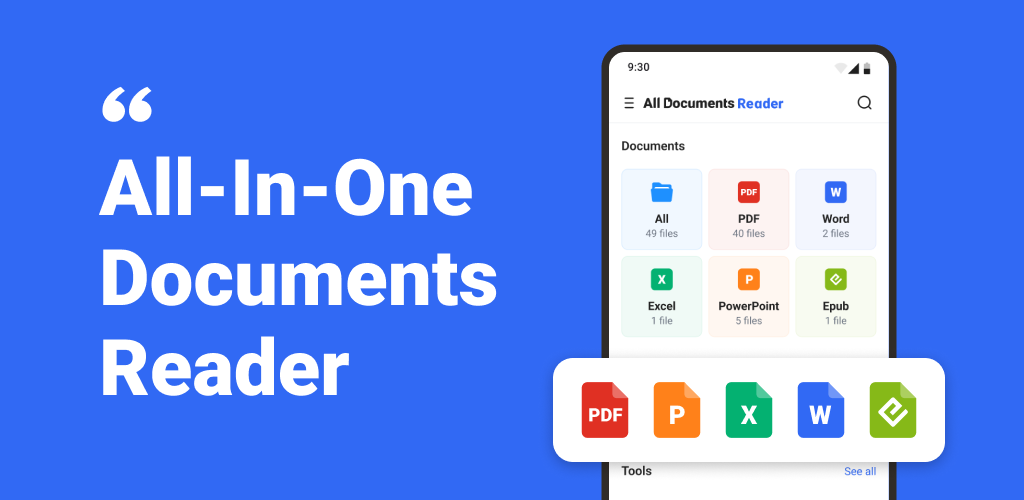
All Document Reader: PDF/Word is built for quick access to common document types on Android. You can open Word, Excel, PowerPoint, PDF, and EPUB files from the same app, which is useful when a folder contains a mix of reports, slides, and ebooks. The app supports DOC, DOCX, XLS, XLSX, PPT, PPTX, EPUB, and PDF.
For example, you can check a DOCX draft, review an XLSX sheet, and then switch to an EPUB novel without changing apps.
AI summary for long PDFs
The app includes a smart AI PDF assistant that creates a summary from a document. This is useful when you need the main points from a long report before reading it in full. Instead of scrolling through every page, you can use the summary to get the highlights first.
For example, a long business PDF can be summarized before a meeting so you can review the key sections more quickly.
PDF editing, scanning, and e-signature
Its PDF tools cover editing and capture tasks in one place. You can highlight text, add notes, fill PDF forms, and add an e-signature directly on the phone. The scanner tools let you use the camera to scan paper documents to PDF, or convert existing photos and screenshots into PDF files.
For example, you can photograph a receipt, convert it to PDF, then sign a form and send it from the same app.
Manage files and check install details
The app can merge PDF files, split pages, lock PDFs with a password, and remove passwords when needed. It also auto-sorts files by format and offers search across your internal folder structure, with offline access. Before installing, check that your device runs Android 8.1 or later. The APK is 42.8 MB and uses the universal architecture format.
It is a free app, but it contains ads and in-app purchases. No permissions are listed for this version.
APK information
- Version
- 4.13.2
- Package
- reader.alldocuments.eternal
- Category
- Tools
- Size
- 43 MB
- Min Android
- API 27
- Architecture
- universal
Older versions
-
All Document Reader: PDF/Word 4.13.2Nov 12, 2026Latest downloadAPK
All Document Reader: PDF/Word FAQ
Does All Document Reader: PDF/Word need root?expand_more
No root requirement is listed for this app. It is designed to work as a regular Android app.
Does All Document Reader: PDF/Word work on tablets?expand_more
The app supports Android 8.1 and later, and the APK is universal. That makes it suitable for a wide range of Android devices, including tablets that meet the system requirement.
Is All Document Reader: PDF/Word free to use?expand_more
Yes, it is free to install and use. It also contains ads and offers in-app purchases.
Can it scan paper documents to PDF?expand_more
Yes. The app includes a PDF scanner that can turn camera photos into PDF files, and it can also convert existing photos or screenshots into PDF.
Which file formats can it open?expand_more
It supports PDF, DOC, DOCX, XLS, XLSX, PPT, PPTX, and EPUB files.