
analiti - Speed & WiFi
analiti Networking Experts- 4.3star10,057 reviews
- 1M+Downloads
- 36 MBAPK size
- EveryoneRated for Everyone
- API 22+Android
check_circleOriginal APK from analiti Networking Experts · Updated Nov 12, 2026
No threats found
0 / — antivirus engines flagged this file
Original signature
First seen — analiti Networking Experts
Unmodified APK
Same file the developer published — no mods
analiti - Speed & WiFi screenshots
8 images · tap to enlarge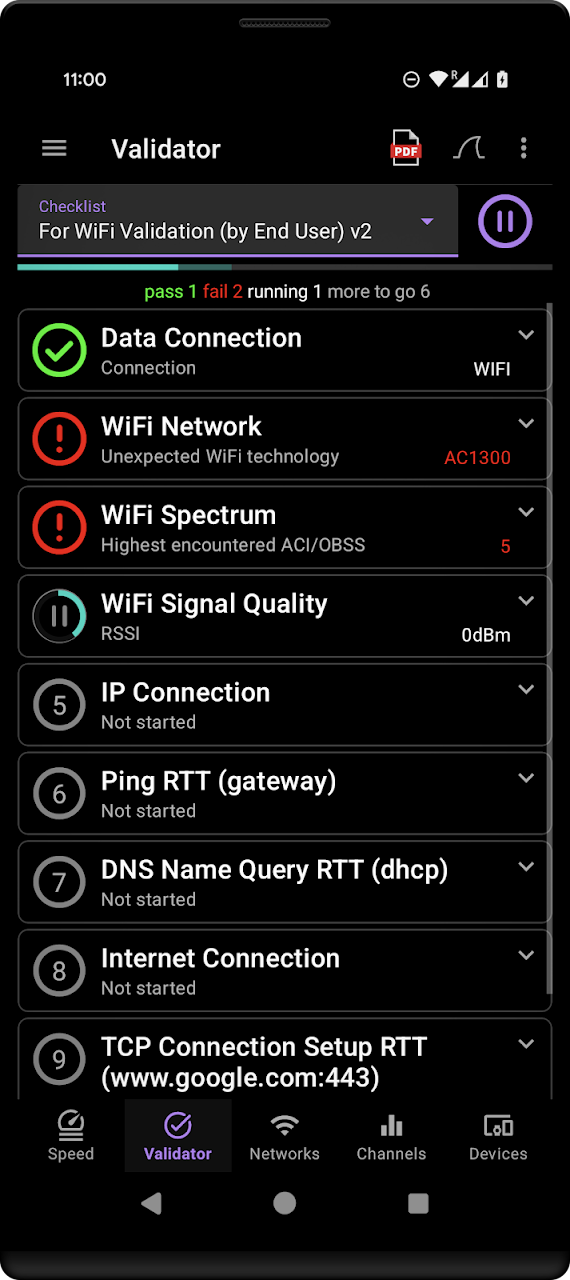
About this app
analiti - Speed & WiFi stands out as a toolbox for checking wireless performance, not just running a quick speed test. It opens into practical screens for channel analysis, device scanning, latency checks, and connection tracking. The app is free, has no ads, and asks for no permissions, but some advanced tools are behind in-app purchases.
- Speed Test Tools — Run speed checks with multiple methods, including iPerf3, and review results over time with scheduled background tests.
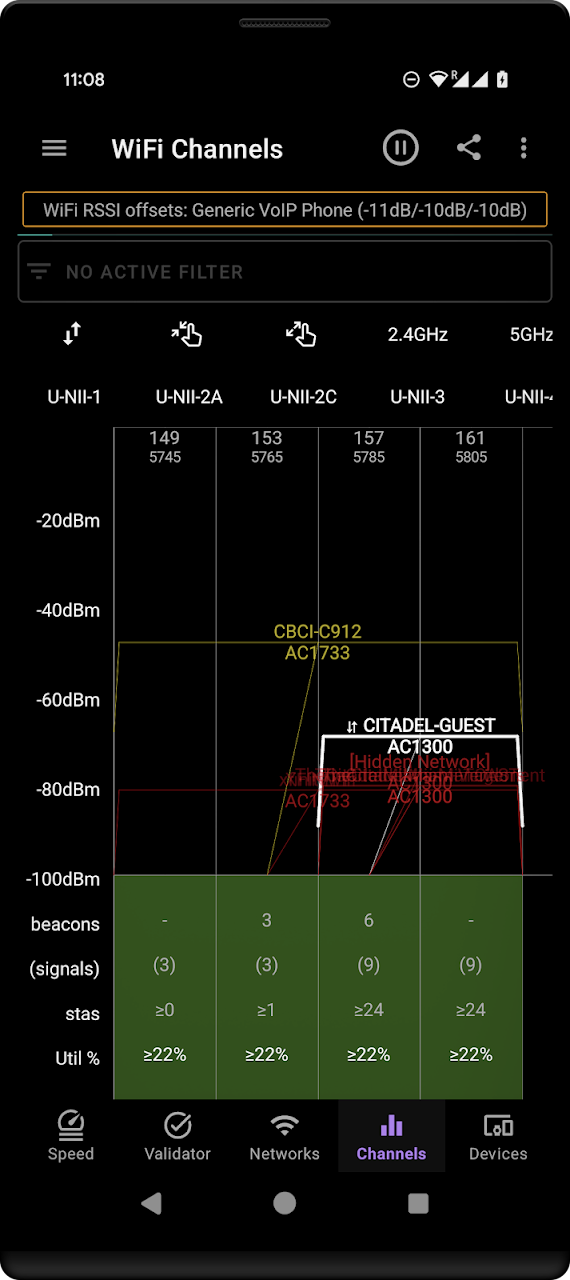
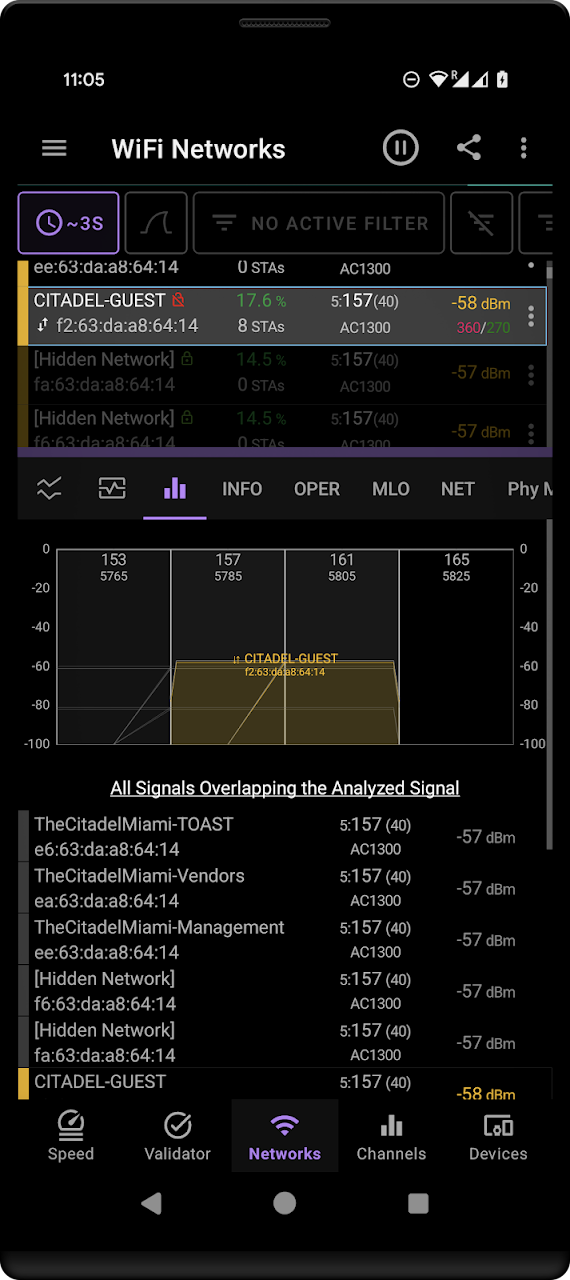
- WiFi Channel View — Check channel use, interference, and airtime details to see where congestion may be affecting the network.
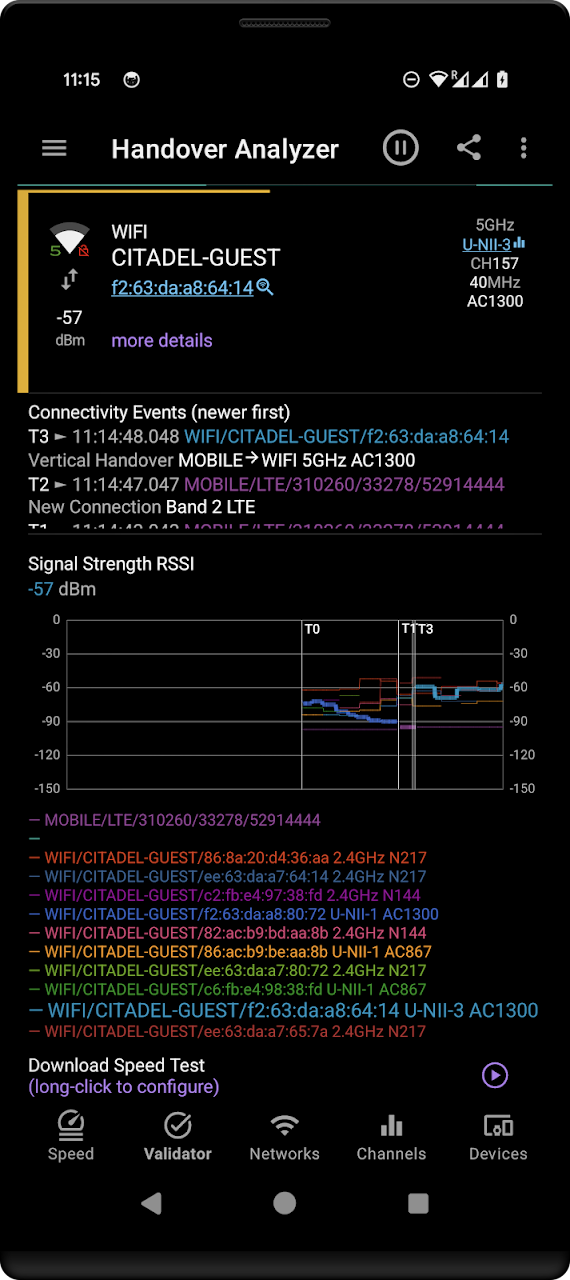
- Connection Tracking — Follow roaming and handover events while speed and RTT testing continues in the background.
- LAN Device Scan — List devices on the local network and inspect open ports from the same app.
- RTT Analysis — Measure ping, DNS lookup time, and TCP connection setup latency from one screen.
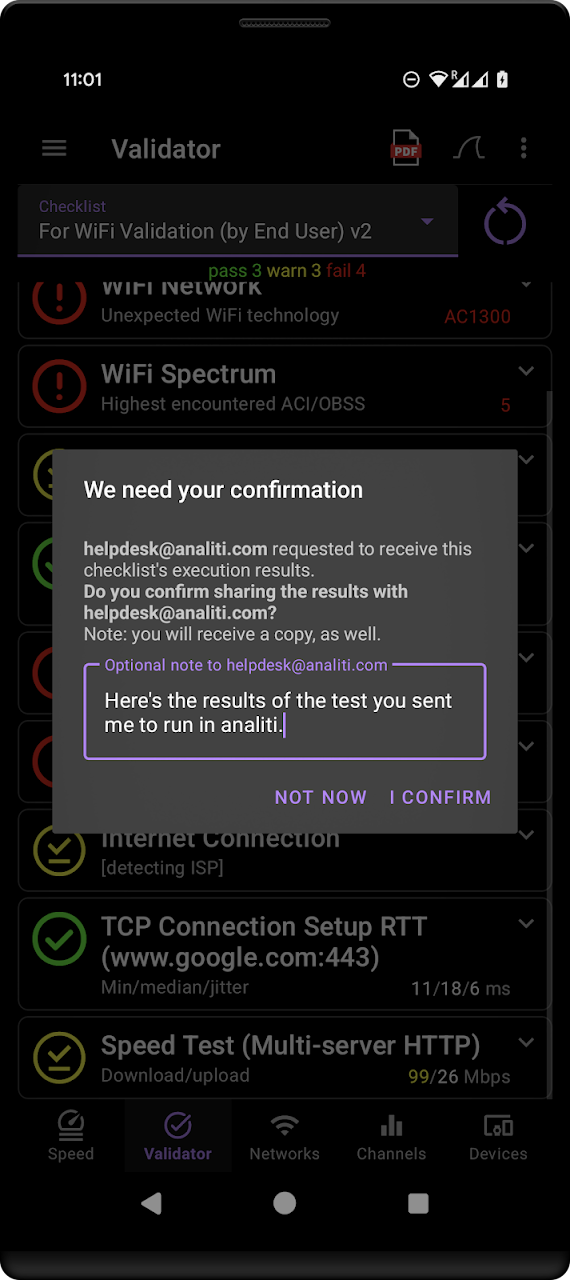
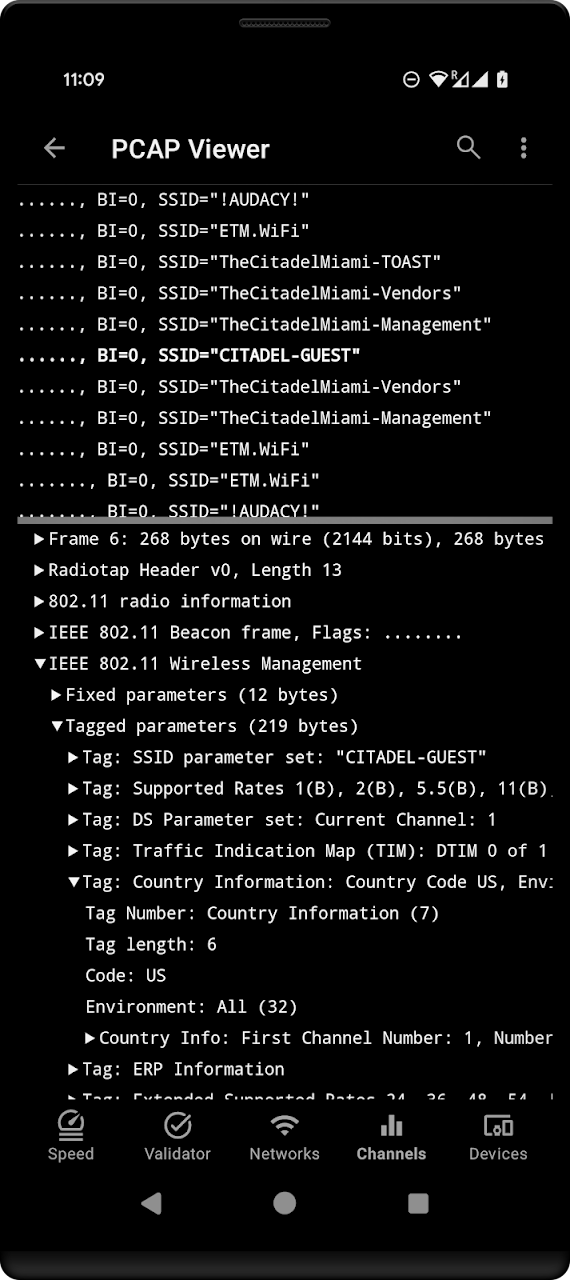
- Expert Reports — Generate PCAPng files, view Wireshark traces in the app, and send detailed PDF reports by email.
Speed checks and WiFi analysis
This app is built for days when a connection feels slow, unstable, or uneven. You can start with a speed test, then move into channel analysis, signal details, RTT testing, or a LAN scan without switching tools. It is free, has no ads, and uses in-app purchases for some expert features. The app needs Android 5.1 or later, comes as a 36.3 MB APK, and works on universal ABIs.
Run a speed test, then compare results
The speed test screen is the first stop for checking throughput and bufferbloat impact. It also supports repeated tests at set intervals in the background, which makes it easier to watch how performance changes during the day. That fits normal use when you want to check whether a slowdown is constant or tied to a certain time or place.
Find the cause of weak WiFi
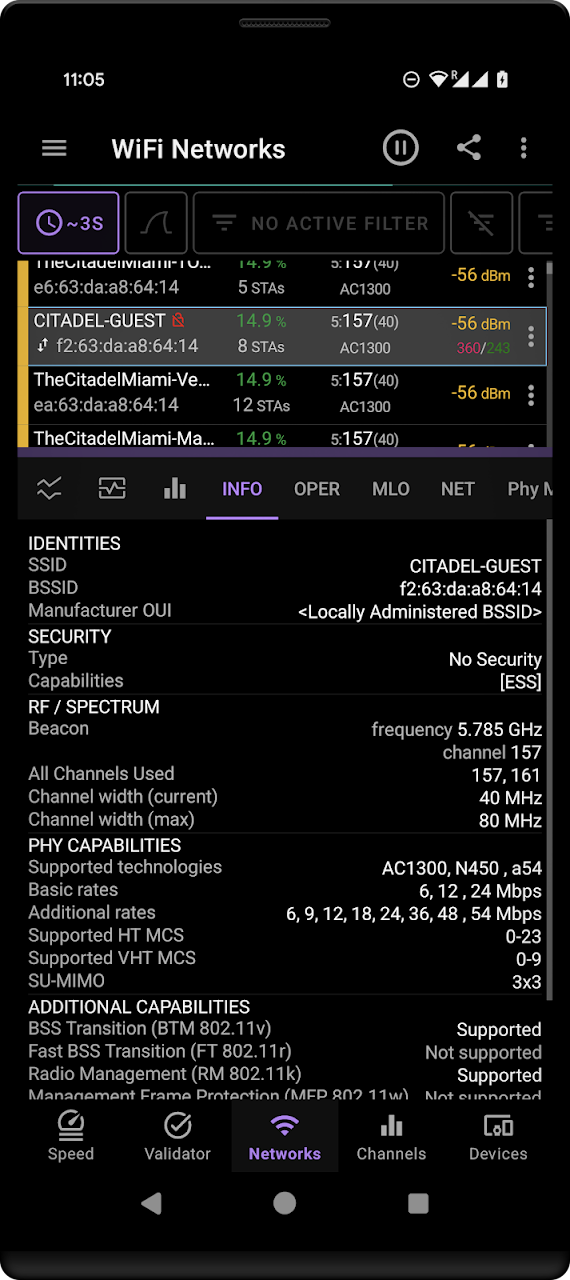
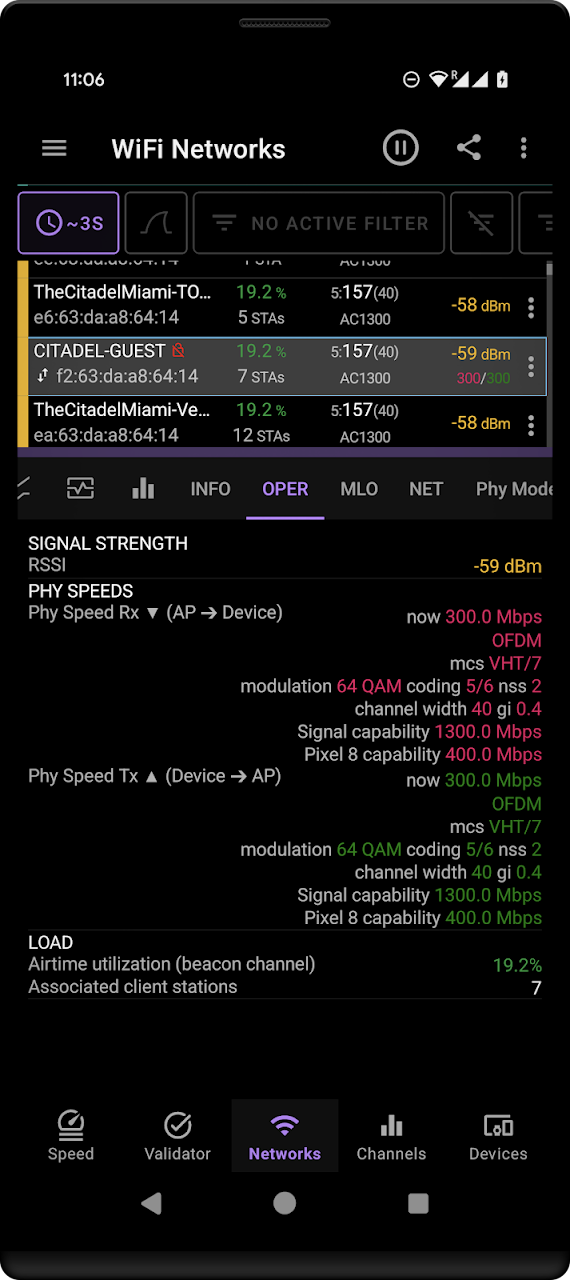
The WiFi channel analyzer shows CCI, ACI, OBSS, user count, and measured airtime use. The signal analyzer goes deeper with capabilities, configuration, AKM, cipher suites, spectral efficiency, and modeled PHY rates versus signal strength. That makes it useful when you are trying to choose a better channel or move a router to a better spot.
Track devices and latency
Connection tracking follows roaming events and handovers while speed and RTT tests continue. The RTT tester measures ICMP echo, DNS queries, and TCP connection setup latency. The network device scanner lists devices on Ethernet or WLAN and can show open ports, which helps when you want to see what is connected right now.
Permissions, storage, and tradeoffs
No permissions are listed, so the app does not show a visible permission prompt in the provided listing. There are no ads, but some advanced tools sit behind in-app purchases. The APK is 36.3 MB, so it is not tiny, and the expert tools such as PCAPng export, Wireshark viewing, and PDF reports make it more of a technician’s app than a simple speed test.
APK information
- Version
- 2023.12.75001
- Package
- com.analiti.fastest.android
- Category
- Tools
- Size
- 36 MB
- Min Android
- API 22
- Architecture
- universal
Older versions
-
analiti - Speed & WiFi 2023.12.75001Nov 12, 2026Latest downloadAPK
analiti - Speed & WiFi FAQ
Does analiti - Speed & WiFi drain the battery?expand_more
The app supports background and interval testing, so those modes can keep it running for longer. The listing does not give battery usage details.
Does analiti - Speed & WiFi need root?expand_more
No root requirement is listed. The app is described as working on standard compliant WiFi devices and networks.
Is this analiti - Speed & WiFi APK the original file?expand_more
The app listing identifies this as analiti - Speed & WiFi by analiti Networking Experts. It is provided as an APK format file.
Which processors does analiti - Speed & WiFi APK support?expand_more
The APK is listed as universal, so it is not tied to a single processor type.
Can analiti - Speed & WiFi scan devices on my network?expand_more
Yes. The network device scanner lists devices on your LAN over Ethernet or WLAN and can include open port analysis.