- 4.2star1,064,430 reviews
- 100M+Downloads
- 8 MBAPK size
- EveryoneRated for Everyone
- API 14+Android
check_circleOriginal APK from Bellevue Technologie Sàrl · Updated Nov 12, 2026

No threats found
0 / — antivirus engines flagged this file
Original signature
First seen — Bellevue Technologie Sàrl
Unmodified APK
Same file the developer published — no mods
Anti-virus Dr.Web Light screenshots
8 images · tap to enlarge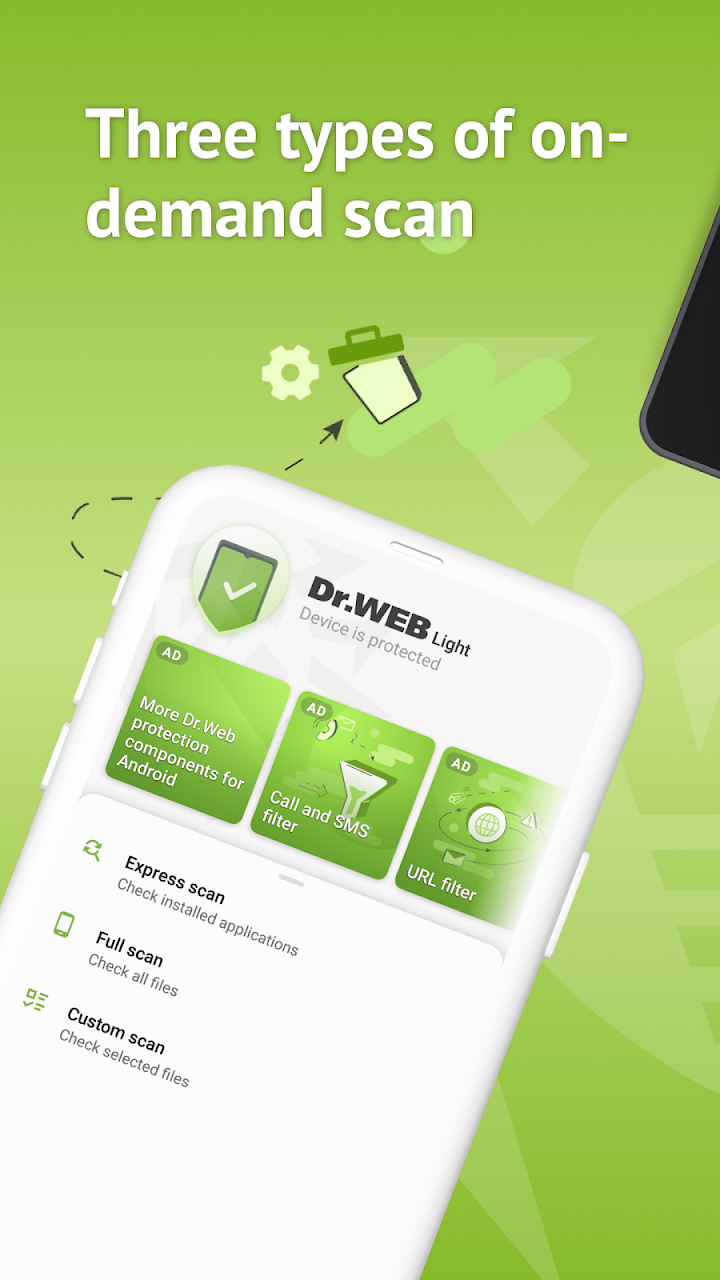
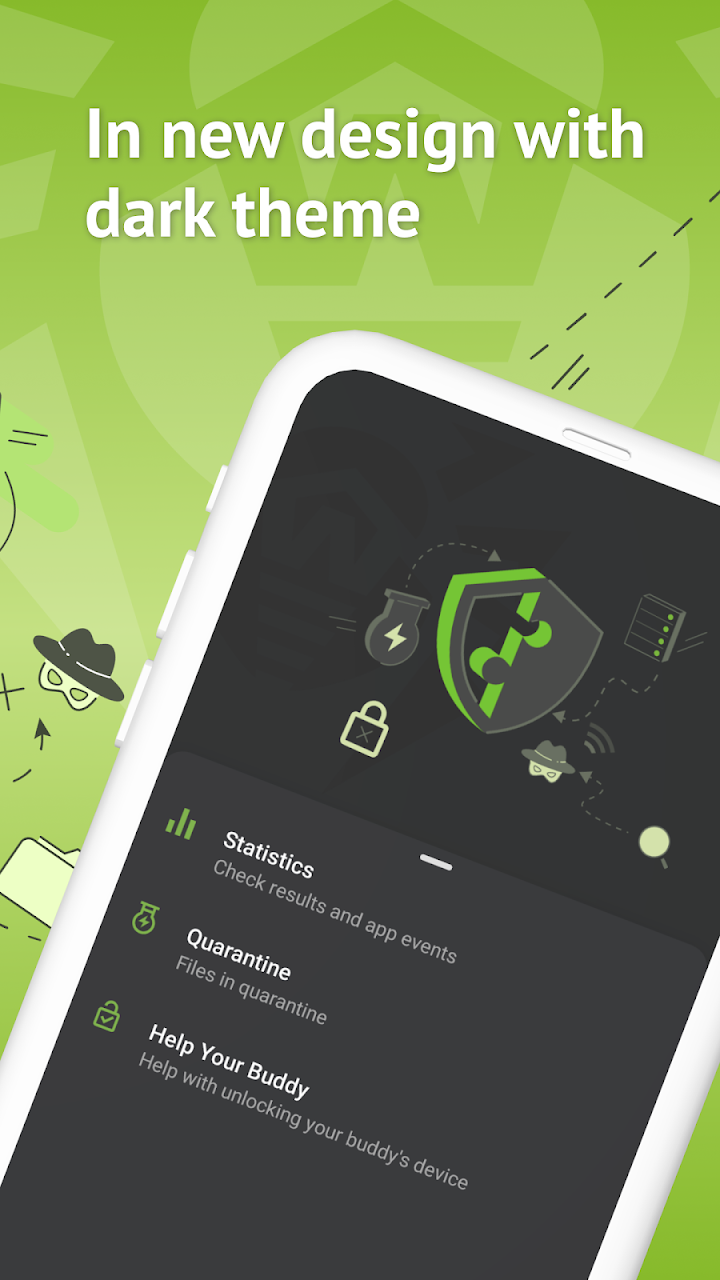
About this app
If you want to check an Android phone for malware without paying for a full security suite, Anti-virus Dr.Web Light gives you basic protection. It can run quick, full, or custom scans, isolate threats in quarantine, and handle ransomware processes on the device. The app is free, shows ads, and keeps its update traffic small.
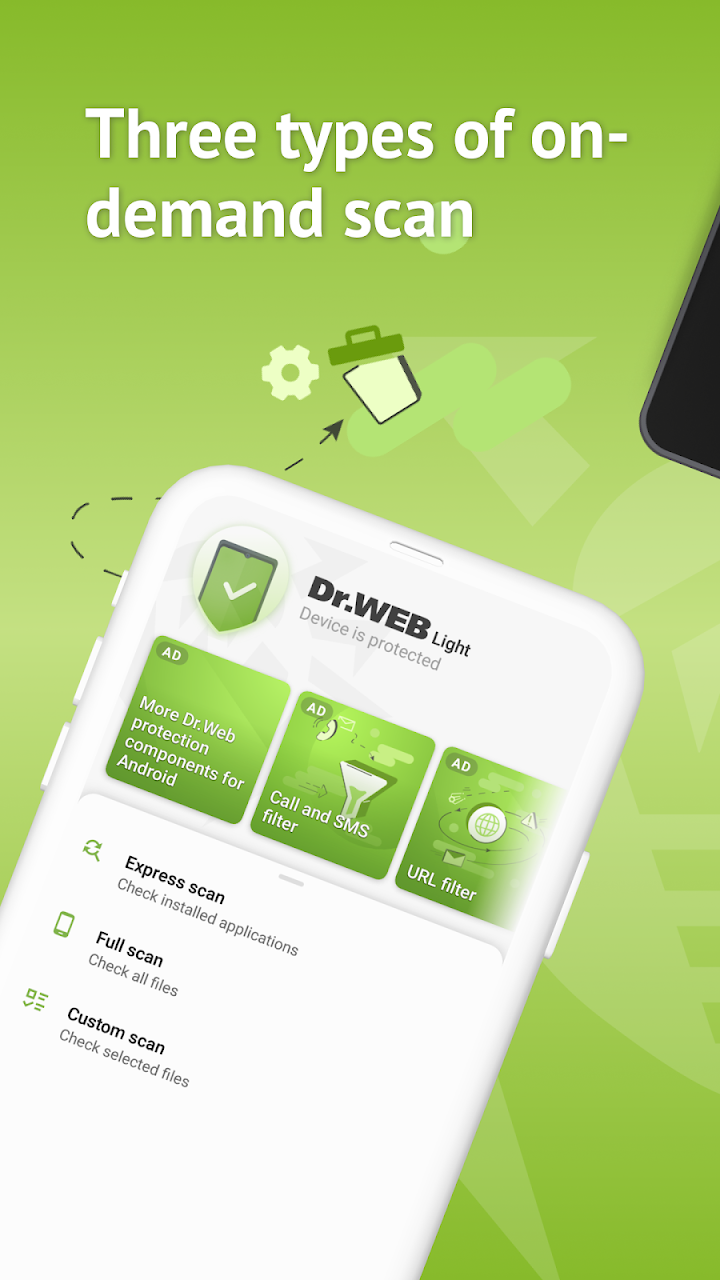
- Quick or full scans — Run a fast check, a full file system scan, or pick specific files and folders to scan on demand.
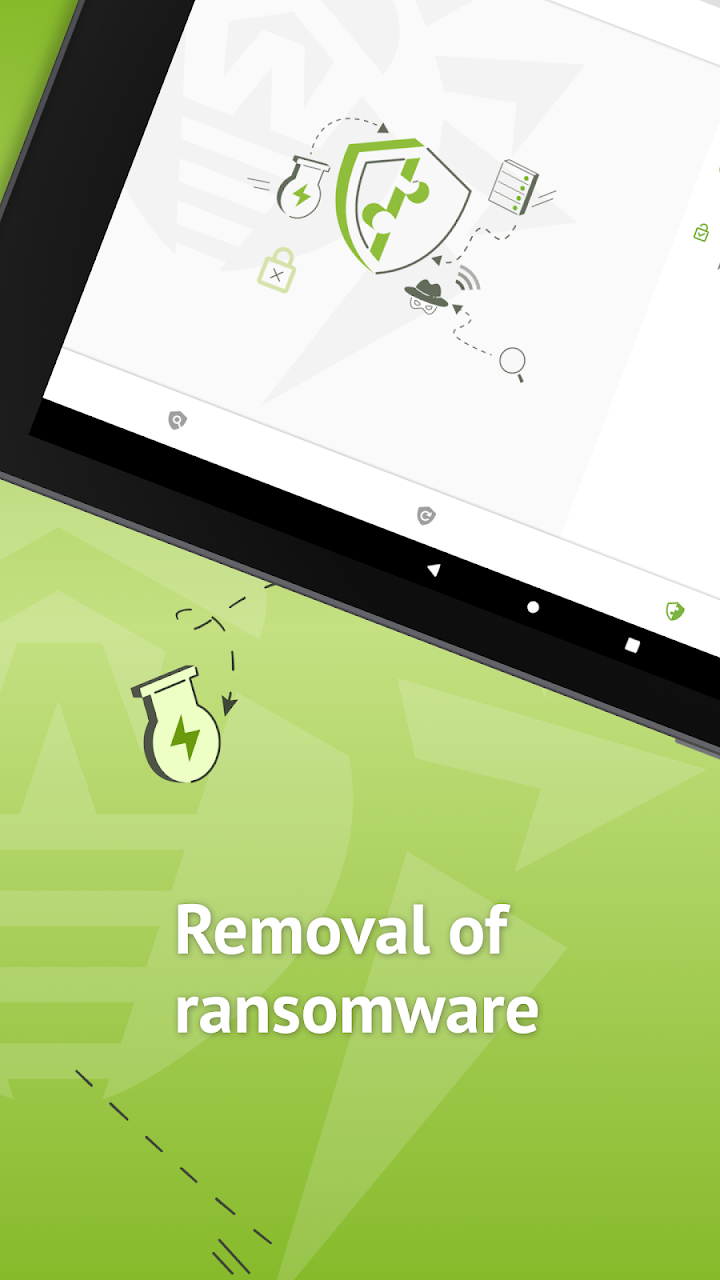
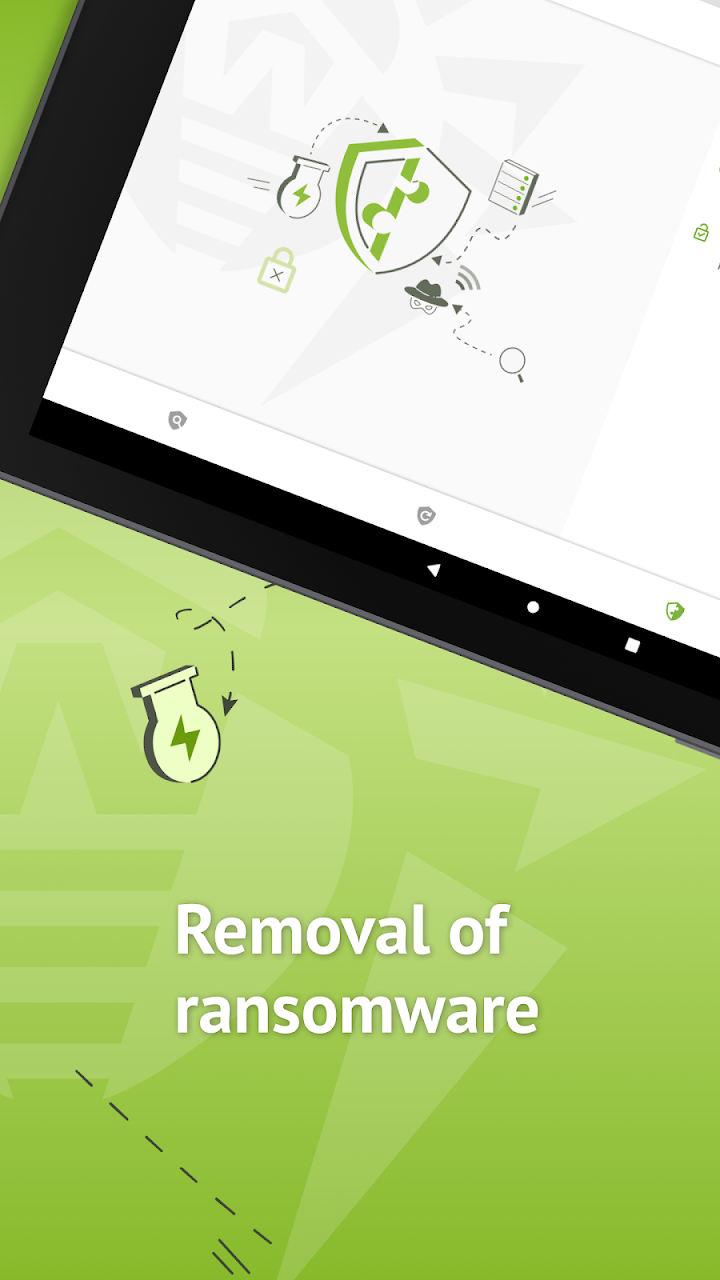
- Ransomware handling — If encryption ransomware is found, the app can stop the malicious process even when the device is locked.
- Unknown malware detection — Origins Tracing technology is used to spot new threats that are not yet in the virus database.
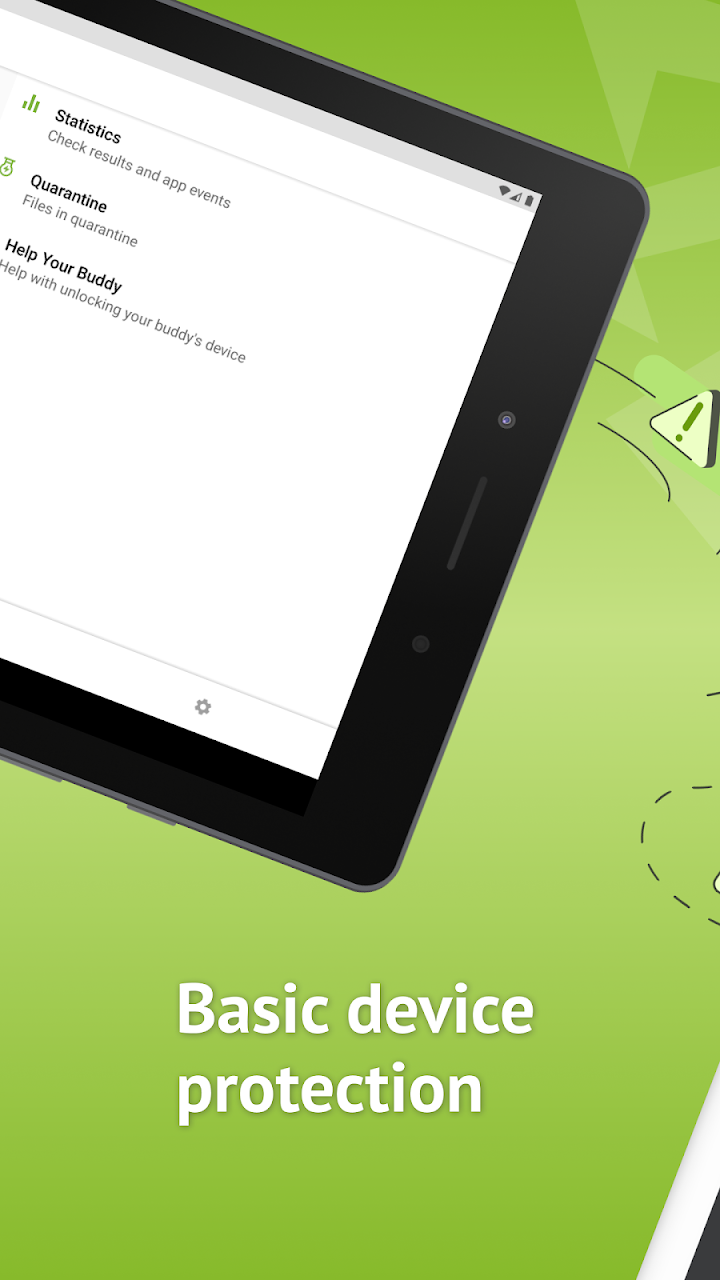
- Quarantine restore — Detected threats are moved to quarantine, where isolated files and apps can be restored later.
- Light update traffic — Virus database updates are kept small, which helps users with limited mobile data plans.
Scan the files you choose
Anti-virus Dr.Web Light is built around on-demand scanning. You can run a quick scan, a full scan of the file system, or choose specific files and folders. That makes it useful when you want to check a downloaded APK, a shared folder, or the whole device after something looks suspicious.
The app works on Android 5.0 to 16 and comes as an 8.2 MB APK. It is free to install, but it shows ads.
Stop threats and keep them isolated
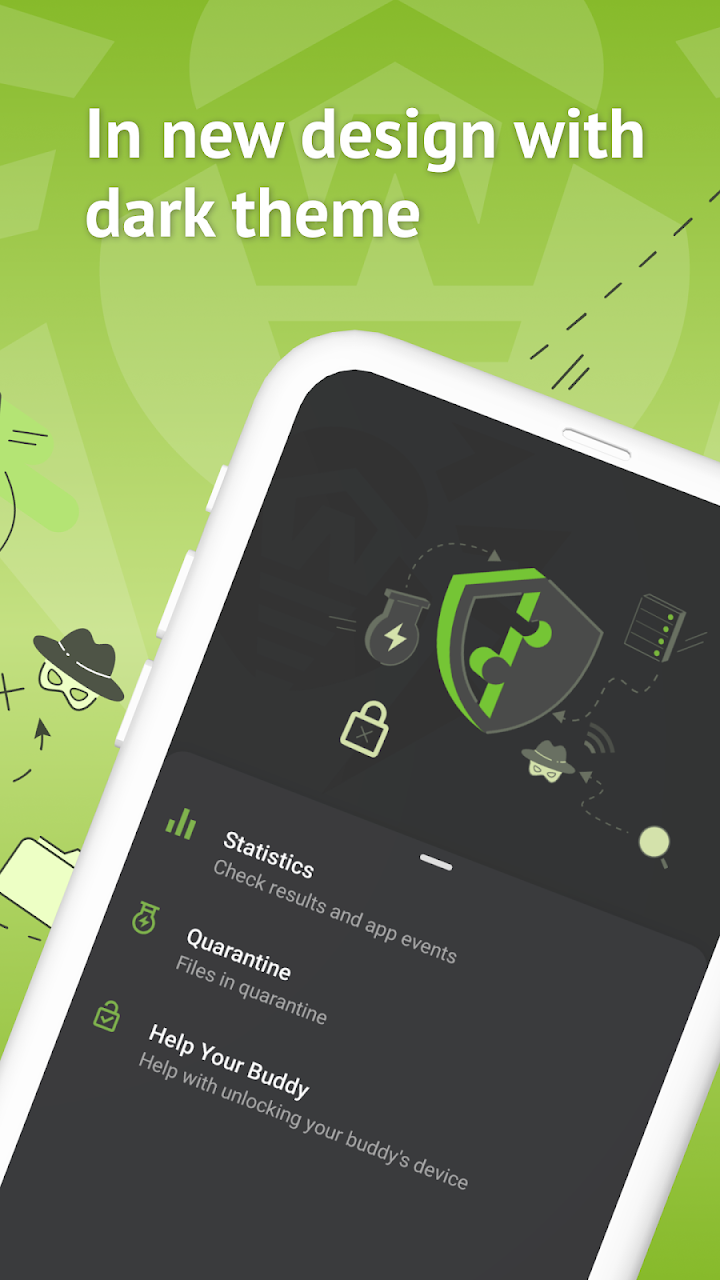
When the app finds a threat, it moves it to quarantine instead of leaving it active on the device. From there, isolated files and applications can be restored if needed. It also includes ransomware handling: malicious processes can be terminated even if the phone is locked, and lockers not yet in the virus database can be blocked while data stays intact.
This is the part that helps when a phone starts acting strangely after an install or a file transfer. You can scan, quarantine, and then decide what to keep.
Catch newer malware with smaller updates
The app uses Origins Tracing technology to detect unknown malware. It also keeps virus database updates small, which helps reduce traffic use. That can matter on limited mobile plans, and it is one reason the app is aimed at basic protection rather than a full security package.
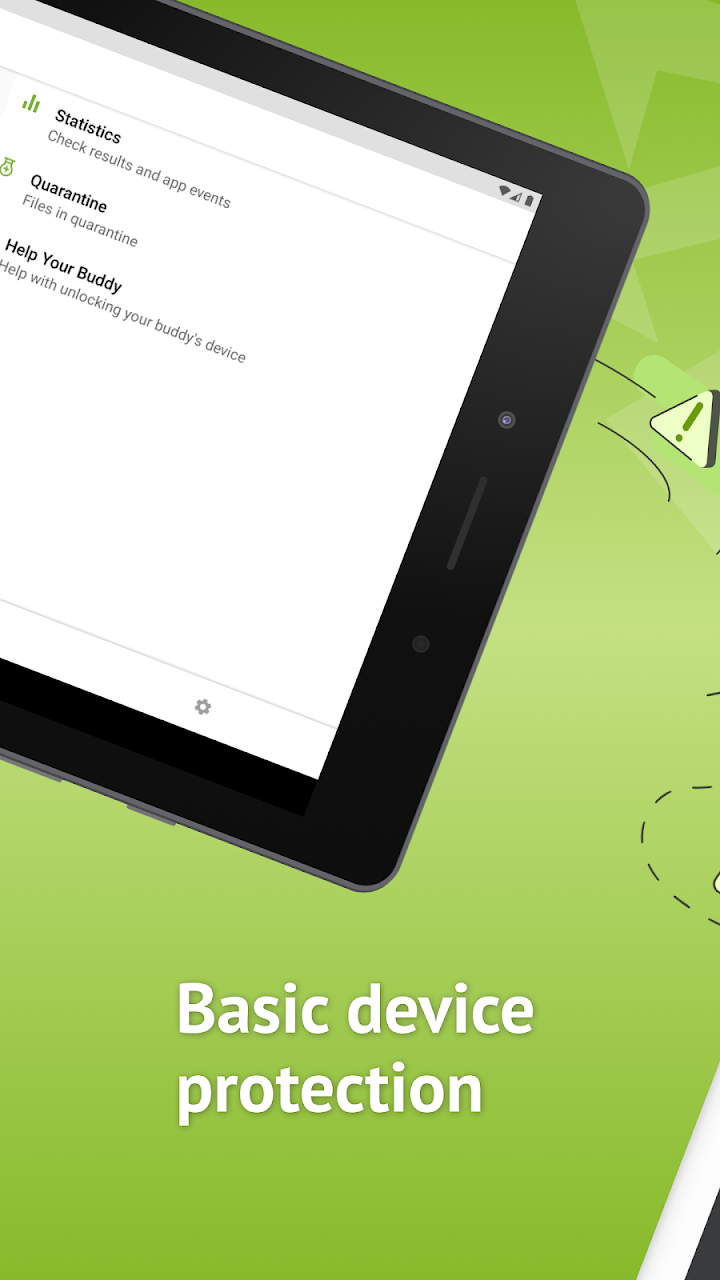
- You get: quick, full, and custom scans; quarantine; ransomware handling; detailed scan statistics.
- Watch for: ads, and the missing call and SMS filter, anti-theft, and URL filter.
Before you install
Anti-virus Dr.Web Light does not ask for listed permissions here, and there is no in-app purchase. It also does not require an account in the app listing. Keep in mind that Dr.Web says this light version is not enough for all modern threats, so users who want broader protection need to look at Dr.Web Security Space for Android.
APK information
- Version
- 11.0.3
- Package
- com.drweb
- Category
- Tools
- Size
- 8 MB
- Min Android
- API 14
- Architecture
- universal
Older versions
-
Anti-virus Dr.Web Light 11.0.3Nov 12, 2026Latest downloadAPK
Anti-virus Dr.Web Light FAQ
Does Anti-virus Dr.Web Light drain the battery?expand_more
The app is described as having minimal impact on system performance. No battery drain figure is listed.
Why does Anti-virus Dr.Web Light need these permissions?expand_more
No permissions are listed for this app in the store listing.
Does Anti-virus Dr.Web Light have in-app purchases?expand_more
No. The app is free and does not include in-app purchases.
Does Anti-virus Dr.Web Light need an account?expand_more
No account requirement is listed for the app.
What Android versions does Anti-virus Dr.Web Light support?expand_more
It is listed for Android 5.0 through 16.