- 4.6star463 reviews
- 100M+Downloads
- 9 MBAPK size
- EveryoneRated for Everyone
- API 17+Android
check_circleOriginal APK from lucm · Updated Nov 12, 2026
No threats found
0 / — antivirus engines flagged this file
Original signature
First seen — lucm
Unmodified APK
Same file the developer published — no mods
AppLock screenshots
8 images · tap to enlarge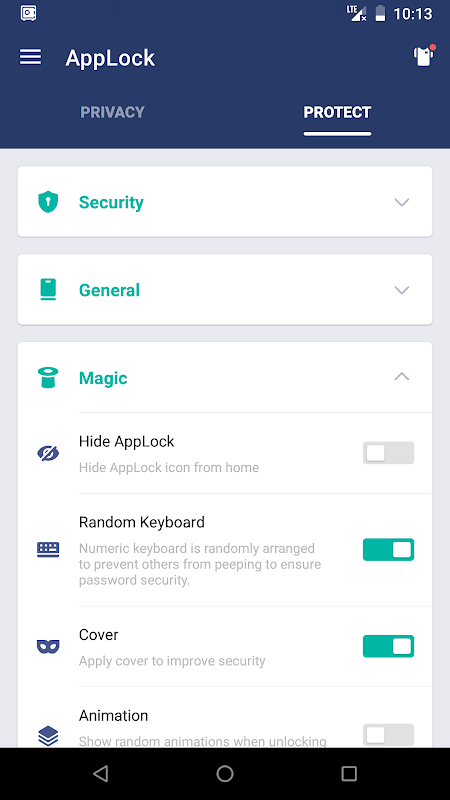
About this app
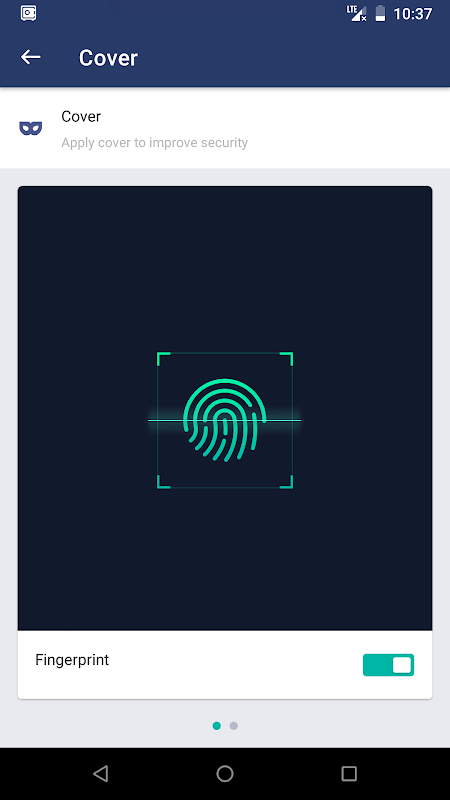
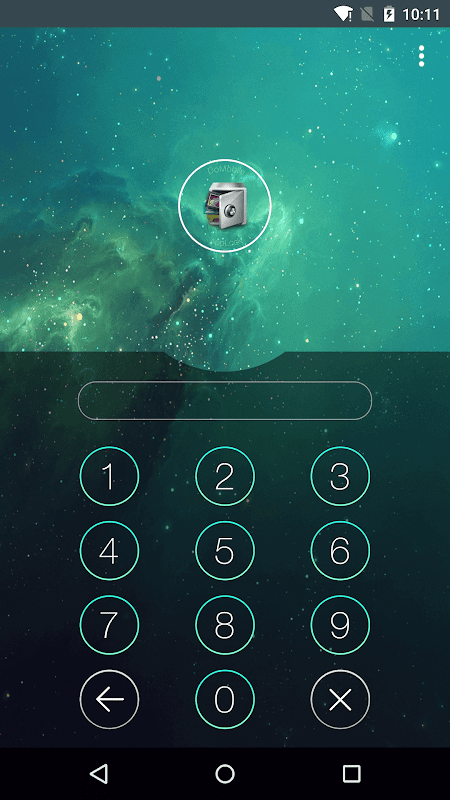
Keep private apps and photos under lock on a phone you share with family, friends, or coworkers. Open AppLock to set a password, pattern, or fingerprint, hide pictures and videos in the vault, and use tools like hidden app access and intruder selfie when you need extra control.
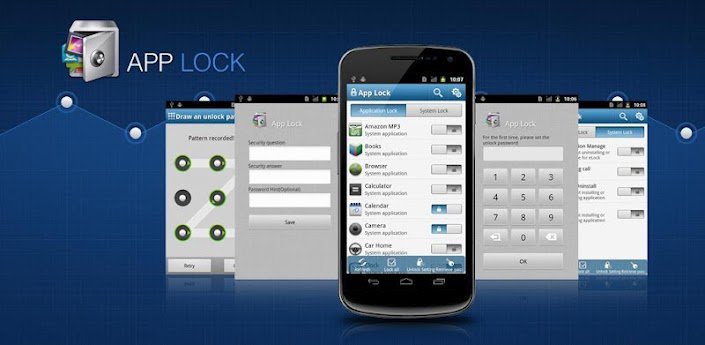
- Lock selected apps — Choose apps like Facebook, WhatsApp, Gallery, Messenger, Snapchat, Instagram, SMS, Contacts, Gmail, Settings, or incoming calls and lock them with password, pattern, or fingerprint.
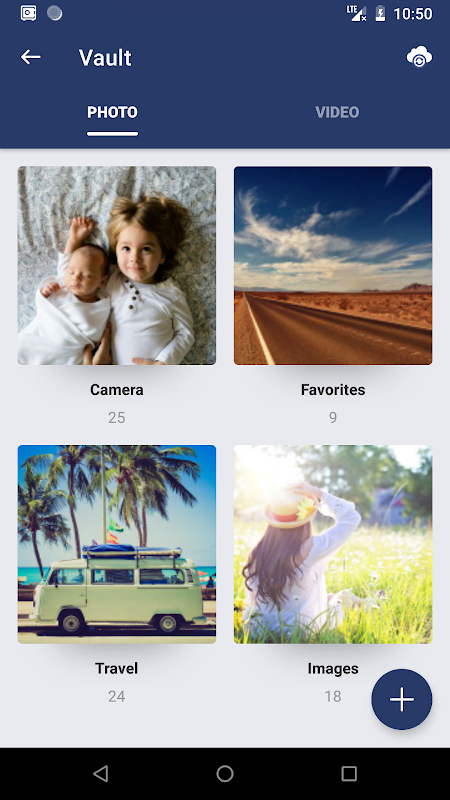
- Hide photos and videos — Move private pictures and videos into the vault so they disappear from the Gallery and stay visible only inside AppLock.
- Intruder selfie — If someone tries to open a locked app, AppLock can take a photo of the person using your phone.
- Time and location lock — Set apps to lock or unlock at certain times or in specific places, so you do not have to switch them manually.
- Stealth access options — Open hidden AppLock from Gallery sharing, widgets, the dial pad code, or a browser link when the icon is hidden.
Lock the apps you open every day
On a commute or while handing your phone to someone, AppLock lets you protect the apps you use most. Pick individual apps such as Facebook, WhatsApp, Messenger, Snapchat, Instagram, Gmail, SMS, Contacts, Settings, or even incoming calls, then secure them with a password, pattern, or fingerprint.
- Set different locked app groups with customized profiles.
- Use a brief exit so you do not re-enter the code immediately after unlocking.
- Turn on random keyboard and invisible pattern lock to make peeking harder.
Hide photos and videos in the vault
When you want private pictures off the main Gallery, move them into AppLock’s photo and video vault. They disappear from the Gallery view and stay accessible only inside the app, which is useful for family photos, work files, or anything you do not want in plain sight.
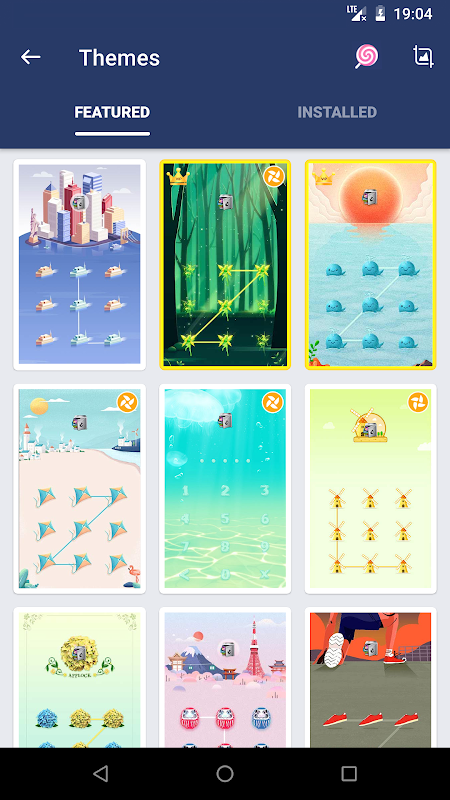
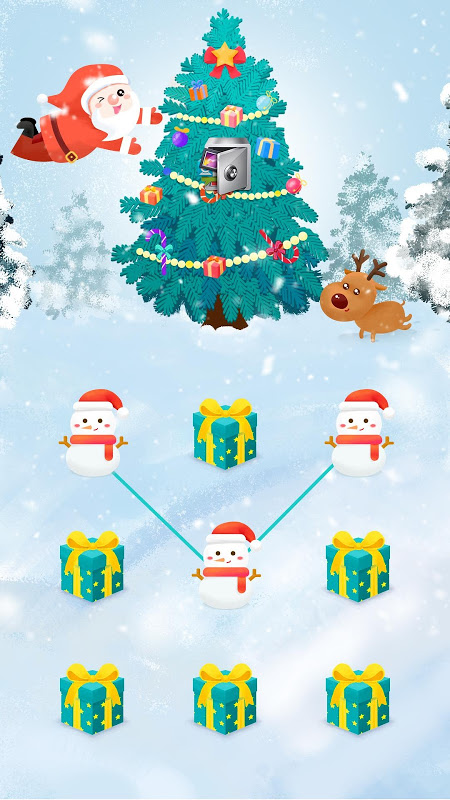
The app also supports customized backgrounds and themes, so the lock screen can look the way you want while you manage private media.
Protect your phone from unwanted access
If someone keeps trying to open your apps, Intruder Selfie can capture a photo of the person using your device. AppLock also includes Advanced Protection to stop the app from being killed by a task killer or uninstalled without your password.
To keep that protection active, AppLock uses Device Administrator permission. It also uses Accessibility service for power saving mode and reminders related to unlocking apps. The app says these permissions are not used to access private data.
Use hidden access when the icon is tucked away
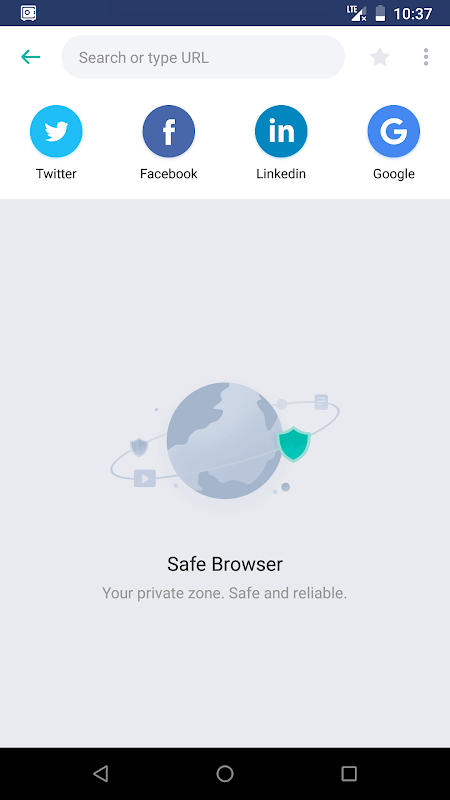
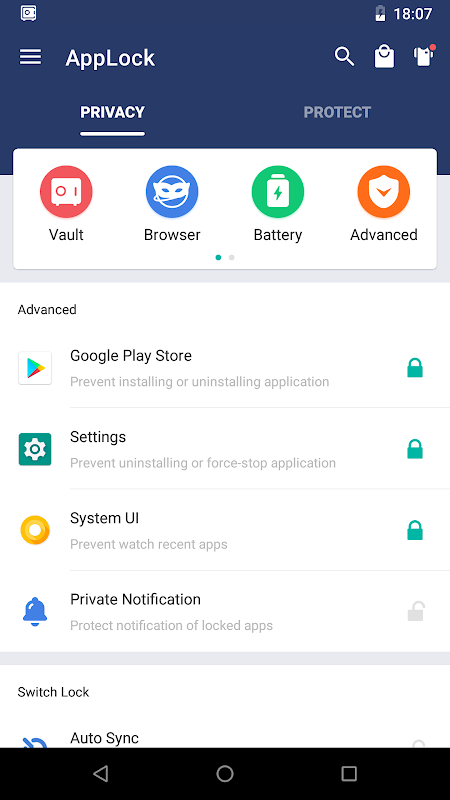
If you hide the AppLock icon, you can still open it in a few ways: share a picture from Gallery and choose Open AppLock, add the widget to your home screen, dial *#*#12345#*#*, or open the browser links openapplock.com or domobile.com/applock. The app also supports an incognito browser, private SNS with multiple accounts, quick lock switches in the notification bar, and lock controls for Wi‑Fi, Bluetooth, sync, and system settings.
Before you install
AppLock is free, has no ads, and no in-app purchases. It comes as an APK, works on Android API 17 and up, and the file size is 8.9 MB. It is rated for Everyone.
- Version: 3.1.2hw
- Minimum Android: API 17
- Format: APK
- Size: 8.9 MB
What's new
Version 3.1.2hw · Nov 12, 2026
- New design.
- Open the hidden AppLock by the four methods below:
- 1. Gallery
- Open your Gallery and select a picture. Click the share button. Find "Open AppLock" and click it.
- 2. Widgets
- Long press the home screen and click Widgets. Find "Open AppLock" and drag it to the home screen.
APK information
- Version
- 3.1.2hw
- Package
- com.domobile.applock
- Category
- Tools
- Size
- 9 MB
- Min Android
- API 17
- Architecture
- universal
Older versions
-
AppLock 3.1.2hwNov 12, 2026Latest downloadAPK
AppLock FAQ
Does AppLock need root access?expand_more
No root is mentioned. AppLock uses Device Administrator permission for Advanced Protection and Accessibility service for power saving mode.
Why does AppLock need these permissions?expand_more
Device Administrator is used to help prevent uninstalling or killing AppLock, and Accessibility service is used for power saving mode and unlock reminders. The app says these permissions are not used to access private data.
Is AppLock available for older phones?expand_more
Yes. It supports Android API 17 and up.
Can I install AppLock without Google Play?expand_more
The app is distributed as an APK, so you can install the file directly if your device allows APK installs.
Can AppLock hide the app icon?expand_more
Yes. AppLock includes a Hide AppLock icon option, and you can still open it through Gallery, widgets, the dial pad code, or a browser link.