- 4.2star1,565,084 reviews
- 100M+Downloads
- 48 MBAPK size
- EveryoneRated for Everyone
- 7.0+Android
check_circleOriginal APK from PIPS Tech · Updated Nov 12, 2026
No threats found
0 / — antivirus engines flagged this file
Original signature
First seen — PIPS Tech
Unmodified APK
Same file the developer published — no mods
AppLock screenshots
8 images · tap to enlarge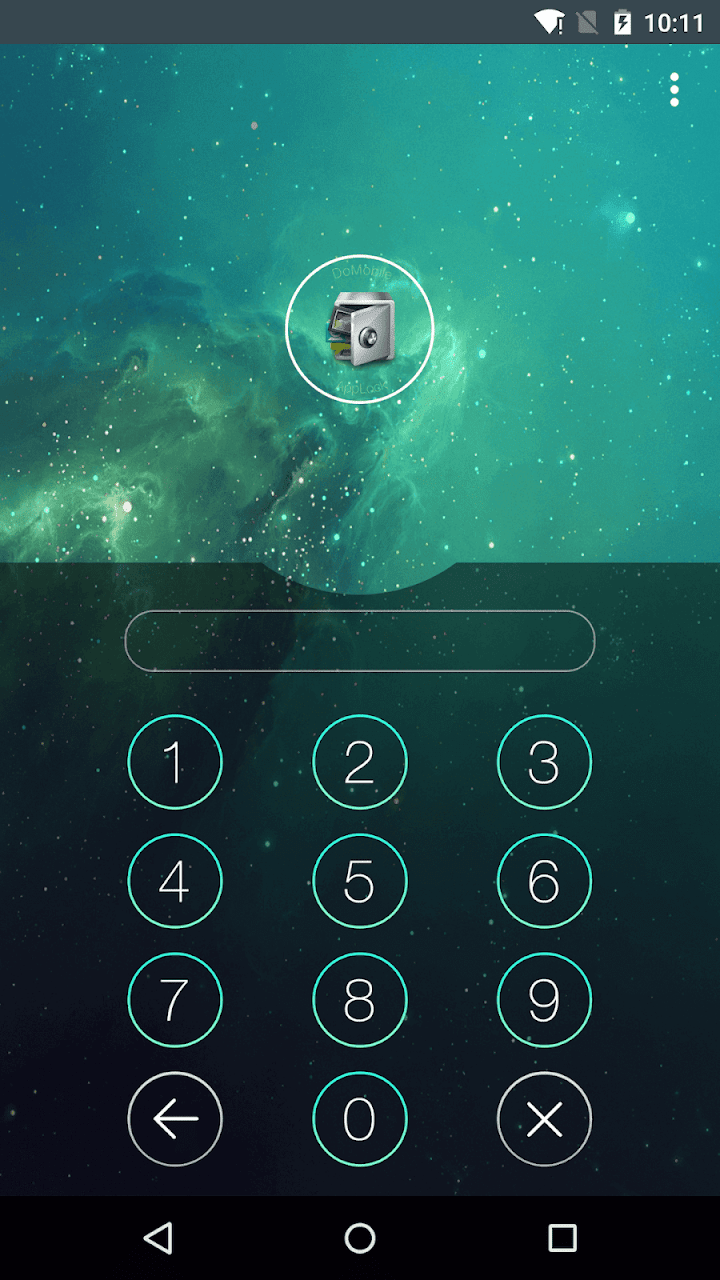
About this app
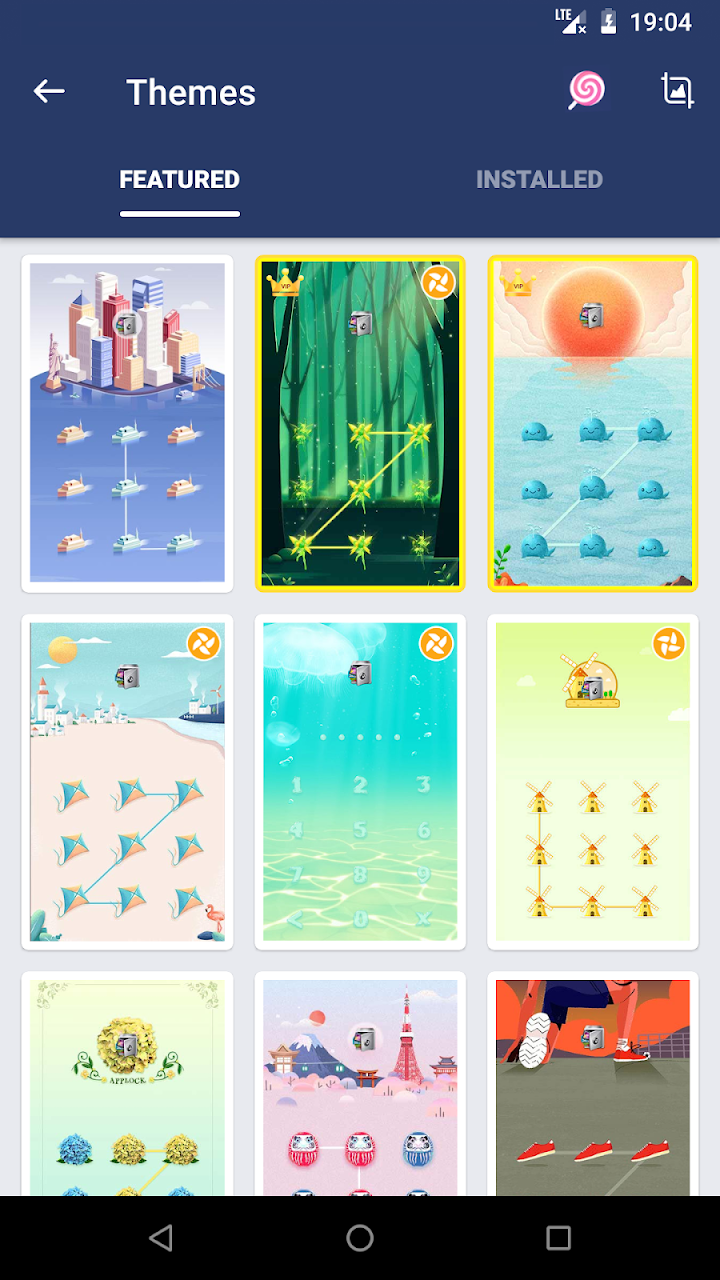
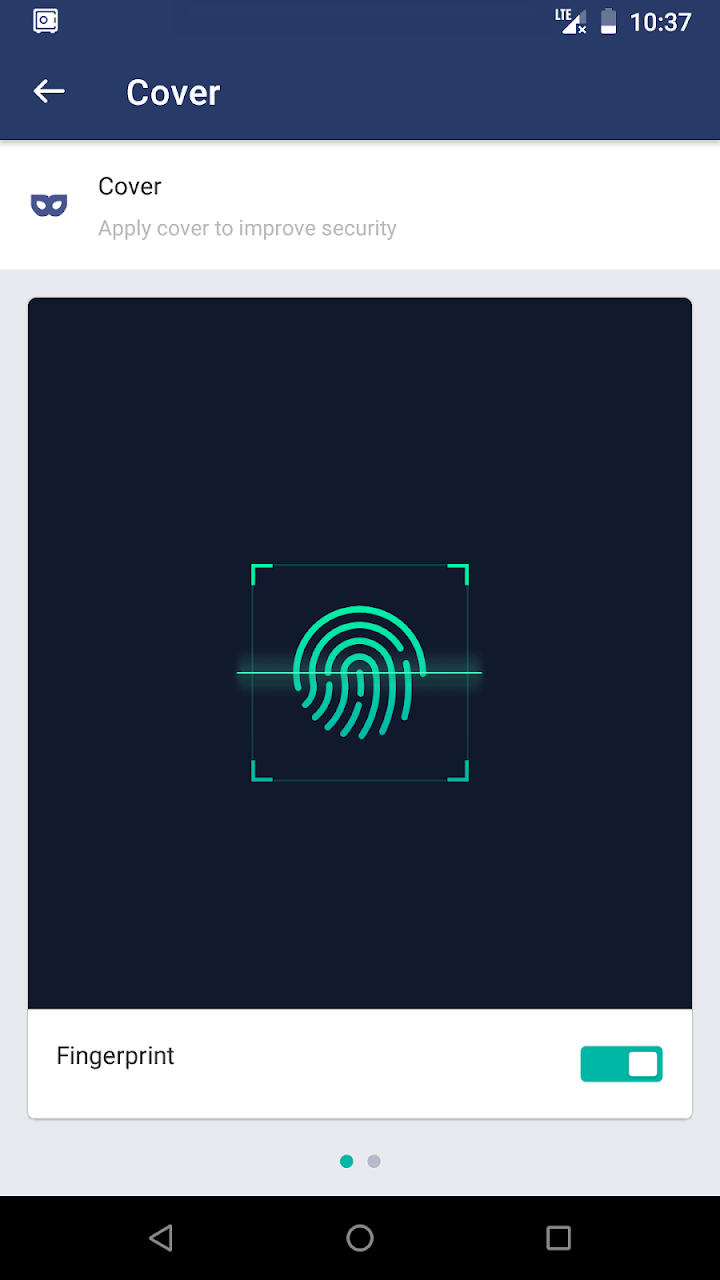
AppLock stands out in the Tools category by letting you lock specific apps, private media, and even incoming calls. On a shared phone, it helps keep social apps, settings, and gallery items out of sight, while hidden access options and lock methods are built in for everyday use.
- Lock chosen apps — Protect Facebook, WhatsApp, Messenger, Snapchat, Instagram, Gmail, Settings, SMS, Contacts, or any other app you select.
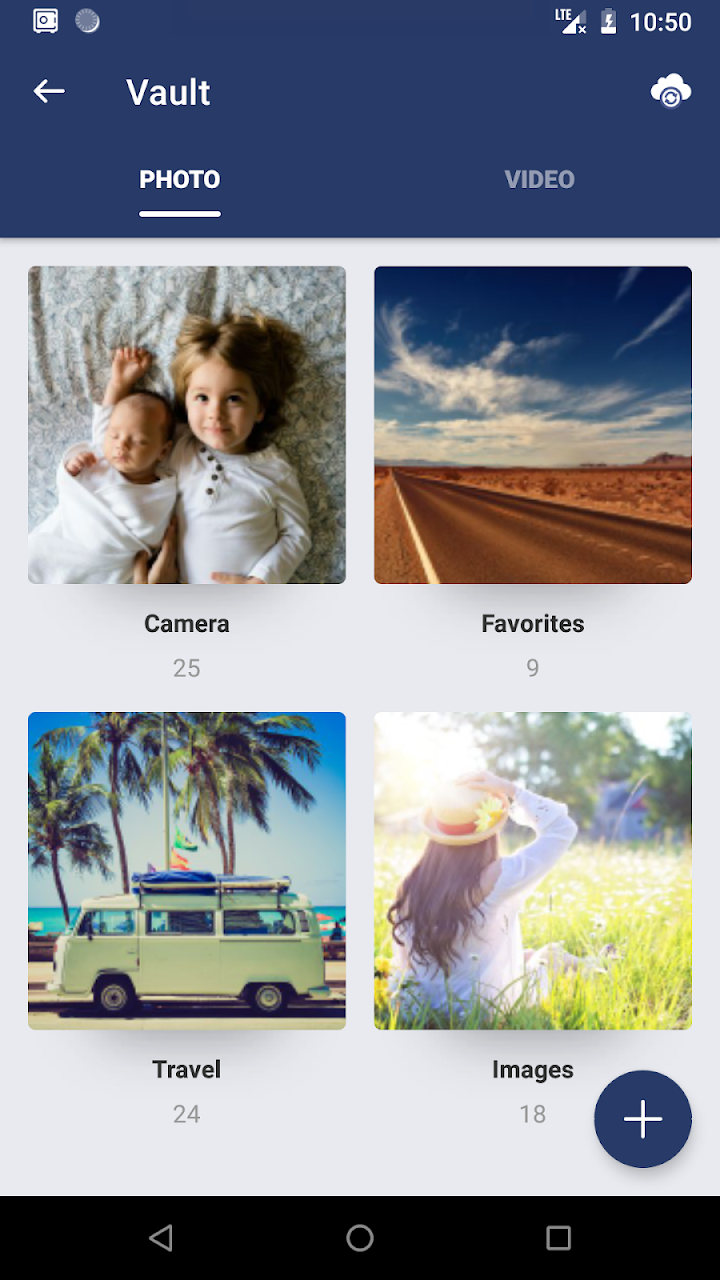
- Hide private media — Lock pictures and videos so they stay hidden from the Gallery and appear only in the photo and video vault.
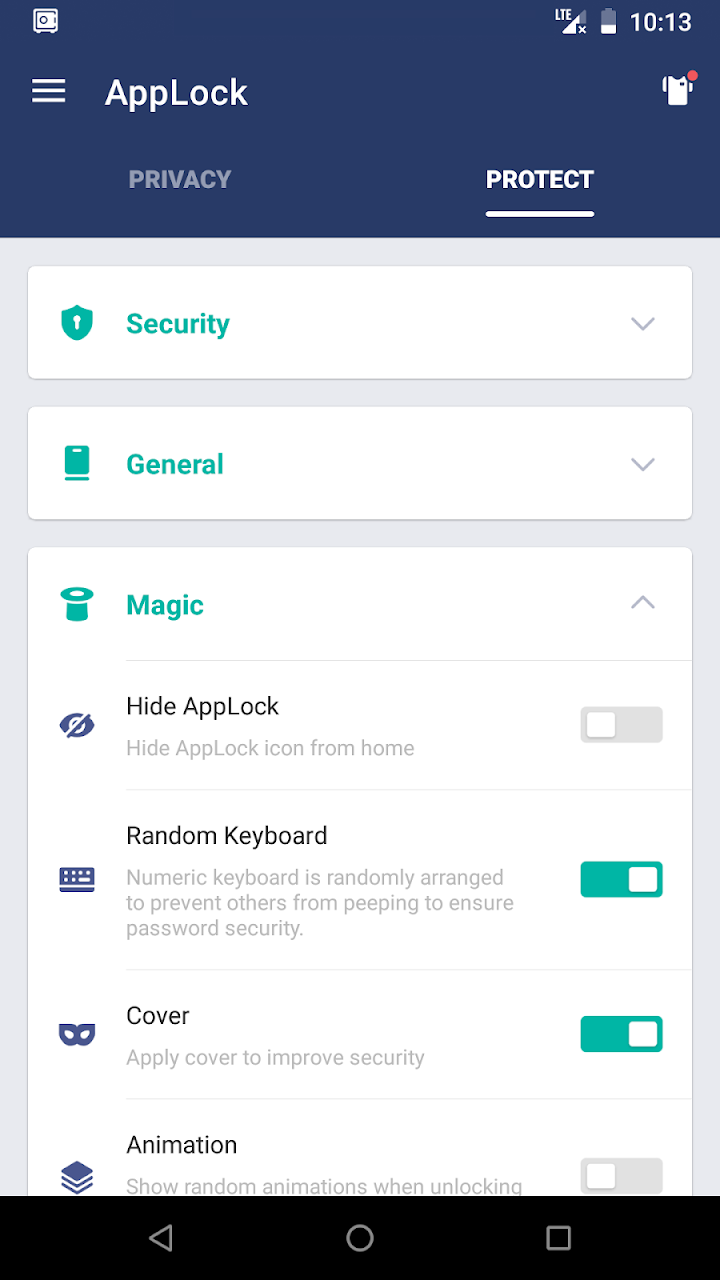
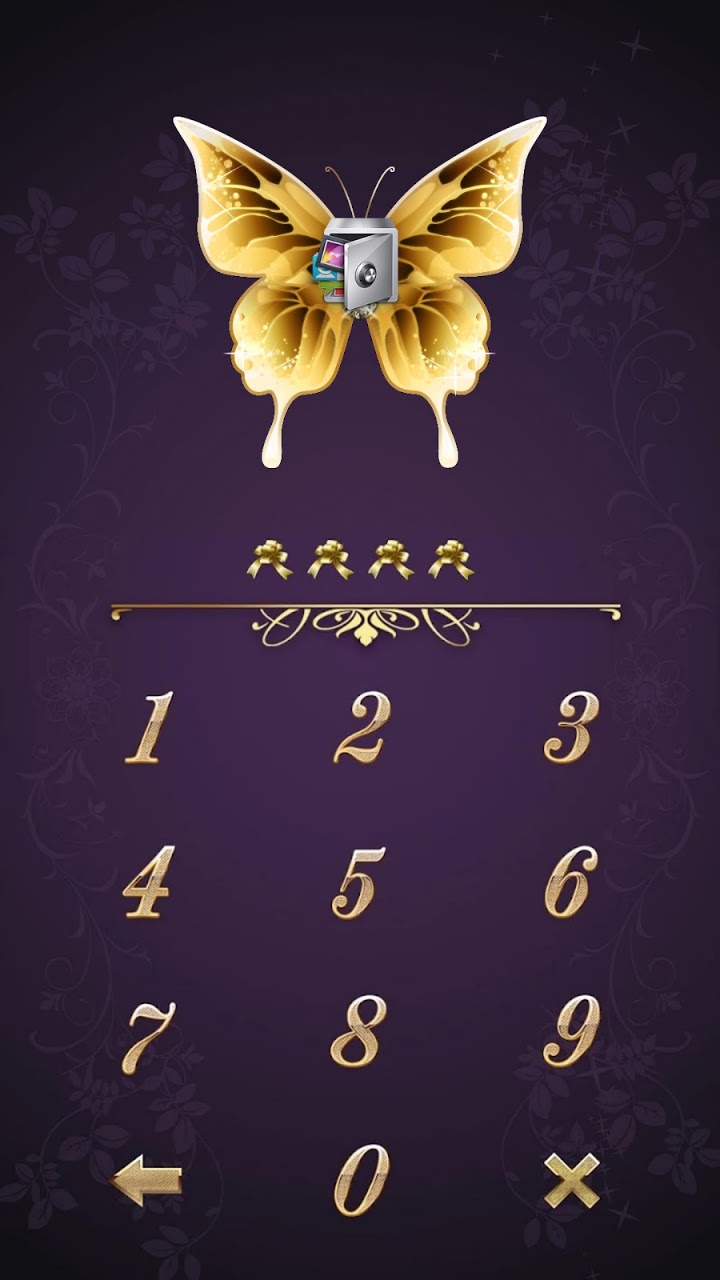
- Safer lock entry — Use a random keyboard and invisible pattern lock to reduce the chance of someone seeing your code.
- Protect shared phones — Keep kids, friends, or coworkers from opening private apps, changing settings, or sending messages by mistake.
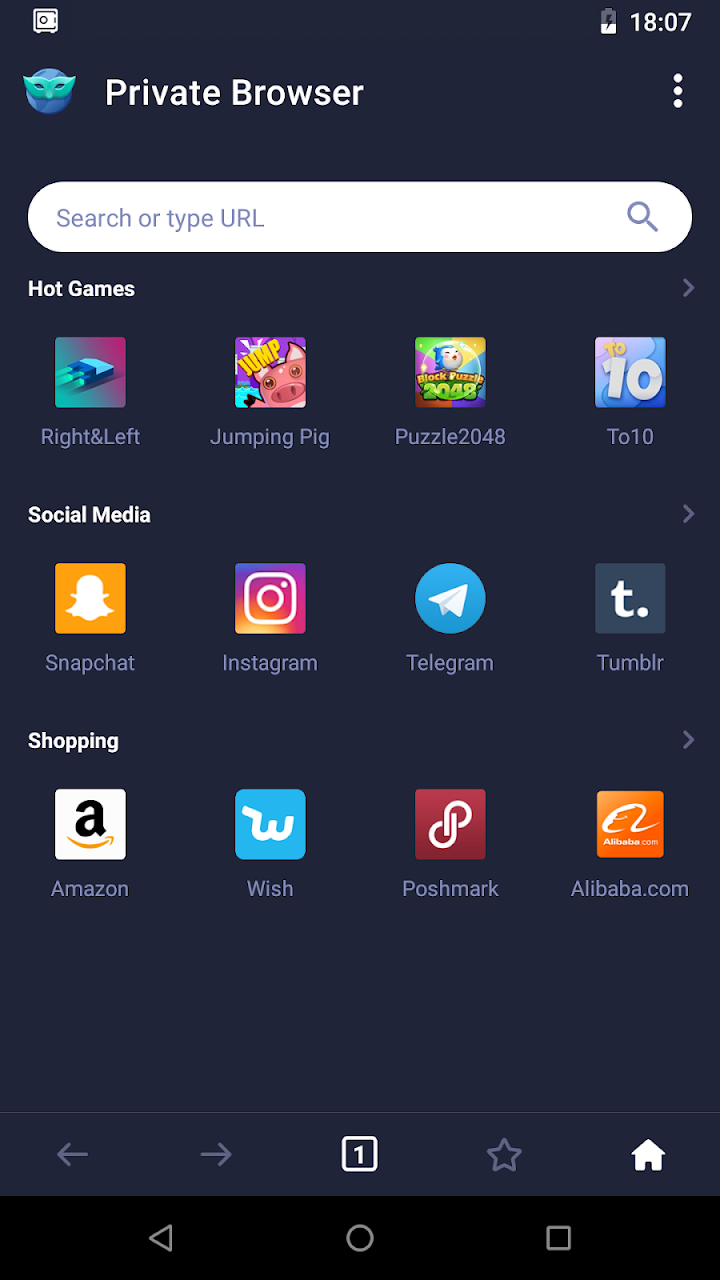
- Hidden app access — Open hidden AppLock from Gallery, Widgets, a dial-pad code, or supported browser links.
- Light install details — The APK is universal, 48.0 MB, and requires Android 7.0 or later.
For a phone that gets passed around
When your phone is borrowed for a quick game or a call, AppLock lets you keep selected apps closed to anyone without your password. You can lock social apps, contacts, Gmail, Settings, incoming calls, or any app you choose, so private chats and account screens stay protected.
For photos and videos you do not want in Gallery
If you store private memories on your device, AppLock can lock pictures and videos and move them into a hidden vault. Those files vanish from the Gallery and remain visible only inside the photo and video vault, which makes it easier to keep media separate from the rest of your library.
For quick checks without exposing your code
On a busy day, you may unlock and relock apps many times. AppLock includes a random keyboard and an invisible pattern lock, which helps reduce the chance that someone nearby can see what you enter. The app also supports 45 languages, making it easier to use on different devices and setups.
For phones that need steady protection
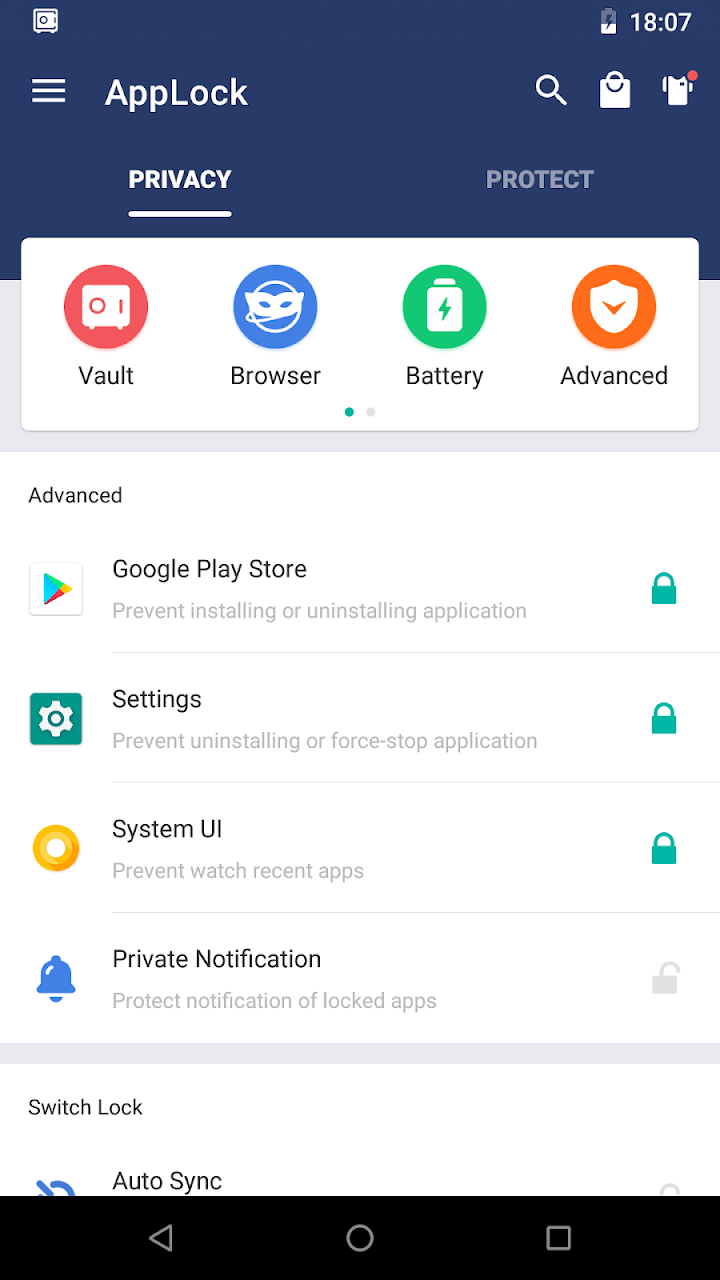
AppLock uses Advanced Protection to stop uninstalling or killing the app without a password, and it uses Accessibility Service to monitor foreground app changes in real time. The app says this helps improve locking and unlocking efficiency, reduce battery consumption, and keep protection stable after restarts. It is free, contains ads, and offers in-app purchases.
The APK is available as a universal file, sized at 48.0 MB, and it requires Android 7.0 or later.
- Developer: PIPS Tech
- Category: Tools
- Content rating: Everyone
- Release date: 2013-10-31
- Last updated: 2026-10-30
APK information
- Version
- 6.3.3
- Package
- com.domobile.applockwatcher
- Category
- Tools
- Size
- 48 MB
- Min Android
- 7.0
- Architecture
- universal
Older versions
-
AppLock 6.3.3Nov 12, 2026Latest downloadAPK
AppLock FAQ
Why does AppLock need these permissions?expand_more
AppLock uses Device Administrator permission for Advanced Protection, which helps prevent uninstalling the app without a password. It also uses Accessibility Service to monitor foreground app changes in real time and improve locking efficiency.
Does AppLock need root?expand_more
No root requirement is mentioned in the app details.
Who develops AppLock?expand_more
AppLock is developed by PIPS Tech.
How big is the AppLock download?expand_more
The APK size is 48.0 MB.
How do I open hidden AppLock?expand_more
You can open hidden AppLock from Gallery, Widgets, a dial-pad code, or by opening supported browser links.