
- 4.5star2,177,344 reviews
- 100M+Downloads
- 3 MBAPK size
- EveryoneRated for Everyone
- API 11+Android
check_circleOriginal APK from Assistive Touch Team · Updated Nov 12, 2026
No threats found
0 / — antivirus engines flagged this file
Original signature
First seen — Assistive Touch Team
Unmodified APK
Same file the developer published — no mods
Assistive Touch for Android screenshots
8 images · tap to enlarge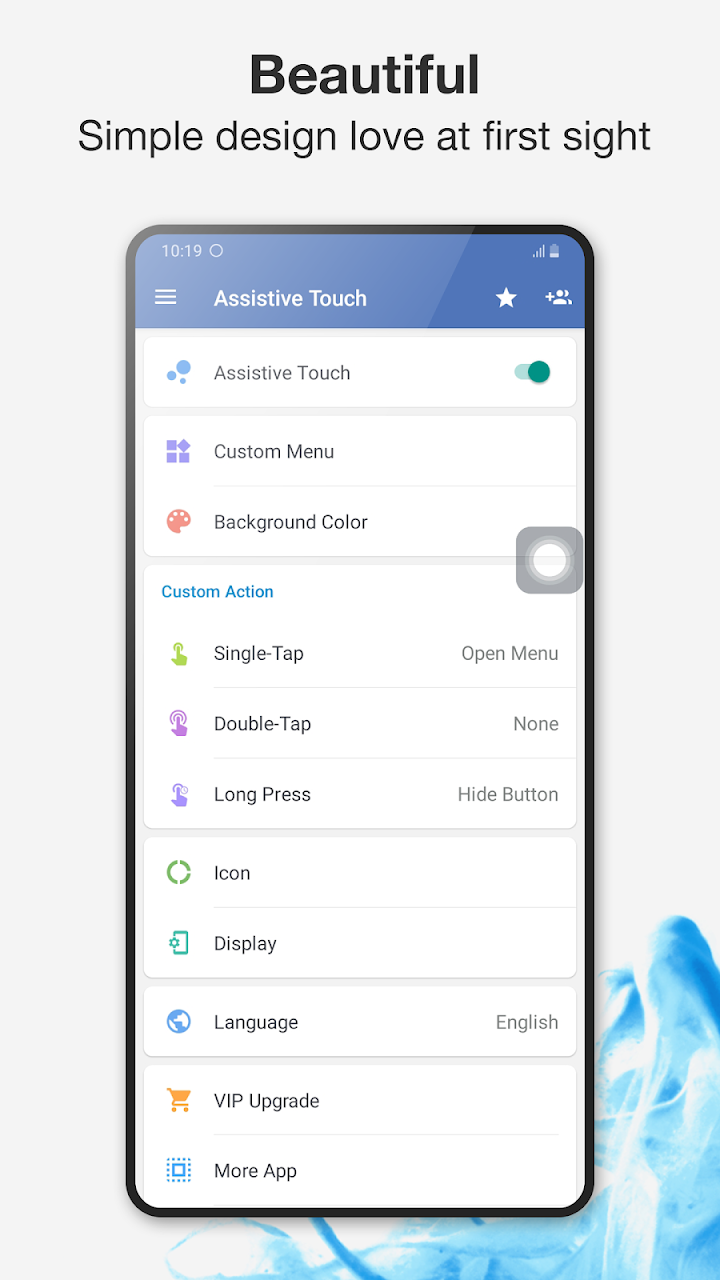
About this app
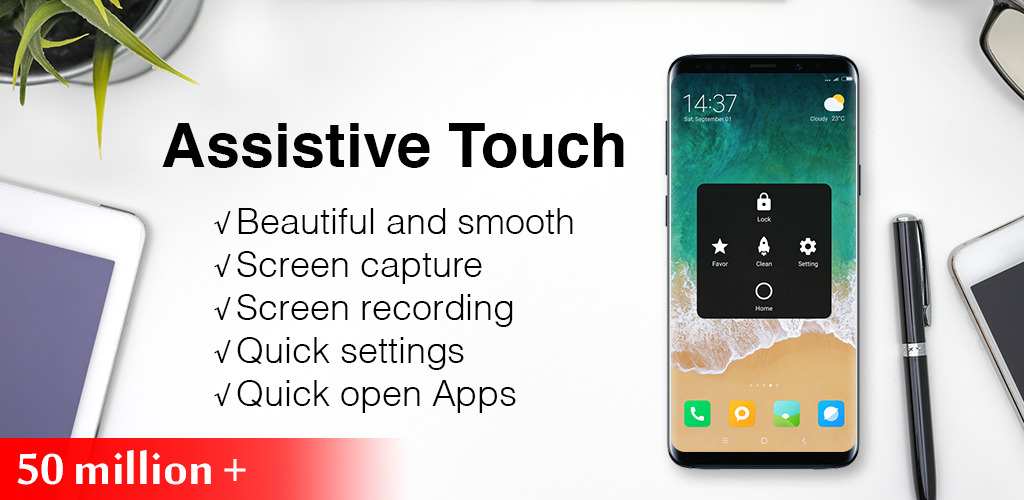
Need quicker access to Android controls? Assistive Touch for Android adds a floating panel for Home, Back, Volume, screenshots, and quick settings. It is free, works on Android devices from API 11, and can help protect physical buttons by moving common actions onto the screen.
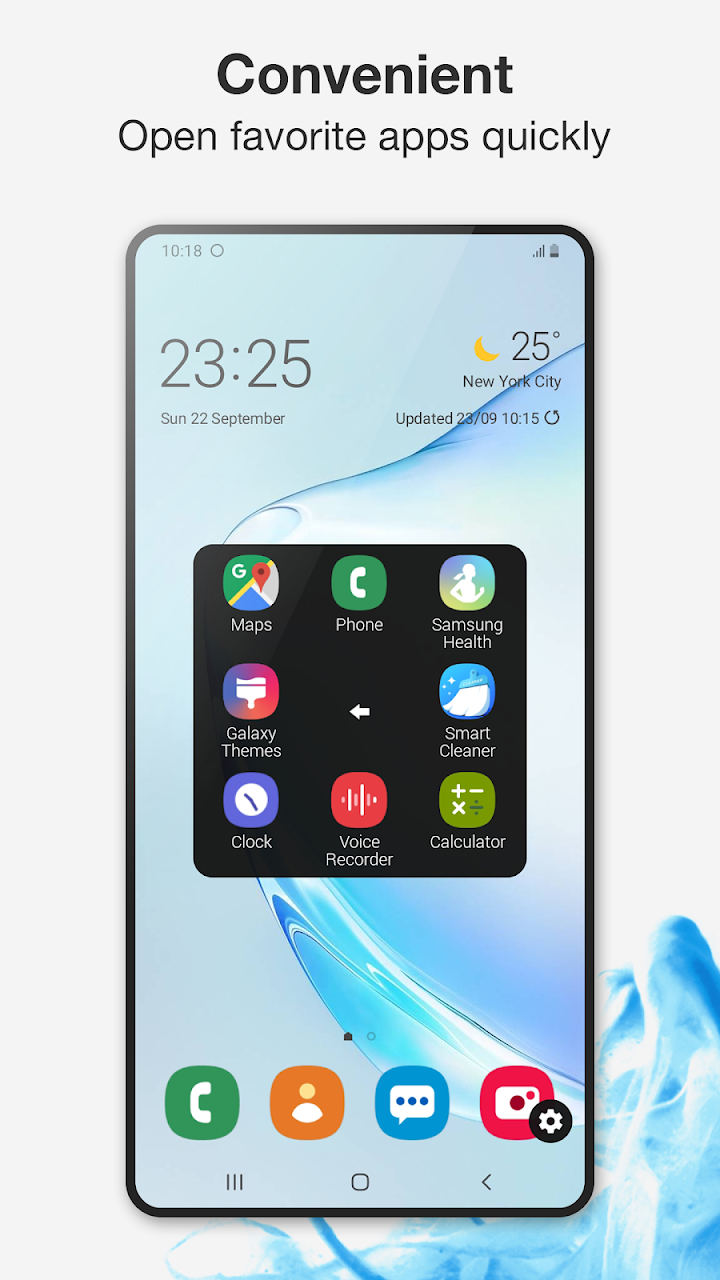
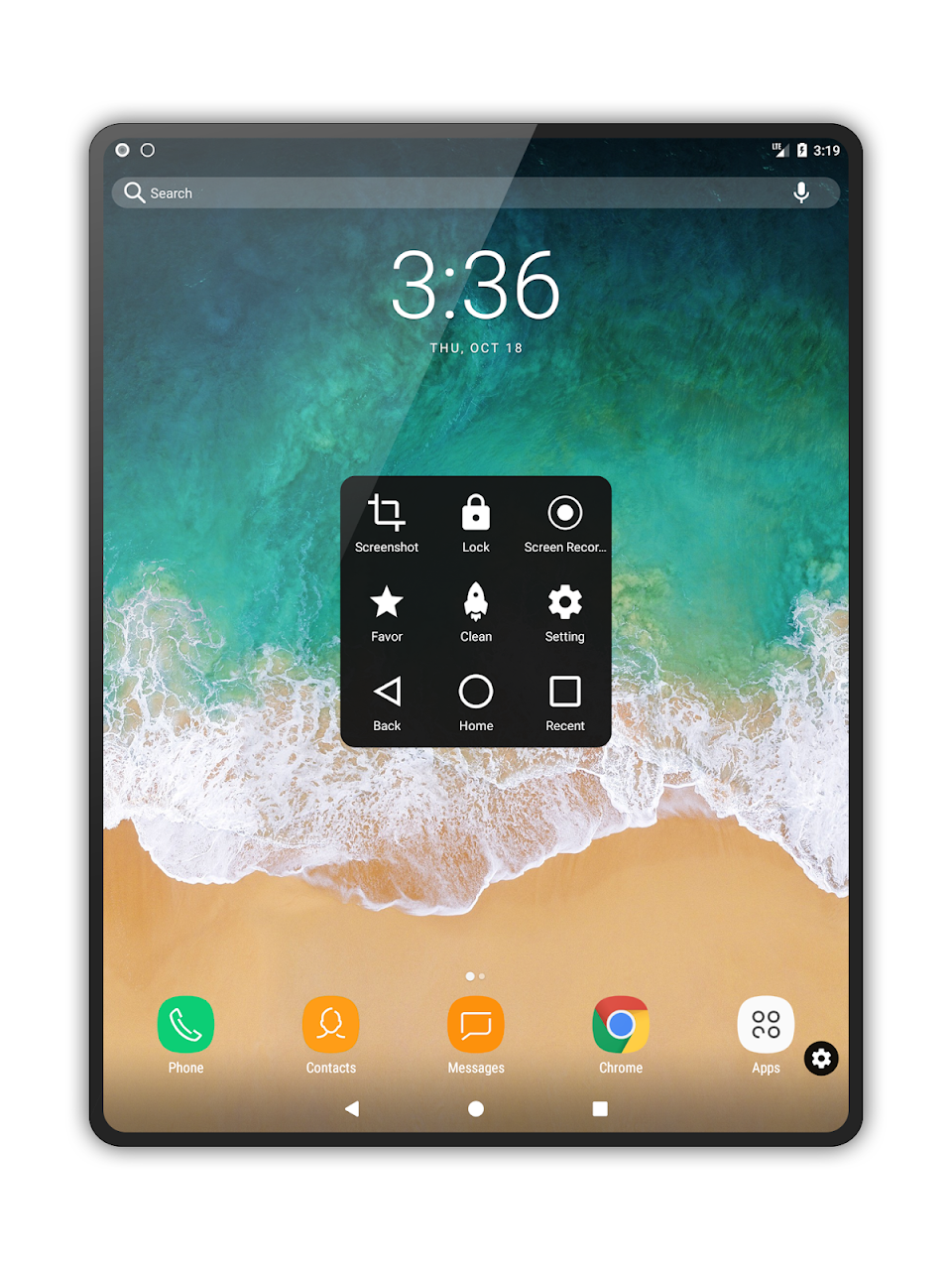
- Floating control panel — Use a movable on-screen panel to reach common phone actions without relying on hardware buttons.
- Home and back actions — Tap virtual Home or Back when you want to return to the home screen or move back in an app.
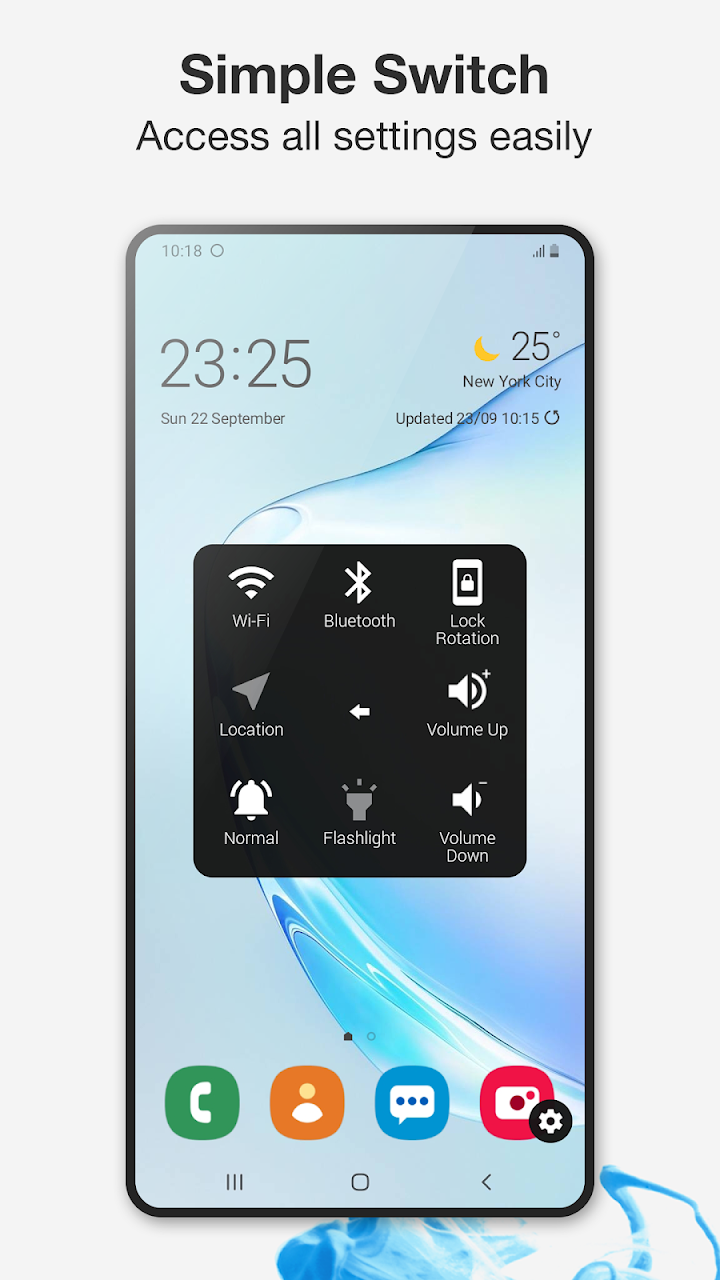
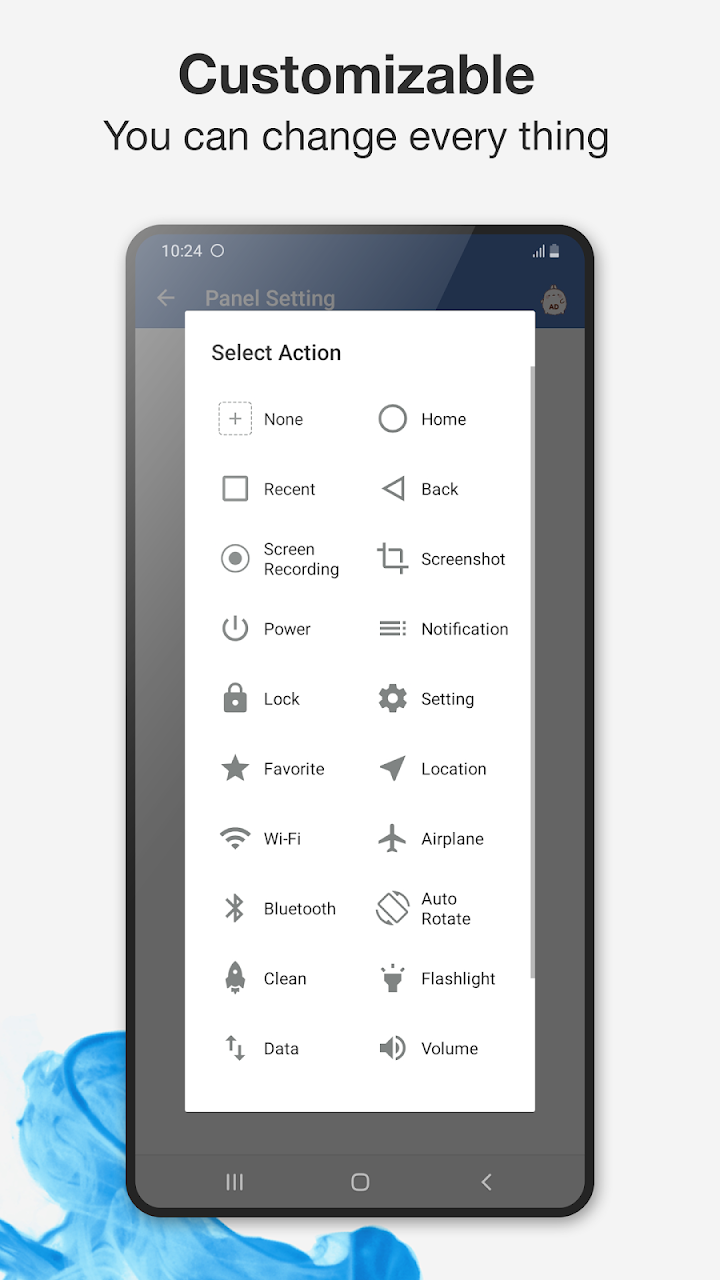
- Quick settings toggles — Open Wi‑Fi, Bluetooth, rotation, flashlight, airplane mode, and more from one place.
- Screen recording — Record the screen without root, with HD and Full HD output and mic audio support.
- Custom gestures — Set one-tap, double-tap, or long-press actions for the floating button.
Floating panel for everyday controls
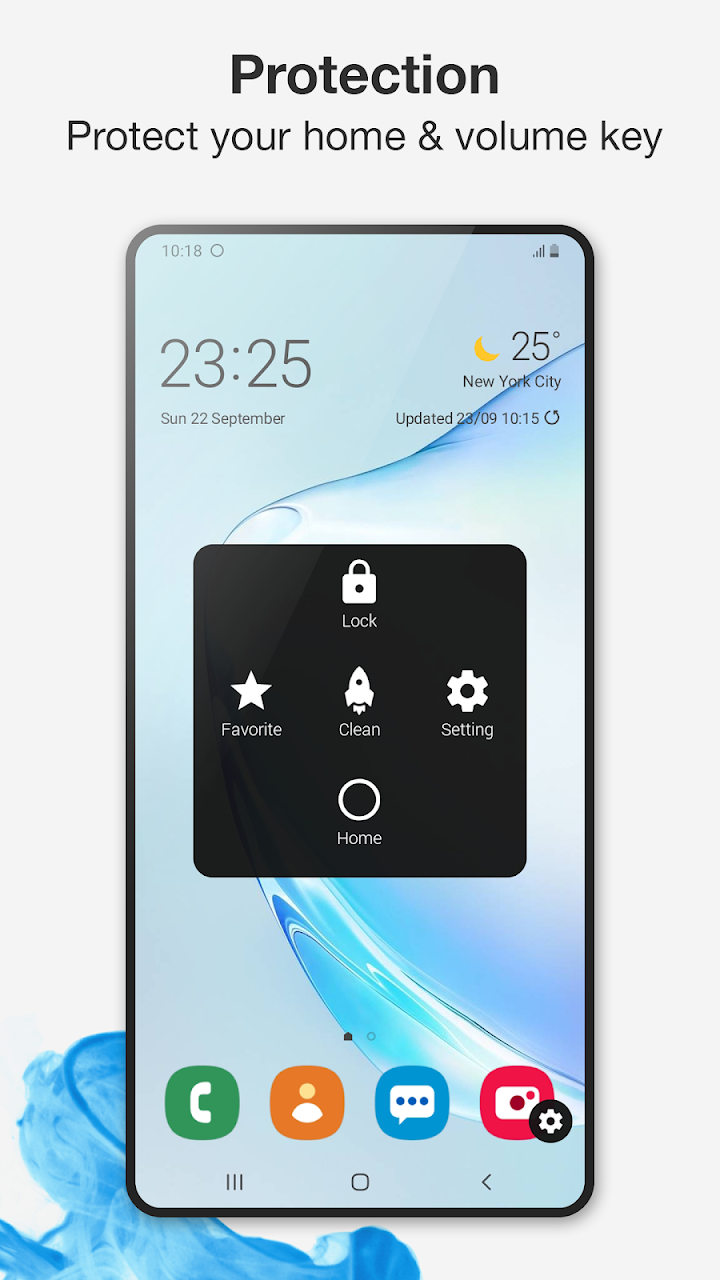
Assistive Touch for Android puts a floating panel on the screen so you can reach common actions faster. Instead of pressing physical keys, you can open Home, Back, recent apps, and volume controls from the panel. That is useful on larger phones and for people who want to reduce wear on the home button and volume button.
For a quick task, tap the panel to lock the screen, jump back, or open recent apps. The layout is meant for short, repeated actions that usually take several taps through system menus.
Quick settings in one touch
The app also gathers common toggles in one place. You can open notifications, switch Wi‑Fi or Bluetooth, change ring mode, rotate the screen, turn on airplane mode, or start the flashlight. It can also launch installed apps and games.
- Gets: Home, Back, Volume, screenshots, power menu, and quick toggles.
- Watch for: It uses accessibility services and device administrator permission for actions like lock screen, home, back, and screenshots.
Screen recording and custom look
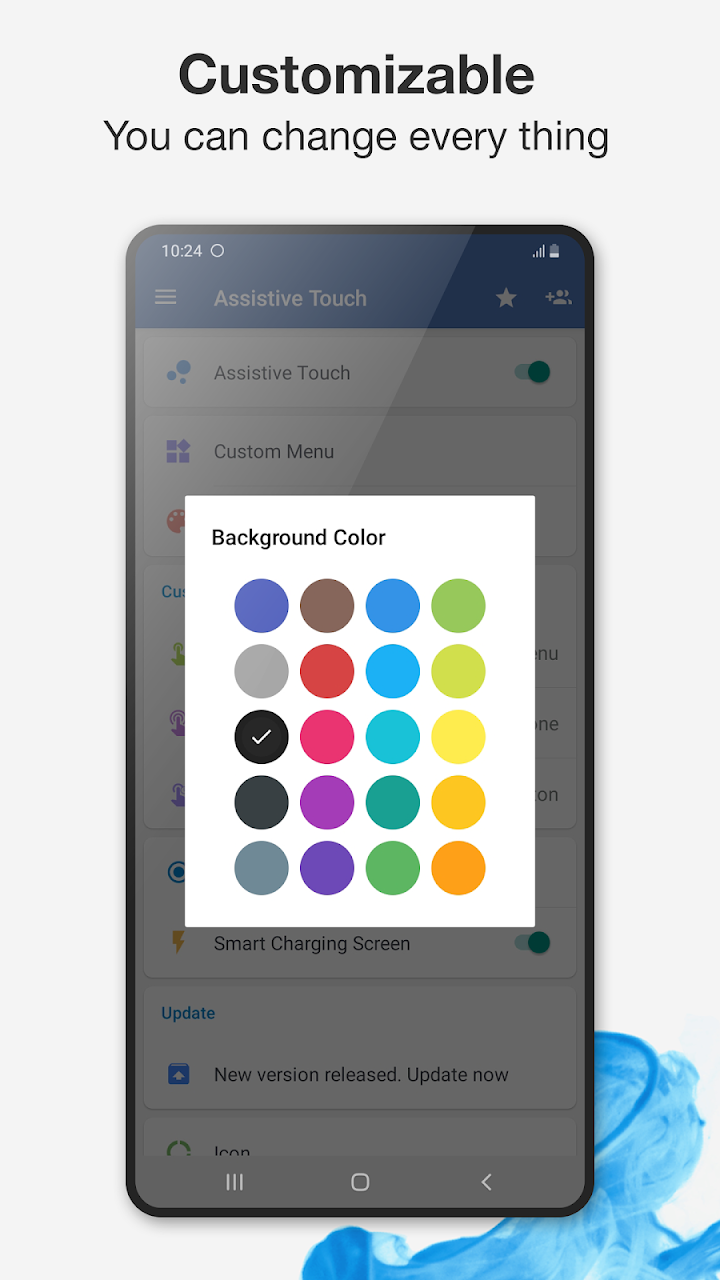
Assistive Touch for Android includes screen recording without root access. It has no time limit and can record HD or Full HD video, with microphone audio mixed in. The app also lets you change the panel color, switch to different icons, and choose gesture actions for the floating button. The APK is 3.0 MB and works on Android API 11 and up.
What to check before installing
This app is free, contains ads, and does not offer in-app purchases. It uses accessibility services for Home, Back, lock screen, control center, and screenshots. It does not ask for an account in the app listing. If you want a lightweight tool for quick controls, this one focuses on button shortcuts rather than system-wide automation.
APK information
- Version
- 4.6
- Package
- com.easytouch.assistivetouch
- Category
- Tools
- Size
- 3 MB
- Min Android
- API 11
- Architecture
- universal
Older versions
-
Assistive Touch for Android 4.6Nov 12, 2026Latest downloadAPK
Assistive Touch for Android FAQ
Why does Assistive Touch for Android need these permissions?expand_more
It uses accessibility services for actions such as lock screen, Home, Back, opening the control center, and taking screenshots. It also uses device administrator permission.
Does Assistive Touch for Android need root?expand_more
No. The screen recorder is listed as working without root access.
Is this Assistive Touch for Android APK the original file?expand_more
The app is listed as an APK file format. The listing does not provide more detail about file origin beyond the app package itself.
Does Assistive Touch for Android need an account?expand_more
No account requirement is listed.
What Android version does Assistive Touch for Android support?expand_more
It supports Android API 11 and up.