
- 4.4star17,454 reviews
- 1M+Downloads
- 11 MBAPK size
- EveryoneRated for Everyone
- 8.0+Android
check_circleOriginal APK from ULA LIMITED · Updated Nov 12, 2026
No threats found
0 / — antivirus engines flagged this file
Original signature
First seen — ULA LIMITED
Unmodified APK
Same file the developer published — no mods
AuraCleaner screenshots
5 images · tap to enlarge
About this app
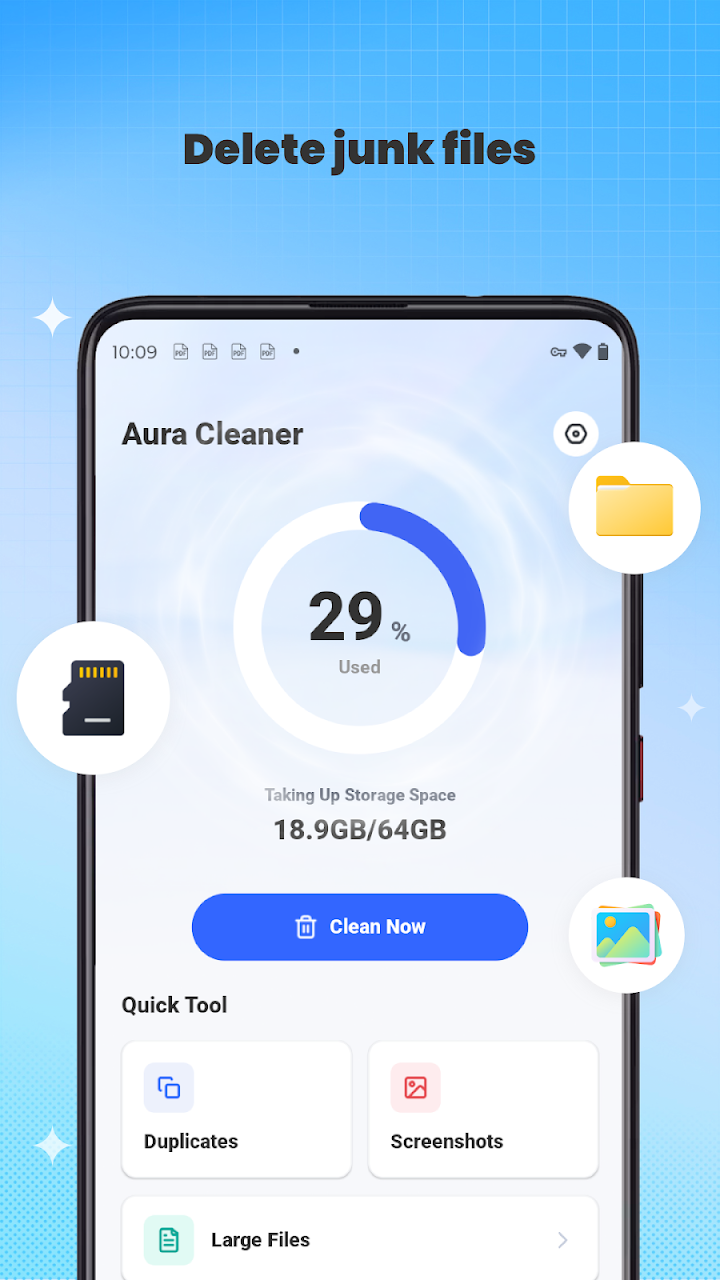
AuraCleaner has 1M+ installs and a 4.4 rating from 17,454 reviews. It is a free Tools app for clearing junk files, app cache, large files, screenshots, empty folders, and duplicate files on Android. It includes ads, does not offer in-app purchases, and is built for Android 8.0 and up.
- Junk file cleanup — Scans for leftover junk files and removes them in batches.
- Cache clearing — Clears app cache files that build up from everyday browsing and app use.
- Large file finder — Shows oversized files so you can review details before deleting them.
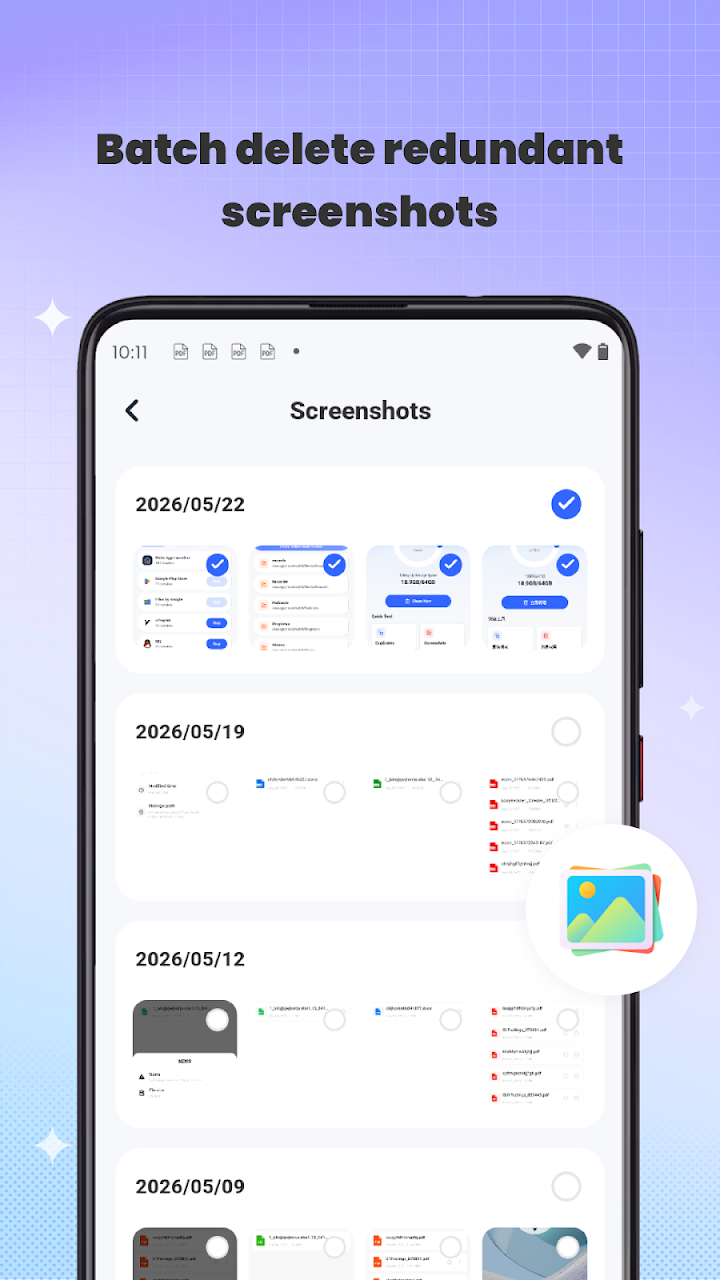
- Screenshot sorting — Groups screenshots and helps remove outdated or unwanted ones.
- Duplicate detection — Finds repeated photos, documents, and other identical files.
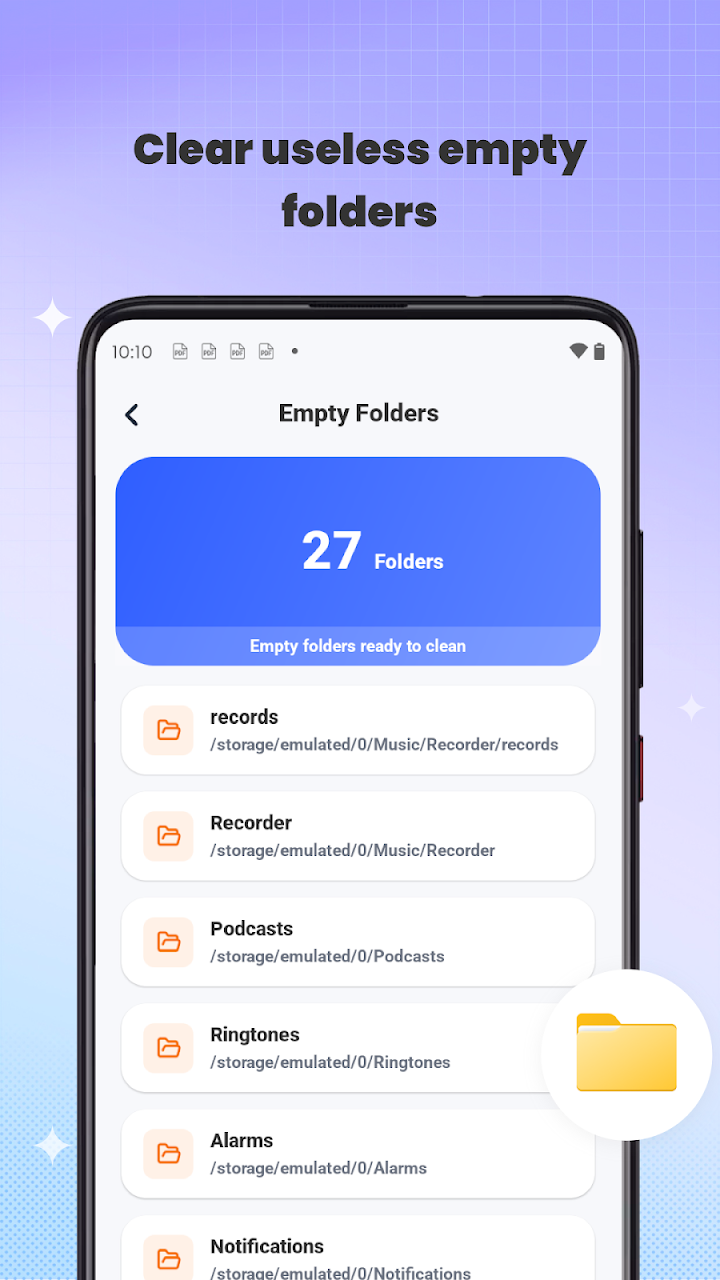
- Empty folder cleanup — Detects empty folders left behind after deletions and removes them.
First launch: what AuraCleaner shows
When you open AuraCleaner, expect a storage-cleanup tool focused on removing clutter rather than managing files broadly. Its job is to scan for junk, cache, screenshots, large files, empty folders, and duplicates, then let you clear them out in a few steps. The app is free, supported by ads, and does not include in-app purchases.
Set up the first cleanup pass
Start with the sections that usually free space fastest: junk files and app cache. If storage still feels tight, move on to large files and duplicate files so you can review what is taking room before deleting it. AuraCleaner is distributed as an APK file, is 11.2 MB, and requires Android 8.0 or later on universal-device support.
- You get: junk, cache, large file, screenshot, empty folder, and duplicate cleanup.
- You watch for: ads, and the need to review files before deleting them.
- You do not get: in-app purchases.
Practical cleanup tips
Use the app regularly if your storage fills up from downloads, screenshots, or repeated app use. The large-file view is useful when you want to confirm what a file is before removal, while duplicate cleanup helps avoid keeping the same item twice. Empty-folder cleanup is a small but useful follow-up after deleting files.
Requirements and permissions
AuraCleaner lists no permissions, and no account setup is mentioned. That keeps the first-day setup simple: install the APK, open the app, and start scanning. If you want to compare it with other tools, its focus is narrower than general Android system apps and closer to storage cleanup than device settings or accessibility features.
APK information
- Version
- 1.0.9
- Package
- com.auracleaner.aa
- Category
- Tools
- Size
- 11 MB
- Min Android
- 8.0
- Architecture
- universal
Older versions
-
AuraCleaner 1.0.9Nov 12, 2026Latest downloadAPK
AuraCleaner FAQ
Does AuraCleaner need root?expand_more
No root requirement is listed for AuraCleaner. It is presented as a regular Android cleanup tool.
Why does AuraCleaner need these permissions?expand_more
No permissions are listed for AuraCleaner. The app details also do not mention an account requirement.
How do I install the AuraCleaner APK file?expand_more
Download the APK, open it on an Android device running Android 8.0 or later, and follow the standard install prompts. The file format is APK and the app size is 11.2 MB.
Does AuraCleaner work on tablets?expand_more
The app uses universal architecture, so it is not limited to one device type. The listing does not specify a tablet-only version.
What kinds of files can AuraCleaner clean?expand_more
It can handle junk files, app cache, large files, screenshots, empty folders, and duplicate files.