
Auto Clicker - Automatic tap
True Developers Studio- 4.5star847,813 reviews
- 100M+Downloads
- 4 MBAPK size
- EveryoneRated for Everyone
- 7.0+Android
check_circleOriginal APK from True Developers Studio · Updated Nov 12, 2026

No threats found
0 / — antivirus engines flagged this file
Original signature
First seen — True Developers Studio
Unmodified APK
Same file the developer published — no mods
Auto Clicker - Automatic tap screenshots
6 images · tap to enlarge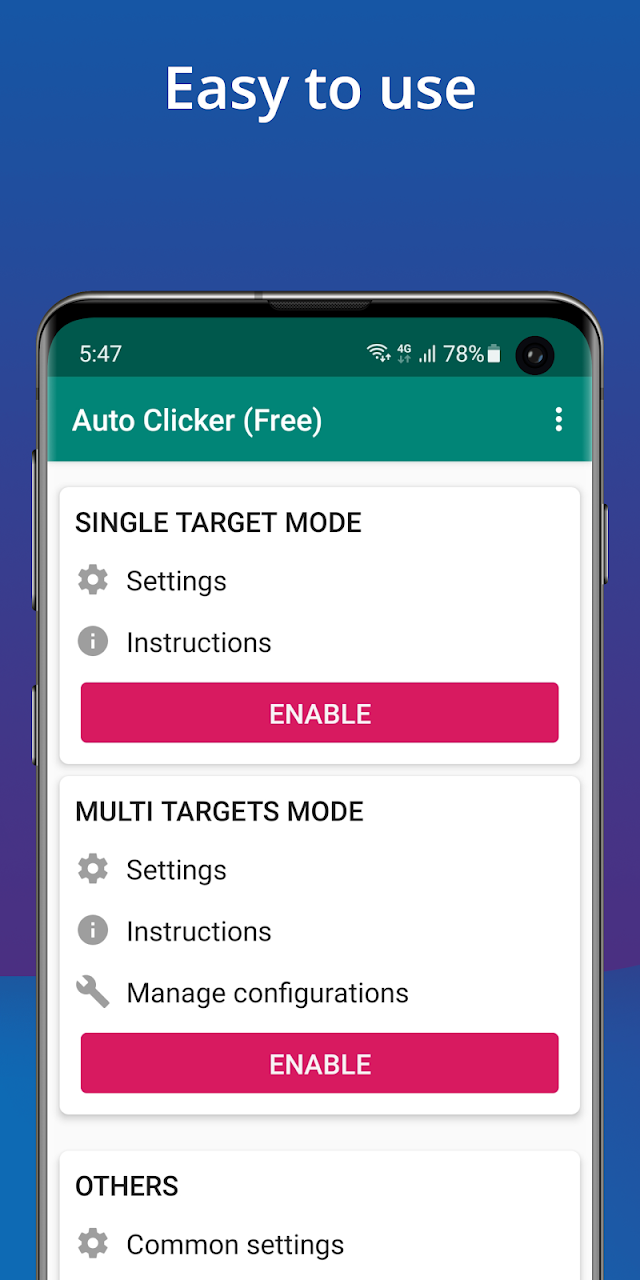
About this app
Auto Clicker - Automatic tap is a simple Tools app for repeating screen taps without root access. It focuses on one job: letting you set taps at any location and interval, then start or stop them from a floating control panel. It also adds multiple click points, swipes, and script import/export for more set-ups.
- Set tap intervals — Choose how often each tap repeats, so the app can follow the timing you need.
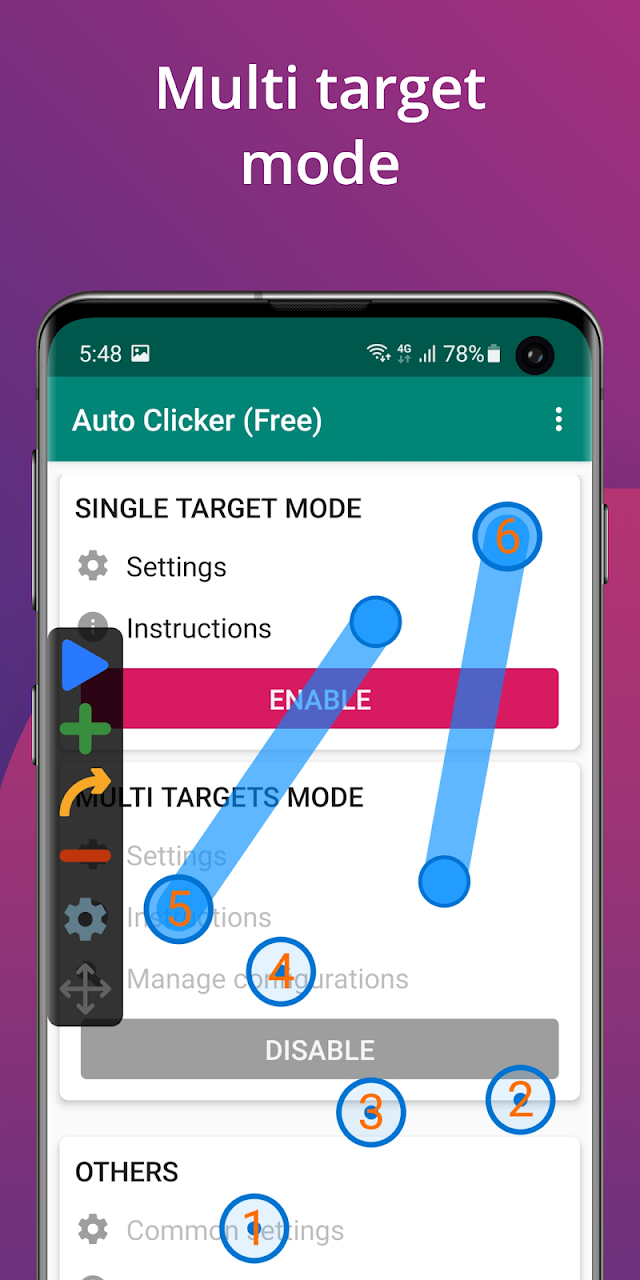
- Multiple click points — Place more than one tap point when a task needs several spots on the screen.
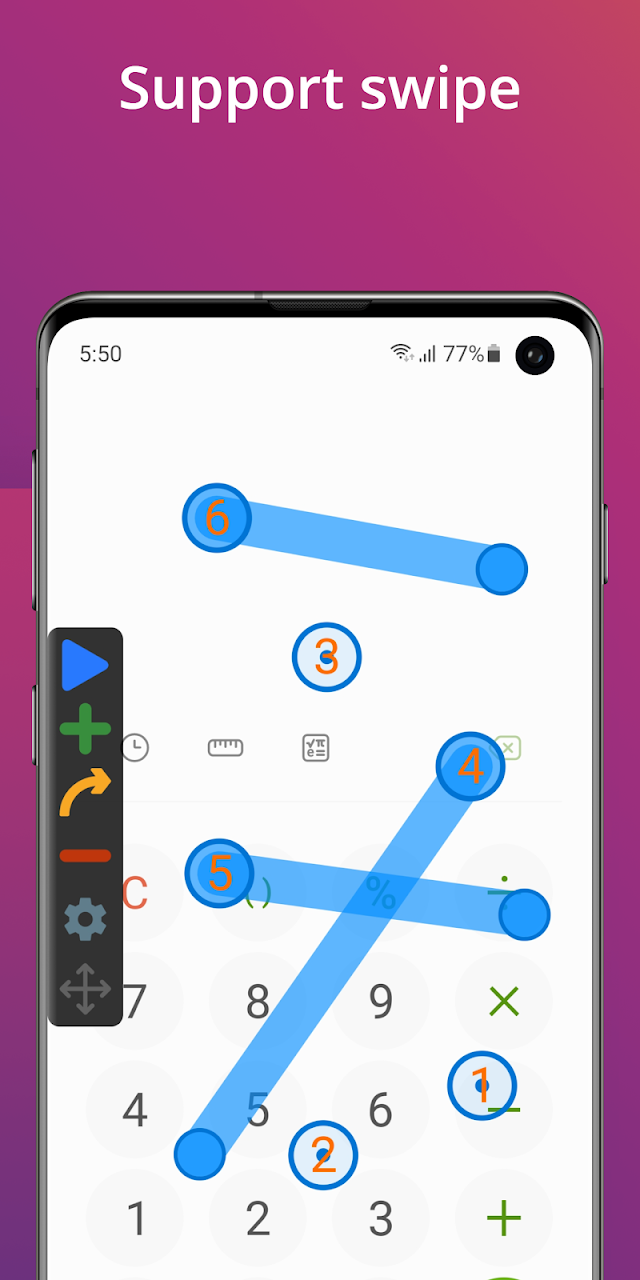
- Swipe support — Use automatic swipes as well as taps for actions that move across the screen.
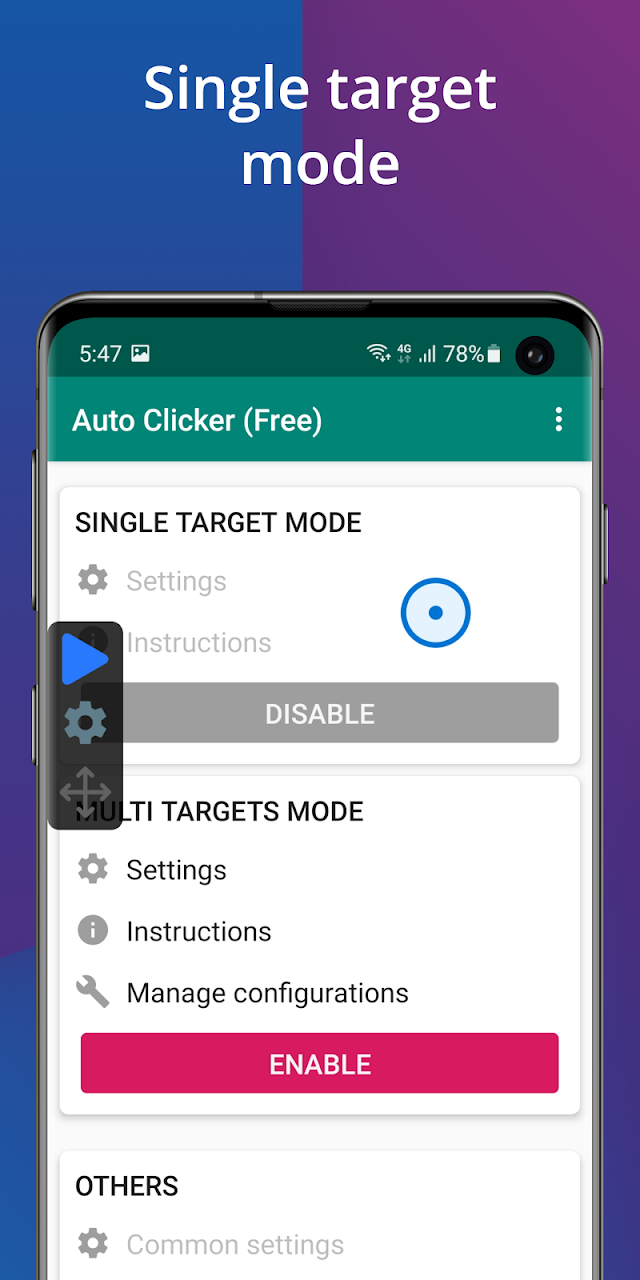
- Floating controls — Start or stop the automation from the floating control panel while you stay in the app.
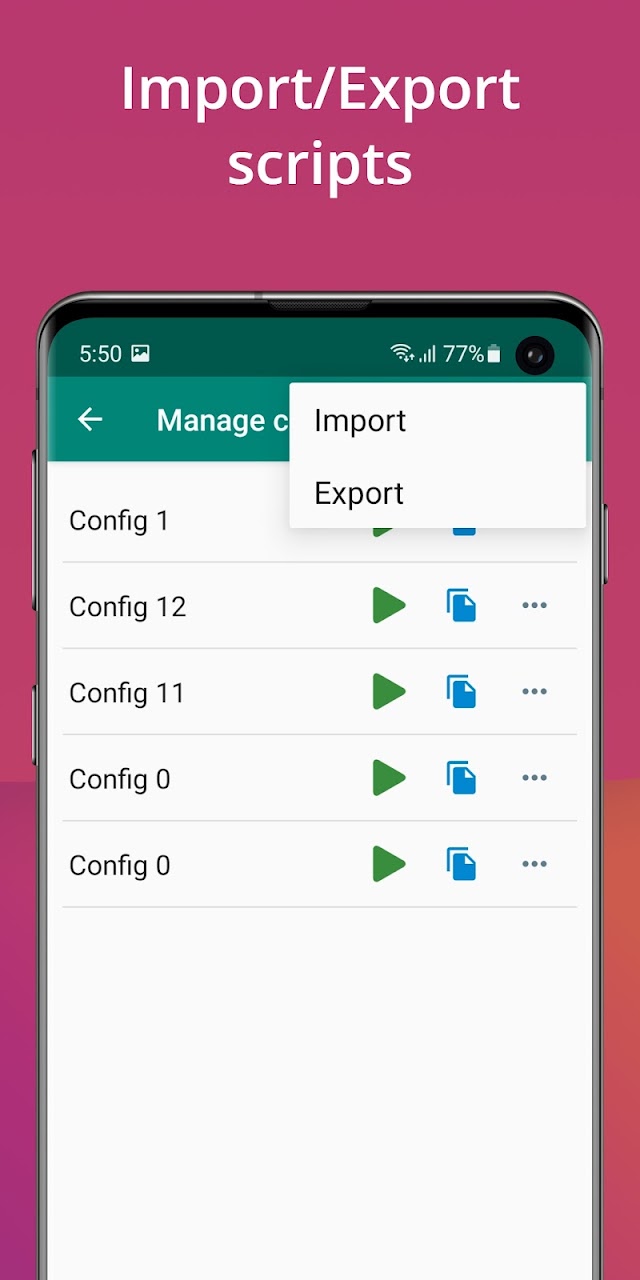
- Import and export — Save automatic scripts and bring them back later instead of setting everything up again.
Repeat taps without root
This app is built for the simple job of repeating taps on your screen. You choose where the tap should land and how often it should happen, then let the app handle the rest. That can be useful in click games or any task where the same tap needs to happen again and again.
Floating control panel for quick control
A floating control panel lets you start or stop the automatic tapping without hunting through menus. For example, if you are testing a screen action and want to pause it right away, the control stays close at hand.
More than one tap point
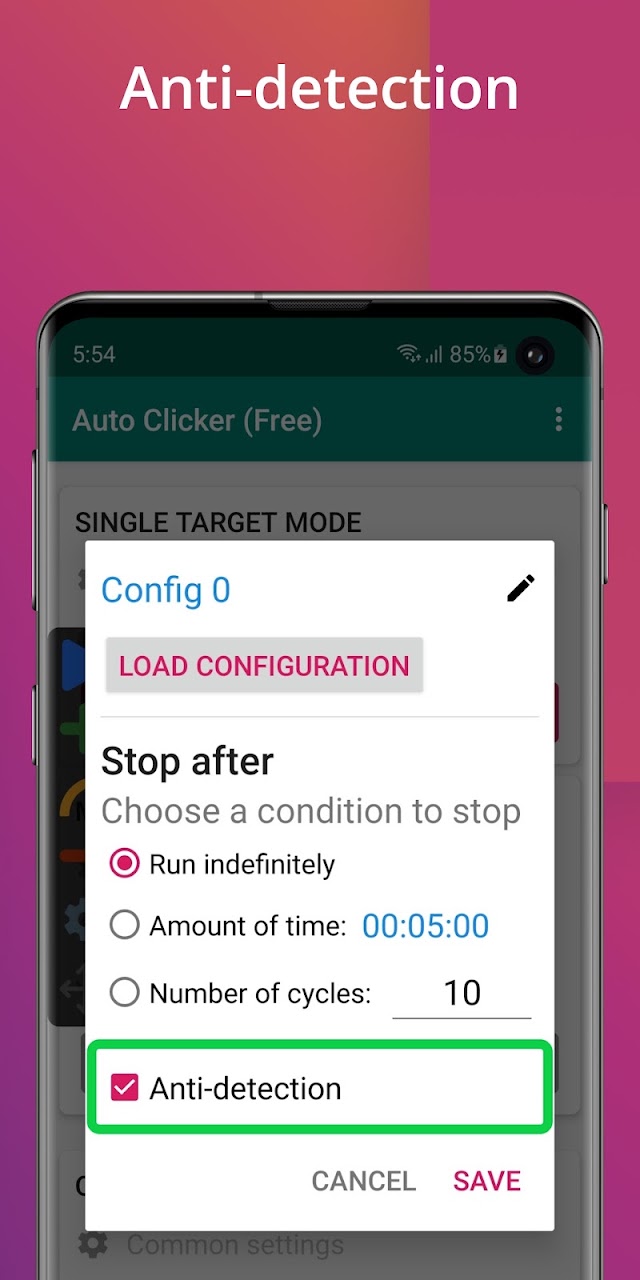
Auto Clicker - Automatic tap supports multiple click points and multiple swipes. That means you can build a setup with several screen spots instead of only one repeated tap. The app also includes a global timer, so you can run automation for a set amount of time.
Scripts you can save
If you reuse the same setup often, you can import and export automatic scripts. This makes it easier to keep a routine ready for later instead of recreating each tap and swipe from scratch.
- You get: repeated taps, multiple click points, swipes, a floating control panel, and script import/export.
- Watch for: Android 7.0 or later is required, the app uses Accessibility service to work, and it contains ads with in-app purchases.
- Install details: it is a free APK file, about 4.3 MB, for universal Android devices.
What to check before installing
The app does not require root access, but it does need Accessibility service because that is how it simulates clicks and swipes on your screen. The developer says it does not collect your private data through that permission. After installing, you can use it without creating an account.
What's new
Version 2.3.0 · Nov 12, 2026
- Enhance UI and support edge-to-edge in Android 15
APK information
- Version
- 2.3.0
- Package
- com.truedevelopersstudio.automatictap.autoclicker
- Category
- Tools
- Size
- 4 MB
- Min Android
- 7.0
- Architecture
- universal
Older versions
-
Auto Clicker - Automatic tap 2.3.0Nov 12, 2026Latest downloadAPK
Auto Clicker - Automatic tap FAQ
Does Auto Clicker - Automatic tap need root?expand_more
No. The app does not require root access.
Why does Auto Clicker - Automatic tap need these permissions?expand_more
It uses AccessibilityService API to perform core actions like simulating taps and swipes on your screen. The developer says it does not collect your private data through this permission.
Does Auto Clicker - Automatic tap need an account?expand_more
No account is mentioned as required, and the app can be used without one.
How do I install the Auto Clicker - Automatic tap APK file?expand_more
Download the APK file, then install it on an Android device running Android 7.0 or later. The file format is APK and the app is about 4.3 MB.
Can Auto Clicker - Automatic tap run more than one tap point?expand_more
Yes. It supports multiple click points, and it also supports multiple swipes.