- 4.6star7,251,640 reviews
- 100M+Downloads
- 13 MBAPK size
- EveryoneRated for Everyone
- API 15+Android
check_circleOriginal APK from Avast Software · Updated Nov 12, 2026
No threats found
0 / — antivirus engines flagged this file
Original signature
First seen — Avast Software
Unmodified APK
Same file the developer published — no mods
Avast Antivirus & Security screenshots
8 images · tap to enlarge
About this app
Protect your phone from malware, scams, and suspicious connections with Avast Antivirus & Security. The app combines antivirus scanning, scam protection, VPN access, and cleanup tools in one package, so you can check a device, review messages, or clear junk files during a normal day. It is free to install, with ads and in-app purchases.
- Malware scanning — Scans web, files, and apps for viruses, spyware, Trojans, adware, ransomware, and other threats.
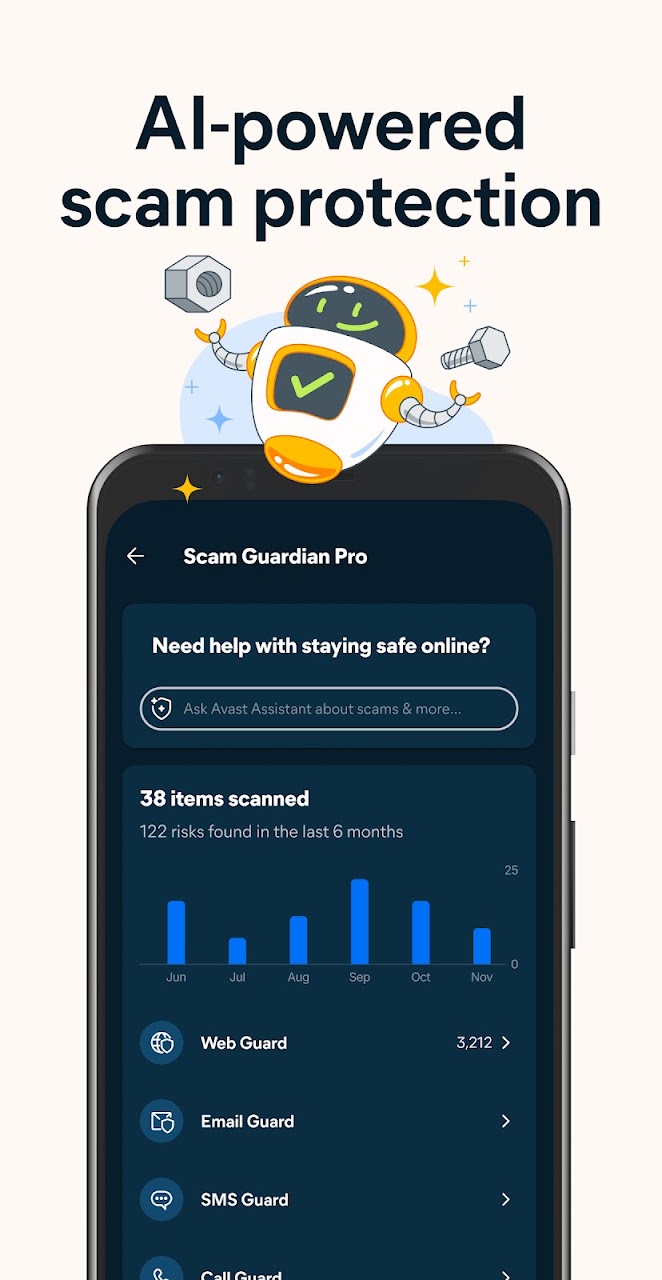
- Scam protection — Uses AI tools to help spot suspicious links, browsing risks, and possible scams.
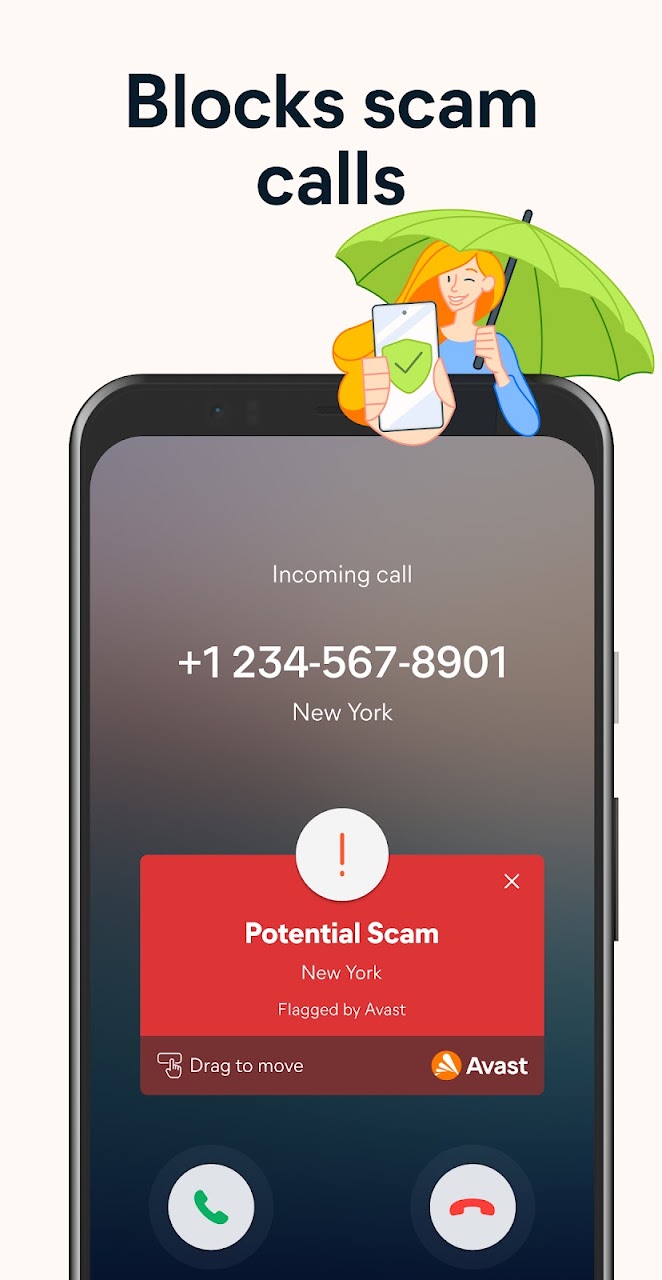
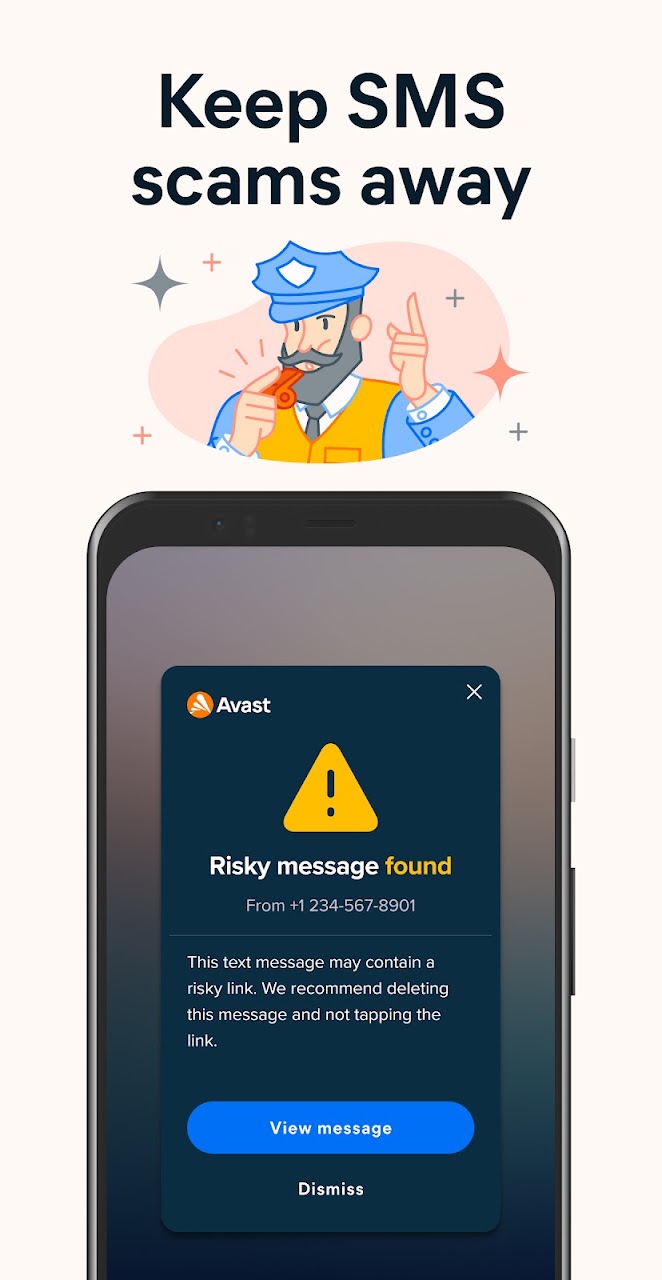
- Call and SMS guard — Blocks scam calls, labels suspicious numbers, and protects text messages with Safe SMS.
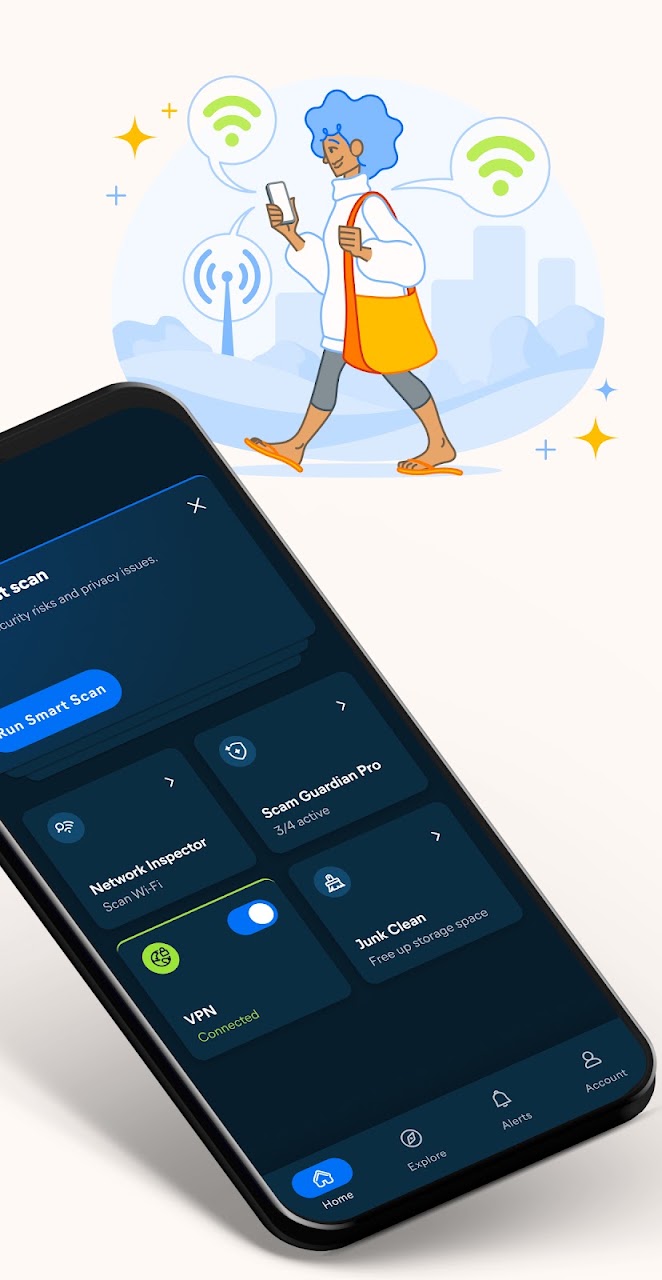
- Wi‑Fi inspection — Checks new networks with Network Inspector to help spot threats before you connect.
- Cleanup tools — Removes junk files, browser history, duplicate photos, temporary files, and old contacts.
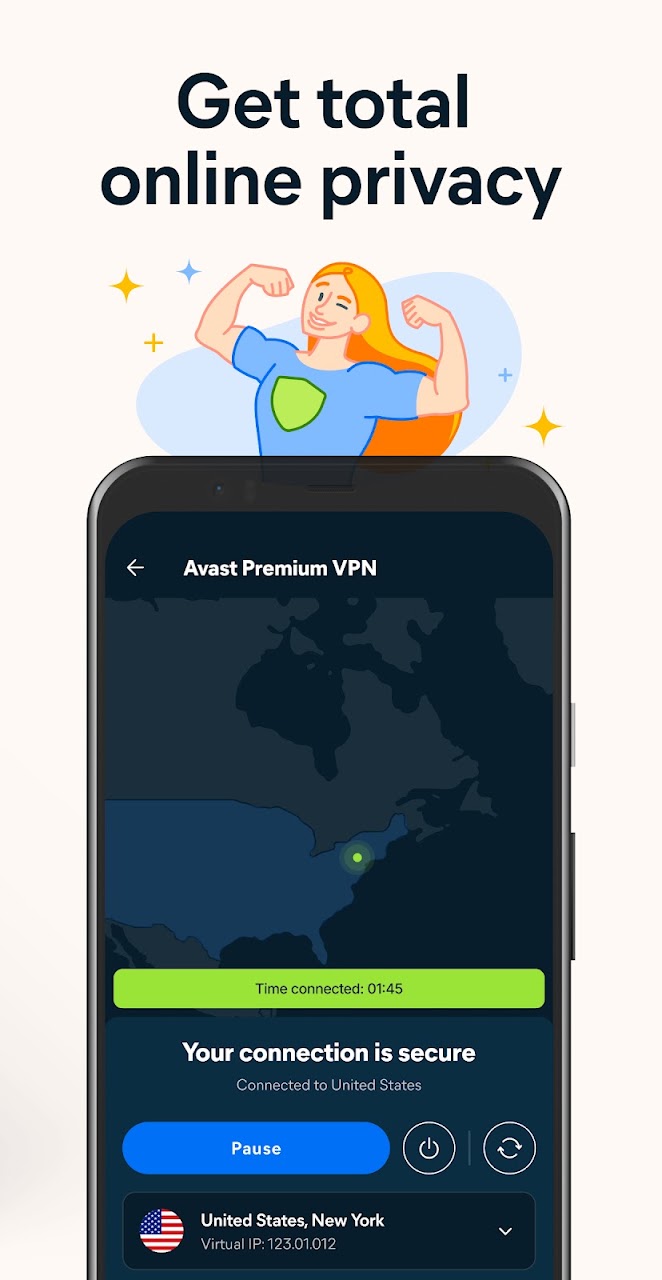
- Privacy VPN — Includes SecureLine VPN for hiding online activity and choosing locations worldwide.
Current release and device support
This release is version 5.6.1. No changelog is listed, so the app’s current focus is the same security stack: antivirus, scam protection, VPN, and cleanup tools. The APK is 13.3 MB, comes as a universal build, and installs on Android devices running API 15 or later.
Scan for viruses and malware
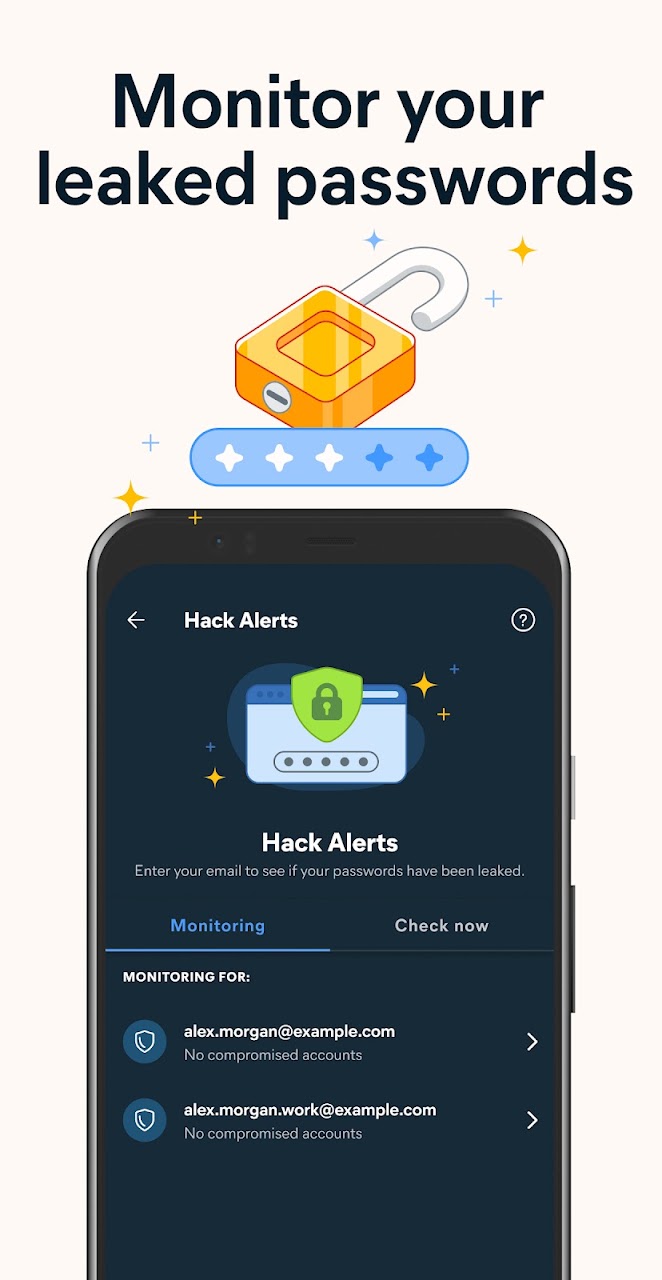
Open the app when you want a quick check on the phone itself or on a file you are about to use. The antivirus side scans web pages, files, and apps, and it is designed to catch spyware, Trojans, adware, ransomware, and similar threats. Hack Alert also keeps an eye on password leaks, while Network Inspector checks Wi‑Fi for risks.
Block scam calls, texts, and email
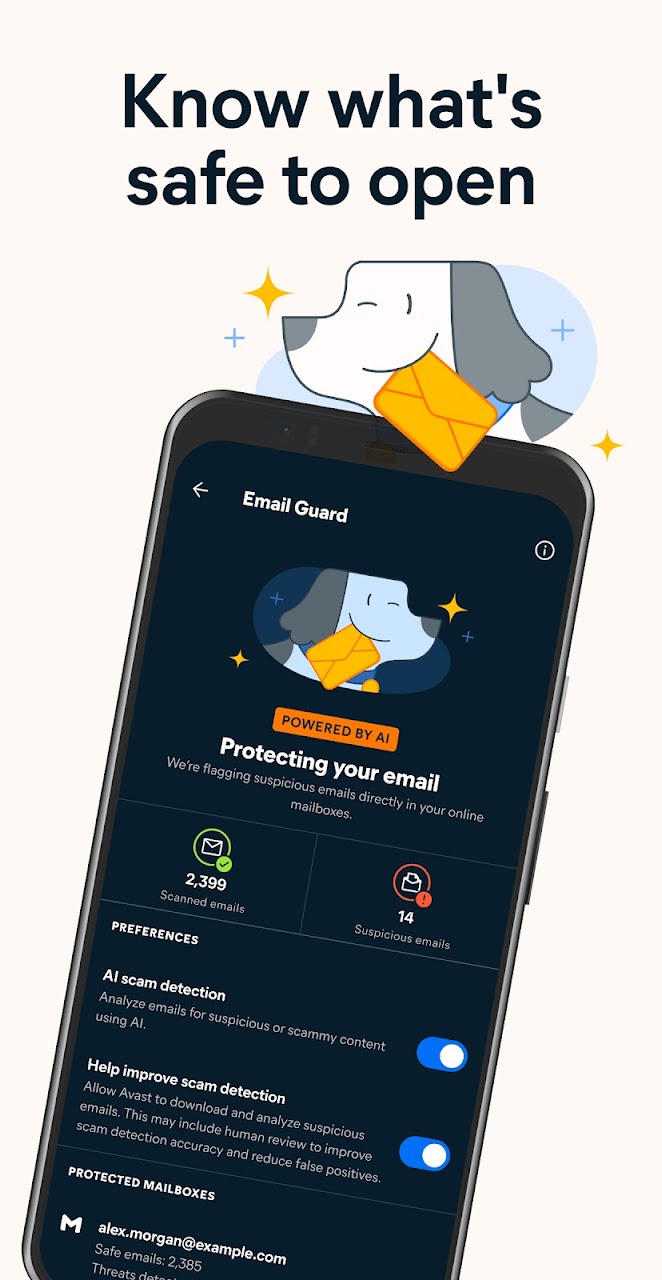
In a day-to-day routine, the scam tools are the parts you are likely to notice most. Call Guard can automatically block scam calls and label numbers as potential scam, spam, or verified business. Safe SMS reviews text messages with AI-powered protection, and Email Guard continuously monitors inboxes for anything suspicious. Web Guard adds protection while browsing, banking, or shopping online.
Clean storage and manage privacy
When storage gets tight, Avast Cleanup gives you tools to remove browser history, duplicate photos, old contacts, temporary files, and other junk. SecureLine VPN is there for times when you want to hide activity from internet providers, hackers, and advertisers, or pick a location from over 100 options worldwide. The app uses Accessibility Service for Web Guard, and Location access for scanning networks.
Pricing and ads
The app is free, but it contains ads and offers in-app purchases. That means some features are available without paying, while others are tied to paid tiers inside the app.
APK information
- Version
- 5.6.1
- Package
- com.avast.android.mobilesecurity
- Category
- Tools
- Size
- 13 MB
- Min Android
- API 15
- Architecture
- universal
Older versions
-
Avast Antivirus & Security 5.6.1Nov 12, 2026Latest downloadAPK
Avast Antivirus & Security FAQ
Does Avast Antivirus & Security drain the battery?expand_more
The app description does not mention battery impact.
Does Avast Antivirus & Security need root?expand_more
No root requirement is listed in the app details.
Who develops Avast Antivirus & Security?expand_more
It is developed by Avast Software.
Which Android version does Avast Antivirus & Security need?expand_more
It requires Android API 15 or later.
Can Avast Antivirus & Security block scam calls?expand_more
Yes. Call Guard can automatically block scam calls and label them as potential scam, spam, or a verified business.