- 4.6star7,813,336 reviews
- 100M+Downloads
- 41 MBAPK size
- EveryoneRated for Everyone
- 6.0+Android
check_circleOriginal APK from AVG Mobile · Updated Nov 12, 2026
No threats found
0 / — antivirus engines flagged this file
Original signature
First seen — AVG Mobile
Unmodified APK
Same file the developer published — no mods
AVG AntiVirus & Security screenshots
8 images · tap to enlarge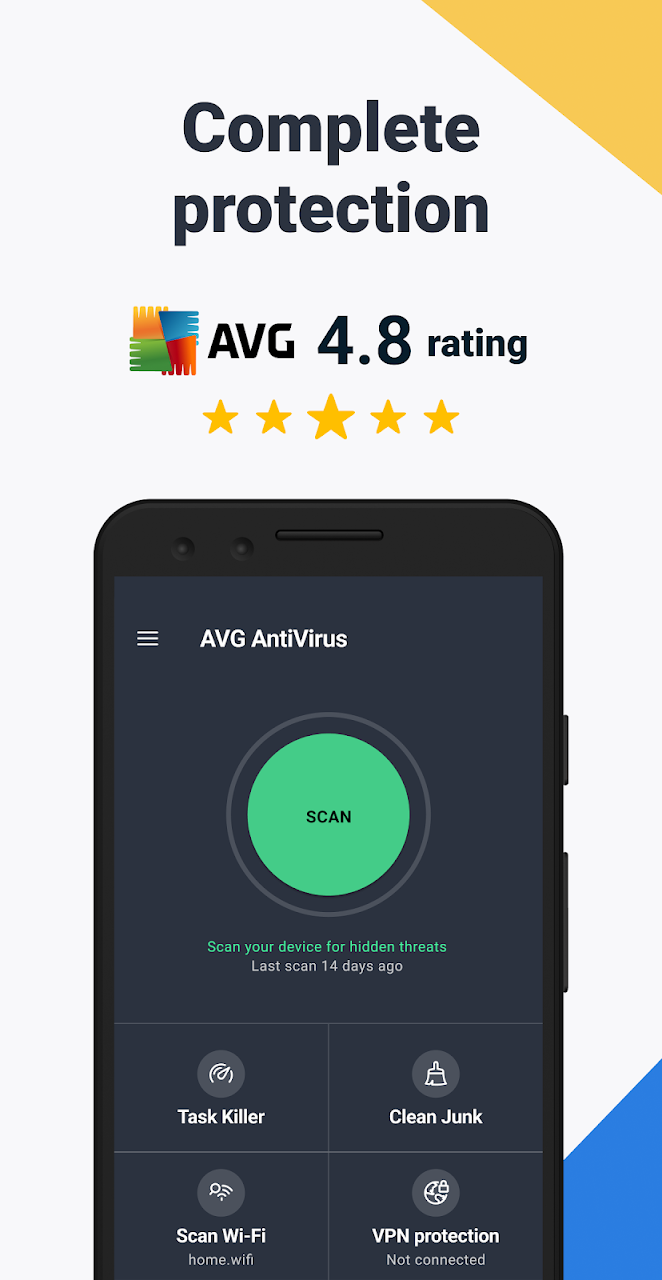
About this app
Over 100,000,000 people have installed AVG AntiVirus & Security. It focuses on scam and malware protection, with tools for app scanning, Wi‑Fi checks, photo vault, app lock, and leak alerts. The app is free, shows ads, and includes in-app purchases. Ratings are strong overall, though some users still leave low scores.
- Real-time scanning — Checks apps, games, settings, and files for threats.
- Scam protection — Blocks scam calls, scans texts, and checks suspicious links.
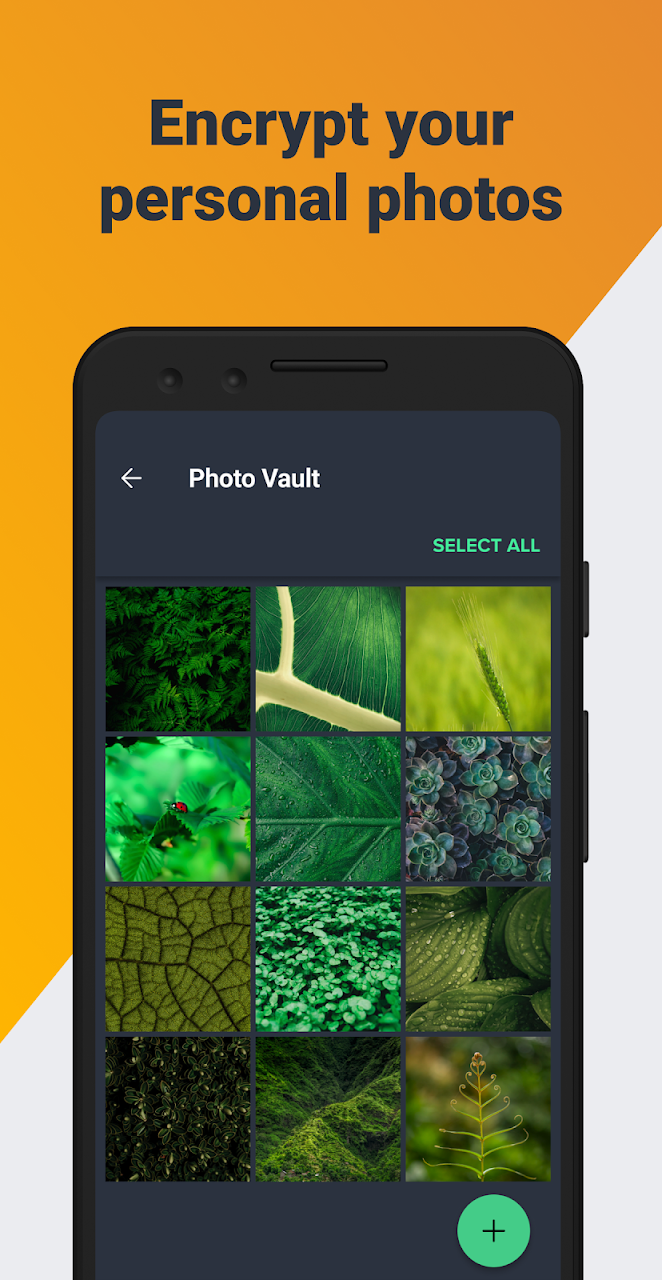
- Privacy tools — Locks apps and hides private photos in a password-protected vault.
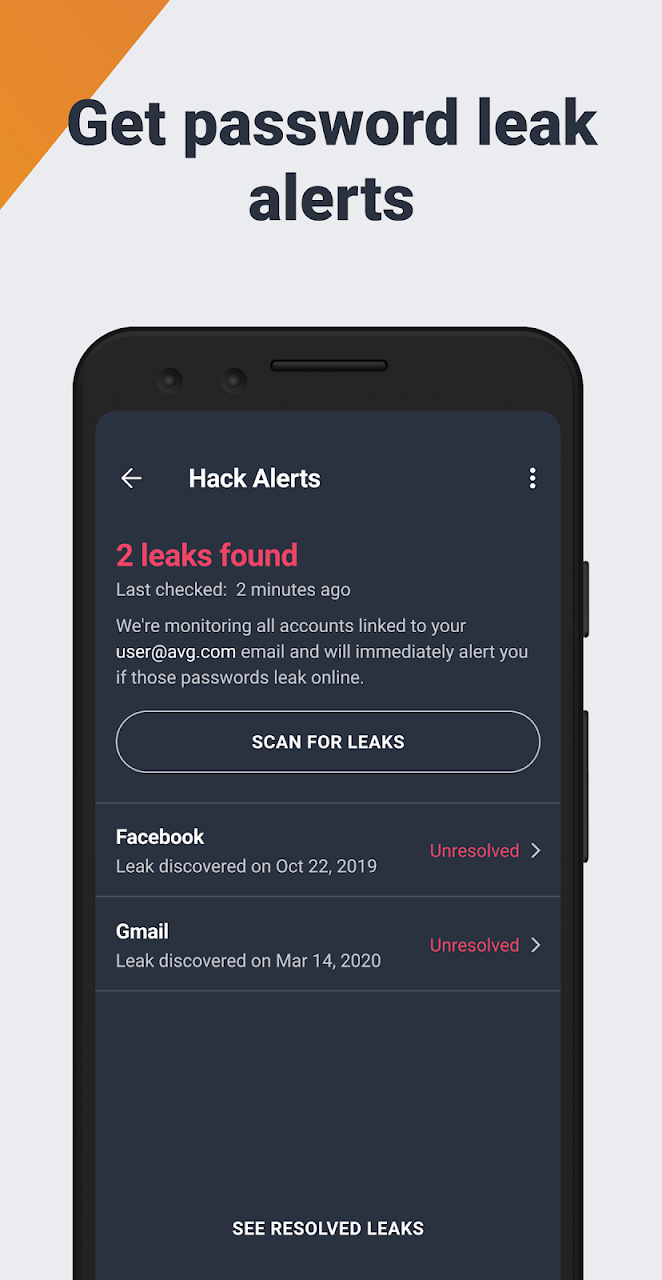
- Leak alerts — Warns you when passwords or accounts appear in leaks.
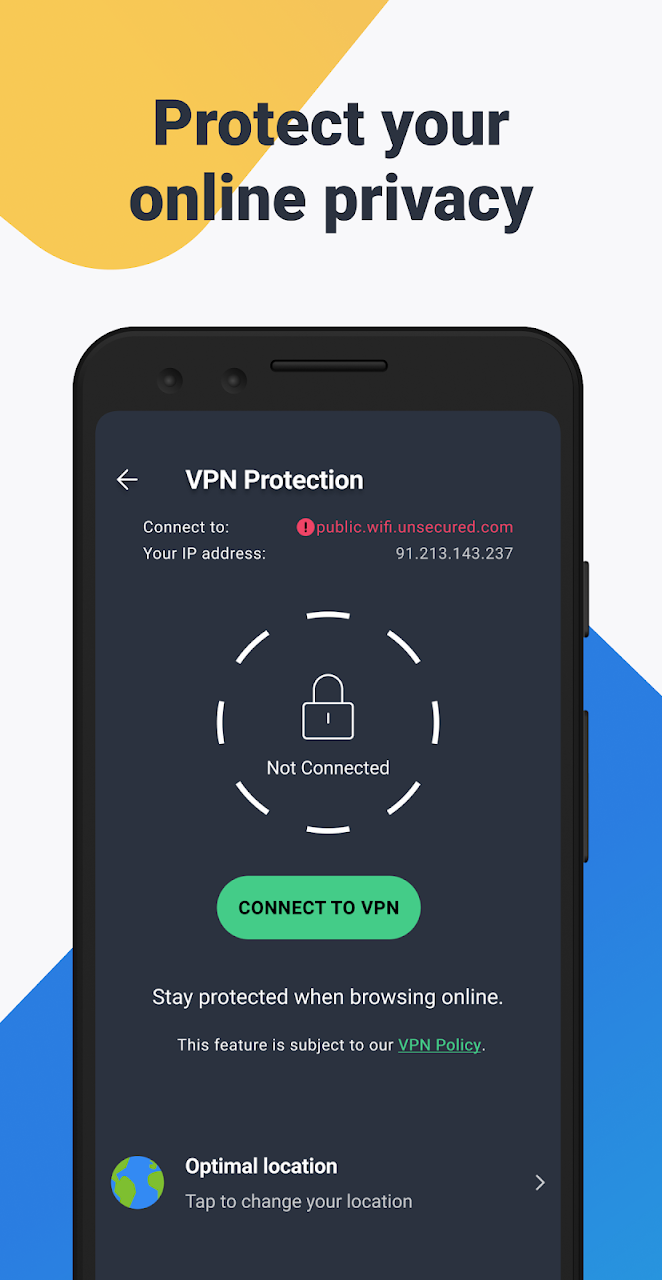
- Wi-Fi checks — Scans networks for threats and shows upload and download speed.
First look
AVG AntiVirus & Security is a practical Android security app from AVG Mobile. It covers virus and malware scanning, scam checks, privacy tools, and basic device cleanup. The app is free, shows ads, and offers in-app purchases. It comes as an APK file, weighs 41.1 MB, and needs Android 6.0 or later.
Protection and scam checks
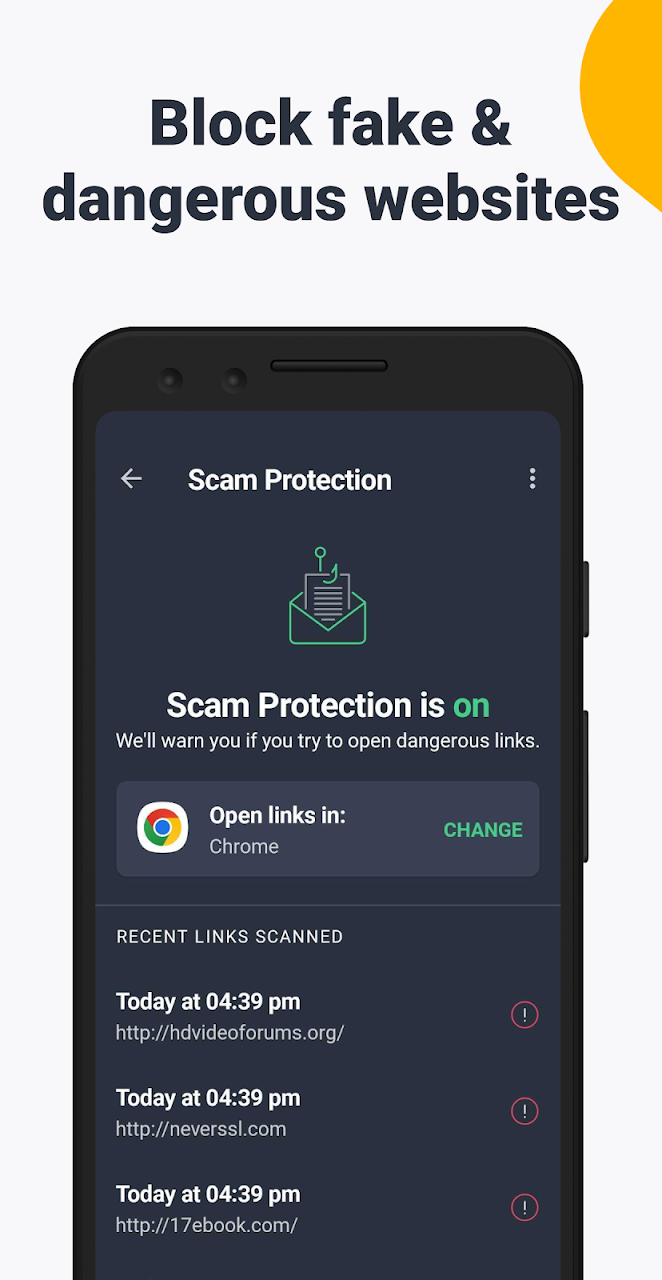
The main job here is clear: scan apps, games, files, and settings, then flag threats before they spread. Web Guard and Link Guard focus on scam sites and fake links, while Call Guard and SMS Guard add scam filtering for calls and texts. Hack Alerts also watches for password leaks and compromised accounts.
- App scanning: Checks installed apps, games, files, and settings.
- Web Guard: Looks for scam and malware-infected links while browsing.
- Call and SMS Guard: Identifies scam calls and suspicious texts.
- Hack Alerts: Warns about leaked passwords and account exposure.
Privacy and cleanup tools
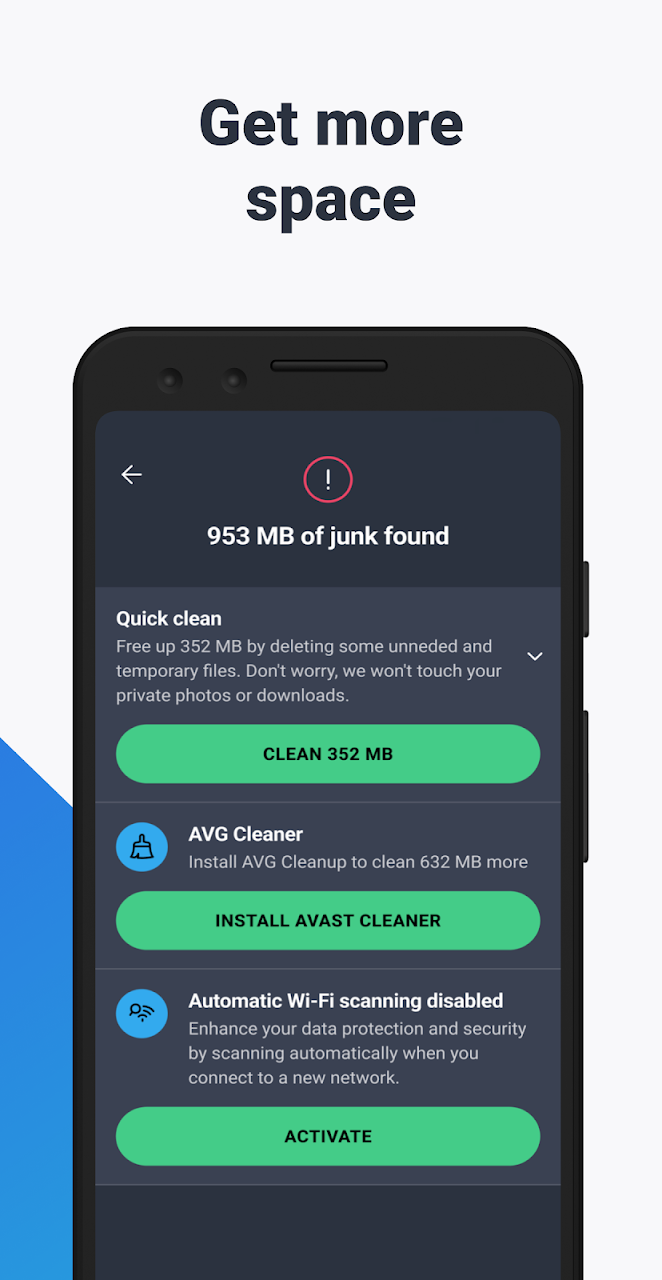
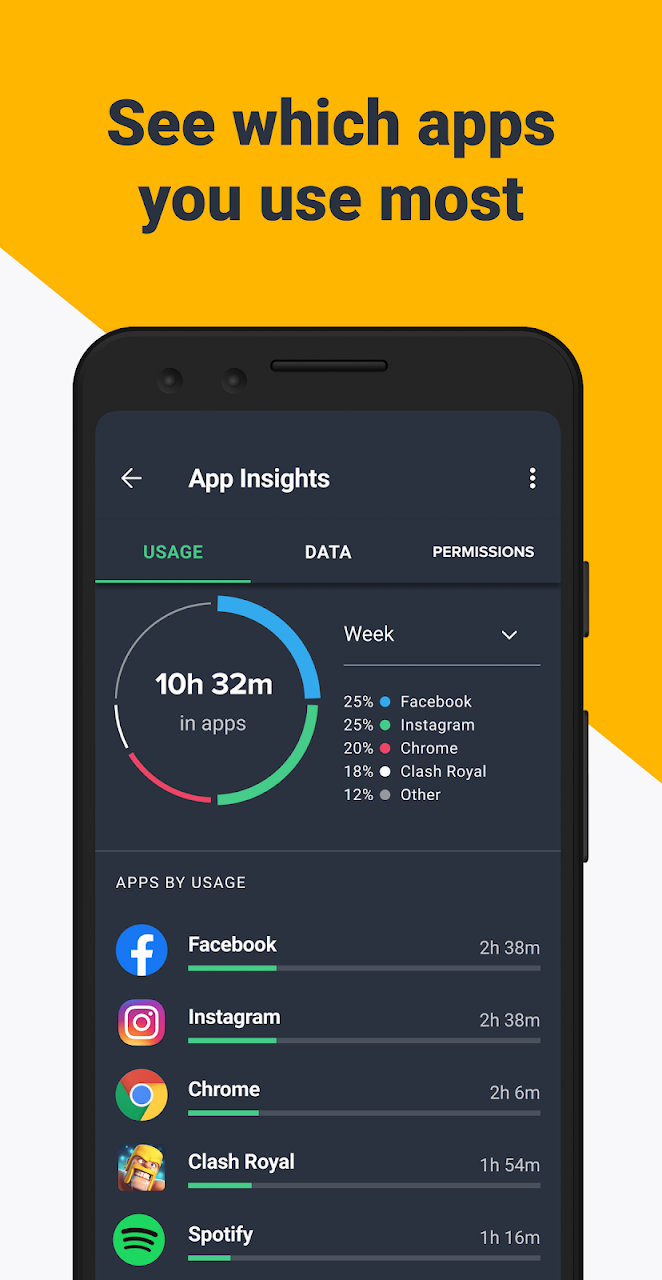
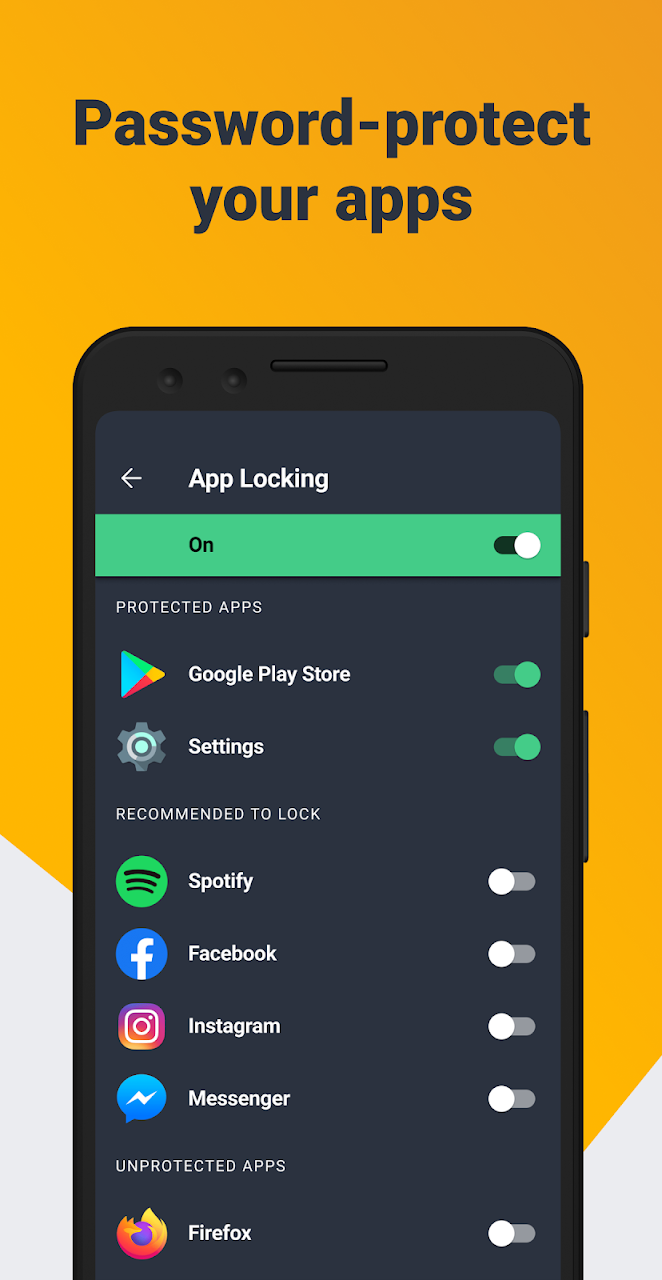
AVG also includes App Lock and a Photo Vault for private content. The vault is password-protected, and App Permissions gives a closer look at what installed apps can access. On the performance side, Junk Cleaner removes unnecessary files and helps free storage space. Wi‑Fi Scanner checks networks for threats and can show connection speed.
- App Lock: Protects sensitive apps with a PIN, pattern, or fingerprint.
- Photo Vault: Hides private photos in an encrypted space.
- Junk Cleaner: Removes hidden junk and unnecessary files.
- Wi‑Fi Scanner: Checks networks for security issues.
What to expect
The app is broad in scope, so it may feel busy if you only want a simple virus scanner. Ads are part of the free version, and some features sit behind in-app purchases. Still, the high rating and large install base suggest it meets the needs of many Android users who want one app for malware checks, privacy controls, and scam alerts.
If you want a single security app with scanning, leak alerts, app locking, and photo hiding, AVG AntiVirus & Security is a straightforward choice.
APK information
- Version
- 23.3.2
- Package
- com.antivirus
- Category
- Tools
- Size
- 41 MB
- Min Android
- 6.0
- Architecture
- universal
Older versions
-
AVG AntiVirus & Security 23.3.2Nov 12, 2026Latest downloadAPK
AVG AntiVirus & Security FAQ
Does AVG AntiVirus & Security drain the battery?expand_more
The app description does not give battery usage details. It does include real-time scanning and Wi‑Fi checks, which run security tasks in the background.
Why does AVG AntiVirus & Security need these permissions?expand_more
It uses permissions to scan apps, files, Wi‑Fi, and messages, and to support features like App Lock, Photo Vault, and Web Guard. The app also uses Accessibility Service API for phishing and malicious website protection.
How do I update AVG AntiVirus & Security from an APK?expand_more
Download the newer APK version and install it over the current app. Your Android device should be running Android 6.0 or later.
How do I install the AVG AntiVirus & Security APK file?expand_more
Open the APK on your Android device and follow the install prompts. The file format is APK, and the app size is 41.1 MB.
What security features does AVG AntiVirus & Security include?expand_more
It includes virus and malware scanning, scam call and text blocking, Wi‑Fi scanning, App Lock, Photo Vault, and Hack Alerts. Web Guard and Link Guard add checks for suspicious websites.