- 4.2star125 reviews
- 50K+Downloads
- 15 MBAPK size
- EveryoneRated for Everyone
- API 19+Android
check_circleOriginal APK from PW2 di Roberto Sonzogni · Updated Nov 12, 2026
No threats found
0 / — antivirus engines flagged this file
Original signature
First seen — PW2 di Roberto Sonzogni
Unmodified APK
Same file the developer published — no mods
Bar-Code reader screenshots
7 images · tap to enlarge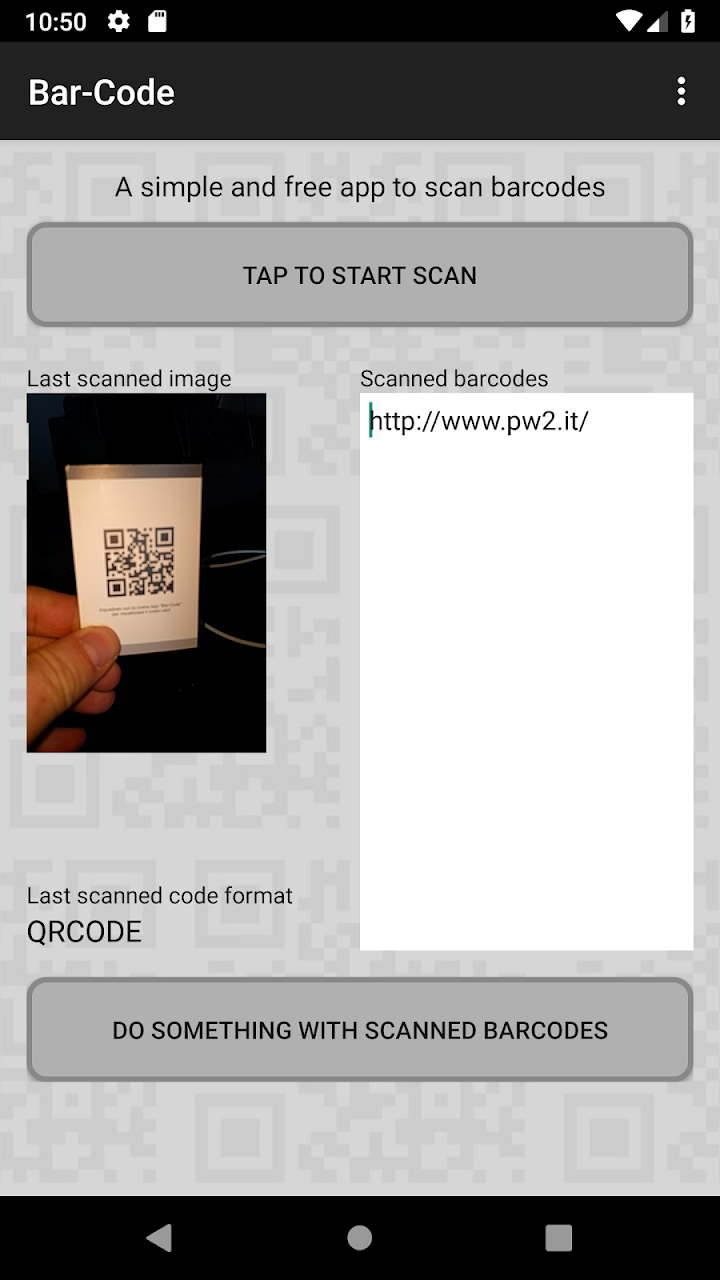
About this app
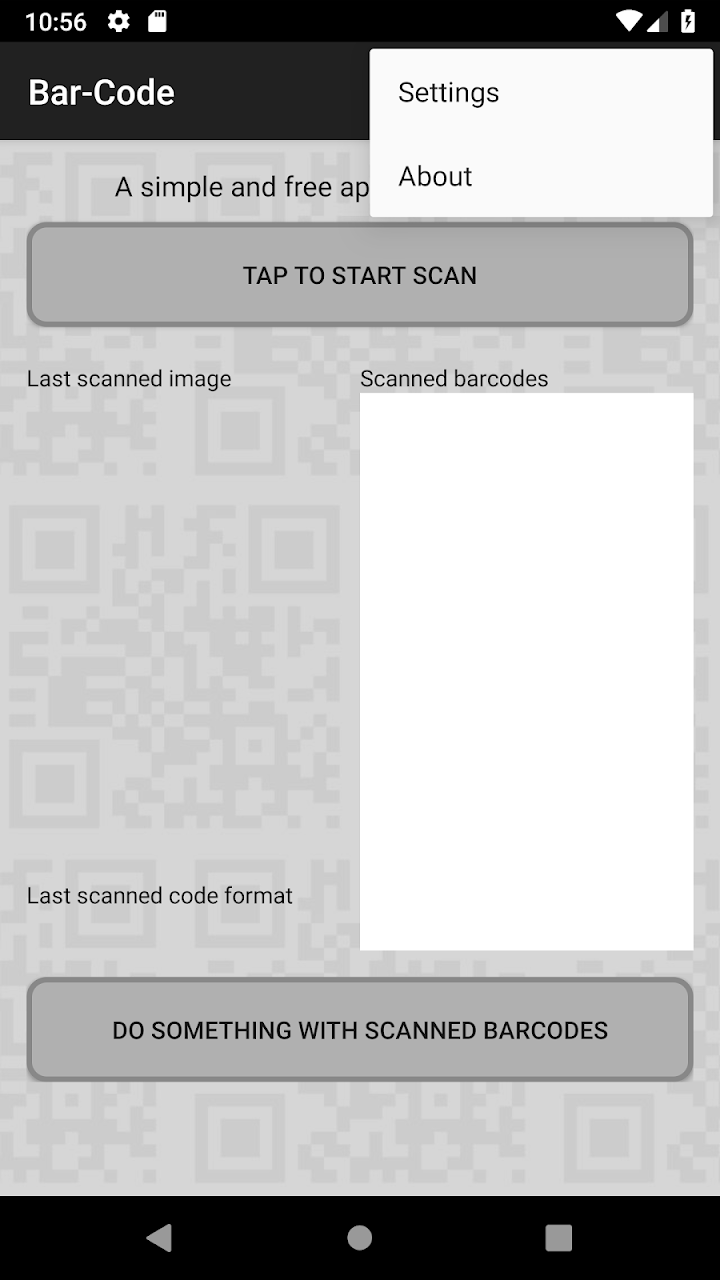
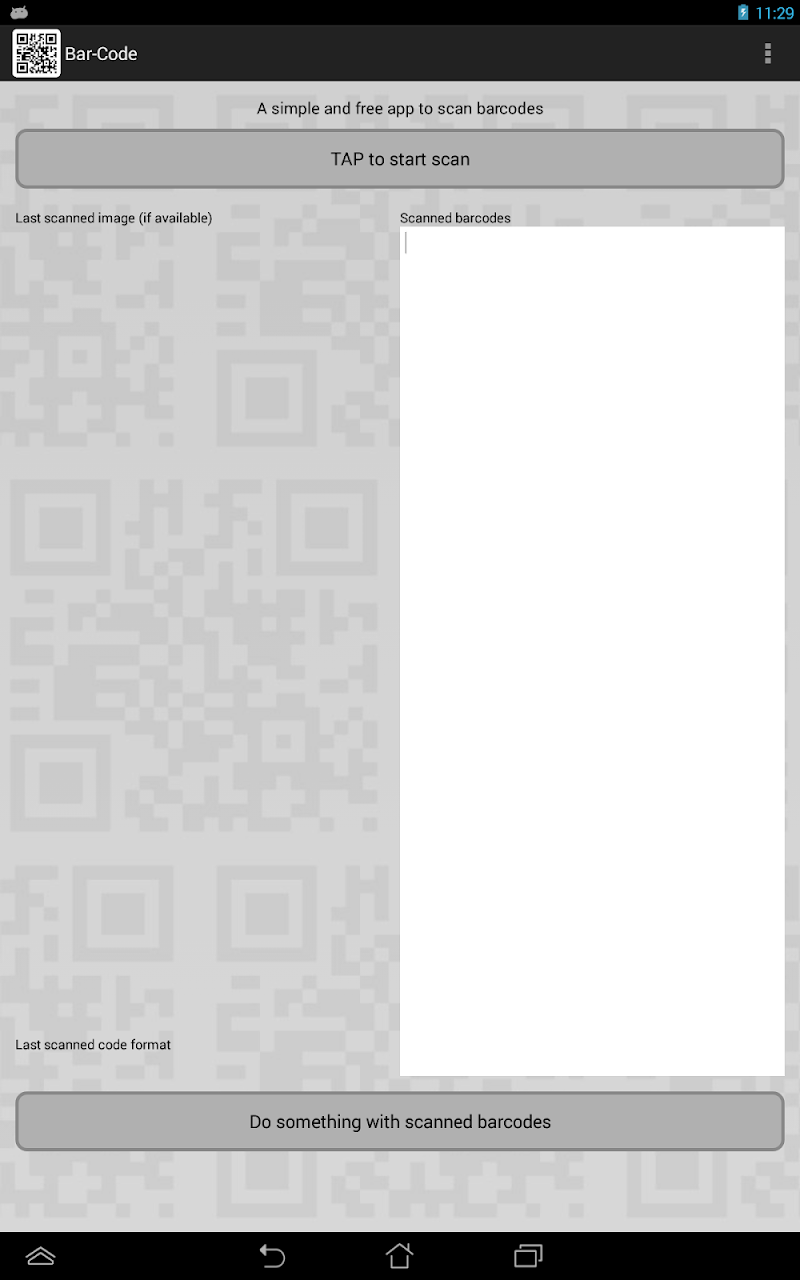
At a checkout counter or stock shelf, Bar-Code reader lets you point the camera at a code and capture it quickly. It scans 1D and 2D barcodes, then gives you options to copy, save, email, or search the result. The app is free, includes ads, and also offers in-app purchases.
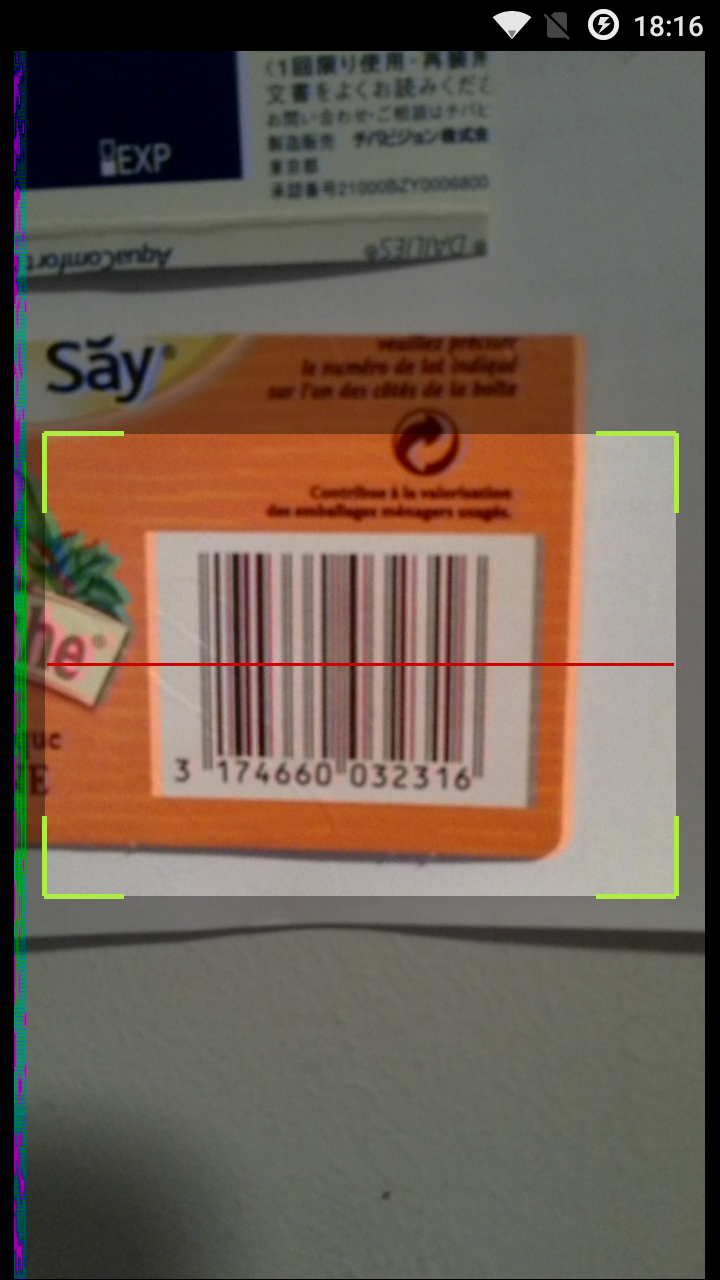
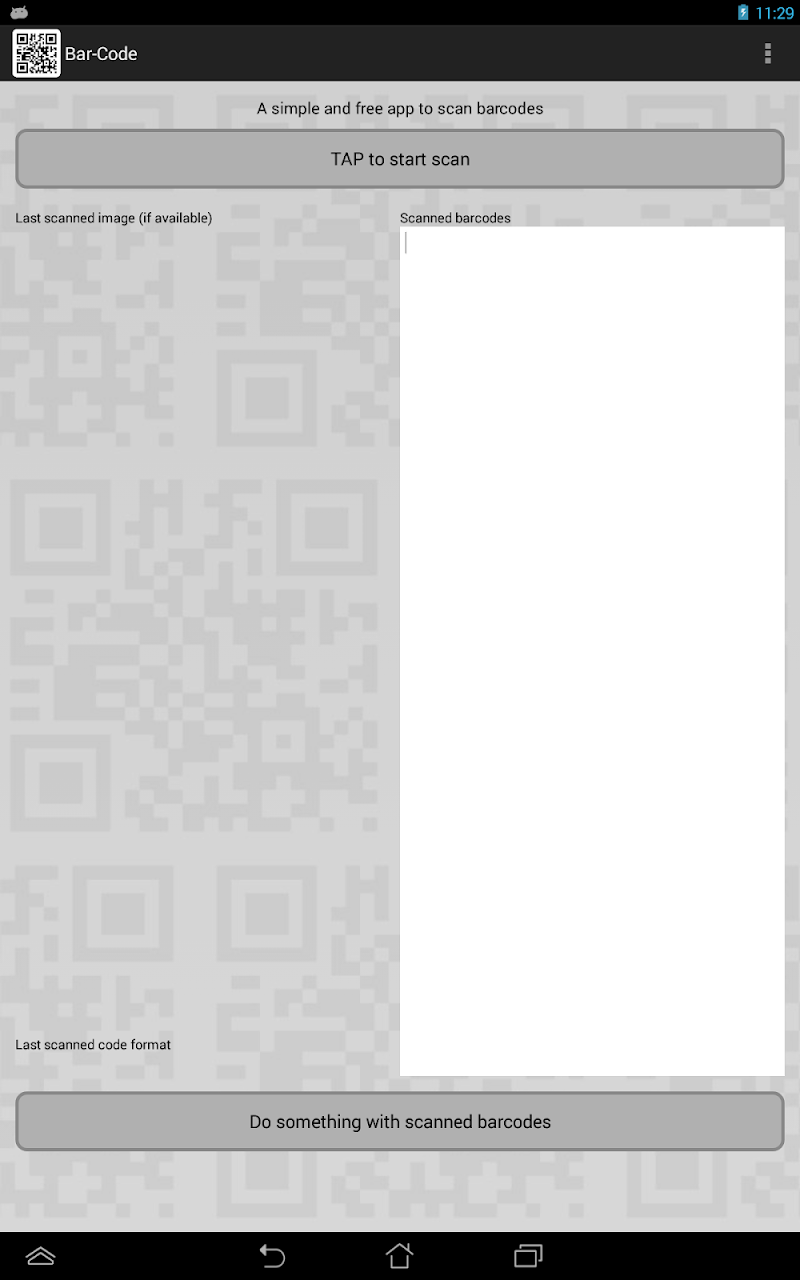
- Camera scanning — Start a scan with the button or by shaking the device, then aim the camera at the barcode.
- Wide format support — It reads common formats such as QR Code, Code 128, PDF417, EAN, UPC, and DataMatrix.
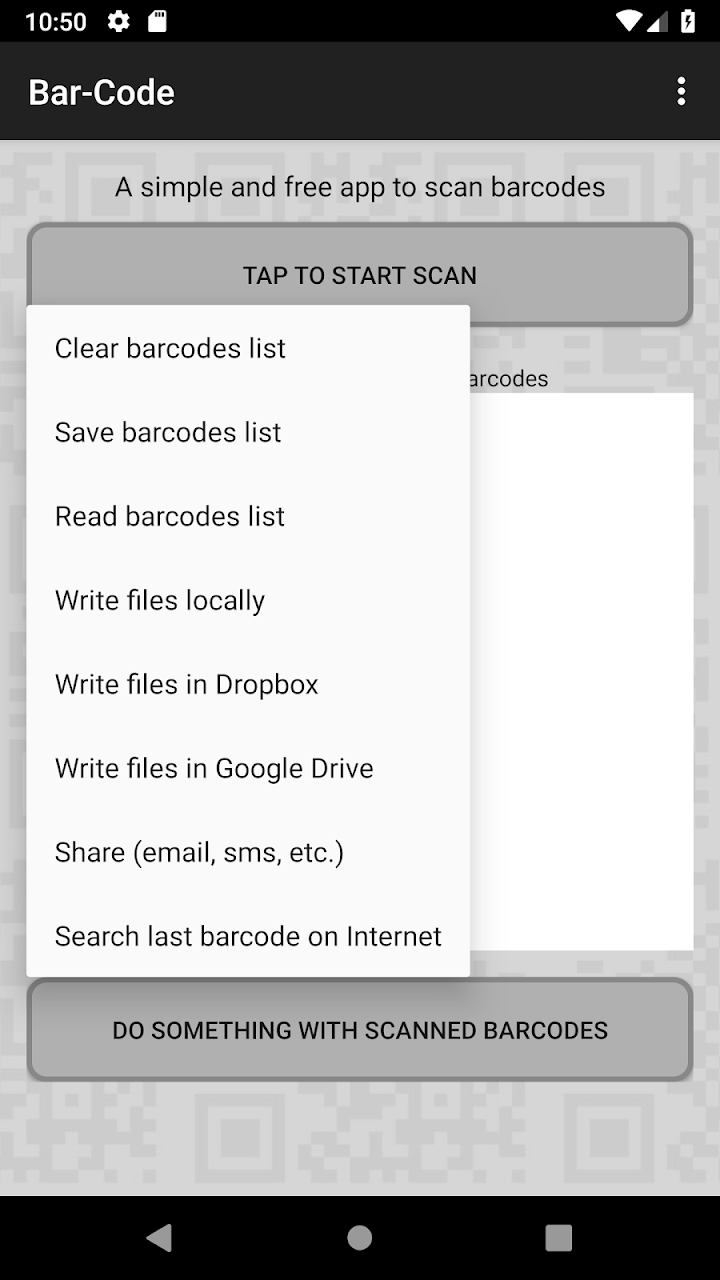
- Save or share — Scanned codes can be saved for later use, shared, or sent by email.
- Copy into other apps — The last scanned code is copied to the clipboard for pasting elsewhere.
- Web callback support — The app can return barcode content to a web app through a custom URL.
For stores, shelves, and quick checks
Bar-Code reader is built for moments when you need a code captured and reused, not just viewed. In a small store, it can scan product labels and keep the result ready for later. At home, it can handle labels, package codes, or QR codes and then let you copy the text, save it, or search it on the web.
What happens after the scan
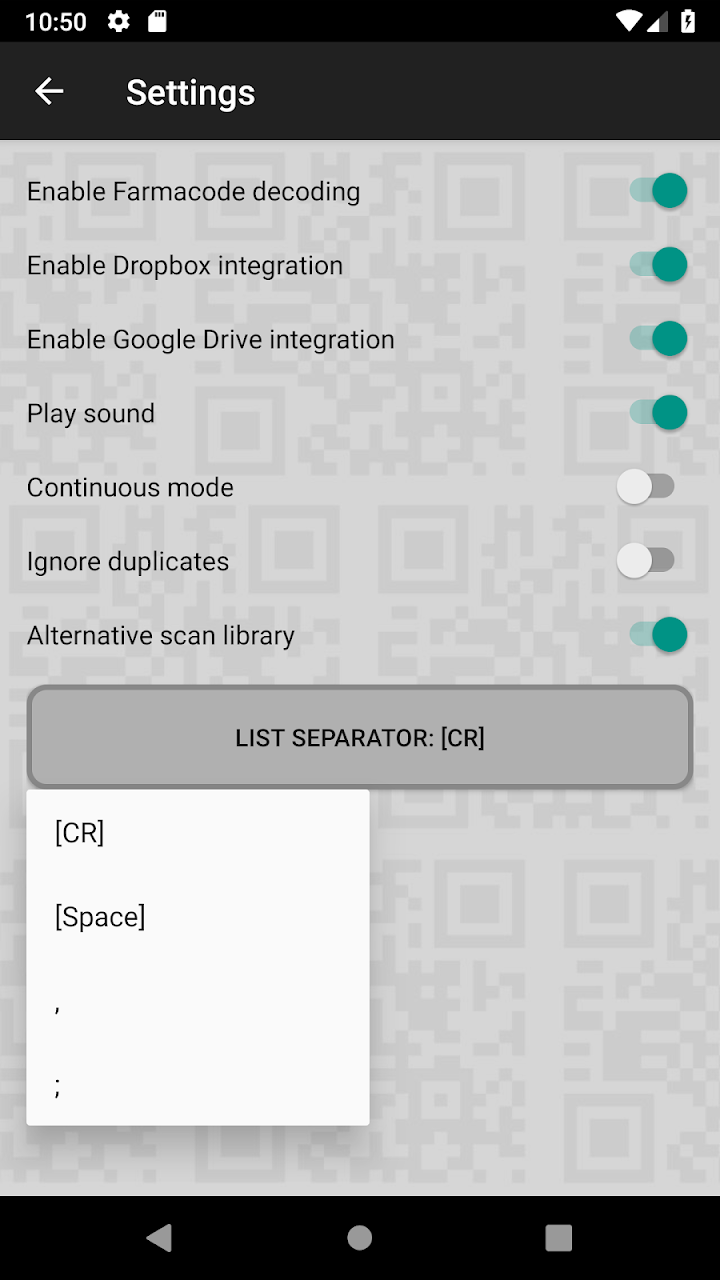
Once the camera detects a barcode, the app marks it with a green square and adds it to the scanned list. From there, you can send the code by email, save it to a text file, share it through Dropbox or Google Drive, or paste it into another app. It also includes a web callback option for users who want scanned content returned to a web app through a URL.
- Gets: scanning for 1D and 2D barcodes, save/copy/share options, and web search.
- Gets: support for formats including QR Code, Code 128, PDF417, and DataMatrix.
- Watch for: ads are included, and in-app purchases are available.
- Watch for: scanning needs a camera and works best when the code is aligned, lit, and in focus.
Install size and compatibility
The app is an APK file, sized at 14.7 MB, and it runs on Android 19 and up. It has a universal build and lists no permissions. The app was released on 2015-11-20 and was last updated on 2023-03-23.
When it fits your workflow
If you want a straightforward scanner that can do more than read a code once, Bar-Code reader may fit your routine. It is meant for people who want to keep scanned codes, move them into other apps, or hand them off to a website, while avoiding price checks since that is not part of what it does.
What's new
Version 1.18.3 · Nov 12, 2026
- Google Drive and Dropbox updates
APK information
- Version
- 1.18.3
- Package
- it.pw2.bar_code
- Category
- Tools
- Size
- 15 MB
- Min Android
- API 19
- Architecture
- universal
Older versions
-
Bar-Code reader 1.18.3Nov 12, 2026Latest downloadAPK
Bar-Code reader FAQ
Does Bar-Code reader drain the battery?expand_more
The app description does not mention battery use.
Is Bar-Code reader free to use?expand_more
Yes. It is free to download and use, and it also includes ads and in-app purchases.
How big is the Bar-Code reader download?expand_more
The APK size is 14.7 MB.
What barcode formats can Bar-Code reader scan?expand_more
It supports formats such as EAN, UPC, QR Code, Code 128, PDF417, DataMatrix, and several others listed in the app description.
What can I do with scanned codes?expand_more
You can save them, email them, copy or paste them into other apps, search for them on the web, or share them through Dropbox or Google Drive.