
- 3.5star13,193,062 reviews
- 1B+Downloads
- 0 MBAPK size
- TeenRated for Teen
- API 19+Android
check_circleOriginal APK from Bytedance Pte. Ltd. · Updated Nov 10, 2026

No threats found
0 / — antivirus engines flagged this file
Original signature
First seen — Bytedance Pte. Ltd.
Unmodified APK
Same file the developer published — no mods
CapCut - Video Editor screenshots
8 images · tap to enlarge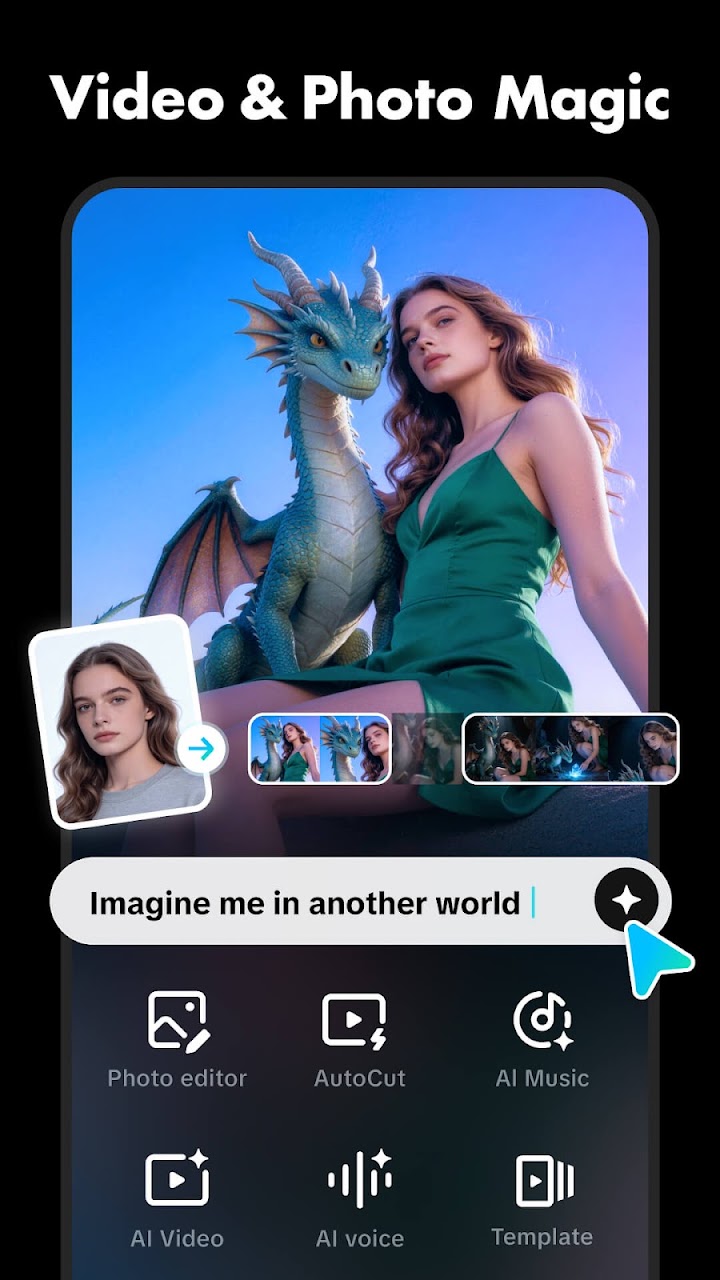
About this app
On a long train ride, CapCut - Video Editor gives you a way to trim clips, add captions, and shape a video before you share it. It combines basic cutting tools with options like keyframe animation, chroma key, motion tracking, and background removal, so it can cover quick edits and more detailed projects in one app.
- Trim and merge clips — Cut footage down, split scenes, or join clips together from a multi-track timeline.
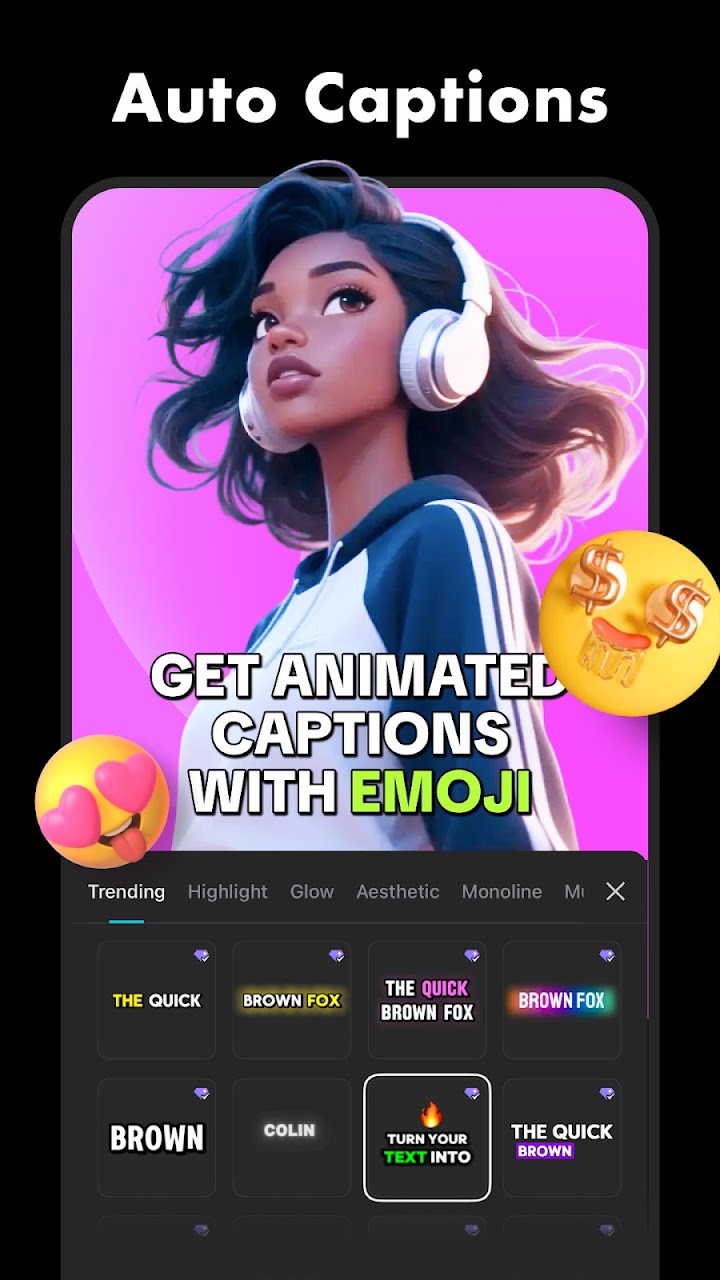
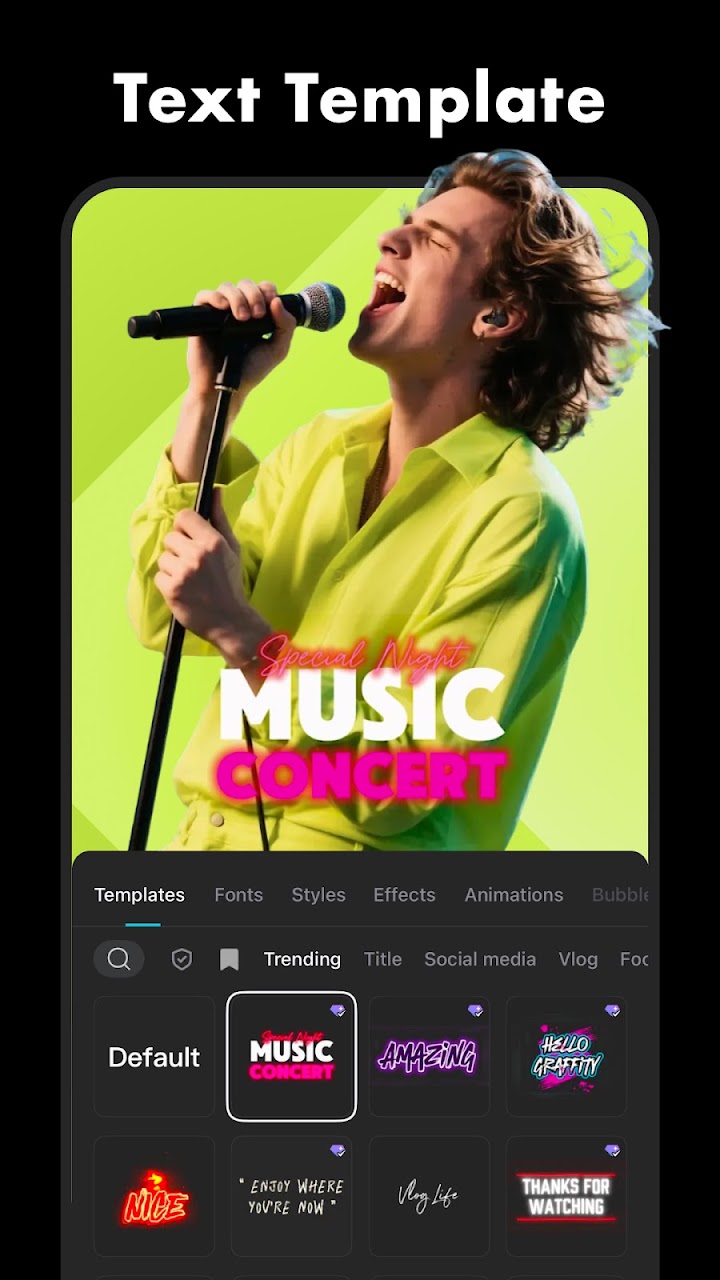
- Captions and text — Add subtitles, fonts, text templates, and text-to-speech in multiple languages and voices.
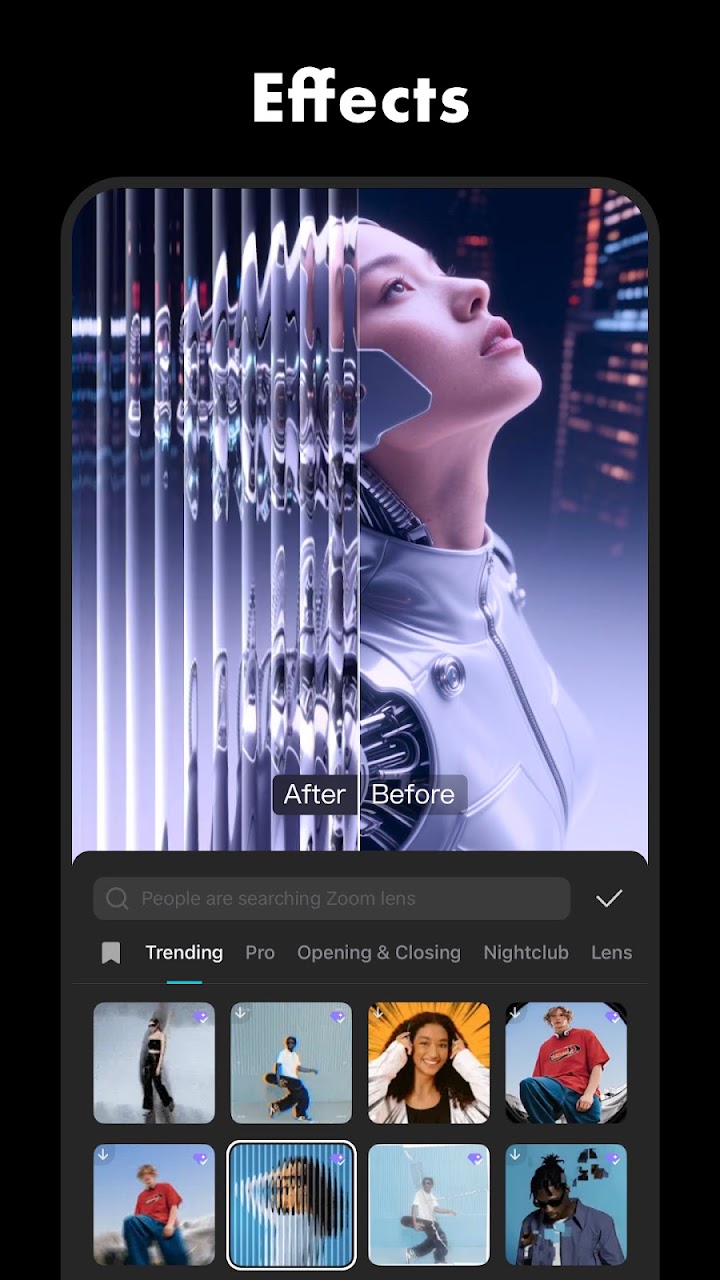
- Effects and filters — Use weekly updated filters and trending effects such as Glitch, Blur, and 3D.
- Motion and stability — Animate settings with keyframes, smooth slow-motion, and stabilization tools.
- Music and audio tools — Add music and sound effects, or extract audio from videos and recordings.
- Share-ready export — Export in custom resolutions, including 4K 60fps and smart HDR.
Quick edits on the move
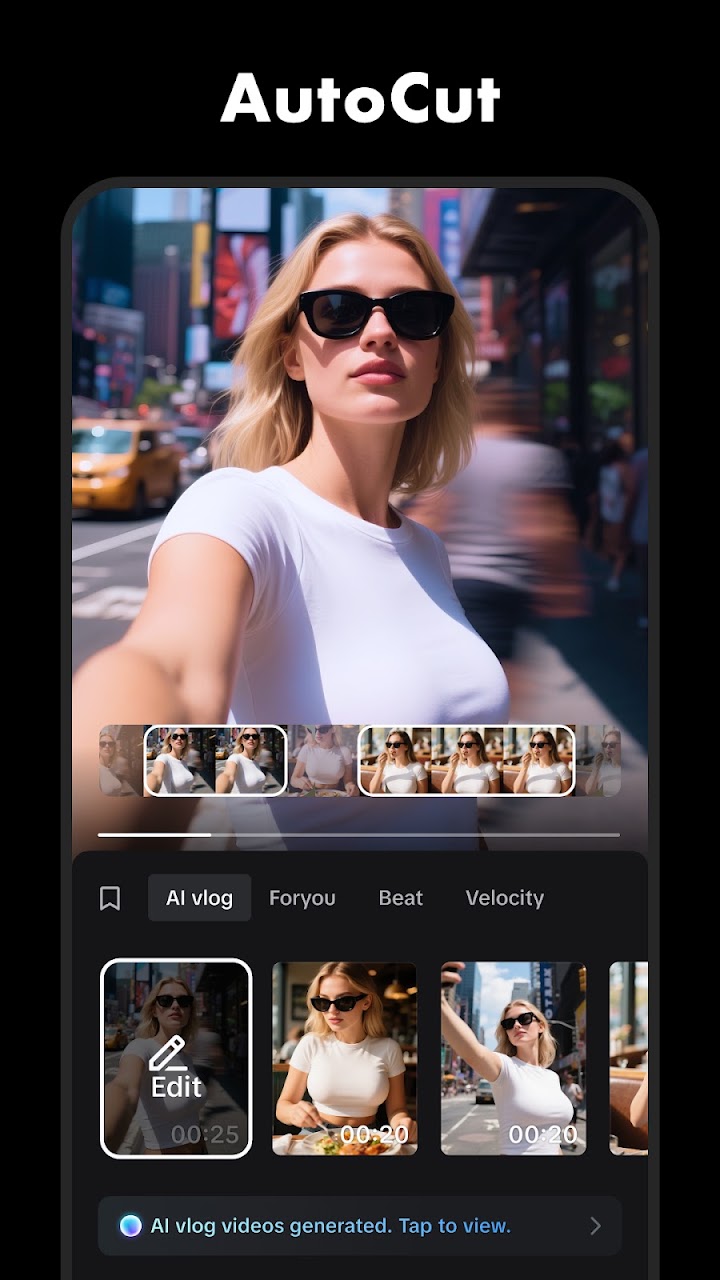
If you want to cut a clip down fast, CapCut handles the basics first: trim, split, merge, adjust speed, and add transition effects between scenes. It suits people who edit short videos on the way home, after class, or before posting to social apps.
Captioning, voices, and text styles
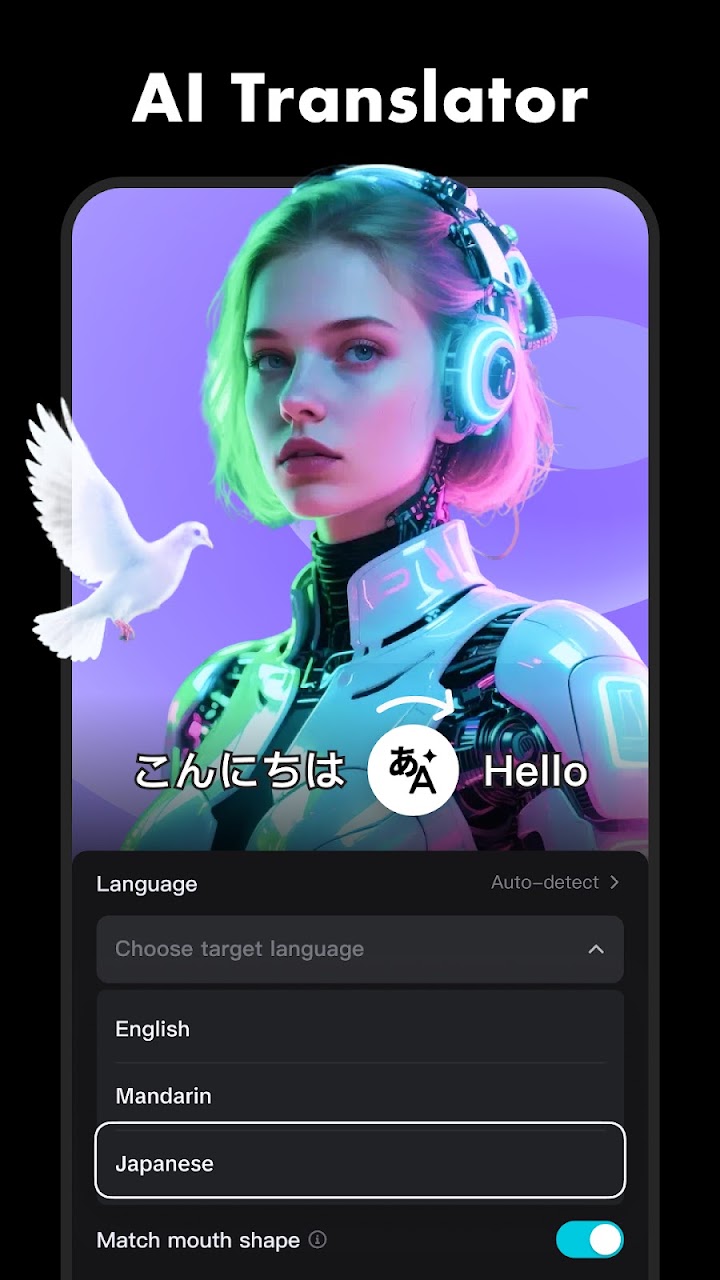
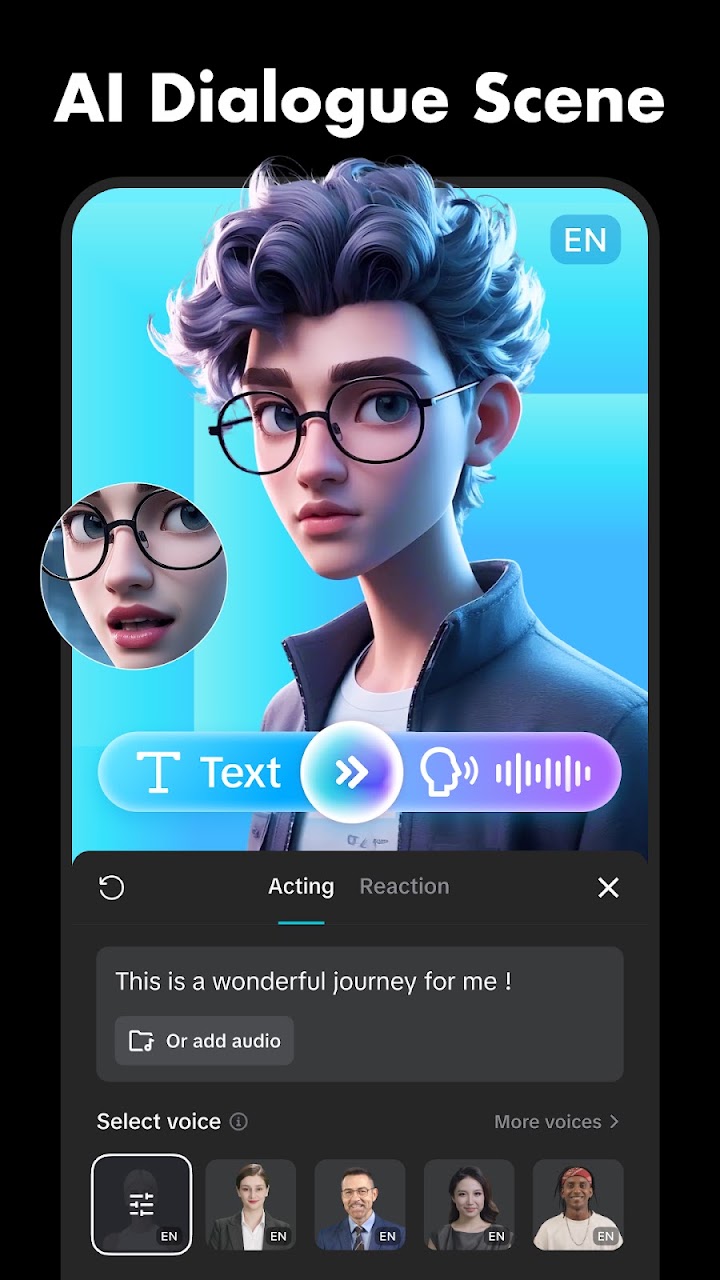
For videos that need words on screen, the app includes auto captions, subtitles on the timeline, and text-to-speech in multiple languages and voices. You can also choose fonts and text templates, and import fonts locally when you want a specific look.
Effects for more detailed edits
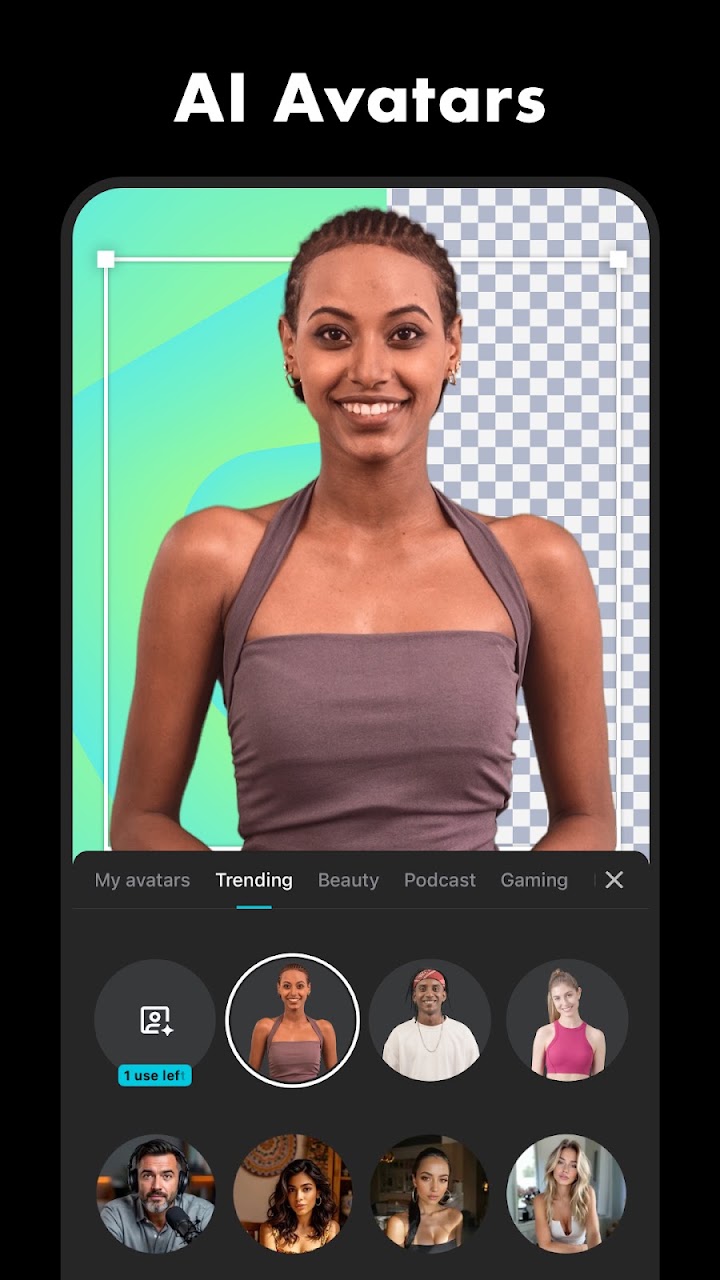
When a simple trim is not enough, CapCut adds keyframe animation, optical-flow slow motion, chroma key, motion tracking, background removal, freeze frames, and stabilization. That makes it useful for users who want to clean up shaky footage or build more layered edits.
What you get and what to watch for
- Gets: basic cutting tools, advanced timeline editing, music and sound effects, and export options up to 4K 60fps.
- Gets: free access to the app, with in-app purchases available.
- Watch for: it is rated Teen and includes no ads.
- Watch for: the APK format is universal, the app is 0.2 MB, and it requires Android API 19 or later.
People who post to TikTok, YouTube, Instagram, WhatsApp, or Facebook can use the built-in export and sharing flow to move finished videos out of the editor. CapCut is from Bytedance Pte. Ltd. and has been available since 2020-04-10.
APK information
- Version
- 999.999.45
- Package
- com.lemon.lvoverseas
- Category
- Video Players & Editors
- Size
- 0 MB
- Min Android
- API 19
- Architecture
- universal
Older versions
-
CapCut - Video Editor 999.999.45Nov 10, 2026Latest downloadAPK
CapCut - Video Editor FAQ
Can CapCut - Video Editor play offline?expand_more
The description does not say whether offline use is supported.
Does CapCut - Video Editor need a subscription?expand_more
The app is free to install and includes in-app purchases. No subscription details are listed.
Is this CapCut - Video Editor APK the original file?expand_more
This page is based on the listed APK for CapCut - Video Editor by Bytedance Pte. Ltd.
Does CapCut - Video Editor work on tablets?expand_more
The app lists universal ABIs and requires Android API 19 or later, but tablet-specific support is not stated.
What video editing tools does CapCut - Video Editor include?expand_more
It includes trim and merge tools, speed control, keyframes, chroma key, stabilization, auto captions, text-to-speech, and background removal.