
VivaVideo - Video Cut & Editor
QuVideo Inc. Video Editor & Video Maker App- 4.3star12,252,907 reviews
- 500M+Downloads
- 42 MBAPK size
- EveryoneRated for Everyone
- API 15+Android
check_circleOriginal APK from QuVideo Inc. Video Editor & Video Maker App · Updated Nov 12, 2026
No threats found
0 / — antivirus engines flagged this file
Original signature
First seen — QuVideo Inc. Video Editor & Video Maker App
Unmodified APK
Same file the developer published — no mods
VivaVideo - Video Cut & Editor screenshots
7 images · tap to enlarge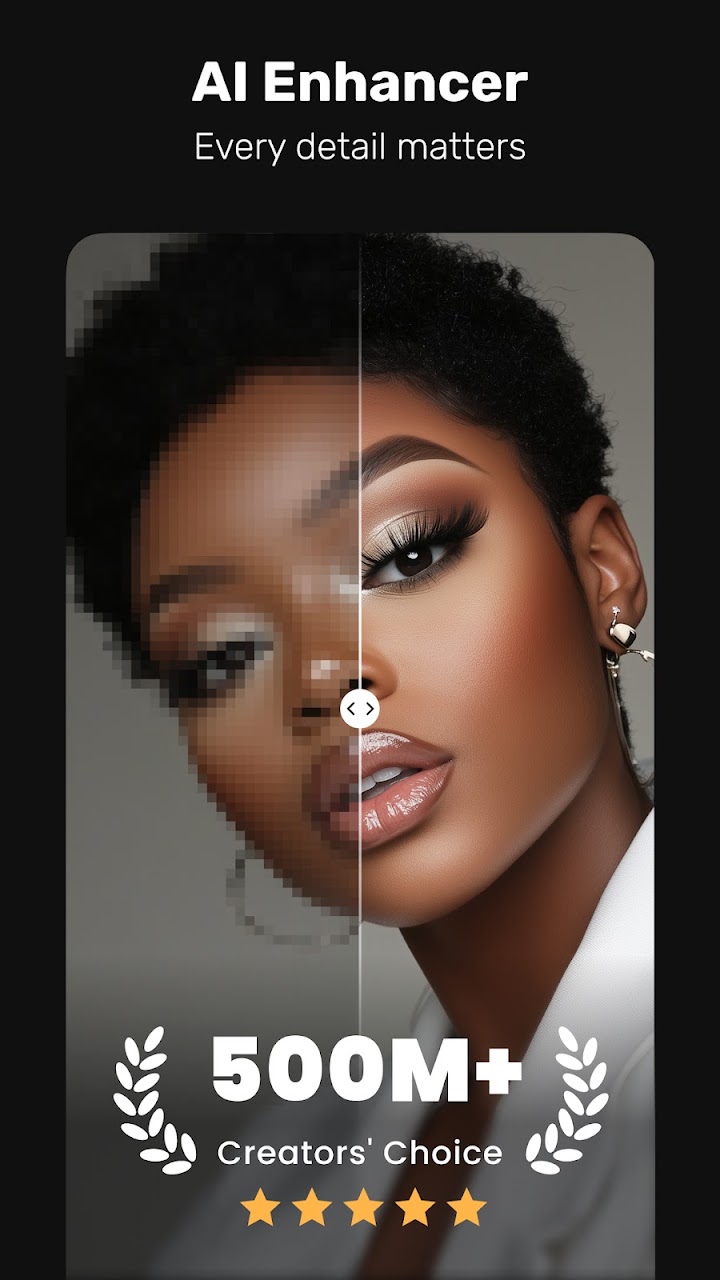
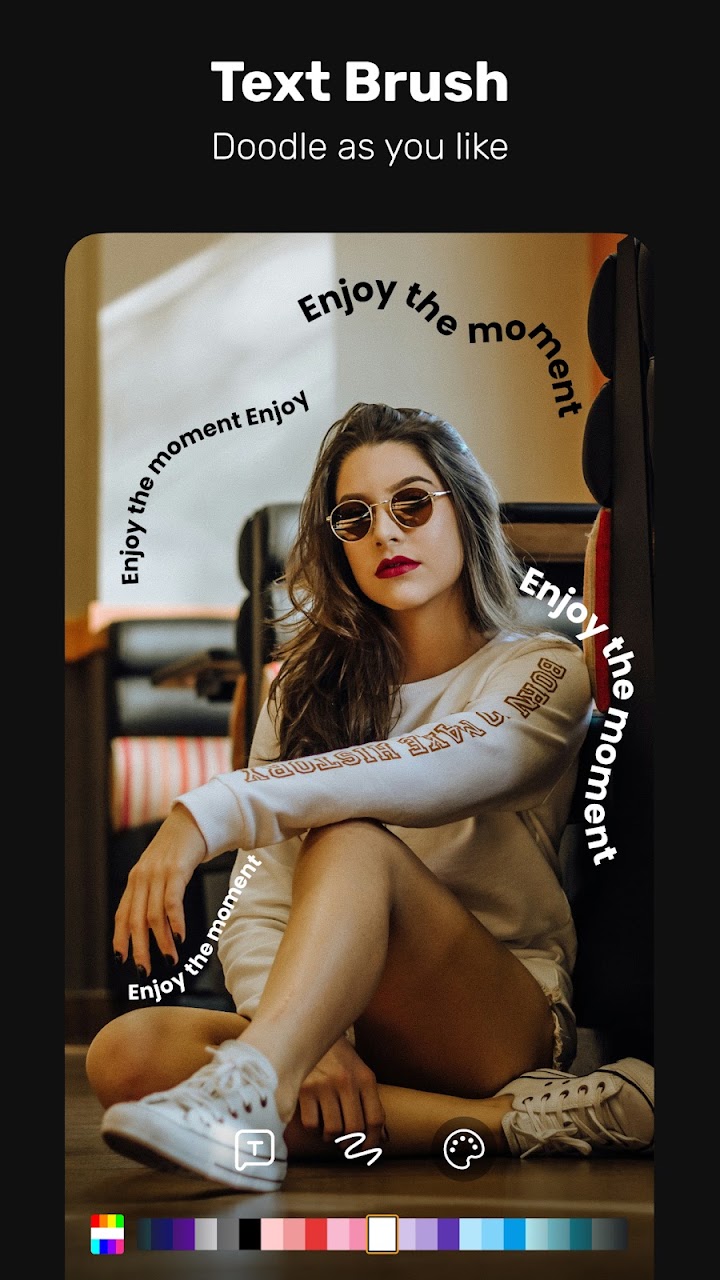
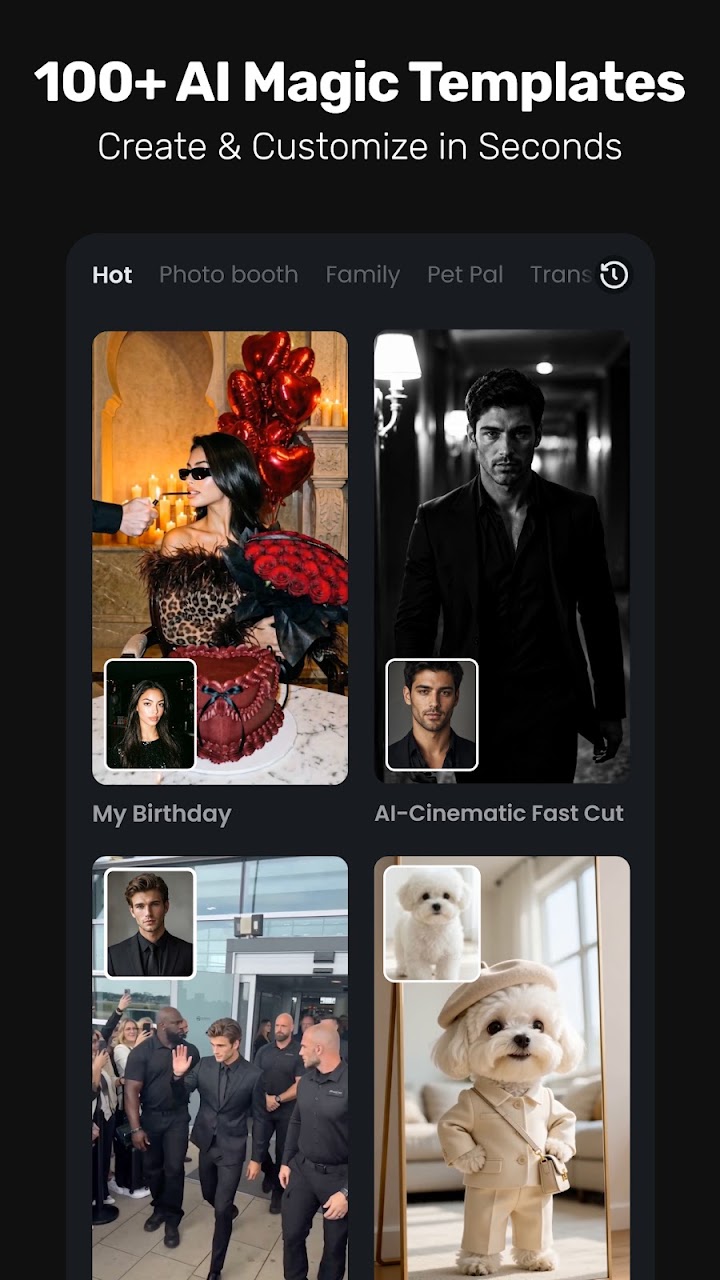
About this app
Need a video editor that covers quick posts and detailed edits? VivaVideo - Video Cut & Editor opens into AI tools, timeline-style editing, and effects you can use for Reels, stories, and longer clips. It also includes music, sound effects, and caption tools, though ads and in-app purchases are part of the app.
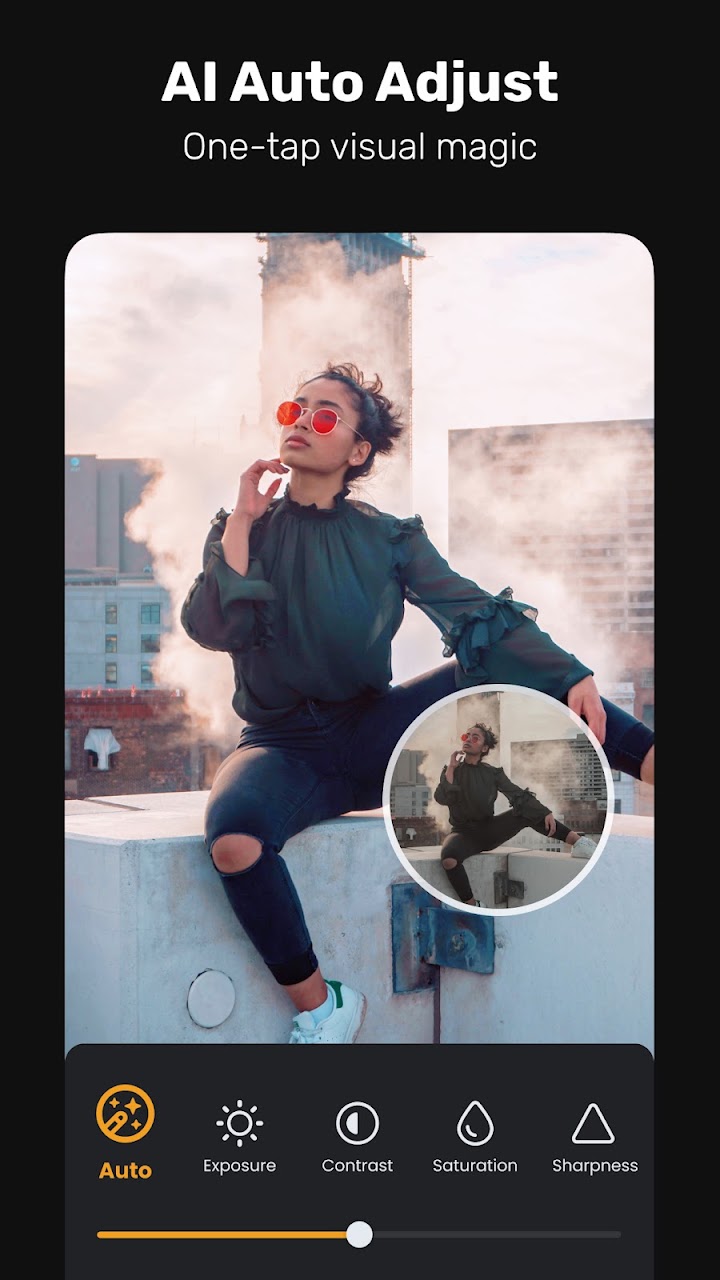
- AI video tools — Use AI templates, auto captions, text-to-video, and image-to-video features to build clips faster.
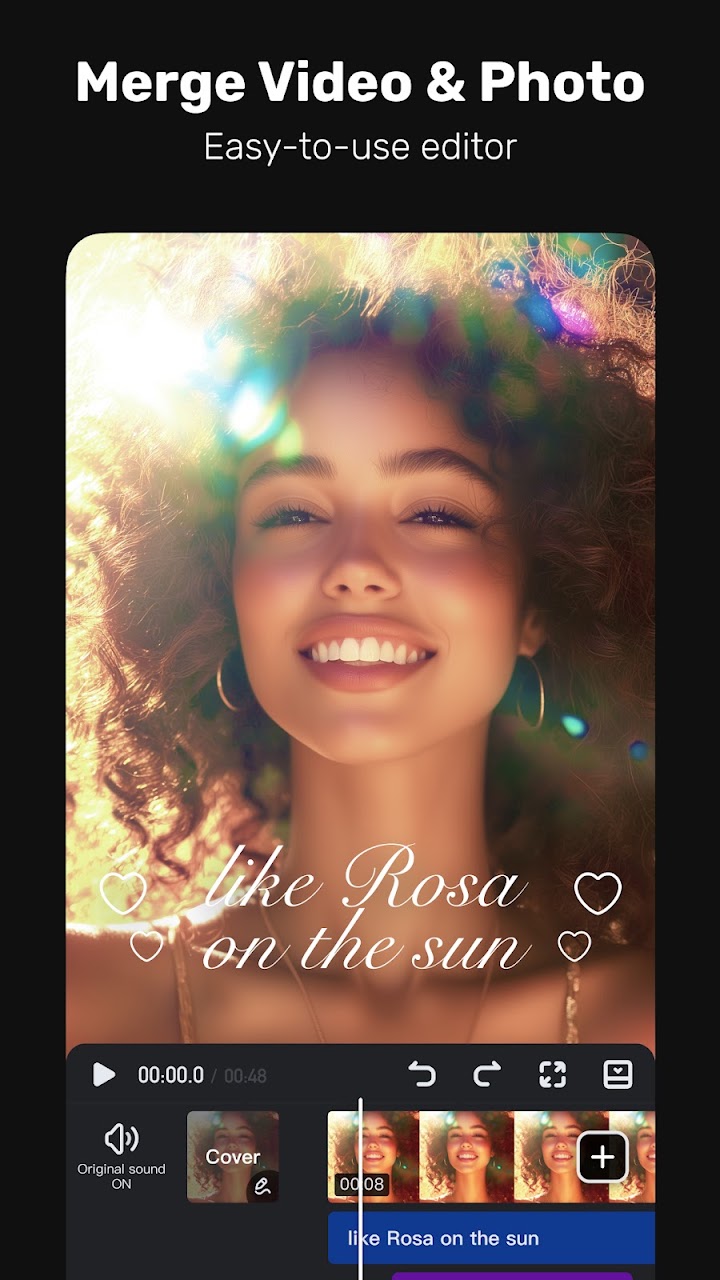
- Trim and merge — Cut, split, or combine clips while keeping the video quality intact.
- Audio extraction — Pull audio from video clips and recordings when you need the sound on its own.
- Effects and filters — Add transitions, glitch, retro DV, blur, 3D, and other visual effects to a project.
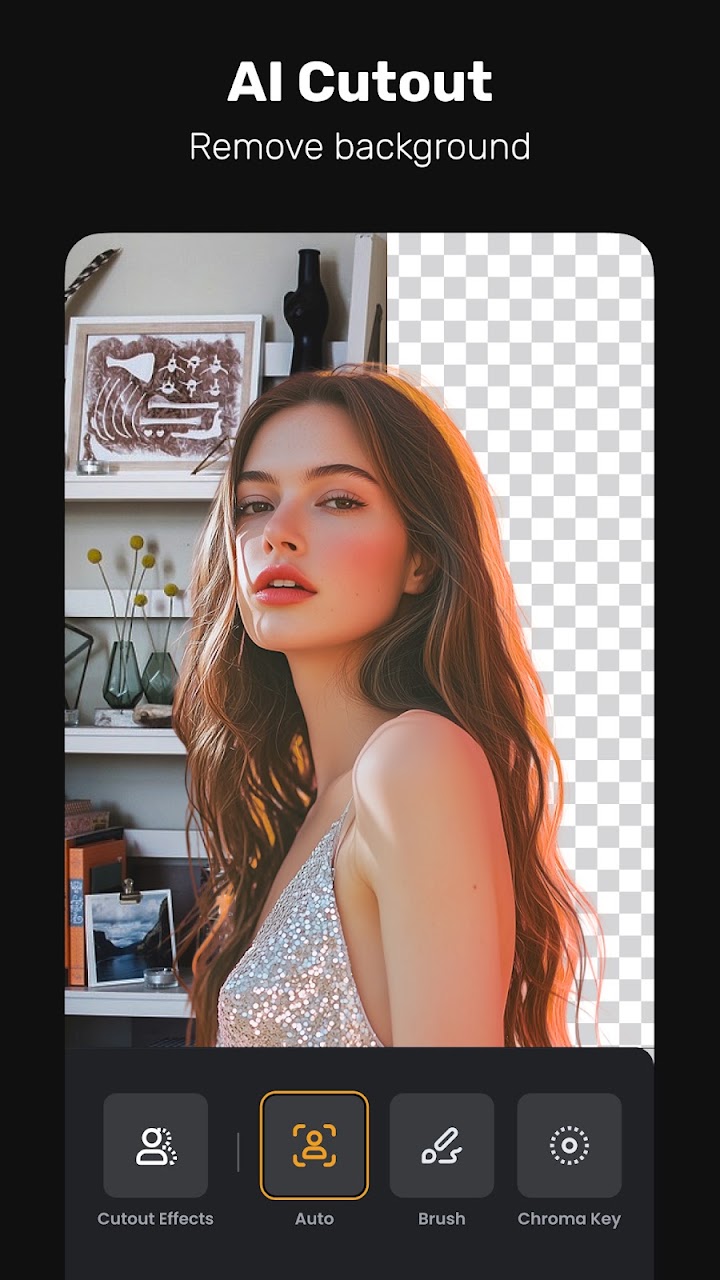
- Pro editing layers — Work with keyframes, chromakey, masking, PIP, mosaic, and object tracking on the same timeline.
Turn clips into social posts
VivaVideo gives you a place to shape a clip for TikTok, Instagram, YouTube, or a quick story post. The app combines AI templates, one-tap reels, and regular editing tools, so you can start with a short idea and move straight into trimming, adding text, and choosing music.
Make captions from speech
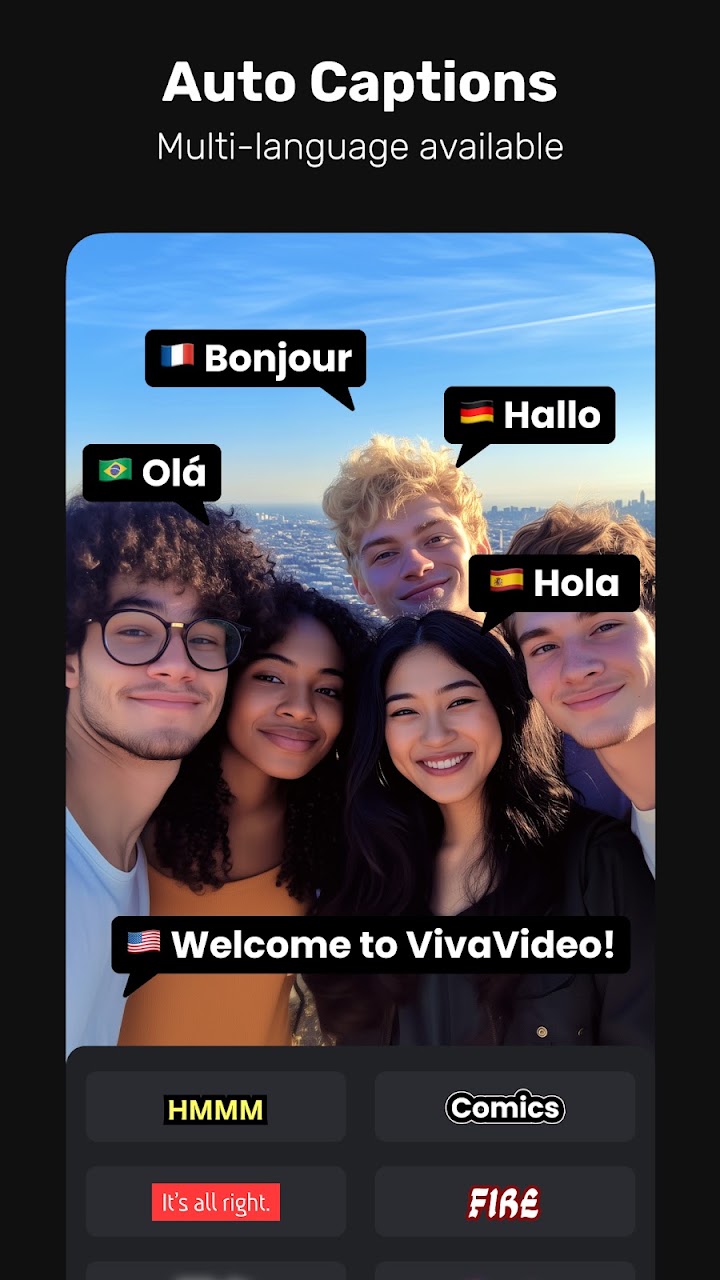
The auto-caption tools are useful when you are editing a talking clip and want subtitles without typing everything by hand. You can generate speech-to-text captions and use caption translation in one tap, which makes it easier to prepare a video for different audiences.
Extract audio and build around it
If you only need the sound from a clip, VivaVideo can extract audio from videos and recordings. That is handy for saving a voice line, reusing a sound, or pairing a track with a new edit. The music and sound effects library gives you more to layer into the finished video.
Use advanced edits when a clip needs more work
For more detailed projects, the app includes keyframes, chromakey, masking, picture-in-picture, mosaic, and smart tracking. Those tools let you place text or effects on moving subjects, cover parts of a frame, or combine several layers in one edit.
Install notes: the app is an APK file, 41.7 MB, and needs Android 15 or higher. It is free to install, but it also includes ads and in-app purchases.
- Free app with ads and in-app purchases
- APK format, universal build
- Minimum Android: API 15
- Version: 7.0.2
APK information
- Version
- 7.0.2
- Package
- com.quvideo.xiaoying
- Category
- Video Players & Editors
- Size
- 42 MB
- Min Android
- API 15
- Architecture
- universal
Older versions
-
VivaVideo - Video Cut & Editor 7.0.2Nov 12, 2026Latest downloadAPK
VivaVideo - Video Cut & Editor FAQ
Does VivaVideo - Video Cut & Editor need a subscription?expand_more
The app is free to install, but it also includes in-app purchases. Ads are part of the app as well.
Does VivaVideo - Video Cut & Editor support Chromecast?expand_more
Chromecast support is not listed for this app.
What is the difference between the APK and the Play Store version of VivaVideo - Video Cut & Editor?expand_more
The APK is the app file format used for installation. The app listing here does not separate features between an APK build and a Play Store build.
How do I update VivaVideo - Video Cut & Editor from an APK?expand_more
Install the newer APK version over the existing one when an update is available. The current version listed is 7.0.2.
Can VivaVideo - Video Cut & Editor extract audio from video?expand_more
Yes. It includes an audio extraction tool for pulling sound from video clips and recordings.