
- 4.0star11,238,135 reviews
- 500M+Downloads
- 41 MBAPK size
- TeenRated for Teen
- API 16+Android
check_circleOriginal APK from Joyo Technology Pte Ltd · Updated Nov 12, 2026

No threats found
0 / — antivirus engines flagged this file
Original signature
First seen — Joyo Technology Pte Ltd
Unmodified APK
Same file the developer published — no mods
Kwai - Video & Drama screenshots
5 images · tap to enlarge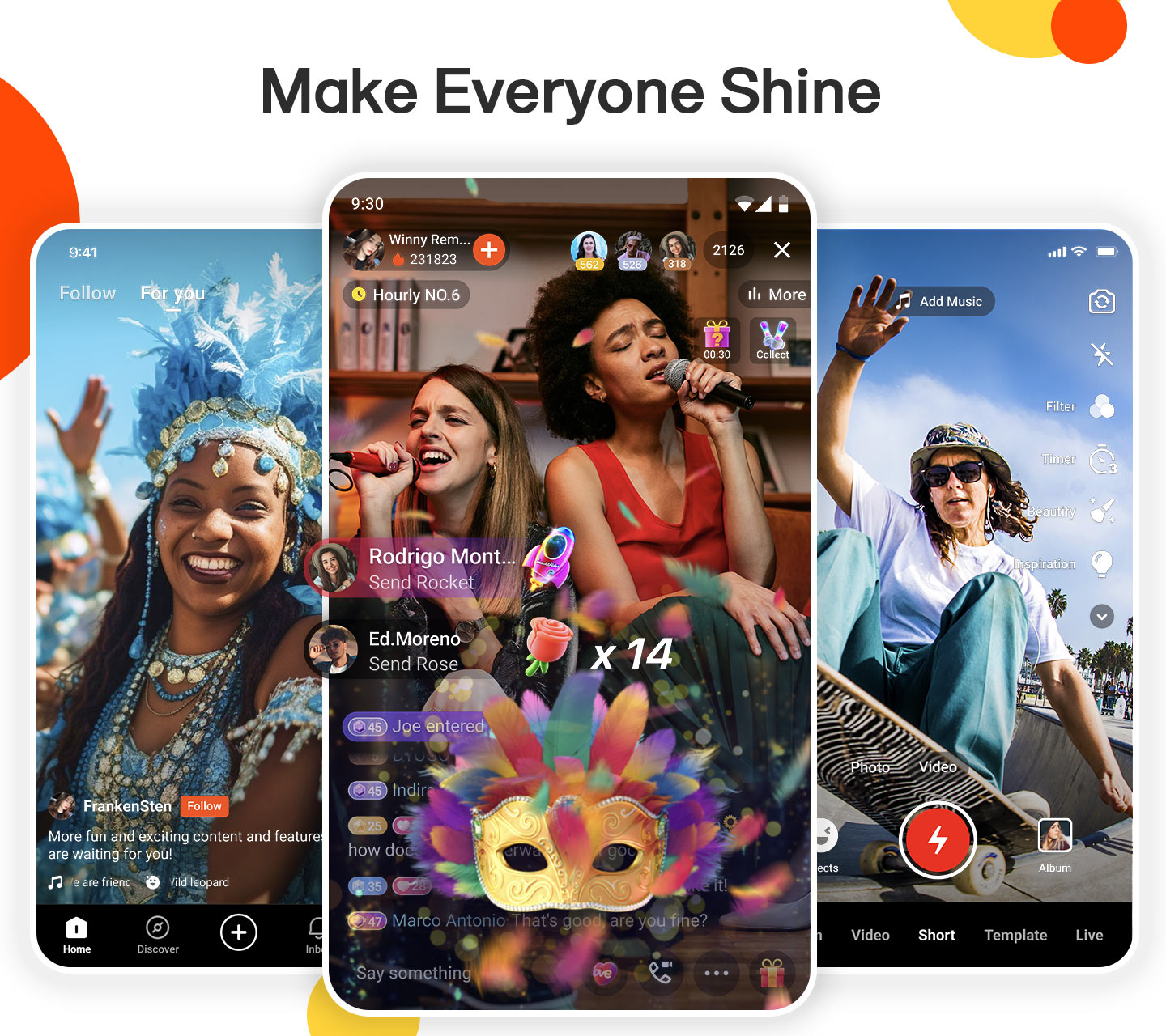

About this app
Short videos and saved clips in one social feed. Kwai - Video & Drama lets you watch, create, download, and share videos, with private messages and creator tools alongside memes, trends, and challenges. It is free to install, but it includes ads and in-app purchases, so the experience is built around a social video stream rather than a simple player.
- Video downloads — Save videos to watch later when you are offline.
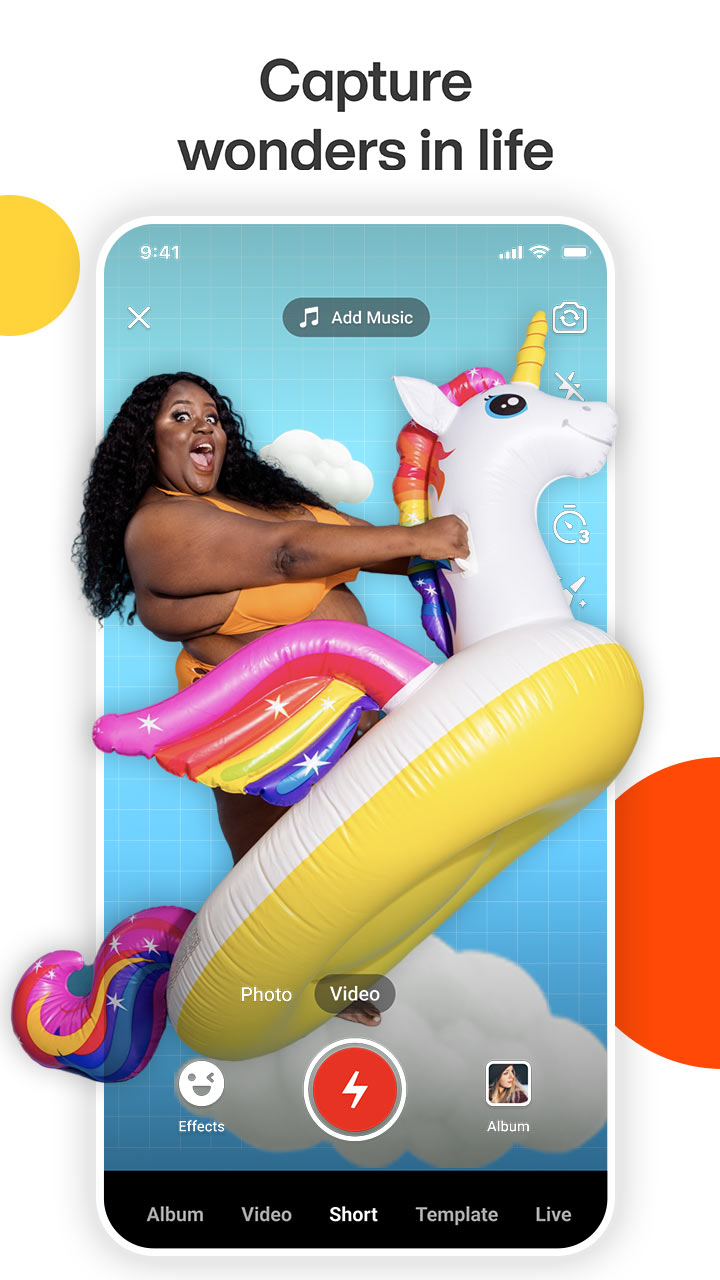
- Creator tools — Record and upload your own short videos to the community.
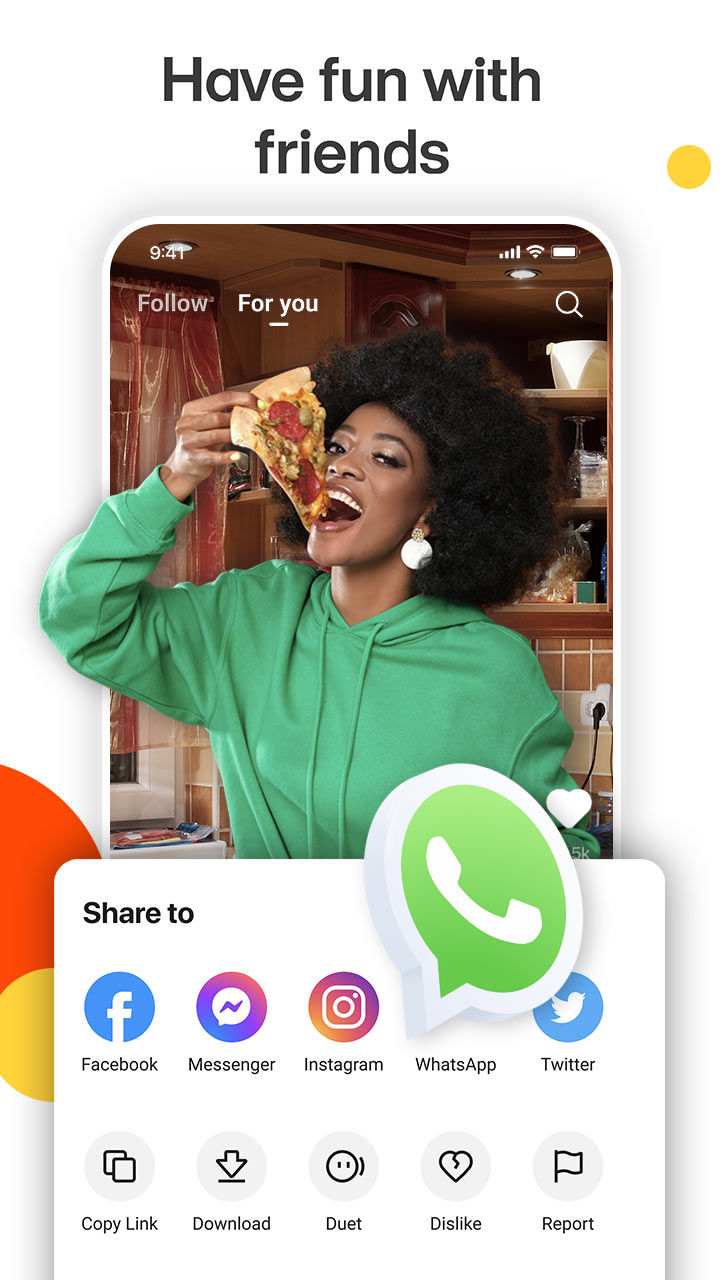
- Social sharing — Share clips to WhatsApp, Instagram, Twitter, and other platforms.
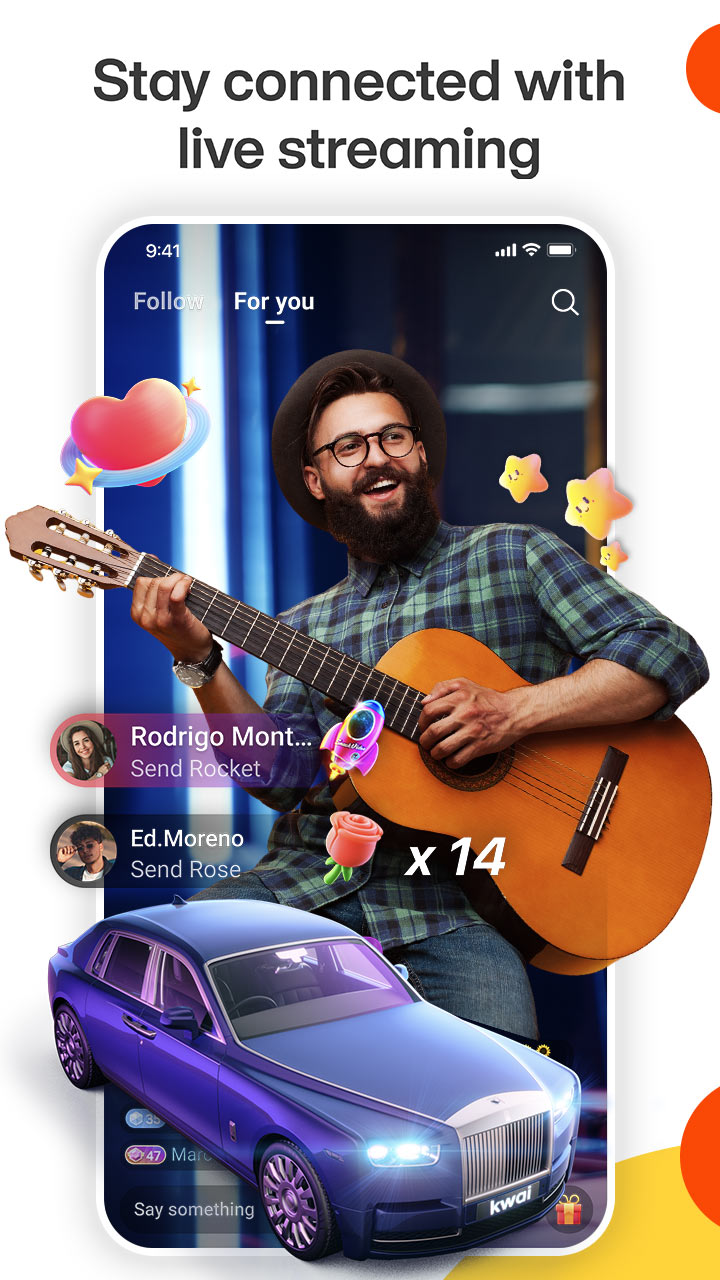
- Private messages — Connect with other users through direct messages.
- Effects and duets — Use effects and make duet-style videos with creators.
Short-video feed with social features
Kwai - Video & Drama is built around short videos, not long-form playback. You can browse memes, dance clips, music, humor, beauty, fashion, sports, pets, and more, then follow creators and join trends and challenges. Compared with a standard player like MX Player or a format-focused app such as Visha-Video Player All Formats, this app puts discovery and posting first.
It also leans more social than a basic editor. Private messages, duets, and creator follow tools make it closer to a community feed than a standalone video tool.
Download and watch later
One useful difference is offline viewing through downloads. You can save videos and watch them later without a connection, which is handy if you want to keep clips from the feed. That makes it more flexible than apps that only play local files or focus only on editing.
- You get: short-video browsing, downloads, duets, effects, sharing, and direct messages.
- Watch for: ads, in-app purchases, and a Teen rating.
Create, edit, and share clips
Kwai is not just for watching. You can create original videos, upload them to the community, and use effects while doing it. The app also lets you share videos to other platforms, including WhatsApp, Instagram, and Twitter. If you want a quick way to post and circulate clips, that is a stronger fit than a player-only app.
The app is free to install. It contains ads and offers in-app purchases. It comes as an APK file, is 40.8 MB, and works on Android devices running API 16 or later.
Where it fits among similar apps
Compared with CapCut - Video Editor or VivaVideo - Video Cut & Editor, Kwai is less about detailed editing and more about a social video feed with built-in sharing and creator interaction. Compared with SnackVideo - Video & Live Show, it sits in the same short-video space, but Kwai’s download option and community messaging are the details that stand out here.
If you want a video app that combines watching, posting, and saving clips in one place, Kwai covers that mix. If you only need playback or a dedicated editor, a simpler alternative may suit you better.
APK information
- Version
- 1.5.50.505103
- Package
- com.kwai.video
- Category
- Video Players & Editors
- Size
- 41 MB
- Min Android
- API 16
- Architecture
- universal
Older versions
-
Kwai - Video & Drama 1.5.50.505103Nov 12, 2026Latest downloadAPK
Kwai - Video & Drama FAQ
Does Kwai - Video & Drama need a subscription?expand_more
No subscription is listed. The app is free to use, but it contains ads and in-app purchases.
Can Kwai - Video & Drama play offline?expand_more
Yes, you can download videos and watch them later offline.
Is Kwai - Video & Drama available for older phones?expand_more
Yes. It supports Android API 16 and later, so it works on older devices that meet that minimum.
Is Kwai - Video & Drama free to use?expand_more
Yes, the app is free to install and use. It does include ads and in-app purchases.
What can I do besides watch videos?expand_more
You can create and upload videos, follow creators, send private messages, make duets, and share clips to other platforms.