
- 4.2star14,359,624 reviews
- 1B+Downloads
- 107 MBAPK size
- EveryoneRated for Everyone
- 7.0+Android
check_circleOriginal APK from Amazon Mobile LLC · Updated Nov 12, 2026

No threats found
0 / — antivirus engines flagged this file
Original signature
First seen — Amazon Mobile LLC
Unmodified APK
Same file the developer published — no mods
MX Player screenshots
8 images · tap to enlarge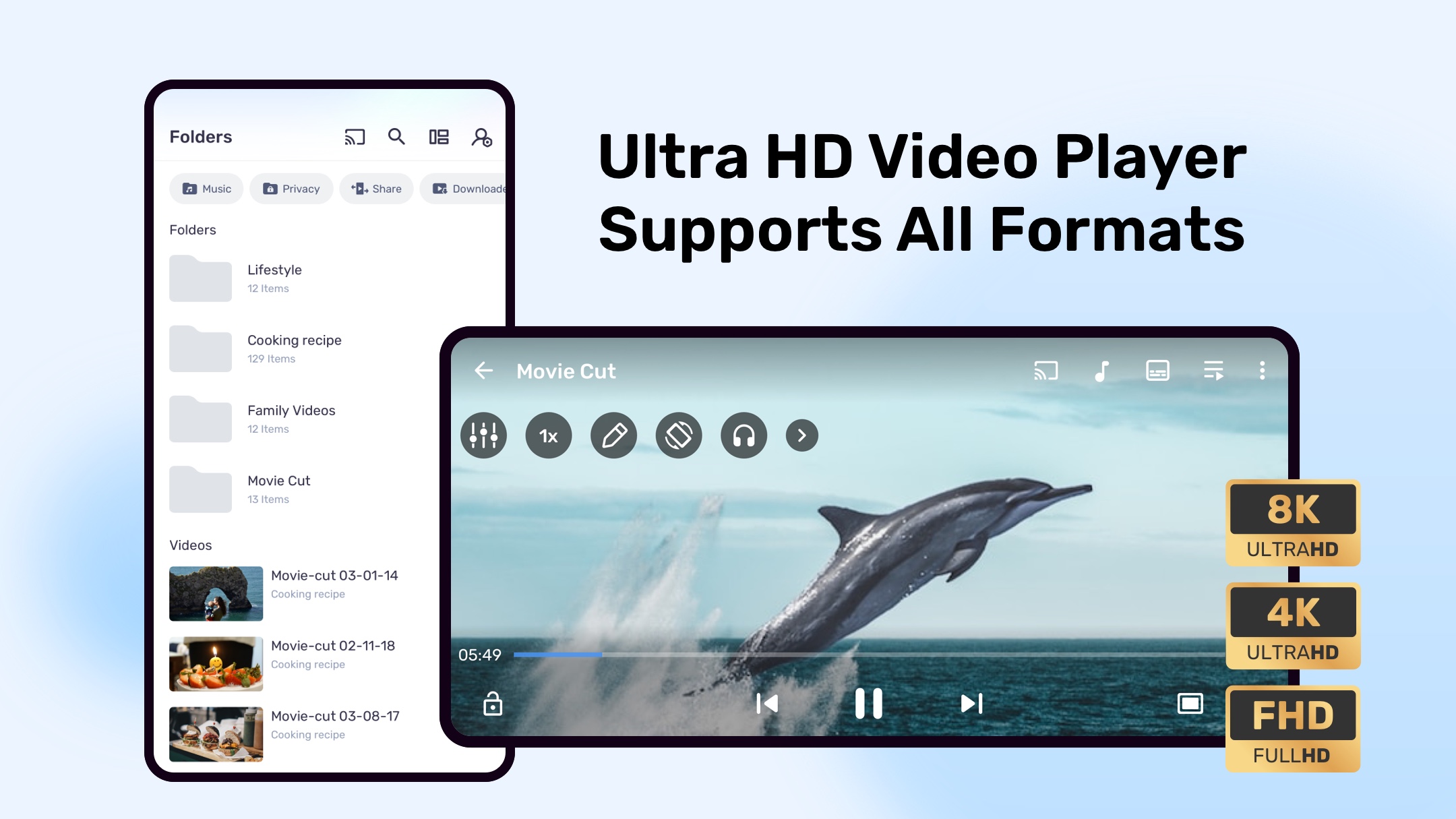
About this app
MX Player has over 1B+ installs and a 4.2 rating from 14,359,624 reviews. It opens when a video needs smoother playback, subtitle control, or a quick way to keep something private. The app works on Android 7.0 and up, comes as a 107.4 MB APK, and supports ads plus in-app purchases.
- Hardware Acceleration — The HW+ decoder extends hardware acceleration to more videos for smoother playback.
- Multi-core Decoding — Multi-core devices can use decoding that MX Player says is faster than single-core playback.
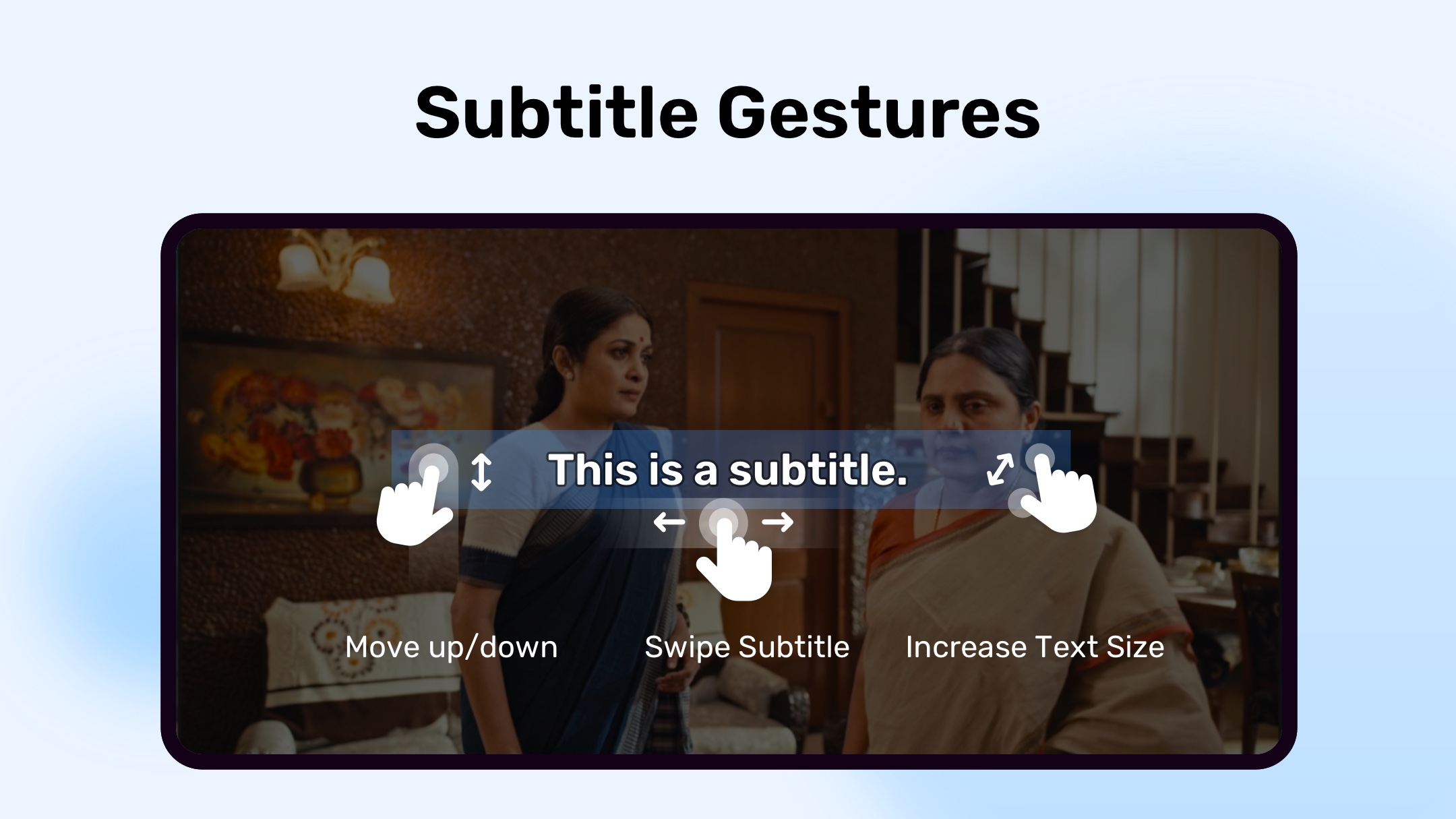
- Subtitle Controls — Pinch, swipe, and gesture controls make it easier to move, resize, and adjust subtitles.
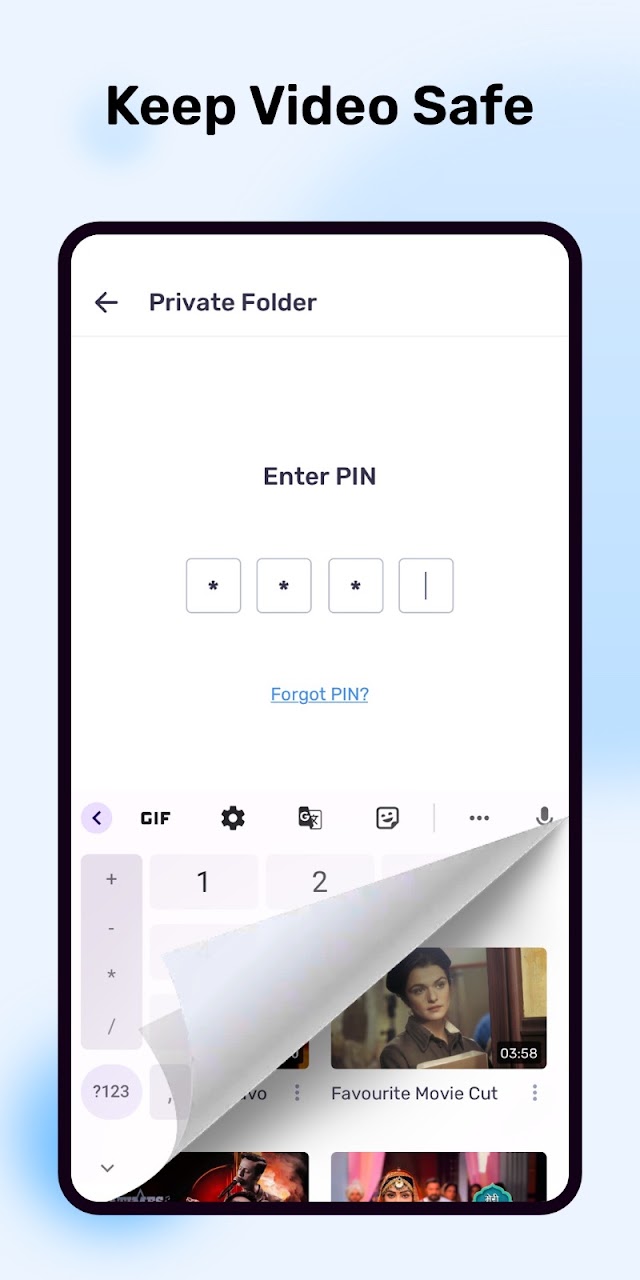
- Privacy Folder — Hide selected videos in a private folder instead of leaving them in the main library.
- Kids Lock — Keep playback on screen while preventing accidental calls or taps into other apps.
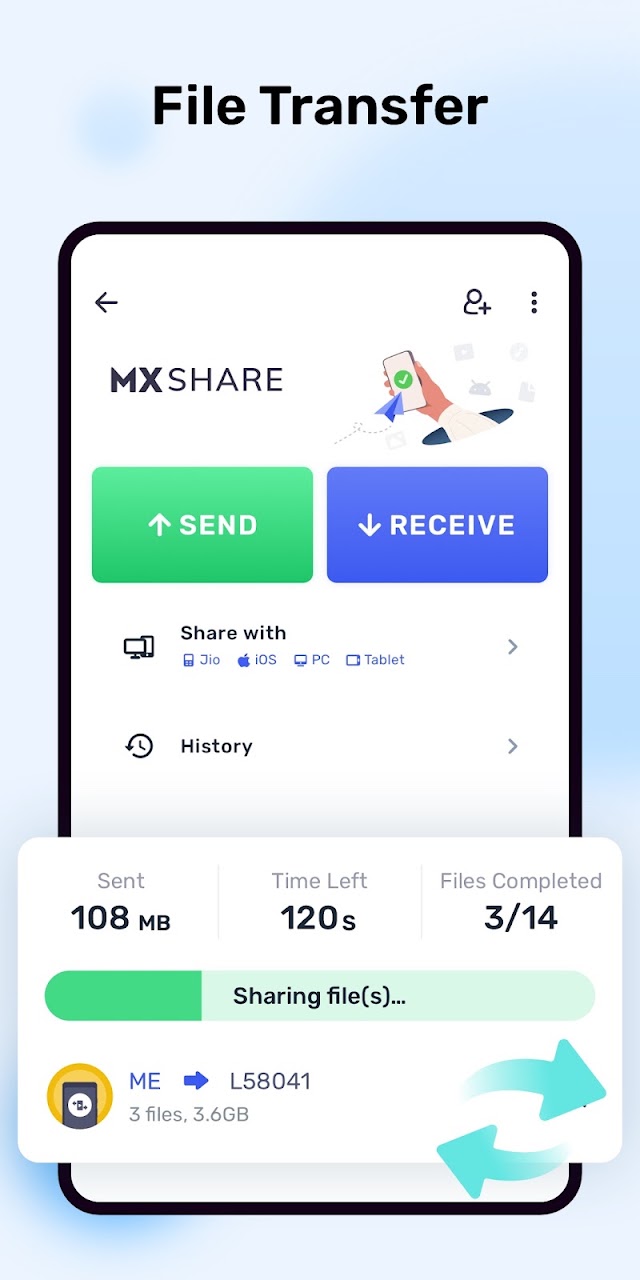
- File Transfer — Use QR codes, Wi-Fi Direct, hotspot, and nearby device discovery for transferring files.
When a video needs fewer interruptions
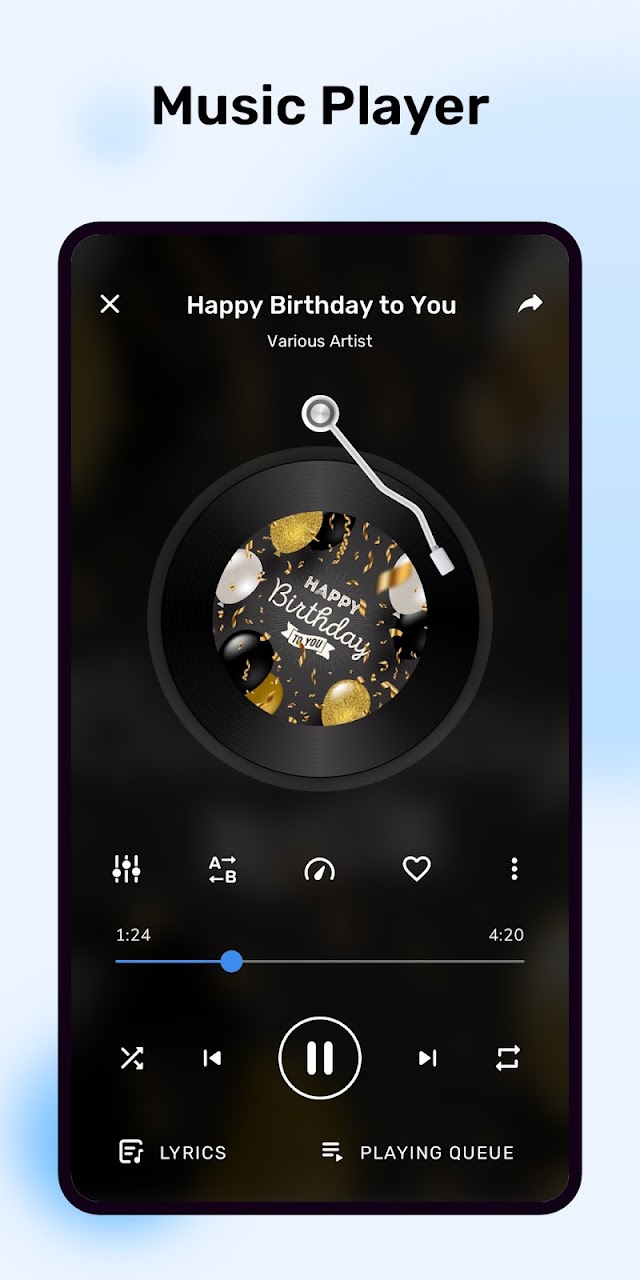
MX Player fits the moment when you just want to open a file and watch it without fighting lag or awkward controls. The app is built around video playback, but it also handles music, subtitles, and file transfer from the same screen. It is free to use, with ads and in-app purchases, so you may notice ad-supported screens while using it.
Playing local files on Android 7.0+
The app is available as a 107.4 MB APK and requires Android 7.0 or later. It uses Storage | All Files Access to identify, organize, and play media files and subtitles stored on the device. That makes it practical for everyday use with downloaded videos, saved clips, and subtitle files already on your phone.
Subtitle and playback gestures
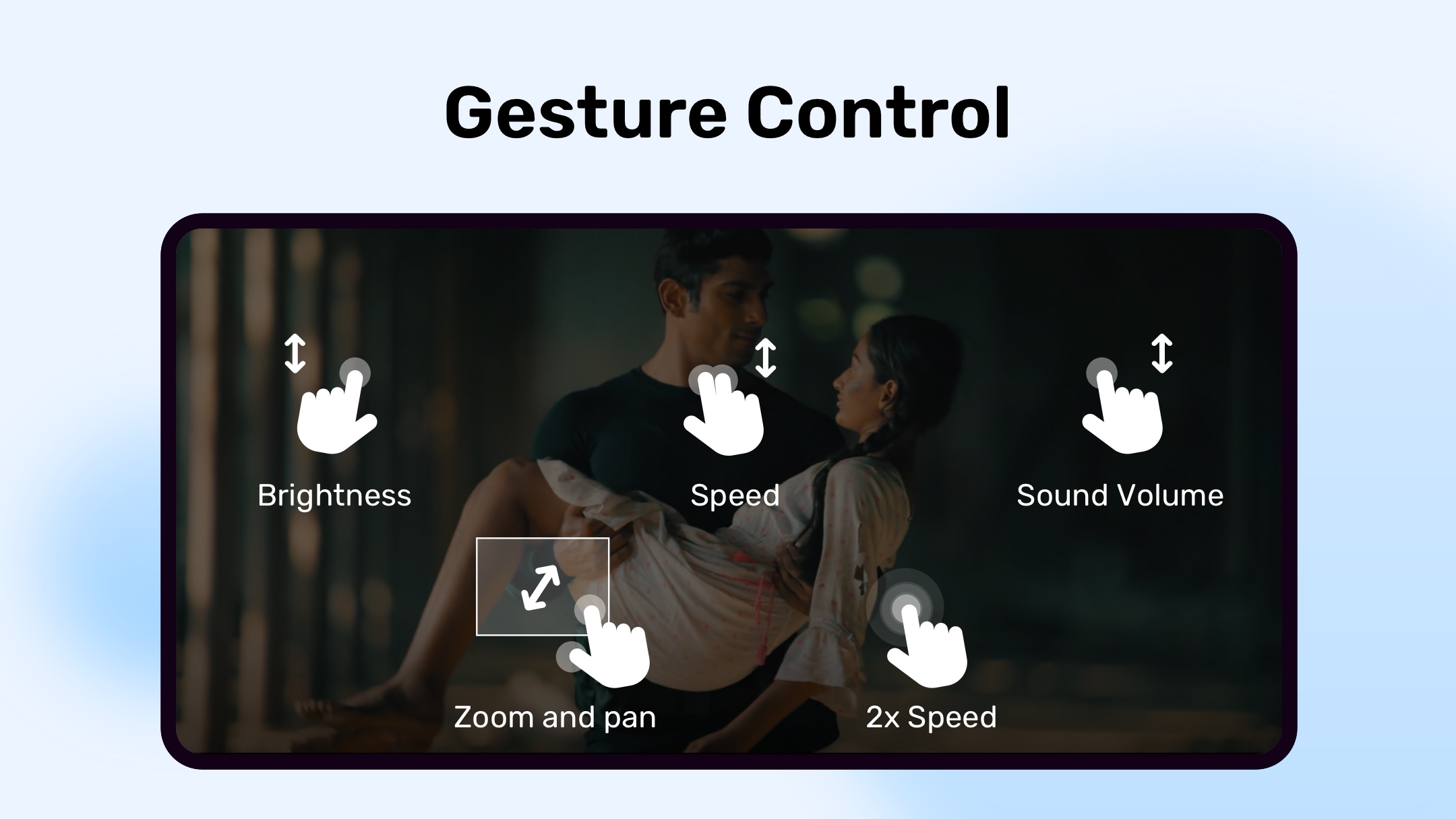
MX Player gives you direct control over playback with pinch to zoom, zoom and pan, and subtitle gestures. You can move subtitle text forward or backward, shift it up or down, and change text size without leaving playback. It also supports a wide list of subtitle formats, including SRT, SSA/ASS, VTT, and VobSub.
Private videos and Kids Lock
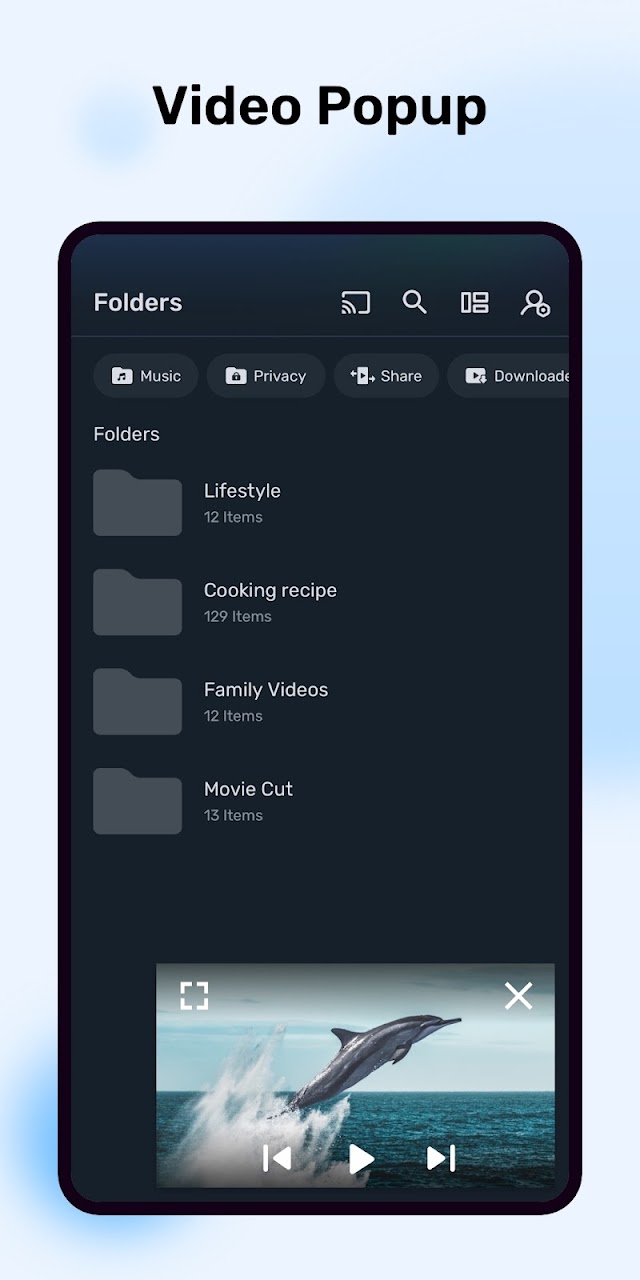
Two features stand out when the app is used around other people. The Privacy Folder lets you hide secret videos, while Kids Lock keeps playback active without giving easy access to calls or other apps. Optional permissions can add playback controls in notifications and picture-in-picture controls, but those features are not required for basic viewing.
File transfer and what to expect
For file transfer, the app can use the camera for QR scanning, location and nearby devices for discovery over Wi-Fi and Bluetooth, and system settings changes to enable Wi-Fi or Bluetooth connections. Those permissions are only for file transfer, and users can deny them and still use the rest of the app.
- Rating: 4.2 from 14,359,624 ratings
- Release: 2011-07-18
- Version: 3.2.13
- Developer: Amazon Mobile LLC
What's new
Version 3.2.13 · Nov 12, 2026
- Experience a smoother, faster, and more reliable application with our latest update. We've squashed bugs and optimized performance to ensure you have the best possible experience.
MX Player in the news
APK information
- Version
- 3.2.13
- Package
- com.mxtech.videoplayer.ad
- Category
- Video Players & Editors
- Size
- 107 MB
- Min Android
- 7.0
- Architecture
- universal
Older versions
-
MX Player 3.2.13Nov 12, 2026Latest downloadAPK
MX Player FAQ
Does MX Player support Chromecast?expand_more
Chromecast support is not listed. The app does mention picture-in-picture playback, playback controls in notifications, and file transfer features.
Can MX Player play offline?expand_more
Yes. It is designed to identify, organize, and play media files and subtitles stored on your device.
Is MX Player free to use?expand_more
Yes, it is free to use. The app also contains ads and offers in-app purchases.
Does MX Player need an account?expand_more
An account is not listed as required for playback. A phone number permission is mentioned only for autofill during sign-up/login in India.
What subtitle formats does MX Player support?expand_more
It supports many formats, including SSA/ASS, SRT, VobSub, WebVTT, DVB, and Teletext.