- 4.5star3,093,769 reviews
- 100M+Downloads
- 35 MBAPK size
- EveryoneRated for Everyone
- 5.0+Android
check_circleOriginal APK from Piriform · Updated Nov 12, 2026
No threats found
0 / — antivirus engines flagged this file
Original signature
First seen — Piriform
Unmodified APK
Same file the developer published — no mods
CCleaner – Phone Cleaner screenshots
7 images · tap to enlarge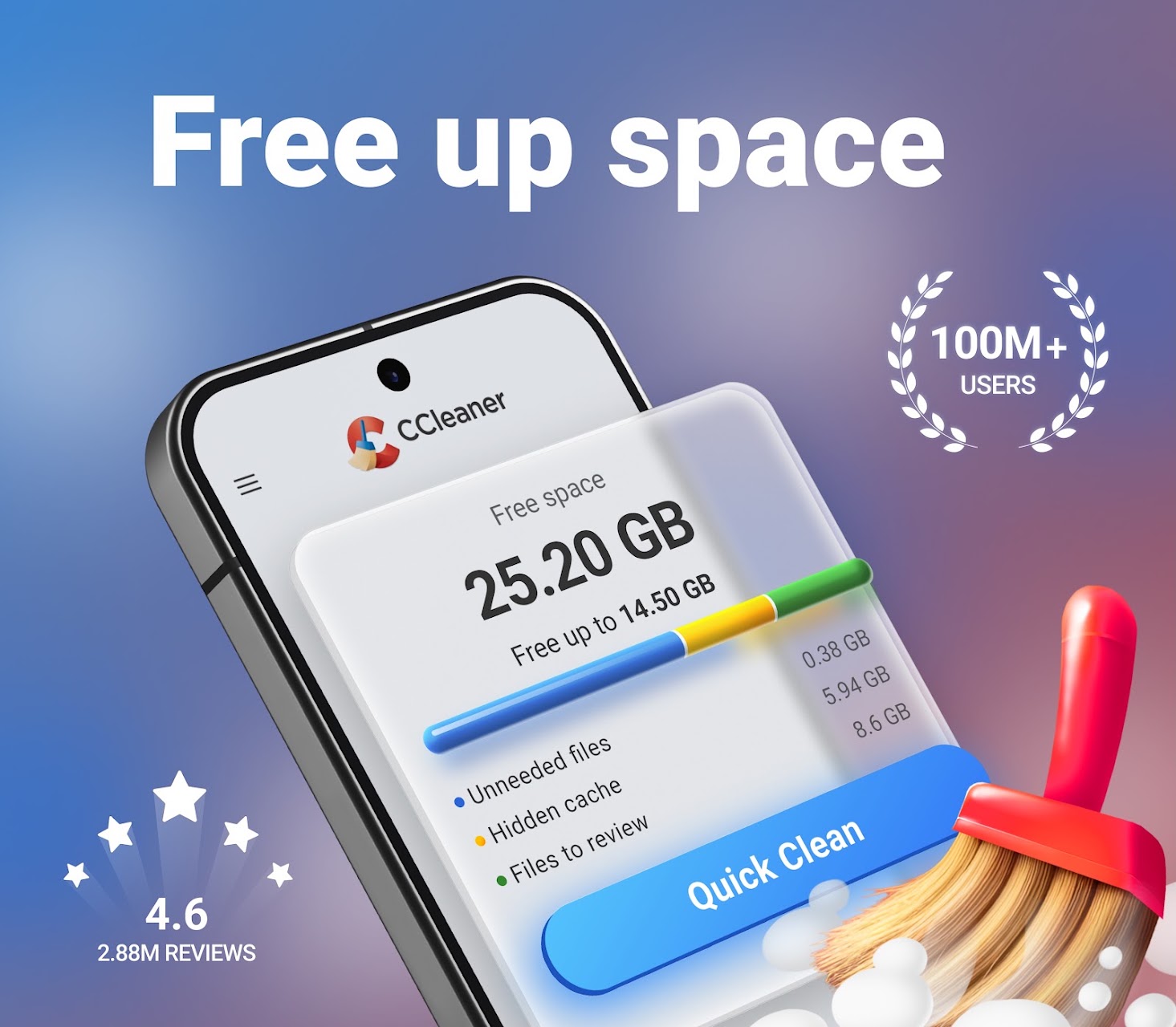
About this app
When your phone storage is full and apps start slowing things down, CCleaner – Phone Cleaner helps clear junk and sort through what is using space. It removes leftover files, checks app impact, and can clean photos and storage from one app. It is free, with ads and in-app purchases.
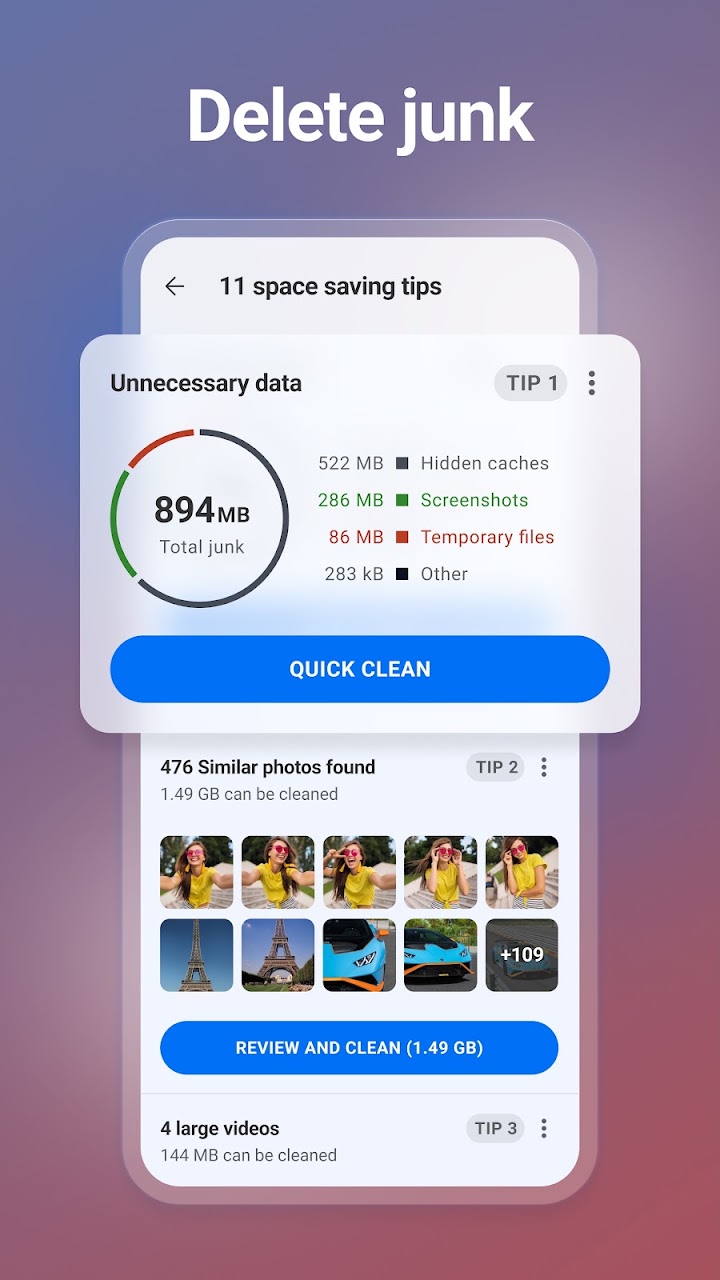
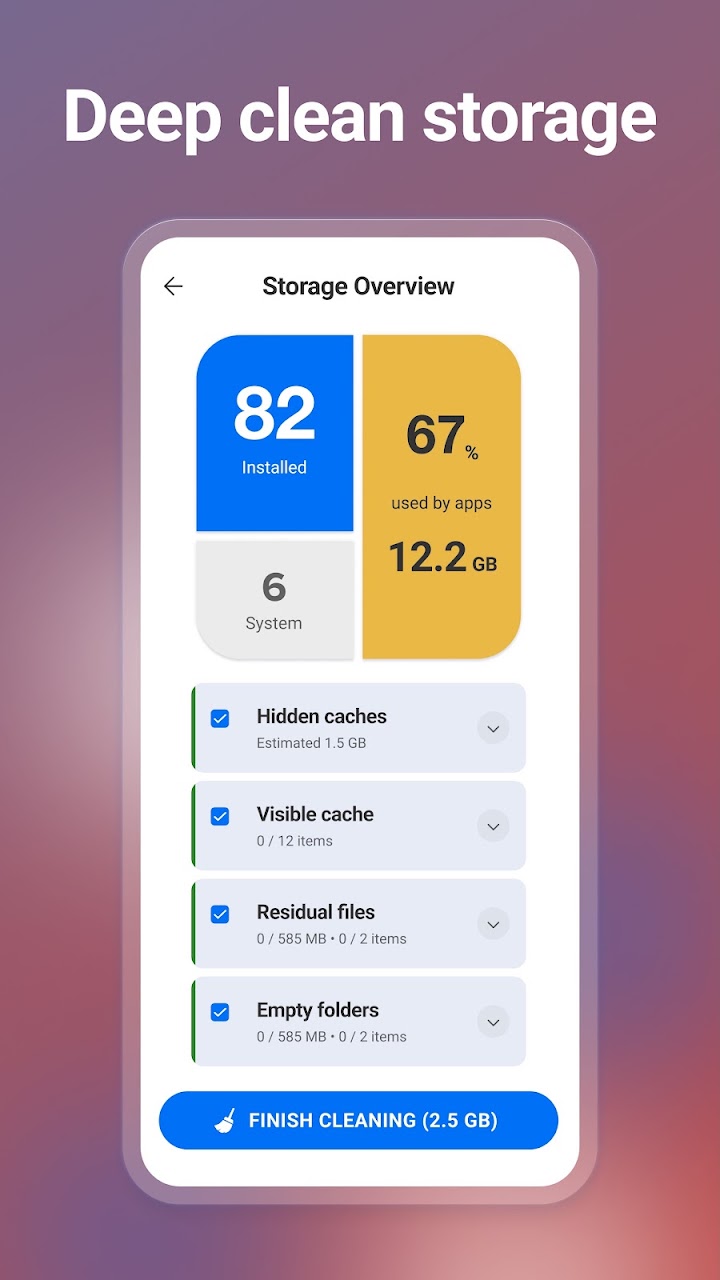
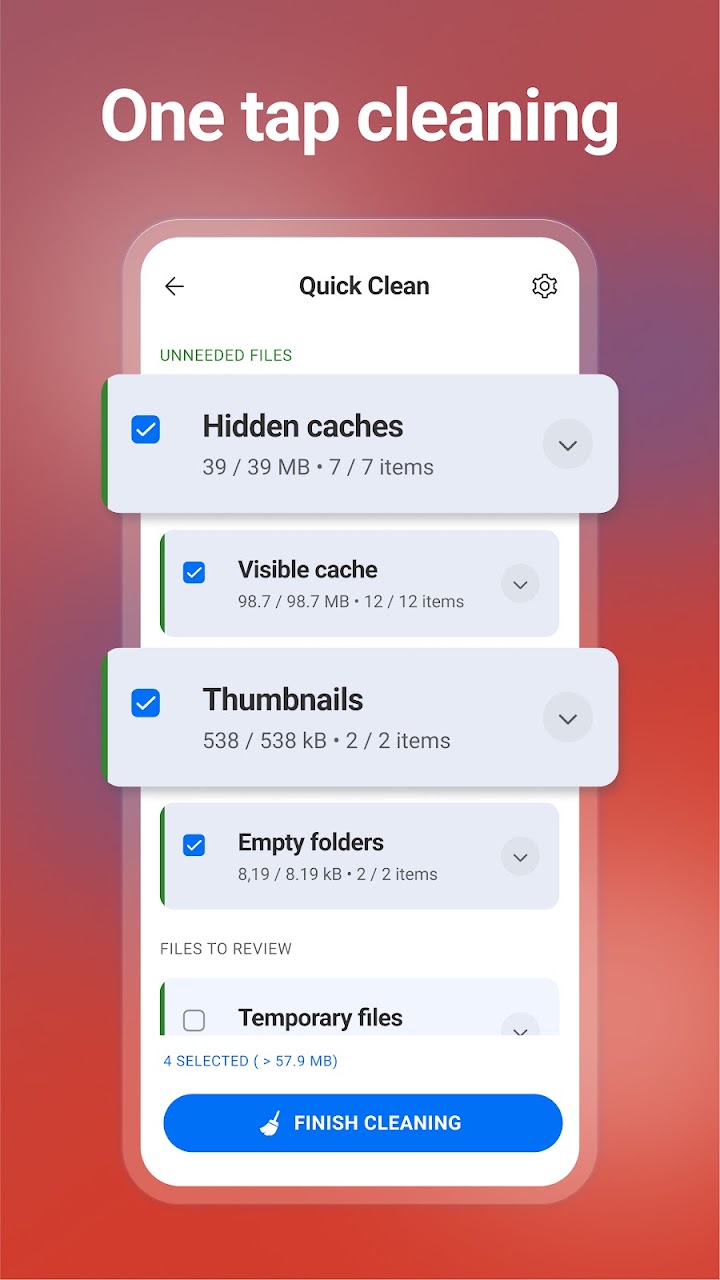
- Junk file cleaning — Remove unnecessary files, browser history, clipboard content, download folders, and leftover data.
- Storage analysis — See what is taking up space and uninstall multiple unwanted apps.
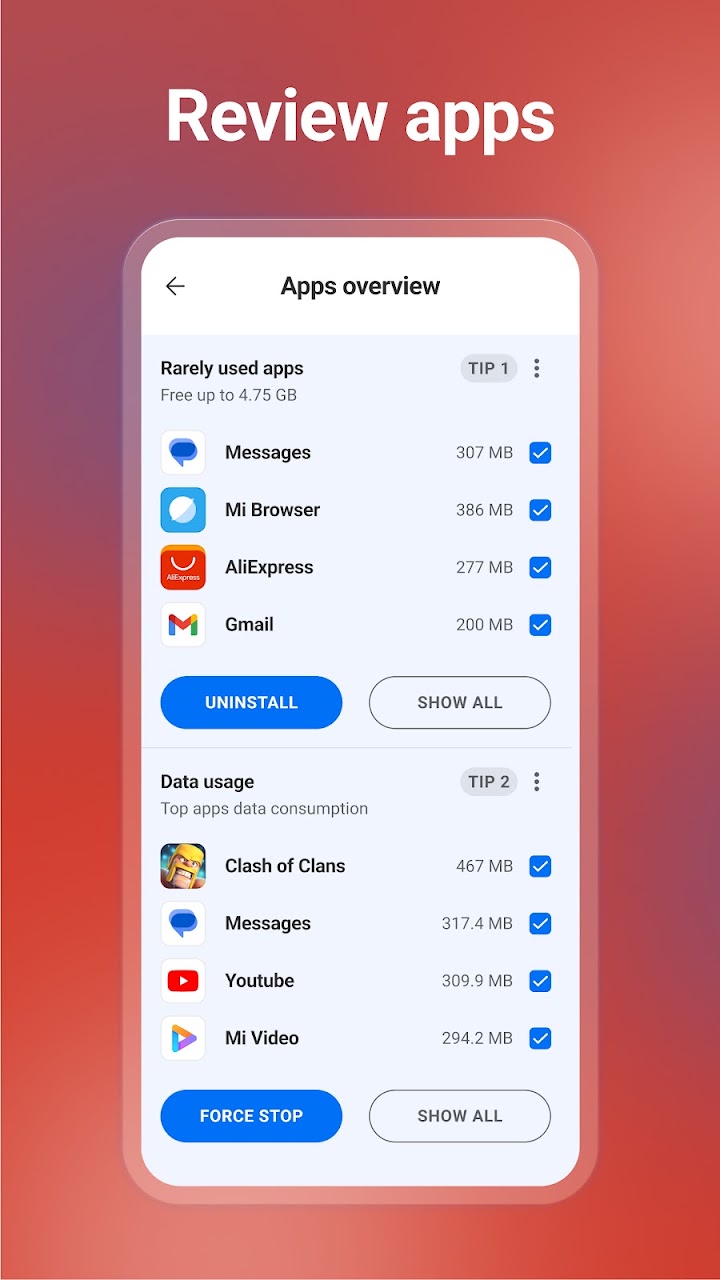
- App impact checks — Review which apps use data, drain battery, or stay unused.
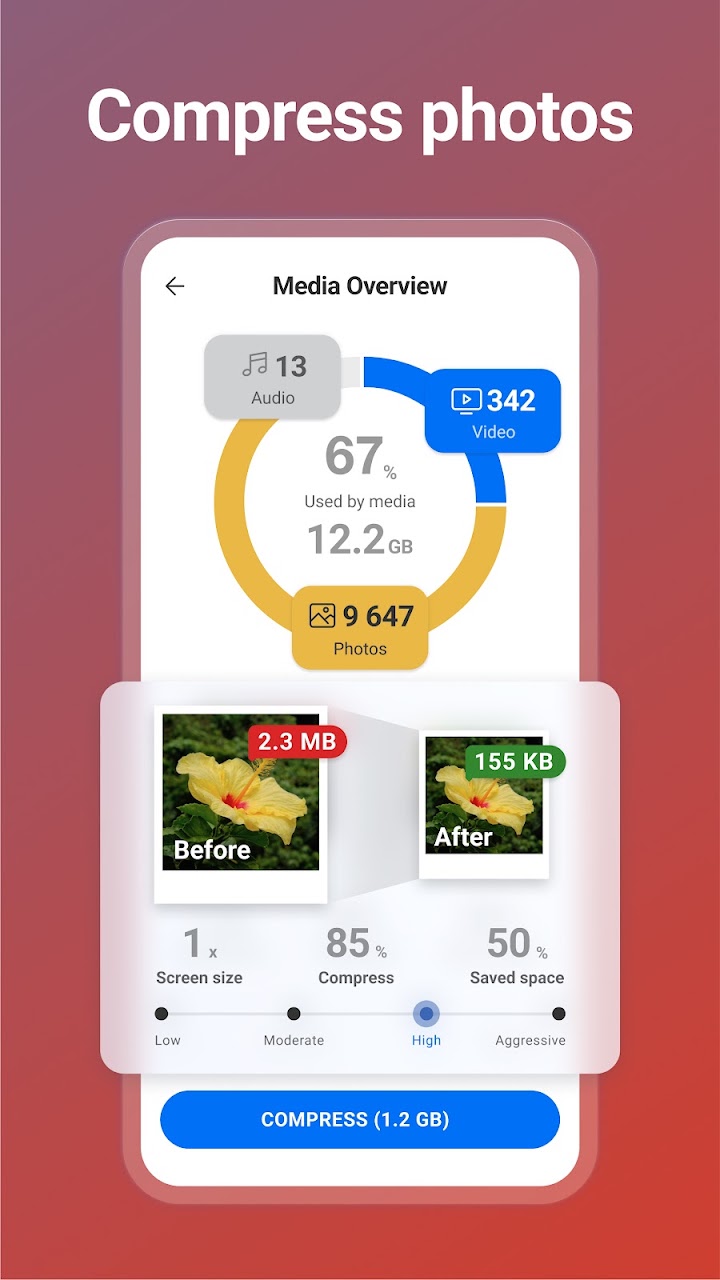
- Photo cleanup tools — Find similar, old, bright, dark, or unfocused photos and compress image files.
- System monitoring — Check CPU use, RAM, internal storage, battery level, and temperature.
- Simple navigation — Use a straightforward interface and choose a color theme.
When storage fills up
Phones often slow down because of junk files, old downloads, browser history, and leftover data. CCleaner – Phone Cleaner is built to clear those items and free space without making the process complicated. It also helps remove multiple unwanted apps and review what is taking up storage.
Cleaning files and photos
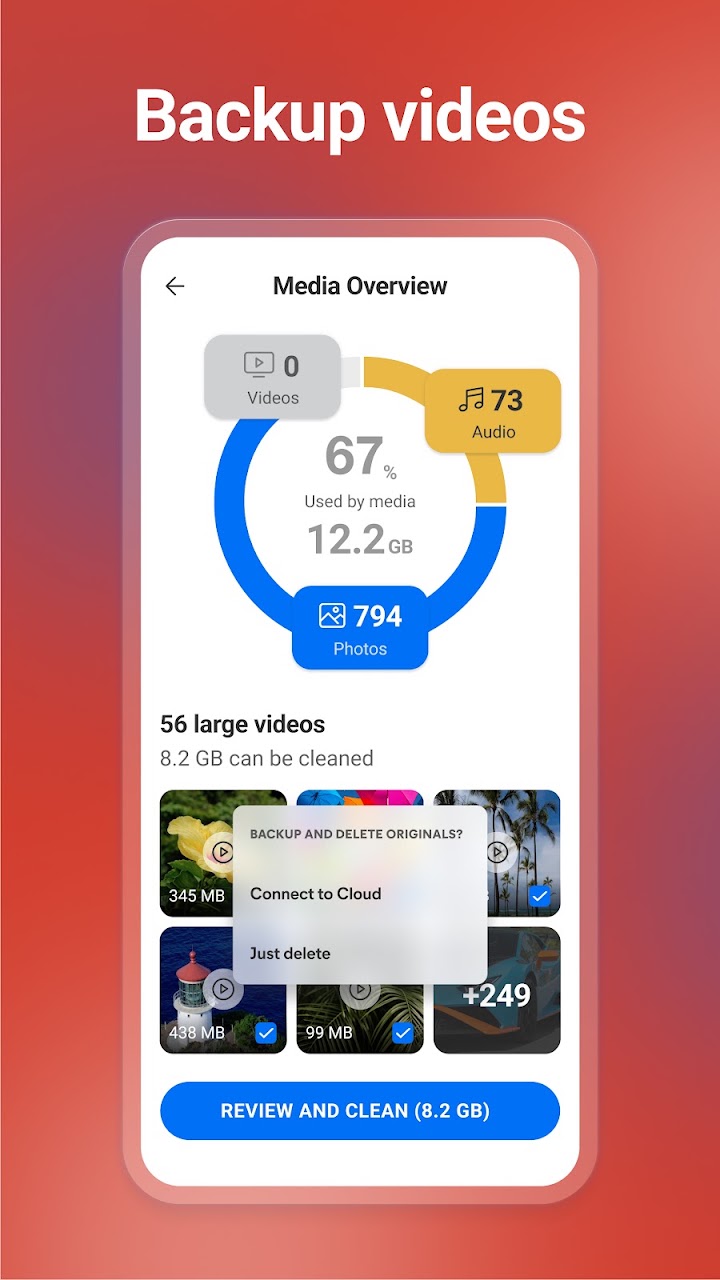
The app can clean unnecessary files safely, including download folders, clipboard content, and residual data. It also includes photo cleanup tools for similar shots, old pictures, and poor-quality images such as those that are too bright, dark, or unfocused. You can reduce photo file sizes with Low, Moderate, High, or Aggressive compression, and move originals into cloud storage.
Watching app and device impact
CCleaner – Phone Cleaner includes App Manager tools that show which apps consume data, drain battery, or sit unused. It also monitors device status so you can check CPU usage, RAM, internal storage, battery level, and temperature. This makes it easier to spot what is affecting the phone.
Compatibility and trade-offs
The app works on Android 5.0 and later, comes as a universal APK, and the file size is 35.1 MB. It is free to download, but it contains ads and in-app purchases. The app also uses Accessibility permission to help disabled and other users stop all background apps with one tap.
For people who want a cleaner view of storage use and a set of basic cleanup tools in one place, this app covers the main tasks without extra setup.
APK information
- Version
- 5.1.2
- Package
- com.piriform.ccleaner
- Category
- Tools
- Size
- 35 MB
- Min Android
- 5.0
- Architecture
- universal
Older versions
-
CCleaner – Phone Cleaner 5.1.2Nov 12, 2026Latest downloadAPK
CCleaner – Phone Cleaner FAQ
Why does CCleaner – Phone Cleaner need Accessibility permission?expand_more
It uses Accessibility permission to help disabled and other users stop all background apps with one tap.
Does CCleaner – Phone Cleaner drain the battery?expand_more
The app includes battery checks and can show battery levels and temperature. It also lets you find apps that drain your battery.
Which processors does the APK support?expand_more
It supports universal ABIs.
Can I install CCleaner – Phone Cleaner without Google Play?expand_more
Yes. It is available as an APK file, so you can install it outside Google Play if your device allows APK installs.
What Android version is required?expand_more
CCleaner – Phone Cleaner requires Android 5.0 or later.