- 3.9star762 reviews
- 100K+Downloads
- 87 MBAPK size
- EveryoneRated for Everyone
- 6.0+Android
check_circleOriginal APK from QBee520 · Updated Nov 12, 2026
No threats found
0 / — antivirus engines flagged this file
Original signature
First seen — QBee520
Unmodified APK
Same file the developer published — no mods
Classic Clock with Second Hand screenshots
8 images · tap to enlarge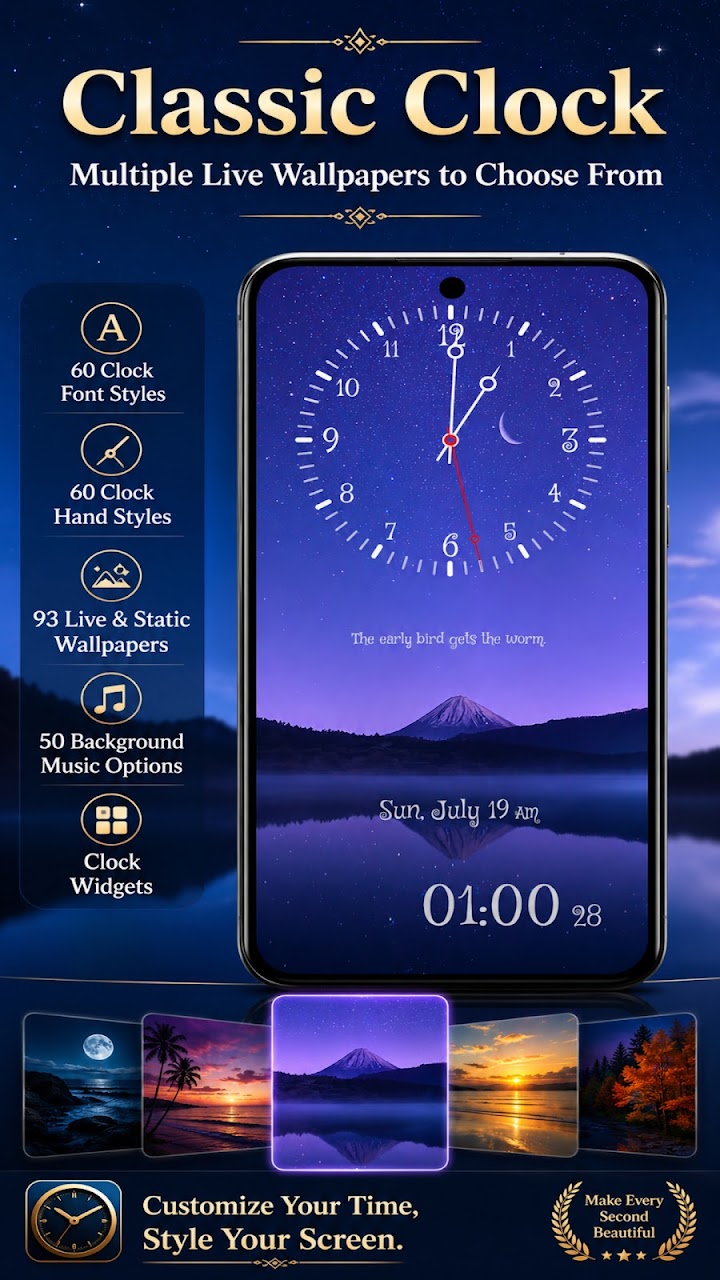
About this app
With 100K+ installs and a 3.9 rating from 762 reviews, Classic Clock with Second Hand focuses on a customizable analog clock with a smooth second hand. Version 1.7.0 keeps the app on Android 6.0 and up in an 87.0 MB universal APK, with no listed permissions and no in-app purchases.
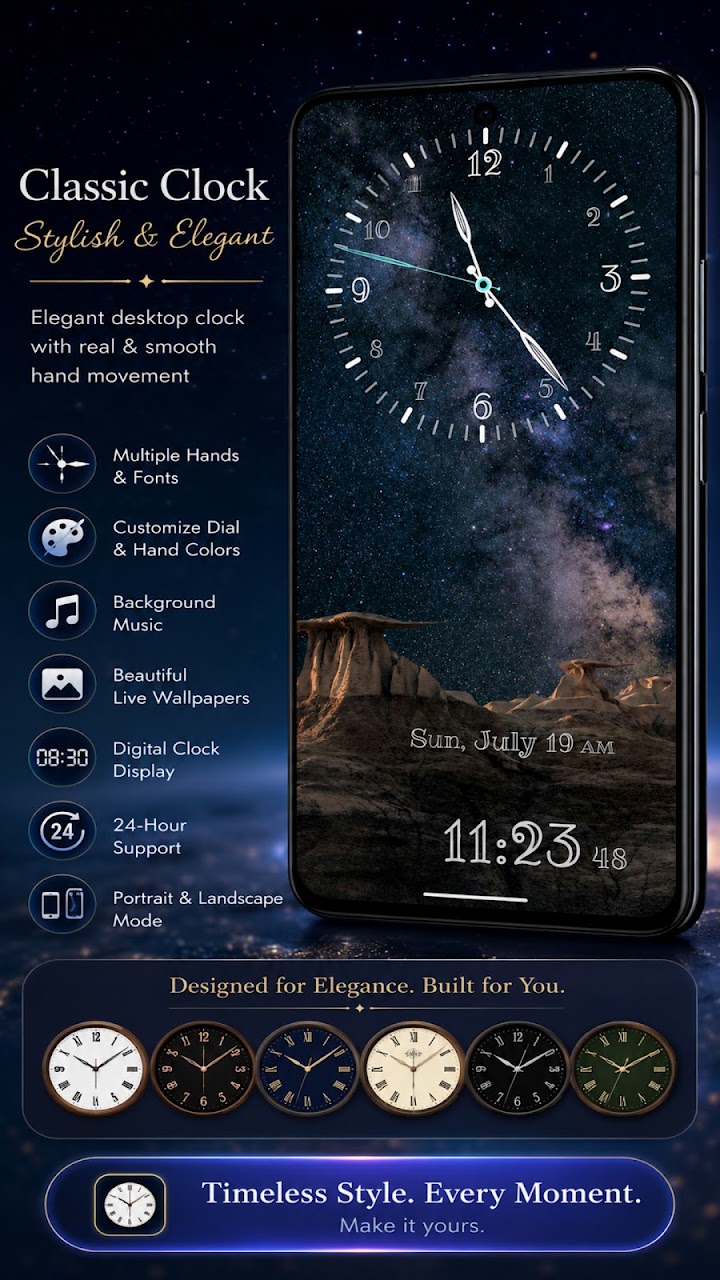
- Analog and digital — Switch between analog and digital display, with 12-hour or 24-hour time on the digital readout.
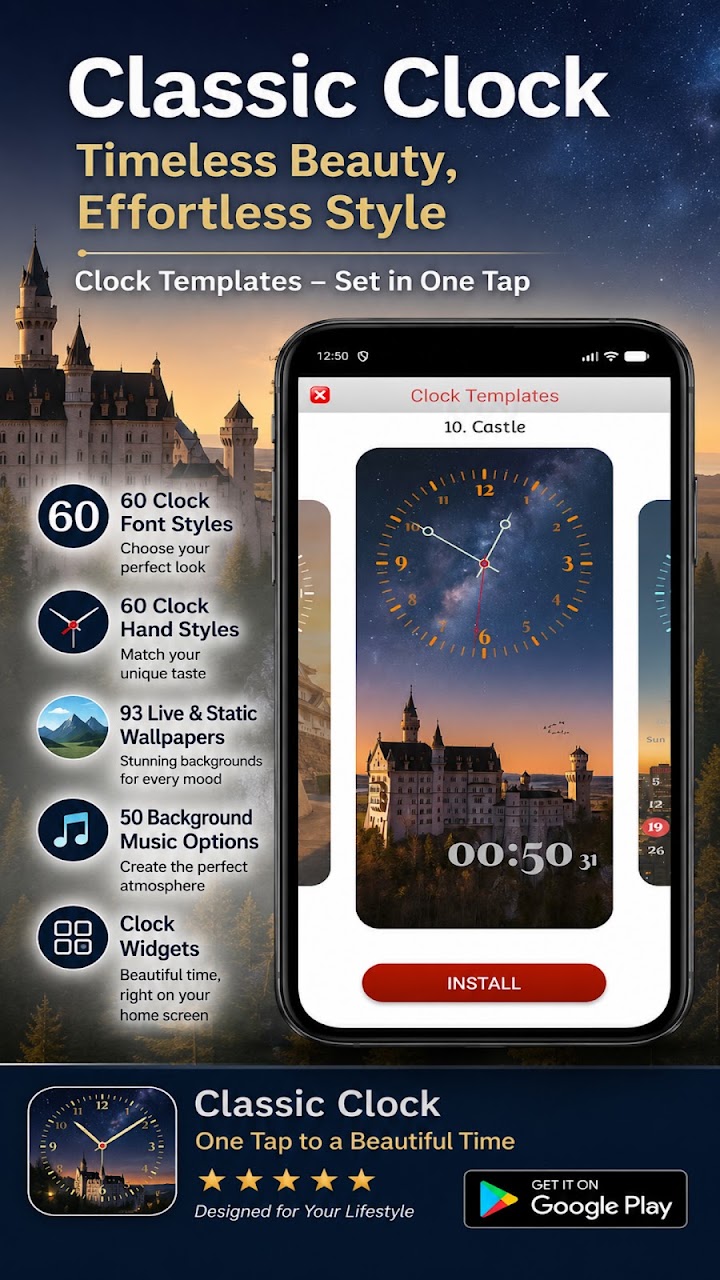
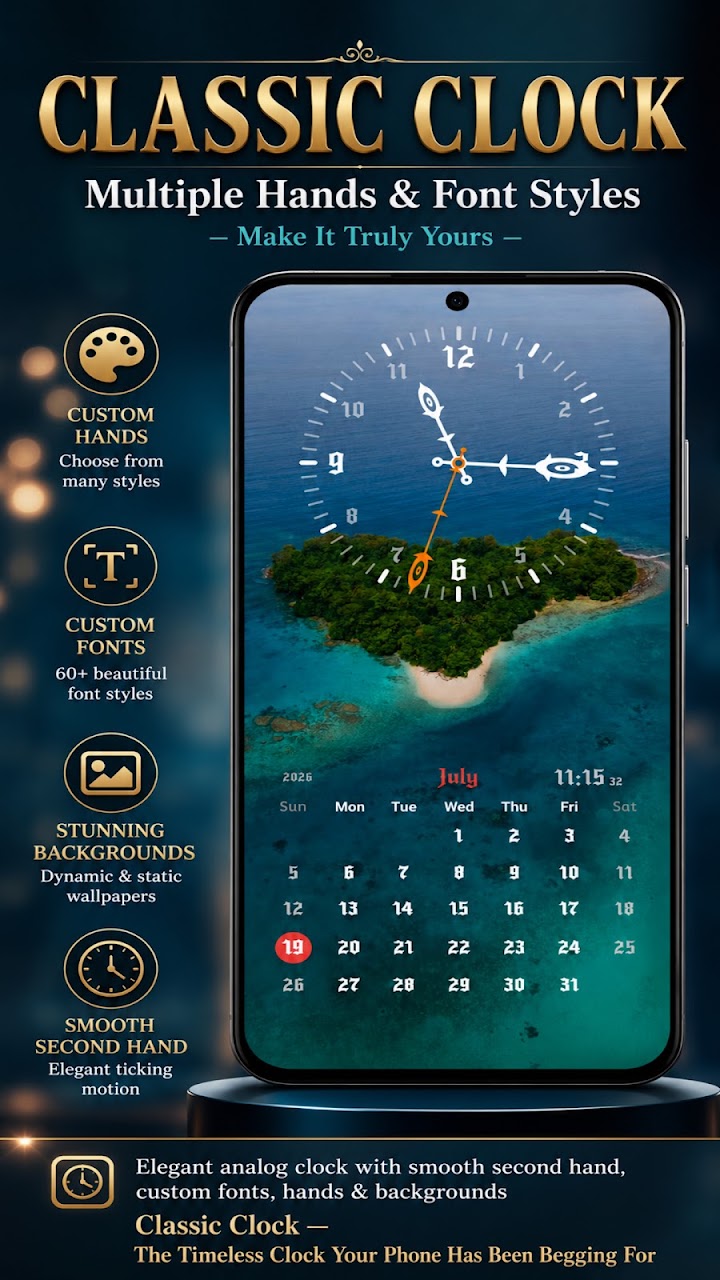
- Custom hand styles — Choose from 60 hand styles and set the dial, hour, minute, and second hand colors separately.
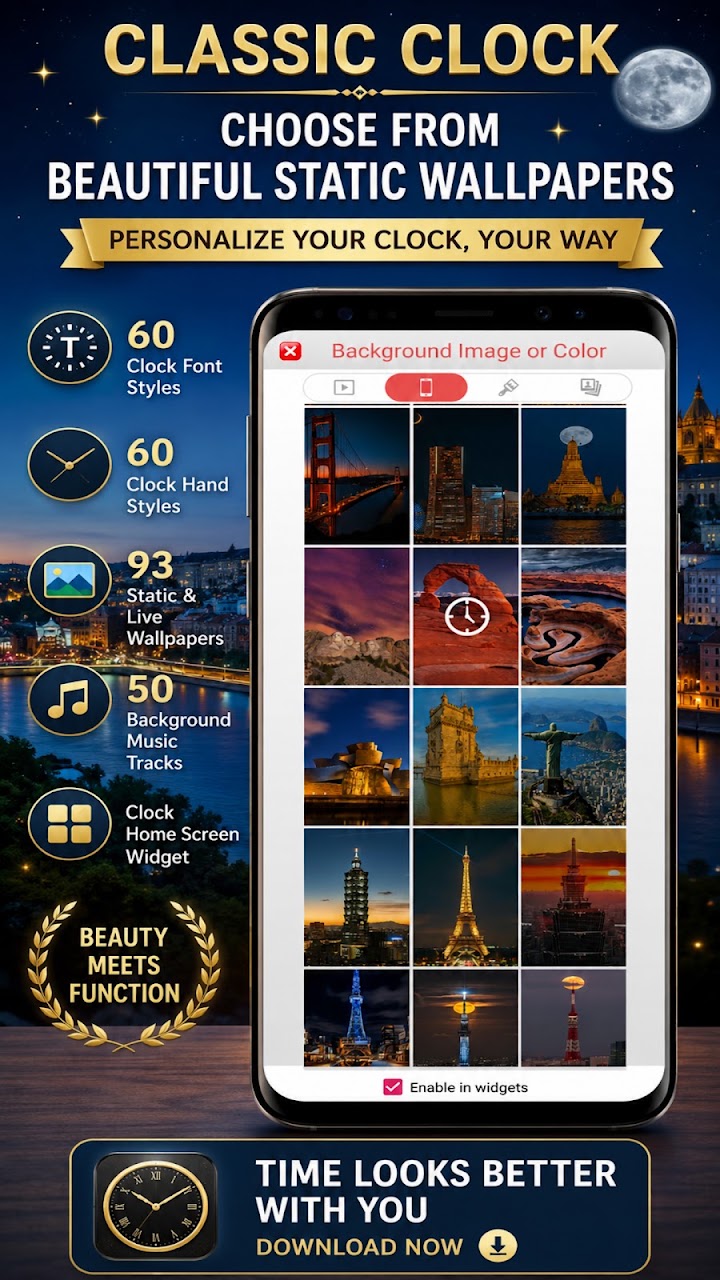
- Background options — Use built-in artwork, gallery photos, a slideshow, or a solid color background.
- Ambient sound library — Select from more than 50 built-in sounds, including rain, waves, radio, lo-fi beats, and birds.
- Widgets and shortcuts — Add a home-screen widget and use long-press actions for the calendar, background, and sound controls.
- Low-friction setup — It is free to start, contains ads, and is designed for phones and tablets.
Version 1.7.0 on Android 6.0+
Classic Clock with Second Hand is available as a universal APK, sized at 87.0 MB, and it runs on Android 6.0 and later. The current release does not list any permission requests, which keeps setup simple. There are no in-app purchases, but the app does contain ads.
Analog face with second hand control
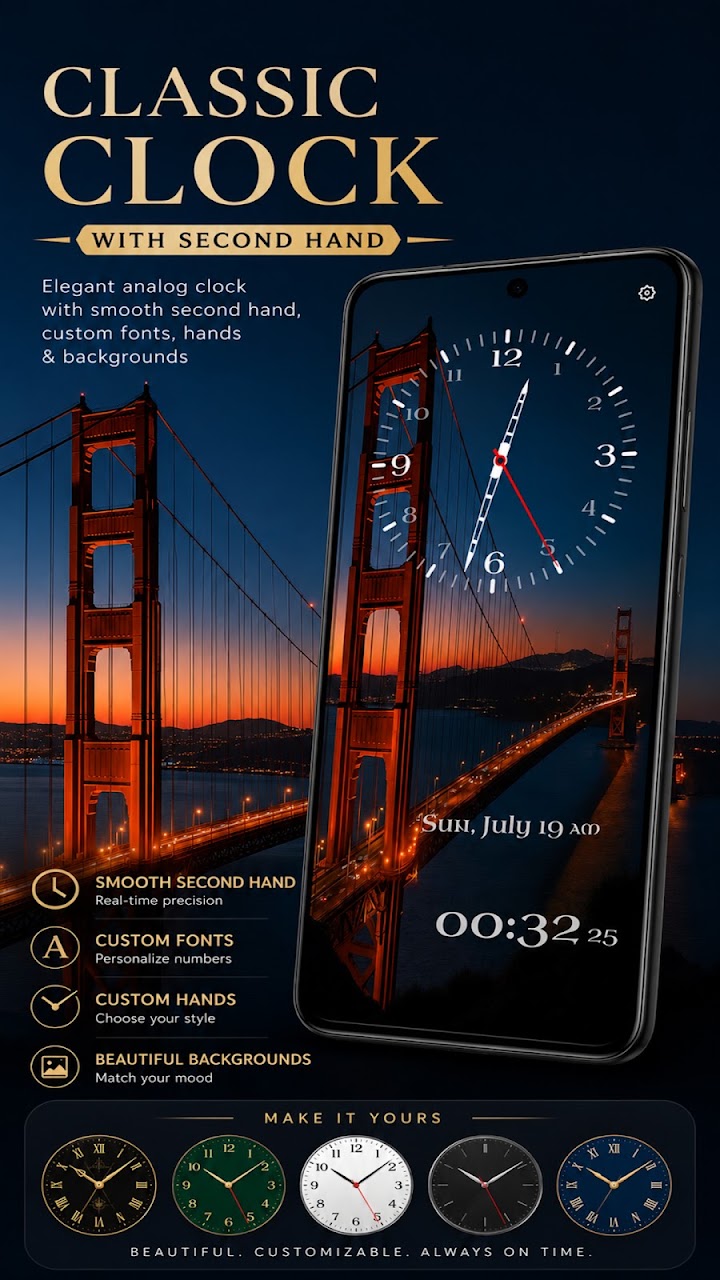
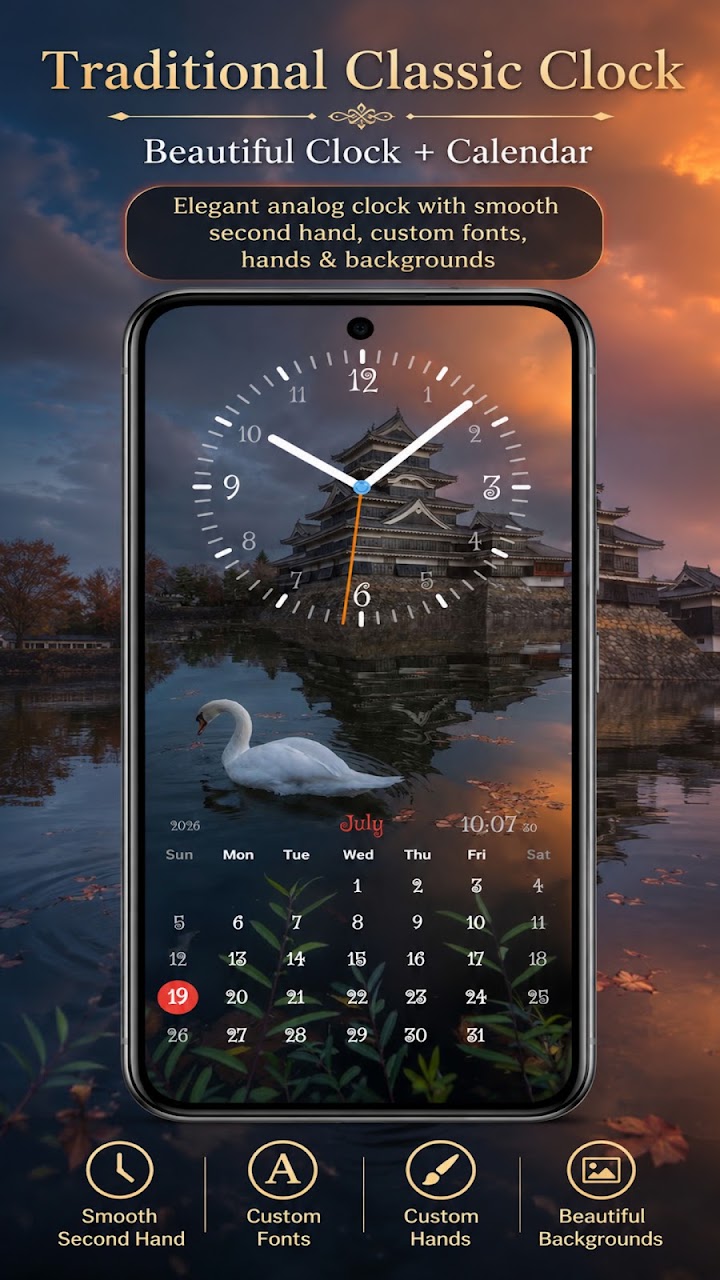
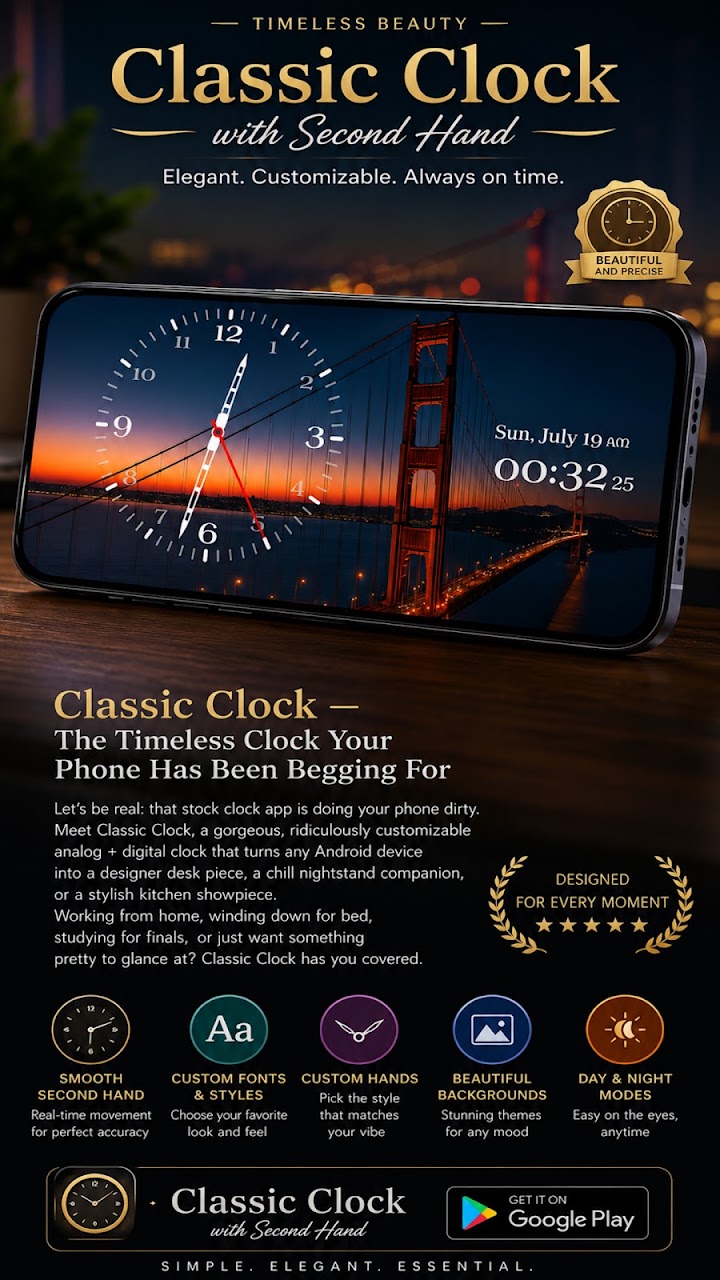
The core display combines a smooth analog clock with a digital readout. You can tap the analog face to switch between long and short hand modes, and tap the digital time to change between 12-hour and 24-hour formats. That gives the app more flexibility than a basic clock widget, while still staying focused on timekeeping.
Hands, colors, and backgrounds
The app offers 60 hand styles, ranging from classic and ornate looks to more distinct shapes such as Dauphine, Skeleton Key, and Flame. Dial, hour hand, minute hand, and second hand colors can each be set separately. Backgrounds can come from built-in artwork, your own gallery, a slideshow of selected photos, or a solid color.
- Long-press the clock face to change the background.
- Long-press the headset icon to switch ambient audio.
- Use the calendar icon to jump to the system calendar app.
Ambient sounds and templates
More than 50 built-in ambient sounds are included, such as rain, ocean waves, crickets, late-night radio, lo-fi beats, and classical preludes. If you do not want to build a layout from scratch, the app also includes preset templates like Relax, Meditation, Apple Style, Galaxy, Aurora, Deep Sea, Kyoto, and Serenity. A daily motto can be placed on the clock face as well.
Practical use on desk or nightstand
Classic Clock with Second Hand is designed for phones and tablets, and it also works as a home-screen widget. The app is positioned for desk use, bedside use, and general glanceable time display, with lightweight behavior and smooth animation noted by the developer. It is free to start, with ads included and no in-app purchases listed.
APK information
- Version
- 1.7.0
- Package
- com.qbee.clock
- Category
- Tools
- Size
- 87 MB
- Min Android
- 6.0
- Architecture
- universal
Older versions
-
Classic Clock with Second Hand 1.7.0Nov 12, 2026Latest downloadAPK
Classic Clock with Second Hand FAQ
Does Classic Clock with Second Hand need root?expand_more
No root requirement is listed for this app.
Why does Classic Clock with Second Hand need these permissions?expand_more
No permissions are listed for the current version, so there are no permission requests to explain.
Is Classic Clock with Second Hand free to use?expand_more
Yes. The app is free to start, and it does not include in-app purchases.
Which Android version does Classic Clock with Second Hand need?expand_more
It requires Android 6.0 or later.
Can I change the clock background and sound?expand_more
Yes. You can change the background from built-in artwork, your gallery, a slideshow, or a solid color, and choose from more than 50 ambient sounds.