- 4.7star403 reviews
- 100M+Downloads
- 6 MBAPK size
- EveryoneRated for Everyone
- API 14+Android
check_circleOriginal APK from Cheetah Mobile · Updated Nov 12, 2026
No threats found
0 / — antivirus engines flagged this file
Original signature
First seen — Cheetah Mobile
Unmodified APK
Same file the developer published — no mods
CM Locker (Secure & Boost ) screenshots
8 images · tap to enlarge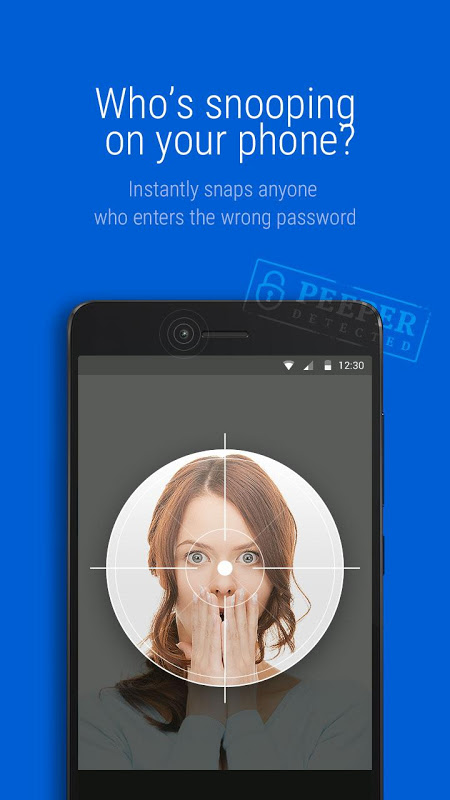
About this app
With 100M+ installs and a 4.7 rating, CM Locker (Secure & Boost ) combines a lock screen with customization, phone boost, battery-saving, and privacy tools. It is a free Personalization app from Cheetah Mobile, with no ads and no in-app purchases. On first launch, expect setup around your lock screen style, notification access, and the features you want active.
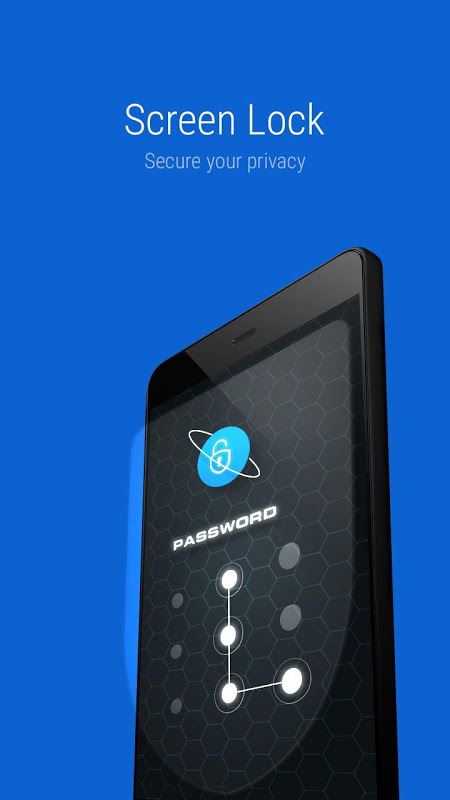
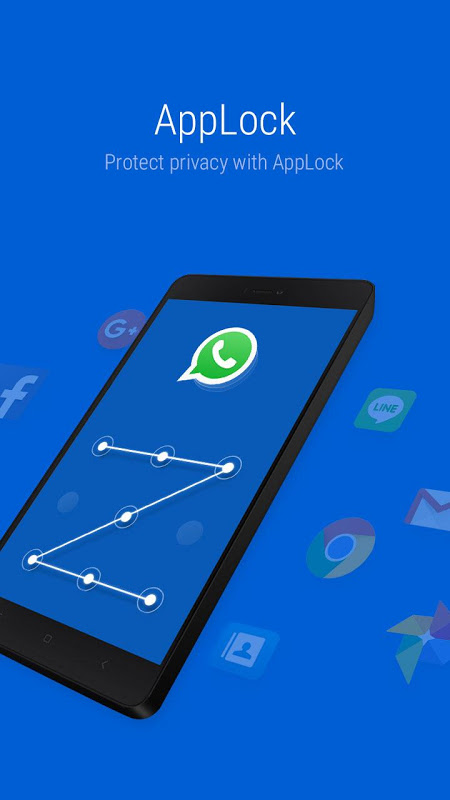
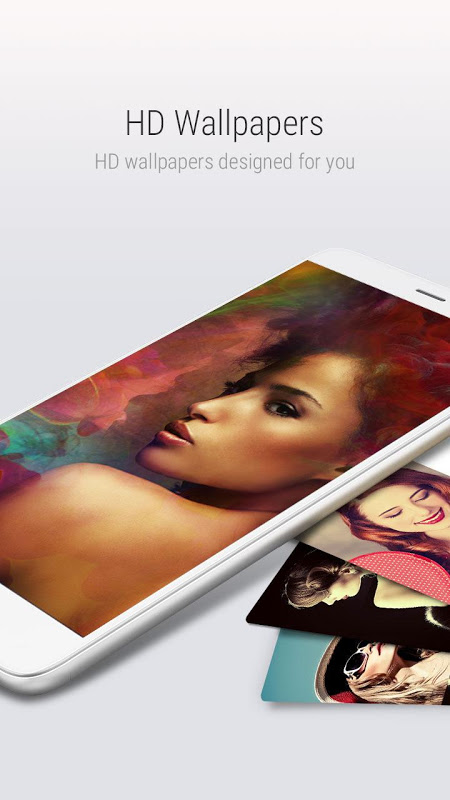
- Lock screen layouts — Choose layouts that fit your phone and add an avatar to password pages.
- Intruder selfie — Take a photo after wrong password attempts to spot unwanted access.
- Notification preview — See new messages from supported IM apps, with a private mode to hide content.
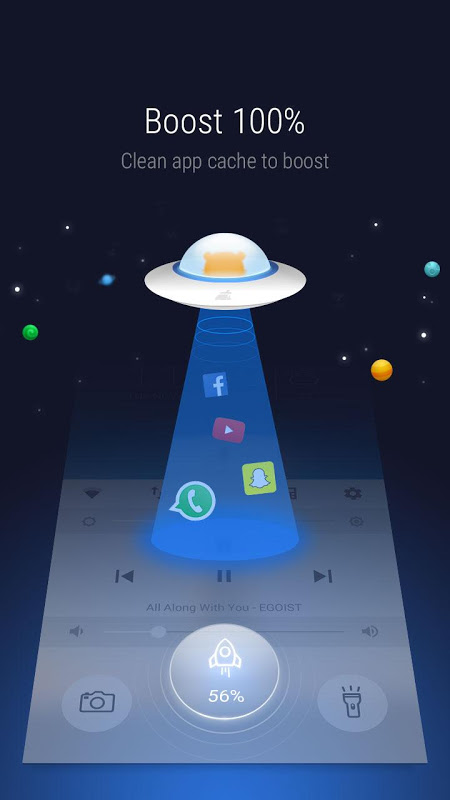
- Phone booster — Use the toolbox to boost phone speed and clear battery-draining apps.
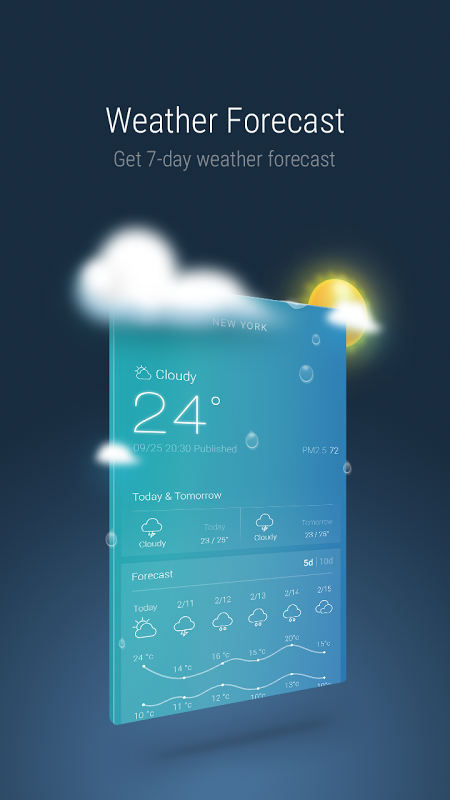
- Quick tools — Open the flashlight, calculator, recent apps, brightness, camera shortcut, and weather forecast from one place.
First launch and setup
CM Locker (Secure & Boost ) opens as a lock screen replacement with extra tools layered around it. Start by choosing a layout, then decide whether to add an avatar to your password page and which lock-screen features you want active. The app is free, uses an APK format, and the package is 5.8 MB. It supports Android 14 and up from API 14.
Lock screen controls and privacy
The main job here is keeping the phone locked while still giving you useful shortcuts. You can set up intruder selfies for failed password attempts, use notification reminders for IM apps, and switch to private mode when you do not want message content shown. That makes it more feature-heavy than a basic launcher lock screen.
Boosting and battery tools
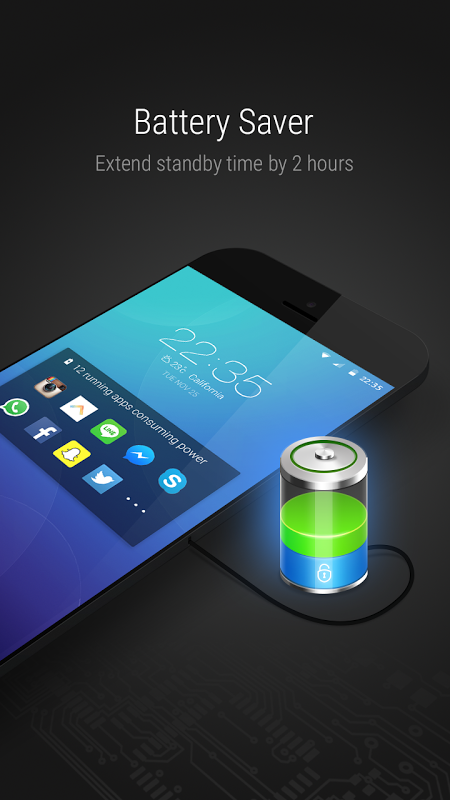
CM Locker also includes a phone booster and battery-saving options. The app says it can boost phone speed from the toolbox and clean battery-draining apps to extend battery life. If you want a lock screen that also handles light cleanup and quick access to system tools, this app is built around that mix.
Practical first-day tips
- Set the layout first so the lock screen fits your device before you add extra features.
- Turn on only the tools you use to keep the interface simple.
- Check private mode if you want notification content hidden.
- Use the toolbox shortcuts for flashlight, calculator, brightness, and camera access.
- Watch for permissions tied to contacts, SMS, camera, album, GPS, Wi-Fi status, and startup access.
Requirements and permissions
The app is for everyone, works as a universal APK, and does not list in-app purchases or ads. It asks for access to contacts and SMS to display calls and messages, camera for photo shortcuts, album for wallpaper customization, GPS and Wi-Fi status for local weather, and run at startup so protection can begin after rebooting. It does not list any account requirement.
What's new
Version 4.2.1 · Nov 12, 2026
- If you unable to update, please open the sidebar to tap the "My apps & games" page, and then select the upper left corner of the page "UPDATE ALL".
APK information
- Version
- 4.2.1
- Package
- com.cmcm.locker
- Category
- Personalization
- Size
- 6 MB
- Min Android
- API 14
- Architecture
- universal
Older versions
-
CM Locker (Secure & Boost ) 4.2.1Nov 12, 2026Latest downloadAPK
CM Locker (Secure & Boost ) FAQ
Which launchers does CM Locker (Secure & Boost ) support?expand_more
The provided details do not list supported launchers. It is presented as a lock screen app with its own layouts and toolbox features.
Does CM Locker (Secure & Boost ) slow down my phone?expand_more
The app says it includes a phone booster and is designed for less memory and battery usage. It also says it has the Phone Booster from Battery Doctor.
Does CM Locker (Secure & Boost ) need an account?expand_more
No account requirement is listed. The app description does not mention signing in to use it.
Does CM Locker (Secure & Boost ) work on tablets?expand_more
Tablet support is not stated. The listed minimum is Android API 14, but no tablet-specific compatibility is given.
What can I access from the toolbox?expand_more
The toolbox includes items like flashlight, calculator, recent apps, brightness, and more. It also includes a camera shortcut and weather forecast.