
- 4.3star2,018 reviews
- 500M+Downloads
- 22 MBAPK size
- Low MaturityRated for Low Maturity
- API 18+Android
check_circleOriginal APK from Cheetah Mobile · Updated Nov 12, 2026
No threats found
0 / — antivirus engines flagged this file
Original signature
First seen — Cheetah Mobile
Unmodified APK
Same file the developer published — no mods
Clean Master- Space Cleaner & Antivirus & Free Ram screenshots
6 images · tap to enlarge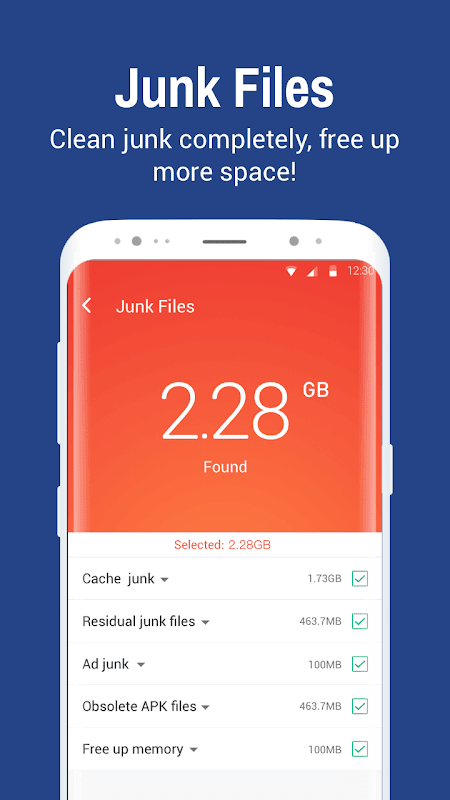

About this app
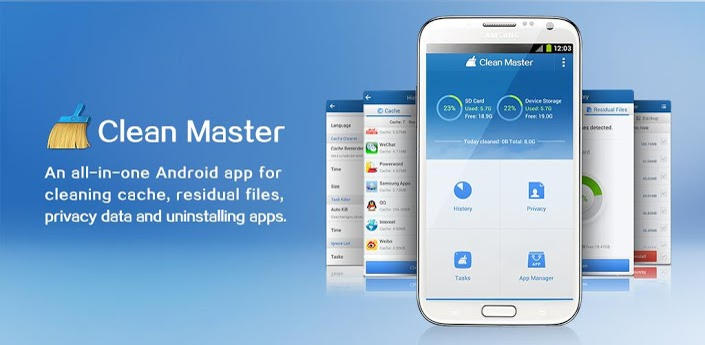
Need to clear space and slowdowns? Clean Master- Space Cleaner & Antivirus & Free Ram opens with tools for junk cleanup, memory boosting, app management, and antivirus scanning. It is a free app from Cheetah Mobile, shows ads, and asks for no listed permissions, so setup is light before you start cleaning.
- Junk Cleanup — Finds unwanted files and trash created by installed apps so you can remove them in a few taps.
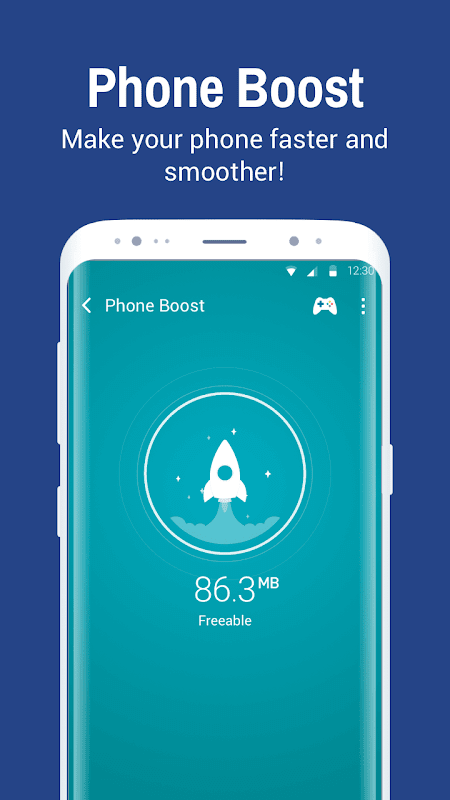
- Memory Boost — Helps free RAM when your phone feels sluggish and need a quick speed-up.
- App Manager — Shows unused apps and includes an App Boost Box function to help boost apps by 32%.
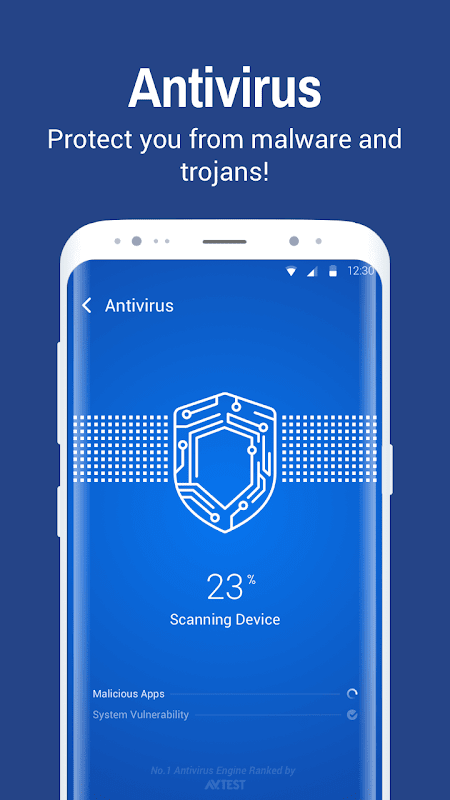
- Antivirus Scan — Checks for malware, spyware, Trojans, and browsing-history privacy issues.
- Recycle Bin — Adds a recycle bin to help prevent accidental photo deletion.
- Simple Setup — Works as a 21.7 MB APK on Android 18 and up, with no account mentioned.
First launch: cleanup tools and antivirus
When you open Clean Master- Space Cleaner & Antivirus & Free Ram for the first time, you land in a tool set built around three jobs: clear junk, free memory, and check for threats. It is a free Tools app from Cheetah Mobile, with ads shown during use. The app is rated 4.3 from 2,018 ratings, and it has been on Google Play since 2014.
The app is built for quick actions rather than a long setup. You can move straight into scanning what is stored on the device, checking what is running, and looking at apps you may no longer need.
Cleaning unwanted files
The main task is removing trash files created by apps in the background. Clean Master analyzes installed apps and the junk they leave behind, then helps you clear it out. That makes it useful when storage feels tight or the device is slowing down from clutter.
The recent Recycle Bin addition helps if you delete photos by mistake, so the cleaner now covers both space and recovery concerns in one place.
Boosting memory and managing apps
The memory tools are aimed at phones that feel slower than they should. The app helps you see what is running and what may be causing lag, then gives you a way to free RAM. In App Manager, you can review apps you have not used or do not need and remove them.
- App Boost Box: Added in the latest version to boost apps by 32%.
- App review: Helps spot unused apps before they keep taking up space.
- Speed focus: Built for quick cleanup when you want the phone to respond better.
Antivirus and privacy checks
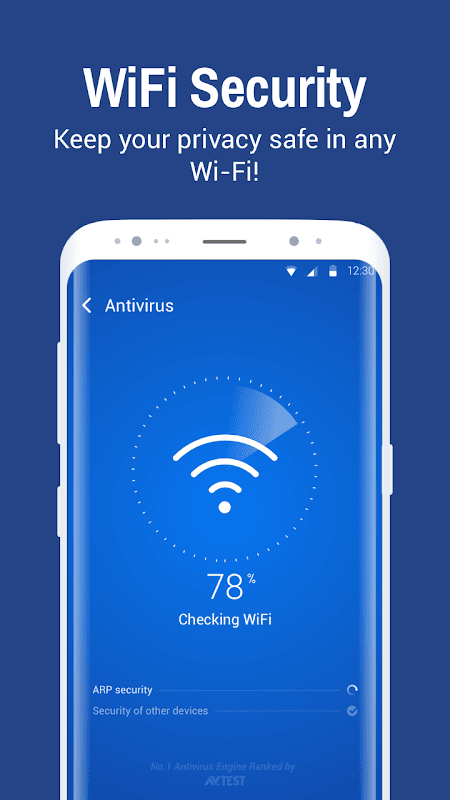
Clean Master also includes antivirus features. It is designed to help protect against malware, spyware, and Trojans, and the latest update improves browsing history detection to better protect privacy. That makes it more than a storage cleaner, especially if you want one app to handle both cleanup and basic security checks.
Ads, install size, and requirements
There are no listed permissions, so you do not need to review a long permission prompt before starting. The app is an APK file, 21.7 MB in size, and it requires Android API 18 or higher. It is free to download, contains ads, and does not list in-app purchases.
What's new
Version 9.4.9 · Nov 12, 2026
- 1. Added App Boost Box function in App Manager to boost your apps by 32%
- 2. Added a Recycle Bin, to help prevent accidental photo deletion
- 3. Optimized browsing history detection in Antivirus to better protect your privacy
APK information
- Version
- 9.4.9
- Package
- com.cleanmaster.mguard
- Category
- Tools
- Size
- 22 MB
- Min Android
- API 18
- Architecture
- universal
Older versions
-
Clean Master- Space Cleaner & Antivirus & Free Ram 9.4.9Nov 12, 2026Latest downloadAPK
Clean Master- Space Cleaner & Antivirus & Free Ram FAQ
Does Clean Master- Space Cleaner & Antivirus & Free Ram drain the battery?expand_more
The app is meant to help with speed and cleanup, not battery drain, but the provided details do not say whether it uses much battery itself.
Why does Clean Master- Space Cleaner & Antivirus & Free Ram need these permissions?expand_more
No permissions are listed for this app, so there is no permission prompt to explain from the available details.
What does the App Boost Box do in Clean Master?expand_more
The latest version adds an App Boost Box in App Manager to boost your apps by 32%.