
- 4.6star4,473,908 reviews
- 100M+Downloads
- 120 MBAPK size
- TeenRated for Teen
- 5.0+Android
check_circleOriginal APK from Crunchyroll, LLC · Updated Nov 12, 2026

No threats found
0 / — antivirus engines flagged this file
Original signature
First seen — Crunchyroll, LLC
Unmodified APK
Same file the developer published — no mods
Crunchyroll: Anime Streaming screenshots
8 images · tap to enlarge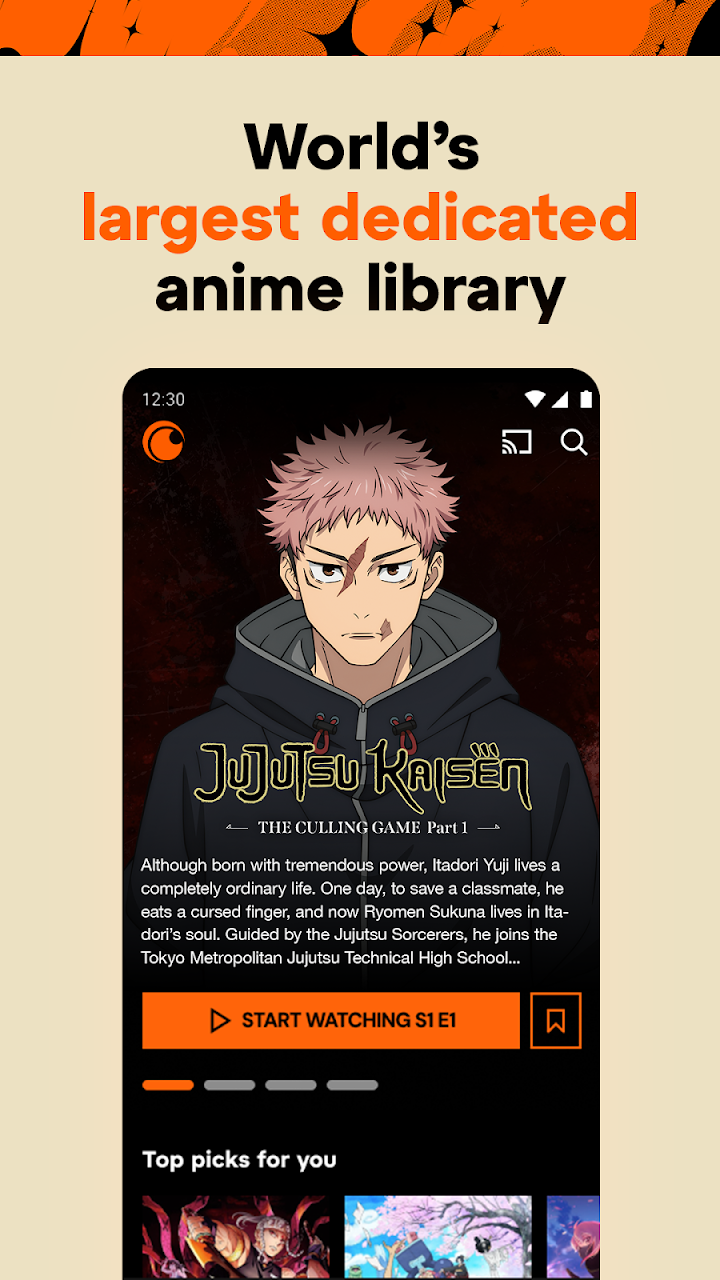
About this app
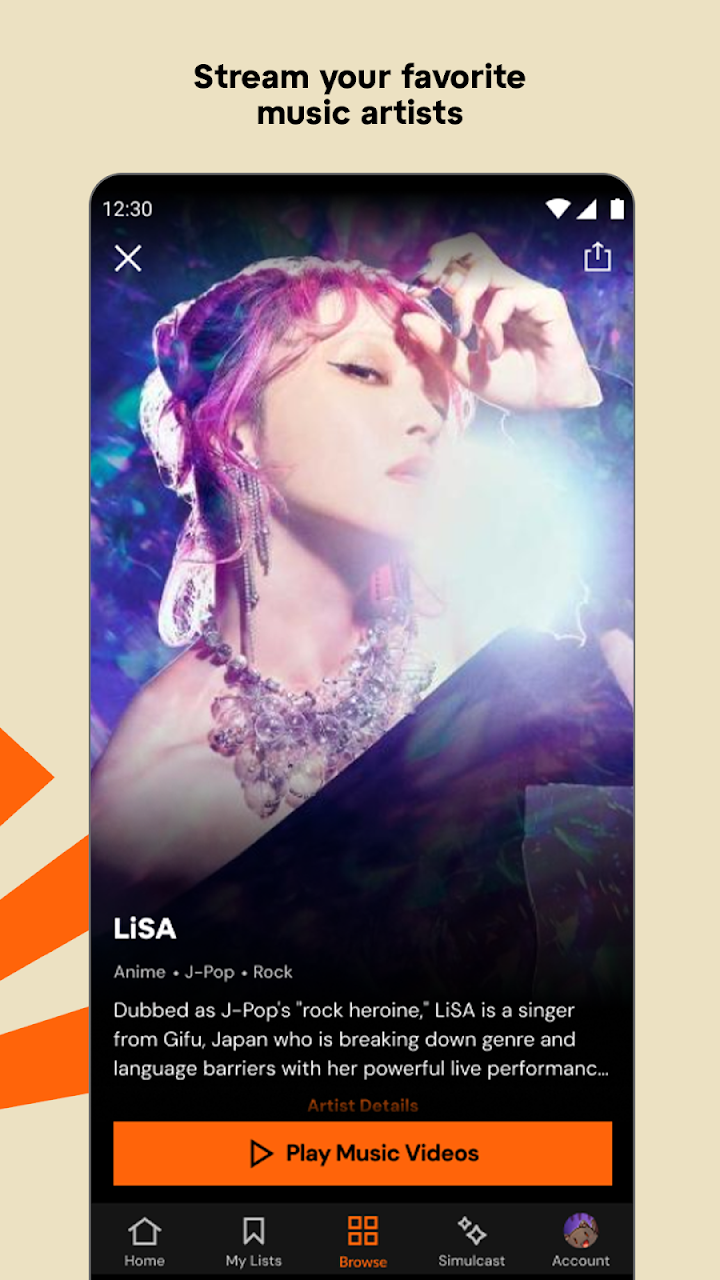
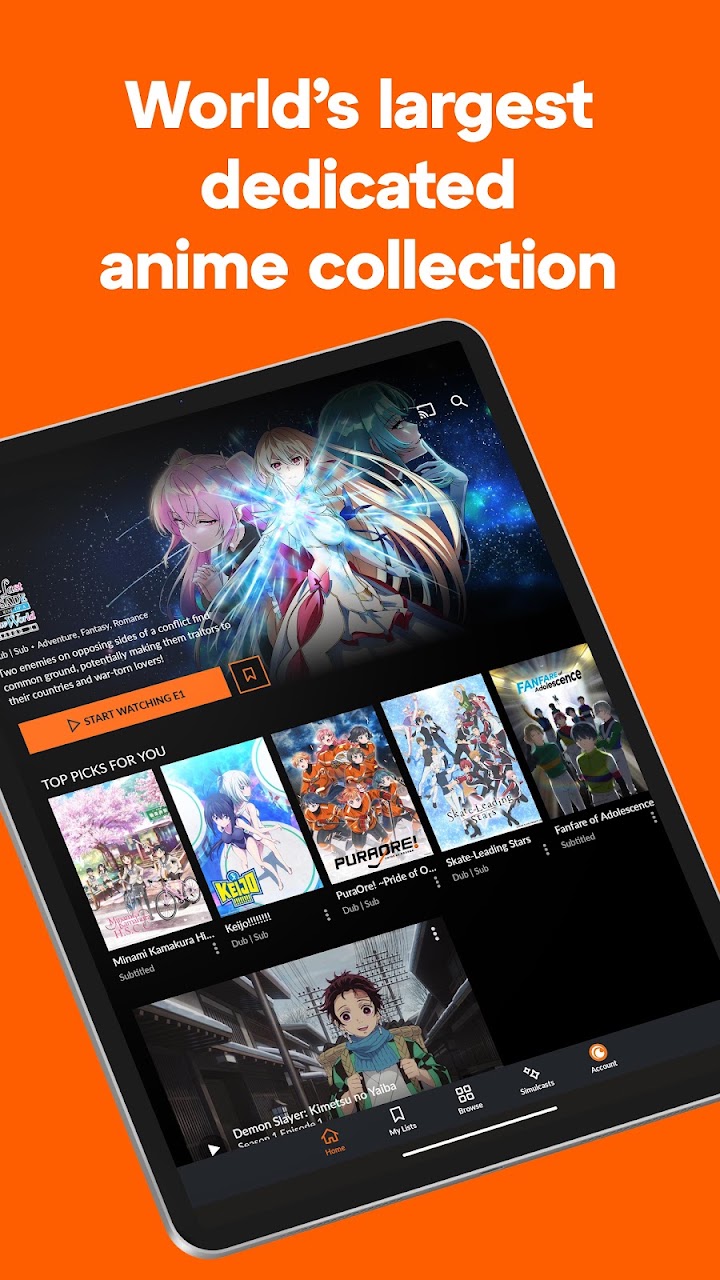
If you want to start a new episode shortly after it airs in Japan, Crunchyroll: Anime Streaming gives you a large anime library in one app. It covers shows, movies, originals, and music extras. You can begin with the free app, then choose a paid plan for ad-free viewing and offline access.
- Large anime library — Browse more than 2,000 anime titles, including shows, movies, and Crunchyroll exclusives.
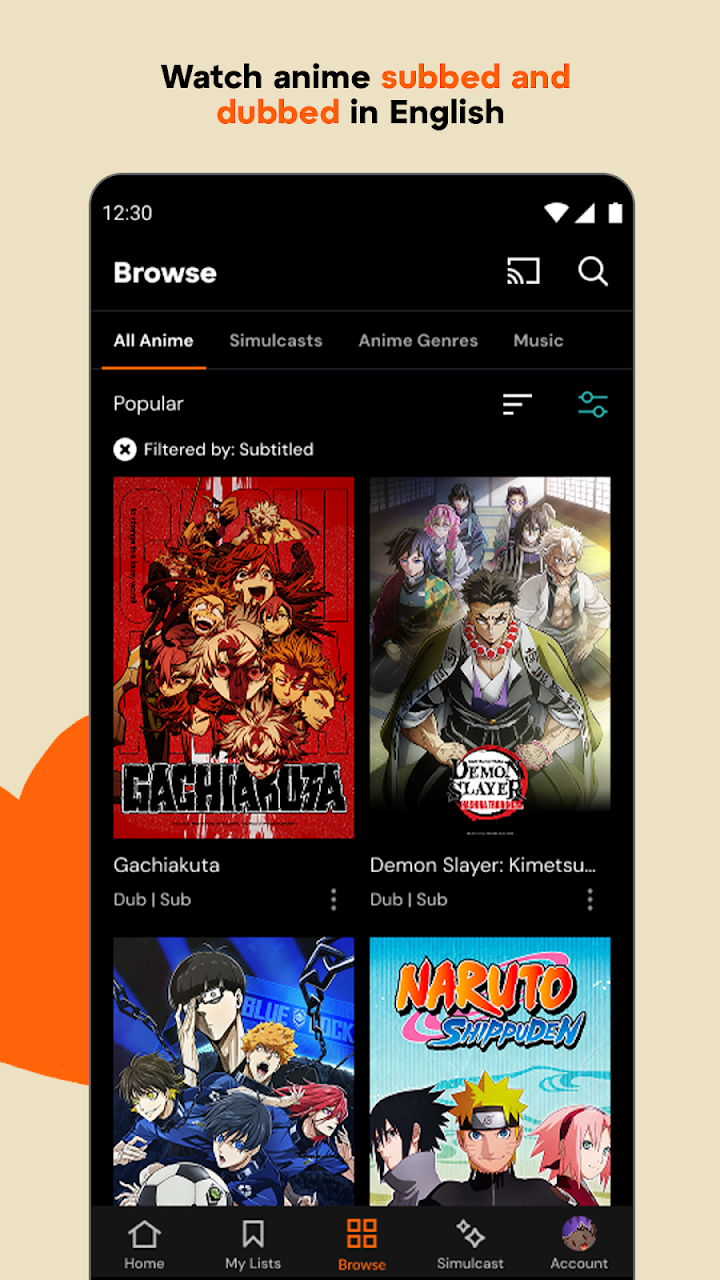
- Subbed and dubbed — Watch in multiple languages where dub availability varies.
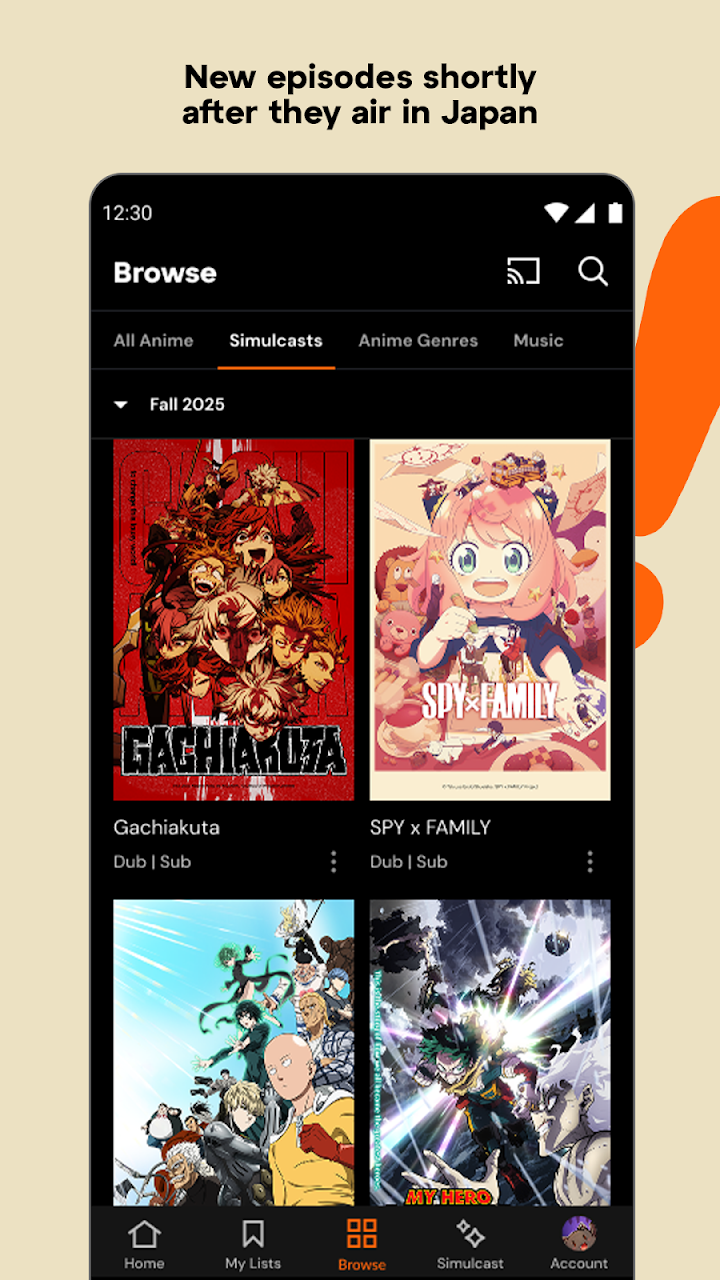
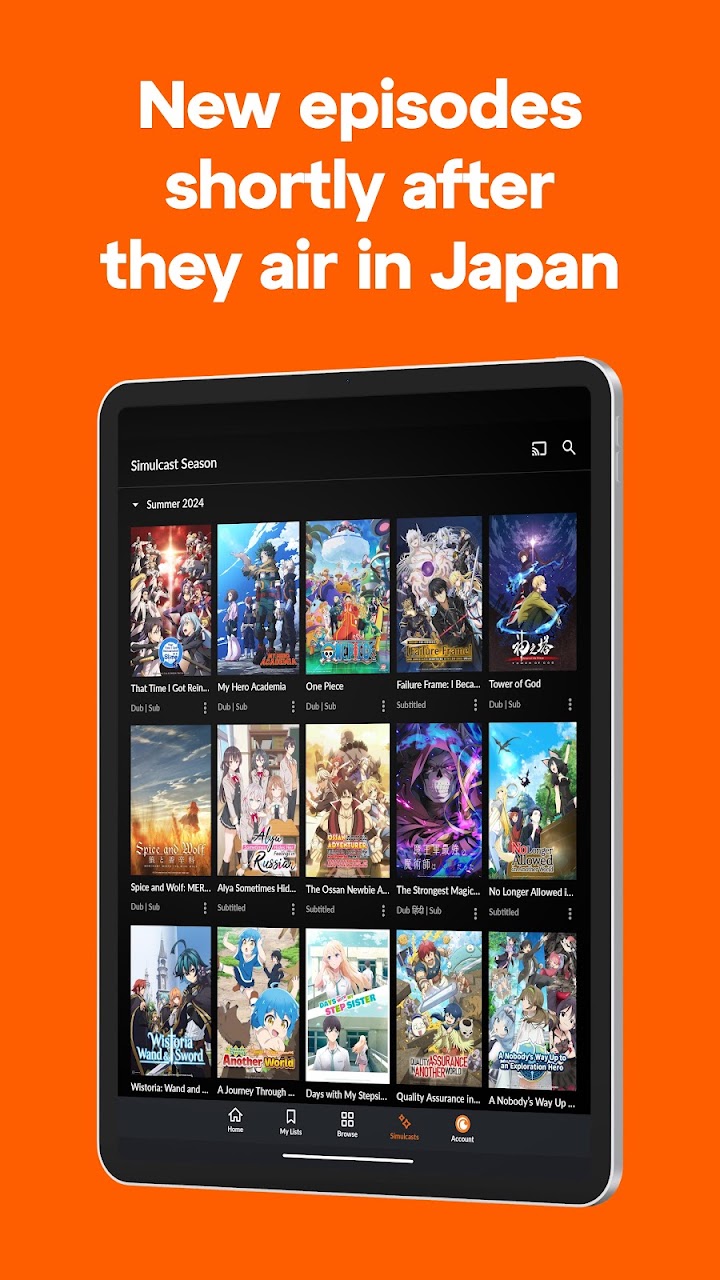
- Simulcast episodes — Catch new episodes shortly after they air in Japan.
- Crunchylists — Build playlists of episodes and favorites for easier watching.
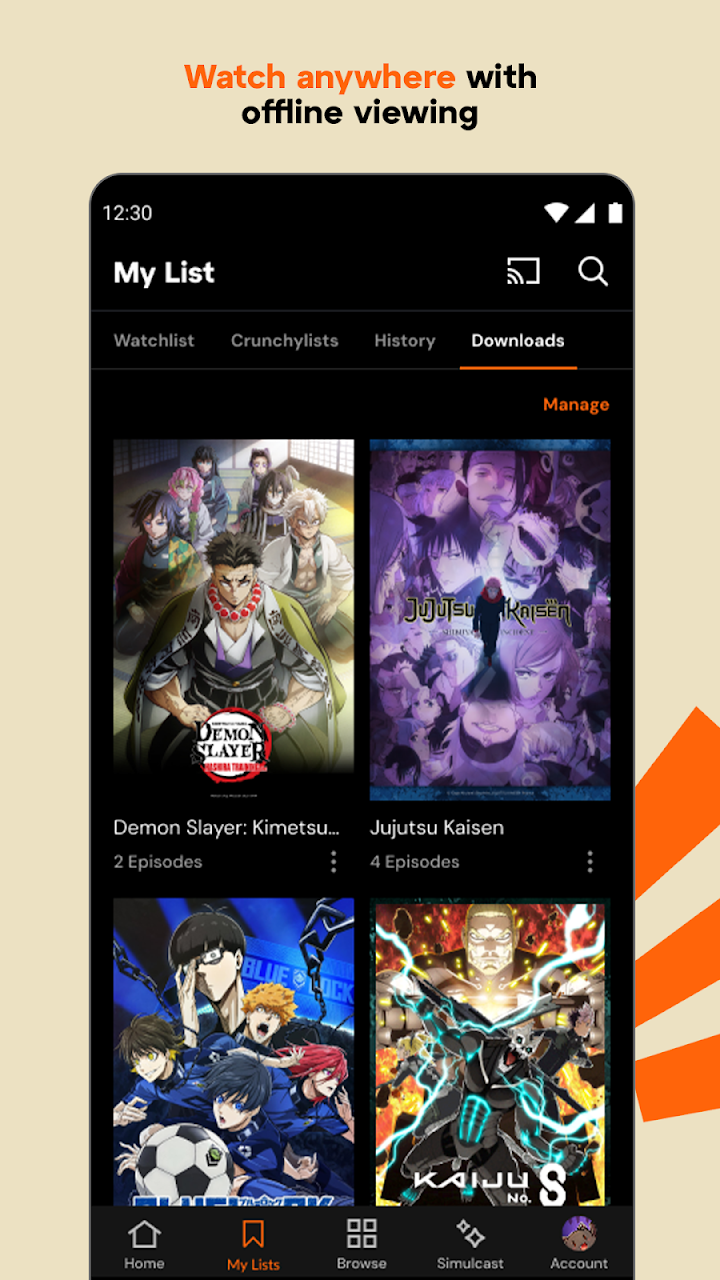
- Offline downloads — Save episodes for offline viewing with Mega Fan or Ultimate Fan membership.
- Device streaming — Ultimate Fan membership lets you stream on up to six devices at once.
What opens first
On first launch, expect a home screen built around anime shows, movies, and newly released episodes. The app is set up for quick browsing by genre, so you can move from action to romance, comedy, fantasy, or slice of life without much setup. It also highlights simulcasts, originals, and popular titles such as One Piece, Solo Leveling, and Frieren: Beyond Journey’s End.
Set up your watch list
Start by picking a few titles and adding them to Crunchylists. That makes it easier to keep track of episodes and favorites. If you prefer a certain language track, check the subbed and dubbed options before you start watching, since dub availability varies by title.
- You get: anime shows, movies, originals, and music extras.
- You get: simulcast episodes shortly after Japan.
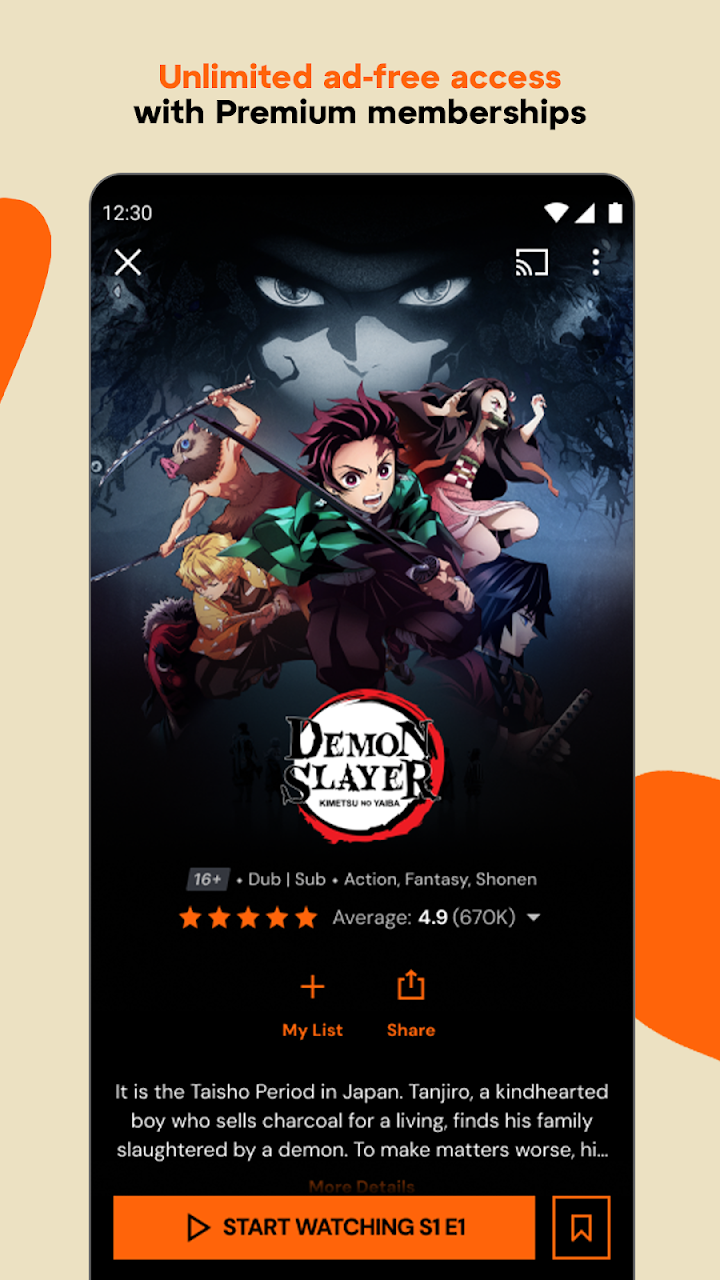
- Watch for: ad-free viewing and offline downloads are tied to paid membership.
- Watch for: some features, including offline viewing and multi-device streaming, depend on the plan you choose.
Practical tips for day one
If you want the quickest path through the app, use the genre filters and recommendations to narrow the catalog. The app also offers interactive suggestions based on viewing habits, which can help when the library feels large. If you plan to travel, download episodes before you leave. If you use more than one screen, check whether your membership level supports the number of devices you need.
What it asks for
Crunchyroll is free to download, but it contains ads and offers in-app purchases. The app supports Android 5.0 and up, comes as a universal APK, and is 120.4 MB. No permissions are listed here. If you subscribe, your account is charged automatically and renews unless you turn it off at least 24 hours before renewal.
APK information
- Version
- 2.6.0
- Package
- com.crunchyroll.crunchyroid
- Category
- Entertainment
- Size
- 120 MB
- Min Android
- 5.0
- Architecture
- universal
Older versions
-
Crunchyroll: Anime Streaming 2.6.0Nov 12, 2026Latest downloadAPK
Crunchyroll: Anime Streaming FAQ
Does Crunchyroll: Anime Streaming need a subscription?expand_more
No. The app is free to download, but it contains ads and offers in-app purchases. Paid membership adds options such as ad-free streaming and offline viewing.
Does Crunchyroll: Anime Streaming support Chromecast?expand_more
That is not listed here. The app does support streaming on multiple devices, with Ultimate Fan membership allowing up to six devices at once.
Which processors does the APK support?expand_more
It uses a universal build, so the APK is listed as universal.
Who develops Crunchyroll: Anime Streaming?expand_more
Crunchyroll: Anime Streaming is developed by Crunchyroll, LLC.
Can I watch episodes offline?expand_more
Yes, but only with Mega Fan or Ultimate Fan membership. Those plans include offline viewing for downloaded episodes.