- 3.5star39,482 reviews
- 5M+Downloads
- 92 MBAPK size
- EveryoneRated for Everyone
- 5.0+Android
check_circleOriginal APK from Custom Cast, Inc. · Updated Nov 10, 2026
No threats found
0 / — antivirus engines flagged this file
Original signature
First seen — Custom Cast, Inc.
Unmodified APK
Same file the developer published — no mods
CUSTOM CAST screenshots
6 images · tap to enlarge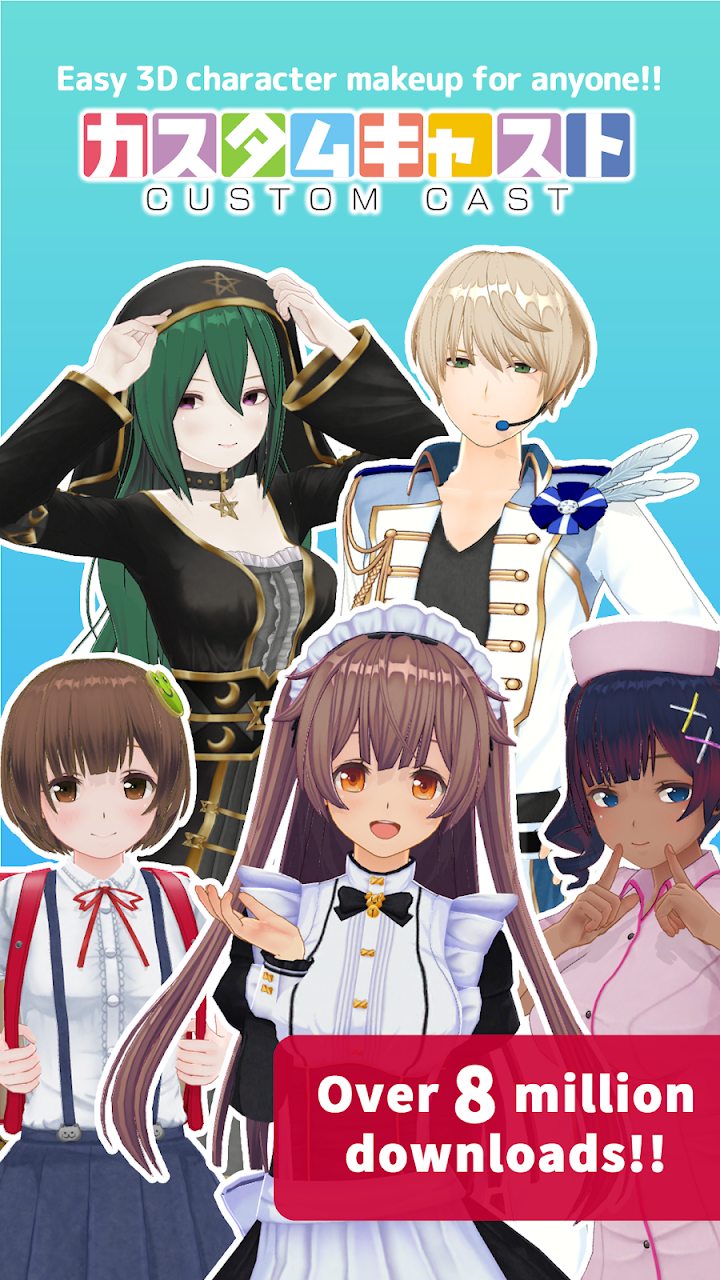
About this app
CUSTOM CAST stands out in entertainment by focusing on making and using your own 3D character. You can build a character from many body parts and outfits, save several versions, and use them for screenshots or live streaming. It is free to install, but it includes ads and in-app purchases.
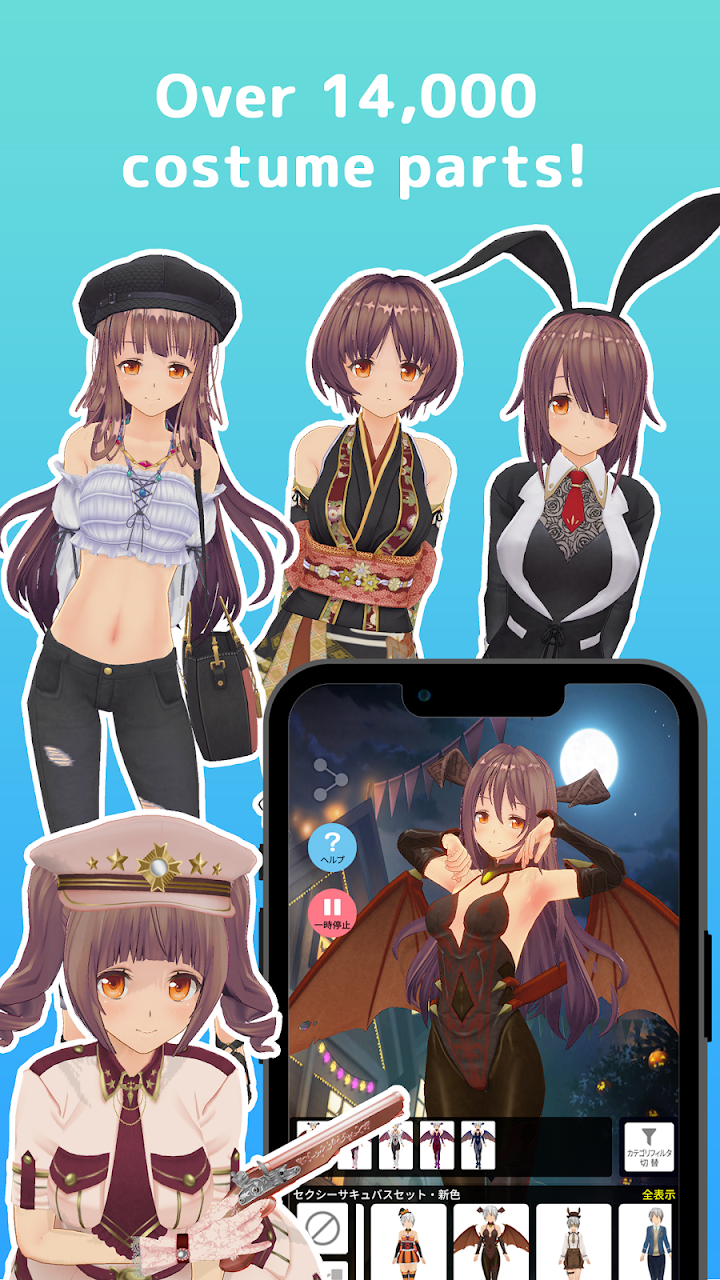
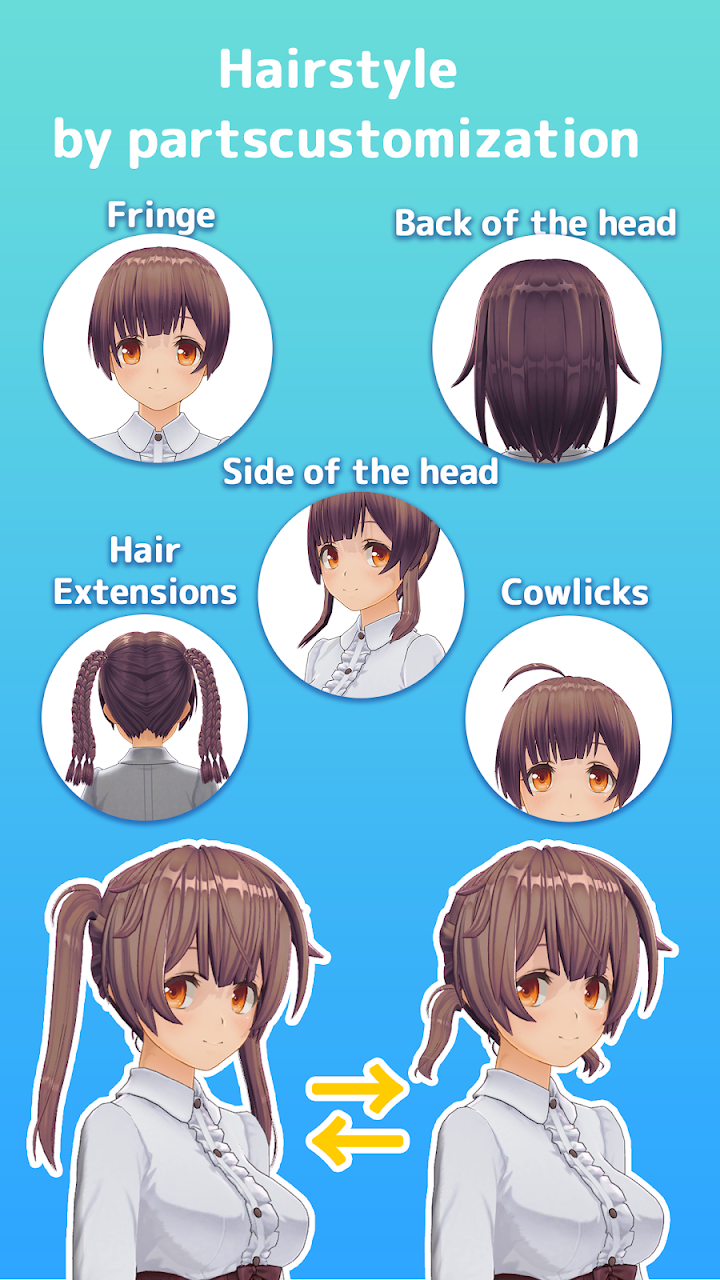
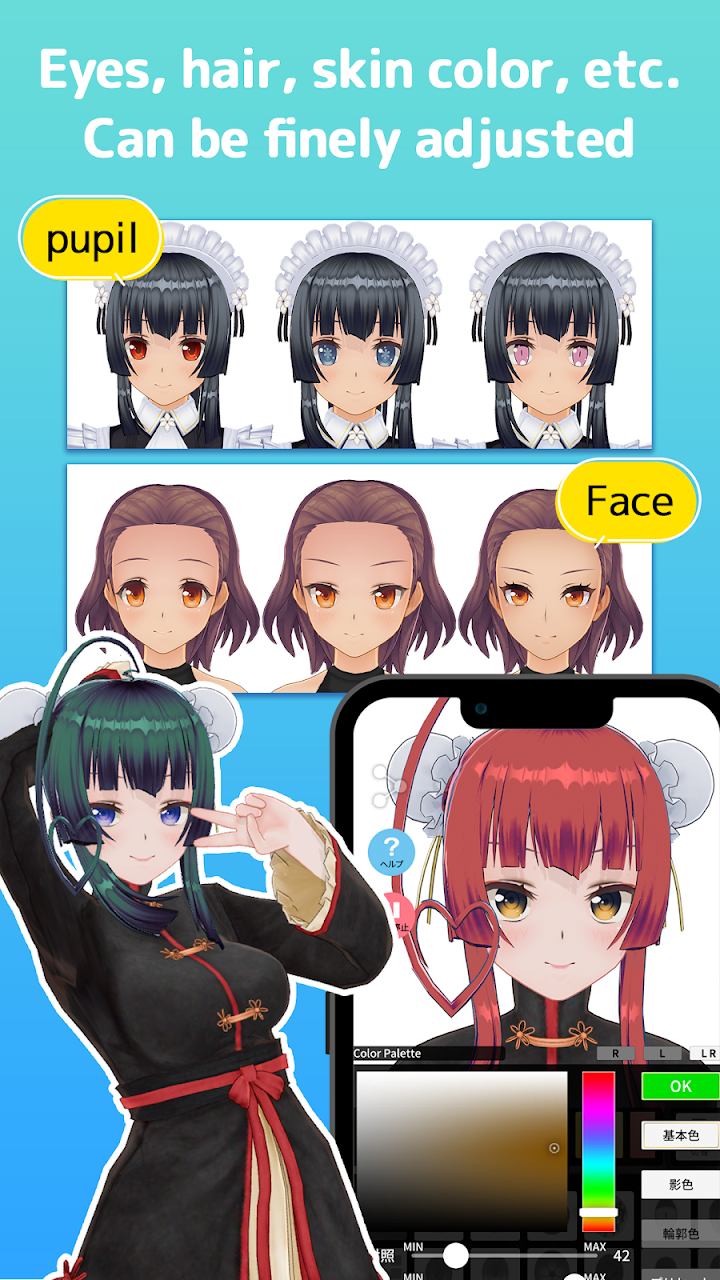
- 3D Character Builder — Choose hairstyle, clothes, skin color, face type, and accessories to shape a character.
- Save Multiple Characters — Keep more than one 3D character and switch between them when you want a different look.
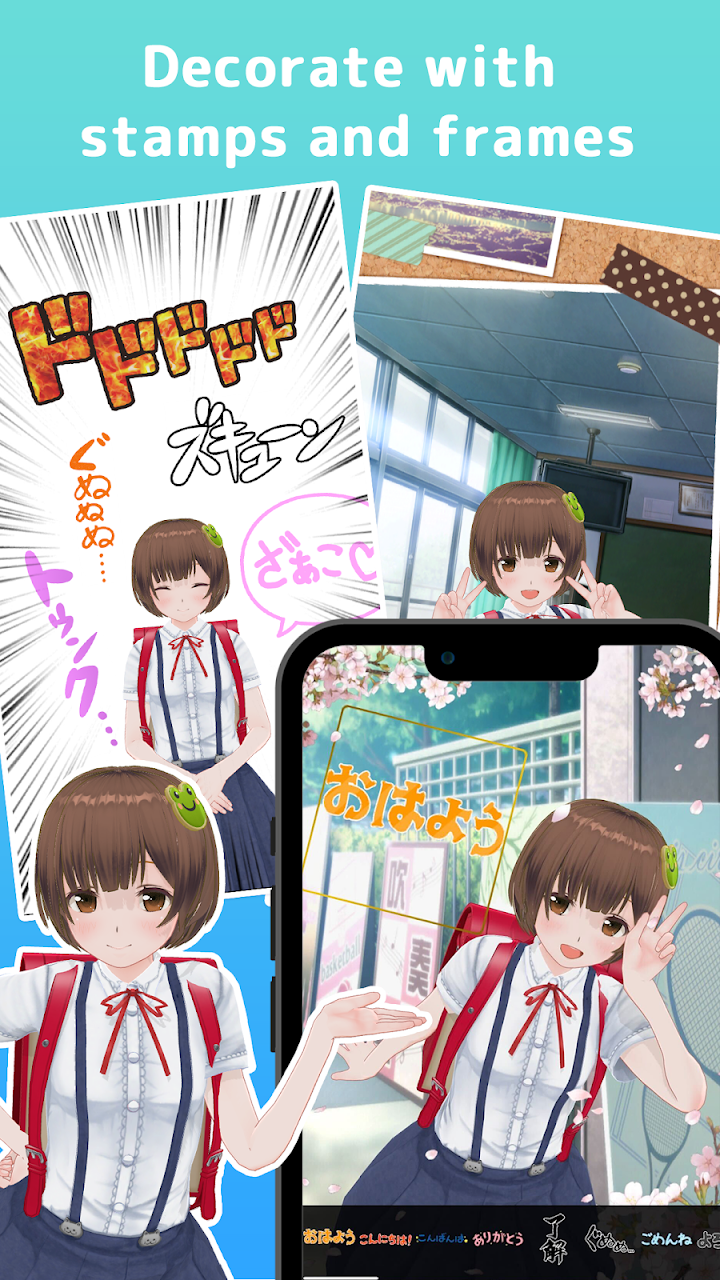
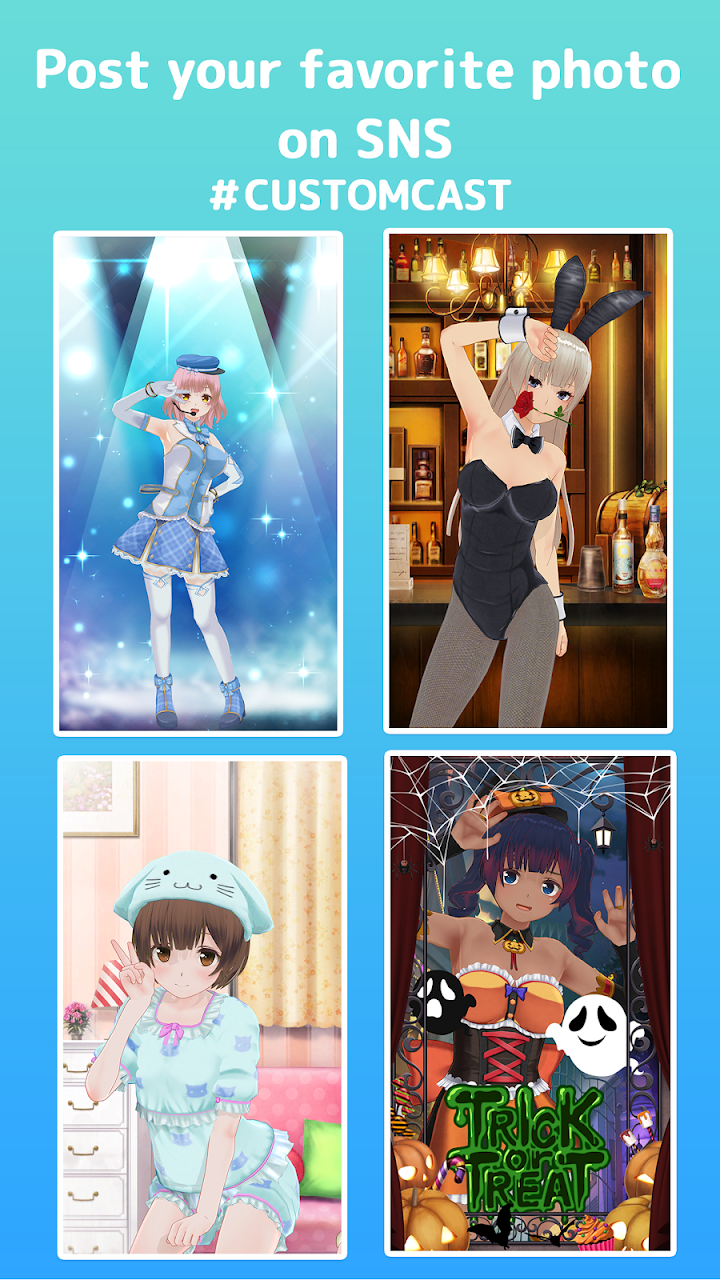
- Screenshot Sharing — Capture your character in different expressions and poses, then decorate the image with stickers and frames.
- Virtual Streaming — Use your created character for streaming, with face detection that moves the avatar with your head movements.
- Gyro and Flick Control — Use gyro movement for more immersive streams and Flicks to trigger specific poses.
Build a character from many parts
CUSTOM CAST is for people who want to make their own 3D avatar instead of using a preset character. You can combine hairstyle, clothes, skin color, face type, accessories, and other parts to create a look that feels personal. The app also lets you save multiple characters, so you can keep different versions ready.
Use it for screenshots or streaming
After creating a character, you can dress it up, pose it, and take screenshots to share on social media. The app also goes beyond static images: it can be used for virtual streaming, where your device camera tracks your face and your character moves with your head. Gyro support and Flicks give you more control over movement and poses.
How it compares with other entertainment apps
Compared with apps that focus on coloring, drawing, or game-style content, CUSTOM CAST is centered on character creation and avatar use. That makes it a better fit if you want to design a 3D persona and use it in posts or streams. If you mainly want coloring pages or casual art tools, one of the similar apps may suit you better.
- You get: a 3D character creator, multiple saved characters, screenshot tools, and streaming features.
- Watch for: ads, in-app purchases, and an app that is focused on avatar creation rather than coloring or general entertainment.
Install details and device needs
The app is free, comes as an APK, and lists a 91.8 MB file size. It requires Android 7.0 or higher and at least 1 GB of free storage. The listing does not show any permissions, so there is nothing specific to review there from the store page.
APK information
- Version
- 1.02.12
- Package
- jp.customcast.cc2
- Category
- Entertainment
- Size
- 92 MB
- Min Android
- 5.0
- Architecture
- universal
Older versions
-
CUSTOM CAST 1.02.12Nov 10, 2026Latest downloadAPK
CUSTOM CAST FAQ
Does CUSTOM CAST need a subscription?expand_more
The app is free to install, and it includes ads and in-app purchases. No subscription is listed.
Does CUSTOM CAST support Chromecast?expand_more
Chromecast support is not listed. The app description focuses on character creation, screenshots, and streaming with your device camera and gyro.
Can I install CUSTOM CAST without Google Play?expand_more
Yes. The app is provided as an APK file, so it can be installed outside Google Play if your device allows APK installs.
What permissions does CUSTOM CAST ask for?expand_more
No permissions are listed on the app page.
What can I do with my 3D character in CUSTOM CAST?expand_more
You can customize it, save multiple characters, take screenshots with poses and expressions, and use it for virtual streaming.