- 4.3star211,488 reviews
- 10M+Downloads
- 4 MBAPK size
- EveryoneRated for Everyone
- API 17+Android
check_circleOriginal APK from Maize · Updated Nov 12, 2026
No threats found
0 / — antivirus engines flagged this file
Original signature
First seen — Maize
Unmodified APK
Same file the developer published — no mods
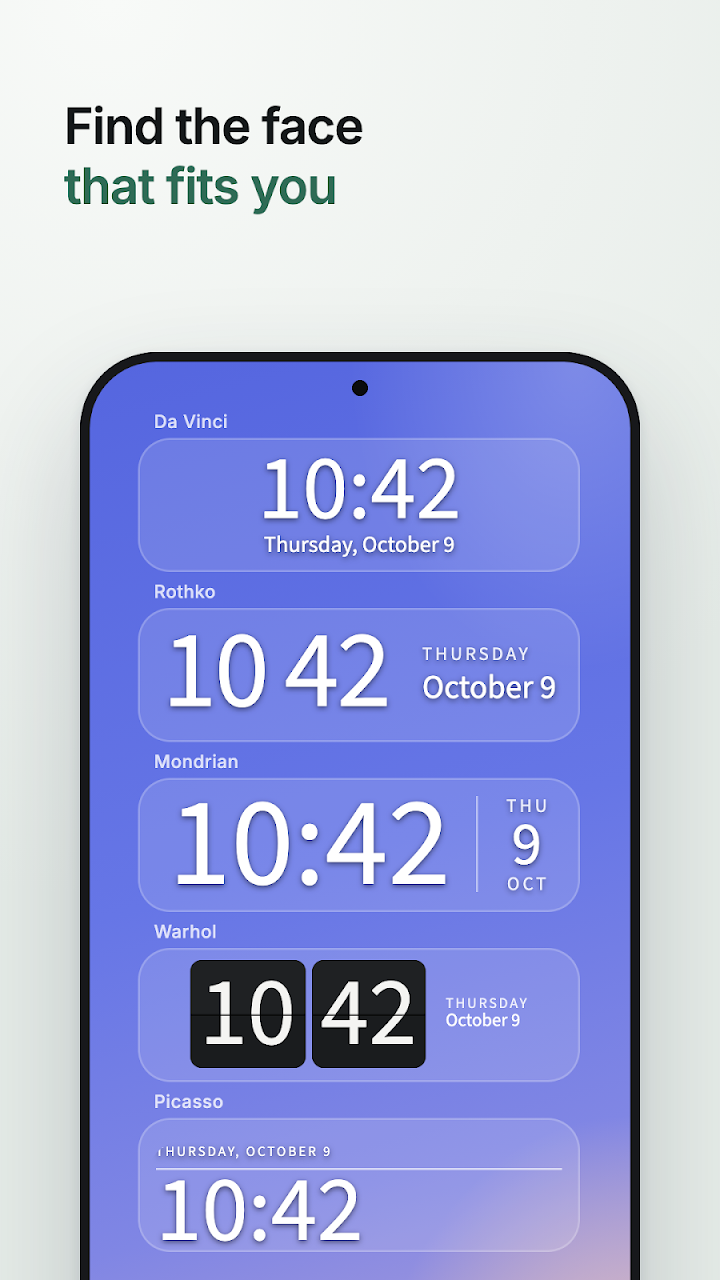
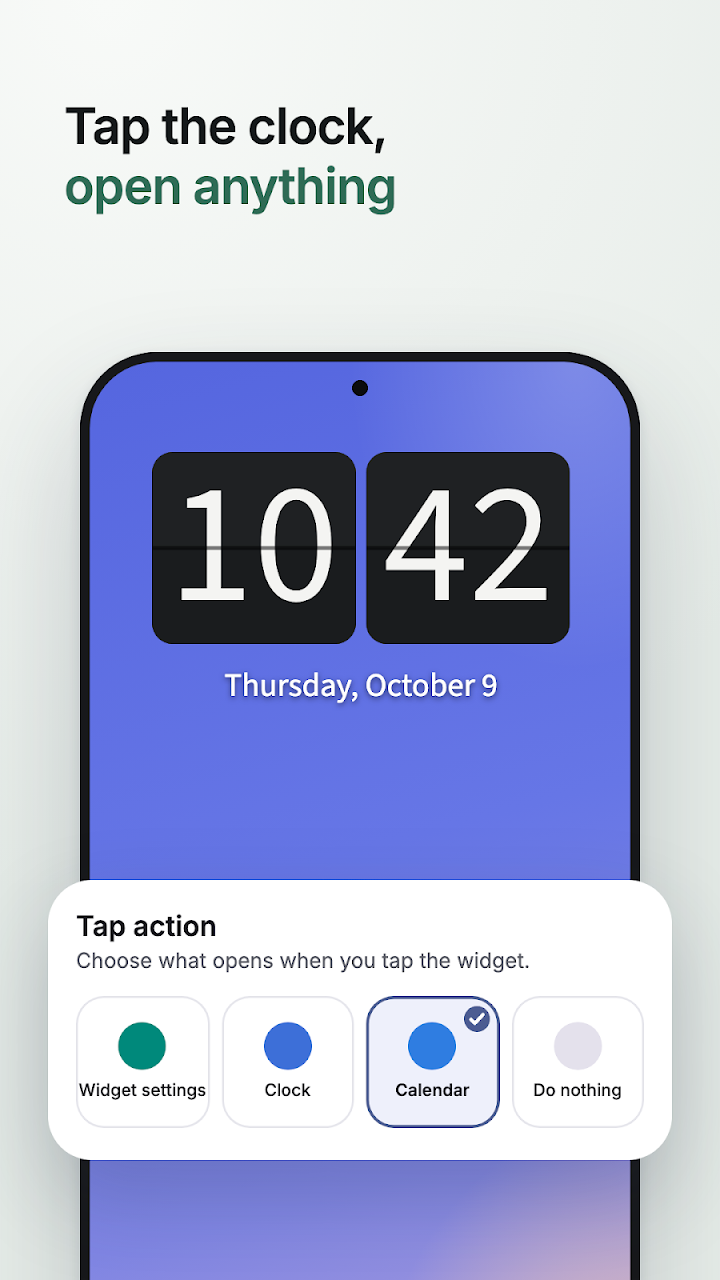
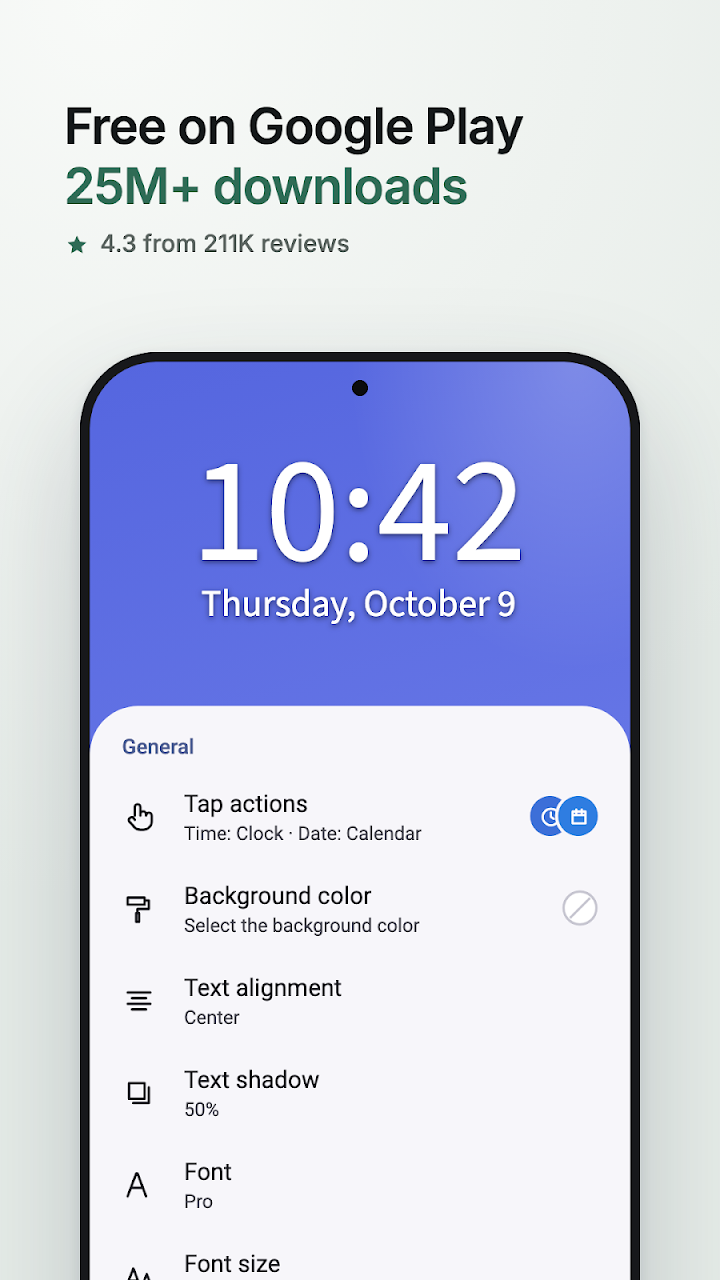
Digital Clock Widget screenshots
8 images · tap to enlarge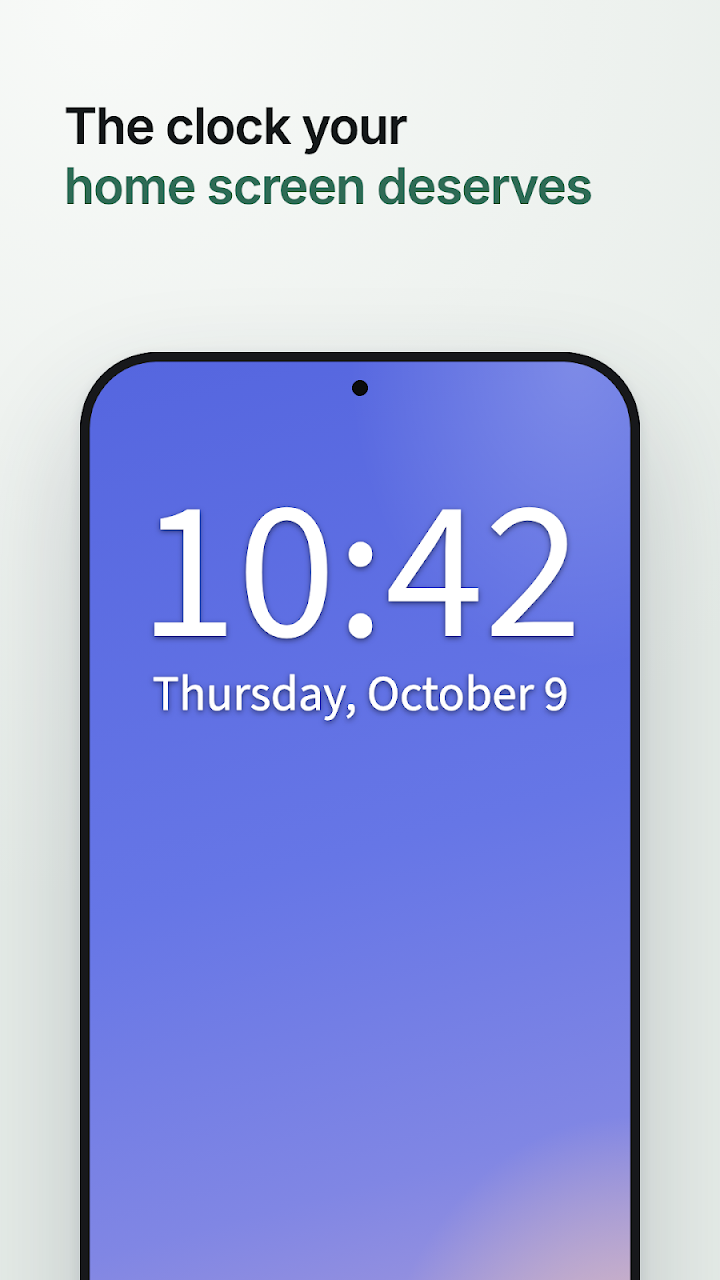
About this app
Maize’s Digital Clock Widget is a home screen time-and-date widget for Android. It focuses on showing the clock in a format you choose, with live updates, color controls, timezone selection, and optional next alarm or calendar event display. It is free to install, includes ads, and does not list any permissions or in-app purchases.
- Home screen clock — Places a digital time and date widget on your Android home screen.
- Live updates — Changes to colors, formats, and layout apply in real time.
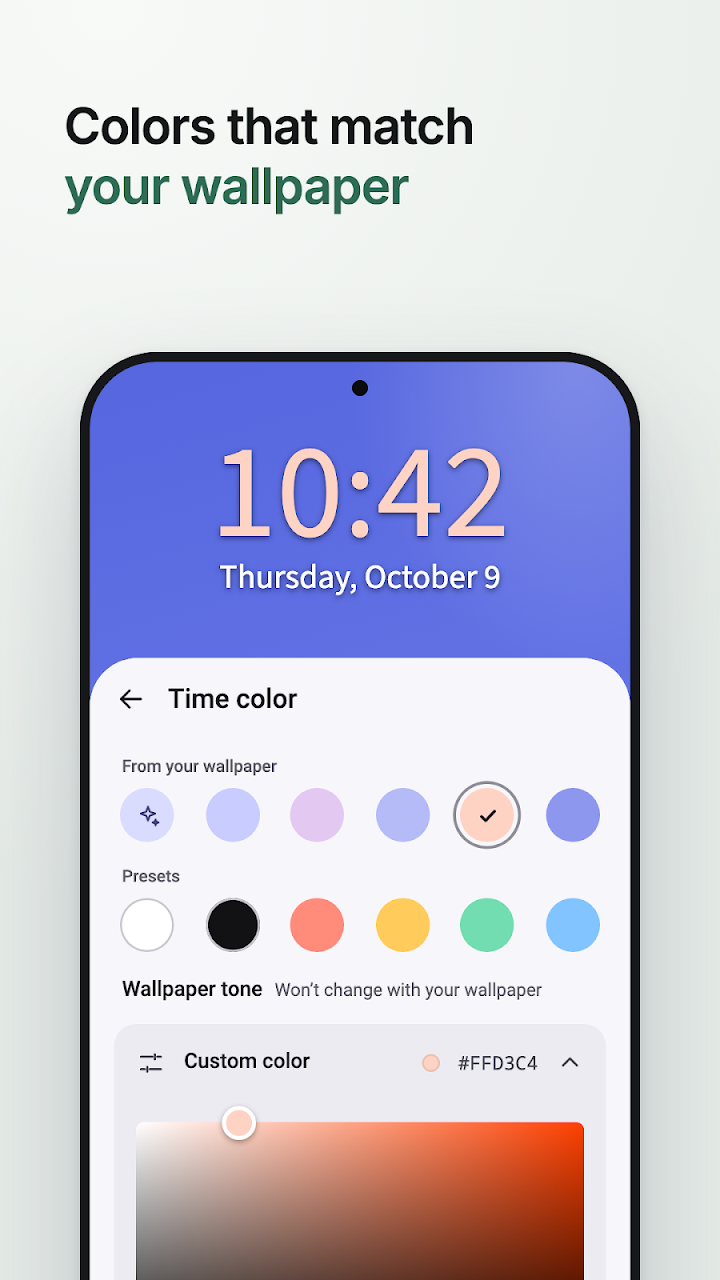
- Color control — Use an RGB picker to choose from millions of time and date colors.
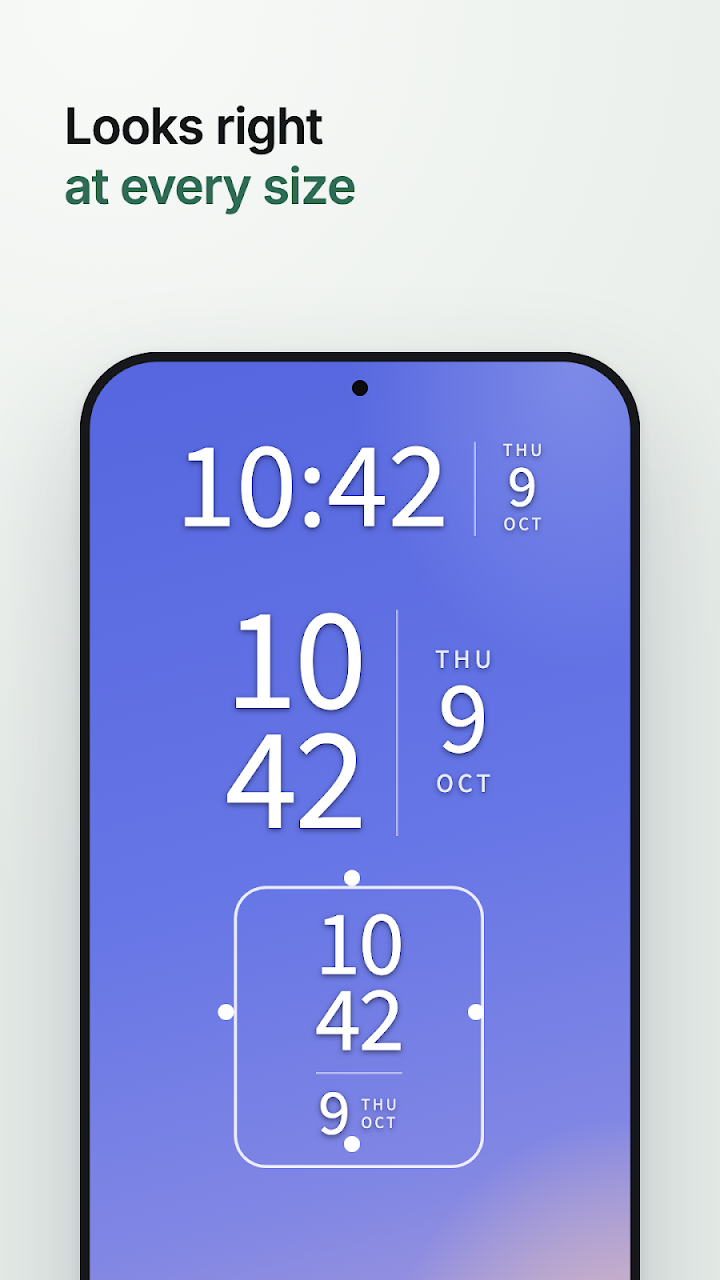
- Resize support — Long-press to enter resize mode and adjust the widget size.
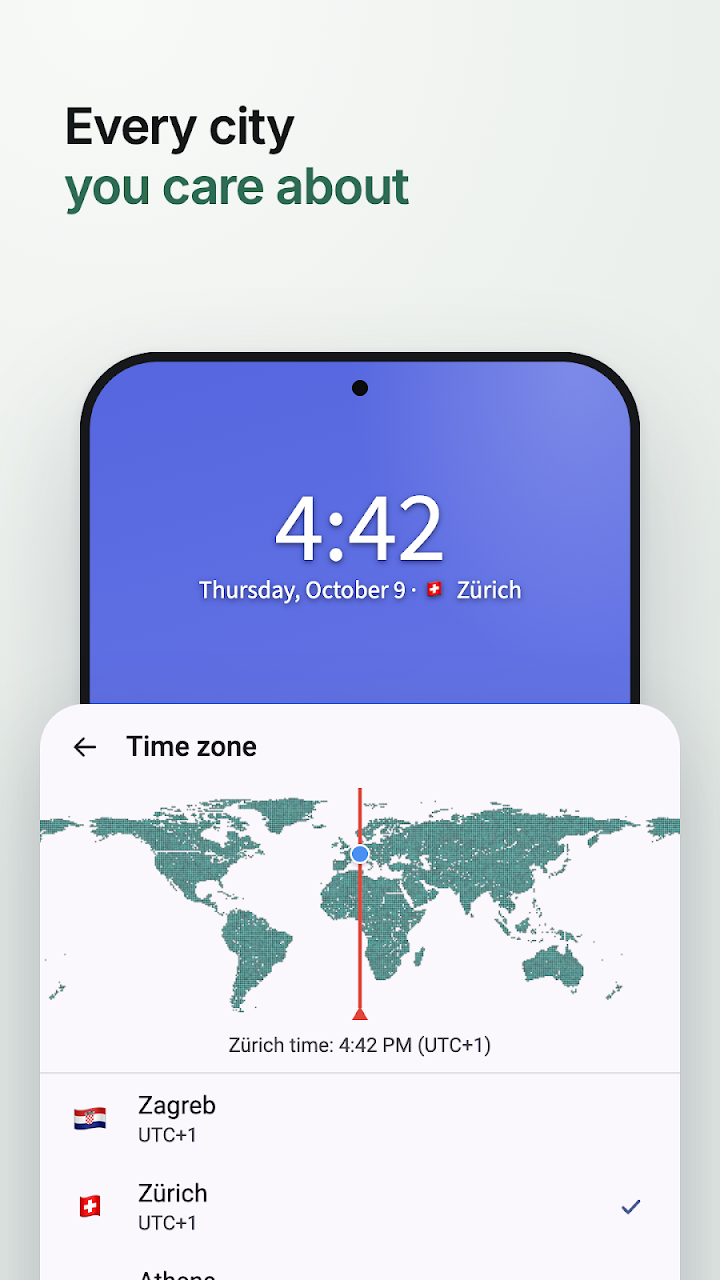
- Timezone setting — Set the widget to show time for a specific timezone.
- Alarm and calendar — Can display your next alarm or a calendar event.
What this widget shows
Digital Clock Widget is a simple home screen widget for showing time and date in a digital style. It is built around display customization rather than extra layers of features, so the main job is to keep the clock visible, readable, and adjustable from the home screen.
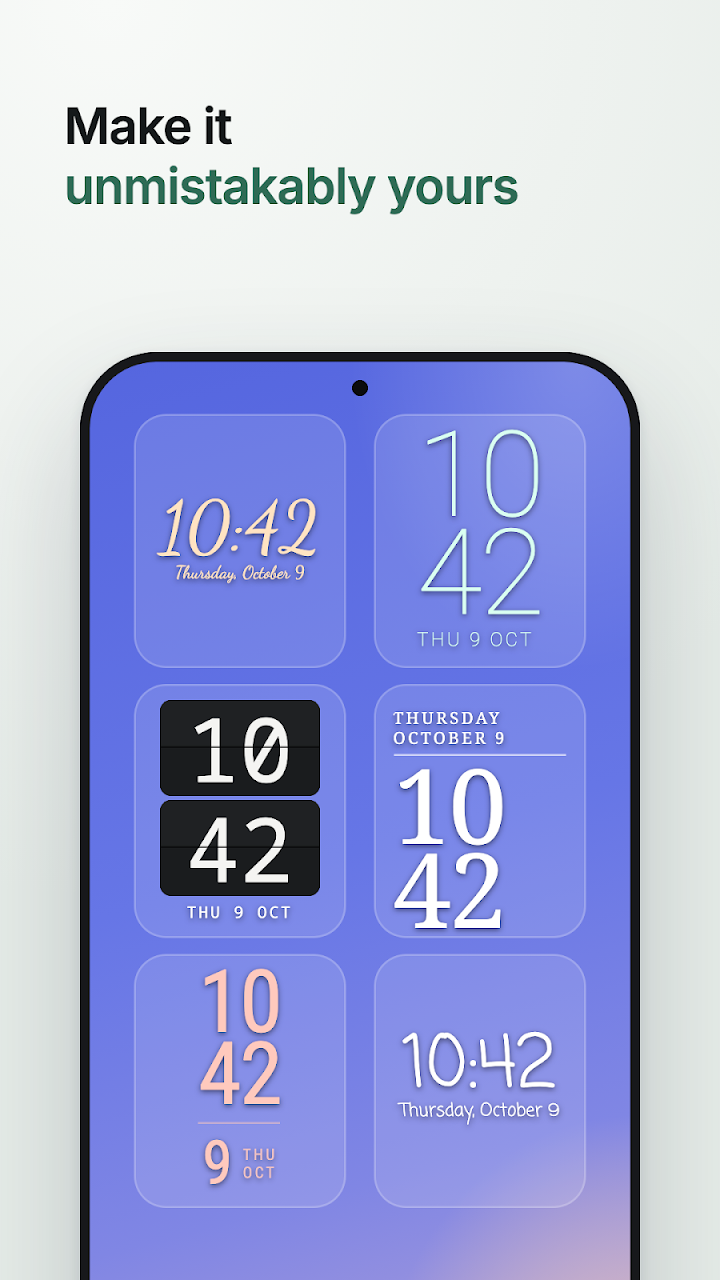
The widget supports different time and date formats, background colors, and separate color choices for the time and date. You can also set a timezone, which is useful if you want the widget to follow a different region than the phone’s default clock.
Customization and layout
The app is designed for users who want control over how a widget looks without moving into a full clock app. Changes appear in real time, so you can tune the layout and see the result immediately. It also supports widget resizing, which helps if you want a compact clock or a larger one with more spacing.
- Gets: time and date widget, color picker, timezone choice, resize support, alarm or calendar display.
- Watch for: ads, no in-app purchases, and no listed permissions to explain data access.
Install details and device fit
The APK is 4.1 MB, in universal architecture, and supports Android 5.0 or above, with a minimum listed requirement of API 17. That makes it light on storage and straightforward to install on a wide range of devices, including tablets. The app uses a Material design interface and supports up to 50 languages.
Permissions, ads, and account needs
No permissions are listed for this app, so it does not present a permission request screen in the provided package details. That means there is nothing to review for camera, contacts, location, or storage access from the manifest shown here. The app is free, includes ads, and does not offer in-app purchases. No account requirement is listed.
For people who want a readable clock widget with timezone control and customizable colors, this app stays focused on the widget itself rather than expanding into a larger utility suite.
APK information
- Version
- 3.0.18
- Package
- com.maize.digitalClock
- Category
- Tools
- Size
- 4 MB
- Min Android
- API 17
- Architecture
- universal
Older versions
-
Digital Clock Widget 3.0.18Nov 12, 2026Latest downloadAPK
Digital Clock Widget FAQ
Why does Digital Clock Widget need these permissions?expand_more
No permissions are listed for this app, so there are no requested access rights to explain from the package details shown.
Does Digital Clock Widget drain the battery?expand_more
The app is a small widget app at 4.1 MB, but no battery-use claims are listed. Its real-time updates are a core feature, so usage may depend on how often you change the widget.
Is Digital Clock Widget free to use?expand_more
Yes. It is free to install, includes ads, and does not list in-app purchases.
What changed in the latest Digital Clock Widget version?expand_more
No recent change notes are listed for the current version.
Can Digital Clock Widget show a different timezone?expand_more
Yes. The widget includes a timezone selector so you can show time for a chosen region.