- 4.7star576,615 reviews
- 100M+Downloads
- 11 MBAPK size
- EveryoneRated for Everyone
- API 22+Android
check_circleOriginal APK from Leap Fitness Group · Updated Nov 12, 2026

No threats found
0 / — antivirus engines flagged this file
Original signature
First seen — Leap Fitness Group
Unmodified APK
Same file the developer published — no mods
Downloader - Video Downloader screenshots
7 images · tap to enlarge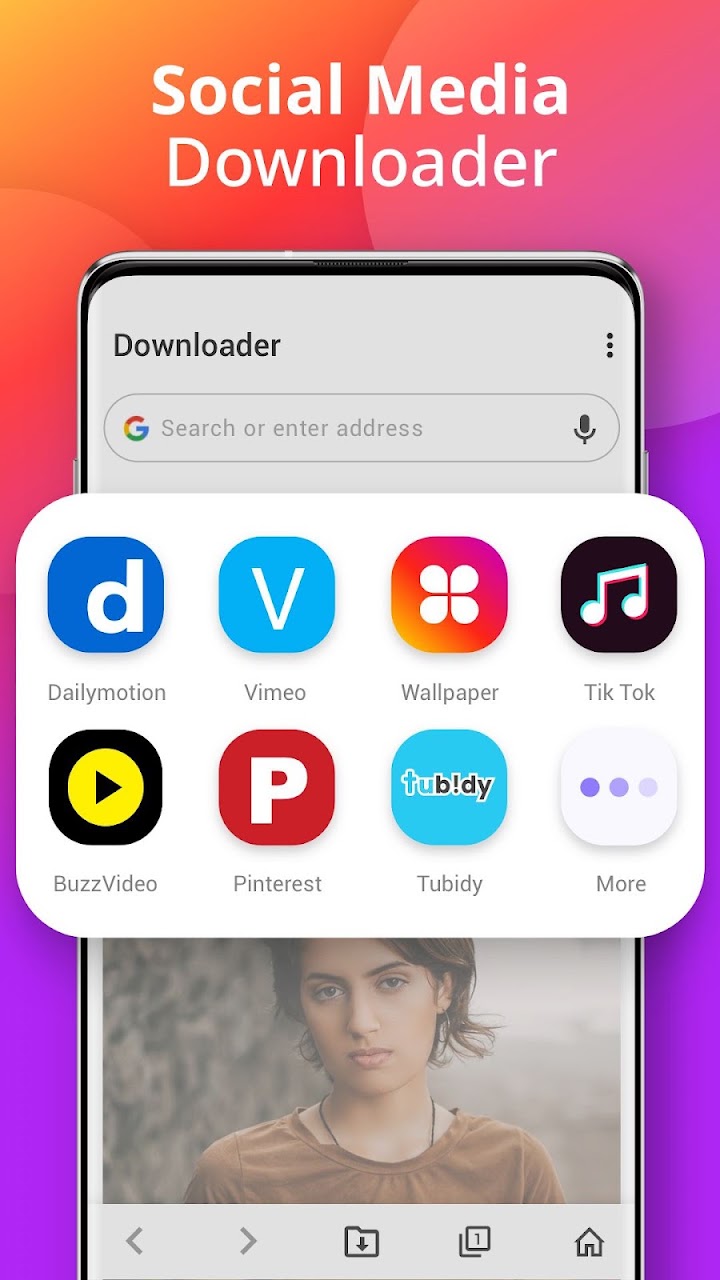
About this app
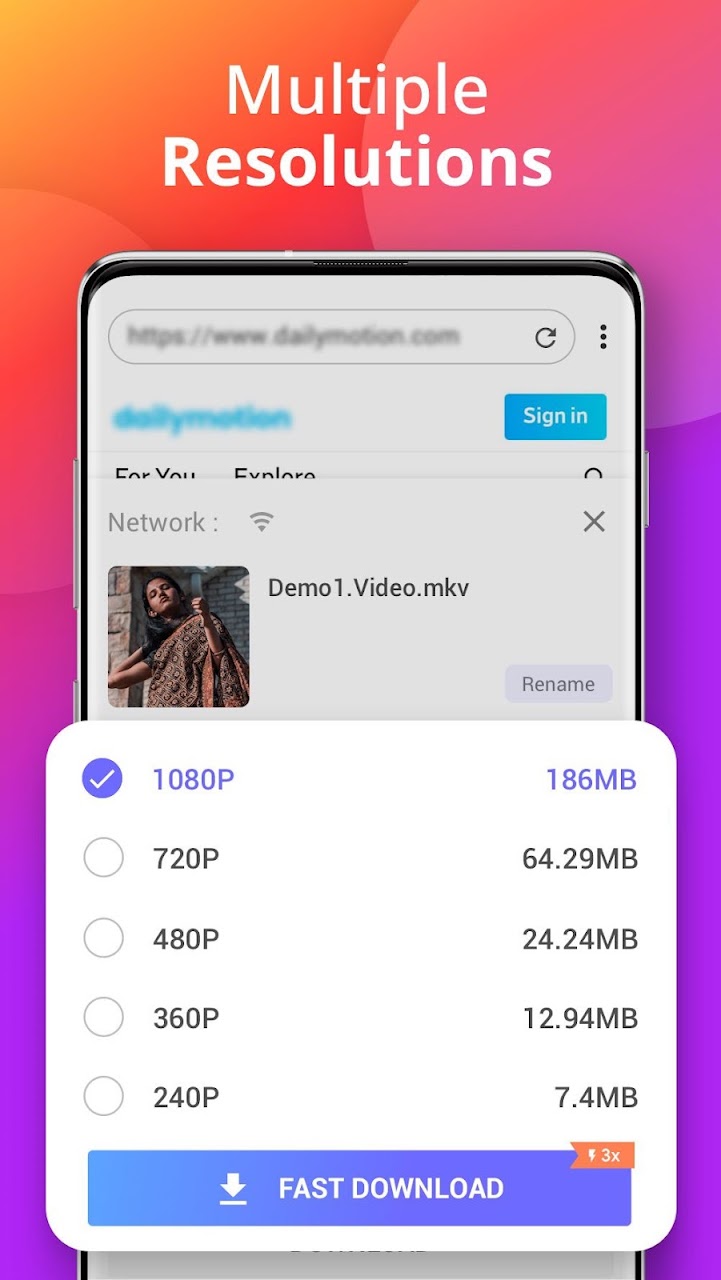
Download videos from social webs with one-click detection, built-in browsing, and a download manager that can pause, resume, and handle multiple files. Downloader - Video Downloader is free to use, includes ads and in-app purchases, and supports HD video downloads, offline playback, and many file formats.
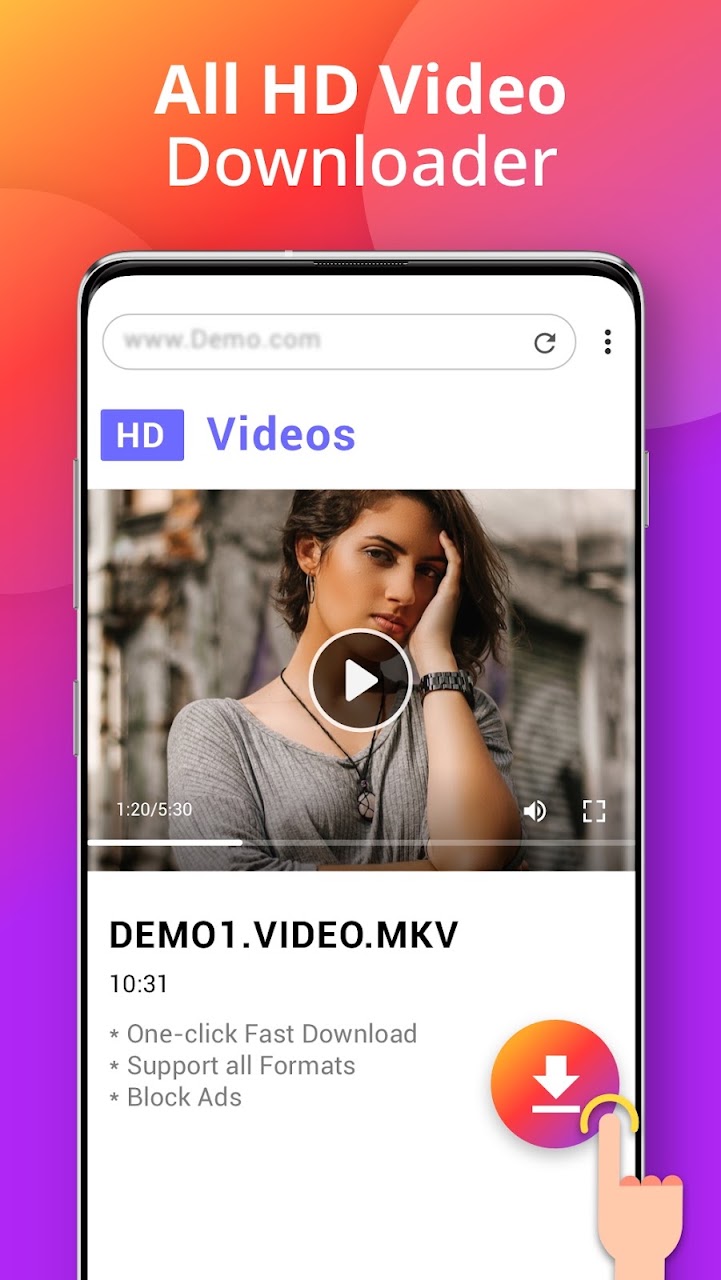
- One-click detection — The built-in browser can detect videos on a page and start the download quickly.
- Many file types — It supports MP3, M4A, MP4, M4V, MOV, AVI, WMV, DOC, XLS, PDF, TXT, and more.
- HD video saving — Download HD videos from social webs directly to your device.
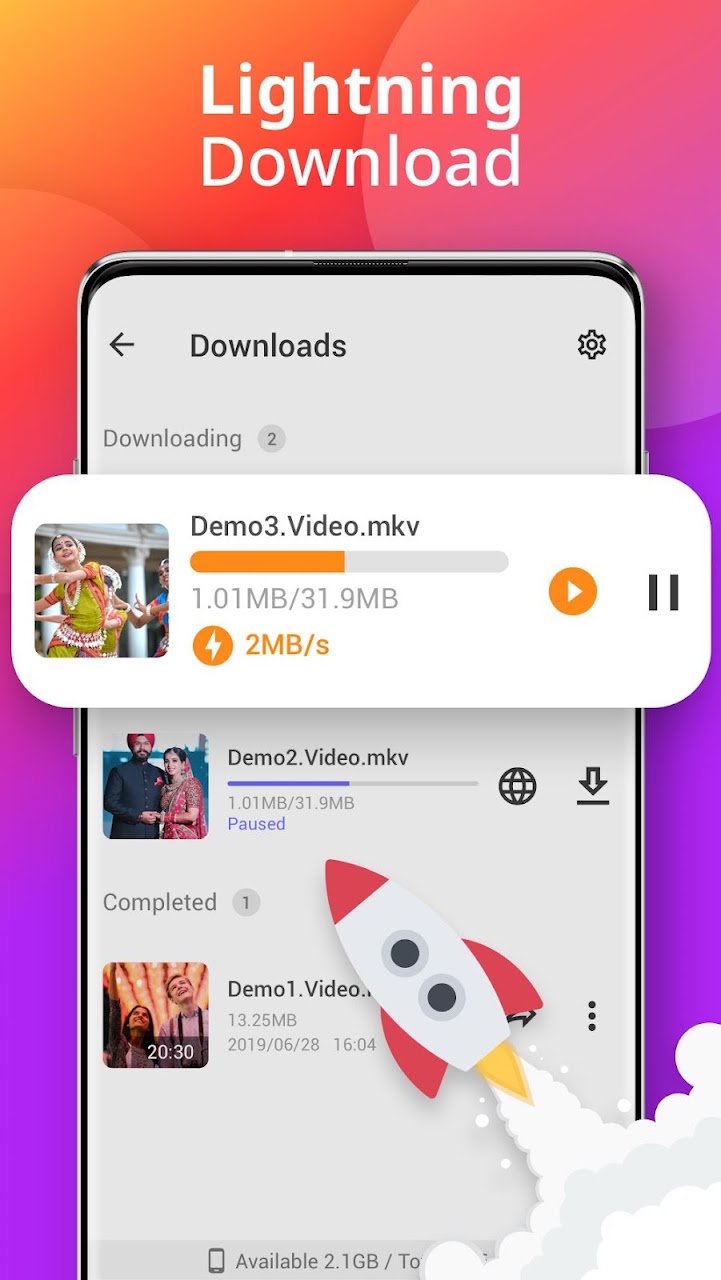
- Download control — Pause, resume, delete, share, and continue failed downloads with the download manager.
- Offline playback — Use the built-in player to watch videos without an internet connection.
- Free download app — The app is free, with ads and in-app purchases.
Quick downloads from social webs
Downloader - Video Downloader is made for people who want to save clips from popular social webs without extra steps. Open the built-in browser, load a page, and let the app detect the video. You can also paste a video link to start a download.
It supports HD video downloads and claims support for all formats, including MP3, M4A, MP4, M4V, MOV, AVI, WMV, DOC, XLS, PDF, and TXT.
For commuters and offline viewing
If you want to watch saved clips later, the built-in player lets you play videos offline. That makes it useful for trips, low-signal areas, or anyone who prefers to keep videos on the device before watching.
The app also includes bookmark support for favorite websites, so you can return to the same sources again.
For people who manage many files
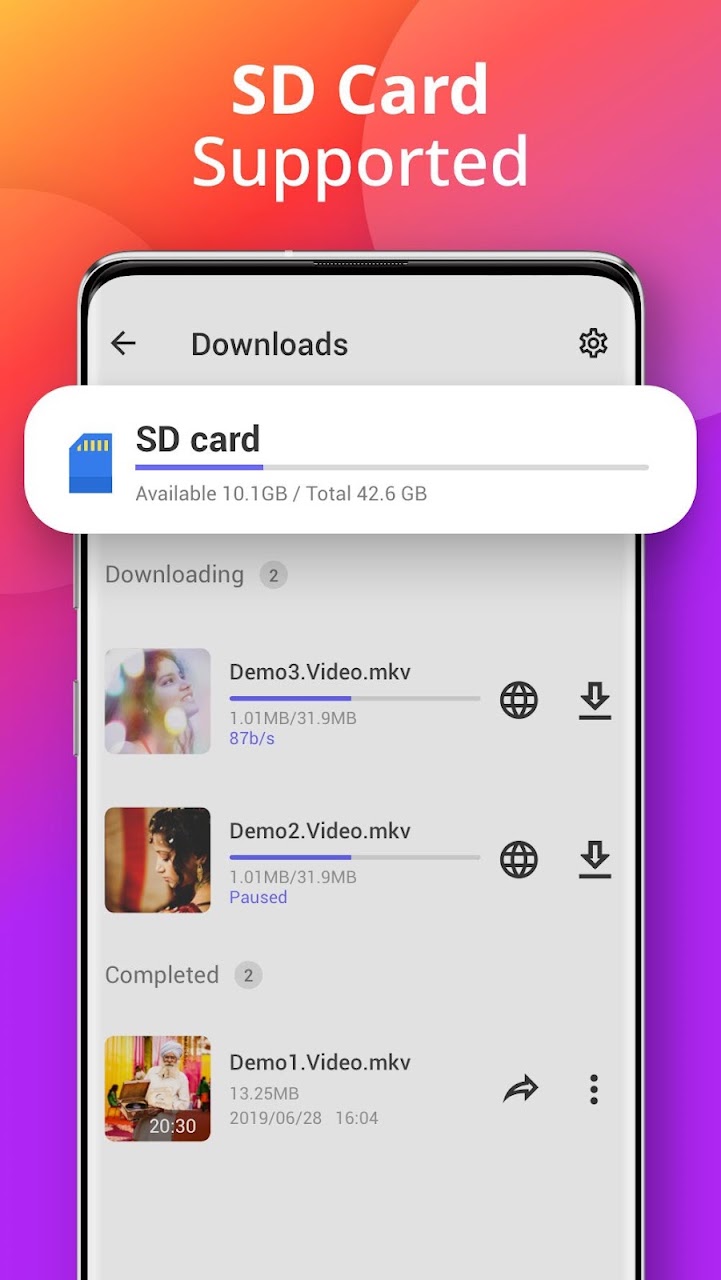
The download manager is built for larger queues. It can download multiple files at a time, handle large files, run in the background, and resume failed downloads. You can pause, delete, and share downloads from the same place.
- Check progress in the download bar
- Save files to an SD card
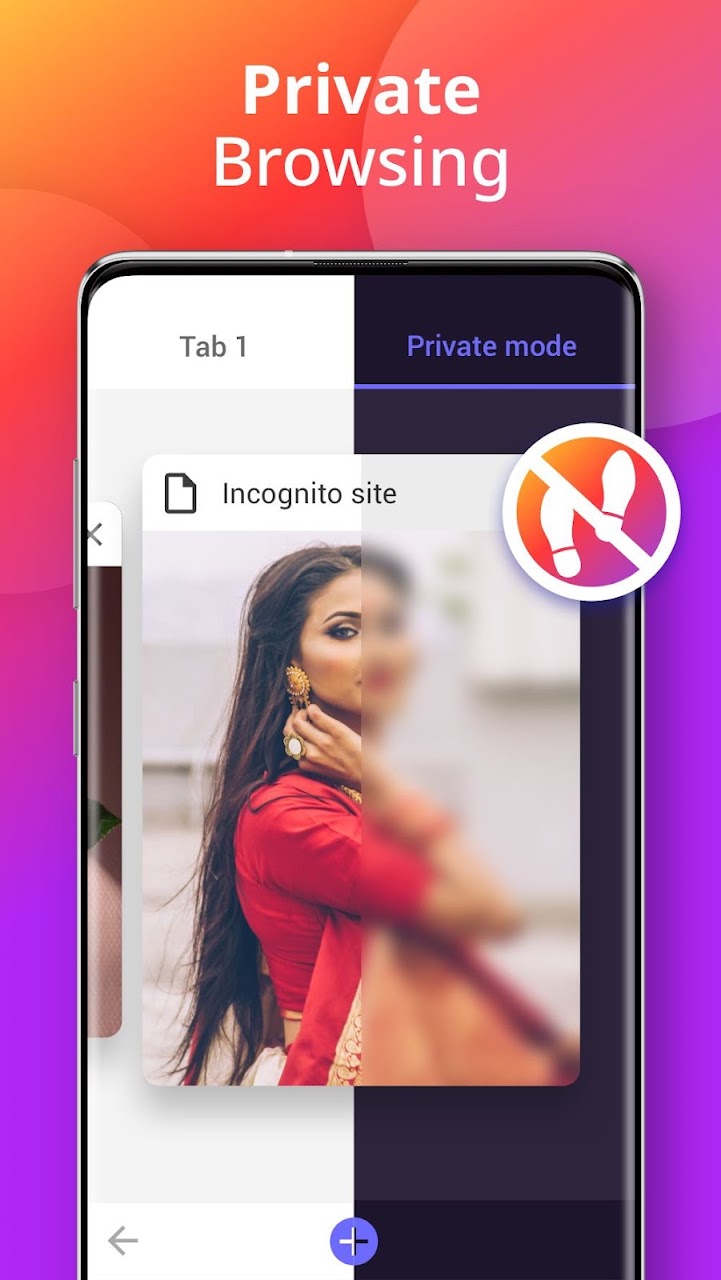
- Browse without leaving traces with the built-in browser
Install details and device support
This APK file is 10.5 MB and works on Android 5.1 and up. It is a universal build in APK format. The app is rated for Everyone and was released on 2019-07-19. Its latest update is 2026-11-05.
Downloader - Video Downloader comes from Leap Fitness Group, the developer behind Home Workout - No Equipment, Six Pack in 30 Days, HD Video Downloader App - 2022, Lose Weight App for Men, and Lose Weight App for Women.
APK information
- Version
- 1.1.3
- Package
- downloader.vitmate.downloaderapp
- Category
- Video Players & Editors
- Size
- 11 MB
- Min Android
- API 22
- Architecture
- universal
Older versions
-
Downloader - Video Downloader 1.1.3Nov 12, 2026Latest downloadAPK
Downloader - Video Downloader FAQ
Does Downloader - Video Downloader support Chromecast?expand_more
Chromecast support is not listed. The app description mentions a built-in player for offline playback instead.
Does Downloader - Video Downloader need a subscription?expand_more
No subscription is listed. The app is free, and it also contains ads and in-app purchases.
How do I install the Downloader - Video Downloader APK file?expand_more
Download the APK file, then open it on an Android device that runs Android 5.1 or higher. The file is a universal APK and is 10.5 MB.
Does Downloader - Video Downloader work offline?expand_more
Yes. The app includes a built-in player for offline video playback after you download files.
What file formats can Downloader - Video Downloader save?expand_more
It supports many formats, including MP3, M4A, MP4, M4V, MOV, AVI, WMV, DOC, XLS, PDF, and TXT.