
- 4.5star1,275 reviews
- 100M+Downloads
- 36 MBAPK size
- EveryoneRated for Everyone
- 5.0+Android
check_circleOriginal APK from DU Recorder Team · Updated Nov 12, 2026
No threats found
0 / — antivirus engines flagged this file
Original signature
First seen — DU Recorder Team
Unmodified APK
Same file the developer published — no mods
DU Recorder � Screen Recorder & Video Editor screenshots
8 images · tap to enlarge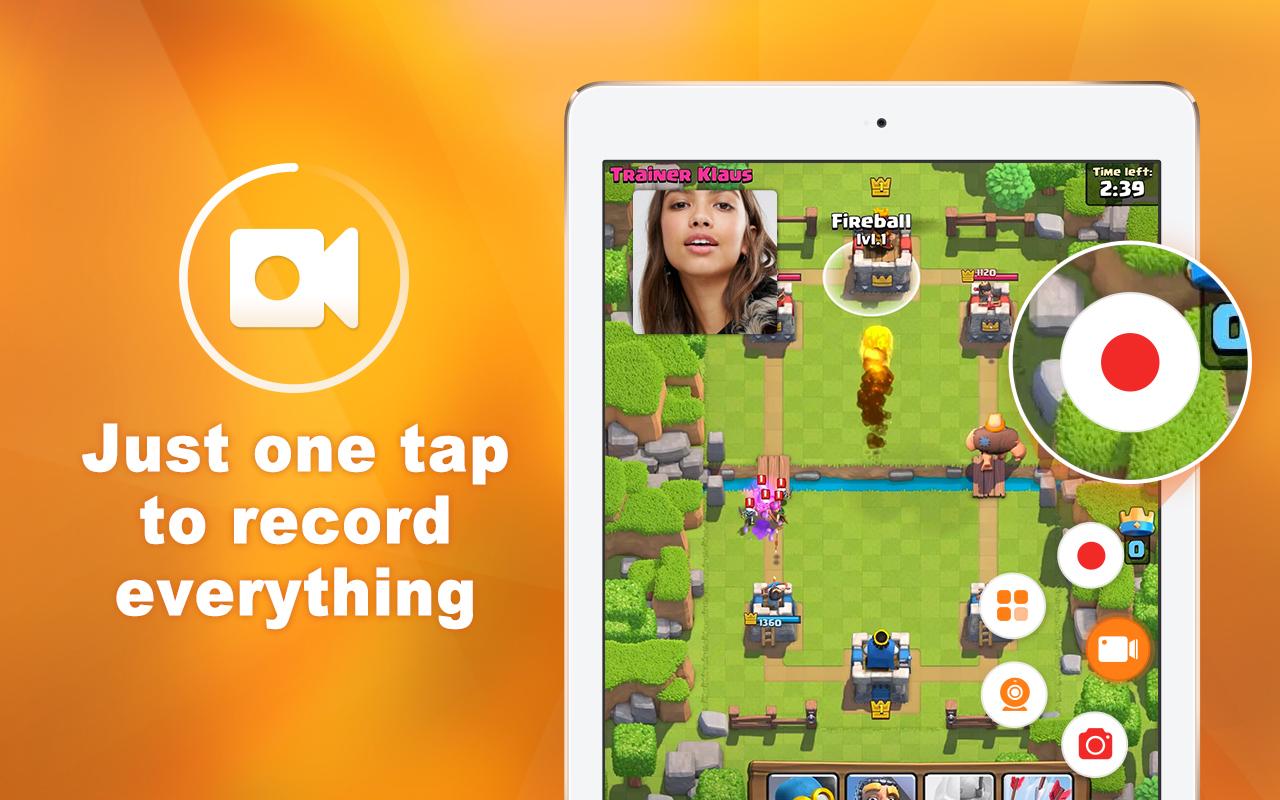
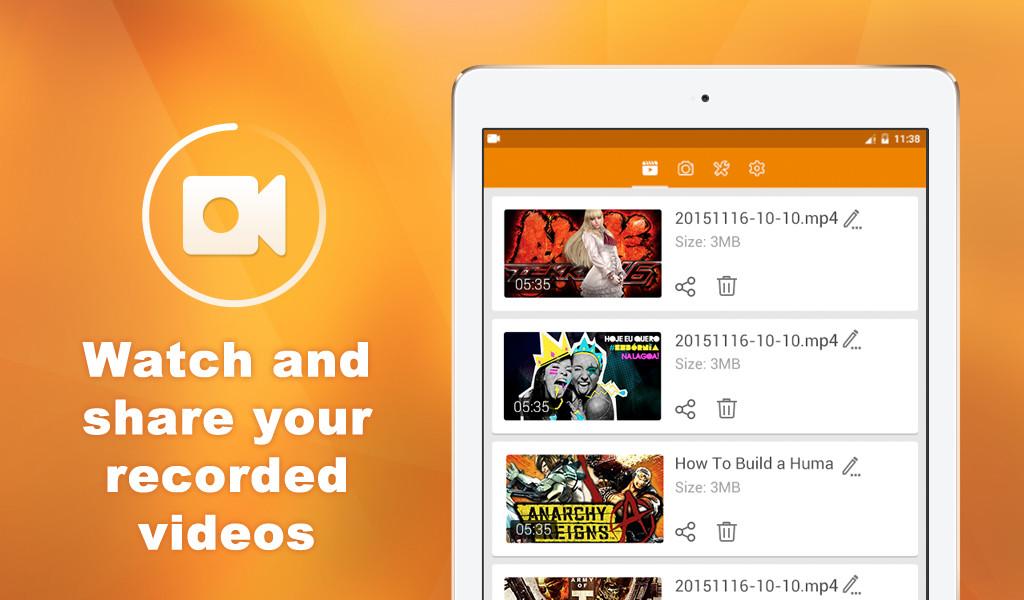
About this app
DU Recorder Team makes DU Recorder – Screen Recorder & Video Editor for recording phone screens and editing the results. It captures gameplay, calls, live streams, screenshots, and other on-screen activity in video form. You can adjust video quality settings, edit clips, and share finished files to social apps and messaging apps.
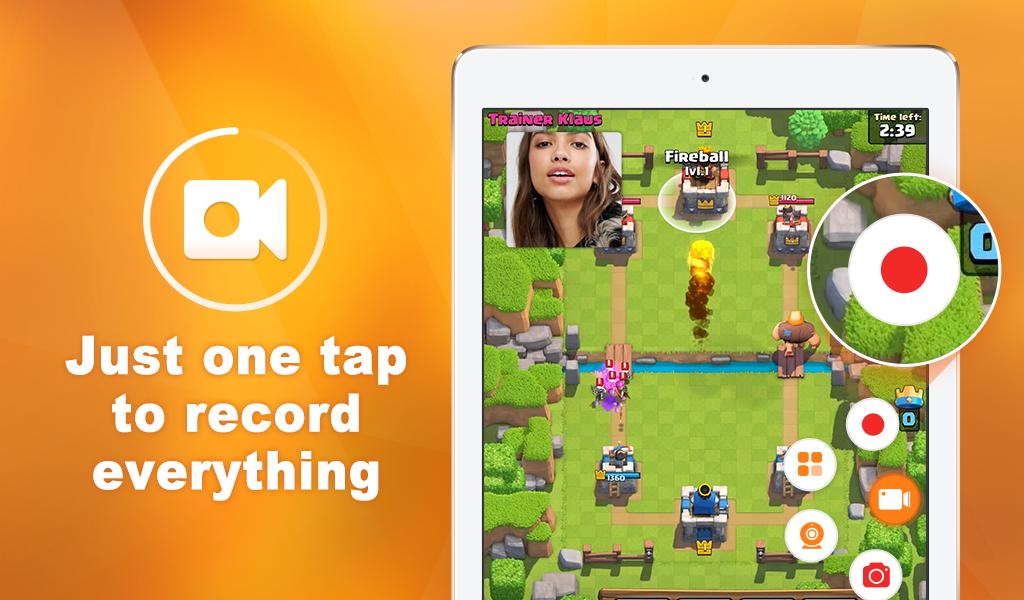
- Screen video recording — Record what happens on your phone screen in video form, not just as screenshots.
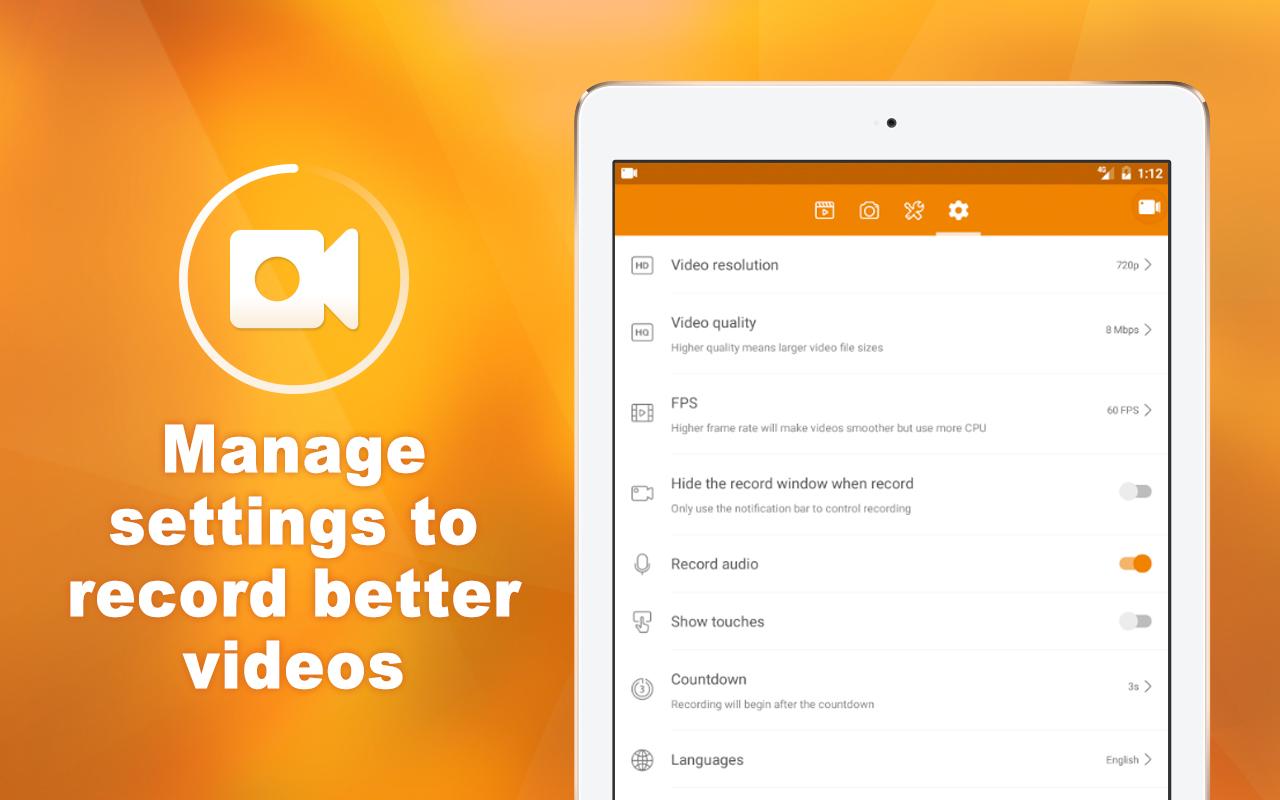
- Quality controls — Adjust resolution, bitrate, and frame rate, with support up to 1080p and 60 fps.
- Live stream tools — Use live features for streaming, including front camera support and direct sharing to Facebook.
- Video editing — Cut, crop, rotate, trim, add music, add subtitles, and convert videos to GIFs.
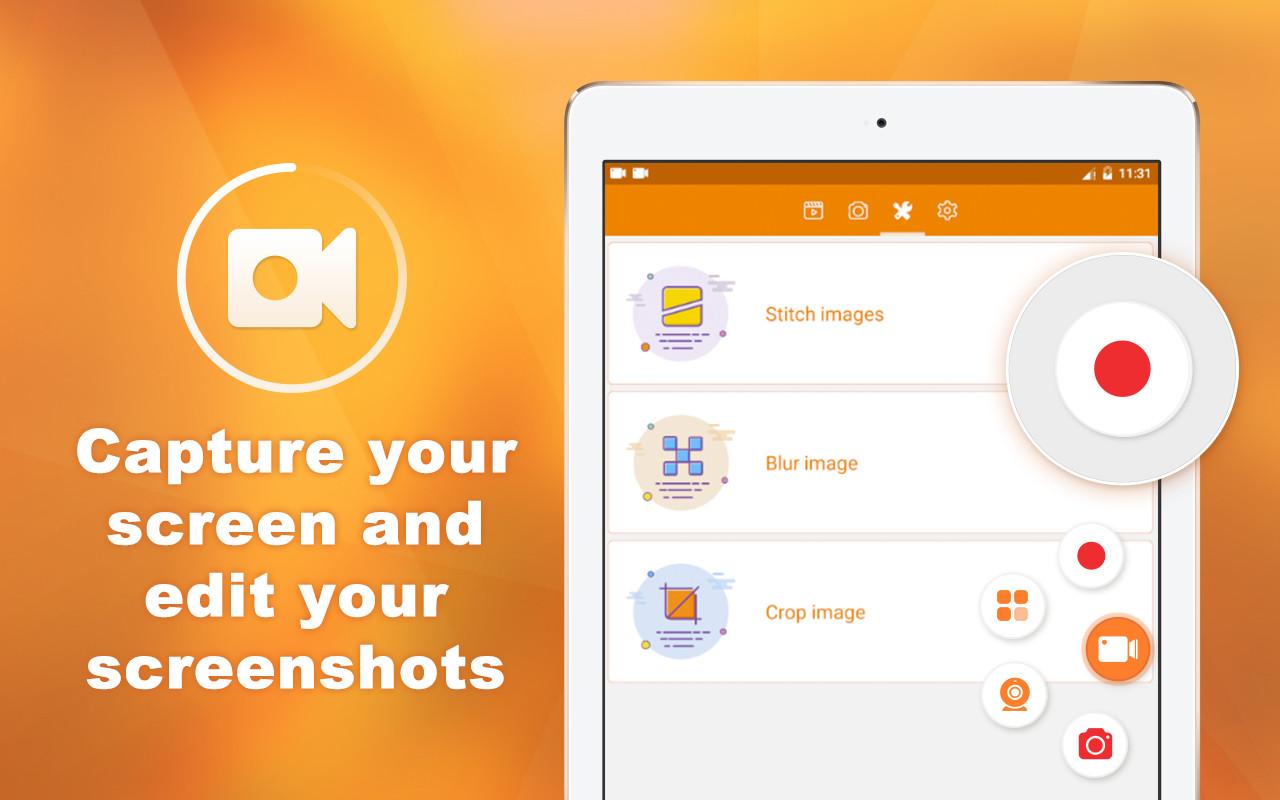
- Screenshot editing — Capture screenshots with one tap and then crop, combine, or blur parts of the image.
- Free to use — The app is free, with no in-app purchases listed and no ads listed.
When screen capture needs more than a screenshot
Phone screens often hold the moment you want to keep: a game run, a call, or a live show. DU Recorder – Screen Recorder & Video Editor records that activity as video, so you can save motion, sound, and timing instead of a still image.
The app is made by DU Recorder Team and is in the Video Players & Editors category. It is free, works on Android 5.0 and up, and comes as a universal APK file sized at 36.4 MB.
Recording controls for video and live use
You can set the recording quality to match your needs by changing resolution, bitrate, and frame rate. The app supports up to 1080p and 60 fps, which suits smoother gameplay capture and other fast scenes.
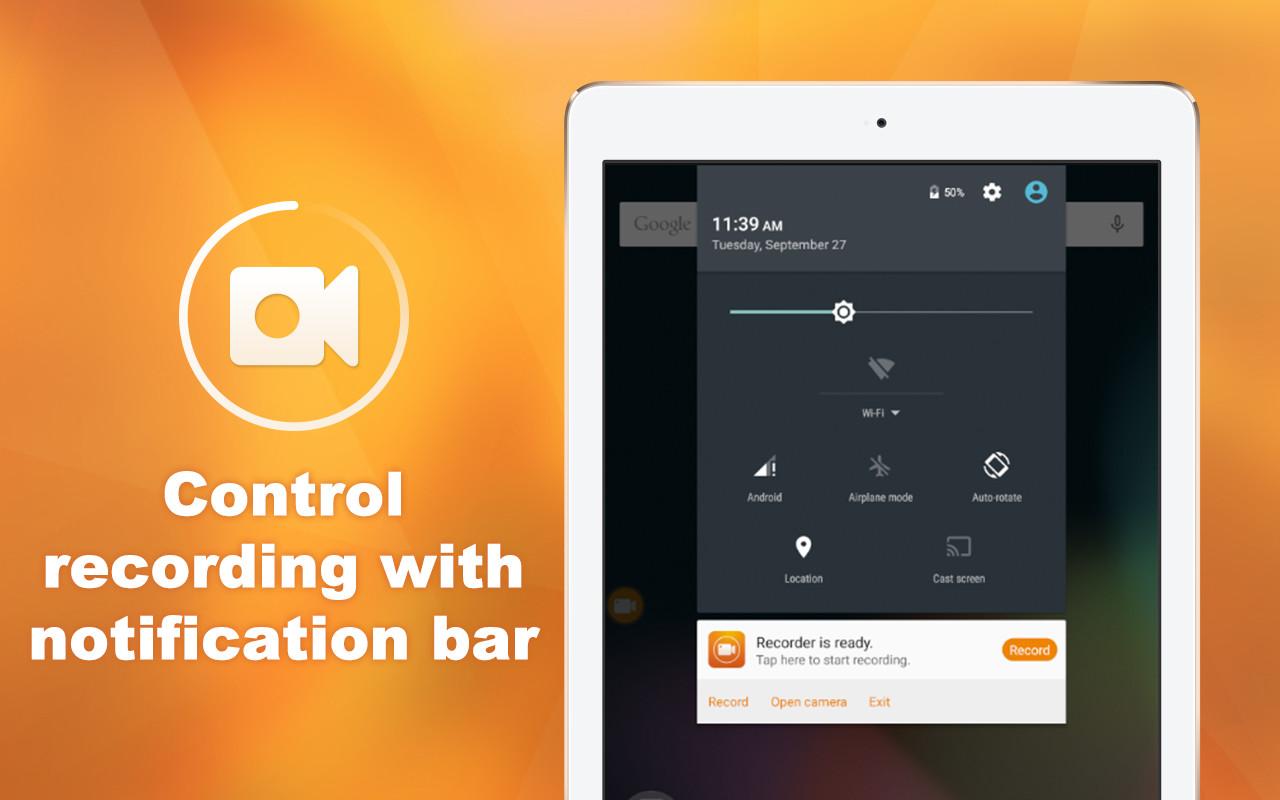
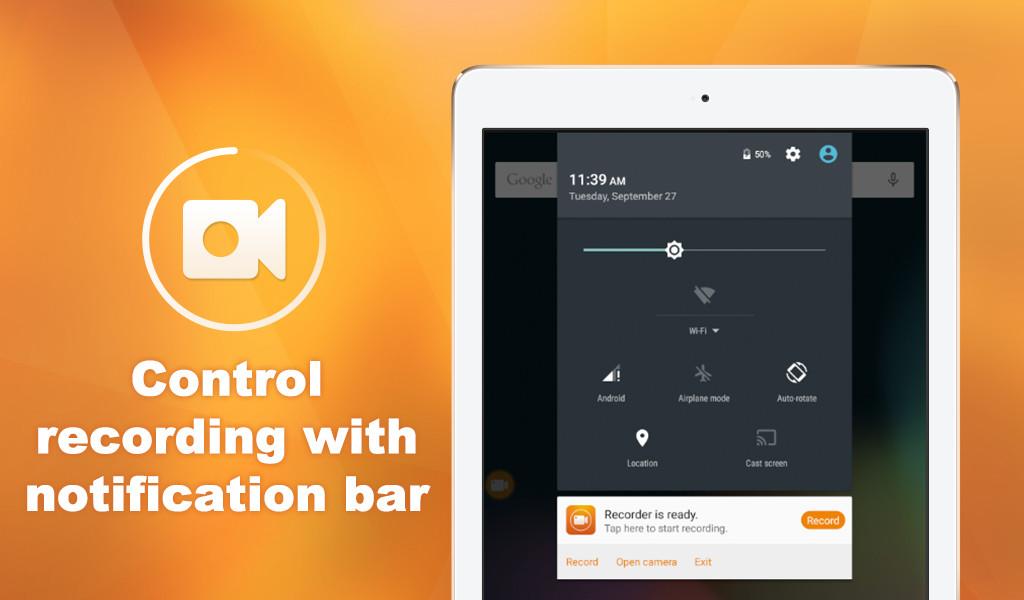
It also includes tools for live use. You can stop and restart recordings, draw on the screen while recording, turn on the front camera, and share live videos directly to Facebook.
Editing clips and screenshots
After recording, the built-in editor lets you work on the file without leaving the app. You can cut, crop, rotate, and trim videos, add music, choose a background image for vertical videos, add a subtitle track, and convert videos into GIFs.
The screenshot tools follow the same pattern. You can take a capture with a simple click, then crop it, combine images, or blur parts of the picture before sharing or saving.
Sharing and practical limits
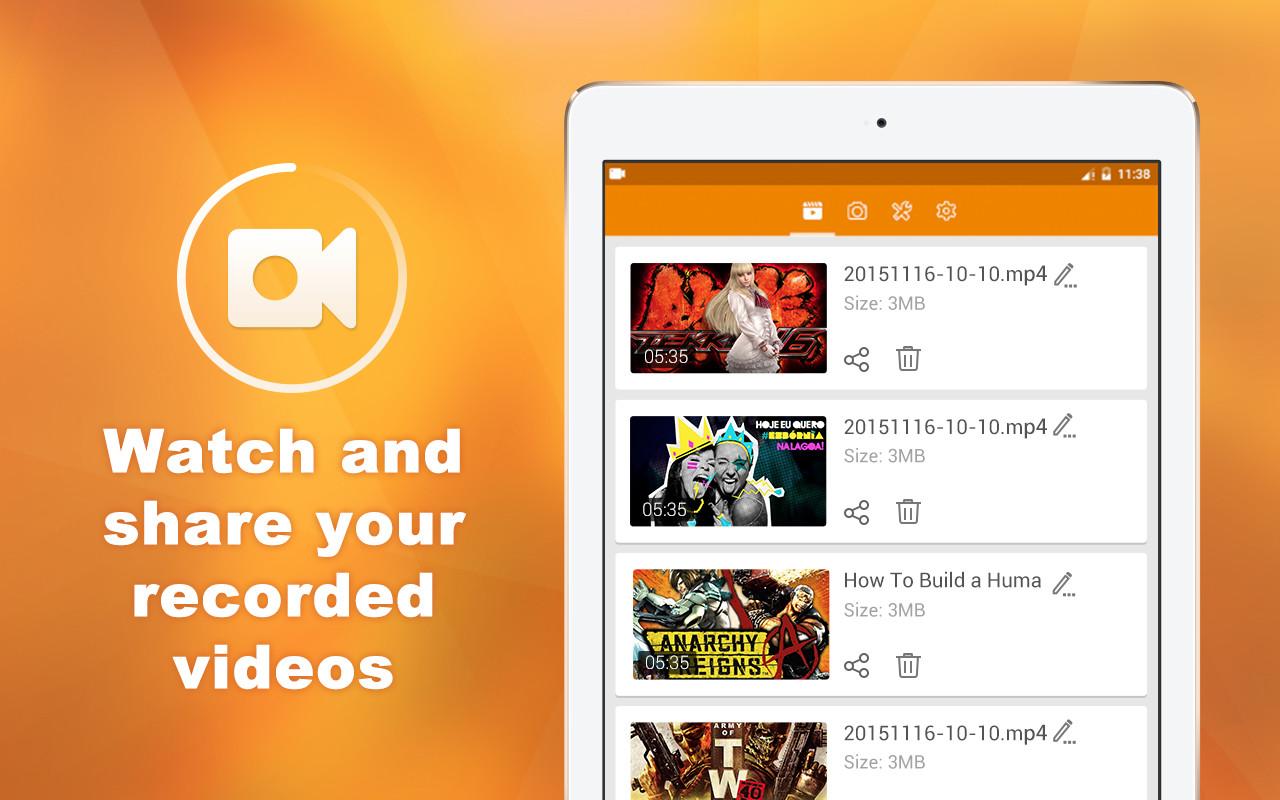
Finished videos and screenshots can be shared to Facebook, Twitter, YouTube, and messaging apps. The app also lists no ads and no in-app purchases, so the free download is the full starting point.
One trade-off is that this app focuses on screen recording, editing, and sharing. It does not list playback features for TV, Chromecast, or car use, so those uses are not part of what it describes.
For users who want a single app for screen recording, clip editing, and quick sharing, DU Recorder covers the workflow in one place.
What's new
Version 2.4.7.1 · Nov 12, 2026
- For streamers, now you can:
- 1. Customize more bot messages
- 2. Set audio alerts for new YouTube subscription and donation
- 3. Select from a variety of live goal display styles
- 4. Set custom images to display when you pause your livestream
- 5. Directly post comments during your livestream
APK information
- Version
- 2.4.7.1
- Package
- com.duapps.recorder
- Category
- Video Players & Editors
- Size
- 36 MB
- Min Android
- 5.0
- Architecture
- universal
Older versions
-
DU Recorder � Screen Recorder & Video Editor 2.4.7.1Nov 12, 2026Latest downloadAPK
DU Recorder � Screen Recorder & Video Editor FAQ
Can DU Recorder – Screen Recorder & Video Editor play offline?expand_more
The app description focuses on screen recording, editing, and sharing. It does not list offline playback features.
Does DU Recorder – Screen Recorder & Video Editor need a subscription?expand_more
No subscription is listed. The app is free, with no in-app purchases shown.
Is DU Recorder – Screen Recorder & Video Editor available for older phones?expand_more
It supports Android 5.0 and up, so it works on older phones that meet that requirement.
How big is the DU Recorder – Screen Recorder & Video Editor download?expand_more
The APK size is 36.4 MB.
Can I edit videos inside DU Recorder – Screen Recorder & Video Editor?expand_more
Yes. The app includes tools to cut, crop, rotate, trim, add music, add subtitles, and convert videos to GIFs.